 Crane Design




Easy Batch Material Swapper | Blender Add-on
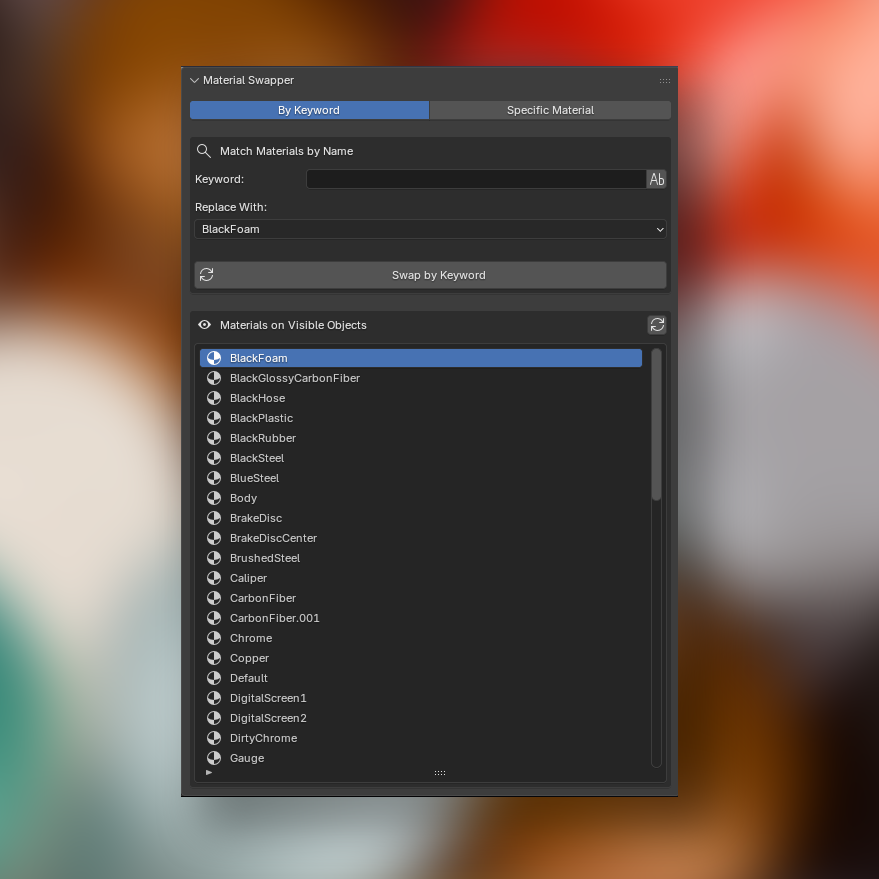
Swap materials across your entire scene in seconds. Material Swapper gives you two focused workflows for replacing materials on all visible mesh objects, without touching hidden or excluded objects.
The Problem It Solves
If you've ever imported CAD data from VRED, SolidWorks, CATIA, Fusion 360, or similar tools, you know what comes with it: dozens or hundreds of auto-generated materials with generic names like Default_White, Part_Material_047, or long UUID strings. These placeholders carry no real shading information and need to be replaced with proper Blender materials before a scene is render-ready. Doing this manually, slot by slot across a complex assembly, is tedious and error-prone. Material Swapper was built for exactly this workflow: letting you target those generated material names by keyword and replace them all in a single operation.
Two Focused Swap Modes
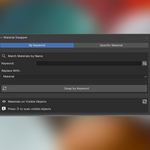
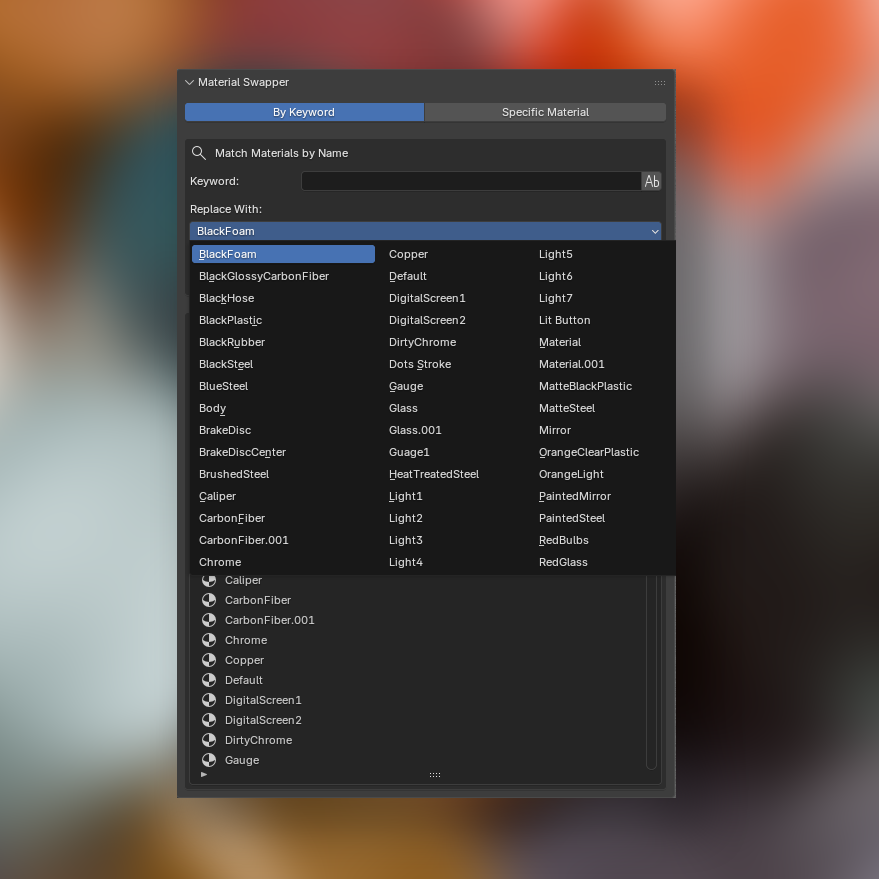
Swap by Keyword: Type any string and every material slot whose name contains that text gets replaced with your chosen material. A case-sensitivity toggle gives you precise control over matching. Perfect for cleaning up CAD imports where materials share a common naming pattern.
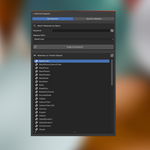
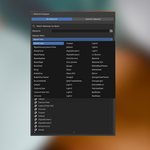
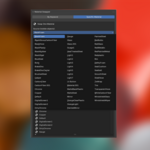
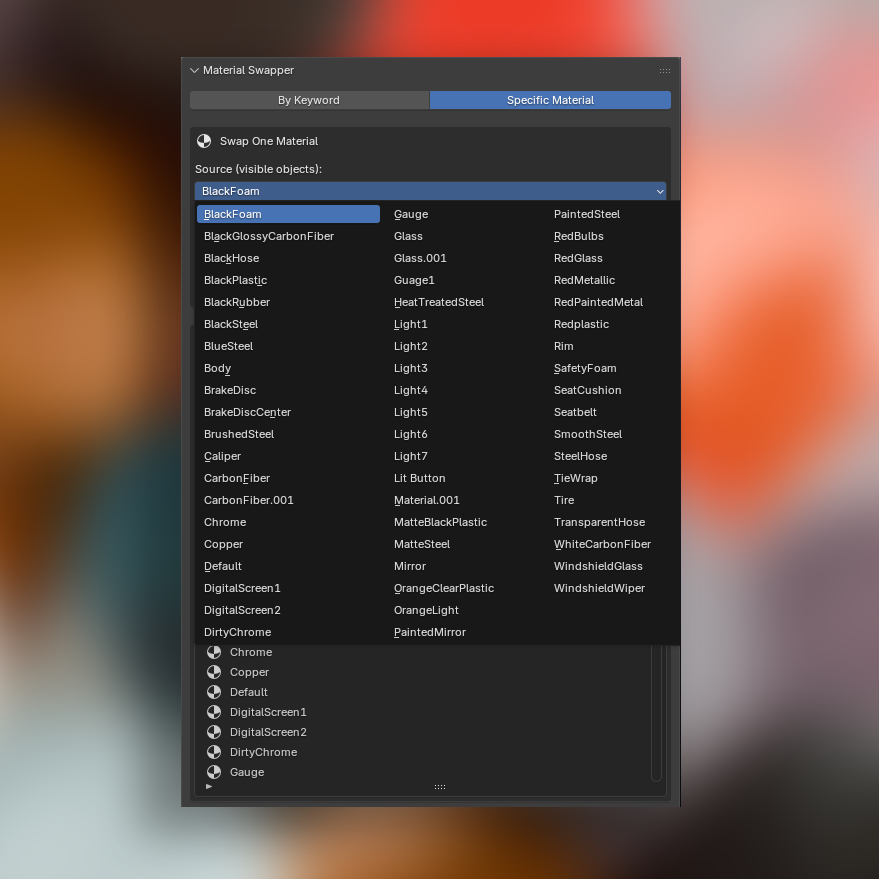
Swap Specific Material: Pick an exact source material from a dynamically populated list of what's actually on your visible objects, choose a replacement, and swap them out scene-wide in one click.
A built-in material preview list lets you scan all materials present on visible objects at a glance, so you always know what you're working with before committing a swap. All operations are fully undoable.
Key Features
-Two swap modes: keyword match or exact material swap
-Operates only on visible objects — hidden objects are never affected
-Replacement material pulled from your full blend file library
-Source material list scoped to visible objects only, reducing clutter
-Case-sensitive keyword matching toggle
-Refreshable material preview list
-Full undo support
Compatible with Blender 3.0 and above.
