Easy Camera Tracker
 Sander Wit
in VSE
Sander Wit
in VSE



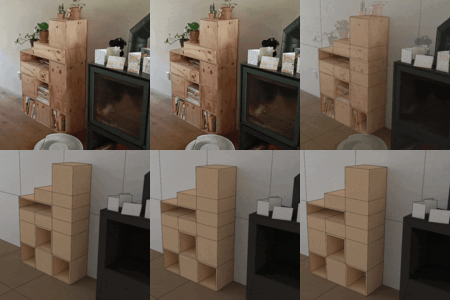


Yes, this addon can track shots where the camera only rotates. For those shots it will not use the main photogrammetry solver but instead will use Blender's internal motion tracker.
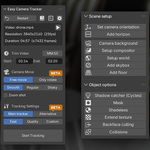
After tracking your shot, edit the 3D point cloud, select 3 vertices on the floor and press F to make a triangle. Now press the 'Orent scene' button in the 'Scene setup' section and the camera and point cloud are moved and rotated to match your 3D world. The normal of the face will point up. Press the button again to use a different corner as the world origin.
You can now also just select a bunch of vertices on the ground and press the 'Orent scene' button while in edit mode. This can improve the accuracy of the orientation and be easier to use.
Yes, you can watch an extensive tutorial below. It has chapters so that you can skip through the video.
Have questions about this product?
Login to message
| Blender Extension Compatible | Yes |
| Sales | 400+ |
| Rating | 13 ratings |
| Dev Fund Contributor | |
| Published | about 1 year ago |
| Blender Version | 4.5 - 5.2 |
| Extension Type | Add-on |
| Render Engine Used | Arnold, Blender-Internal, Blender-Game-Engine, Cycles, Eevee, Freestyle, Luxrender, Mental-Ray, Octane, Vray, Yafaray |
| License | GPL |
Discover more products like this
tracking visual effects matchmoving Motion Tracking VFX 3d tracking voodoo colmap camera-tracker Camera Tracking matchmove glomap