 Armin
Armin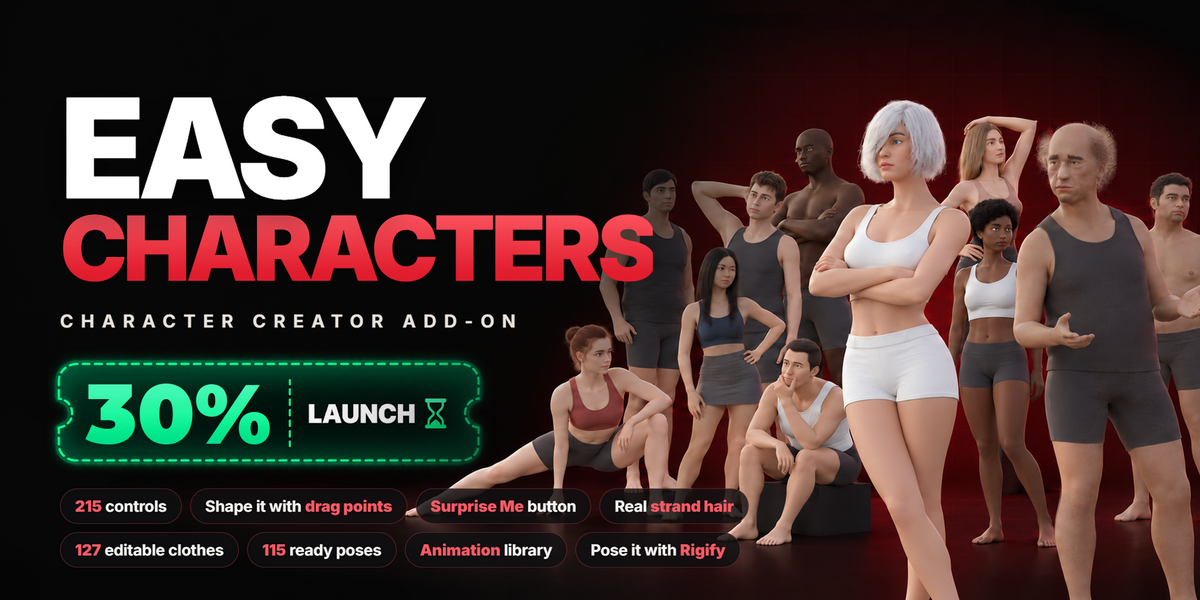
5.2 or newer. It is built on 5.2 LTS and also tested on the 5.3 beta.
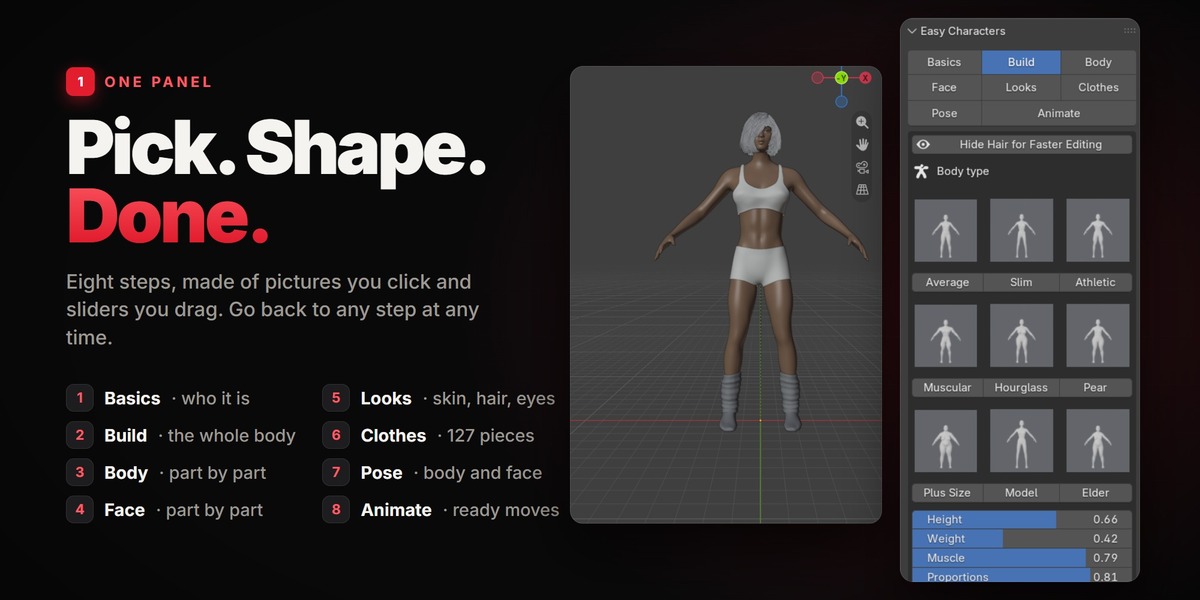
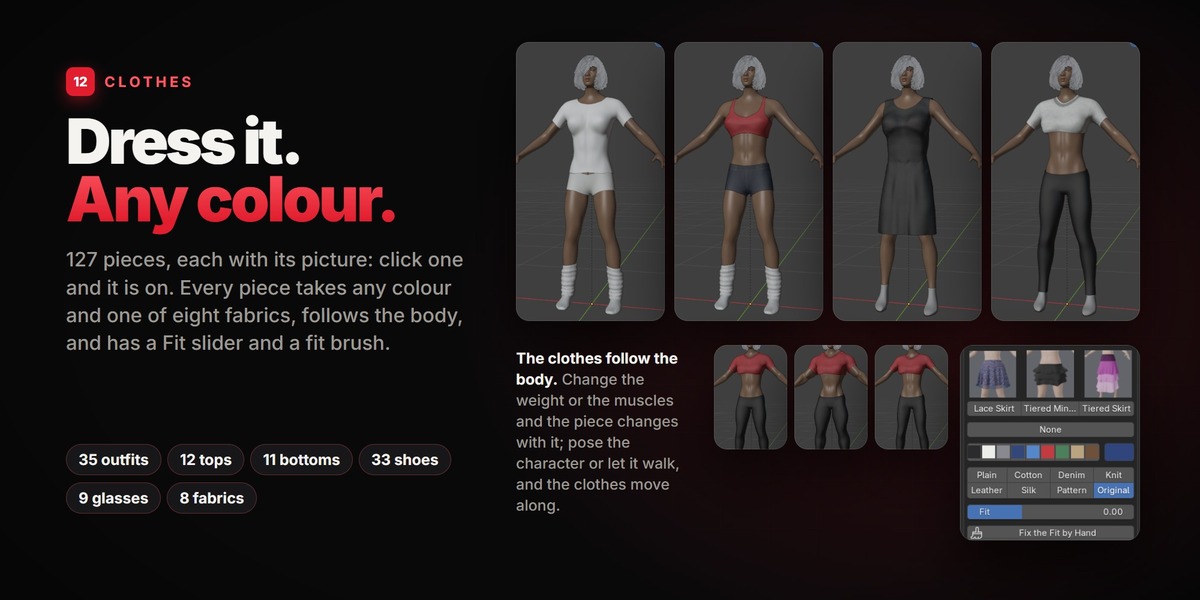
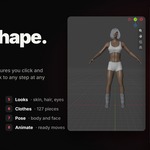
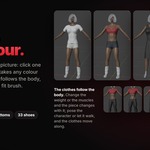
Yes. 127 pieces: outfits and dresses, tops, trousers and skirts, underwear, socks and stockings, shoes, gloves and glasses. Every piece takes any colour and eight fabrics, and follows the body, the poses and the moves. A Fit slider and a fit brush loosen or tighten a piece where a very large body needs it. There are no hats.
Yes. Everything you make with the add-on is yours, with both licences. "Individual License" is for one artist; "Studio Unlimited" is for a studio or company where more than one person uses the add-on, with no limit on the number of users.
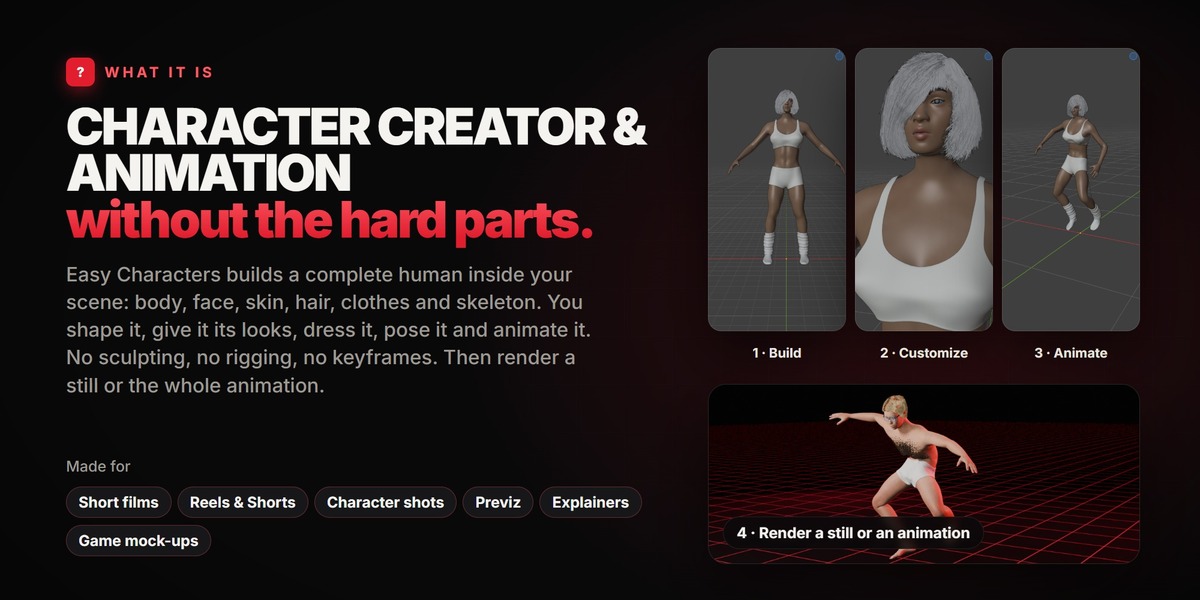
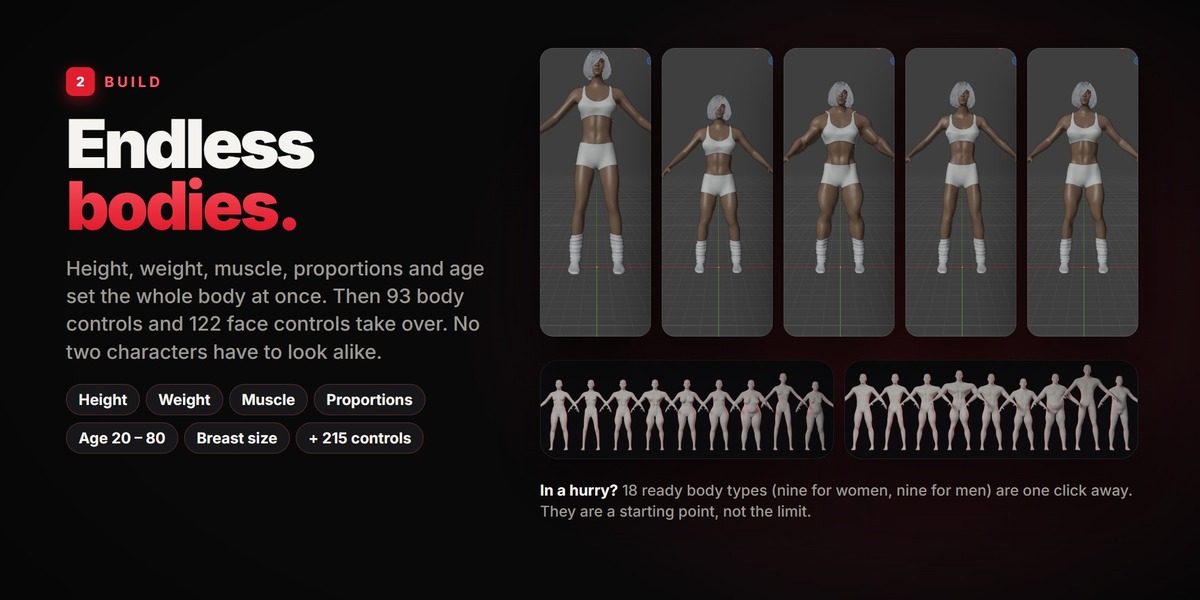
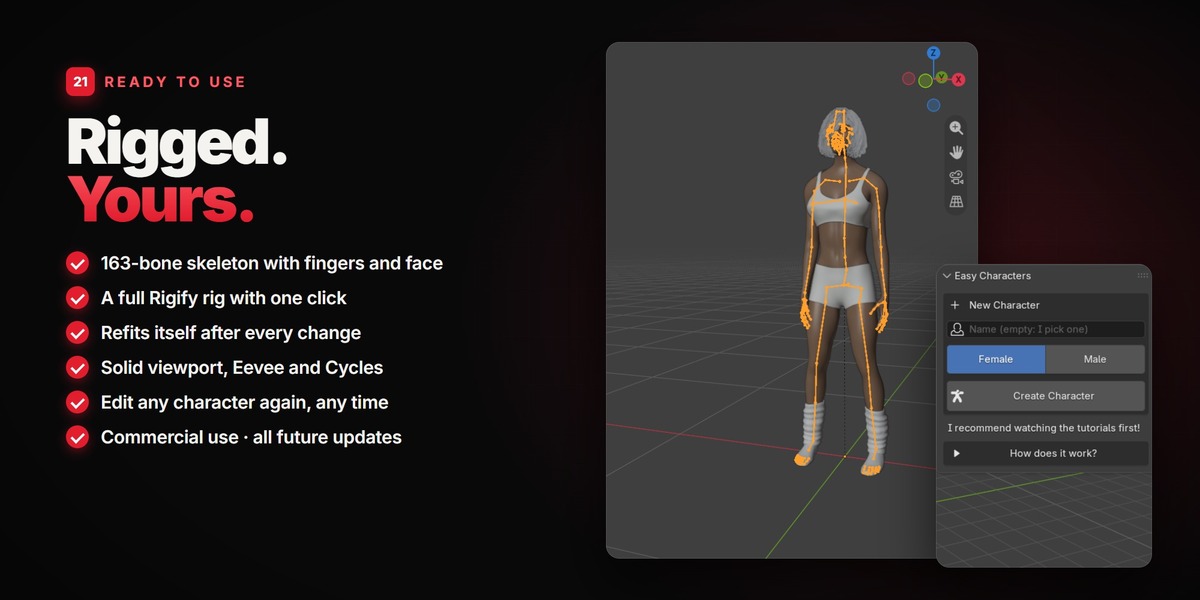
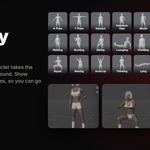
Yes: a 163-bone skeleton with fingers, toes and face bones, with skin weights. It is fitted to the body again after every change you make, so you can change the body even after posing and animating.
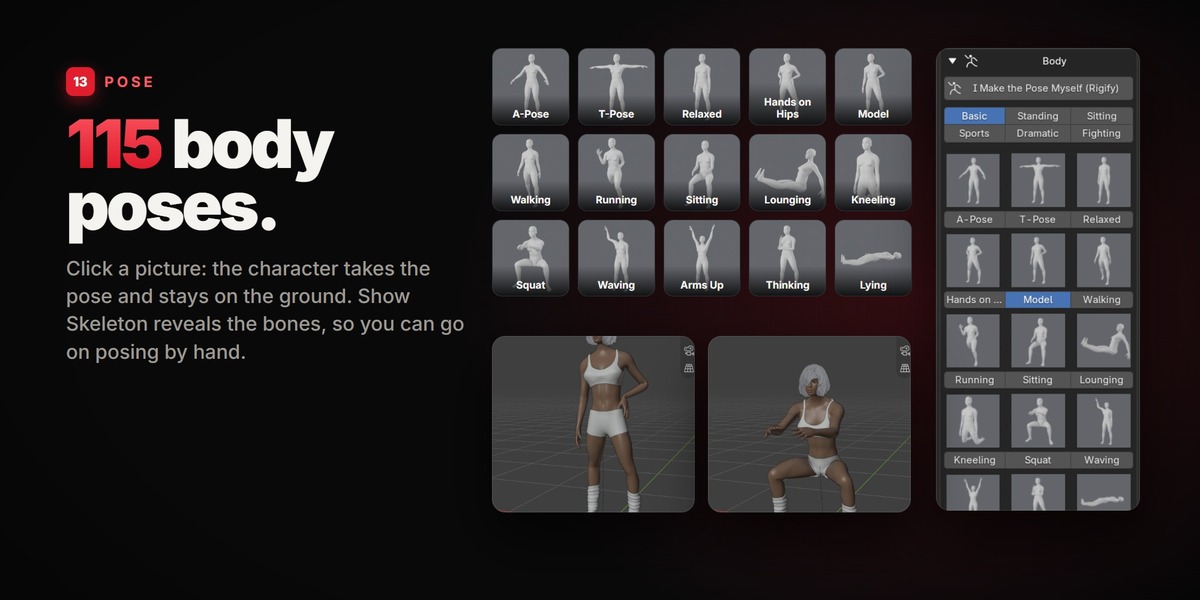
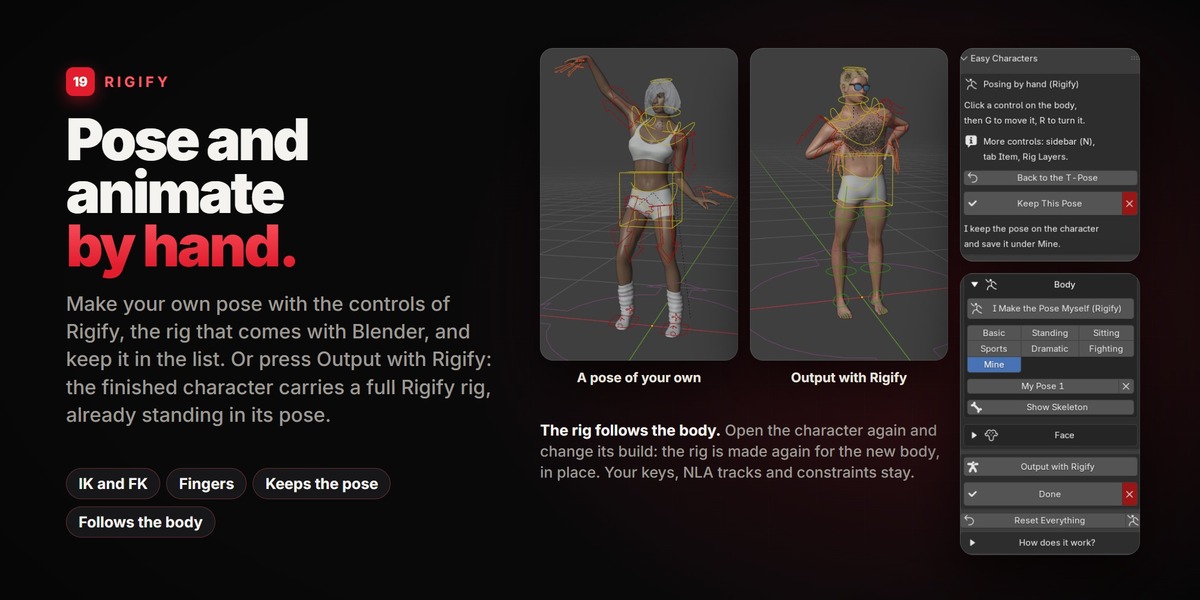
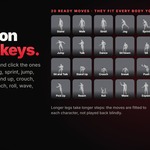
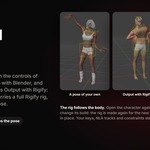
Yes, with Rigify, the control rig that comes with Blender. In the Pose step, "I Make the Pose Myself (Rigify)" gives the character the Rigify controls so you can build a pose of your own and keep it in the list. And "Output with Rigify", right above Done, finishes the character with a full Rigify rig (IK and FK arms and legs, fingers, torso, head) that you pose and key like any other rig. The ready poses and moves are a shortcut, not a cage.
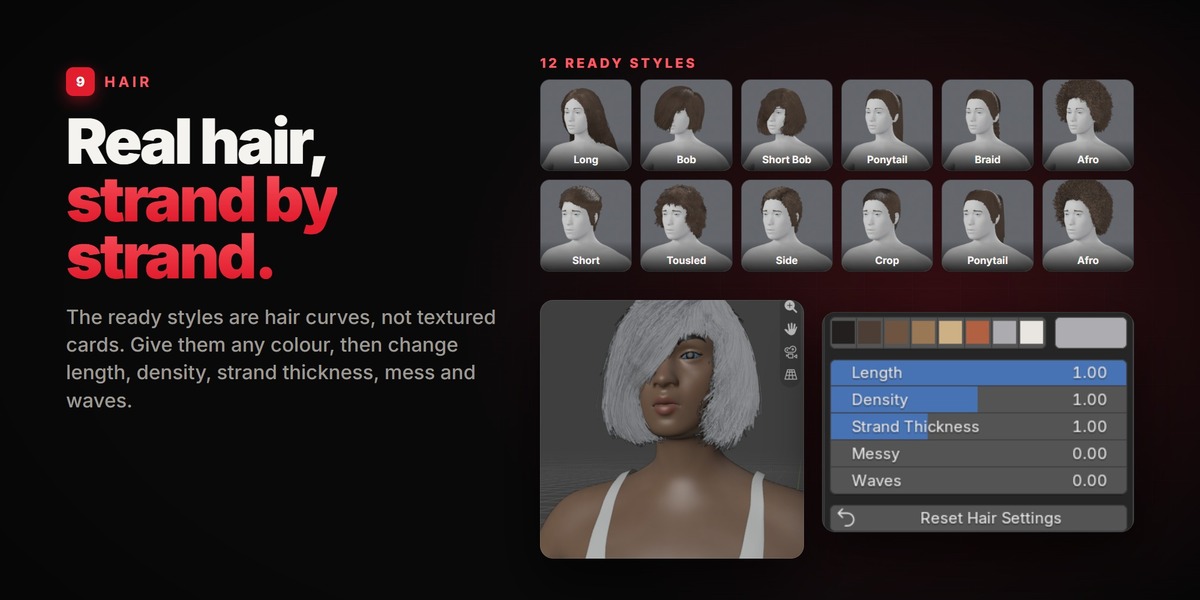
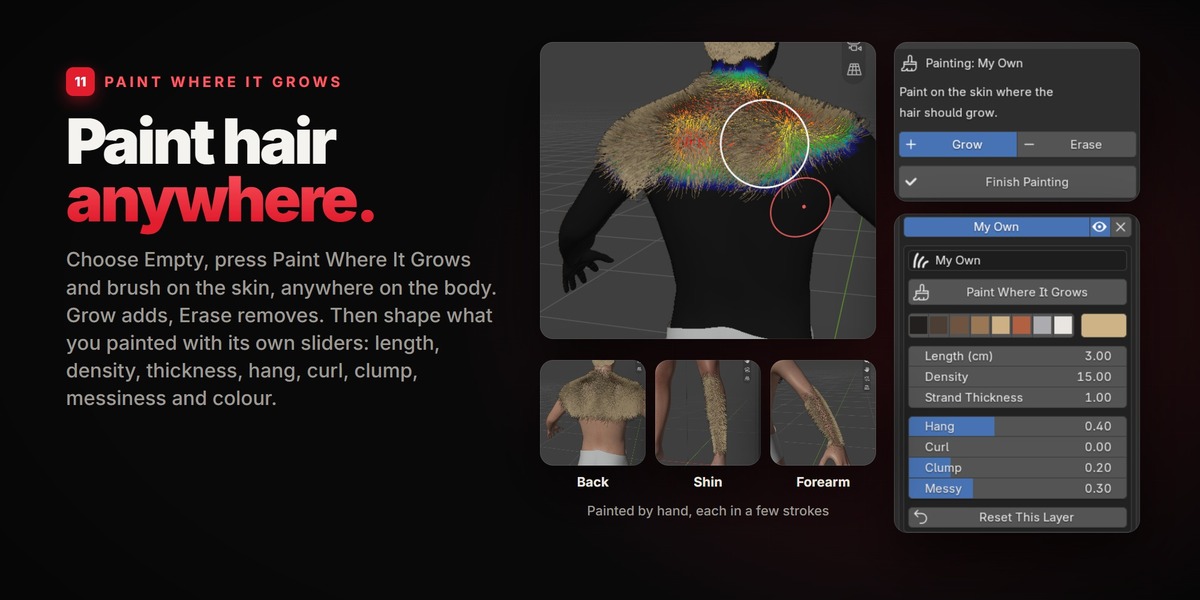
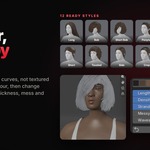
Real hair curves. That is why it takes any colour and why you can change its length, density, thickness and waves. It is not simulated: it moves with the head.
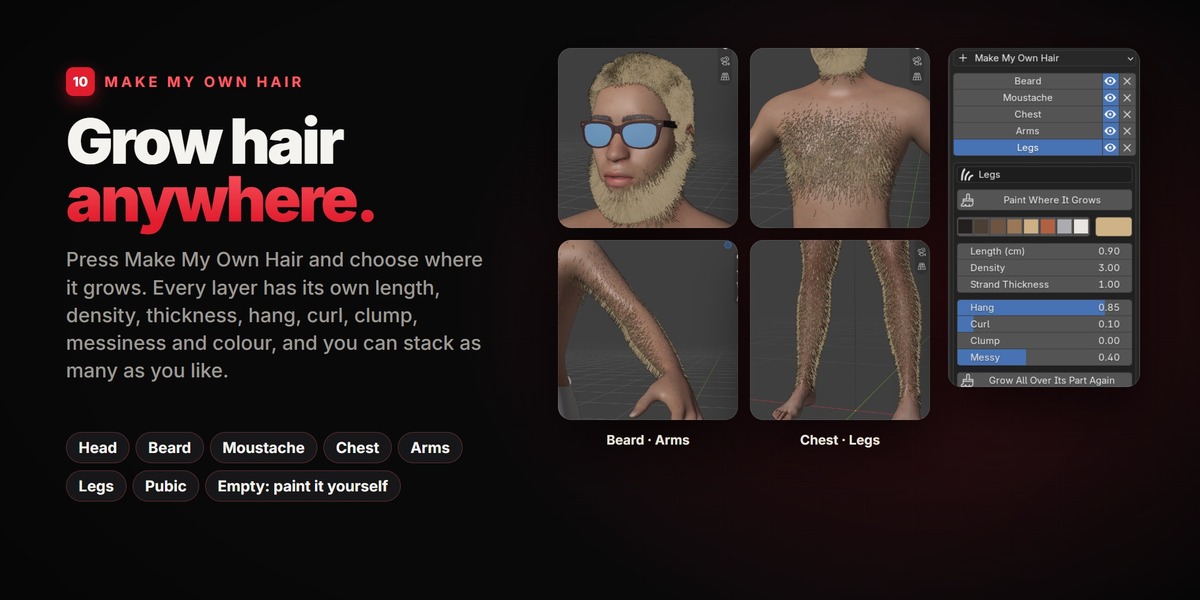
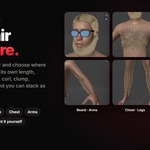
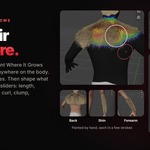
Yes: Looks > Hair > Make My Own Hair. Choose Beard, Moustache, Chest, Arms or Legs, or paint an empty layer yourself.
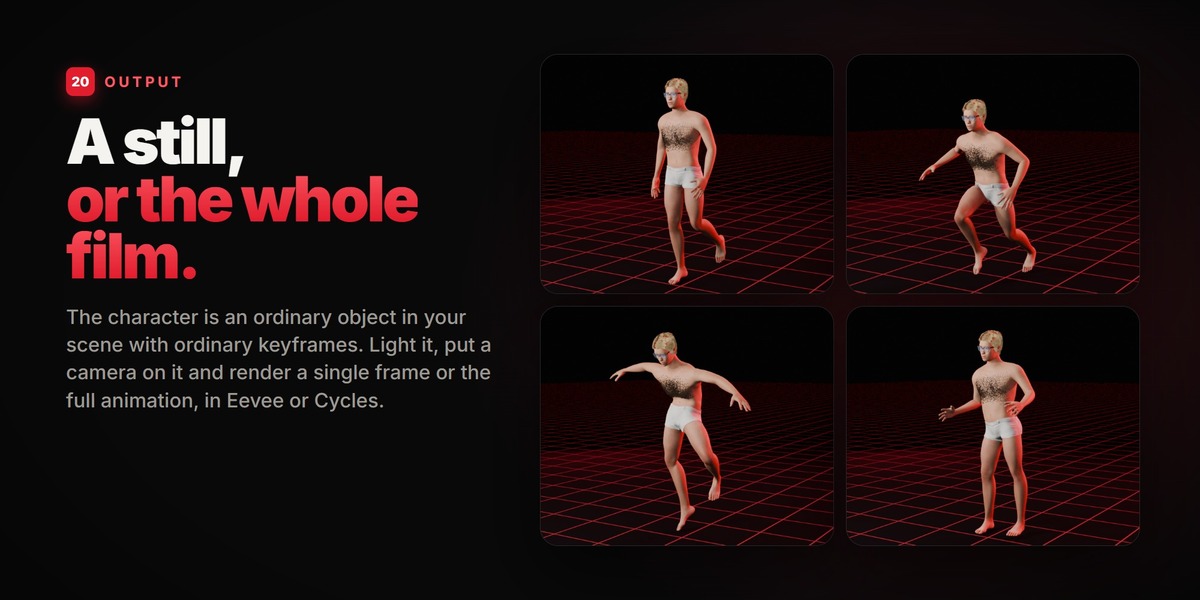
Yes. Everything is shown in the solid viewport while you work, and it renders in Eevee and Cycles. The hair looks best in Cycles, which has a shader made for hair.
Any time. Select it and press "Edit This Character". Nothing is baked.
As many as your computer carries. Each one has its own name and its own settings.
No. The look is clean and realistic, with painted skins. If you need scanned, photoreal skin and clothing today, this is not that tool; if you want to build and animate a human quickly and keep full control of its shape, it is.
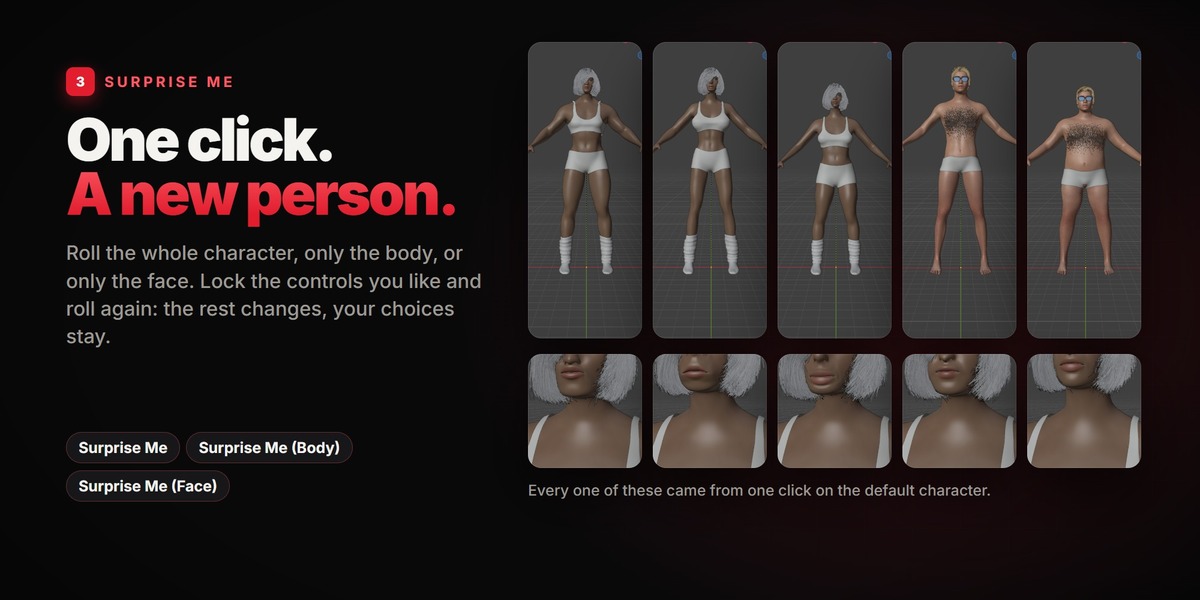
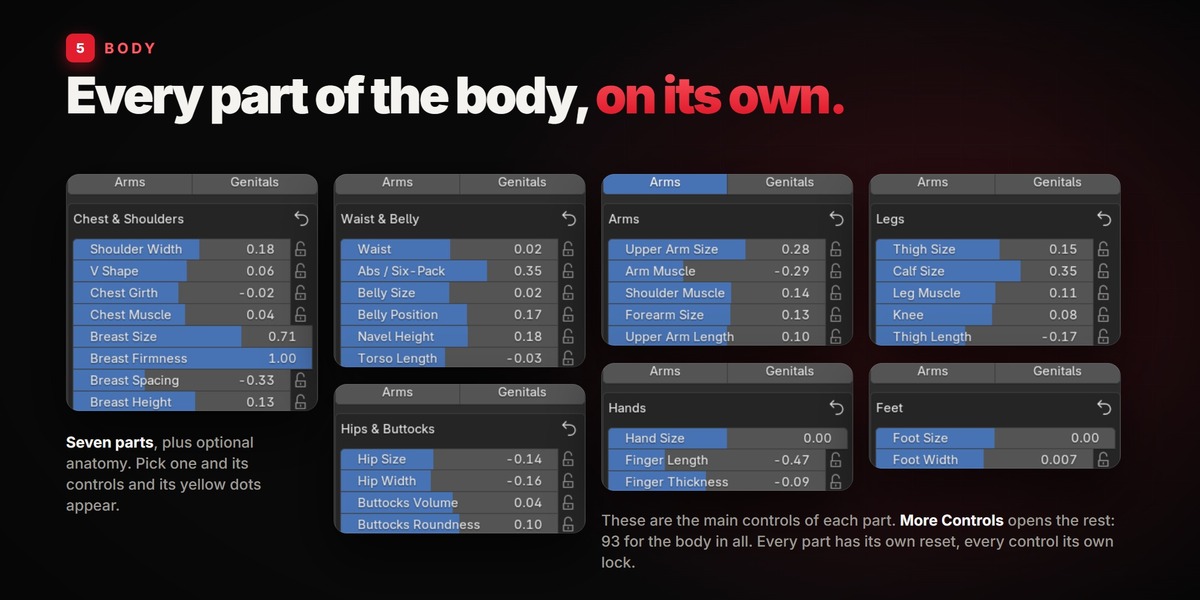
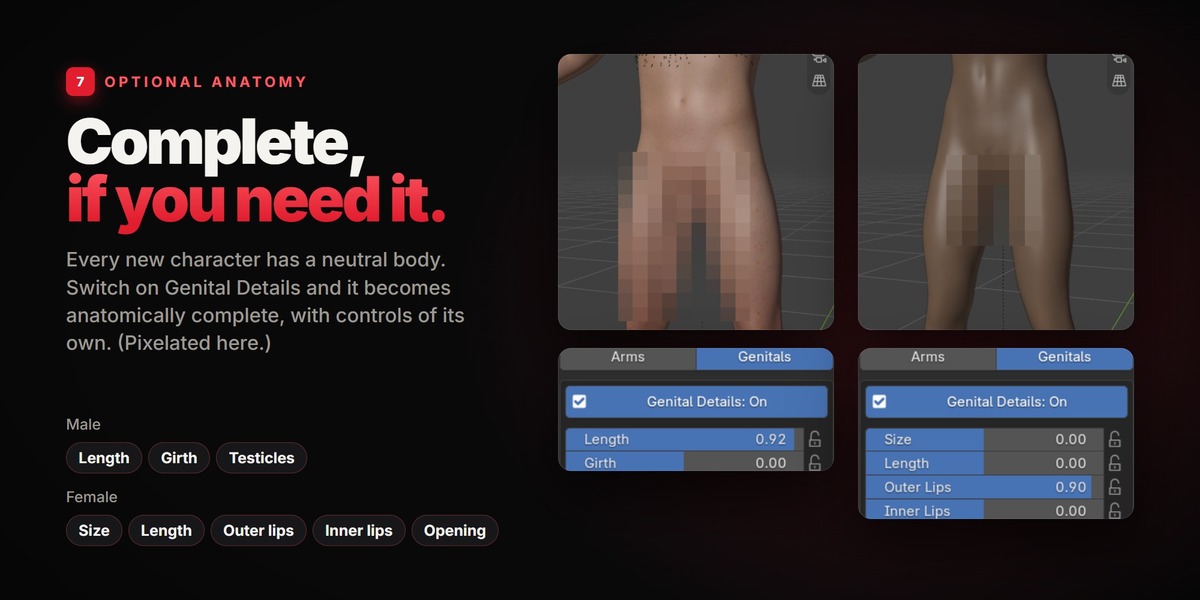
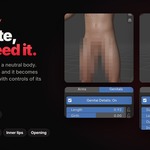
The body is neutral by default. Anatomical detail is an option you can switch on in Body > Genitals.
Yes, all future updates are included.
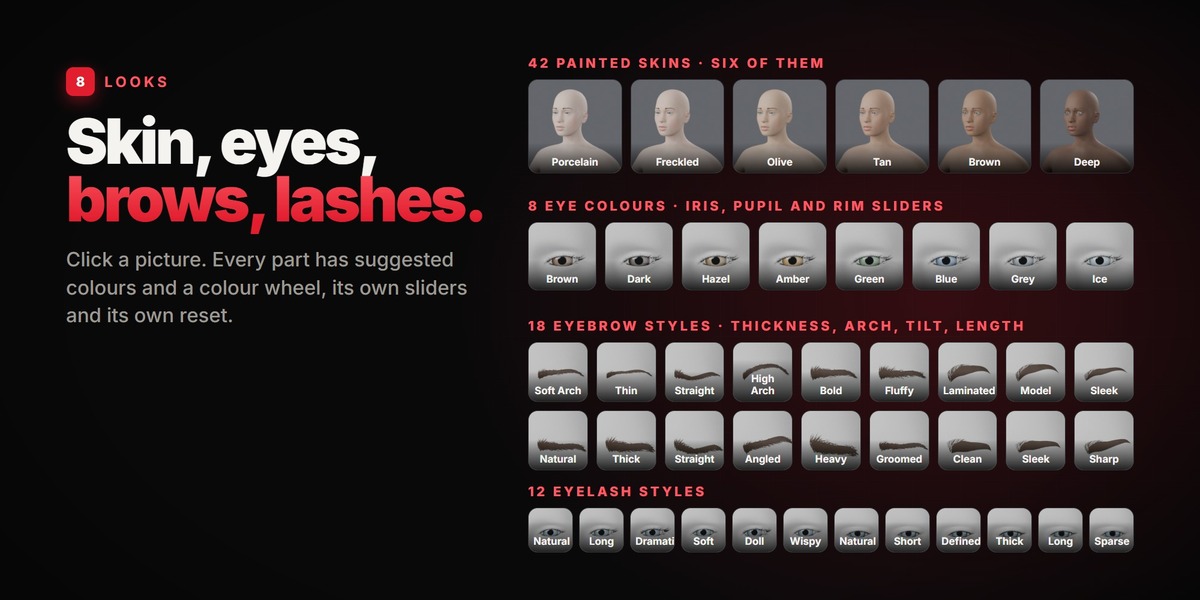
The base body, its shapes and its skeleton come from the MakeHuman project; the clothes, the fine eyebrows, most of the skins and 100 of the poses were made by members of its community; the recorded moves are from the Universal Animation Library by Quaternius. All of it was released into the public domain (CC0). The hair is grown with the hair node groups that ship with Blender.
Press Done first: it clears away everything the character does not show. Then tick "Visible Objects" (or "Selected Objects") in the exporter. A character that wears clothes keeps one hidden helper object, "Name_Skin", that the clothes rest on. It never renders, and with "Visible Objects" it is not exported.
Have questions about this product?
Login to message
| Blender Extension Compatible | Yes |
| Published | about 6 hours ago |
| Blender Version | 5.2 |
| Extension Type | Add-on |
| Render Engine Used | Cycles, Eevee |
| License | GPL |