 Armin
Armin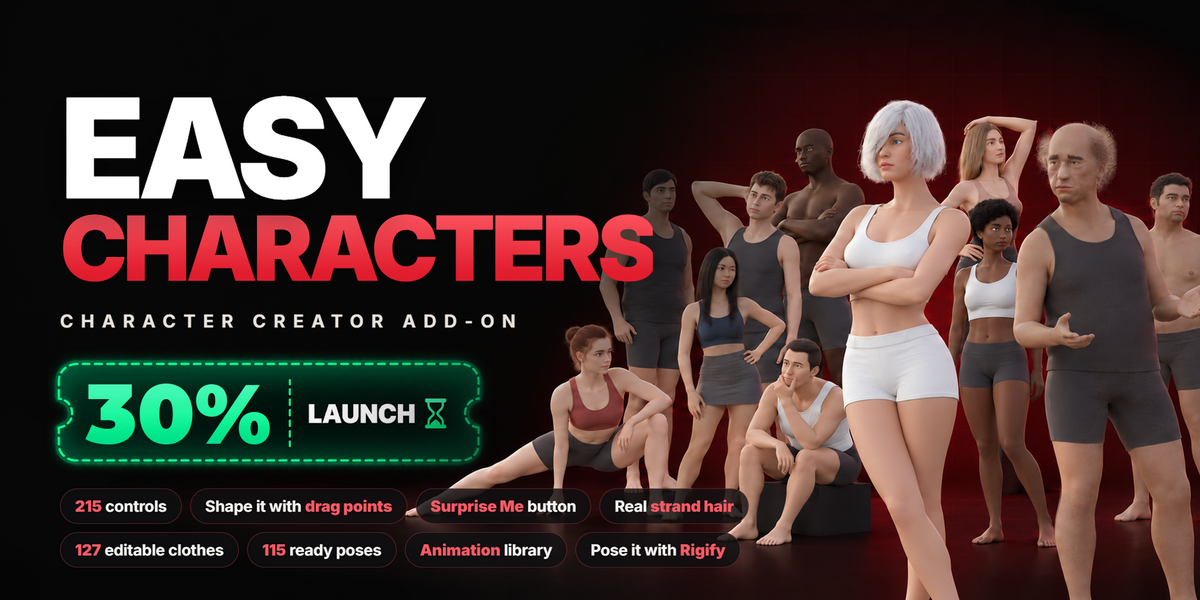
ADD-ON
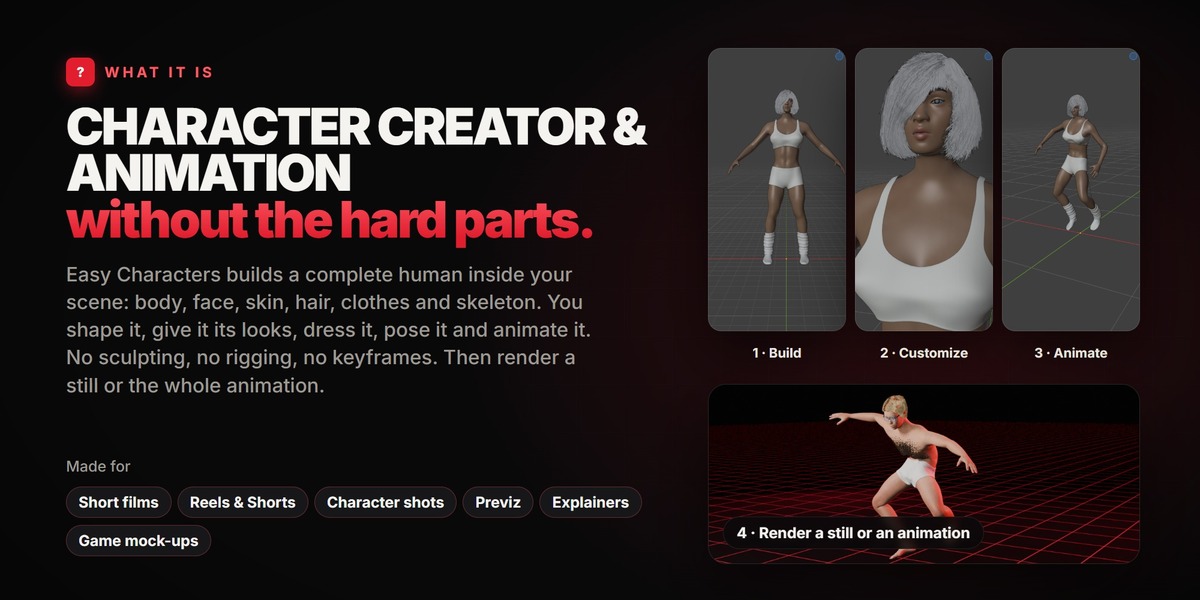
CHARACTER CREATOR &
ANIMATION
without the hard parts.
Easy Characters builds a complete human inside your scene: body, face, skin, hair, clothes and skeleton. You shape it, give it its looks, dress it, pose it and animate it, all from one panel. No sculpting, no rigging, no keyframes. Then render a still or the whole animation.
WHAT IT IS FOR
For anyone who needs a person in a scene and does not want to spend a week making one: short films, Reels and Shorts, character shots, explainers, previz, game mock-ups. Build the character you have in mind, press a pose or line up a few moves, and render.
1 · Build A body and a face, from sliders or by dragging points on the character. |
2 · Customize Skin, hair, eyes, eyebrows, eyelashes and clothes. |
3 · Pose or animate Ready poses, ready expressions and ready moves. |
4 · Render A still or an animation, in Eevee or Cycles. |
01ONE PANEL
Pick. Shape. Done.
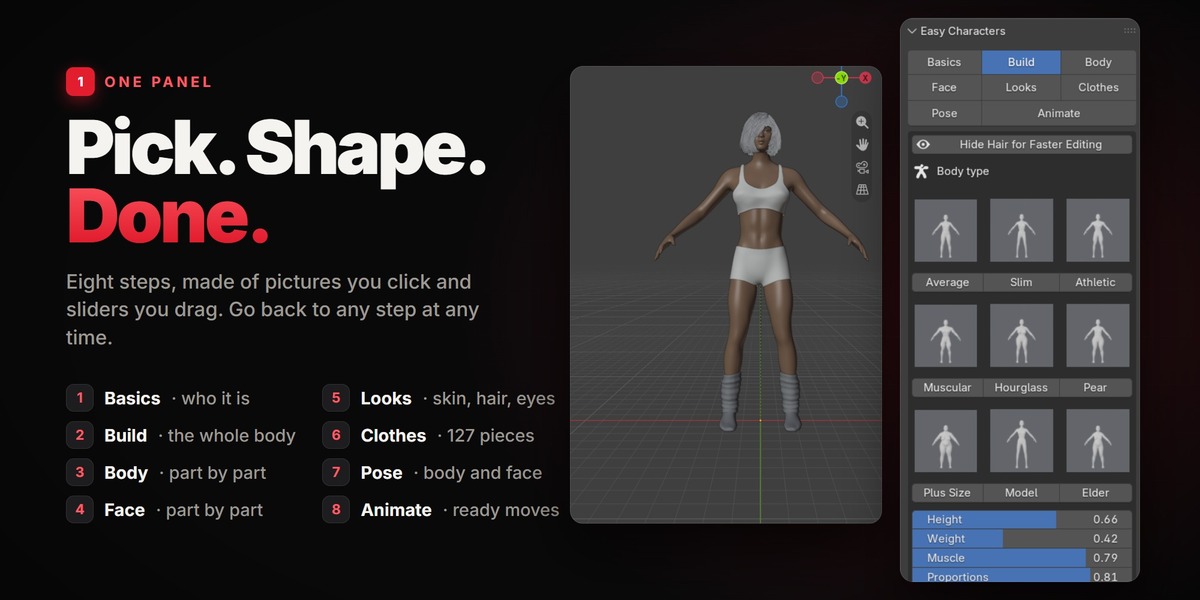
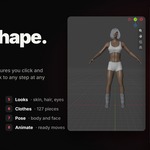
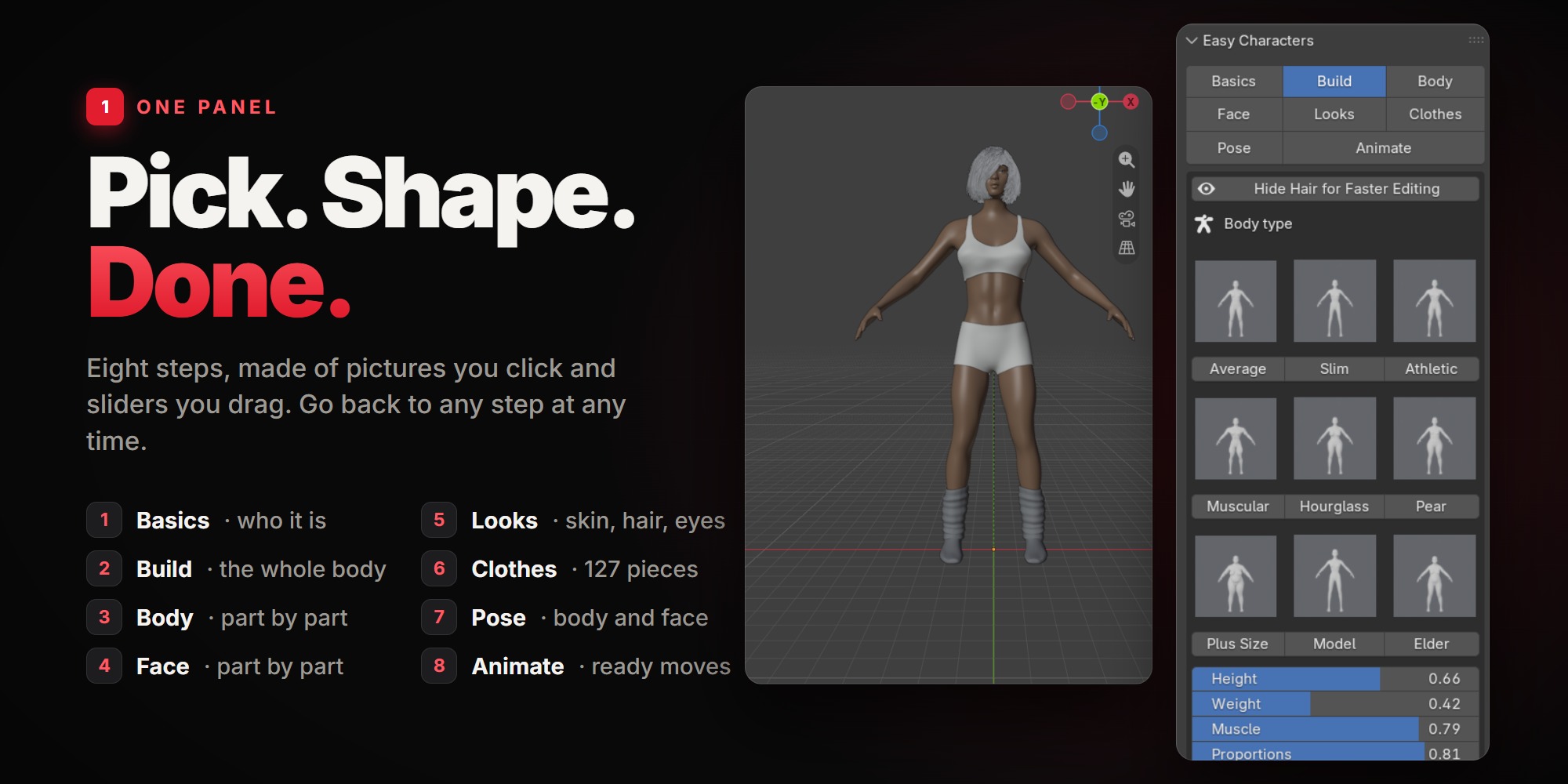
Basics, Build, Body, Face, Looks, Clothes, Pose, Animate. Eight steps, made of pictures you click and sliders you drag. Nothing forces the order, and you can go back to any step at any time: the character is never "baked". Every change shows right away in the viewport.
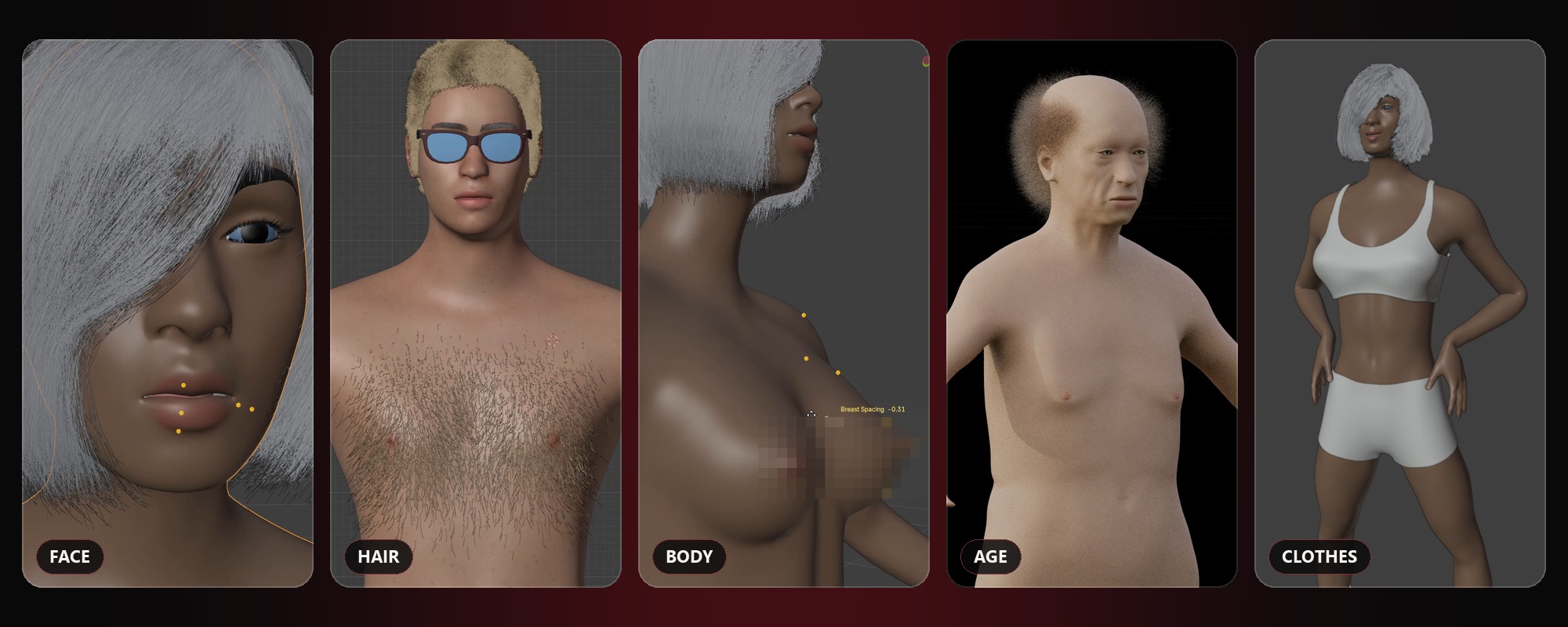
02BUILD
Endless bodies.
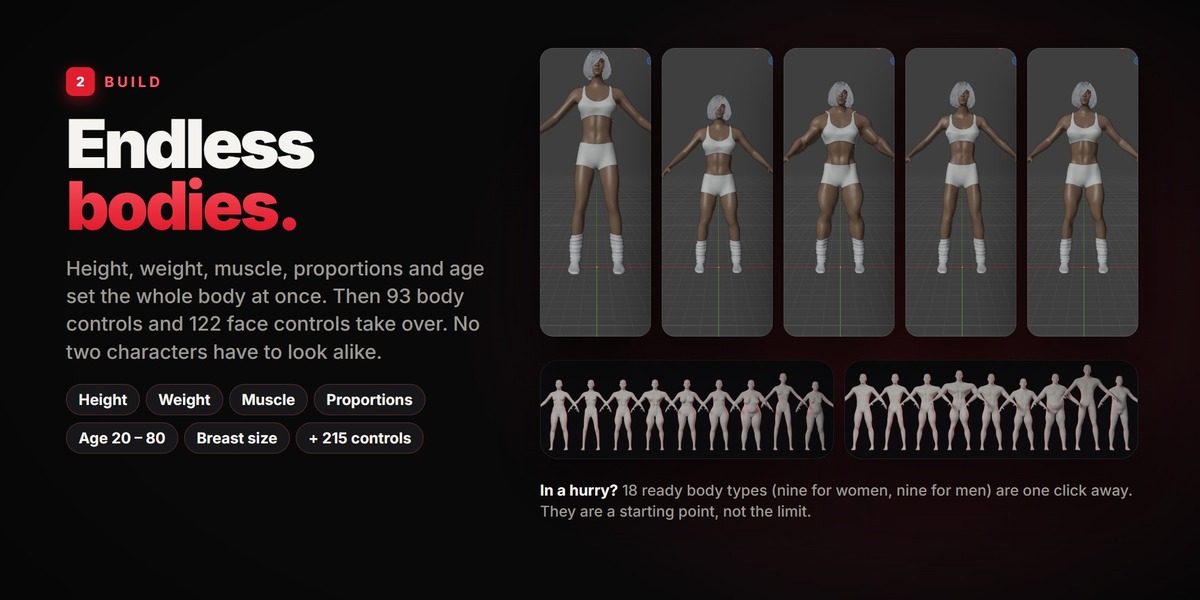
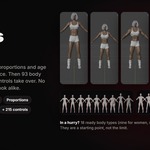
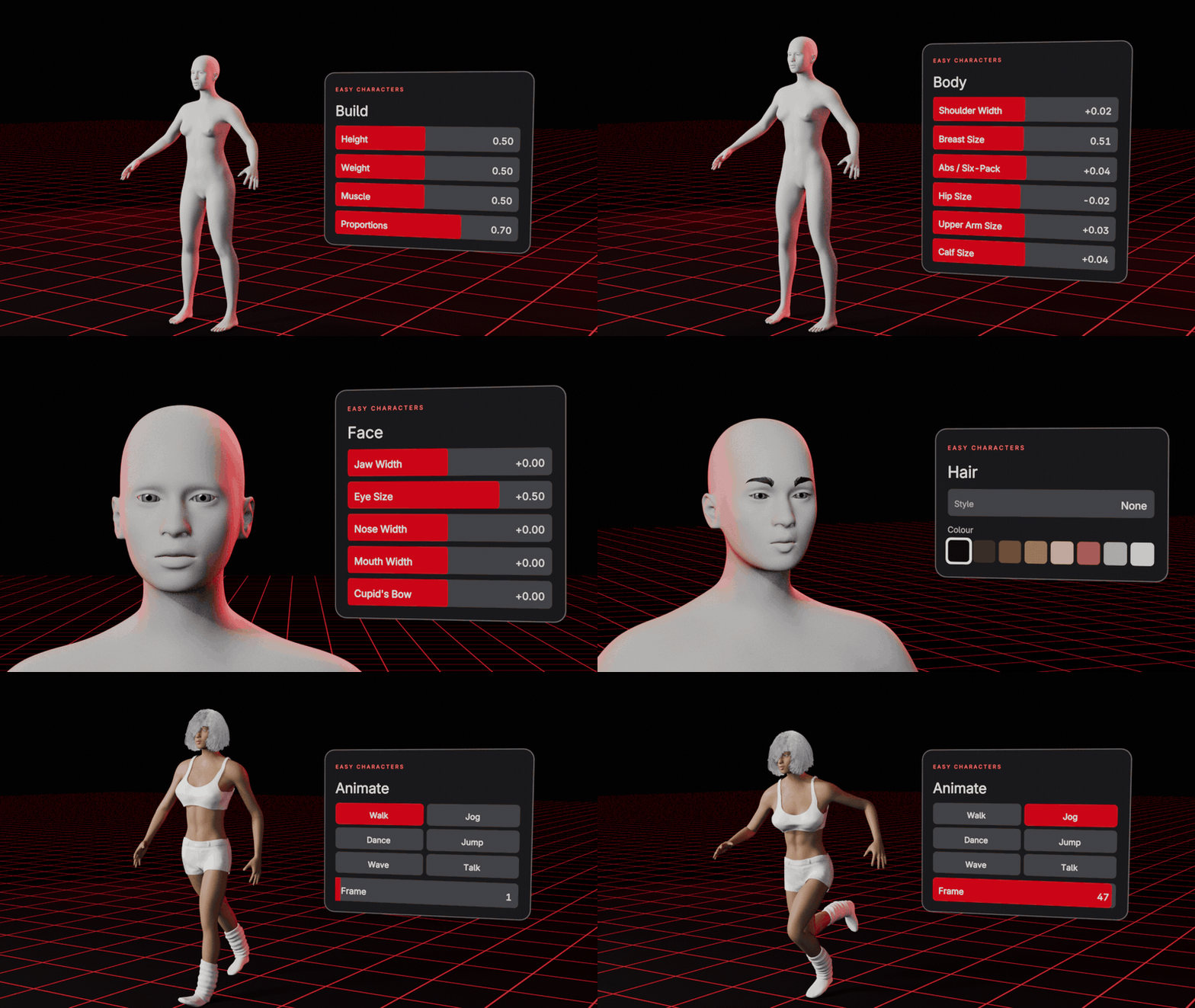
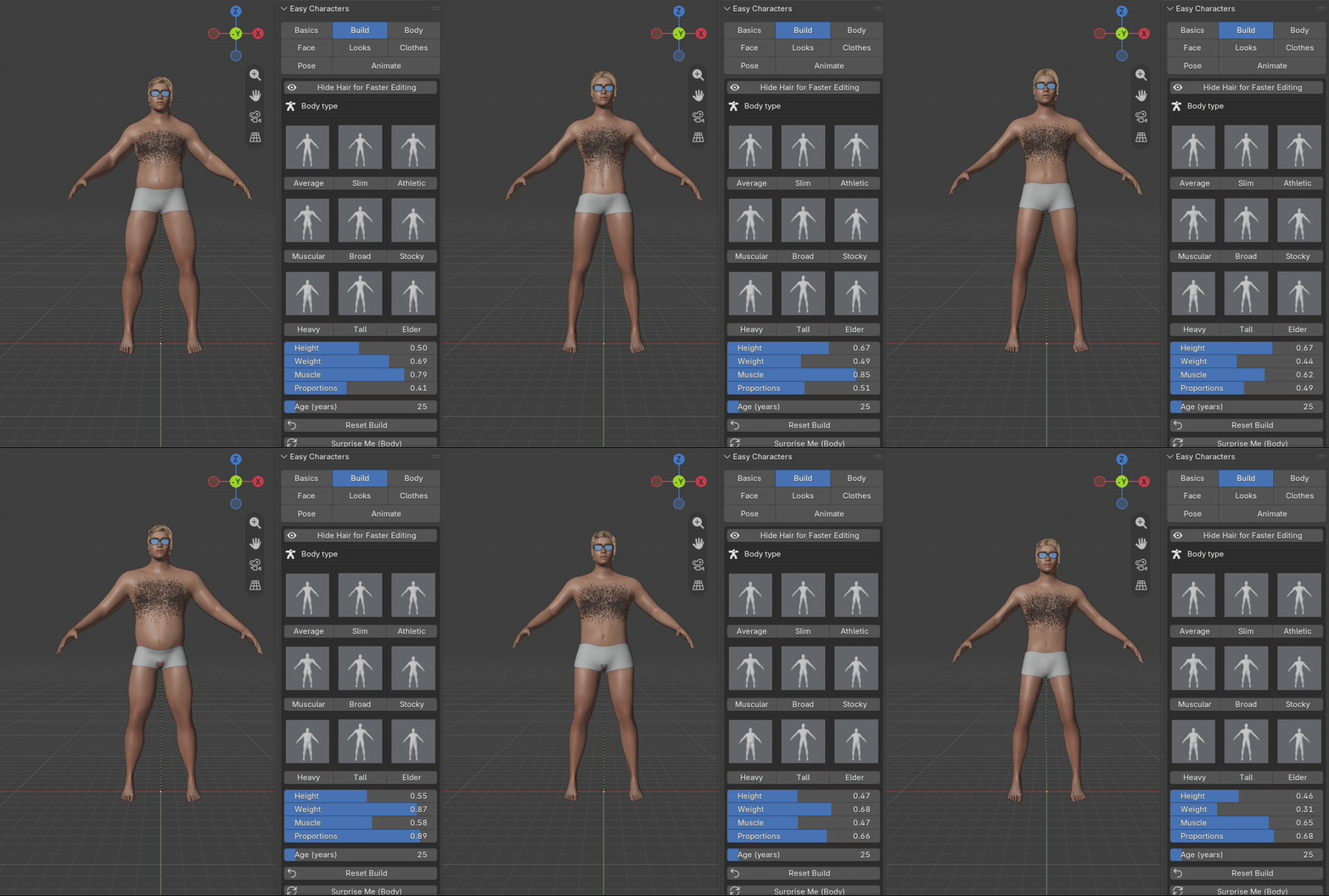
Height, Weight, Muscle, Proportions and Age (20 to 80) set the whole body at once. After that, 93 body controls and 122 face controls take over, so no two characters have to look alike.
HeightWeightMuscleProportionsAge 20 – 80+ 215 controls
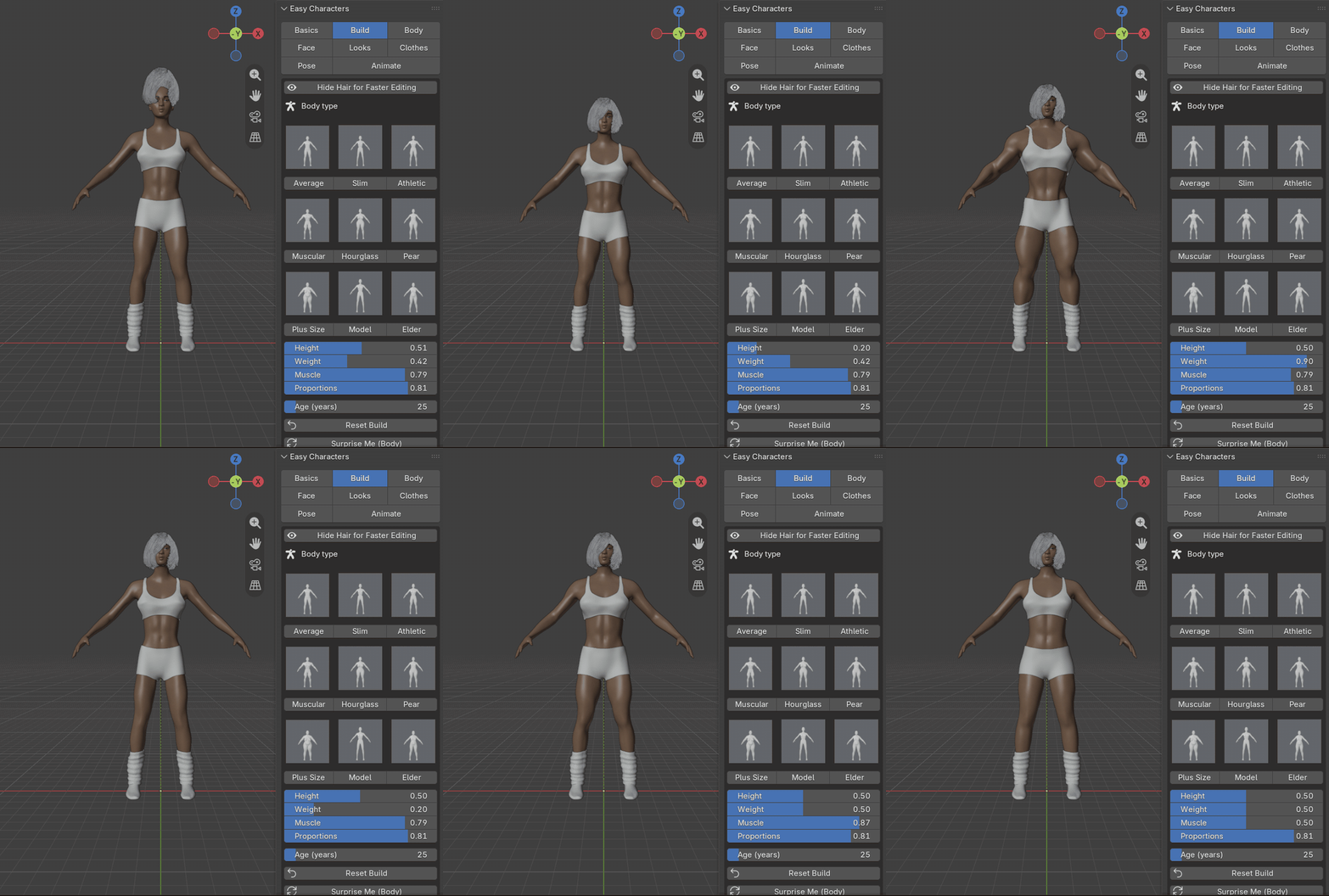
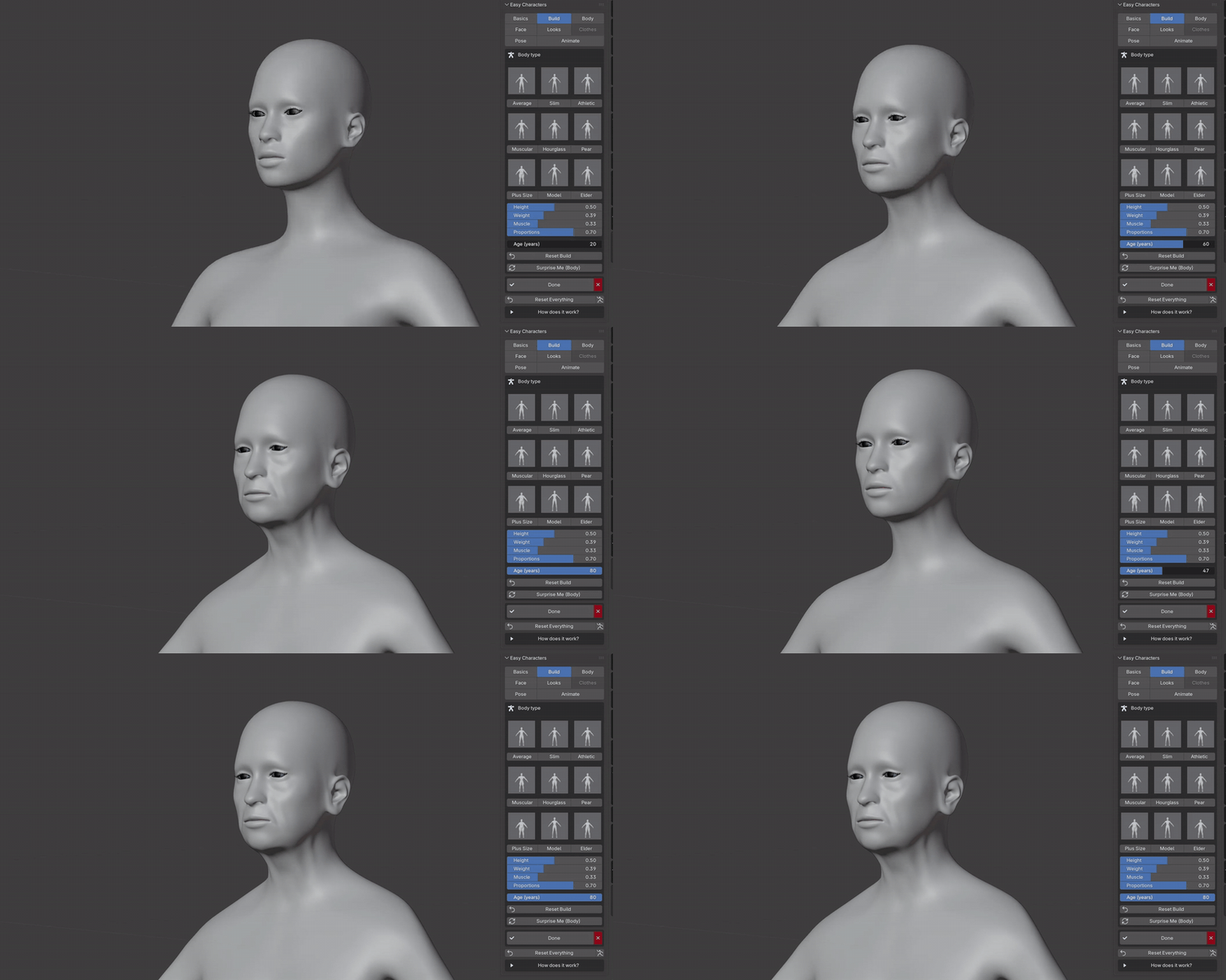
One slider, a different person. Weight, from one end to the other:
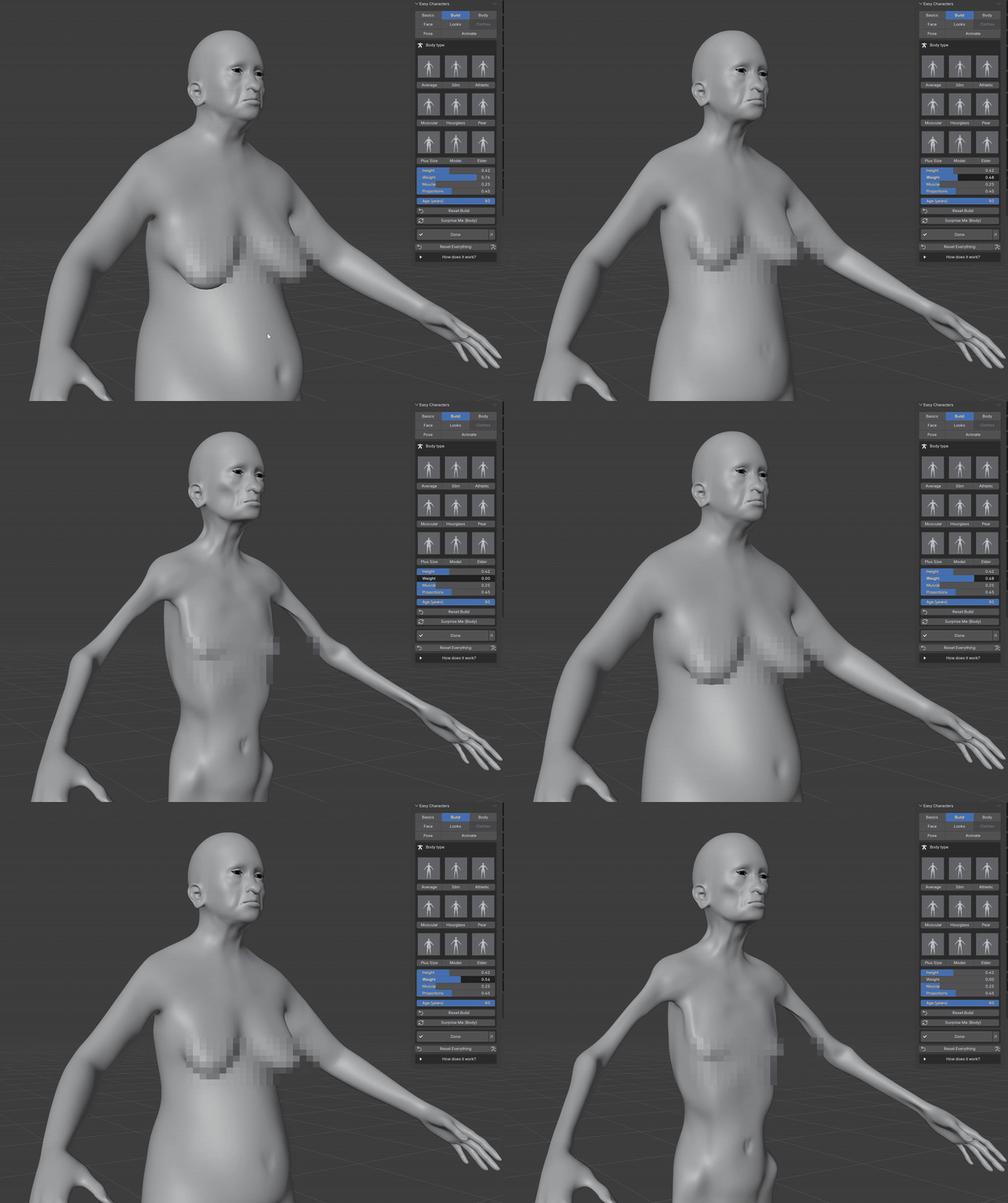
Age, from 20 to 80: the face and the body grow older together.
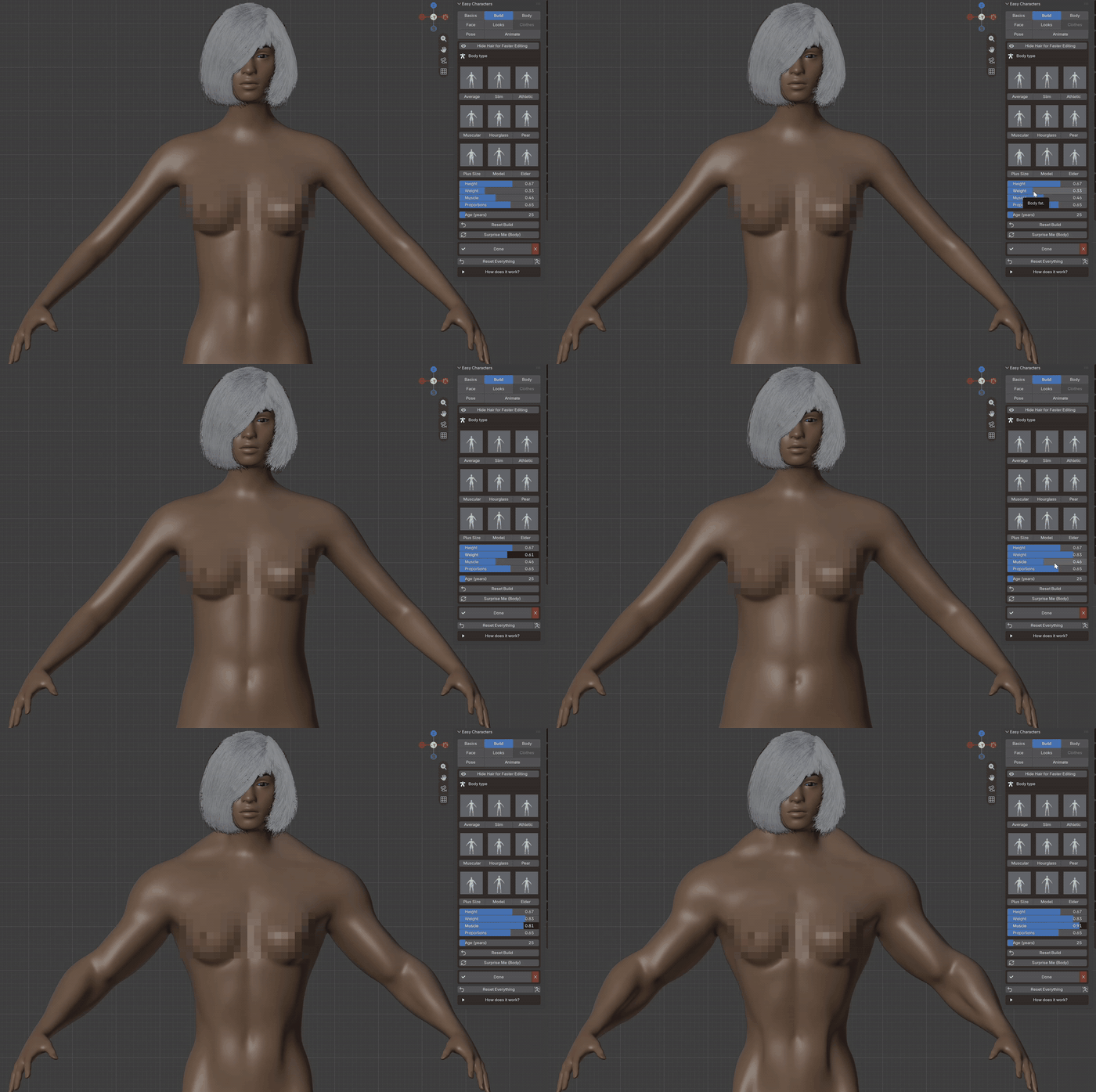
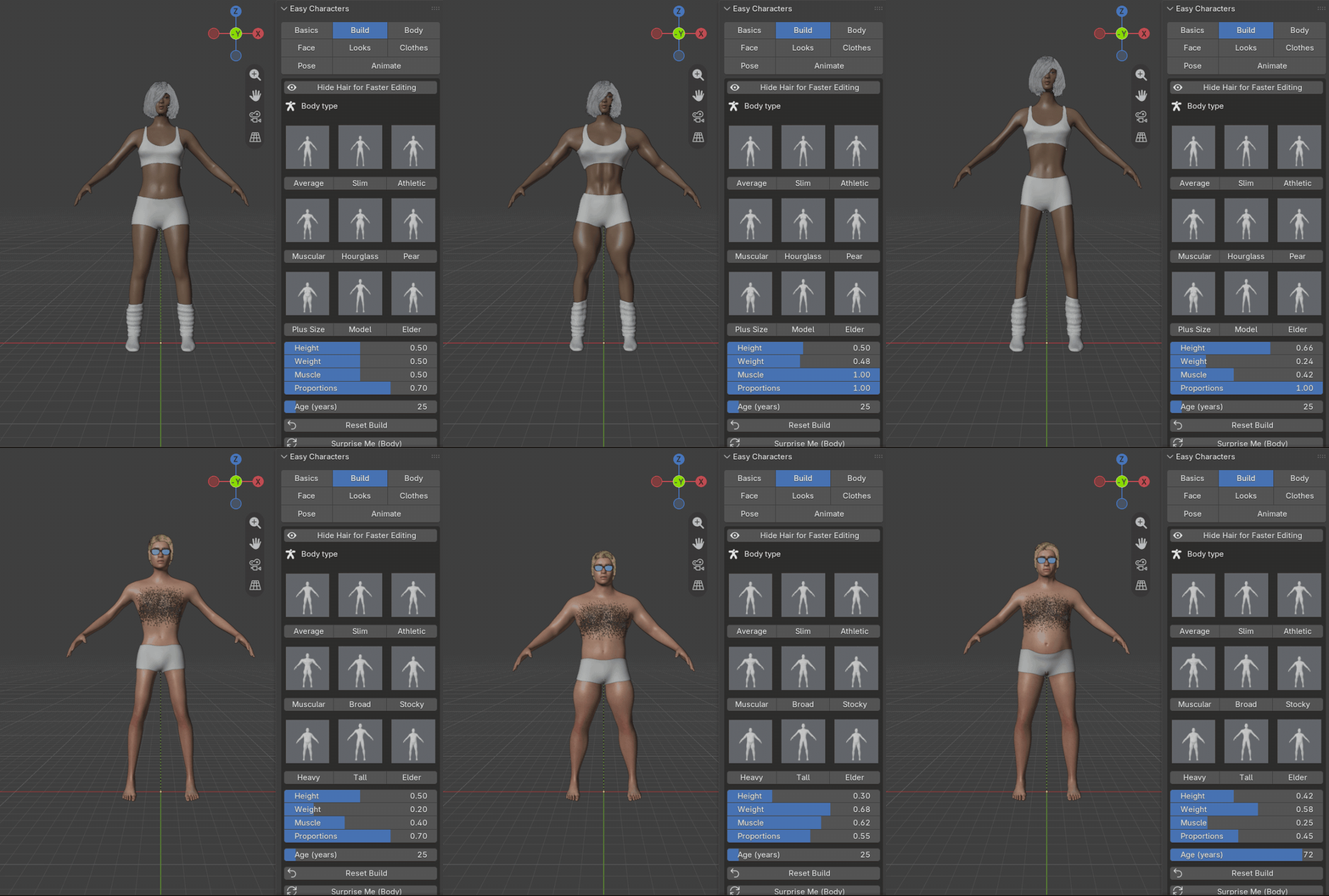
Weight and Muscle together, on a finished character with skin and hair:
In a hurry? There are also 18 ready body types (nine for women, nine for men) one click away. They are a starting point, not the limit: every slider still works on top of them.
03SURPRISE ME
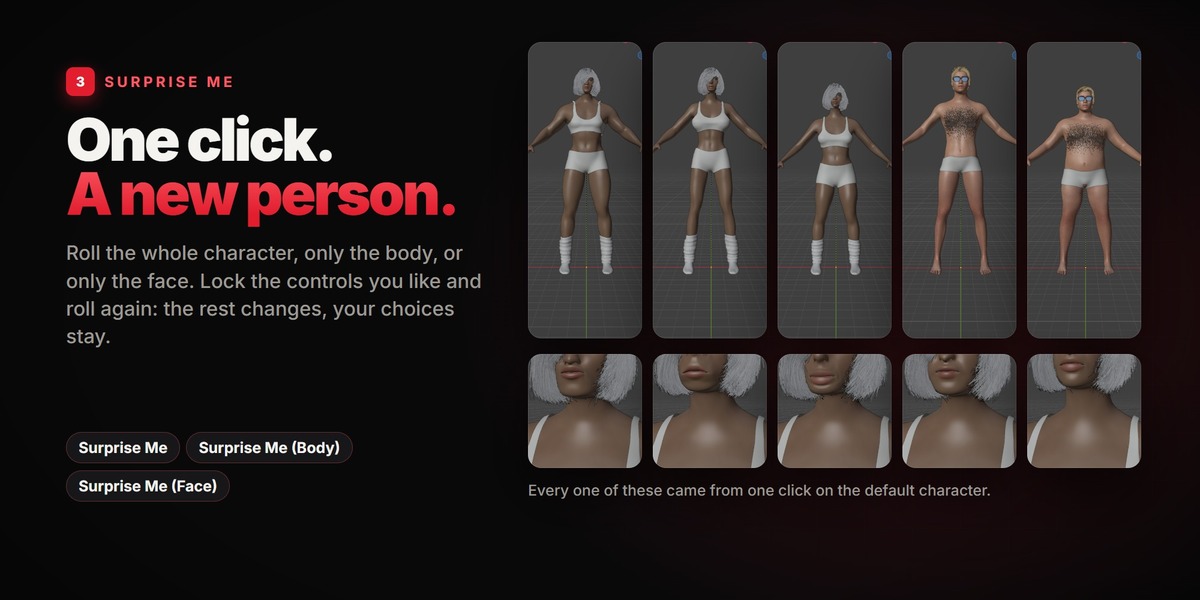
One click. A new person.
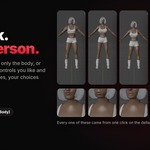
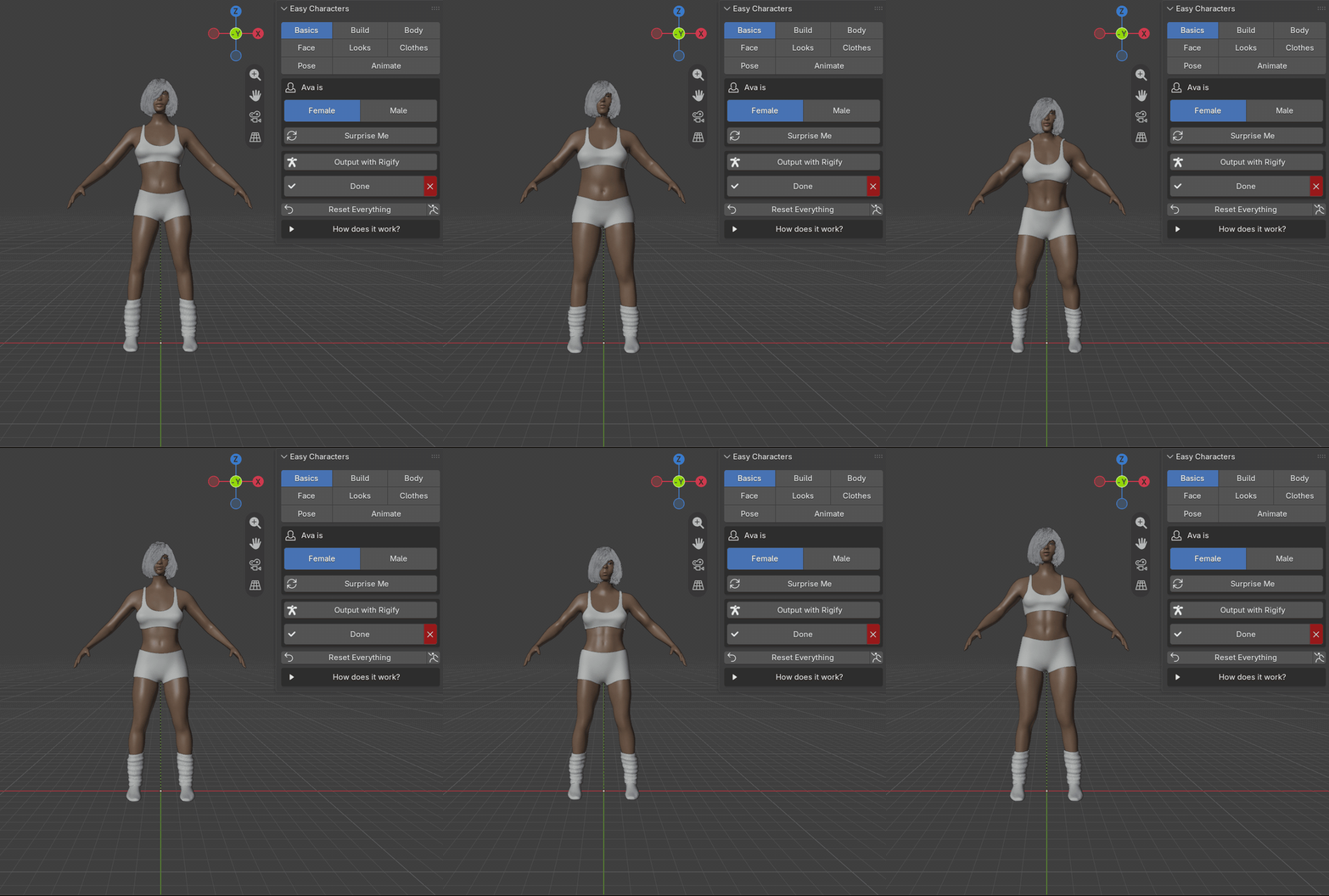
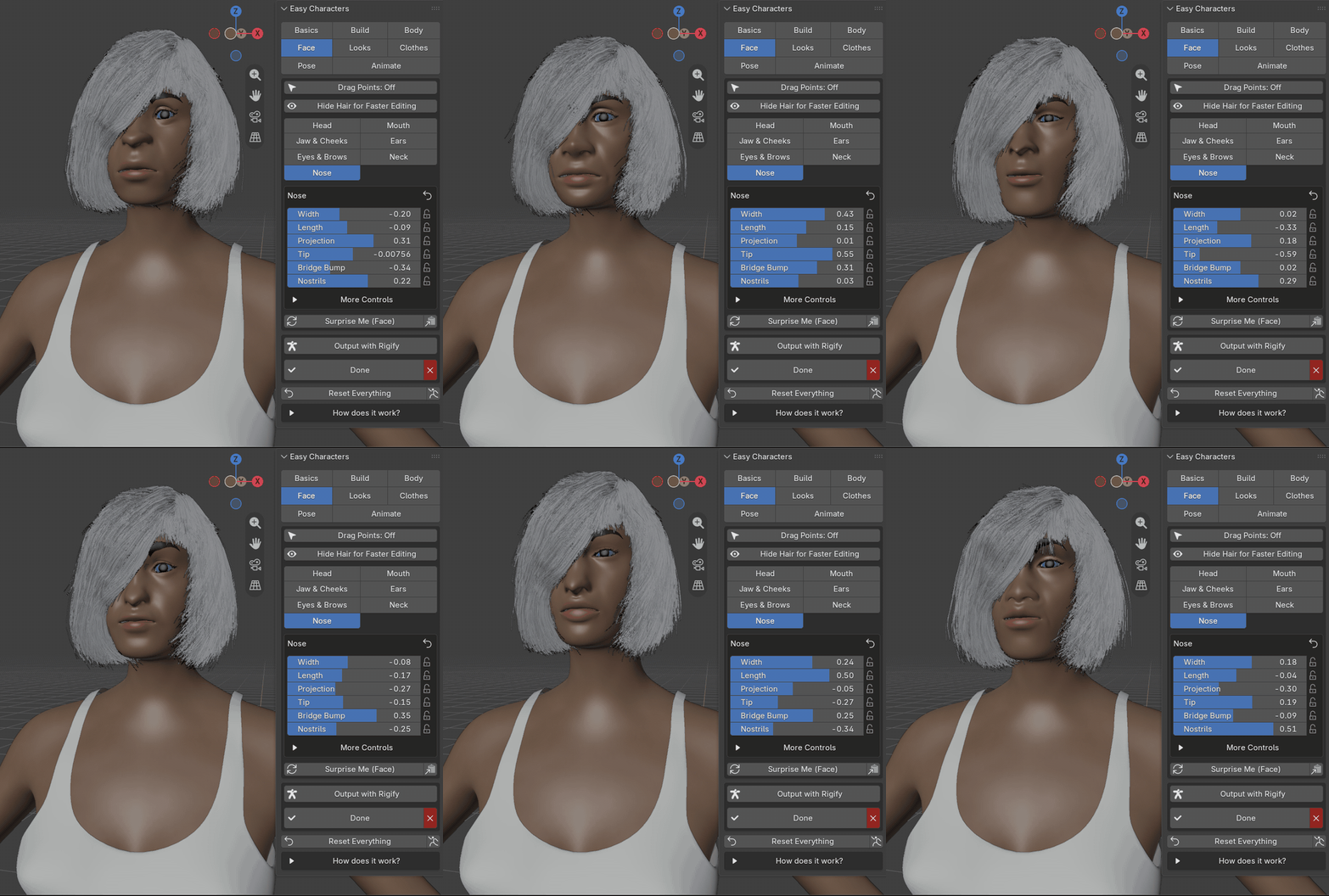
Surprise Me rolls the whole character, Surprise Me (Body) only the body, Surprise Me (Face) only the face. Lock the controls you like (the little padlock next to each slider) and roll again: the rest changes, your choices stay. It never produces a broken face: heads stay human, and the variety comes from the features.
Surprise MeSurprise Me (Body)Surprise Me (Face)
04DRAG POINTS
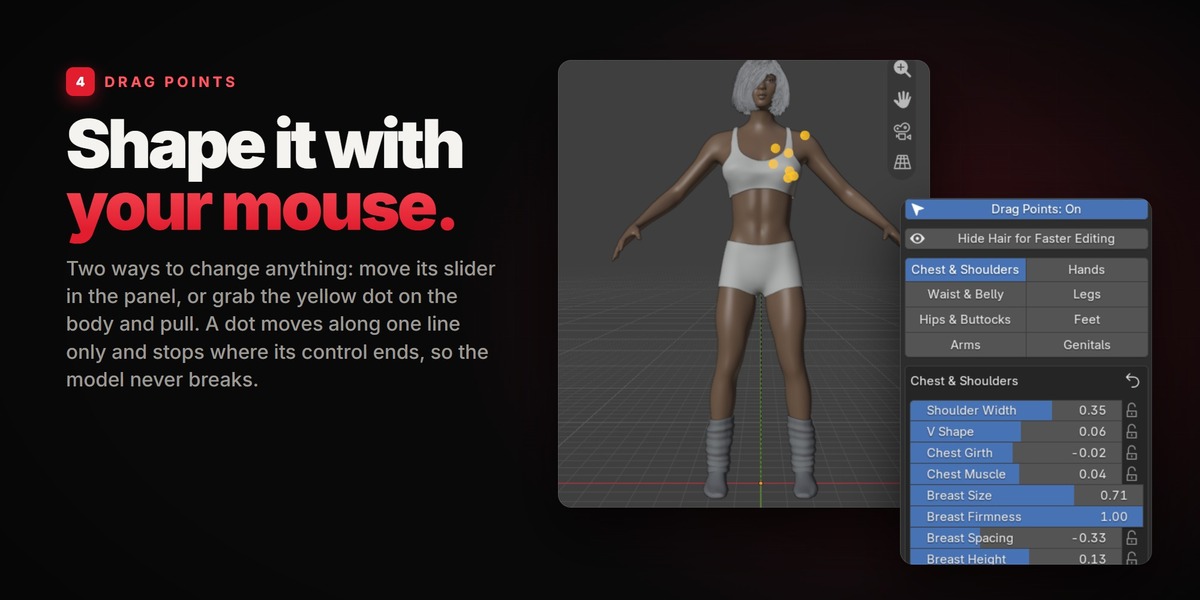
Shape it with your mouse.
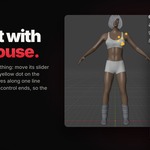
There are two ways to change anything. Move its slider in the panel, or switch on Drag Points: yellow dots appear on the character, one for every control of the part you opened. Grab a dot and pull. Small arrows show which way it goes; it moves along that one line only and stops where the control ends, so you cannot break the model. The slider in the panel moves with it.
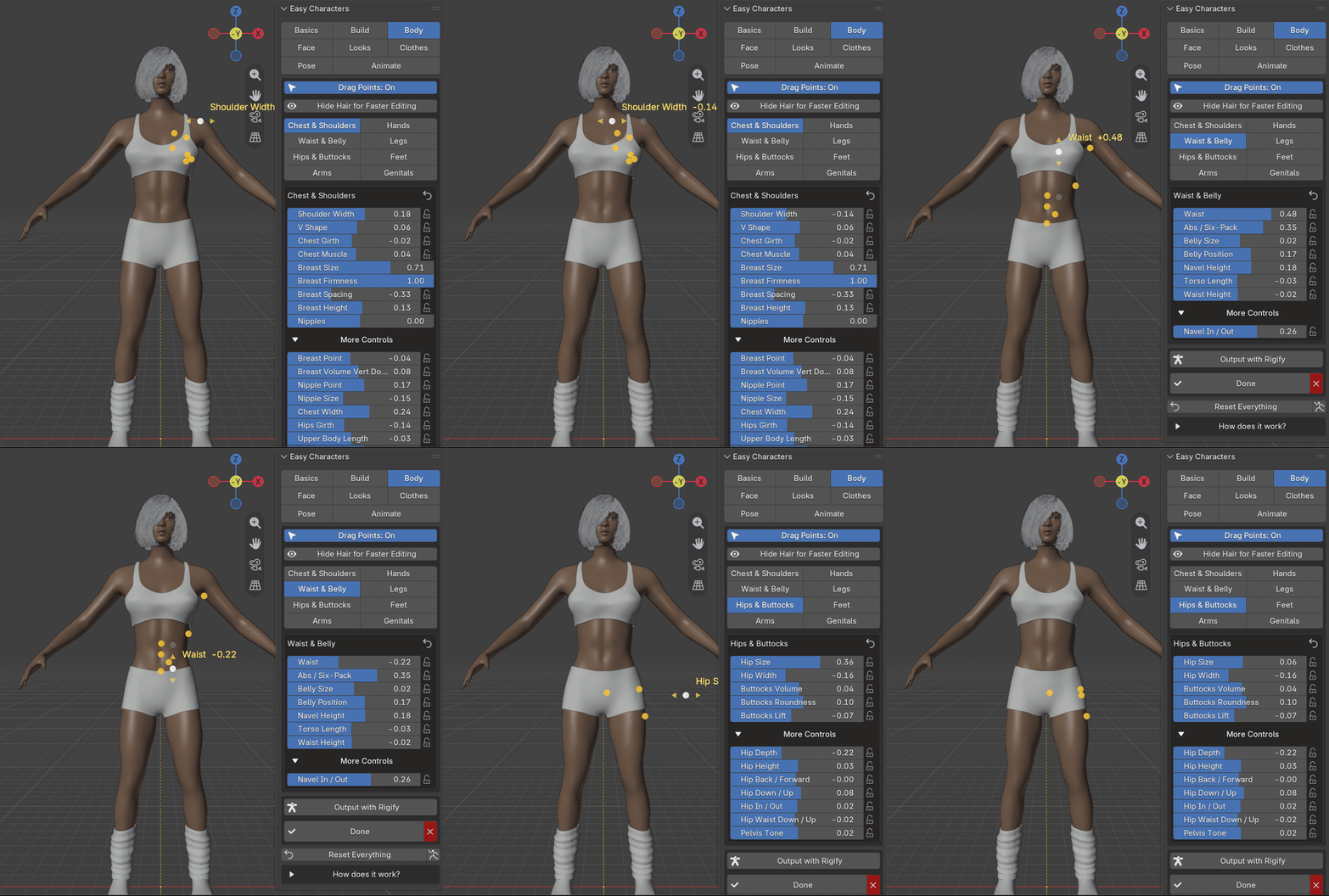
Every dot says what it changes while you pull it. Here: the chest of a finished character, shaped by hand. (Pixelated on this page.)
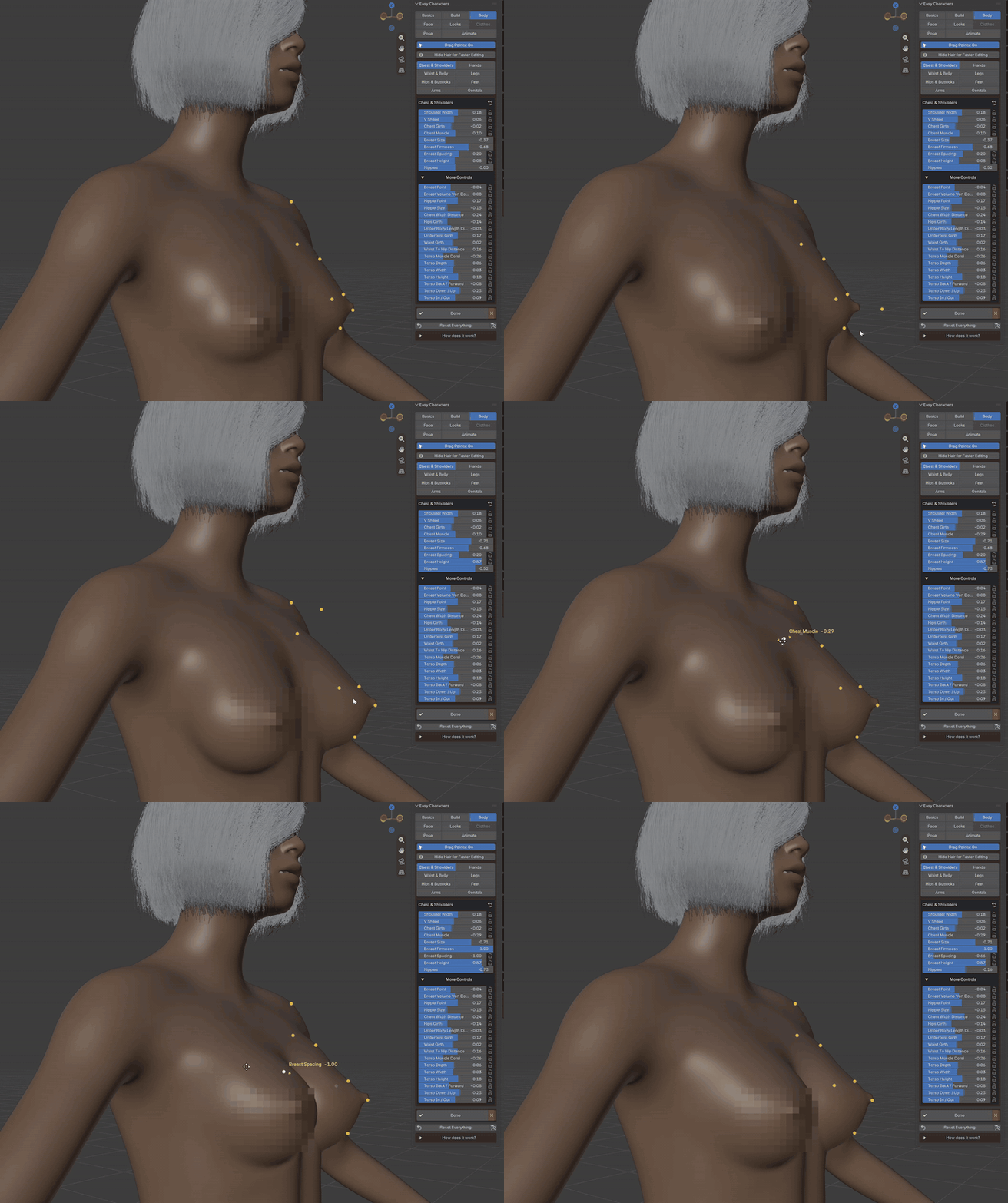
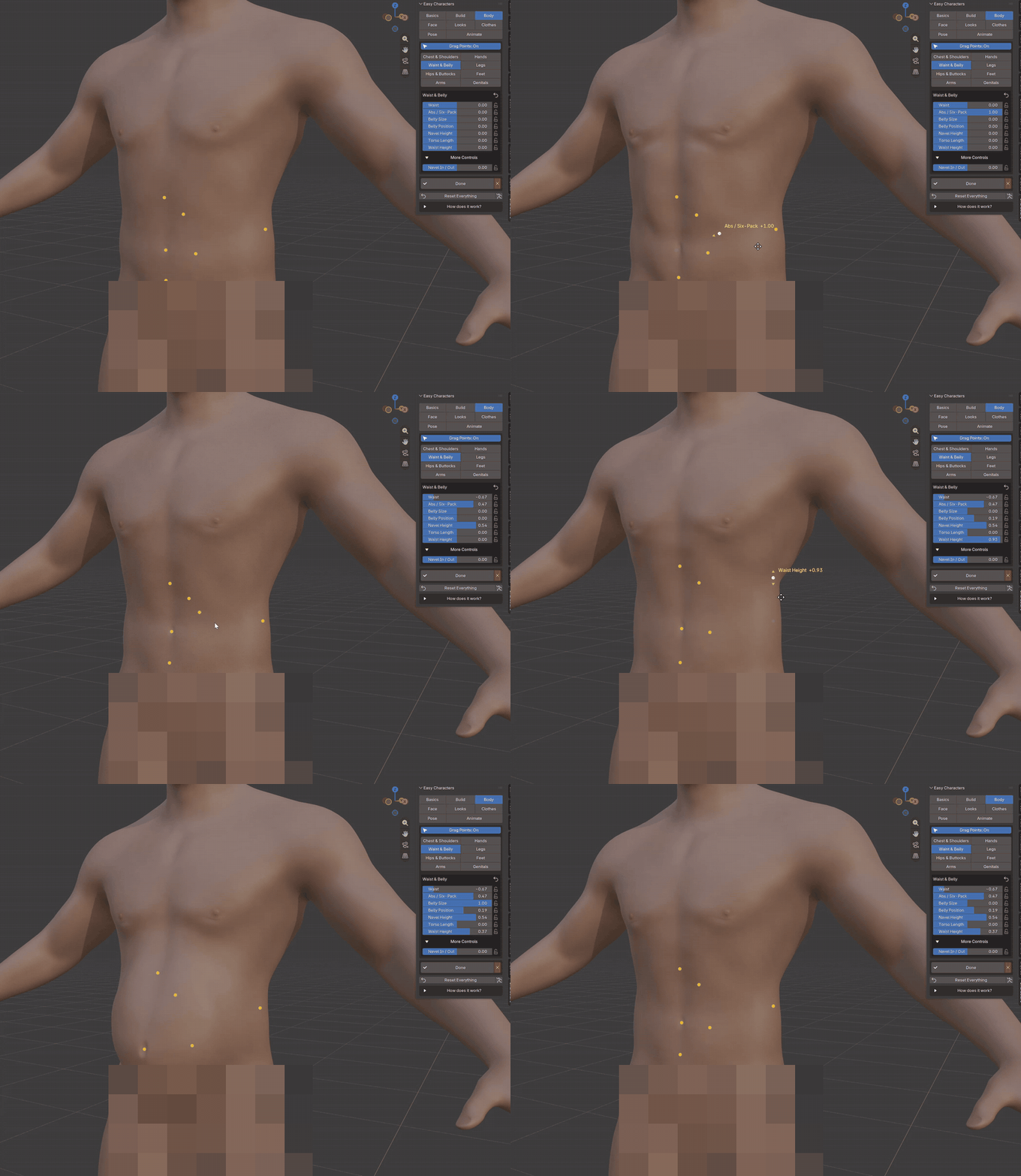
The same on the waist and the belly: abs, belly size, belly position, waist height, each with its own point. (Pixelated on this page.)
05BODY
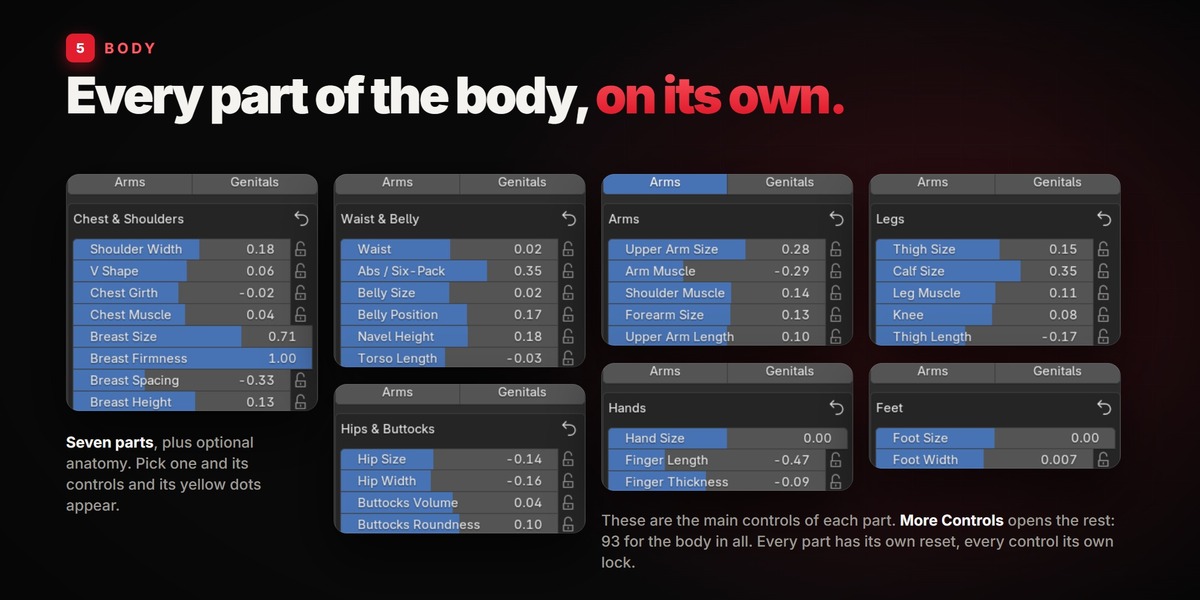
Every part of the body, on its own.
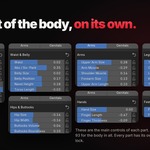
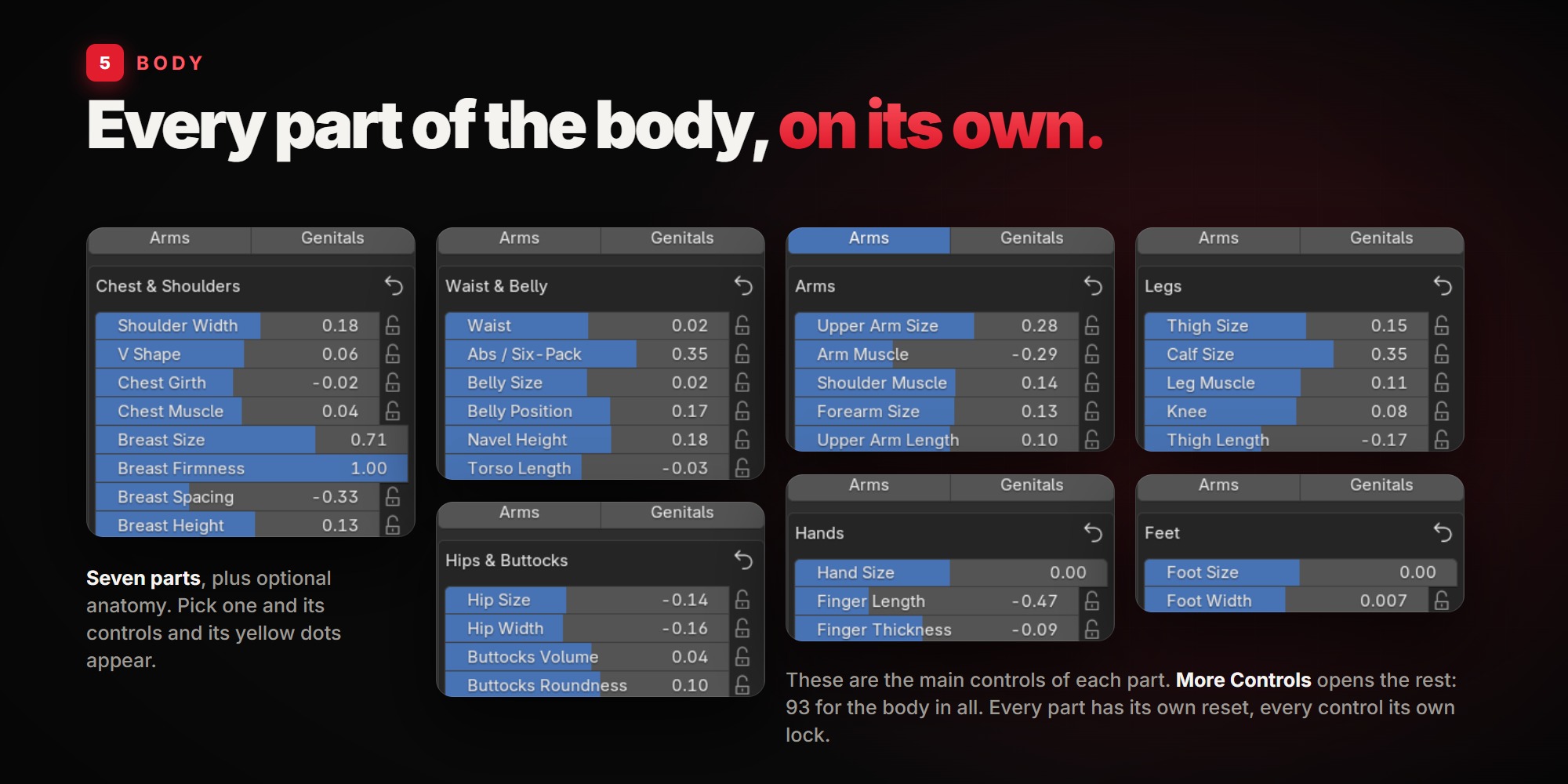
Pick a part and its controls appear:
Chest & Shoulders Shoulder width, V shape, chest girth, chest muscle, breast size, firmness, spacing and height, nipples. |
Waist & Belly Waist, abs / six-pack, belly size and position, navel height, torso length, waist height. |
Hips & Buttocks Hip size and width, buttocks volume, roundness and lift. |
Arms Upper arm size, arm muscle, shoulder muscle, forearm size, upper arm and forearm length. |
Hands Hand size, finger length and thickness, wrist. |
Legs Thigh size, calf size, leg muscle, knee, thigh and shin length. |
Feet Foot size, foot width, ankle. |
More Controls These are the main ones. More Controls opens the rest. Every part has its own reset. |
06FACE
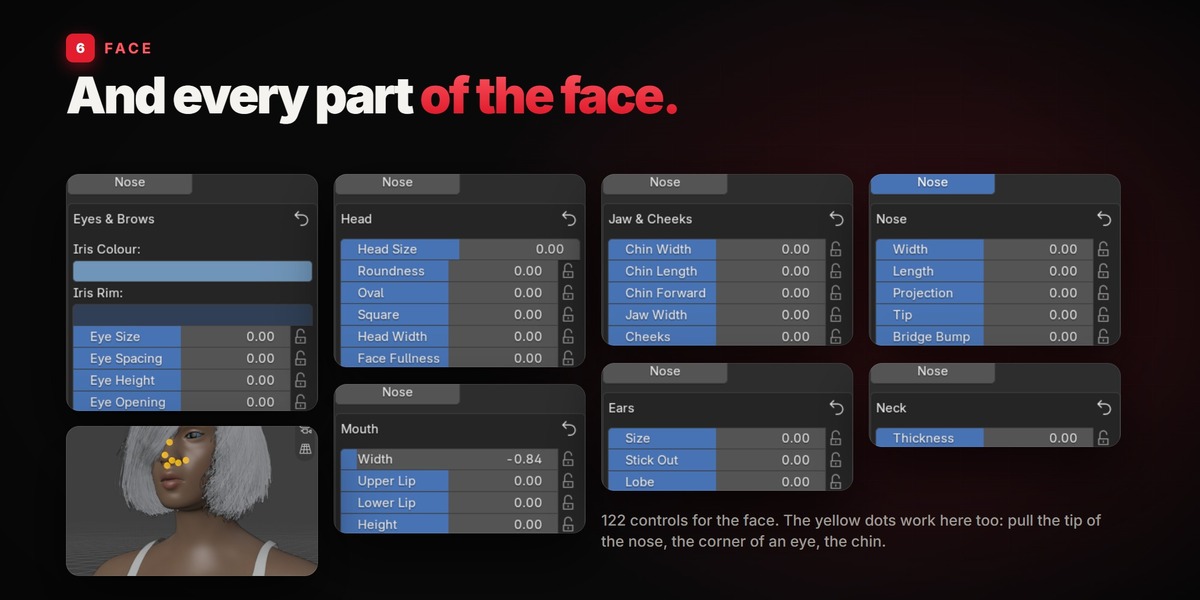
And every part of the face.
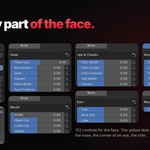
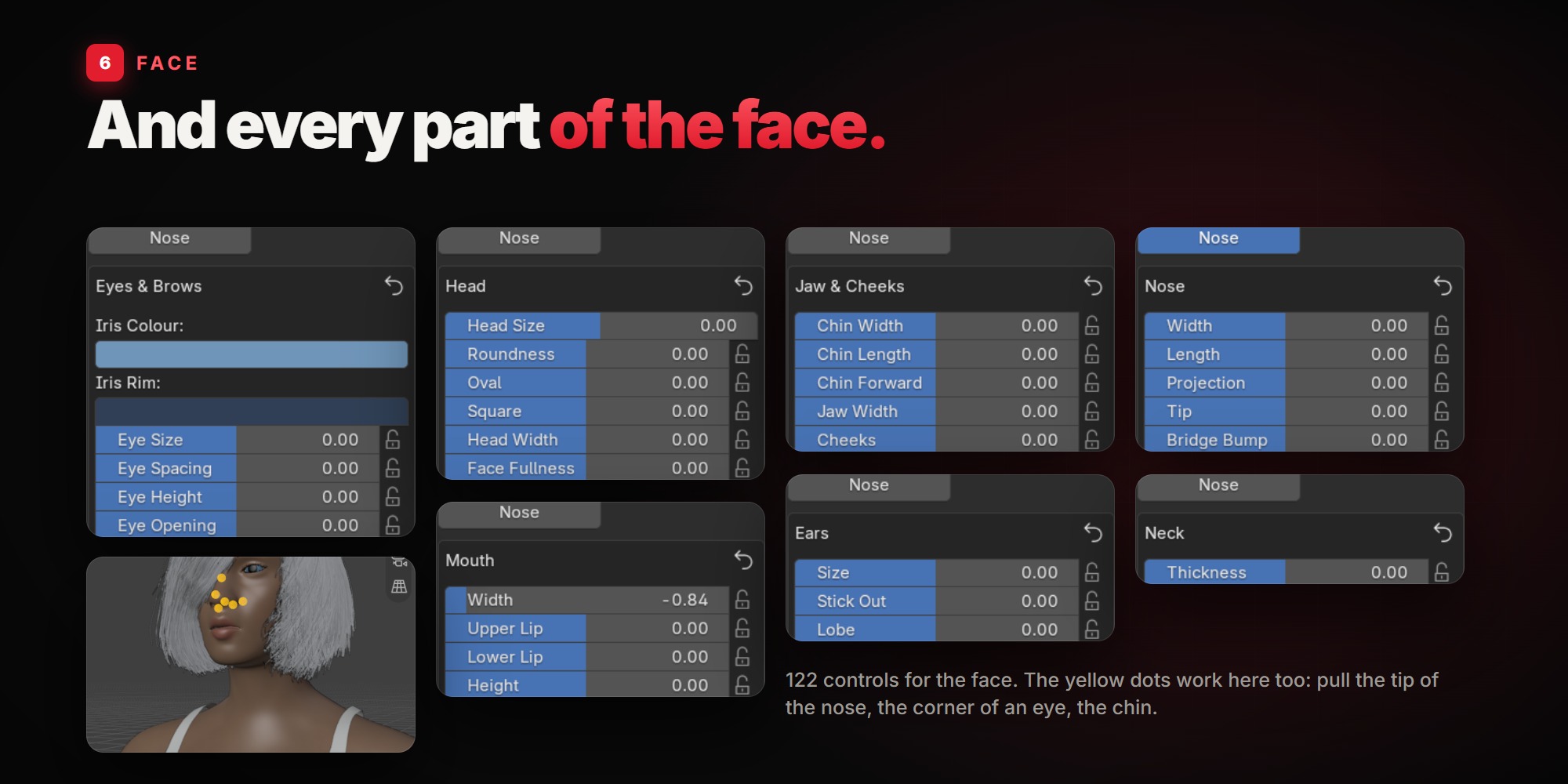
122 controls, with the same sliders and the same yellow dots. Pull the tip of the nose, the corner of an eye, the chin.
HeadJaw & CheeksEyes & BrowsNoseMouthEarsNeck
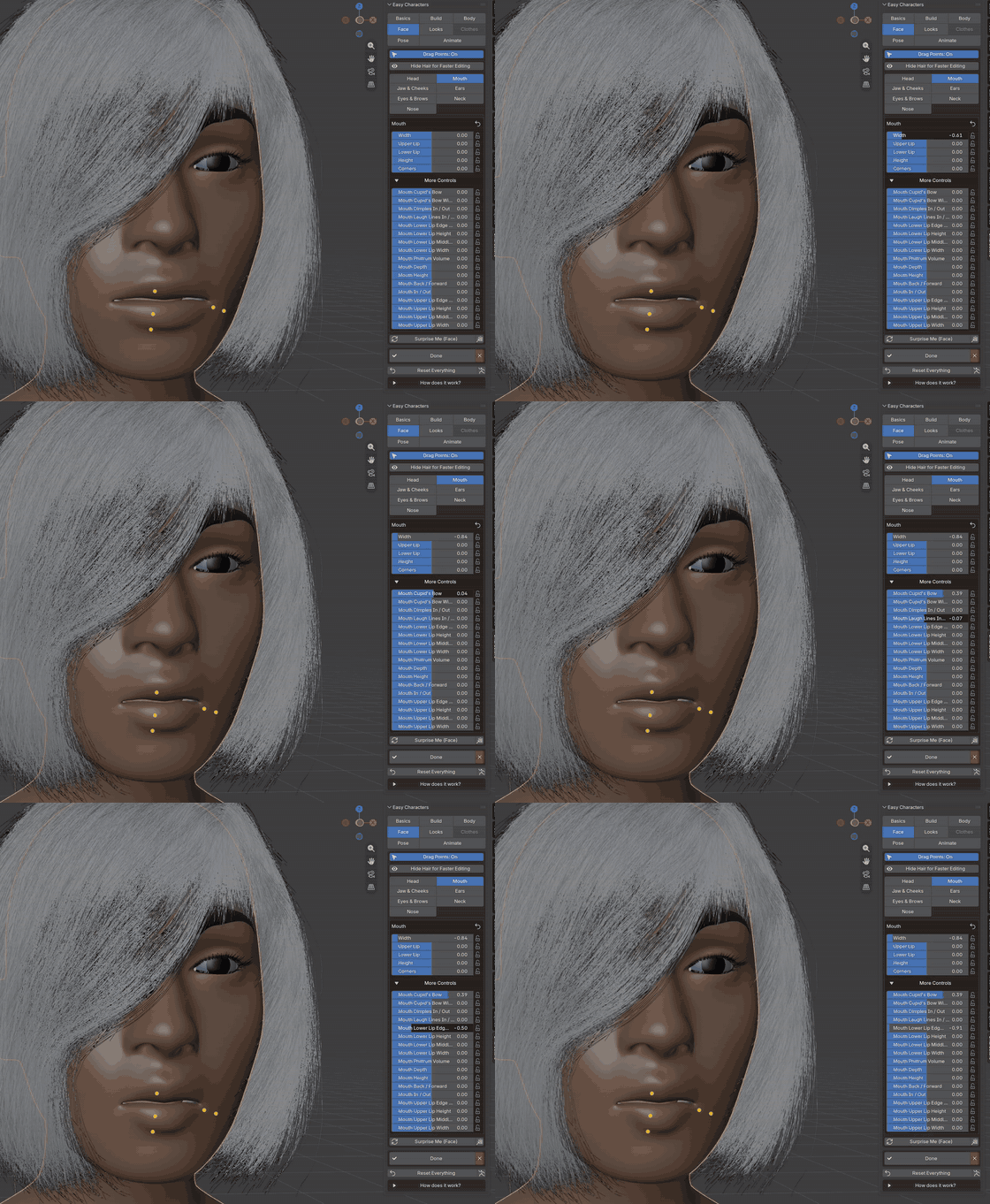
Here the Mouth: its dots on the lips, and the finer controls under More Controls.
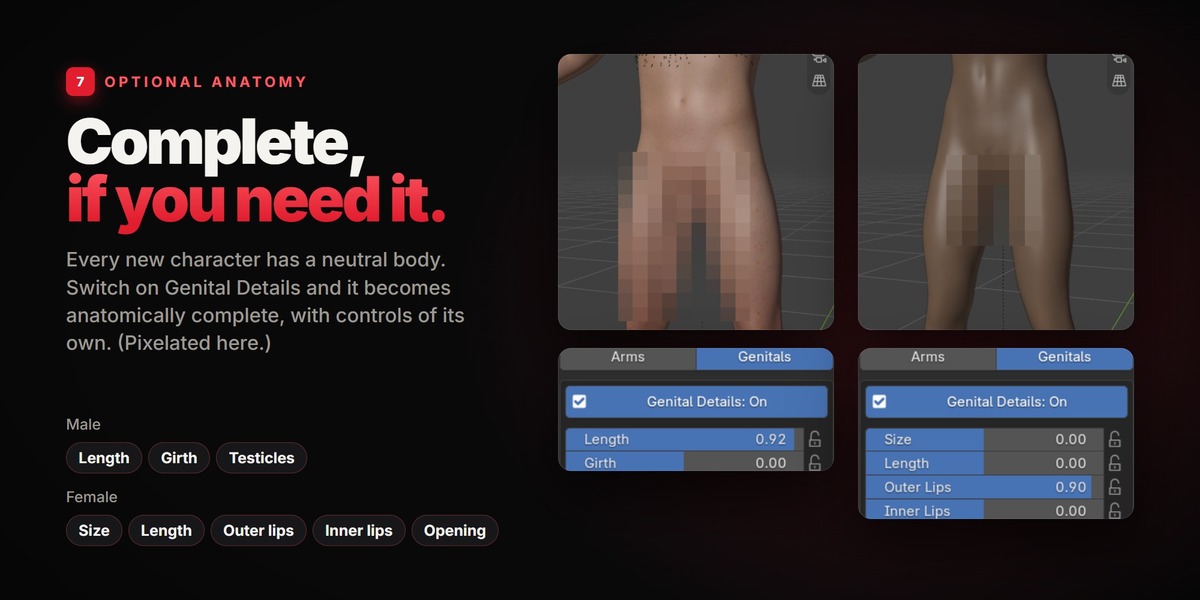
07OPTIONAL ANATOMY
Complete, if you need it.
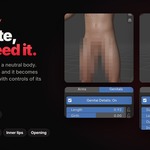
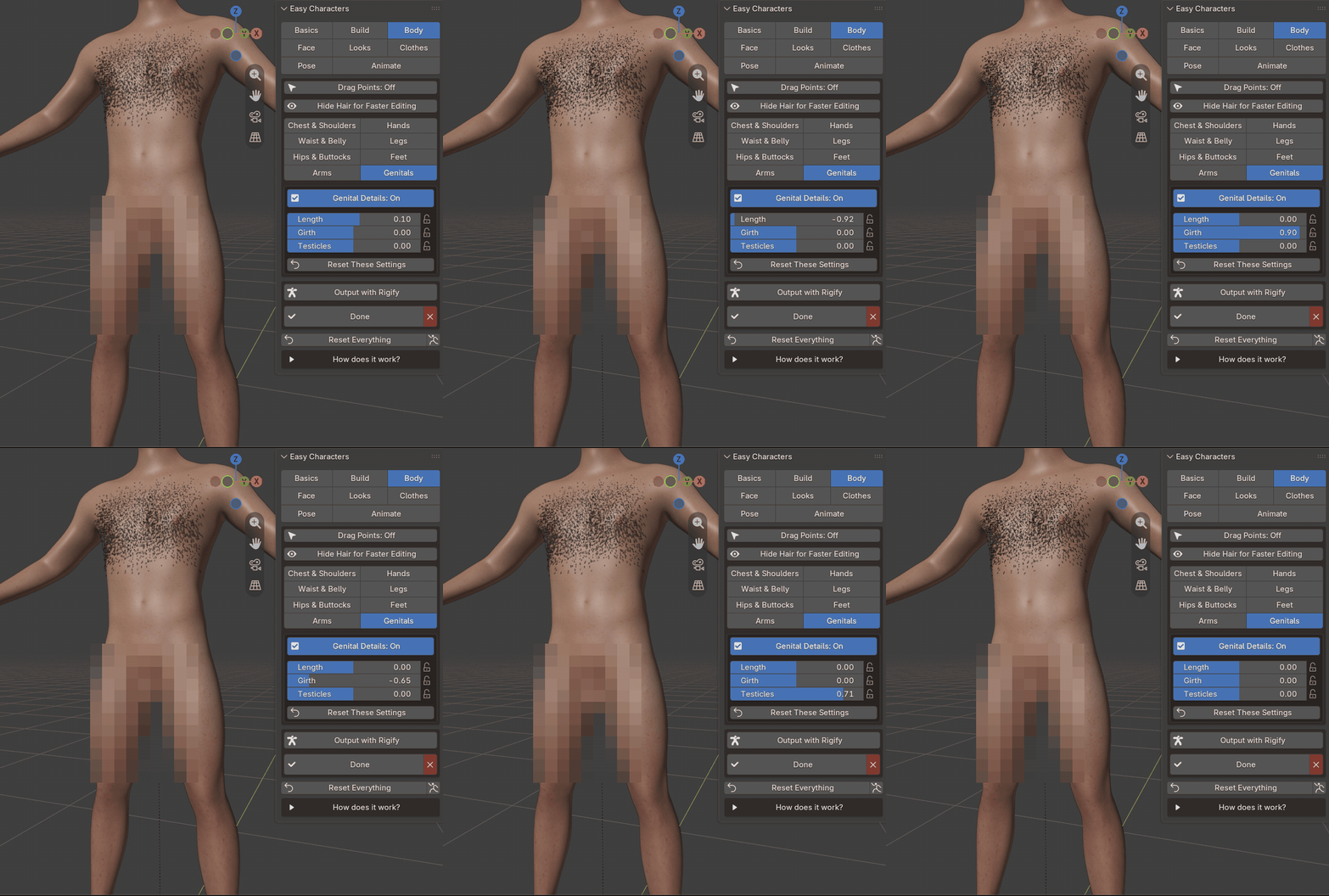
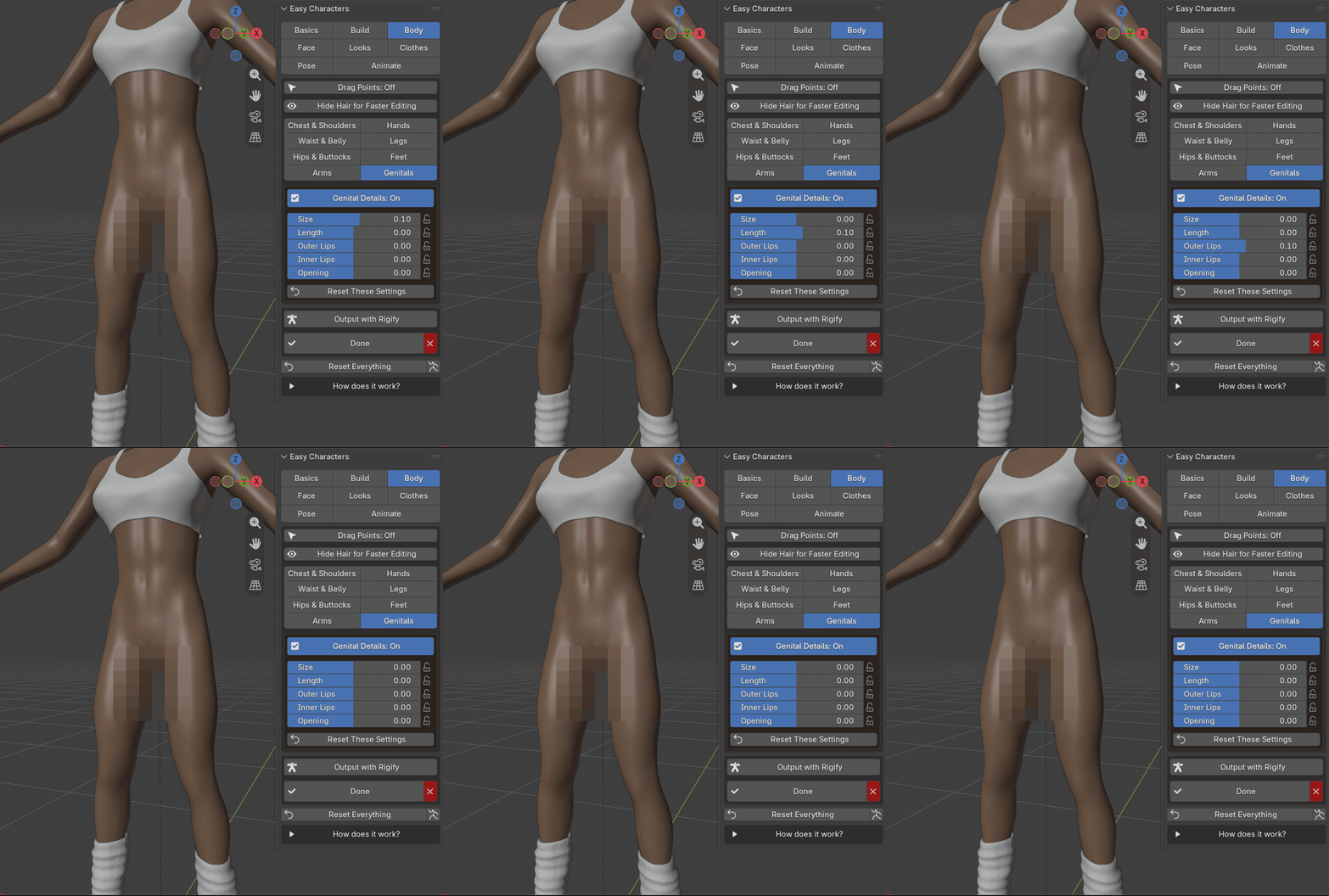
Every new character has a neutral body. If your project needs it, switch on Genital Details (Body > Genitals) and the character becomes anatomically complete, with controls of its own. Pixelated on this page.
Male Length, Girth, Testicles. |
Female Size, Length, Outer Lips, Inner Lips, Opening. |
08LOOKS
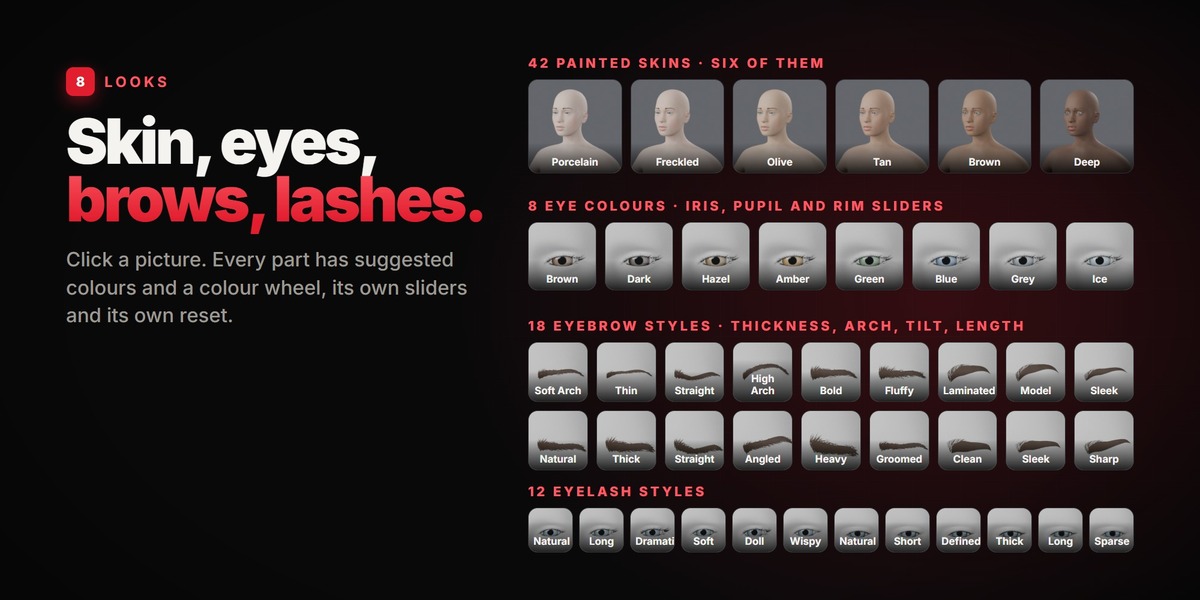
Skin, eyes, brows, lashes.
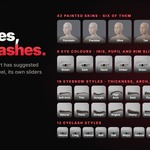
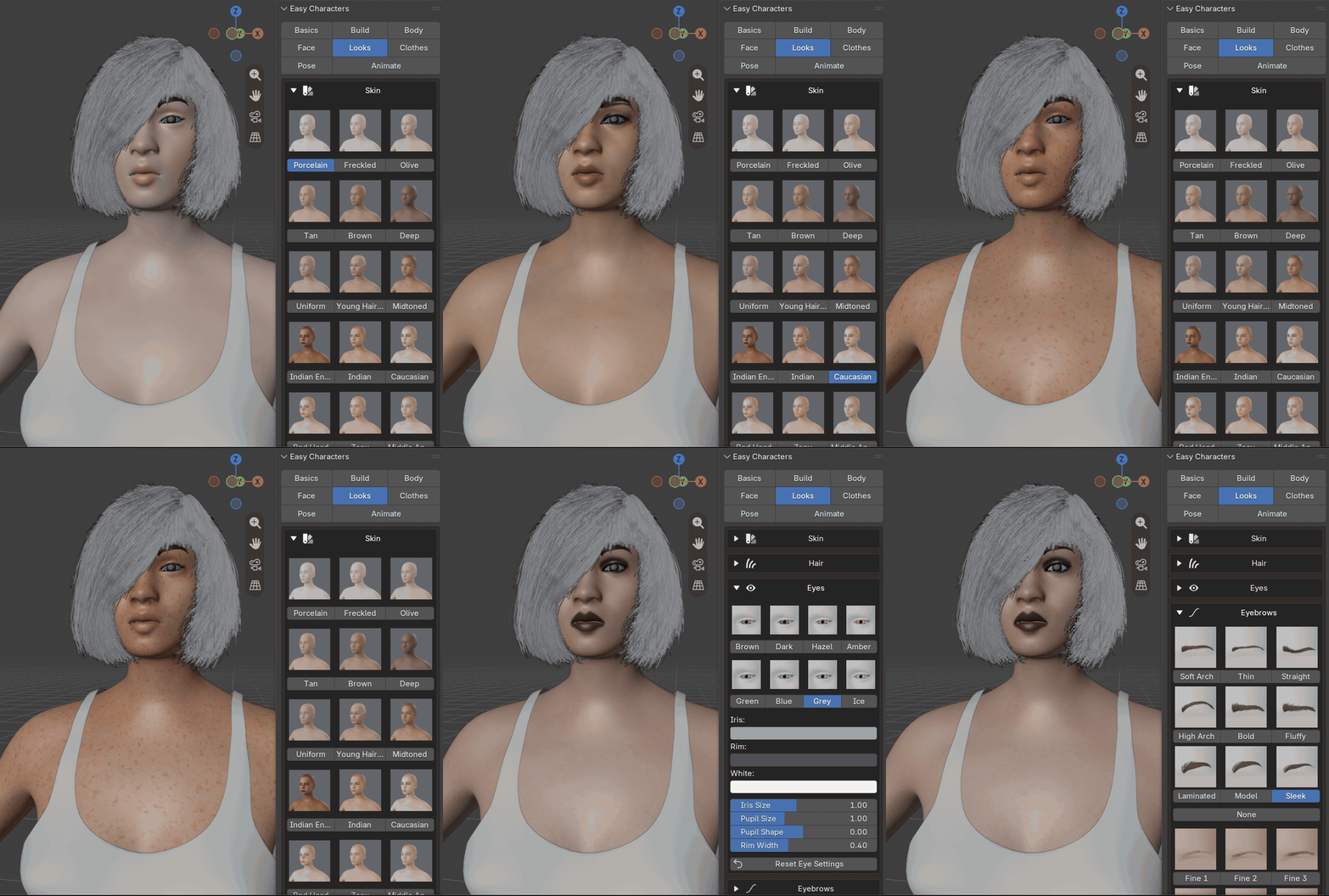
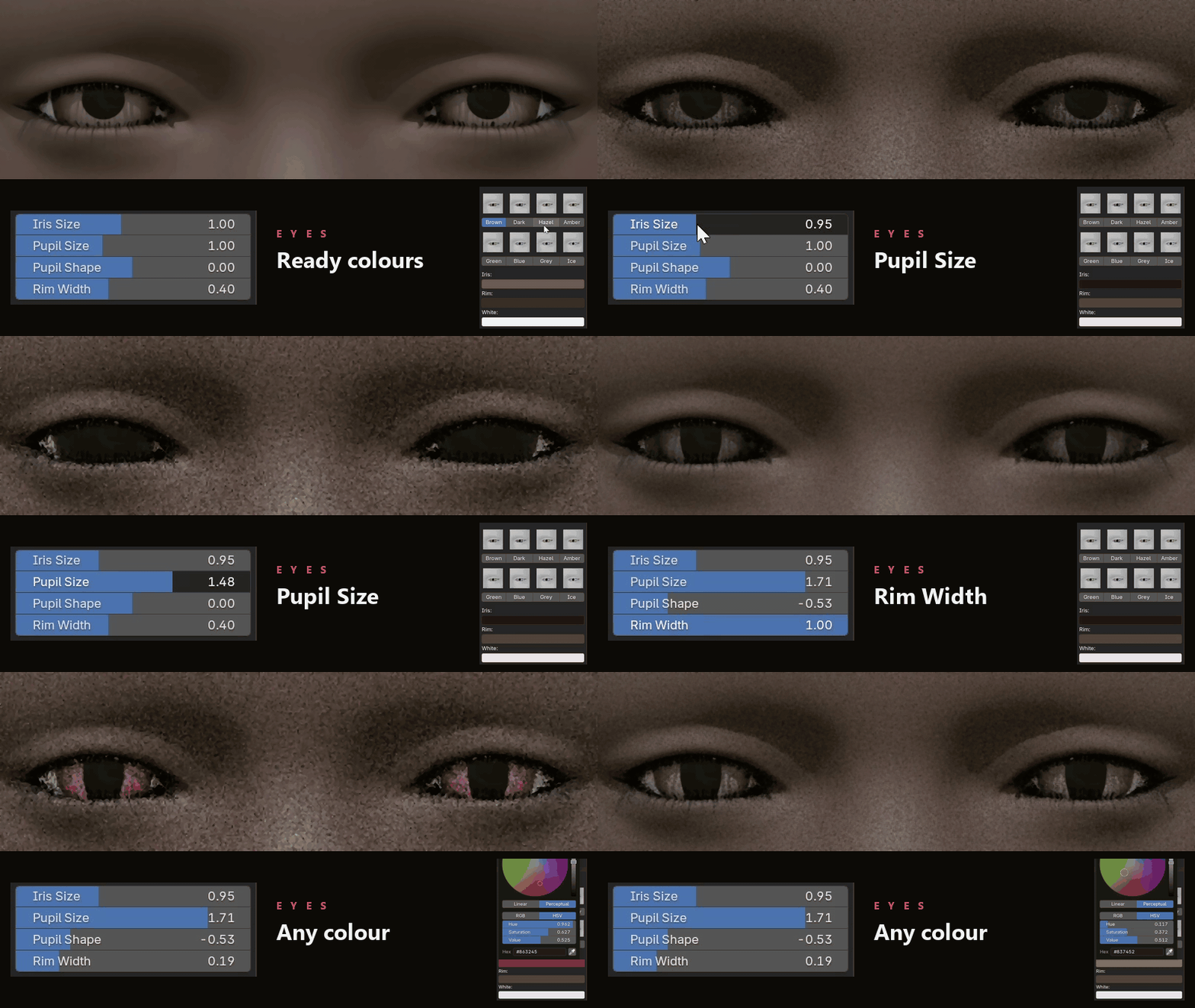
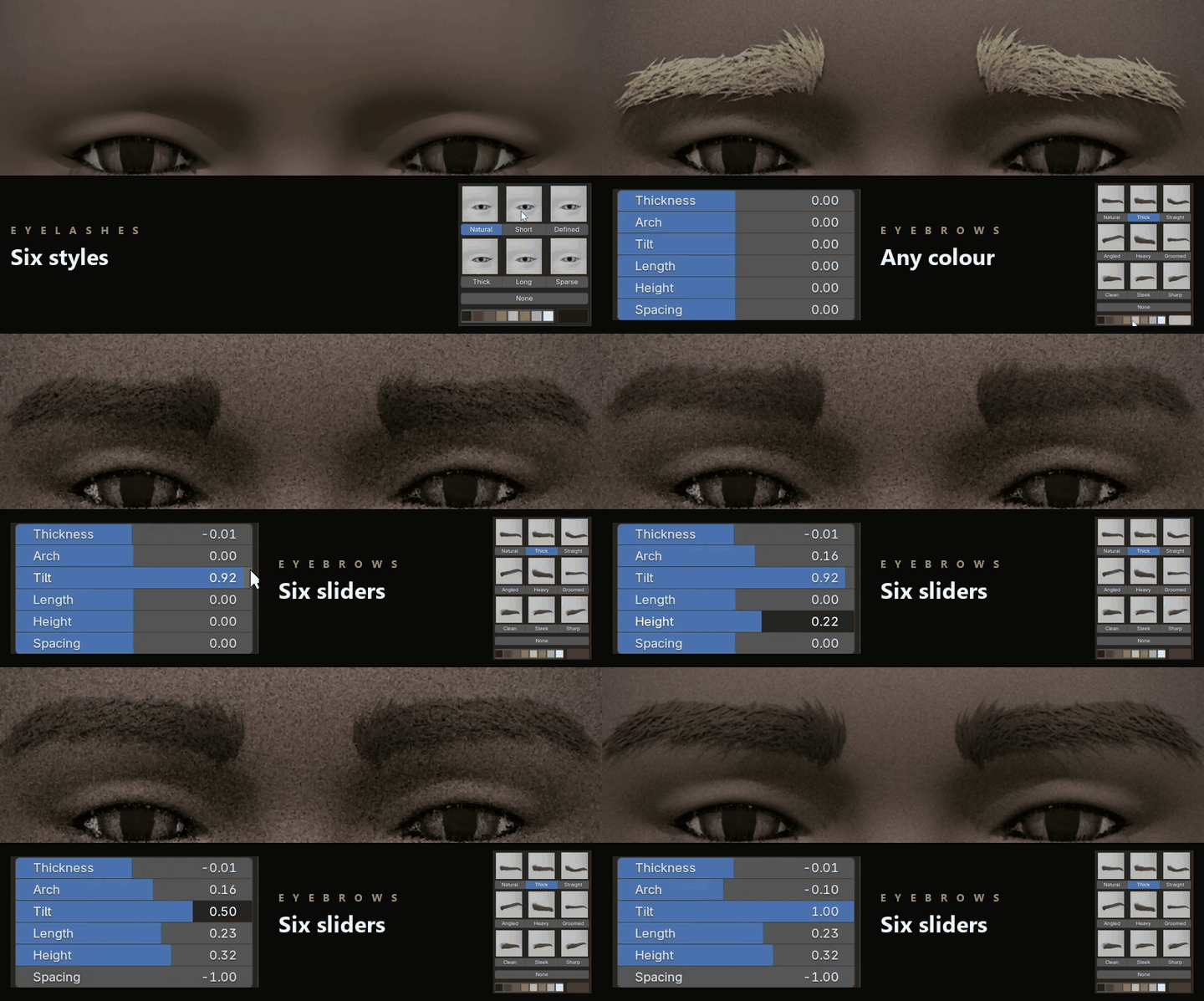
27 painted skins for a woman and 15 for a man (or any plain colour). Eight eye colours with iris size, pupil size, pupil shape and rim. Nine eyebrow styles for each sex, made of single hairs, from natural to laminated, with thickness, arch, tilt, length, height and spacing, and 14 fine styles drawn hair by hair. Six eyelash styles for each sex. Every part has suggested colours and a colour wheel, and its own reset.
Eyes: a ready colour in one click, or any colour you like, with the size of the iris, the size and the shape of the pupil (down to a cat's slit) and the dark rim around the iris.
Eyelashes and eyebrows: pick a style, pick a colour, then shape the eyebrows with their six sliders.
09HAIR
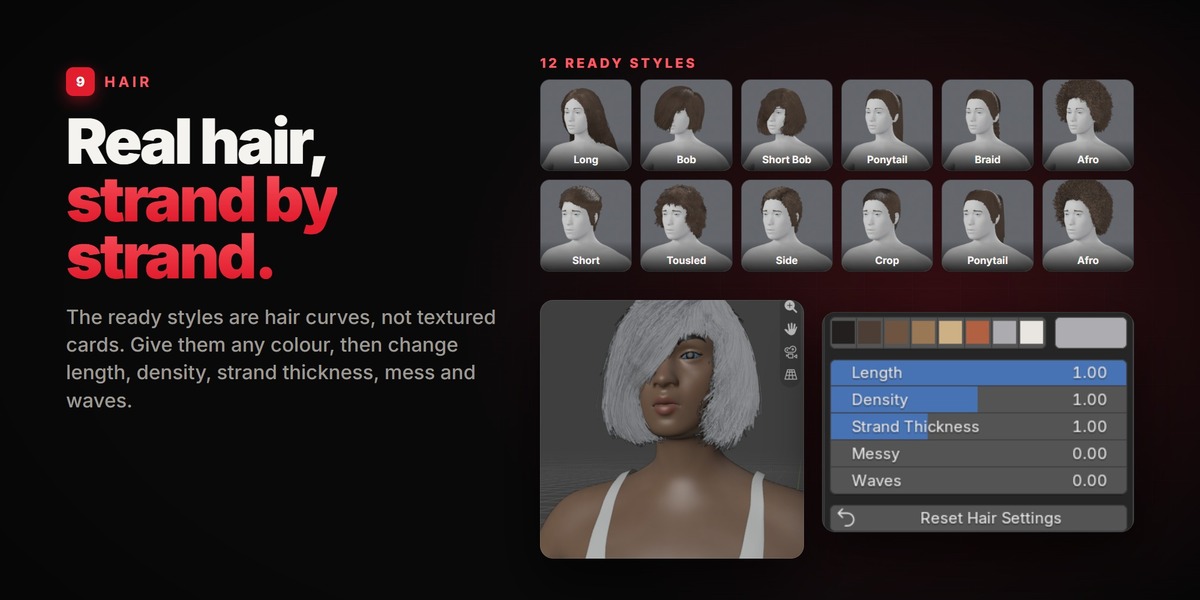
Real hair, strand by strand.
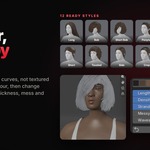
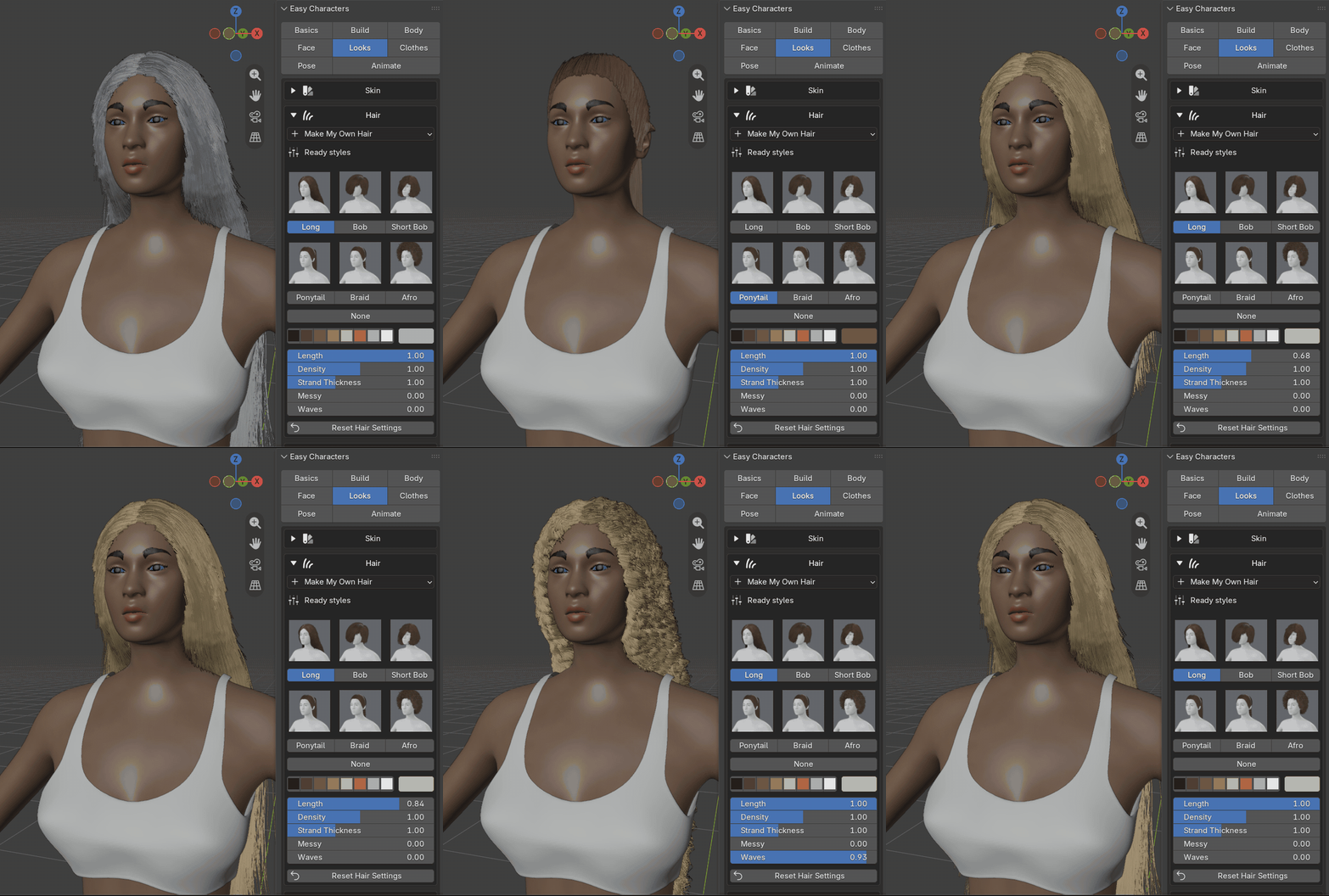
The ready styles are real hair curves, not textured cards. They take any colour, and you can change every one of them.
LengthDensityStrand ThicknessMessyWavesAny colour
10MAKE MY OWN HAIR
Grow hair anywhere.
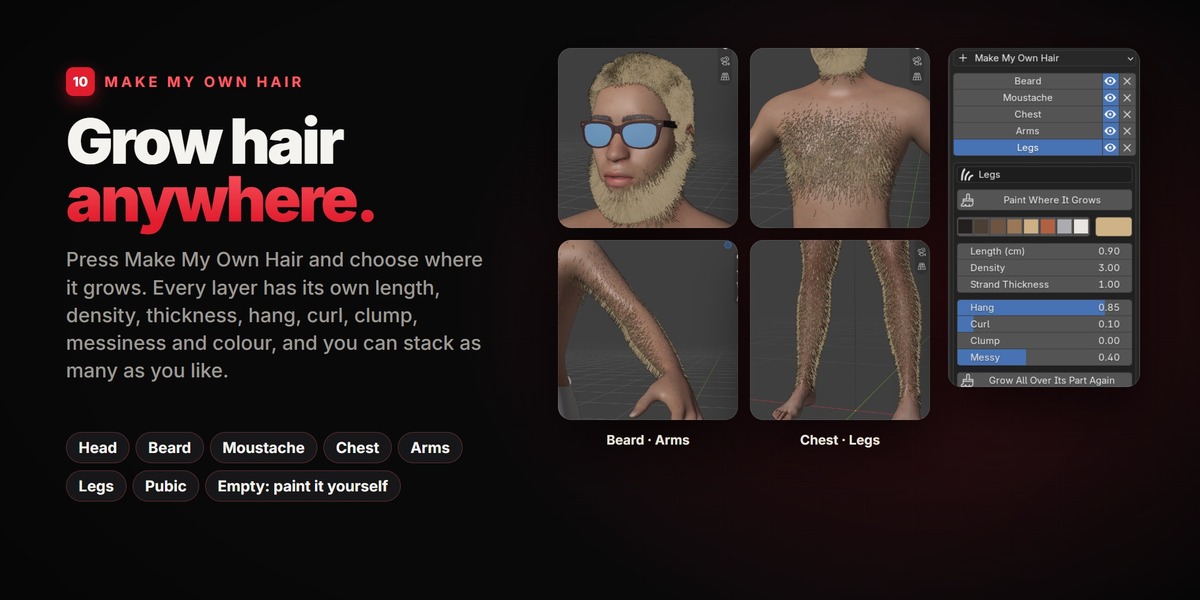
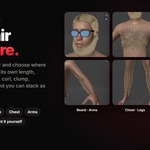
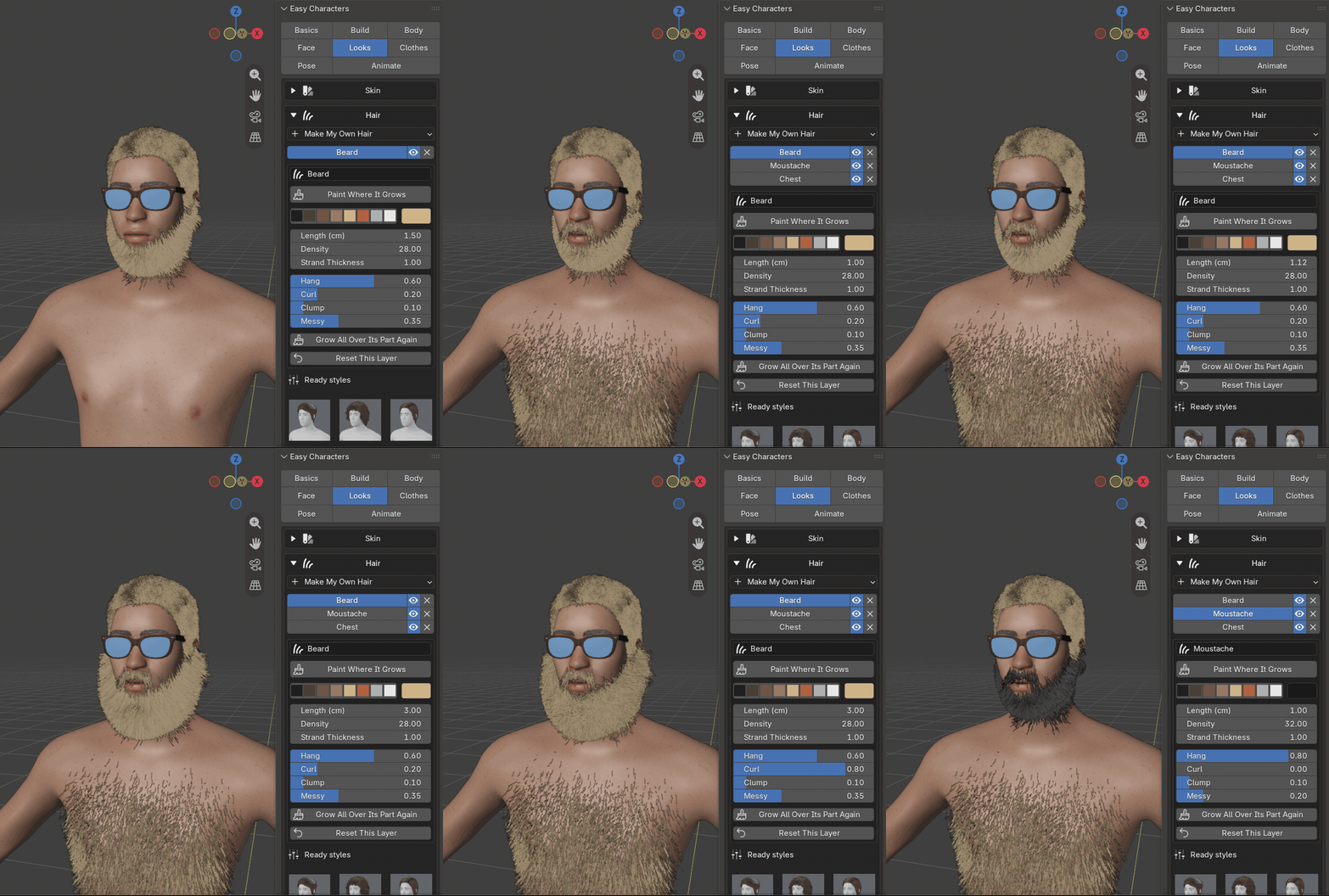
Press Make My Own Hair and choose where it should grow. A layer of hair appears, with settings of its own: length, density, strand thickness, hang, curl, clump, messiness and colour. Add as many layers as you like, hide them, rename them, come back and change them later.
HeadBeardMoustacheChestArmsLegsPubicEmpty
11PAINT IT YOURSELF
Paint hair anywhere.
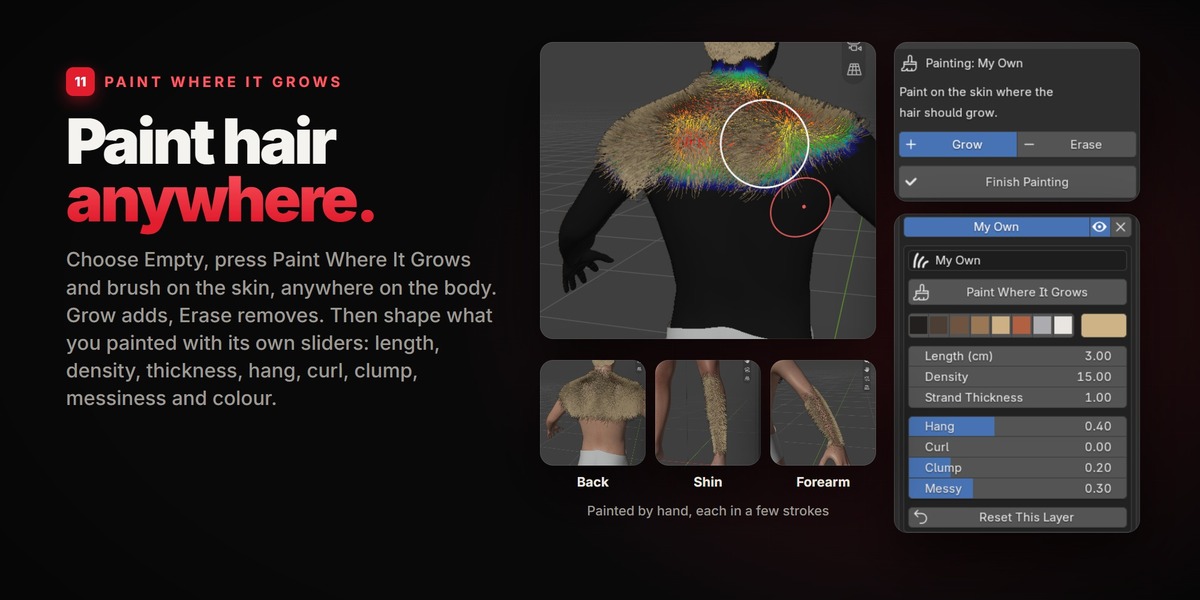
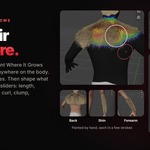
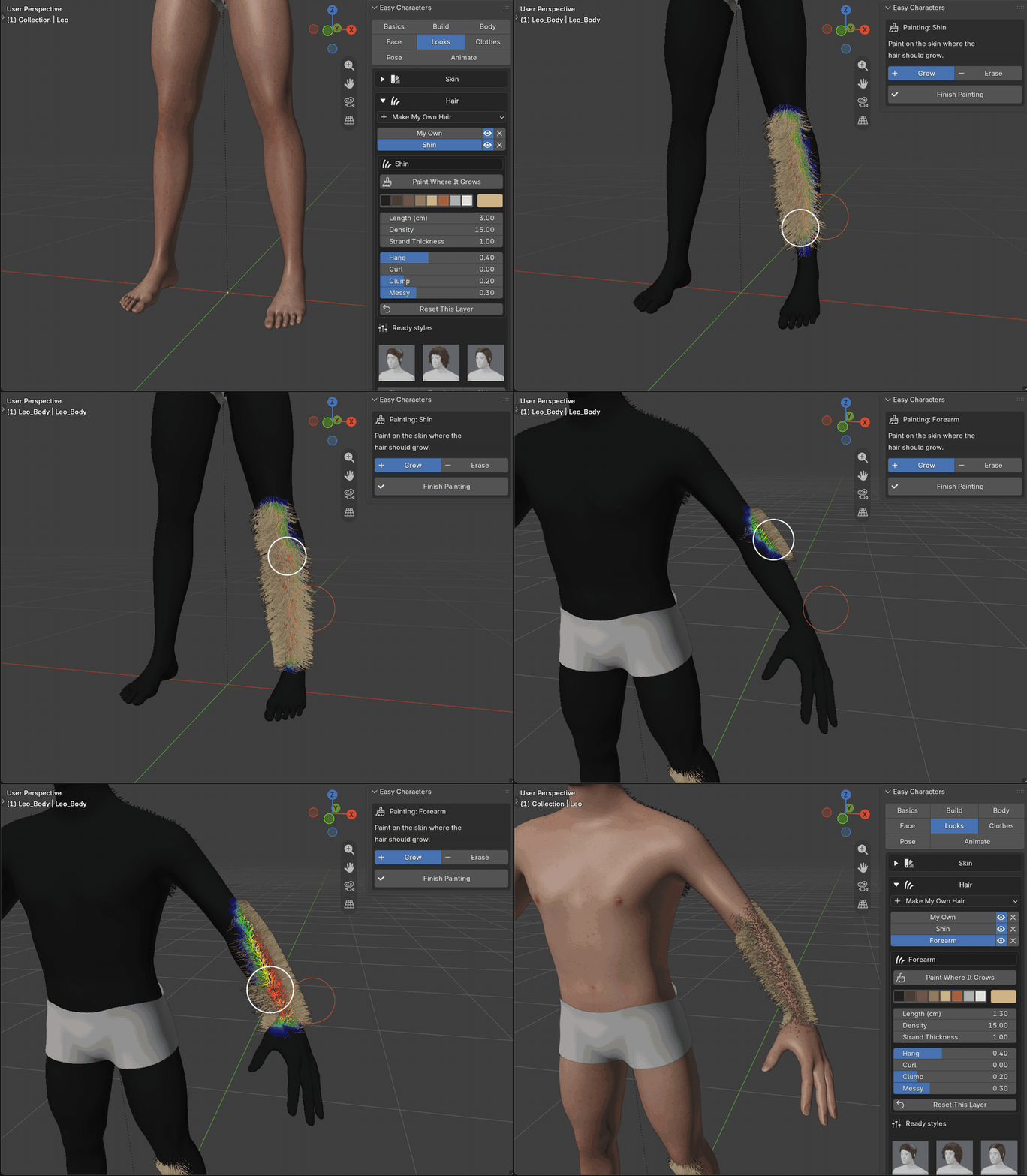
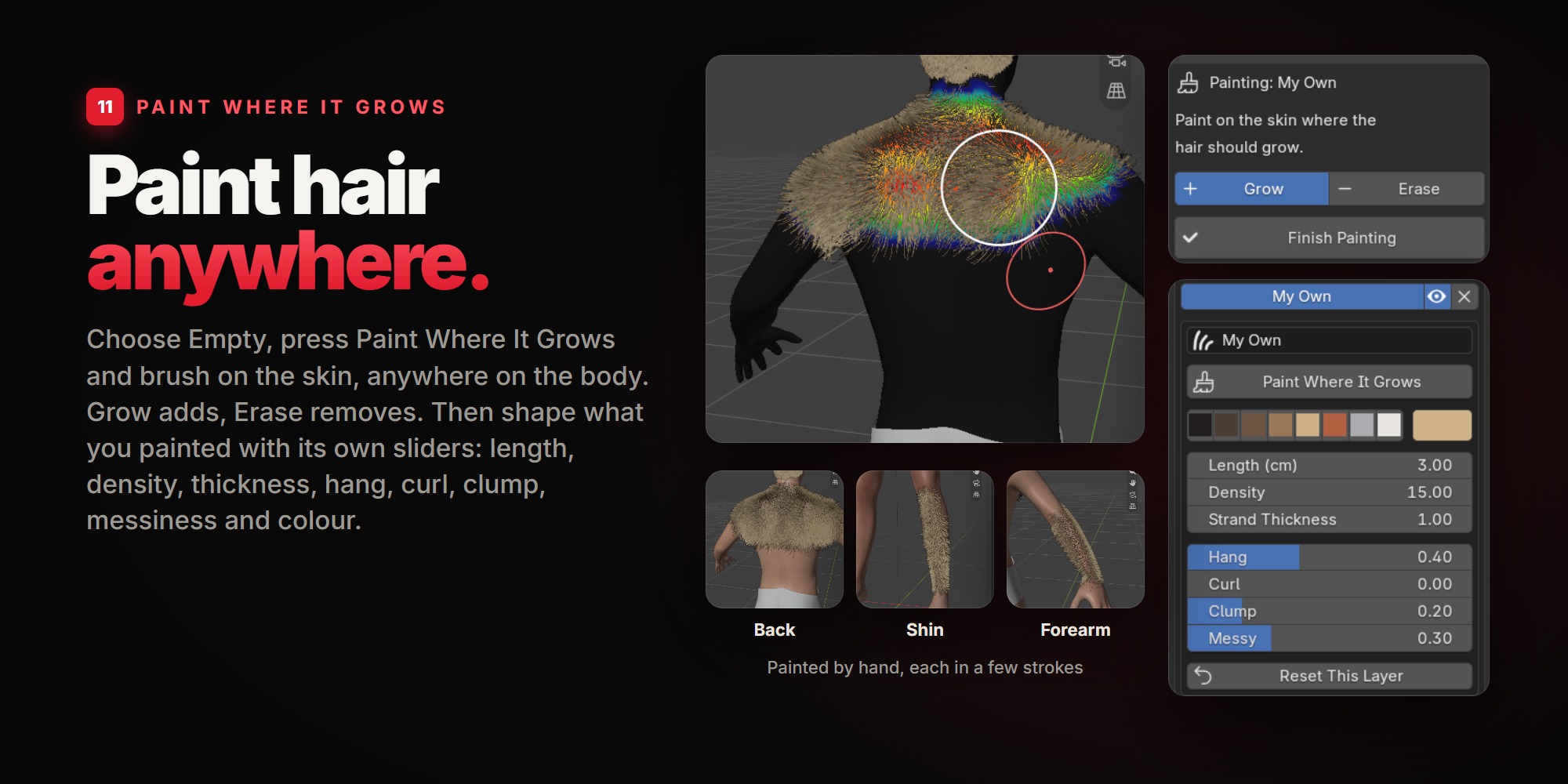
You are not limited to the list. Choose Empty, press Paint Where It Grows and brush on the skin: wherever the brush passes, hair grows. Any part of the body, any shape: shoulders, back, a shin, a forearm, a goatee, sideburns, a mohawk.
1 · Choose Empty A new layer with no hair yet. Or take any ready layer and paint more onto it. |
2 · Paint Grow adds hair, Erase takes it away. Finish Painting brings you back to the panel. |
3 · Shape it Every painted layer has its own sliders: length, density, strand thickness, hang, curl, clump, messiness. |
4 · Colour it Suggested hair colours, or any colour you like. |
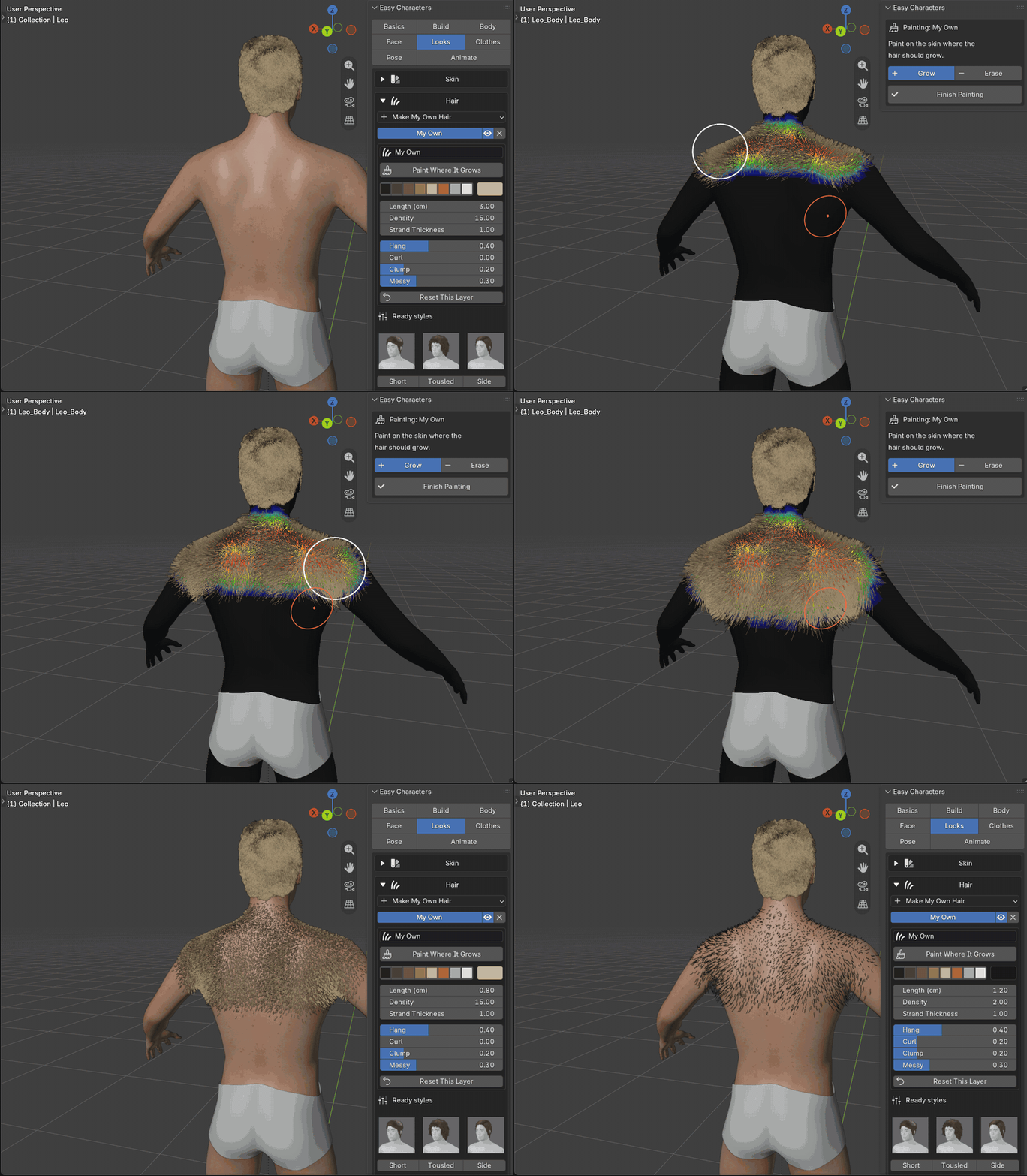
Anywhere means anywhere. A shin, a forearm, the back of a hand: a few strokes each. The hair follows every change of the body, every pose and every move.
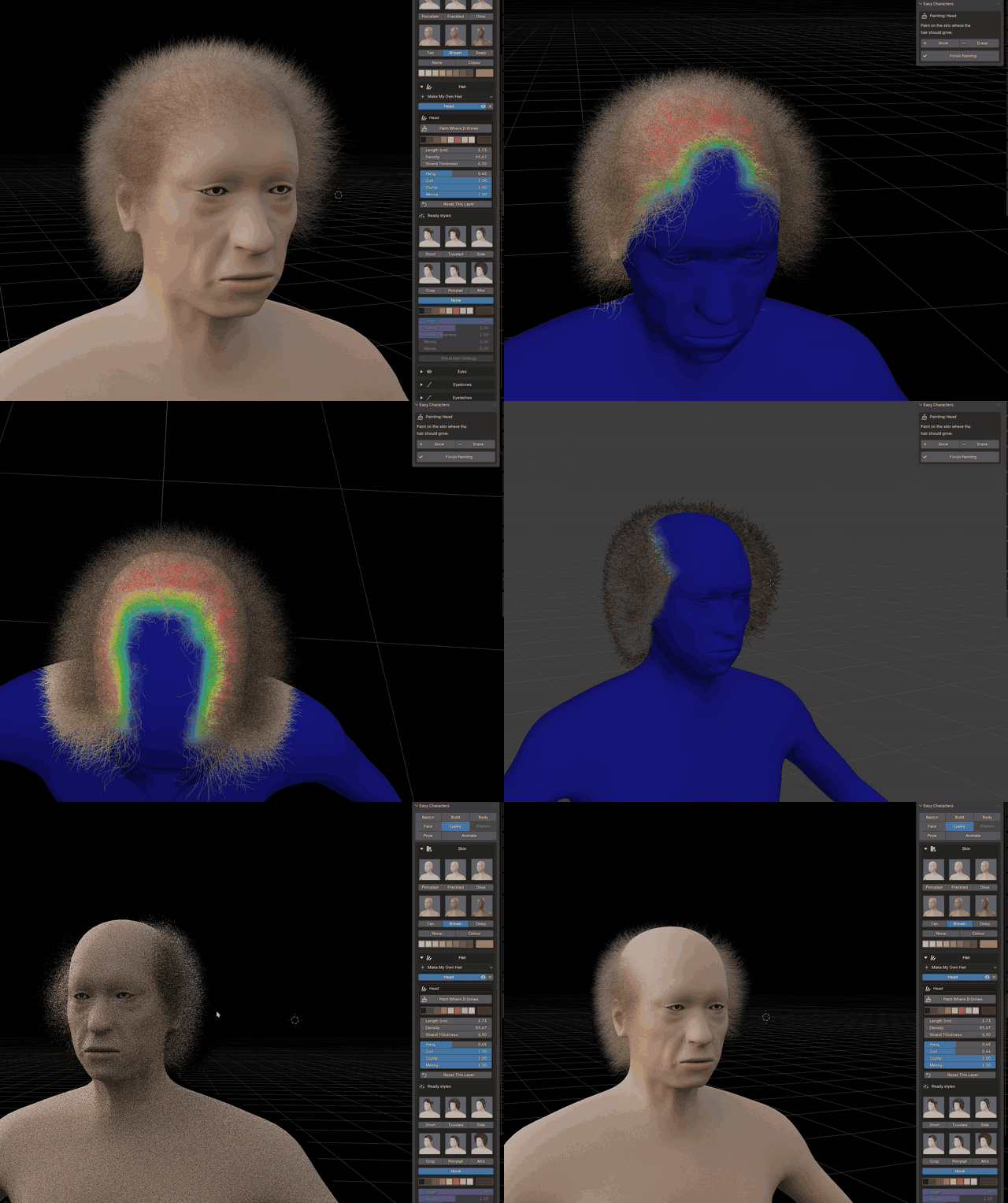
Erase works the same way. Here a full head of hair gets a bald top in a few strokes, painted in the rendered view:
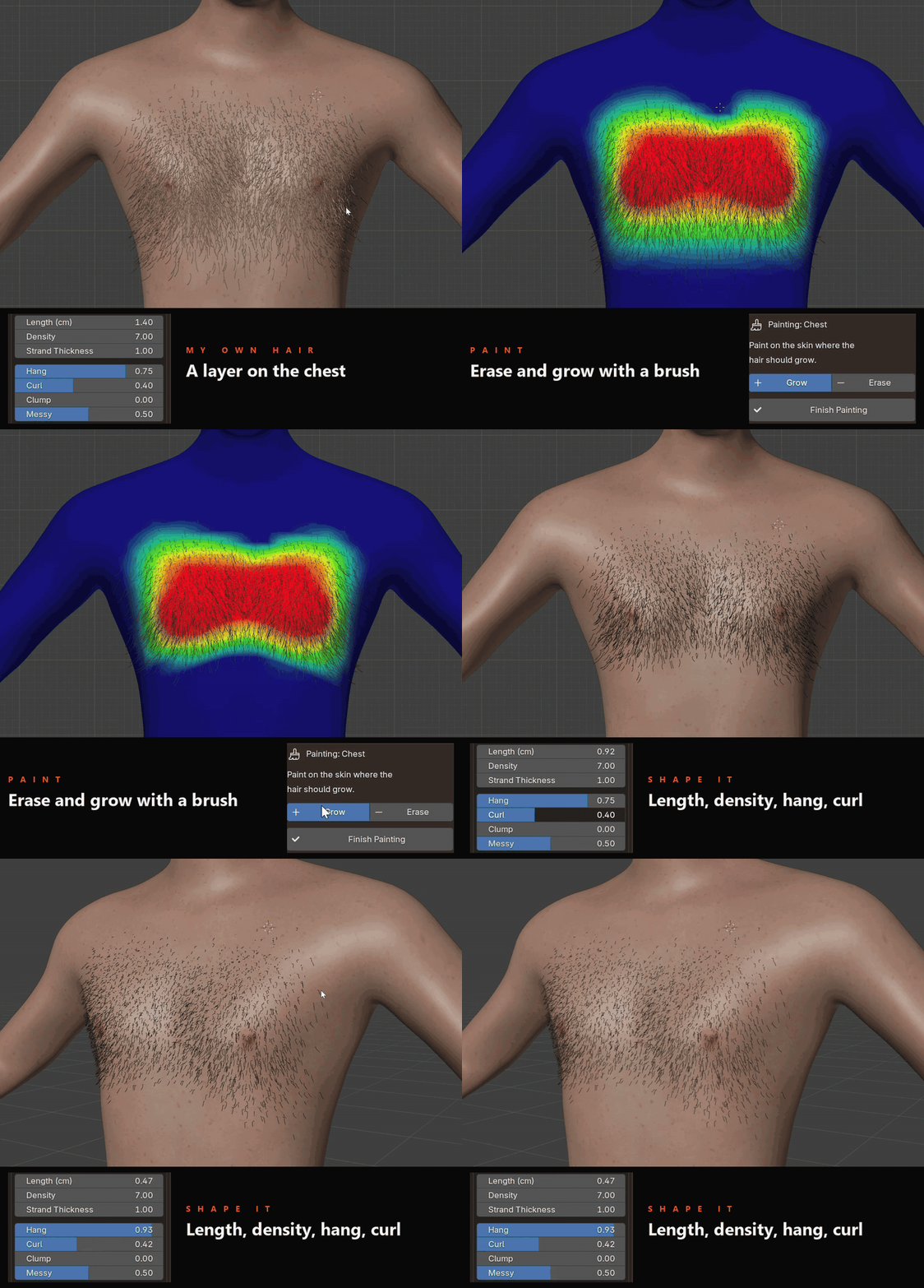
A ready layer is only a start. Here the Chest layer: some of it brushed away, some brushed on, then its length, density, hang and curl changed until it is the chest you had in mind:
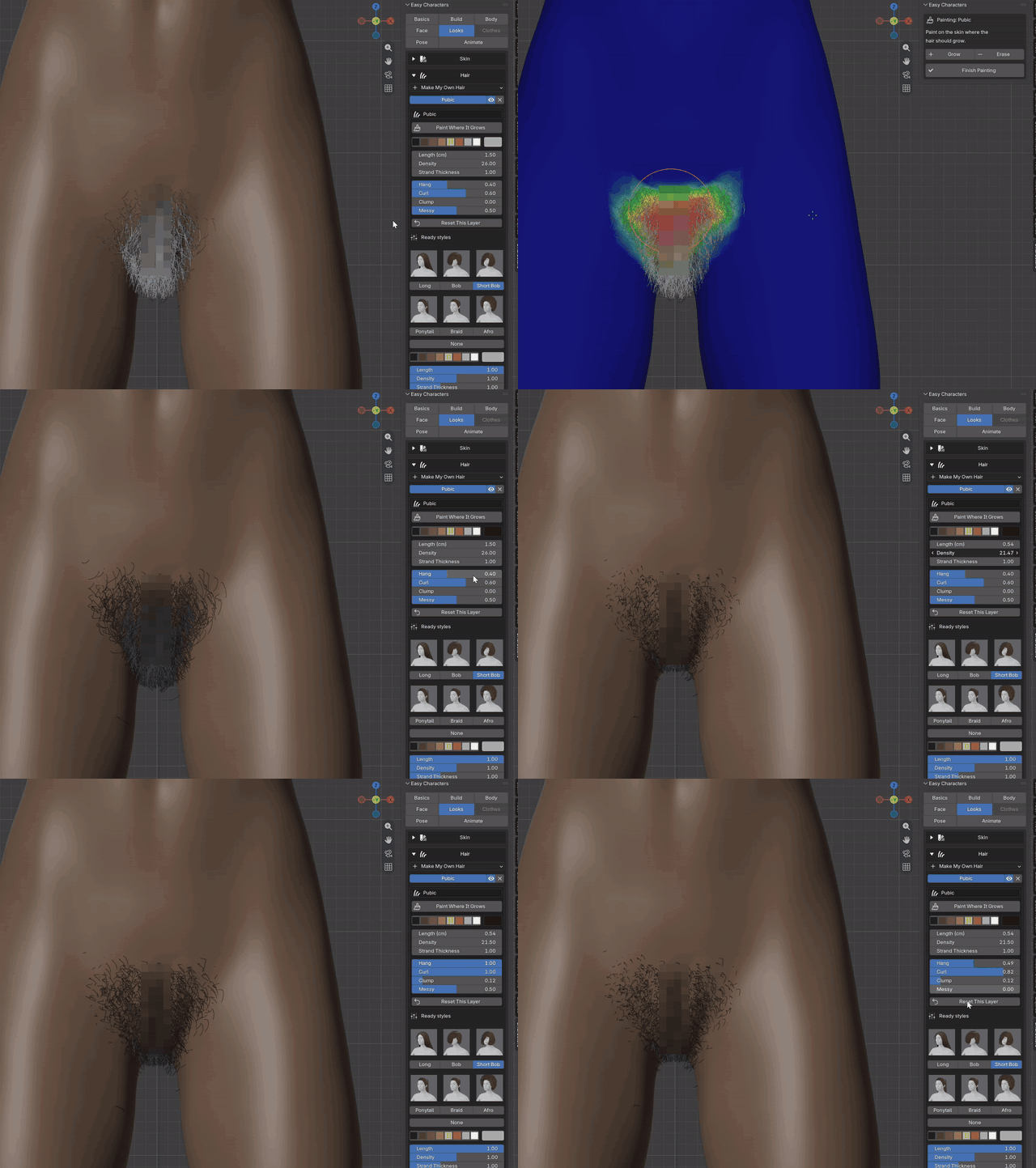
And every layer, ready or painted, answers to the same sliders. Here the Pubic layer: painted wider, then its colour, density, thickness and curl. (Pixelated on this page.)
12CLOTHES
Dress it. Any colour, any fabric.
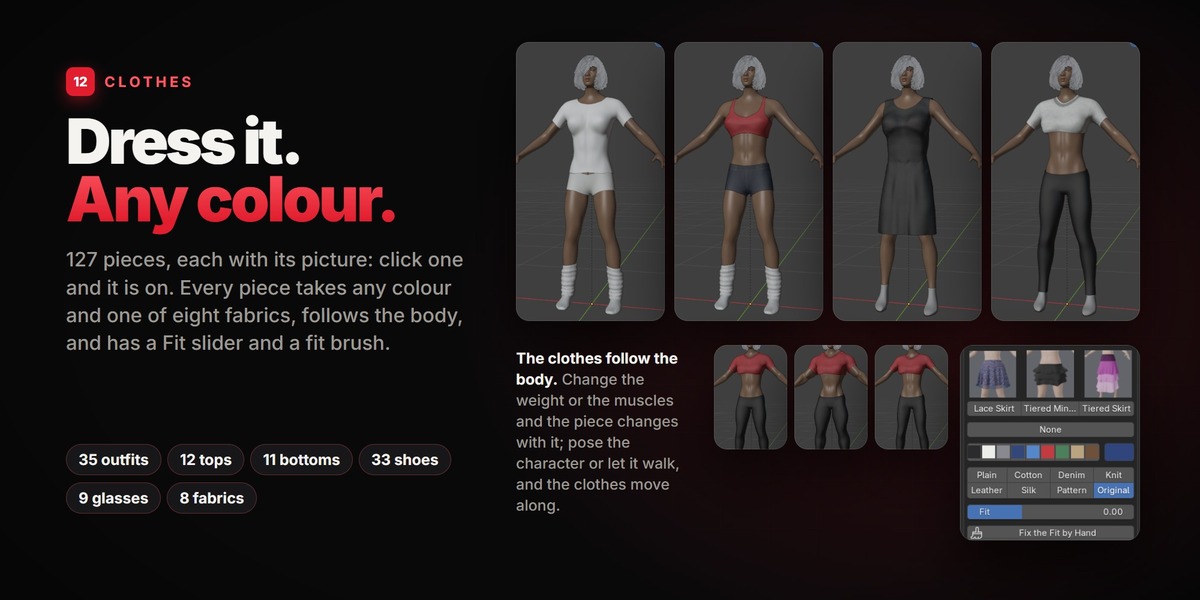
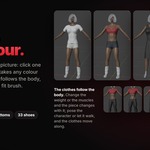
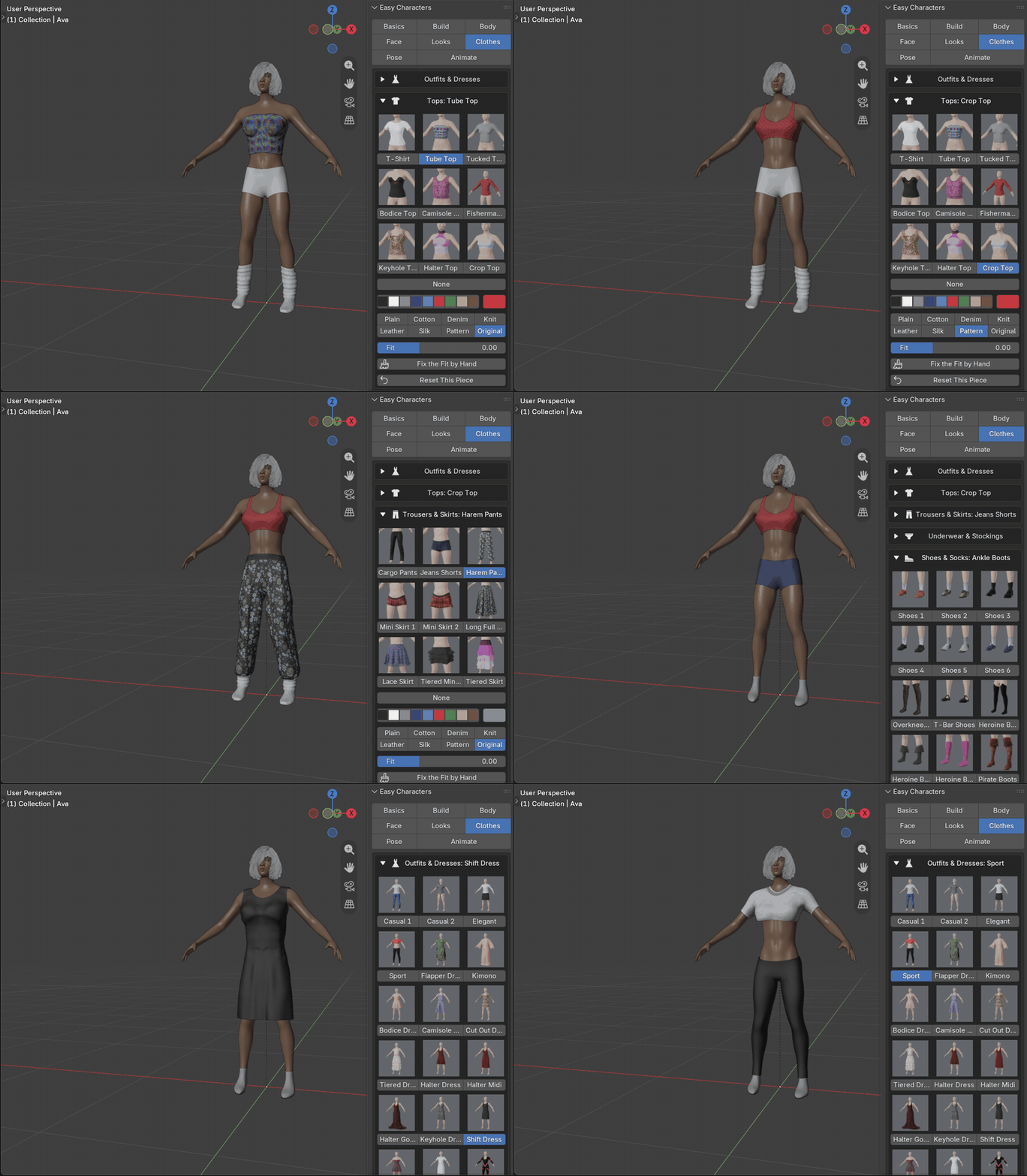
127 pieces, each with its picture: click one and the character has it on. Outfits are whole sets; tops and bottoms are worn together, with underwear, shoes, gloves and glasses on top of that. A piece comes in its own print; pick a colour and it takes any colour, in one of eight fabrics. Every piece has its own reset.
35 outfits & dresses12 tops11 trousers & skirts11 underwear & stockings33 shoes & socks16 gloves & sleeves9 glasses
PlainCottonDenimKnitLeatherSilkPatternOriginal
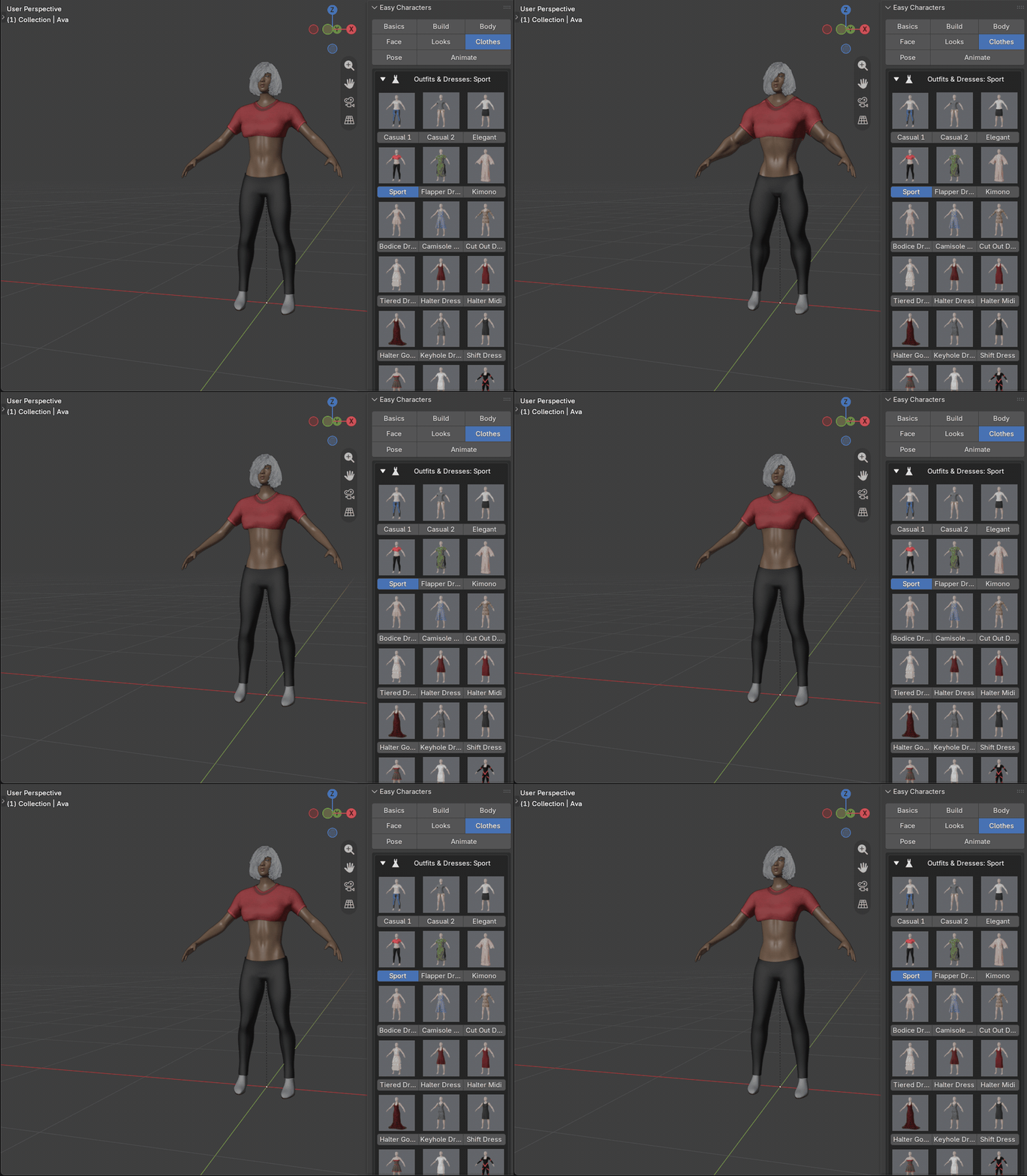
The clothes follow the body. Change the weight or the muscles and the piece changes with it; pose the character or let it walk, and the clothes move along.
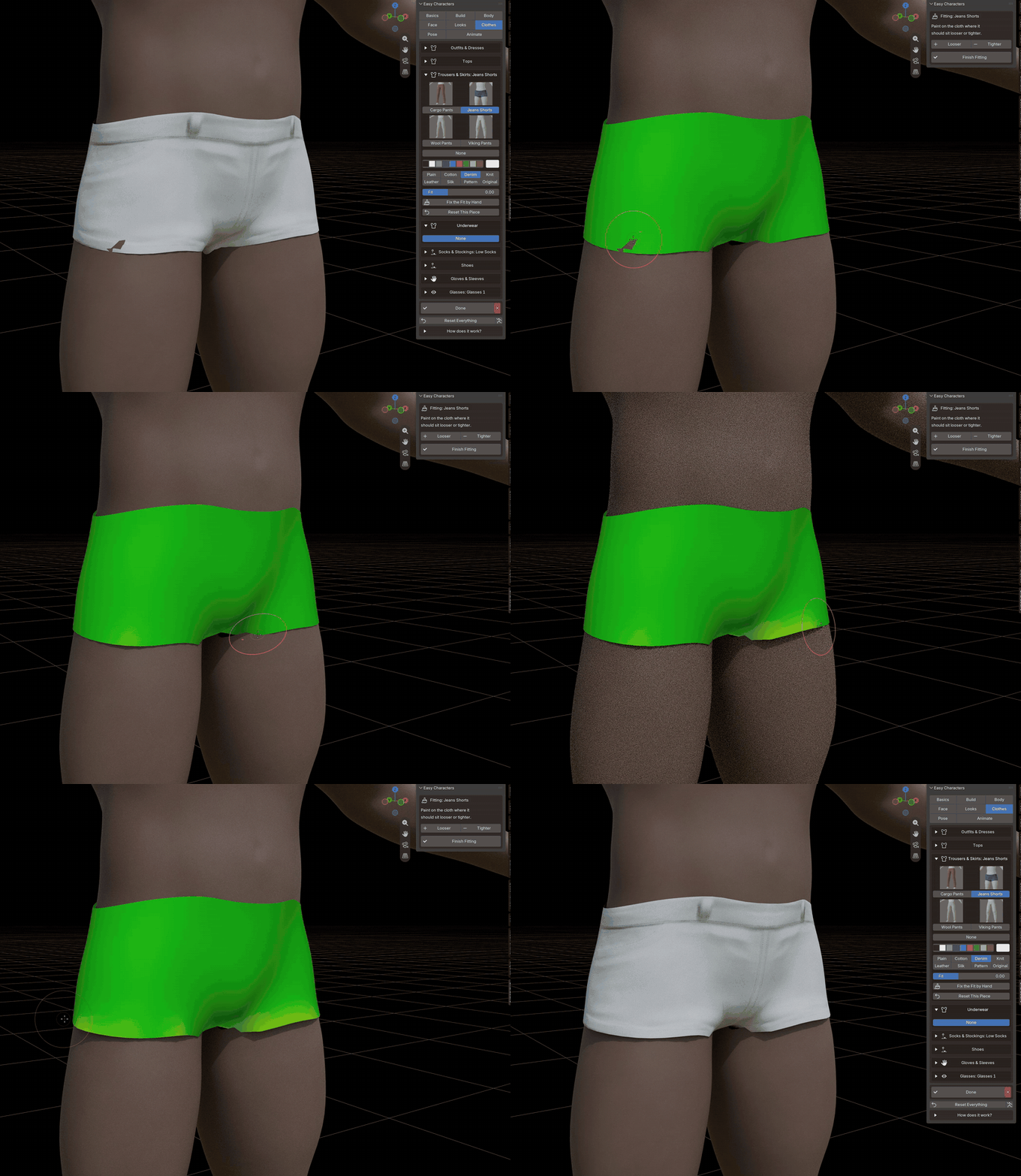
Too tight somewhere? The Fit slider makes a piece looser or tighter all over, and Fix the Fit by Hand lets you brush on the cloth exactly where it should stand off the body more, or less.
13POSES
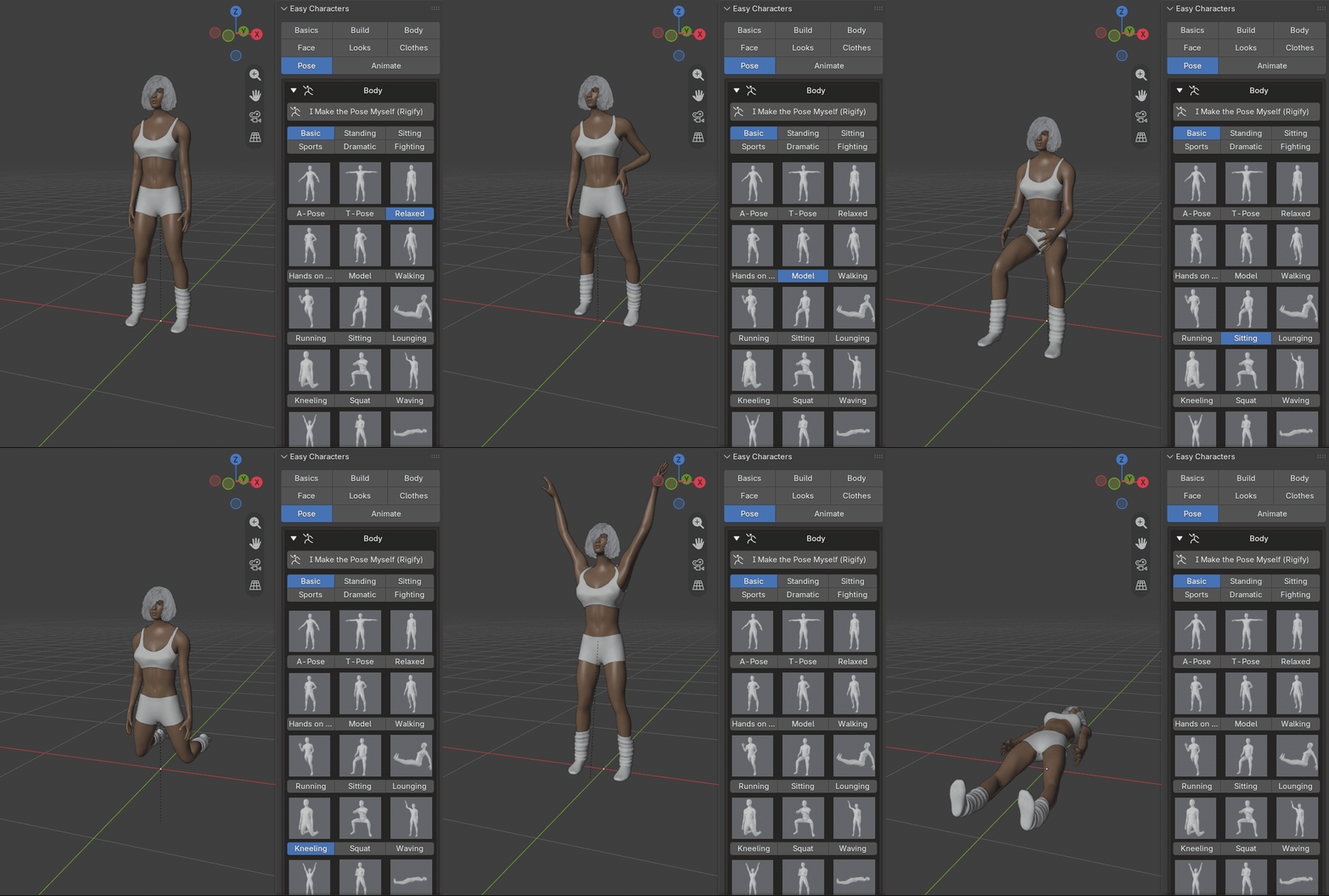
115 body poses.
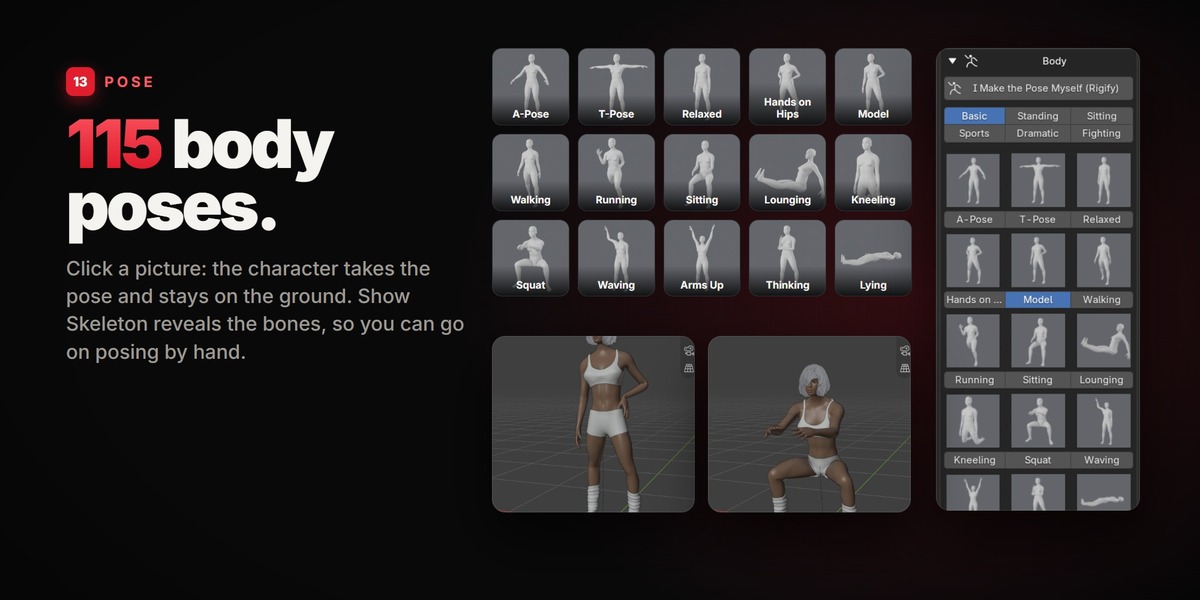
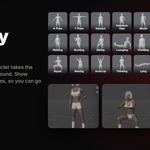
Fifteen basic ones (relaxed, hands on hips, model, walking, running, sitting, lounging, kneeling, squat, waving, arms up, thinking, lying) and 100 more in five groups: standing, sitting, sports, dramatic and fighting. Click a picture: the character takes the pose and stays on the ground. A pose makes room for the body it is put on: on a broad chest or a big belly the arms are held as far out as that body needs.
14YOUR OWN POSE
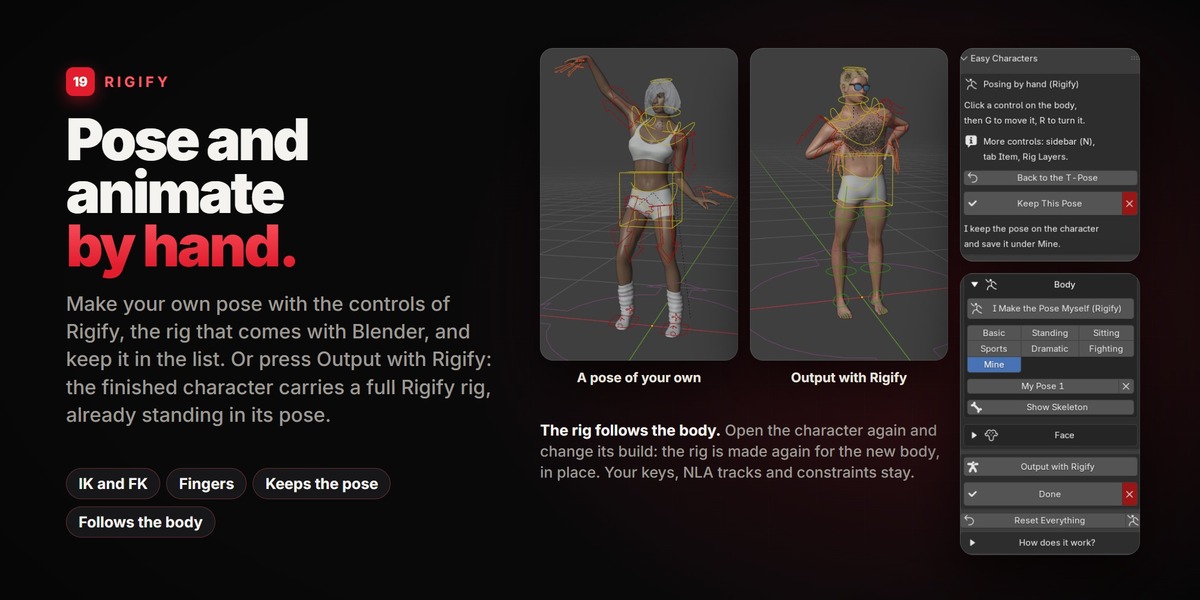
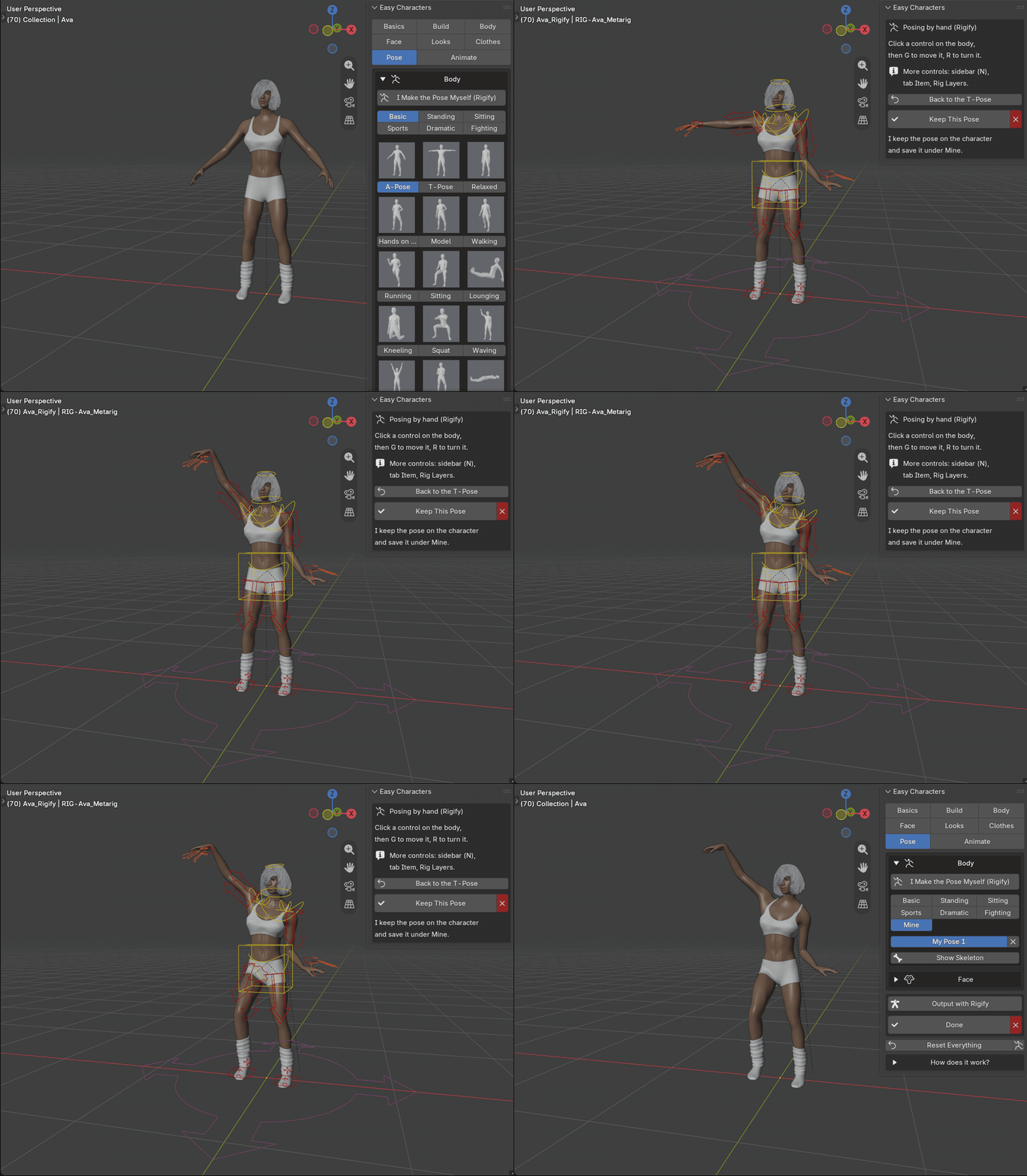
Pose it yourself, with Rigify.
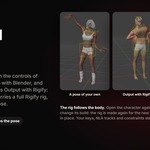
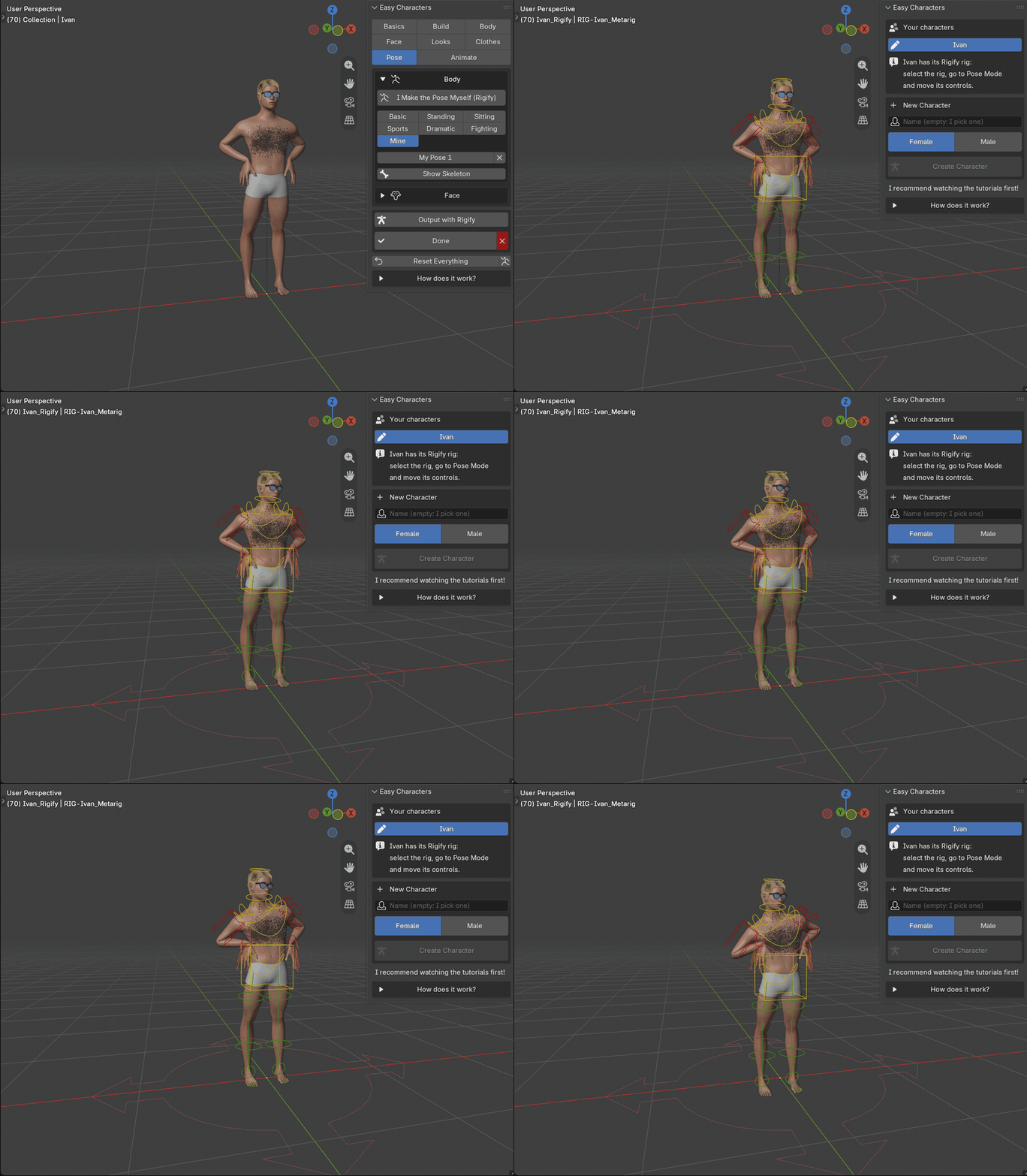
None of the 115 is the one you want? Press I Make the Pose Myself (Rigify). The character goes into the T-pose and gets the controls of Rigify, the rig that comes with Blender: grab a hand, a foot, the chest or the head and move it. Keep This Pose puts the pose on the character and saves it under Mine, where every character of the file can use it. The controls disappear again; nothing is left in your scene.
15FACE EXPRESSIONS
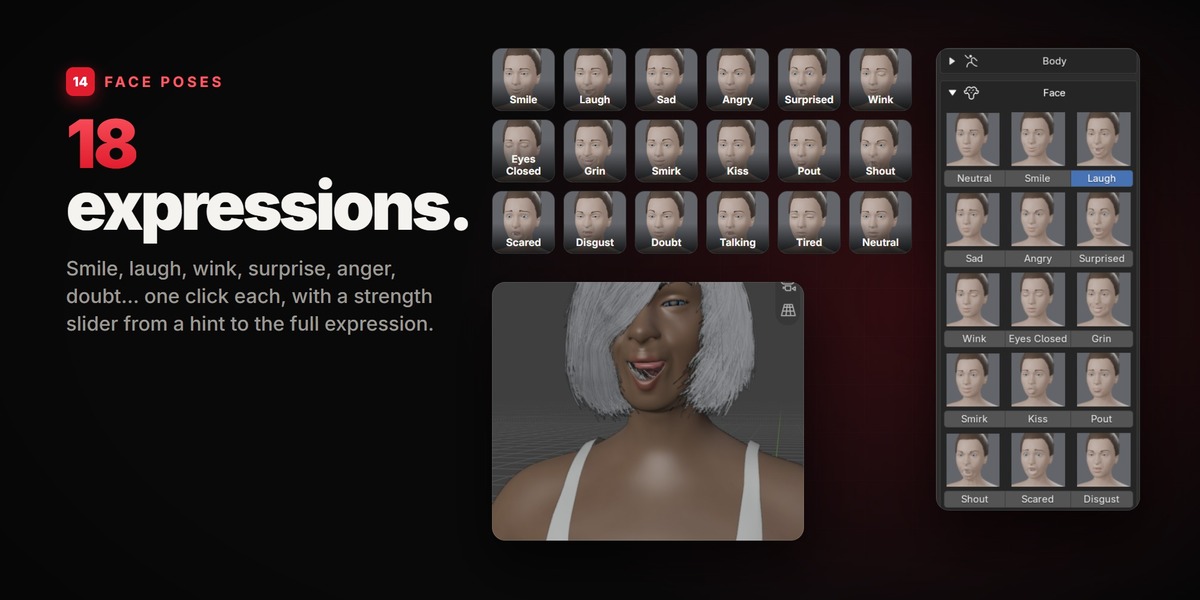
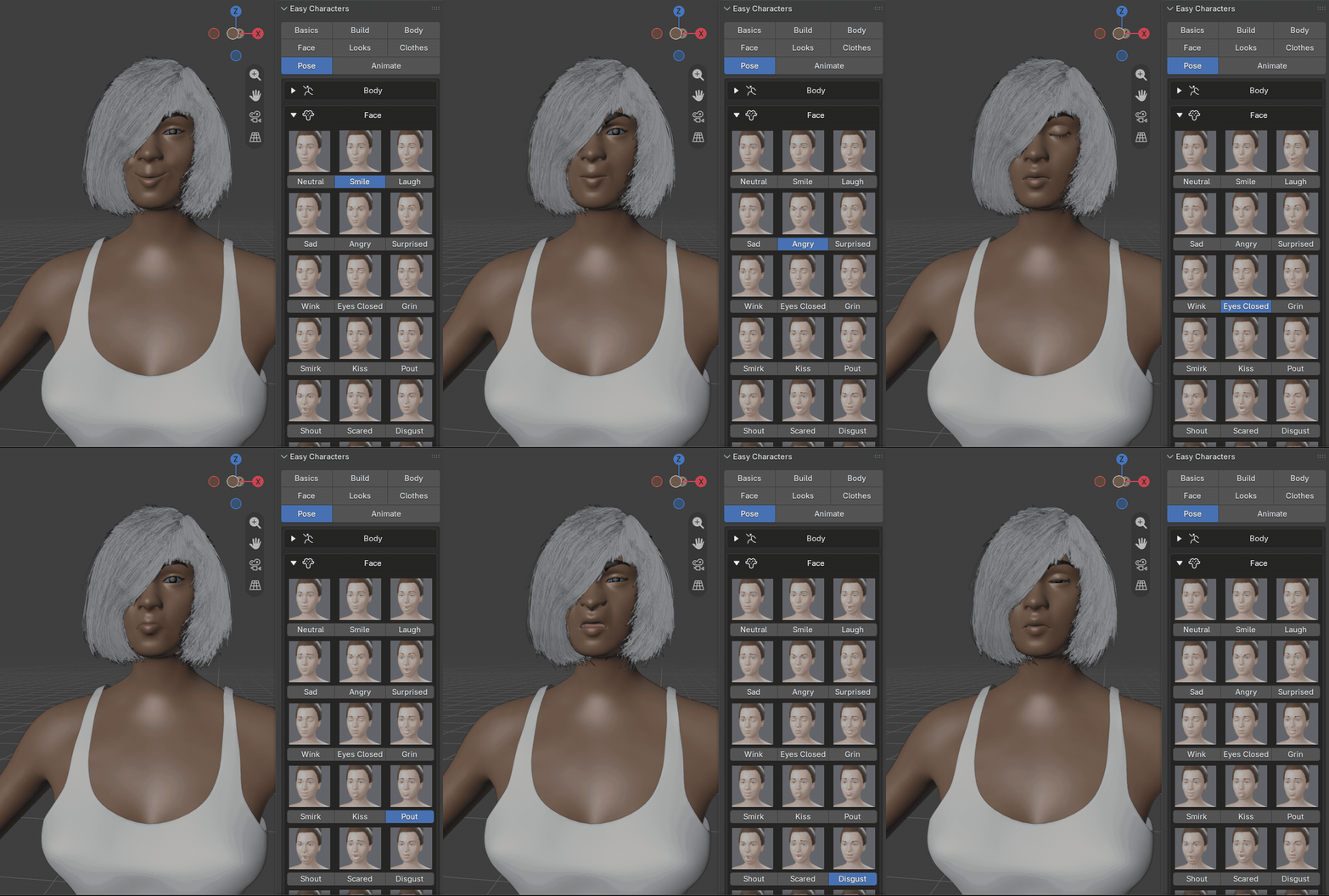
18 expressions.
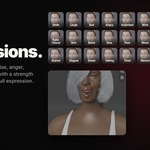
Smile, laugh, sad, angry, surprised, wink, eyes closed, grin, smirk, kiss, pout, shout, scared, disgust, doubt, talking, tired. One click each, with a Strength slider from a hint to the full expression.
16ANIMATION
Animation without keys.
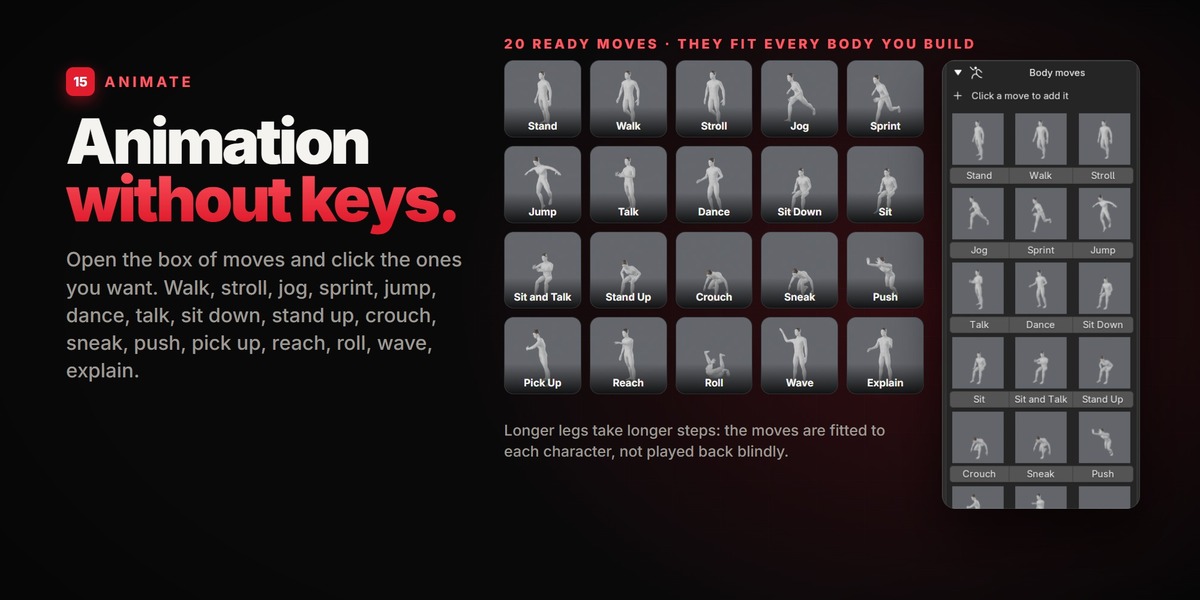
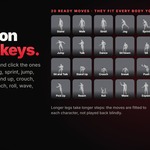
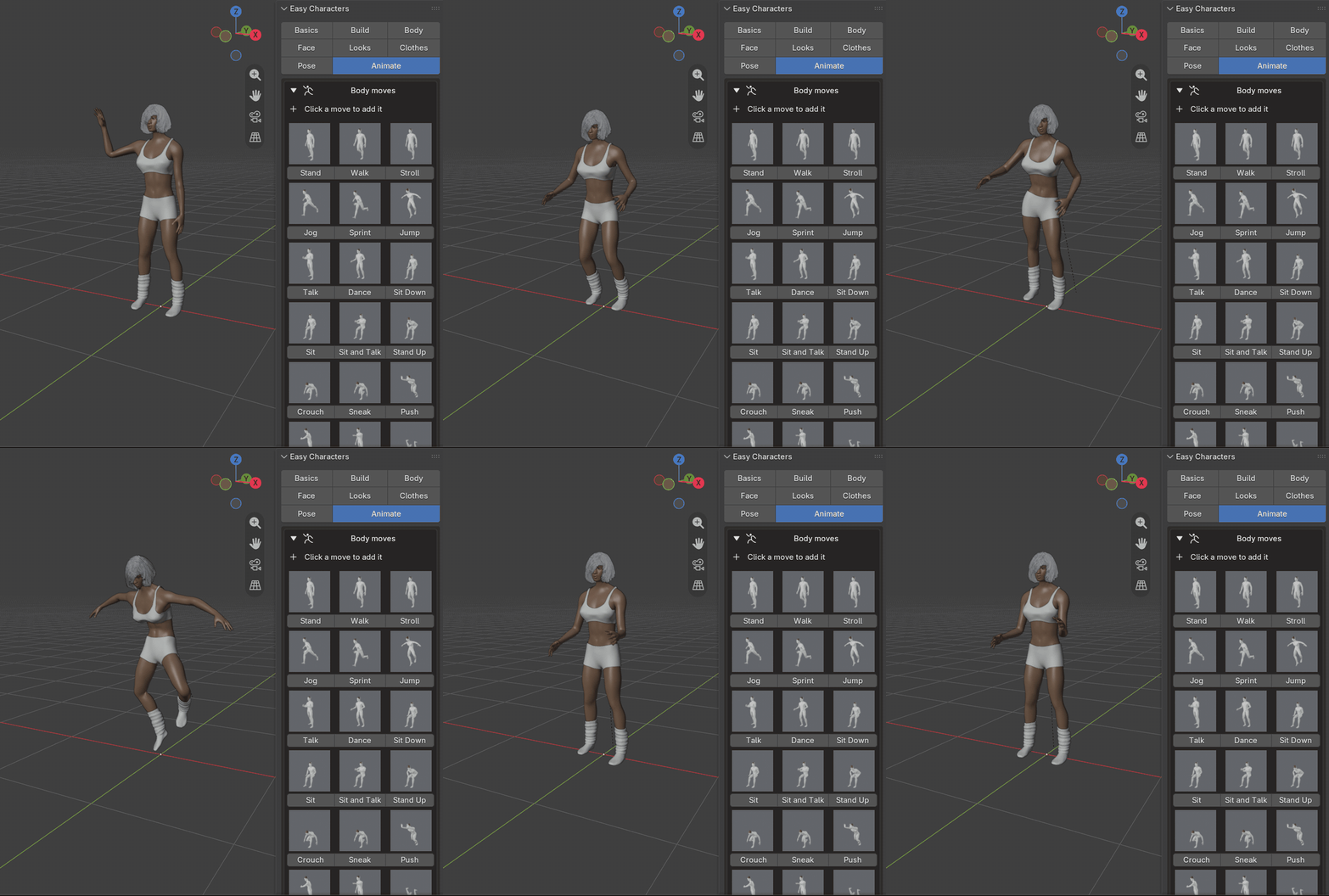
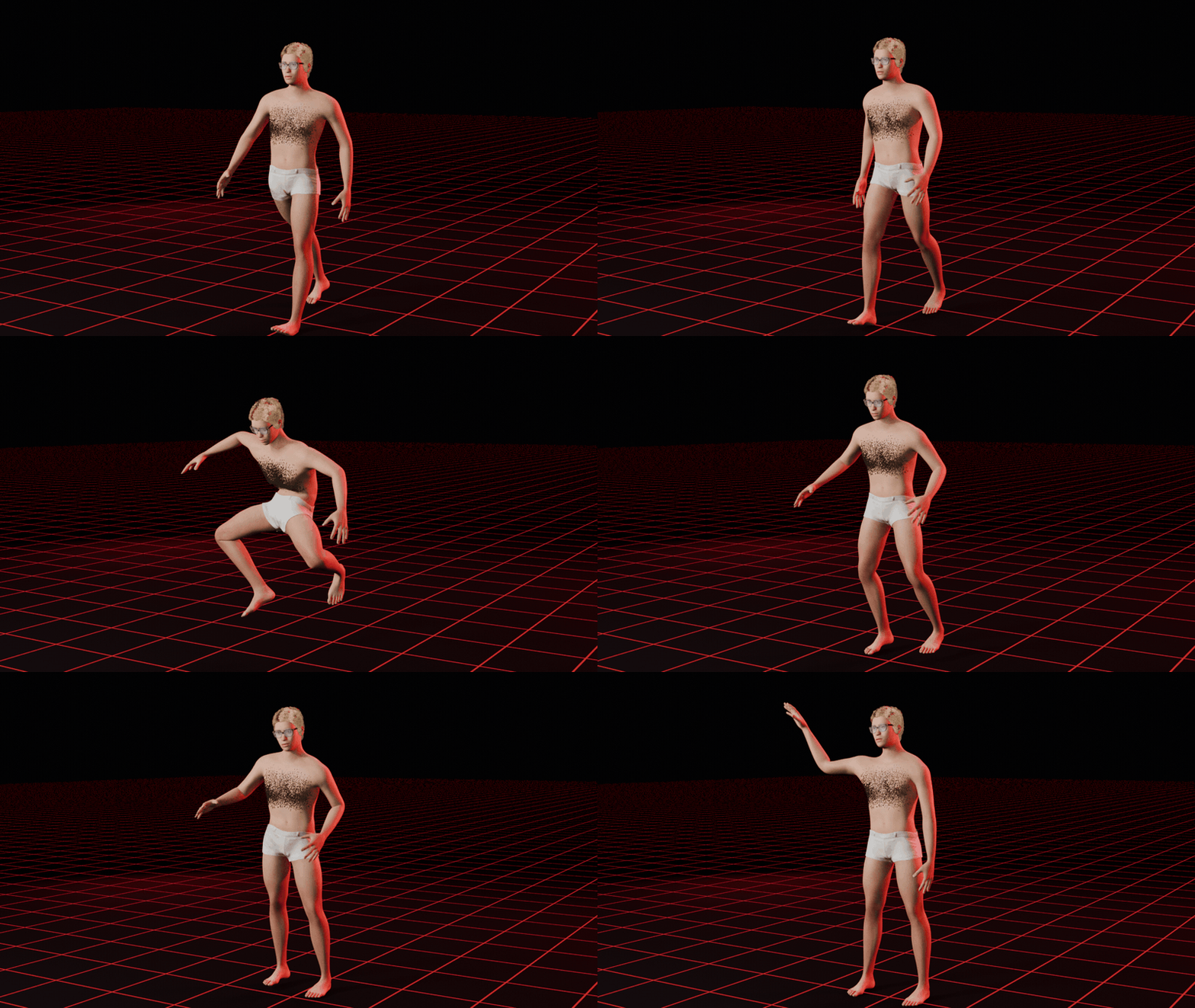
Open the box of moves and click the ones you want. 20 ready moves, and they fit every body you build: longer legs take longer steps.
StandWalkStrollJogSprintJumpTalkDanceSit DownSitSit and TalkStand UpCrouchSneakPushPick UpReachRollWaveExplain
17CHAIN THE MOVES
One after the other.
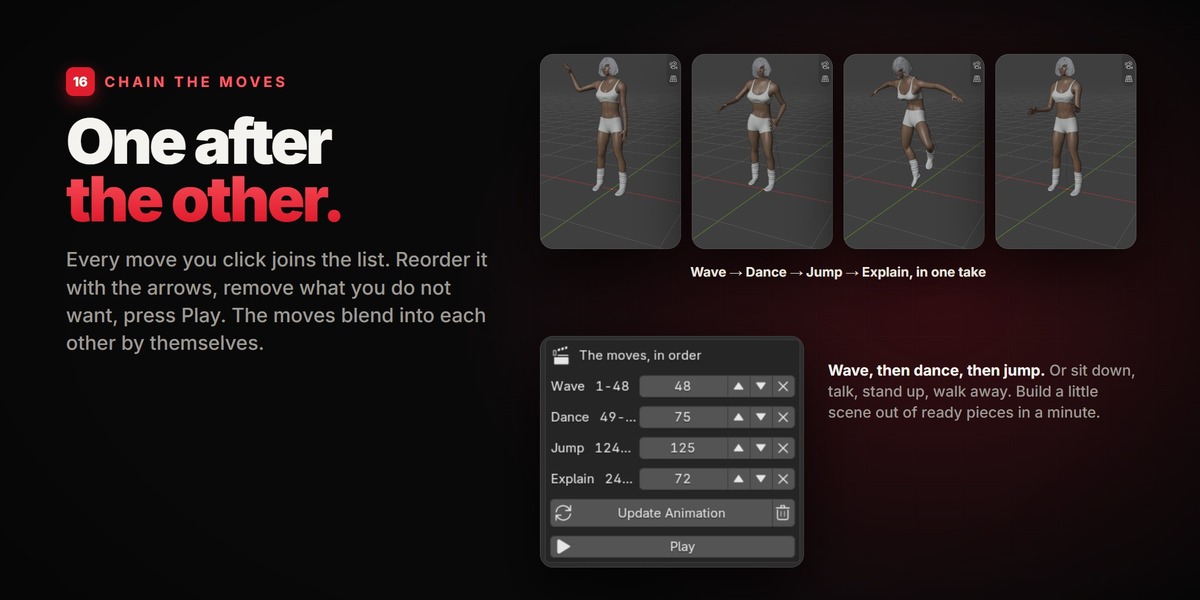
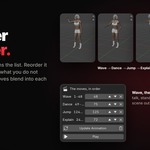
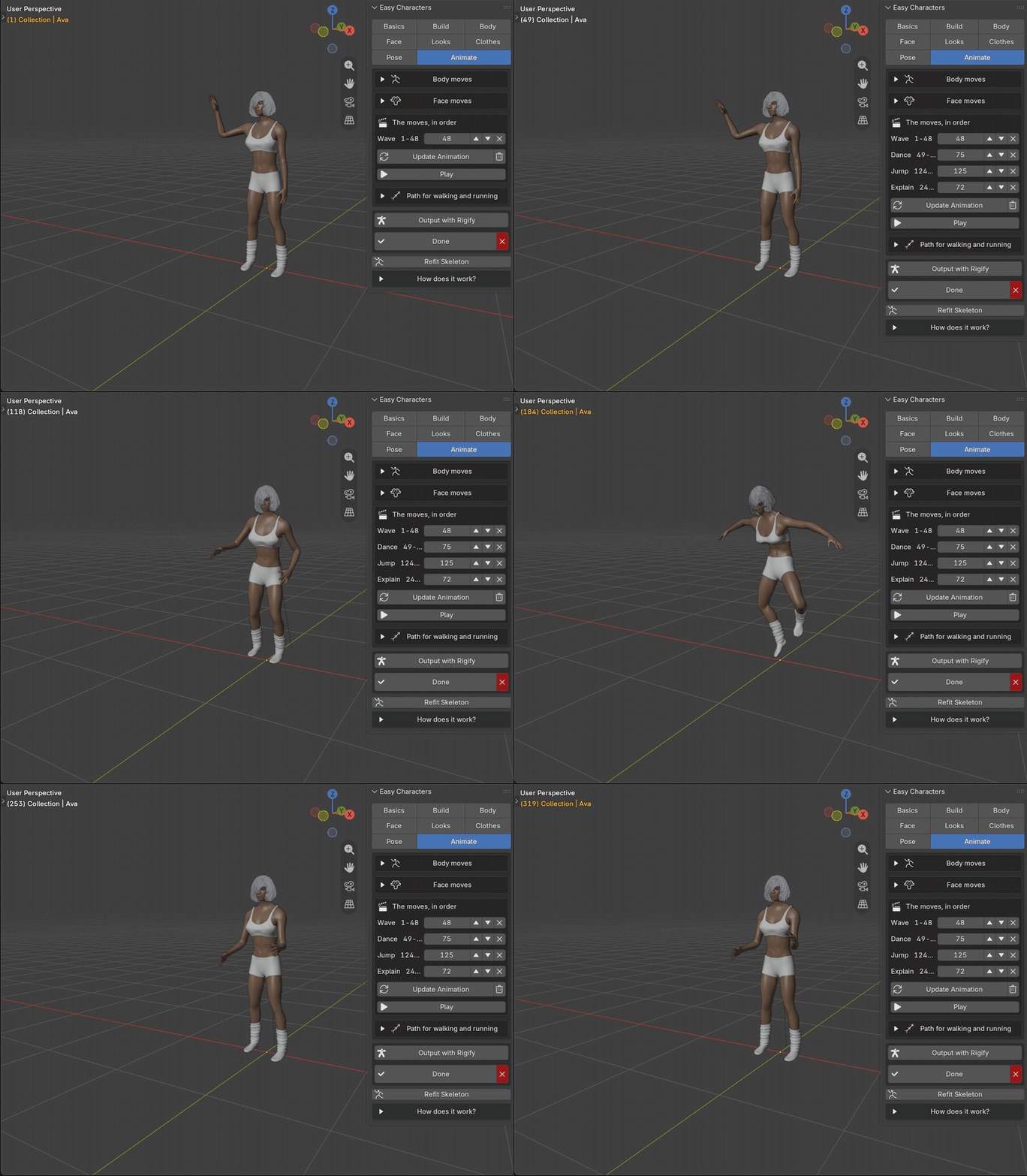
Every move you click joins a list. Reorder it with the arrows, remove what you do not want, press Play. The moves blend into each other by themselves. Wave, then dance, then jump; or sit down, talk, stand up and walk away: a little scene out of ready pieces, in a minute.
18AS LONG AS YOU WANT
Set the frames.
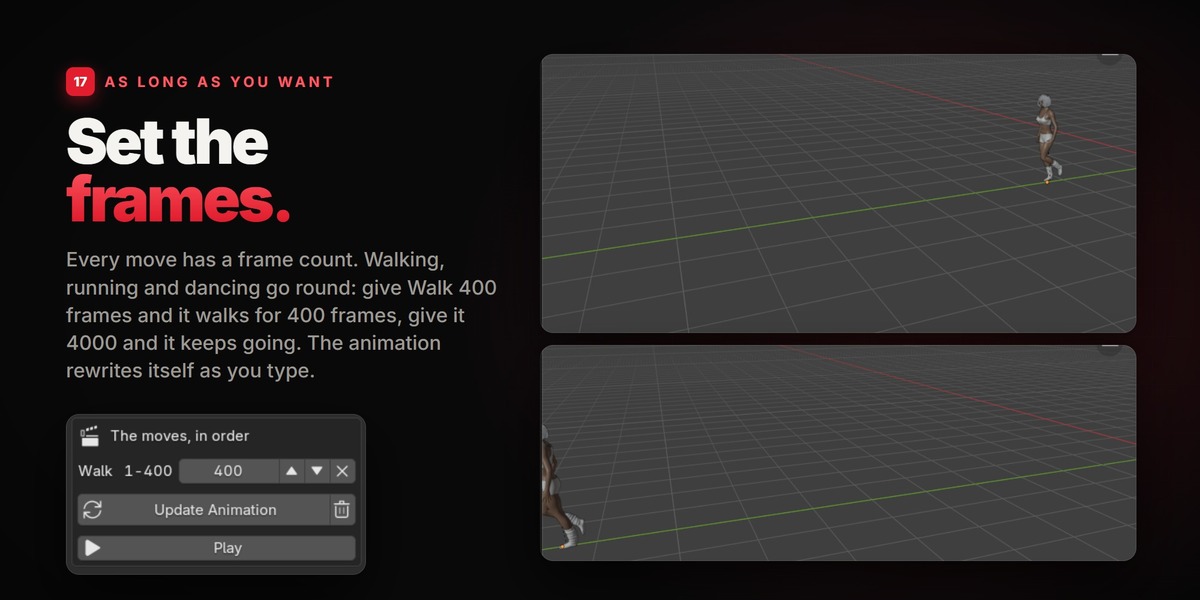
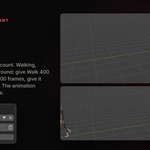
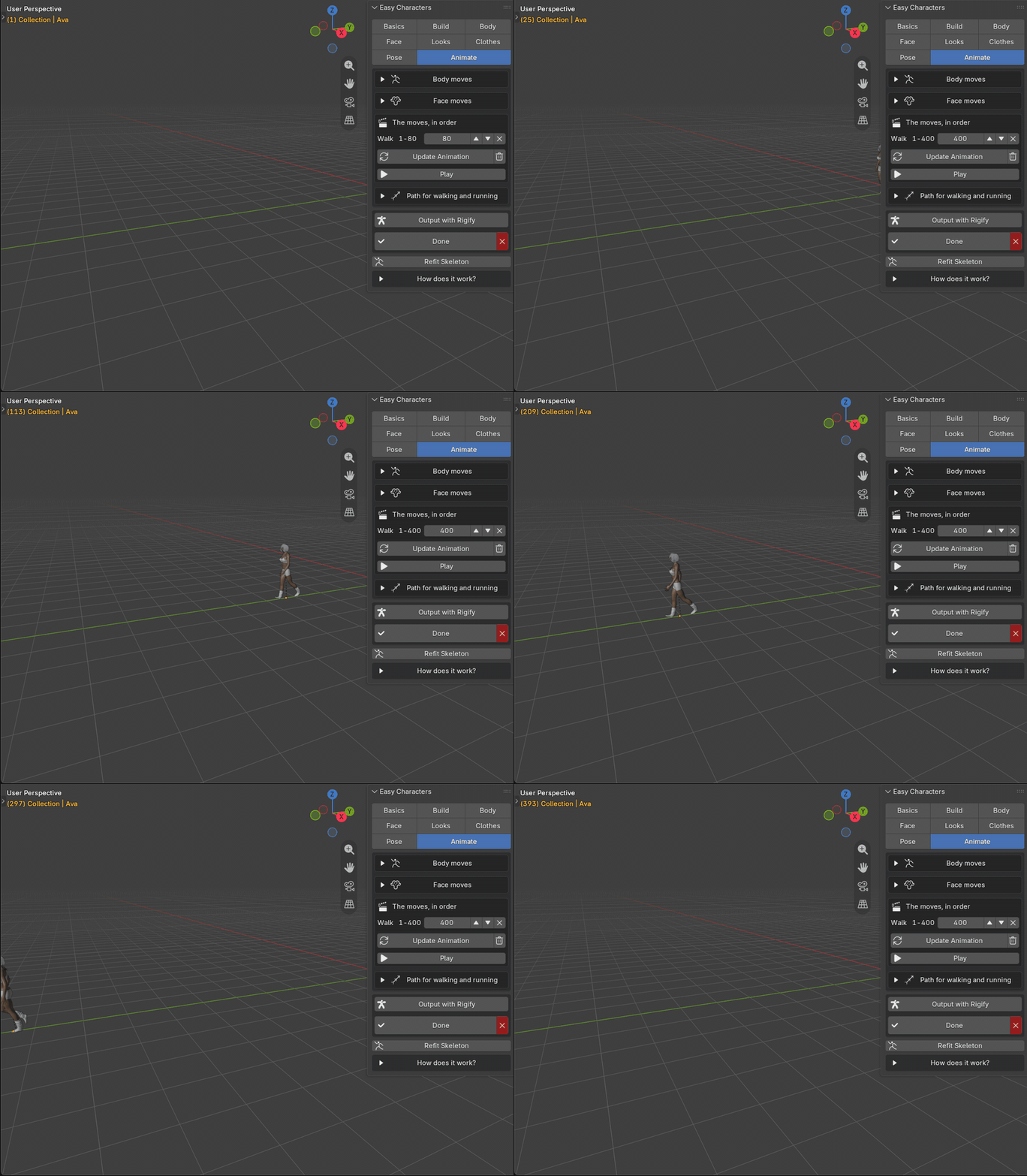
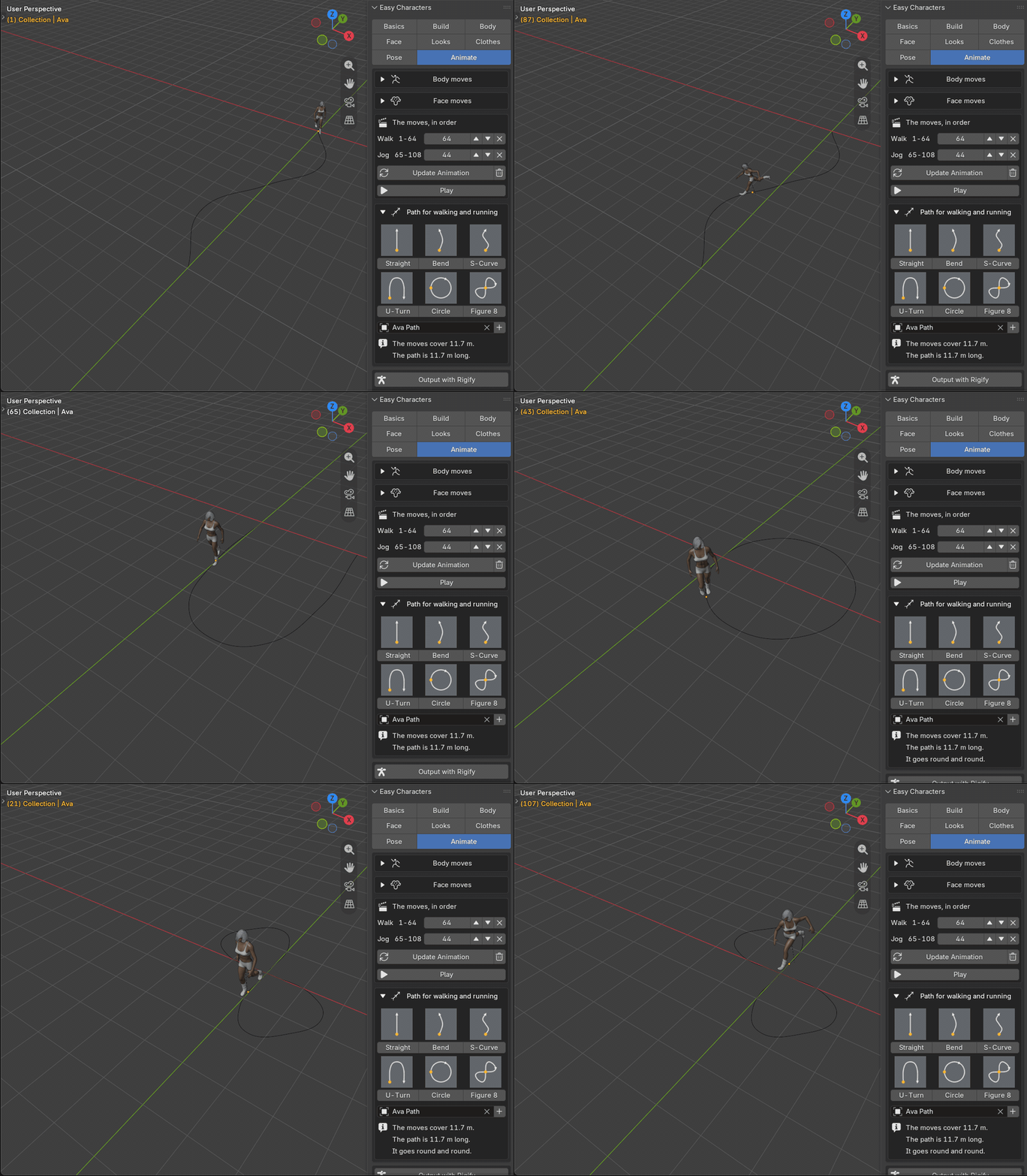
Every move has a frame count. Walking, running and dancing go round: give Walk 400 frames and it walks for 400 frames, give it 4000 and it keeps going. The animation rewrites itself as you type.
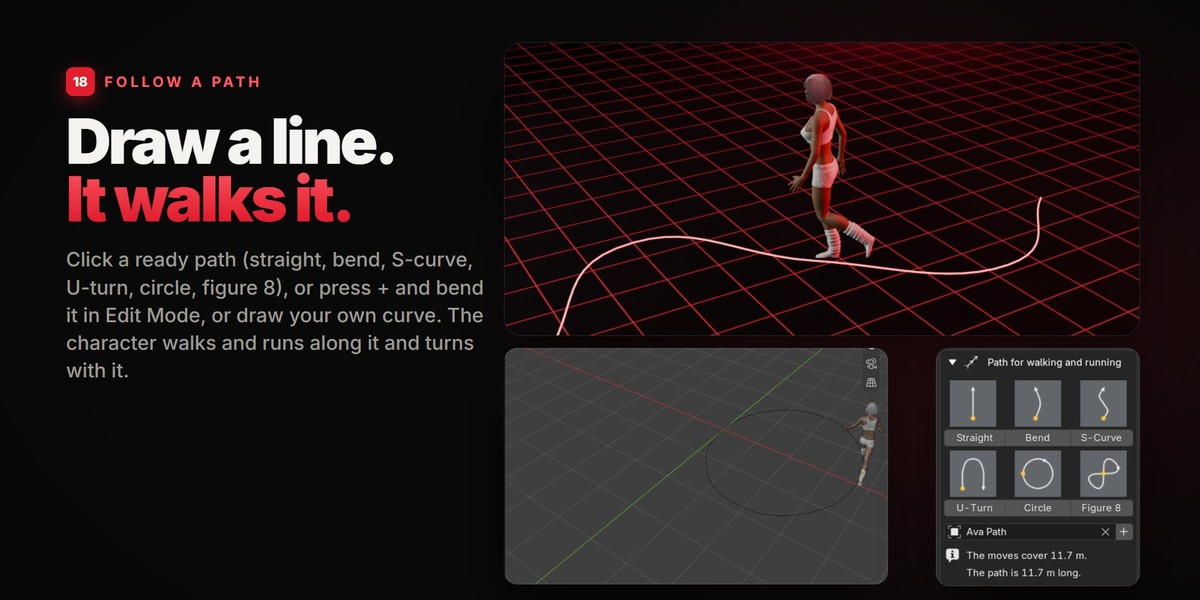
19FOLLOW A PATH
Draw a line. It walks it.
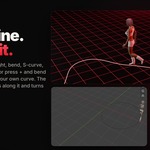
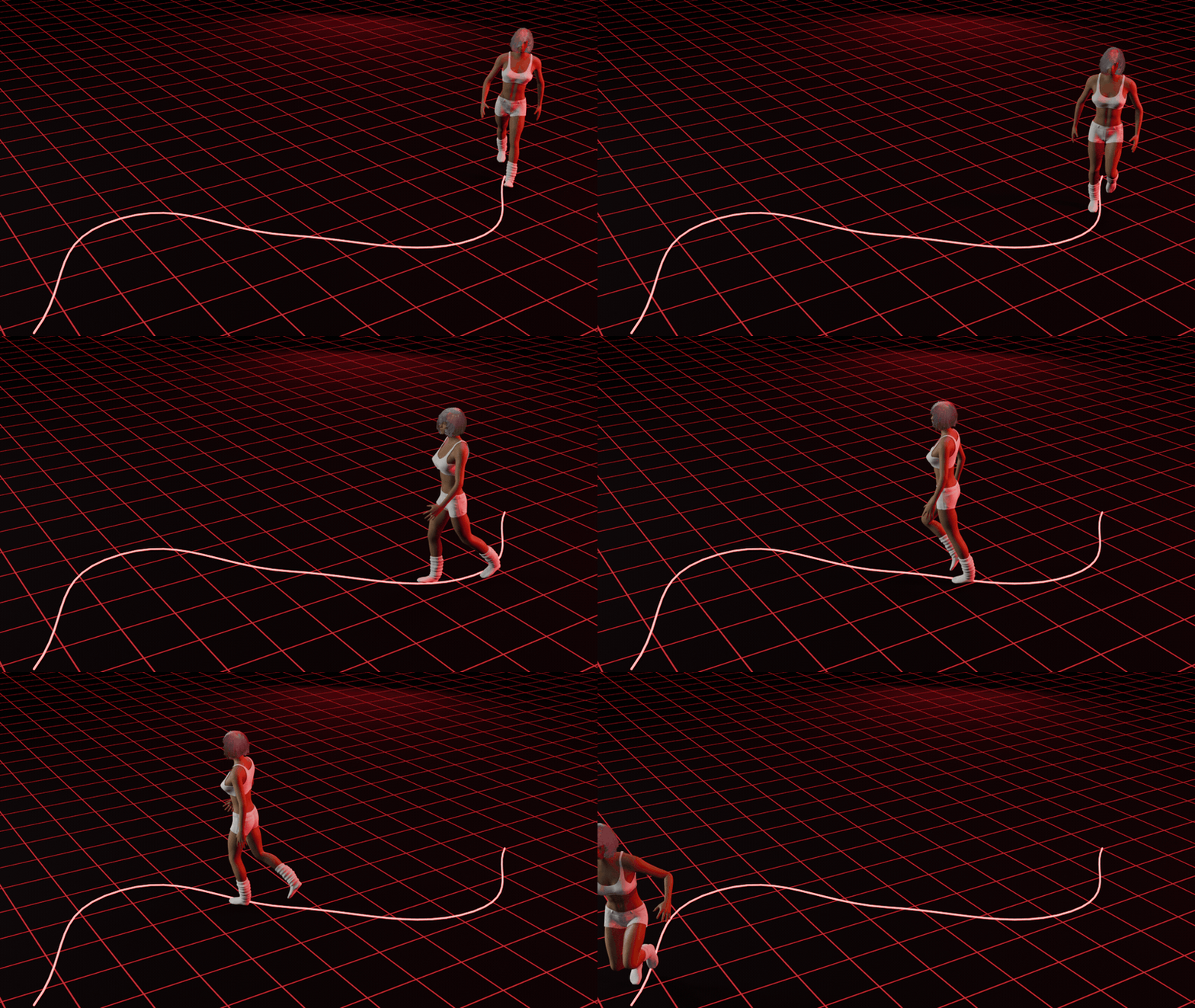
Click a ready path and it appears under the character, as long as your moves carry it. Or press + and bend the path in Edit Mode, or draw your own curve. The character walks and runs along it and turns with it; on a closed path, like the circle, it goes round and round.
StraightBendS-CurveU-TurnCircleFigure 8+ your own curve
20RIGIFY
Animate it yourself.
The ready moves are a shortcut, not a cage. Right above Done there is Output with Rigify: the character is finished with a full Rigify rig on it, already standing in the pose you gave it. IK and FK arms and legs, fingers, torso and head: pose it, key it, use the NLA, exactly as with any Rigify rig.
It keeps the pose The pose the character holds is handed to the controls of the rig. |
It follows the body Open the character again and change its build: the rig is made again for the new body, in place. |
Your work stays Keys, NLA tracks, constraints and what you parented to the rig survive that. |
One click back Remove the rig and the character is a plain Easy Character again. |
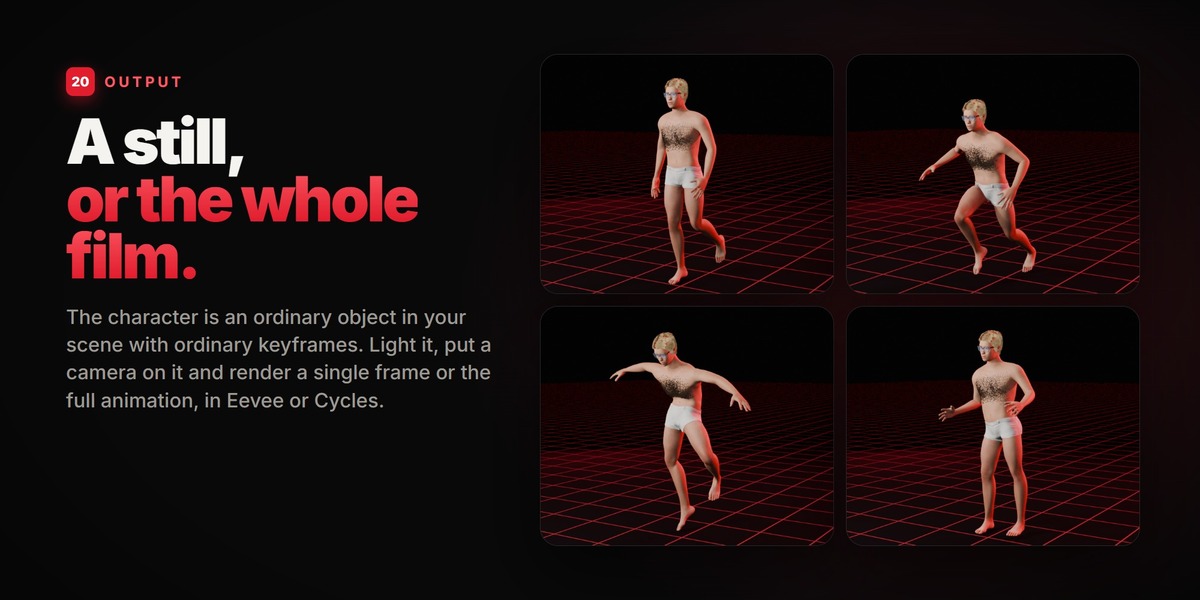
21OUTPUT
A still, or the whole film.
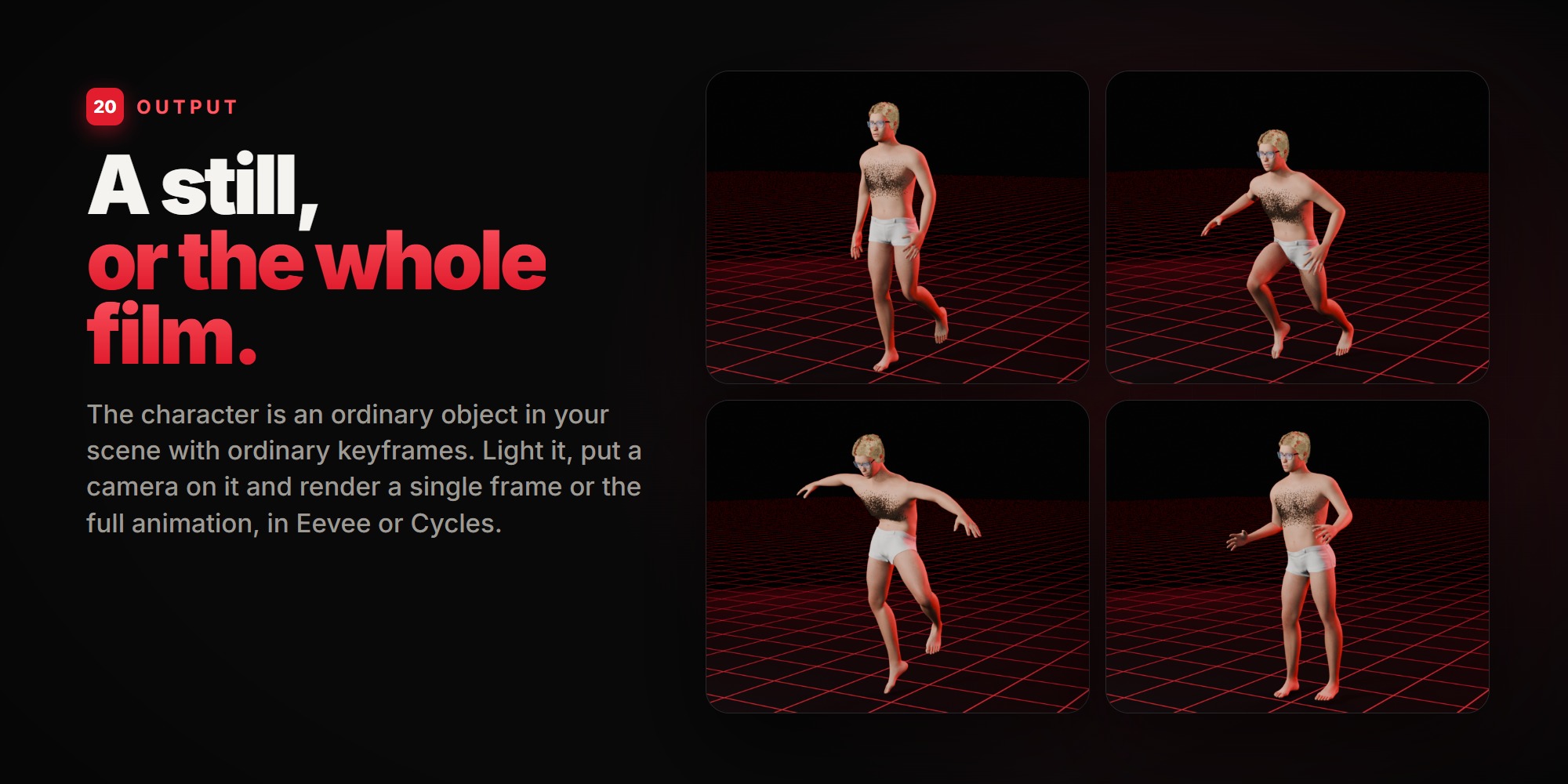
The character is an ordinary object in your scene with ordinary keyframes. Light it, put a camera on it and render a single frame or the full animation, in Eevee or Cycles. Everything is also shown in the plain solid viewport while you work.
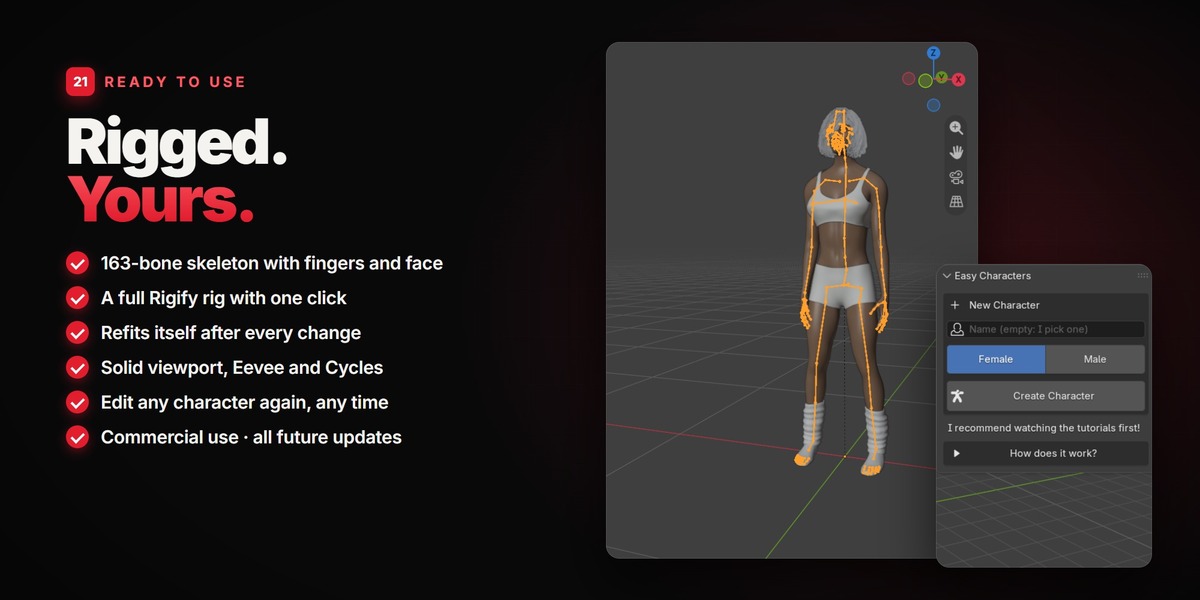
What you get
A full character Body, eyes, teeth, tongue, eyebrows, eyelashes and hair, all made for each other. |
A 163-bone skeleton Fingers, face and toes, with skin weights. It is fitted to the body again after every change. |
A Rigify rig, if you want one One button gives the finished character the full control rig that ships with Blender. |
Any number of characters In one scene, each with its own name, each editable again at any time. |
All future updates Included in both variations. |
GOOD TO KNOW
- The clothes were made for an average body. They follow every shape, but on a very heavy or very muscular body a piece can need the Fit slider or a few strokes of the fit brush. There are no hats.
- Face animation over time (blinking, smiling) is planned as well. Talking moves already open and close the jaw.
- Hair is not simulated: it moves with the head and the body.
- Exporting (FBX, glTF)? Press Done first, then tick "Visible Objects" in the exporter: a dressed character keeps one hidden helper object that the clothes rest on.
- The look is clean and realistic, not photoreal: the skins are painted, not scanned.
REQUIREMENTS & INSTALL
Blender 5.2 or newer (built on 5.2 LTS, also tested on the 5.3 beta). Windows, macOS and Linux. Nothing else to install: Rigify comes with Blender. Drag the .zip into the 3D viewport (or Edit > Preferences > Get Extensions > Install from Disk), then open the Characters tab in the sidebar (N).
LICENCE & CREDITS
The add-on is GPL. Everything you make with it is yours, for personal and commercial work. The base body, its shapes and its skeleton come from the MakeHuman project; the clothes, the fine eyebrows, most of the skins and 100 of the poses were made by members of its community; the recorded moves are from the Universal Animation Library by Quaternius. All of it was released into the public domain (CC0). The hair is grown with the hair node groups that ship with Blender.
Made by Armin5D