Easy Driver
 NeoEmberArts


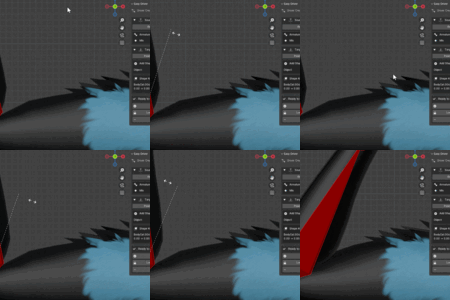
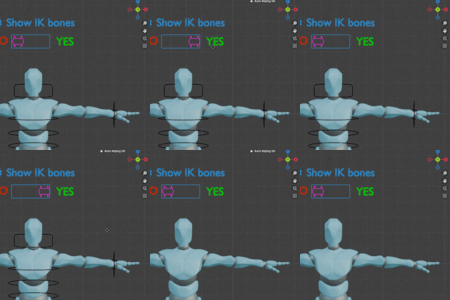
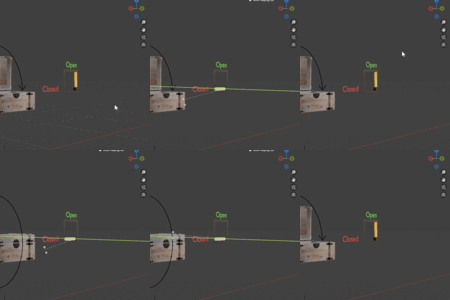
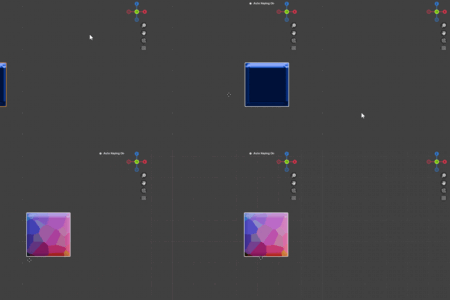
What exactly does EasyDriver do?
EasyDriver automates the process of creating Blender drivers. It records how a bone/object moves and then automatically creates a driver with the right axis, min/max range, and clamping — no math or manual setup needed.
What all can it drive?
All tested properties include "Custom Poses", "Shapekeys", "Bone visibility toggles", "object visibility toggles", "Most shader node properties". Most other properties have loose support but may work!
Is there a way to undo what EasyDriver did?
Yes. Ctrl+Z works as well as the "Remove drivers" button
Can I still edit or fine-tune the drivers afterwards?
Yes. All the drivers it creates are standard Blender drivers. You can tweak their settings, expressions, or remove them entirely. And the plugin makes it super easy to tweak and remove after you created a driver!
Do I need to know how drivers work in Blender?
No. That’s the point! EasyDriver sets them up for you. If you’re a beginner, you can just record movements and EasyDriver handles the technical side, all the math, and the numbers
How to record min and max position of a bone thats in an IK chain?
Turn off IK and record min/max. Once the driver is created you can turn your IK back on!
Discover more products like this
3d rigging blender BlenderDrivers BlenderRigging 3D rigging rigging blenderaddons