Easy Driver
 NeoEmberArts


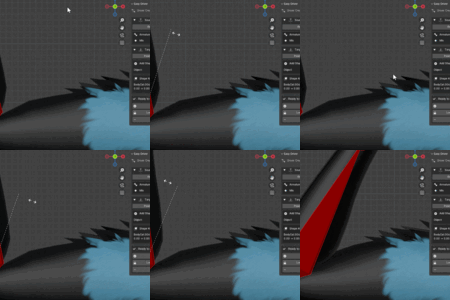
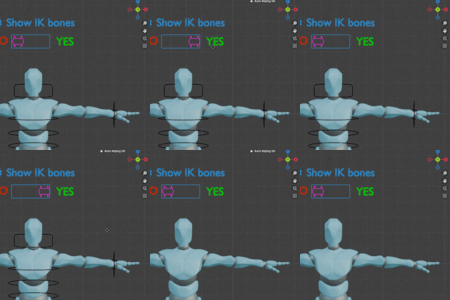
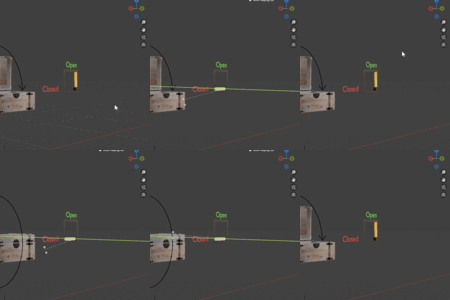
1. Choose a Source
-
Select the bone or object whose motion you want to use as the driver.
2. Record Min/Max
Move the source to its minimum rotation or position and hit record min
Move the source to its maximum rotation or position and hit record max
Move the source to its minimum rotation or position and hit record min
Move the source to its maximum rotation or position and hit record max
EasyDriver automatically detects the axis and range.
EasyDriver automatically detects the axis and range.
3. Choose a Target
-
Select the shape key, bone pose, or property you want to drive.
Give it a custom range or leave the default 0-1 range
4. Create Driver
-
Click Create Driver.
-
The driver appears in Blender automatically with clamping and the correct axis.
5. Test / Fine-Tune
-
Move the source control and watch the target property change live.
-
Adjust the min/max values if needed and click "create driver" to edit the current expression!
Discover more products like this
3D rigging BlenderRigging 3d rigging blender blenderaddons BlenderDrivers rigging