Easy Driver
 NeoEmberArts


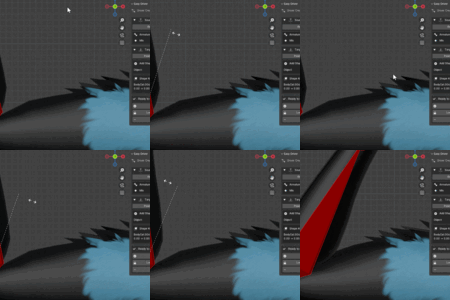
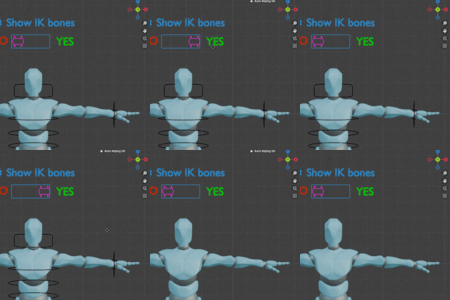
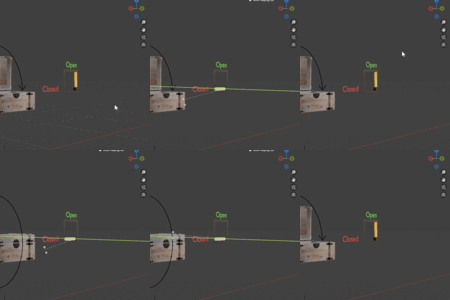
# 2.0 - Major Update
# New Features
#### Simple, More & Advanced Modes
Easy Driver now includes three interface levels:
- **Simple** - Essential tools only.
- **More** - Adds custom property sources, shape key sources, and curve types.
- **Advanced** - Unlocks world space, invert range, and all advanced options like expression editing and fine tuning most values.
Choose the level that fits your workflow.
#### Curve Types
Control how source values map to targets with:
- Linear
- Bezier
- Ease In
- Ease Out
- Step
- Loop
- Ping-Pong
- Infinite
#### Multi-Source Blend
Combine multiple sources into a single driver using:
- Add
- Multiply
- Subtract
- Distance
#### Shape Keys as Sources
Drive any property directly from a shape key value.
#### Custom Path Sources
Use virtually any property as a driver source, including node inputs, modifiers, constraints, scene properties, and more. Uses the Path listener just like custom paths for targets
#### World Space Support
Read object and bone transforms in either **Local** or **World** space.
#### Record Objects or Bones in target or source!
Record Min/Max values from either **Object Mode** or **Pose Mode**. Easy Driver automatically detects the correct mode.
#### Edit Recorded Values
Adjust recorded Min/Max values manually without re-recording the pose.
#### Custom Property Browser
Browse all custom properties on the selected object or bone and select them with a click. Add them easily as well!
#### Driver Review Panel
View every Easy Driver-created driver in one place. Inspect, edit expressions, remove individual drivers, or clean up broken ones with a single click.
> (Only compatible with Easy Driver 2.0+ created drivers for now)
#### Invert Range (Advanced)
Swap recorded Min and Max values with a single checkbox.
# Bug Fixes
- Fixed incorrect source detection for some custom property and node paths.
- Renamed **Remove Target** to better reflect that it removes both objects and bones.
- Improved setup and missing-reference error messages.
Discover more products like this
3D rigging BlenderRigging rigging 3d rigging blender blenderaddons BlenderDrivers