 Onion365studio

More Blender Game Add-ons
Easy House
Easy River
Easy Sea Wave
Easy Plant
Easy Room
Easy Signpost
Easy Street Lamp
Easy Terrain
Easy Walk Run Idle
Easy Rigid Body
Easy Emotion Bubble
Animated 2D/3D emotion bubbles for games, UI and animation, exported as GLB clips and transparent PNG sequences in one click.
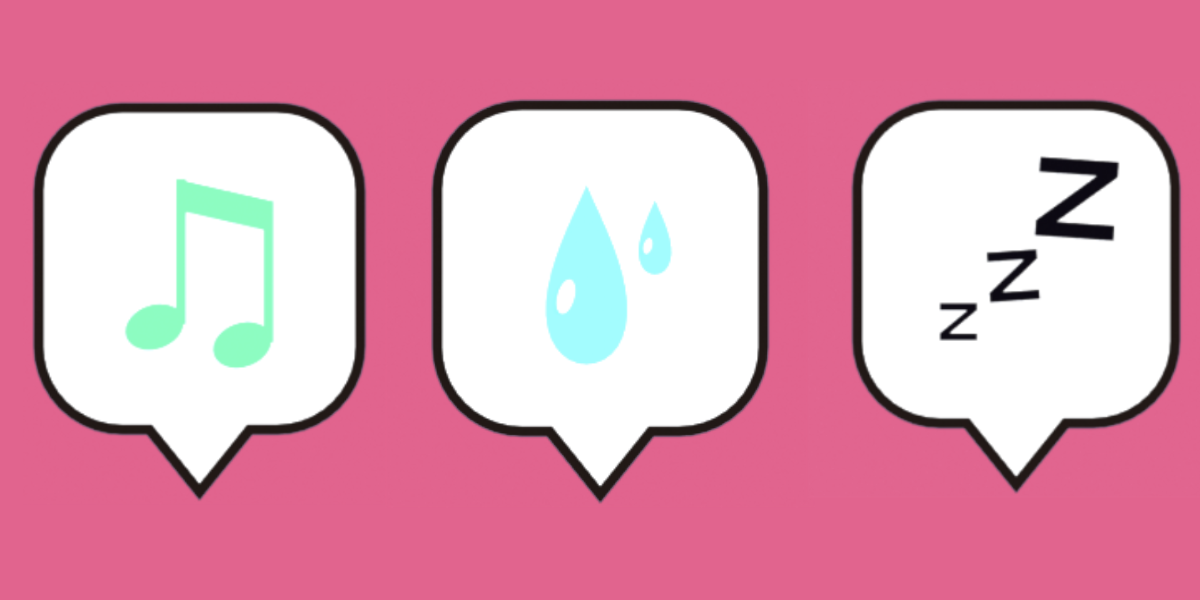
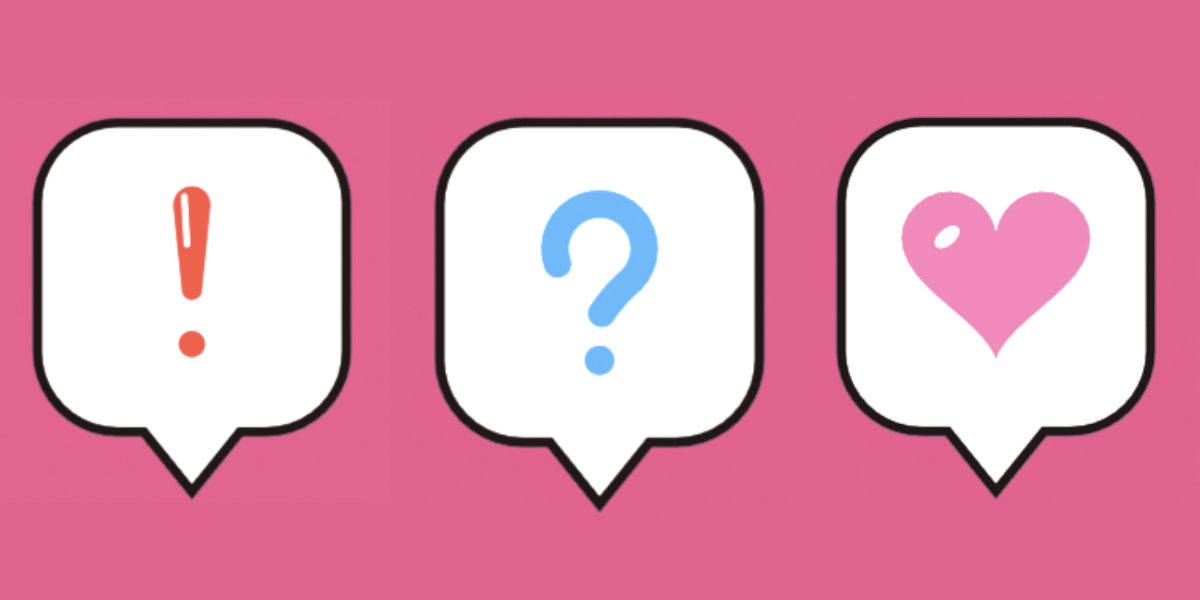
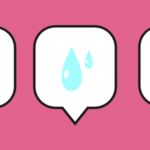
Easy Emotion Bubble turns “!” “?” hearts, sweat drops, coins and more into ready-to-use animated speech bubbles. Pick an icon, tweak the bubble, press Generate, then export to your game engine or sprite pipeline. No modeling, rigging or keyframing needed.
Features
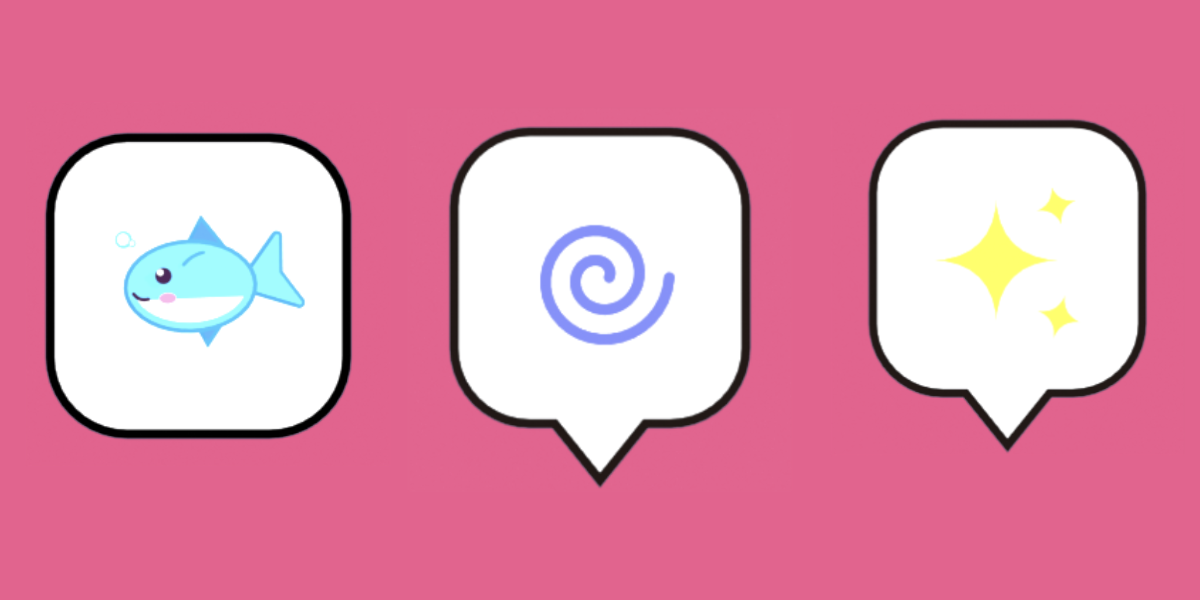
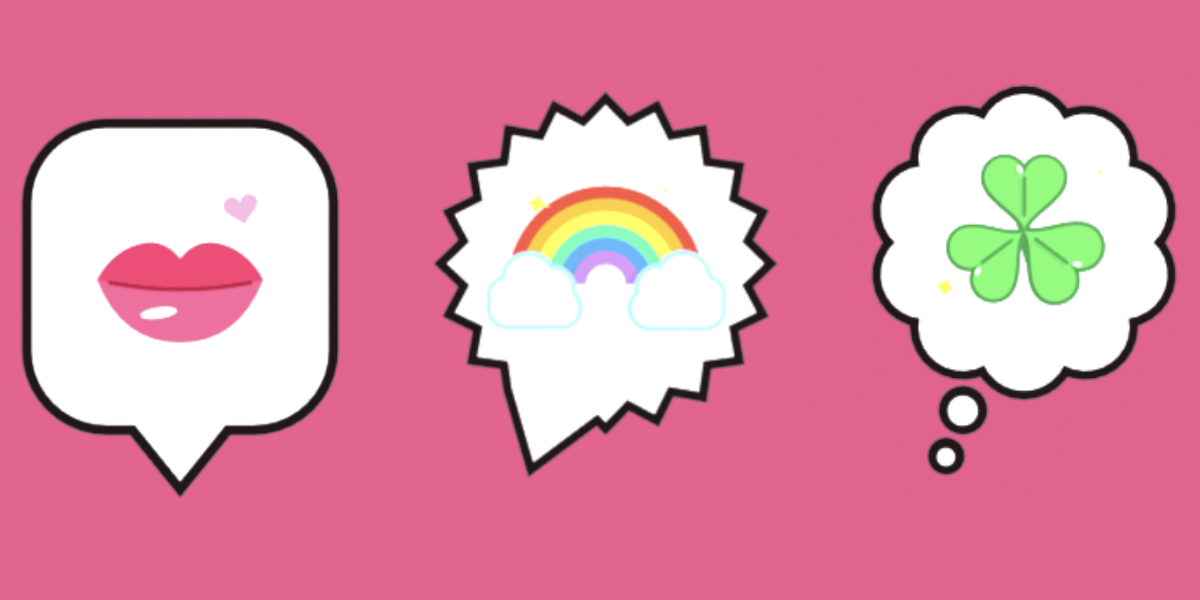
- 65 animated icons: comic marks (!, ?, anger, sweat, dizzy, blush lines…), feelings (heart, broken heart, kiss, sparkle, sakura…), status and UI (check, cross, hourglass, bell, lock, key, level up…), rewards (coin, star, gift, trophy, crown, treasure chest…), items (potion, bomb, pill, thermometer…) and food (rice ball, strawberry, fish, carrot, coffee…). Each one has its own idle animation.
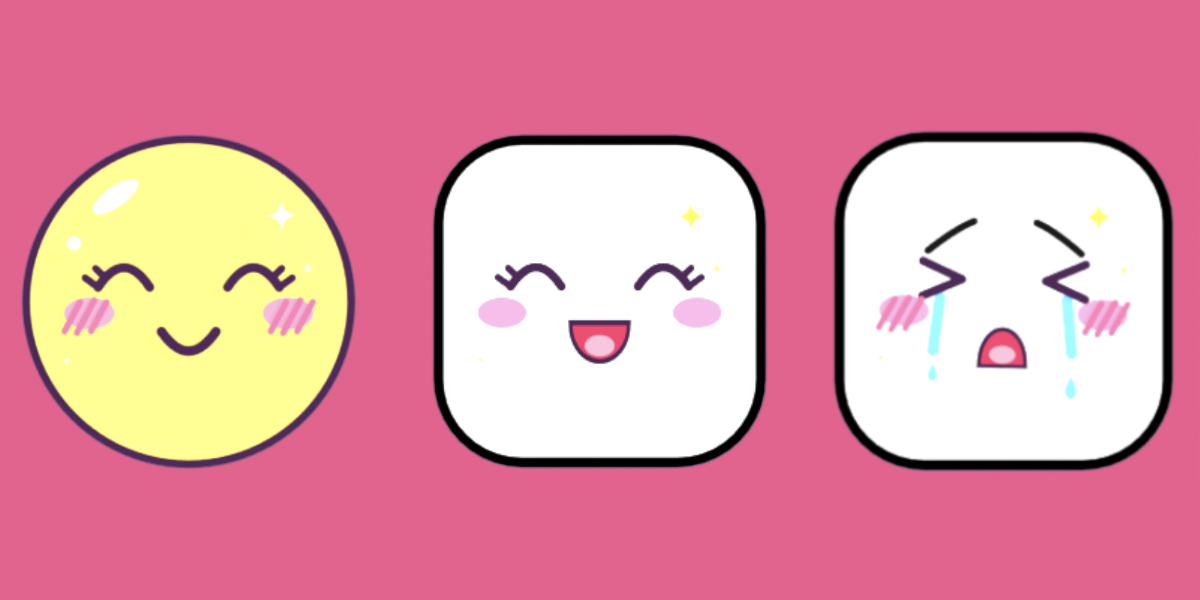
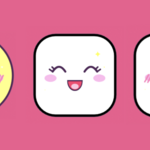
- Kawaii Face: 14 moods, from Cute Smile and Happy Laugh to Crying, Smug and Sleepy. It has gloss, sparkles, eyebrows and blush-line toggles, plus one-click Cute Look color presets.
- Custom Model: use your own model and materials as the icon. Modifiers are applied to a copy, so your original is never changed.
- 2D or 3D: flat sprite-style bubbles, or solid bubbles with thickness, bevel, rounded corners and a raised icon (optionally double-sided).
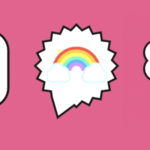
- 5 bubble shapes: Round, Rounded Box, Soft Square, Cloud and Burst. You can adjust the tail, outline, size, aspect and colors.
- Animation built in: Pop In + Idle + Pop Out, Pop In + Idle, seamless Idle Loop, or Rotate In Place. Pop timing, idle strength, overshoot and float are all adjustable.
- Live editing: change any setting and the selected bubble rebuilds instantly.
-
Game-ready export: one button writes a GLB plus a transparent PNG sequence. The GLB contains separate clips (
em_pop_in,em_idle,em_pop_out), so your engine can play the pop-in, loop the idle and play the pop-out on demand.
How it works
- Pick an emotion (or Face, or your own model).
- Adjust shape, color, size and animation in the Emotion Bubble tab of the sidebar.
- Click Generate, then Export GLB + Image.
Great for
- Game UI: NPC reactions, quest markers, notifications, reward popups
- Dialogue and chat bubbles, visual novels, cozy and life-sim games
- Sprite sheets and animated stickers
- Motion graphics and cartoon-style animation
What you get
- The Easy Emotion Bubble add-on (Blender extension zip)
- Free updates for the 1.x versions
Requirements
- Blender 5.2.0 or newer