 Onion365studio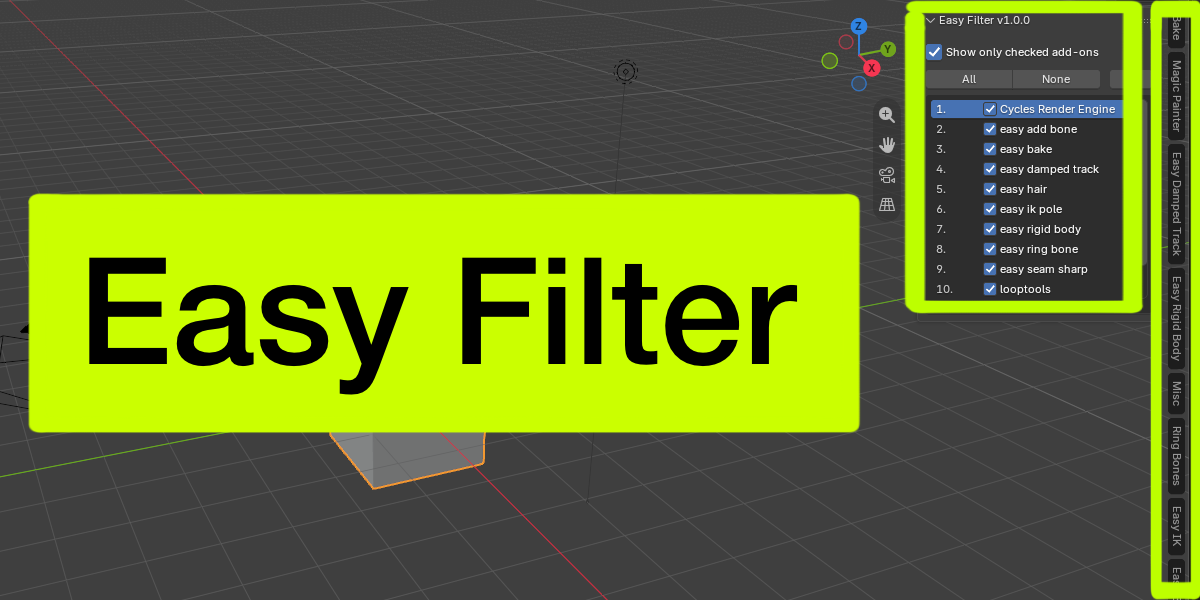

Easy Filter
Keep your Blender sidebar clean. Show only the add-ons you actually use.
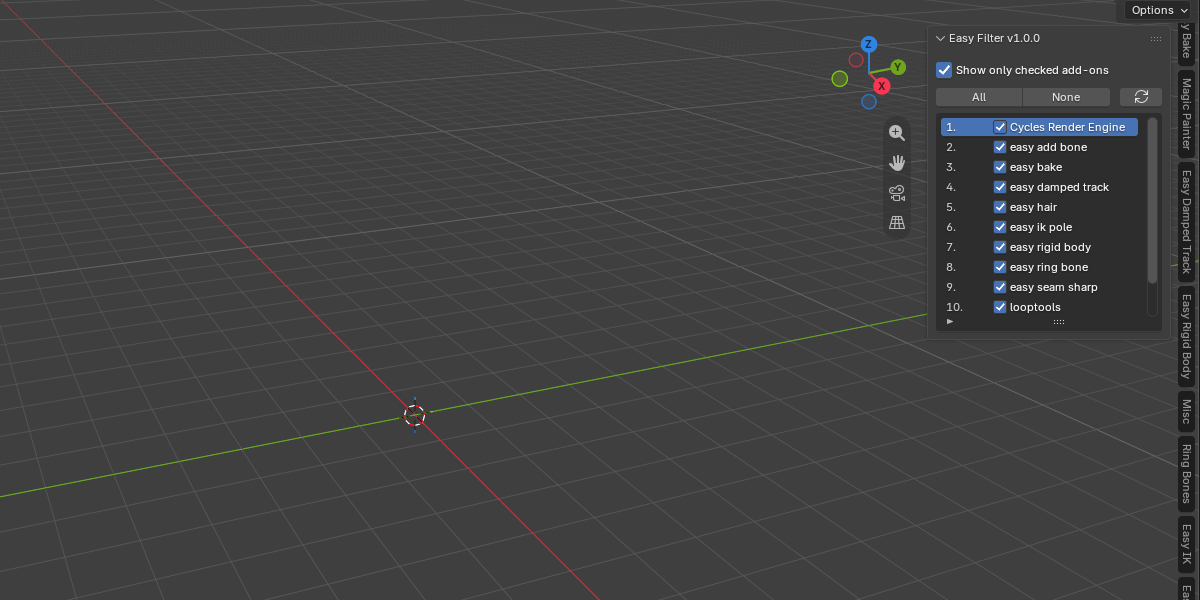
Too many add-ons means too many tabs in the N-panel. Easy Filter adds one simple checklist that lets you choose which add-ons appear in the sidebar and hides the rest. Nothing is disabled or uninstalled: panels are only hidden, and you can bring them back at any time.
Features
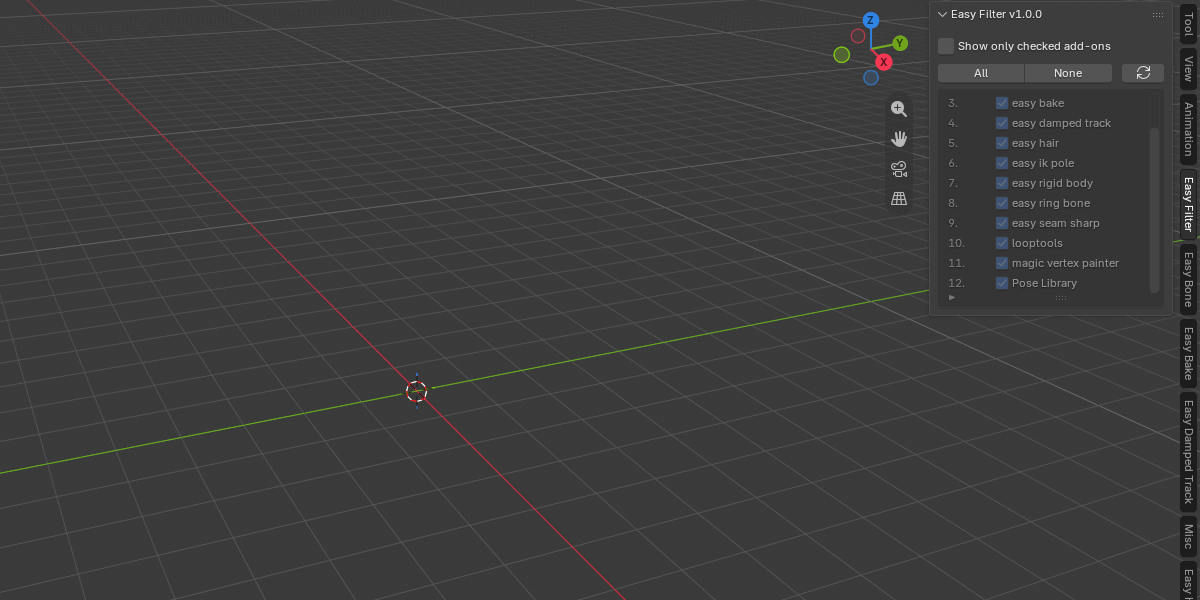
- One checklist of every add-on that has a sidebar panel, numbered for easy reference
- Check = show, uncheck = hide
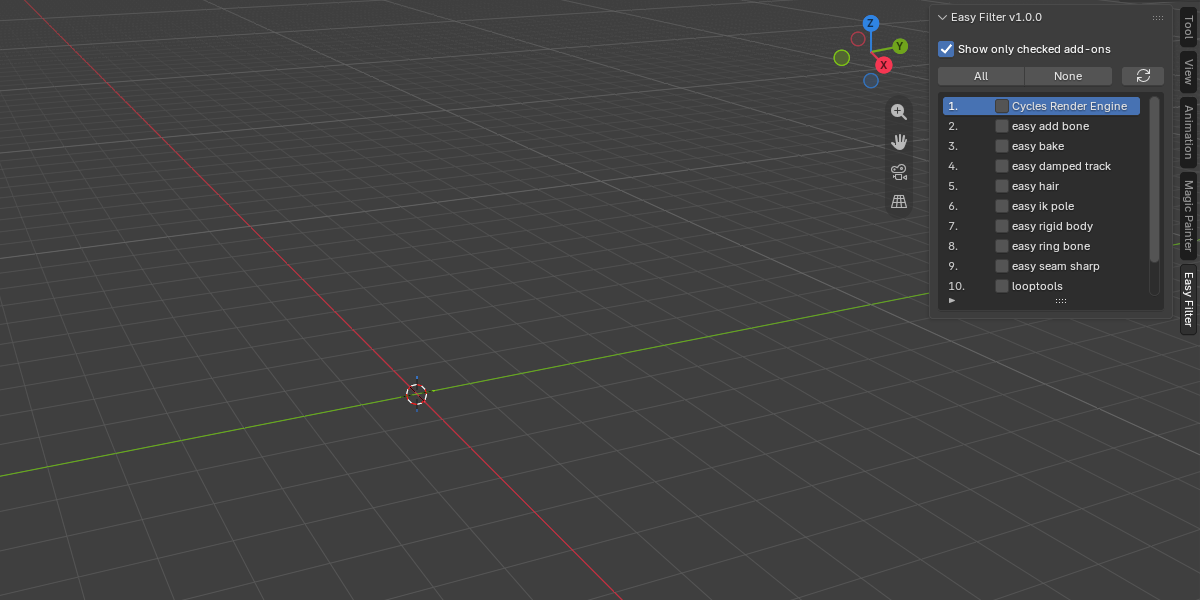
- “Show only checked add-ons” master switch: turn it off and everything is visible again
- All / None buttons to check or uncheck everything at once
- Scrollable list that grows with the number of add-ons, up to 10 rows (drag the bottom handle to make it taller)
- Built-in search box and alphabetical sorting
- Remembers your selection between Blender sessions
- Picks up newly enabled add-ons automatically, plus a Refresh button to rescan on demand
- Hides an add-on’s sidebar panels in every editor, not only the 3D Viewport
How to use
- Install and enable Easy Filter.
- In the 3D Viewport, press N and open the Easy Filter tab.
- Uncheck the add-ons you want to hide.
- Tick “Show only checked add-ons” to apply. Untick it to show everything again.
Requirements
Blender 5.2.2 or newer
Good to know
- Blender’s own panels and Easy Filter’s own tab are never hidden.
- Hiding an add-on only hides its sidebar panels. The add-on stays enabled and keeps working.
- The first time you hide an add-on, its panels are re-registered, so their order inside a tab may change.