Easy Filter
 Onion365studio
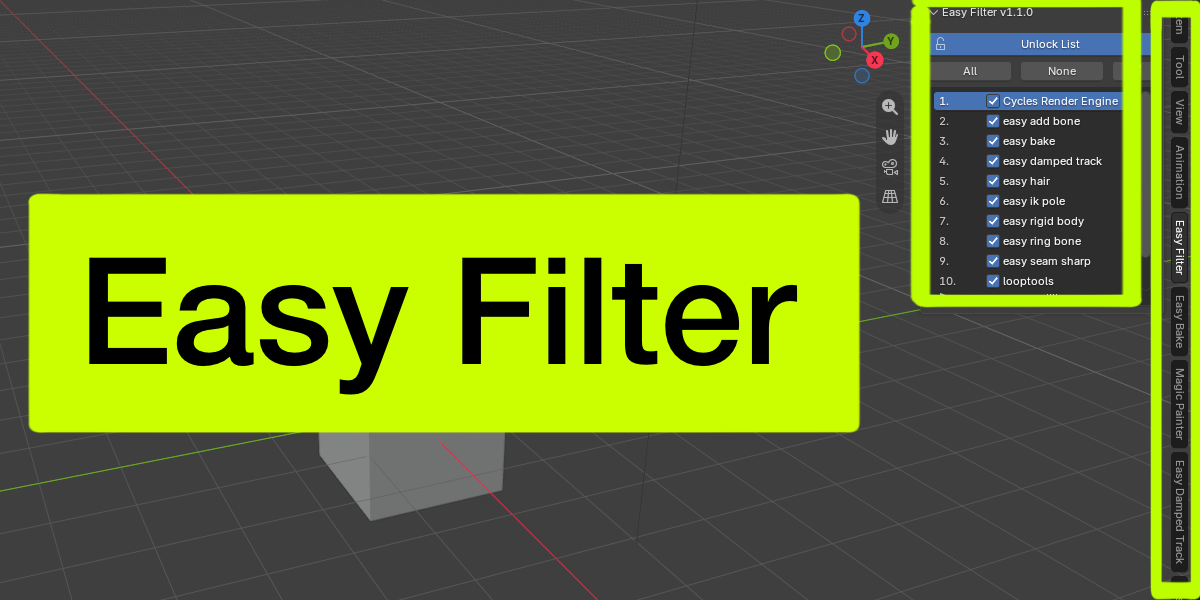
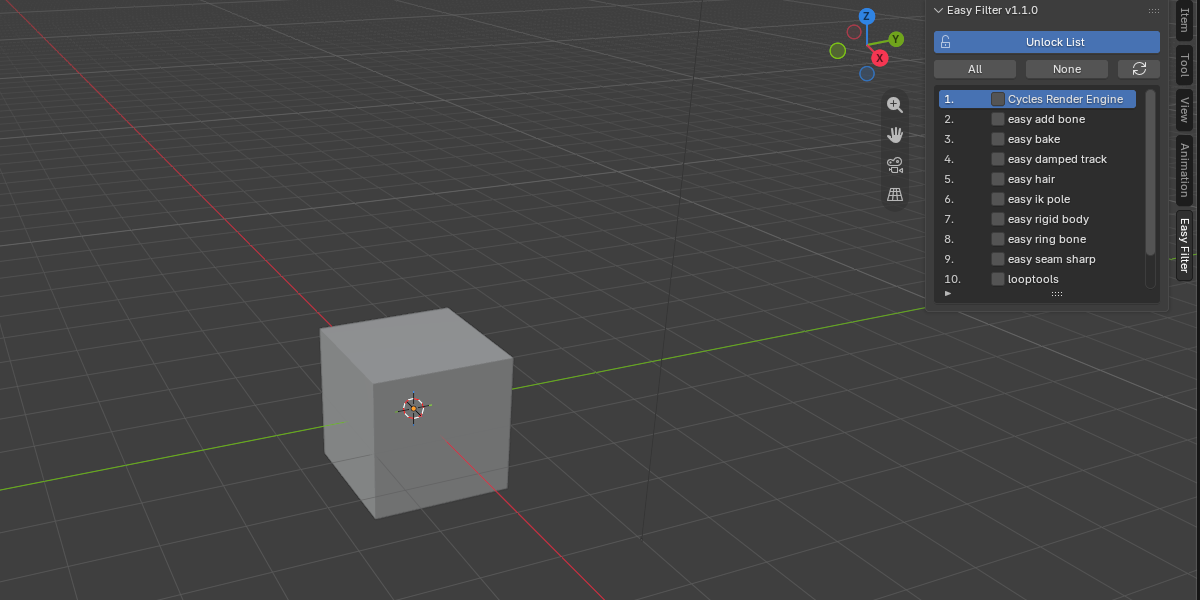
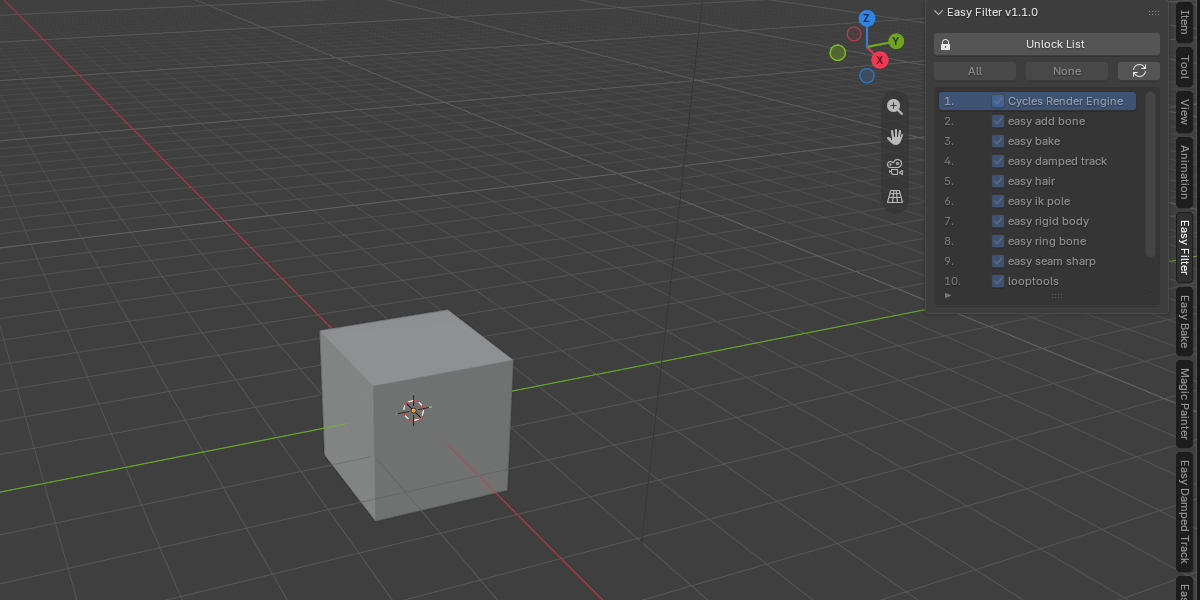
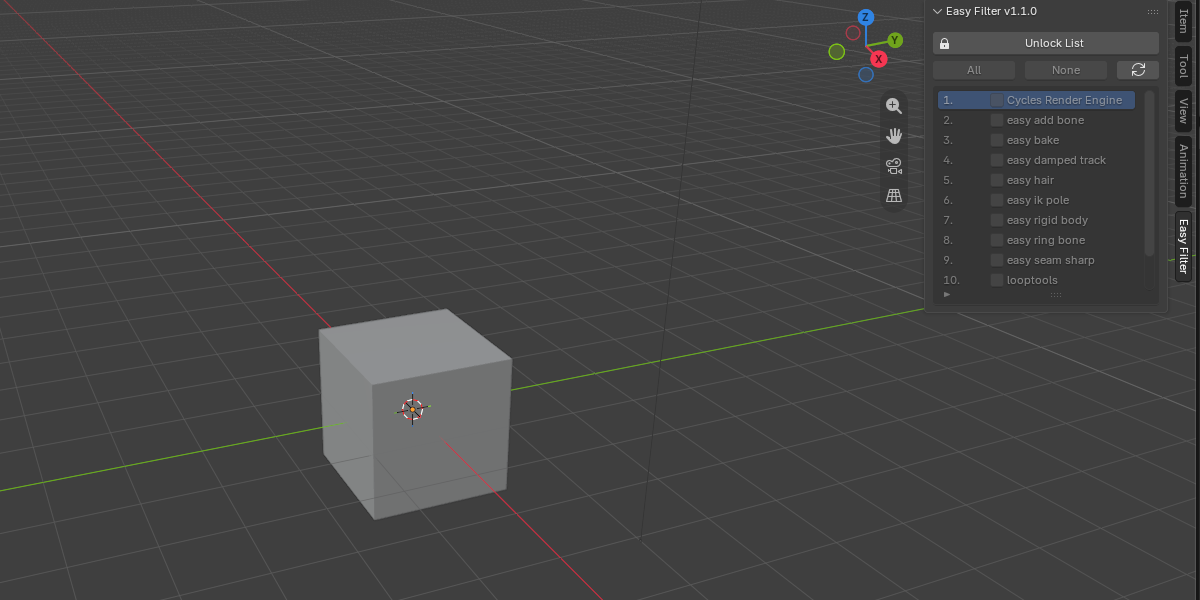
Version v1.1.0
Changed
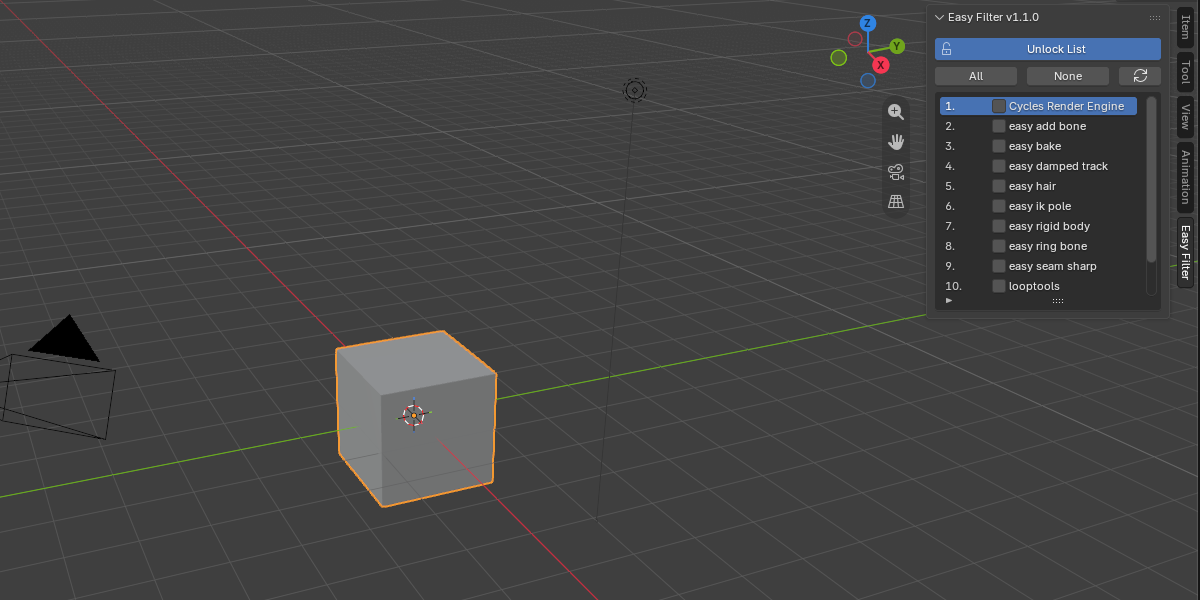
- Renamed “Show only checked add-ons” to Unlock List. It now only locks or unlocks the list and no longer switches filtering on or off.
- While Unlock List is off, the add-on checkboxes and the All / None buttons are greyed out and can’t be clicked. Turn it on to check or uncheck add-ons, which helps avoid mis-clicks.
- Added a lock icon to Unlock List: closed lock when locked, open lock when unlocked.
- Unchecked add-ons always stay hidden, whether the list is locked or not.
- The lock state is no longer saved, so the list is always locked when Blender starts.
- Added spacing between the All and None buttons.
- Note: add-ons you unchecked earlier will be hidden right after updating. To bring them back, turn on Unlock List and click All.
Have questions about this product?
Login to message
| Blender Extension Compatible | Yes |
| Dev Fund Contributor | |
| Published | about 2 months ago |
| Blender Version | 5.2 - 5.3 |
| Extension Type | Add-on |
| Render Engine Used | Cycles, Eevee |
| License | GPL |
Discover more products like this
Declutter hidden-addons tabs n-panel PanelFilter organizer productivity addons-manager add-ons-manager Sidebar Hide-Panels user interface