 Onion365studio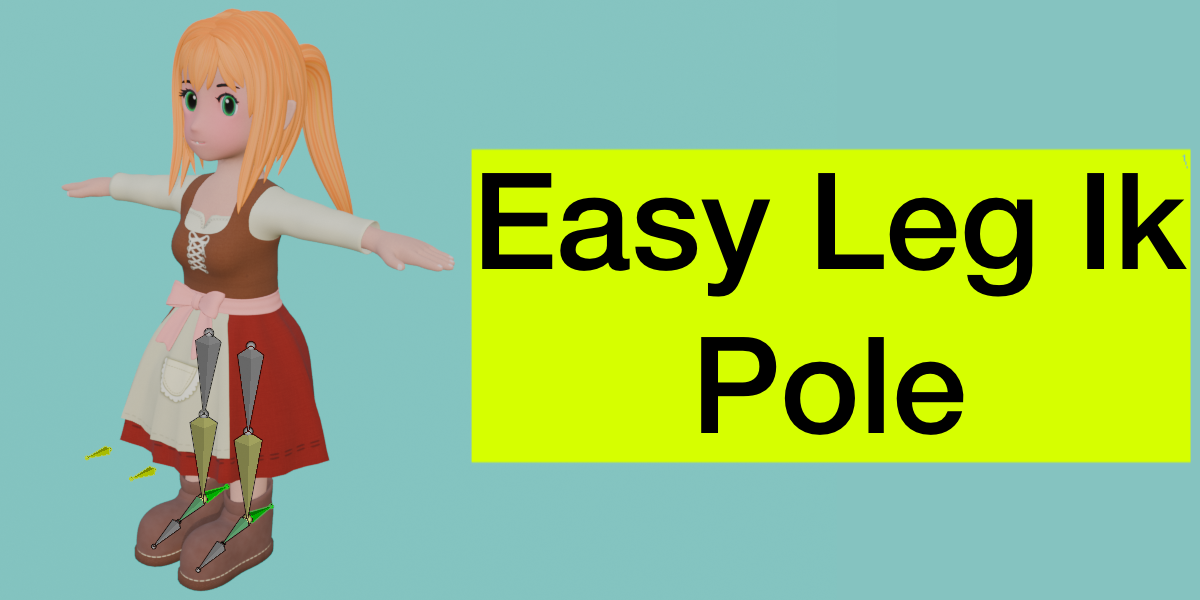
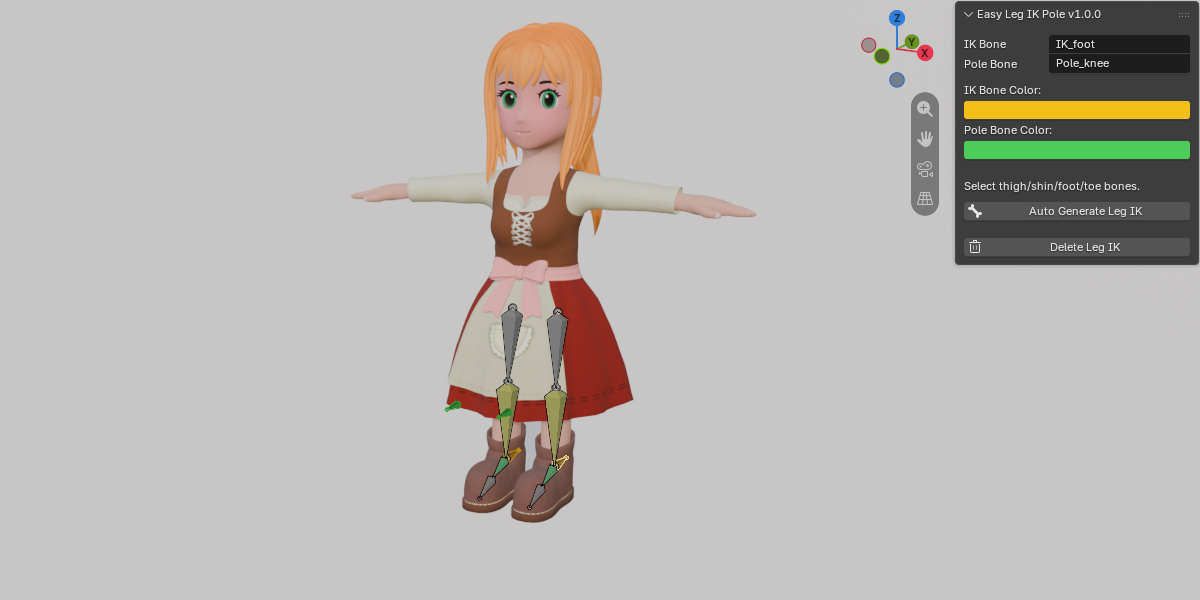
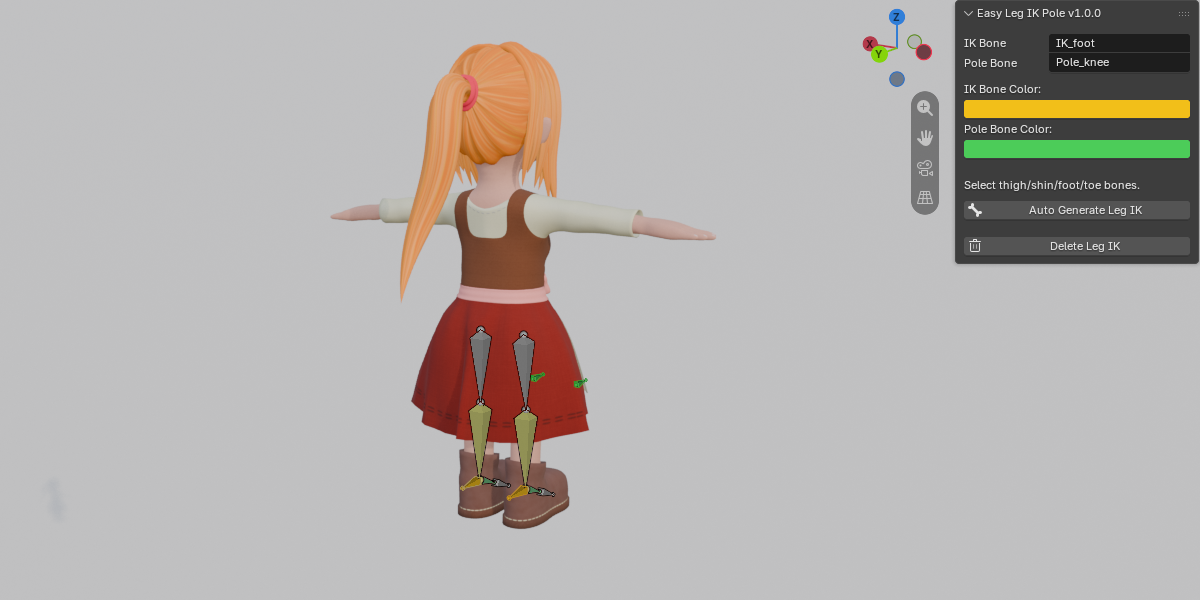

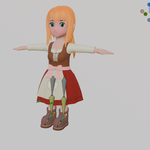
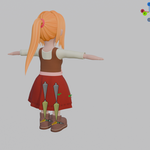
Easy Leg IK Pole: One-Click Leg IK & Pole Setup for Blender
Setting up leg IK manually is a tedious, repetitive process—creating control bones, positioning pole targets, adding IK constraints, and constantly tweaking pole angles for every leg on every rig. Easy Leg IK Pole automates the entire workflow into a single click.
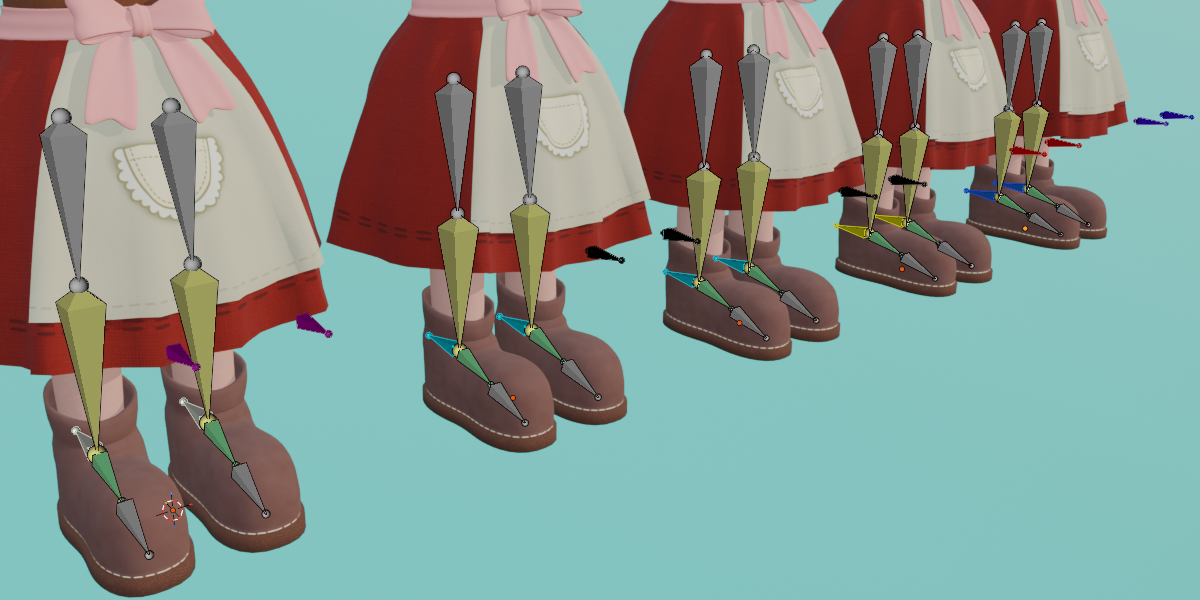
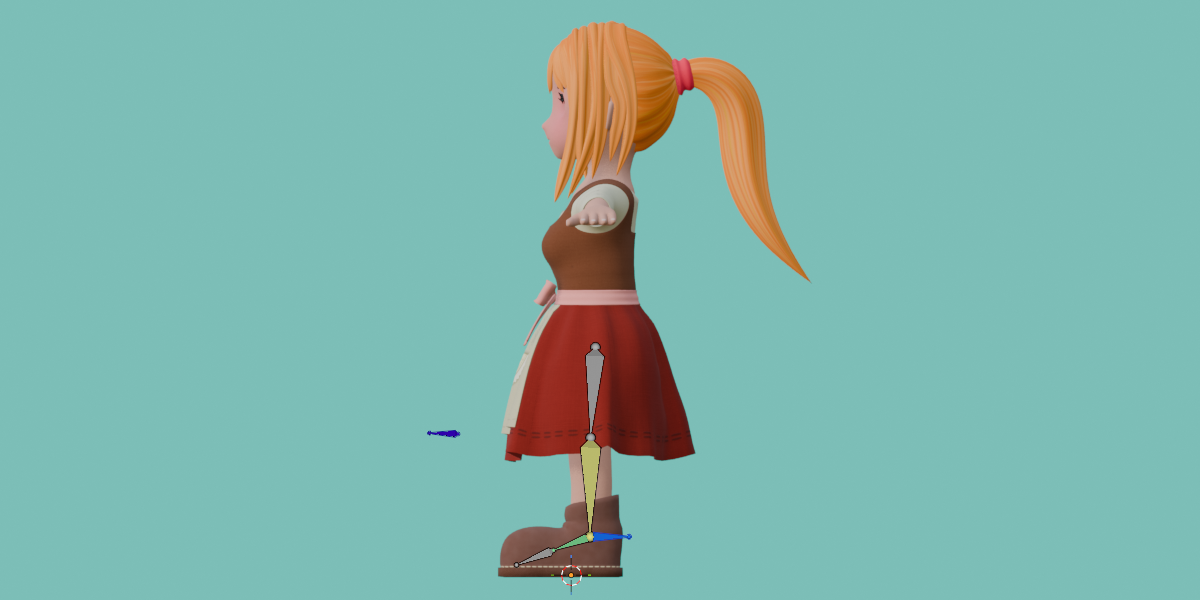
Simply select your leg bones, click "Auto Generate Leg IK," and instantly get a fully working IK control, a perfectly aligned Pole bone in front of the knee, and a pre-configured IK constraint.
Key Features
One-Click IK & Pole: Instantly generates an IK bone and a Pole bone for every selected leg, fully configured with a thigh-to-shin IK constraint.
Automatic Pole Angle: The pole angle is mathematically solved for you, ensuring the knee points the right way instantly—no manual tweaking required.
Smart Limb Detection: Automatically identifies legs (and optionally arms) based on bone names, entire chain names, or even the armature's physical relation to the ground when naming conventions are absent.
Multilingual Recognition: Natively recognizes English, Chinese, and Japanese bone naming conventions while automatically ignoring toe and finger bones.
Smart L/R Suffixing: Automatically appends directional suffixes (e.g.,
IK_foot.L/IK_foot.R). It matches your existing naming style (likefoot_ltoIK_foot_l) or falls back to spatial position if no side info exists.Optional Leg Axis Alignment: Aligns the axes of the thigh, shin, foot, and toe bones to the World axes before generation. This only affects the bone roll—head and tail positions remain perfectly intact.
Foot Follows IK: Automatically applies a Copy Rotation (World) constraint so the foot seamlessly rotates with the IK control.
Two IK Bone Directions: Choose between Backward (points toward the heel, utilizing a hidden MCH helper bone to maintain foot orientation) or Follow Foot.
Live Bone Colors: Customize the viewport colors for your IK and Pole bones directly in the panel. Changes sync in real-time to bones you have already generated.
Clean Removal: The "Delete Leg IK" operator safely removes all generated IK, Pole, and MCH bones along with their associated constraints, restoring your rig to its original state.
How to Use
Select your armature and enter Pose Mode or Edit Mode.
Select the leg bones (thigh, shin, foot,toe), or simply press A to Select All and process the entire rig.
Open the N-Panel > Rig tab to customize your desired IK/Pole bone names and colors.
Click Auto Generate Leg IK.
-
Fine-tune your results seamlessly in the Adjust Last Operation panel.
Compatibility: Blender 5.2.2 or newer.