 Onion365studio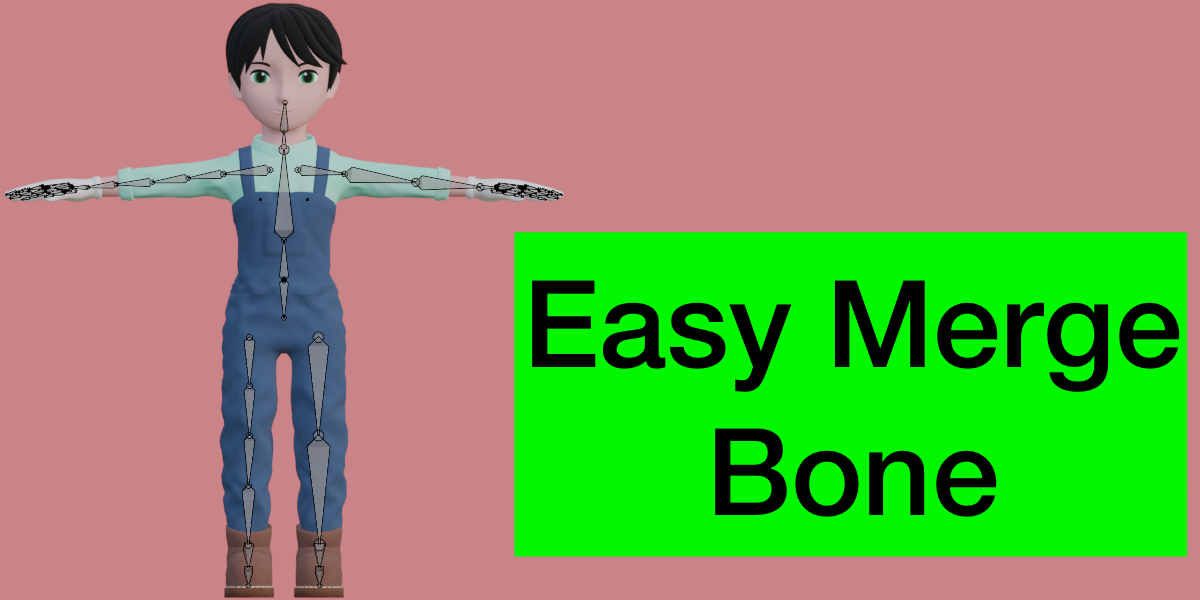
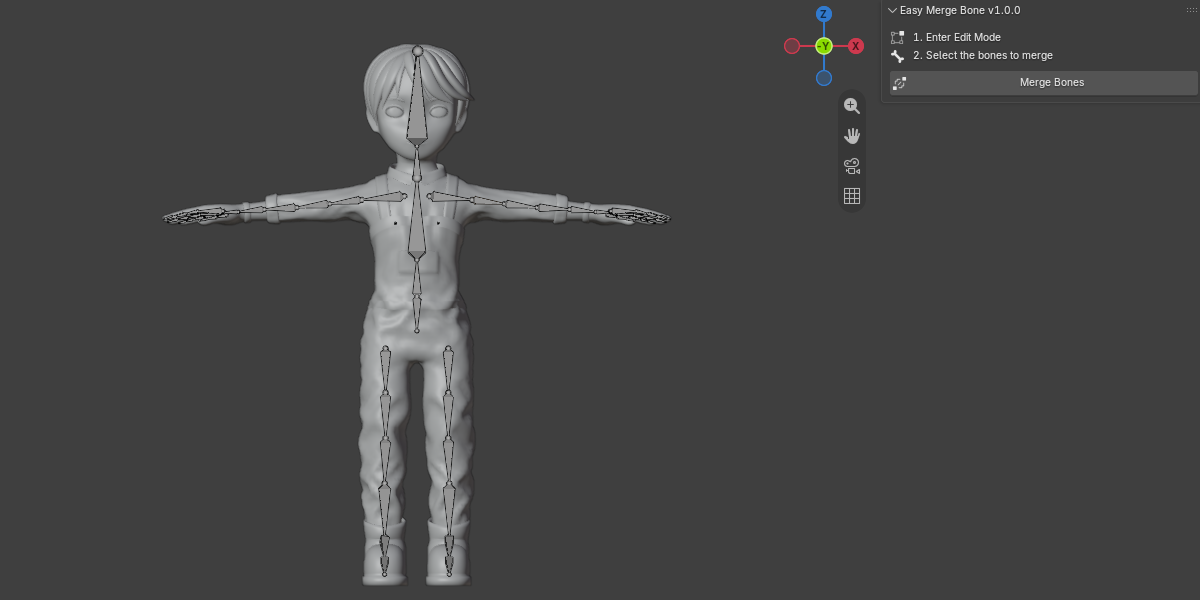
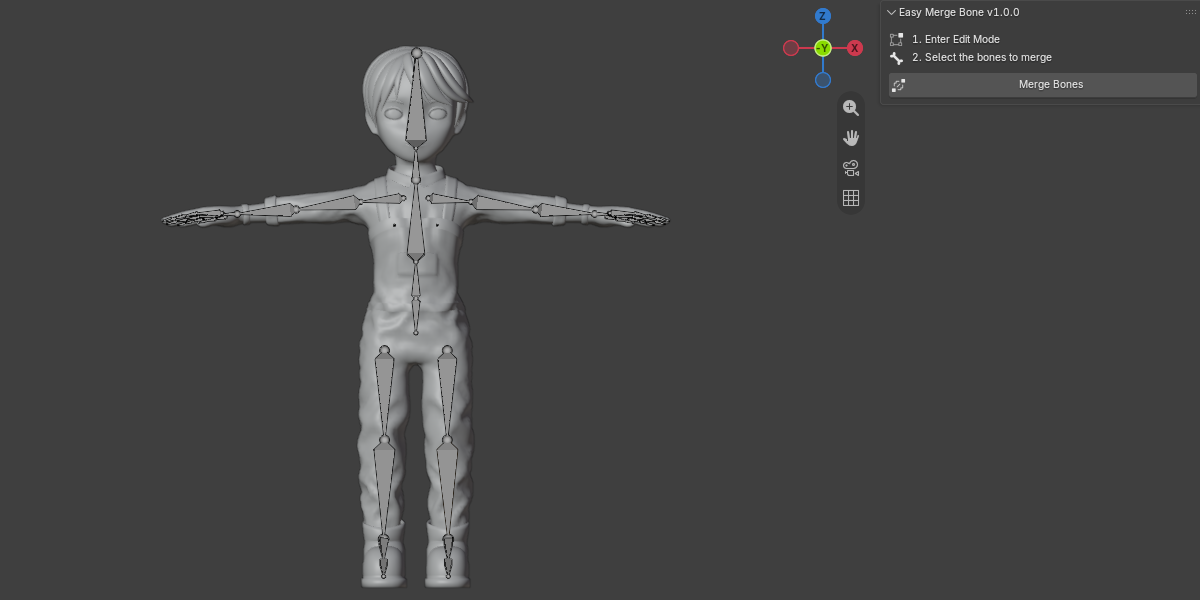
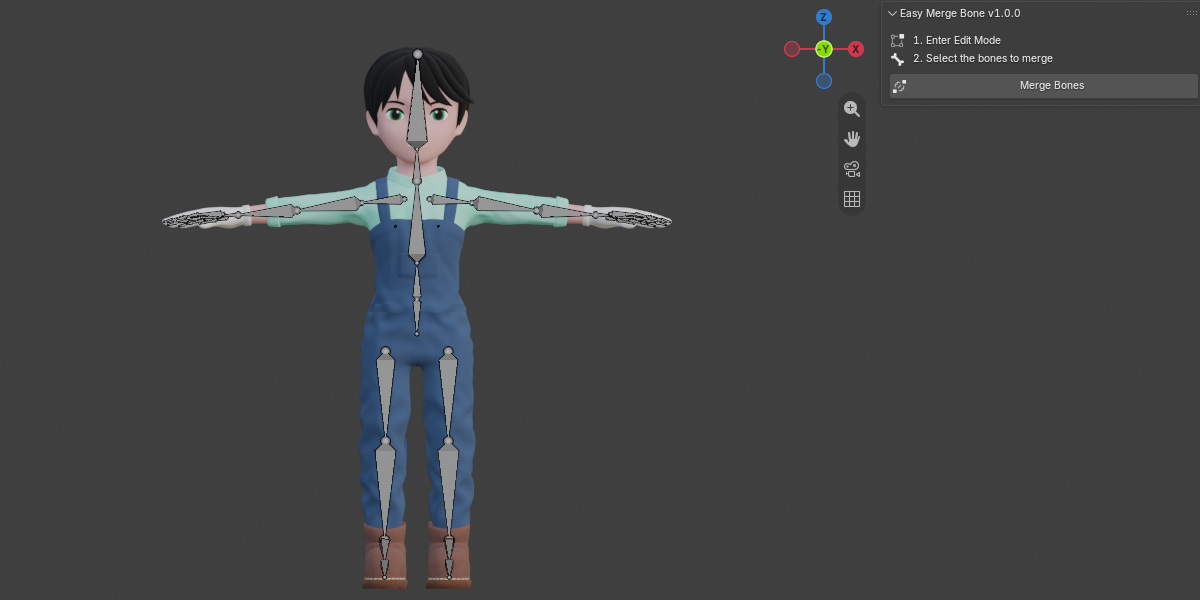

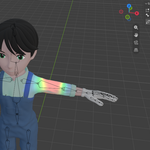
Easy Merge Bone
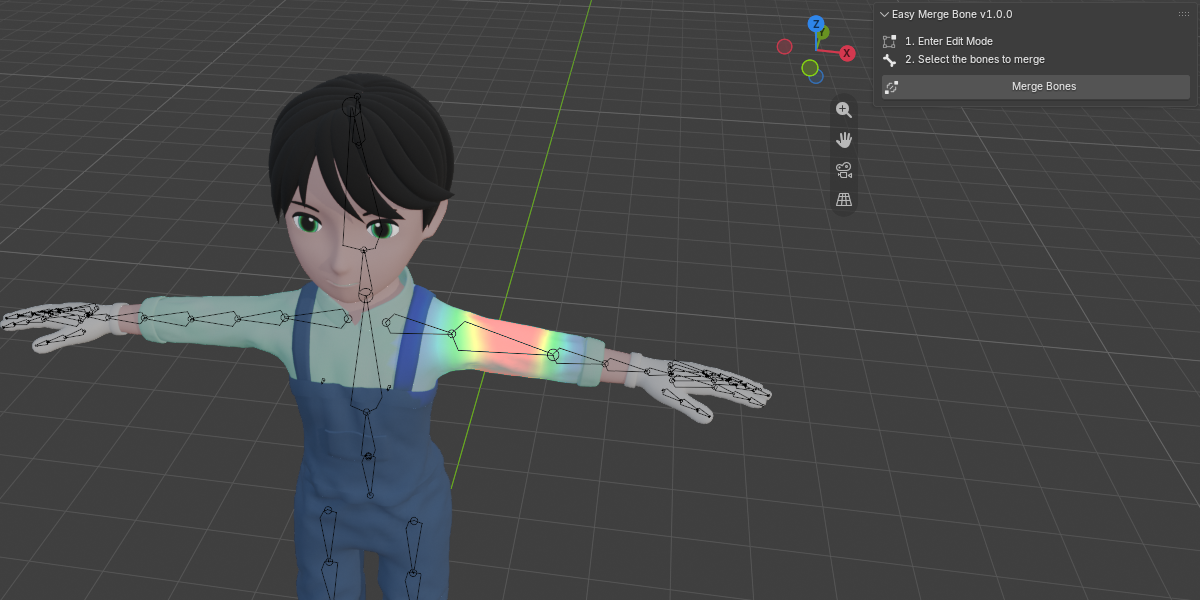
Merge selected bones into one bone and automatically combine their vertex group weights, all in a single click.
Simplifying a rig usually means merging bones, and doing it by hand means deleting bones, re-parenting children, and cleaning up vertex groups afterwards. Easy Merge Bone does all of that for you.
How to use
- Step 1: Select your armature and enter Edit Mode.
- Step 2: Select the bones you want to merge (at least 2 bones from the same parent–child chain).
- Step 3: Open the sidebar (N) > Easy M Bone tab and click Merge Bones.
Features
- One-click merge – each selected bone chain collapses into its top bone, which keeps its original name.
- Automatic weight merging – the vertex group weights of the merged bones are added together (clamped at 1.0) into the top bone’s group, and the leftover groups are removed.
- Works on all bound meshes – every mesh parented to the armature or using an Armature modifier is updated.
- Smart bone length – the merged bone is extended to reach the end of the chain.
- Automatic re-parenting – child bones outside the selection are attached to the merged bone, and connections are kept where possible.
- Multiple chains at once – select several separate chains and merge them all with one click.
- Undo support – one undo step reverts the whole merge.
- Clear feedback – a report shows how many bones were merged and how many vertices were re-weighted.
Requirements
- Blender 5.2.0 or newer