 za studio


Easy Motion Trail – User Documentation
Version:
1.1
Author: Zekeriya AYAN
Overview
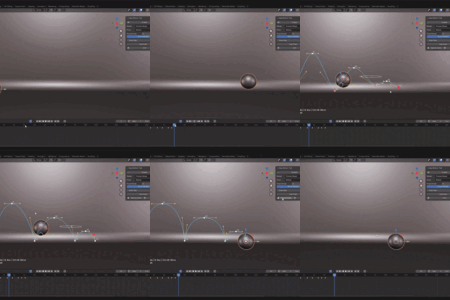
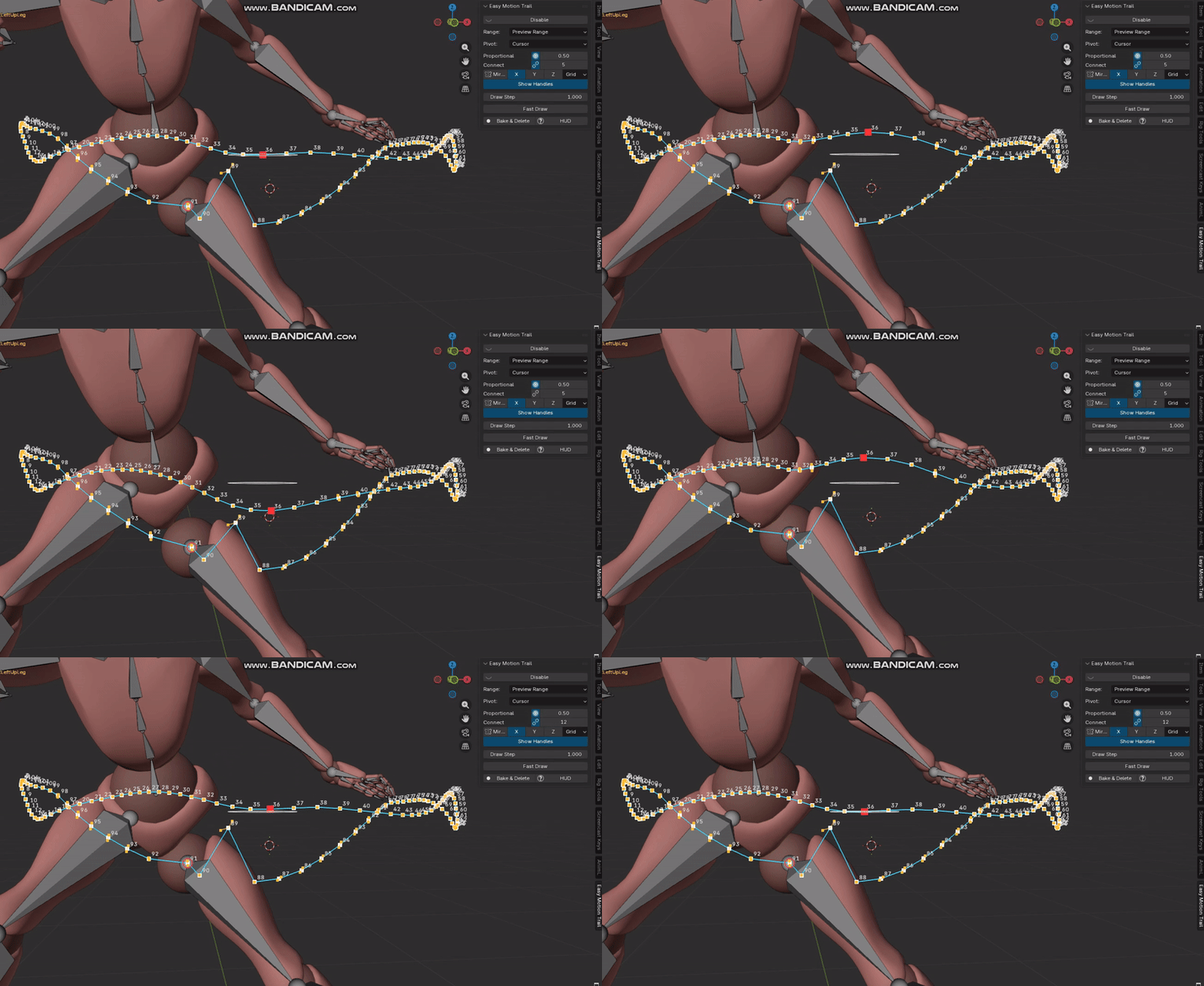
Easy Motion Trail is a Blender add-on that allows real-time editing and visualization of motion paths for objects and armature bones directly in the viewport. It is designed for complex rigs, including IK- and constraint-driven systems, and works reliably in both Blender 4.x and 5.0.
Key Features
- Real-time motion trail for objects and
bones
- Works with constrained, parented, and IK-driven bones
- Viewport-based editing (no curve objects created)
- Live update while moving with G key or viewport gizmo
- Frame-accurate key insertion
- Safe editing on existing animations (no new action/slot creation)
- Optimized for dense rigs (face rigs, complex characters)
Proportional + Connect (near vertex control for Mocap Animation Data)
Installation
1. Open Blender
2. Go to Edit > Preferences > Add-ons (or Extensions in Blender 5.0)
3. Click Install from Disk
4. Select the Easy Motion Trail ZIP package
5. Enable the add-on
Basic Usage
Enable Motion Trail
Select an object or a bone (in Pose Mode) and press Alt + M to enable the motion trail. The trail is created from the existing animation and does not generate new actions or slots.
Disable Motion Trail
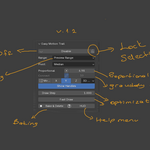
Use the Disable button in the N Panel to turn off the motion trail visualization.
Object Motion Trail
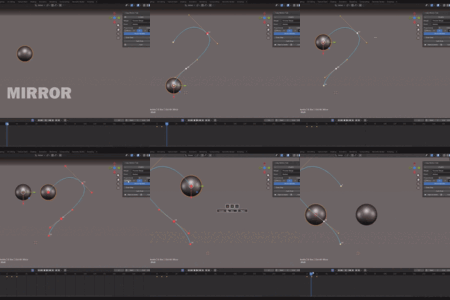
When an object is selected, the motion trail represents the object’s animated world-space position. Moving the object with G or the viewport gizmo updates the trail live in the viewport.
Bone Motion Trail
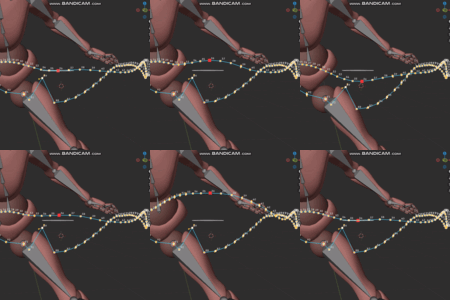
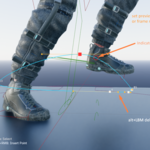
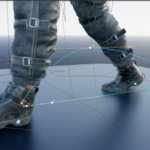
In Pose Mode, selecting a bone and enabling the motion trail displays the true evaluated motion path of that bone. This includes parent offsets, constraints, and IK chains. The trail always matches what is visible in the viewport.
Editing the Motion Trail
Selecting Points
Use Left Click to select trail points. Box selection (B) can be used for selecting multiple points.
Moving Points
Selected points can be moved using G or the viewport gizmo. The motion trail updates live during dragging.
Rotating and Scaling
Use R to rotate selected points. Press R twice to enter Trackball rotation mode. Use S to scale selected points.
Keyframe Operations
Insert Keyframe
Alt + Right Mouse Button inserts a new keyframe between two existing points. The key is snapped to the nearest integer frame.
Delete Keyframe
Alt + Left Mouse Button on a trail point deletes the corresponding keyframe.
Playhead Visualization
The current frame position is visualized on the motion trail using a circular marker. The trail fades gradually before and after the playhead position, making it easier to understand timing and motion flow.
Performance and Stability
Easy Motion Trail is optimized for heavy rigs. During transforms, only minimal cache updates are performed. After releasing the transform, a safe deferred rebuild ensures accuracy without blocking the UI.
Known Limitations
- Motion trails rely on existing animation
data; no keys are created automatically.
- Editing is applied to the currently active action/slot.
- Extremely complex constraint setups may require slight delays for cache
rebuild.
License
Easy Motion Trail is released under the GNU General Public License v3 (GPL-3.0).