Easy Plant
 Onion365studio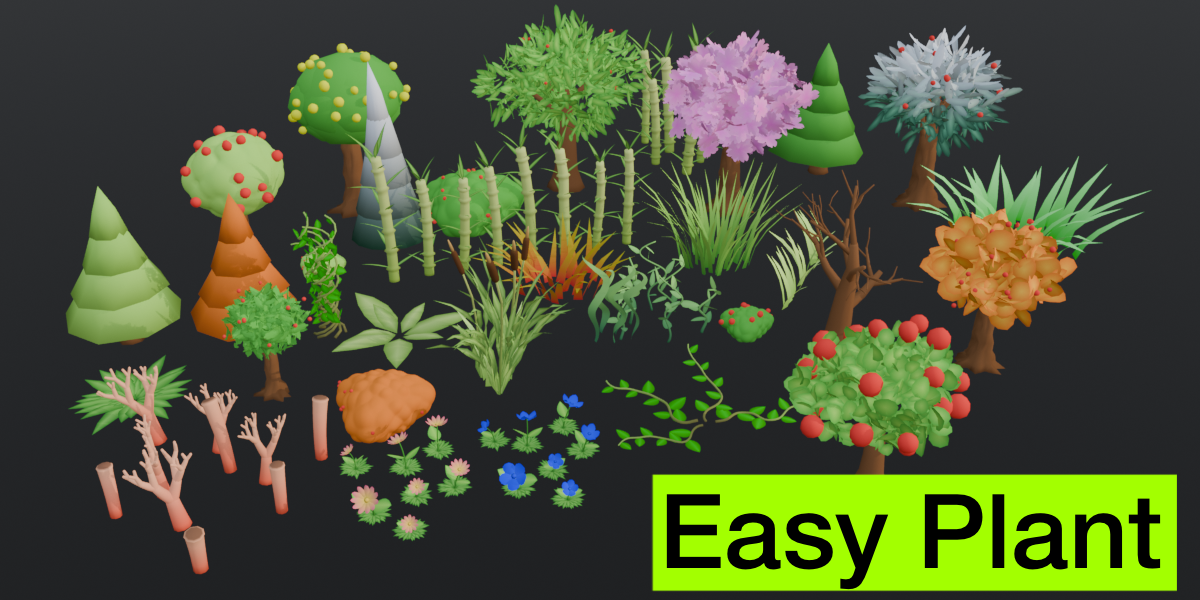
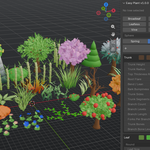
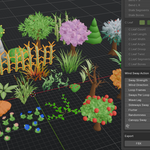
Easy Plant Documentation 1.1.0
Installation
- Download the zip file from your Superhive account. Do not unzip it.
- In Blender, open Edit > Preferences > Get Extensions.
- Click the arrow menu in the top right corner and choose Install from Disk.
- Select the zip file and enable the add-on.
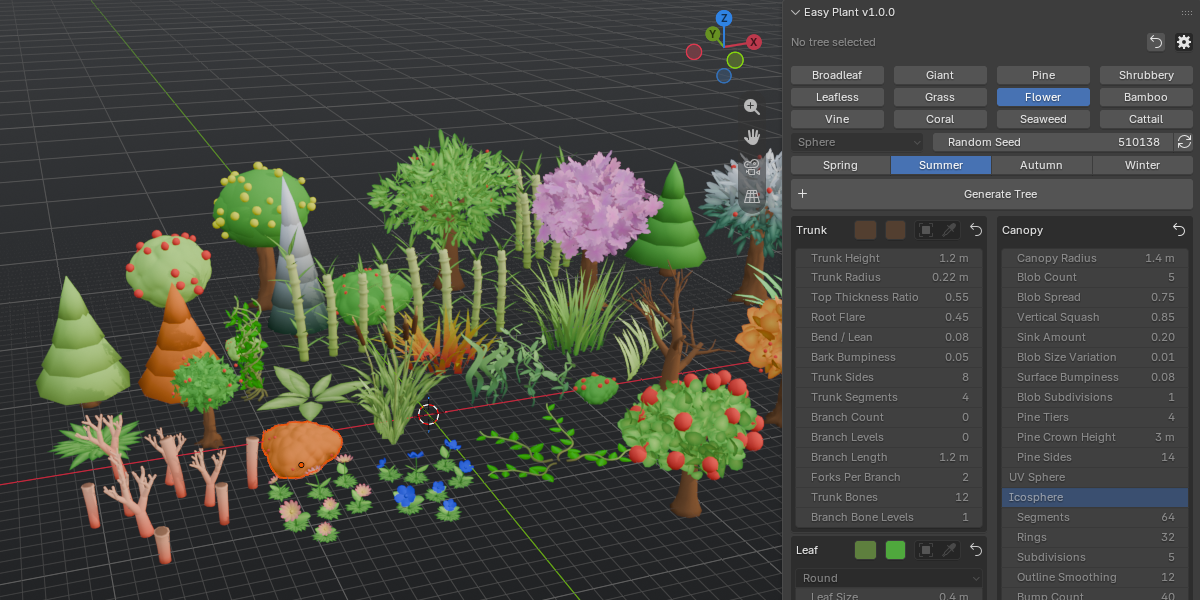
- Open the 3D Viewport, press N, and open the Easy Plant tab.
Requires Blender 5.2.0 or newer.
Quick Start
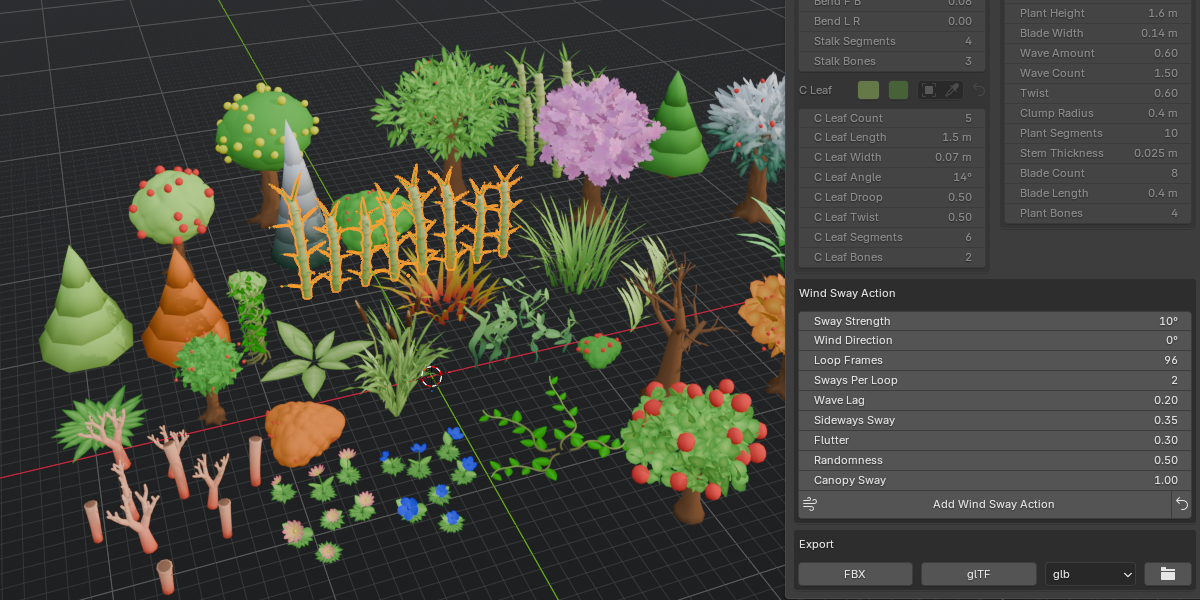
- Choose a plant type (Broadleaf, Giant, Pine, Shrubbery, Leafless, Grass, Flower, Bamboo, Vine, Coral, Seaweed or Cattail).
- Pick a season and adjust the settings for trunk, branches, leaves, fruit and colors.
- Click Generate Tree. The plant is created at the 3D cursor.
- Keep tweaking the settings. The generated plant updates as you change them.
- Use the Randomize Seed buttons to get a different variation of the same settings.
Plant Types
- Broadleaf: classic round canopy, with optional side branches below it.
- Giant: thicker and taller, with main branches and optional side branches.
- Pine: stacked cones.
- Shrubbery: low round clumps, no trunk.
- Leafless: trunk and forking branches only. In winter it also gets snow on the branches.
- Grass: tufts of curved blades. Layouts: Clump, Row and Weed.
- Flower: curved stems with flower heads. Layouts: Clump and Row.
- Bamboo: tall jointed stalks. Layouts: Clump and Row.
- Vine: climbs in a spiral around a support, or crawls along the ground.
- Coral: Branch, Tube and Mound (brain coral) styles.
- Seaweed: Ribbon (seagrass) and Kelp styles.
- Cattail: tall stalks with a spike and strap leaves. Layouts: Clump and Row.
Canopy Styles and Leaves
- Canopy styles: Blobs, Leaf, Cloud, Sphere (bump sphere) and Sakura.
- Leaf shapes: Round, Pointed, Heart, Maple and Cloud.
- Cloud and Sakura use special leaf cards (anime style clouds and five-petal cherry blossoms).
- Smooth Shading can be turned off for crisp faceted low-poly looks.
Side Branches
Broadleaf and Giant trees can grow random side branches out of the bare trunk, a little below the canopy. Every branch and twig tip carries a small leaf clump, and the clumps can carry fruit too.
- Side Branches (Trunk section): number of side branches. 0 = none. Broadleaf starts with 3 and Giant with 5.
- Side Length: length of the side branches. Lower branches come out a bit longer than higher ones.
- Side Start: where on the bare trunk the branches start. 0 = near the ground, 1 = right under the canopy.
- Side Angle: how far the branches point up from horizontal.
- Side Forks: how many times the branches fork into thinner twigs. 0 = single plain branches.
- Side Radius (Canopy section): radius of the leaf clump on every branch and twig tip.
- Side Leaf Size and Side Leaf Count (Leaf section): size and number of the leaves in each clump. 0 leaves = bare branches.
- Side Fruit (Fruit section): number of fruit on each clump. Needs Generate Fruit.
Leaf shape, width, fold, curl, Leaf Color and Leaf Model are shared with the canopy, and fruit size, color and model are shared with the main fruit. With the Blobs or Sphere canopy styles there are no leaf cards, so every tip gets a small blob instead (Side Leaf Size and Side Leaf Count are not used).
Side branches use their own random numbers, so changing them never rearranges the canopy, its leaves or its fruit.
Using Your Own Models
You can replace the built-in trunk, leaf and fruit with any mesh object from your scene (flowers, grass, bamboo, vine and cattail also support custom models).
- Trunk Model: the model should stand on the ground and grow along +Z.
- Leaf Model: +Y is the leaf length (base to tip) and +Z is the face normal, like a default plane.
- Fruit Model: it is centered and scaled to match the Fruit Size, and each fruit is rotated randomly around Z.
Rotation and scale of the model object count, its location does not. Clear the field to go back to the built-in shape.
By default, custom models keep their own materials and UVs. Turn on Blend Panel Color to blend the panel colors into them instead.
Auto UV
When Auto UV is on, Easy Plant automatically marks seams and unwraps UVs for the whole plant (trunk, branches, leaves and fruit). Every part gets its own islands, all packed into the 0 to 1 UV square with the same scale.
Armature and Wind Sway
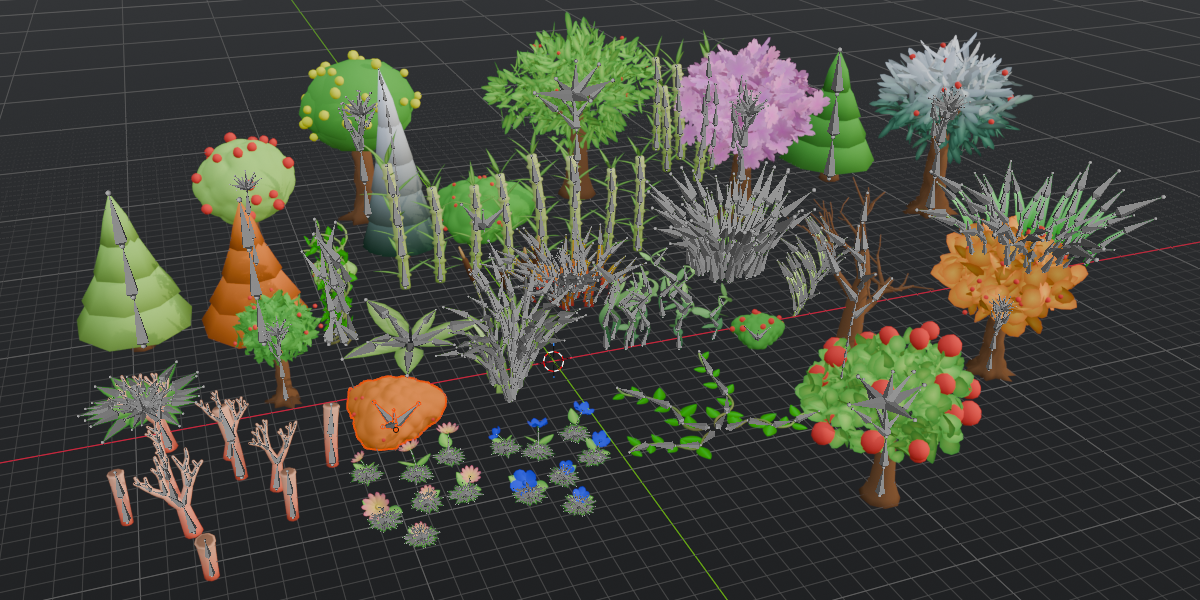
Turn on Generate Armature to build bones for the plant and bind the meshes with automatic weights.
- Trunk Bones: number of bones up the trunk.
- Branch Bone Levels: how many branch generations get their own bones (side branches included).
- Canopy Bones: one bone per canopy clump, so each clump can sway on its own.
- Weight Blend: how softly weights fade between bones.
Wind Sway Action creates a looping animation on the armature.
- Sway Strength: how far the bones rotate.
- Wind Direction: direction the wind blows in the XY plane.
- Loop Frames: length of the loop (the scene frame range is set to match).
- Sways Per Loop: number of full back-and-forth sways in one loop.
- Wave Lag: makes the sway ripple upward from the base.
- Sideways Sway: extra movement across the wind direction.
- Flutter: faster, smaller shaking on branches and canopy.
- Randomness: per-bone variation so branches do not move in lockstep.
Origin to Root
Origin to Root moves the origin of the selected plant (and its armature) to the middle of the trunk base. The plant itself does not move. Export does this automatically.
Export
- Click the folder button to choose an export folder (// means the folder of your .blend file).
- Select the plant and click Export Tree, then choose FBX or glTF.
- For glTF you can choose GLB (one binary file) or gltf (a .gltf with a .bin file).
The file is named after the plant and is replaced on every export. At World Origin exports the plant standing on 0, 0, 0 without changing your scene. Mesh, armature and the wind sway animation are included.
Reset
Use the reset icon next to a section to restore only that section, or Reset All Sliders to restore the whole panel to its defaults.
FAQ
Which Blender versions are supported?
Blender 5.2.2 and newer.
Do I need any other add-ons or libraries?
No. Easy Plant works on its own.
Does it work with Eevee and Cycles?
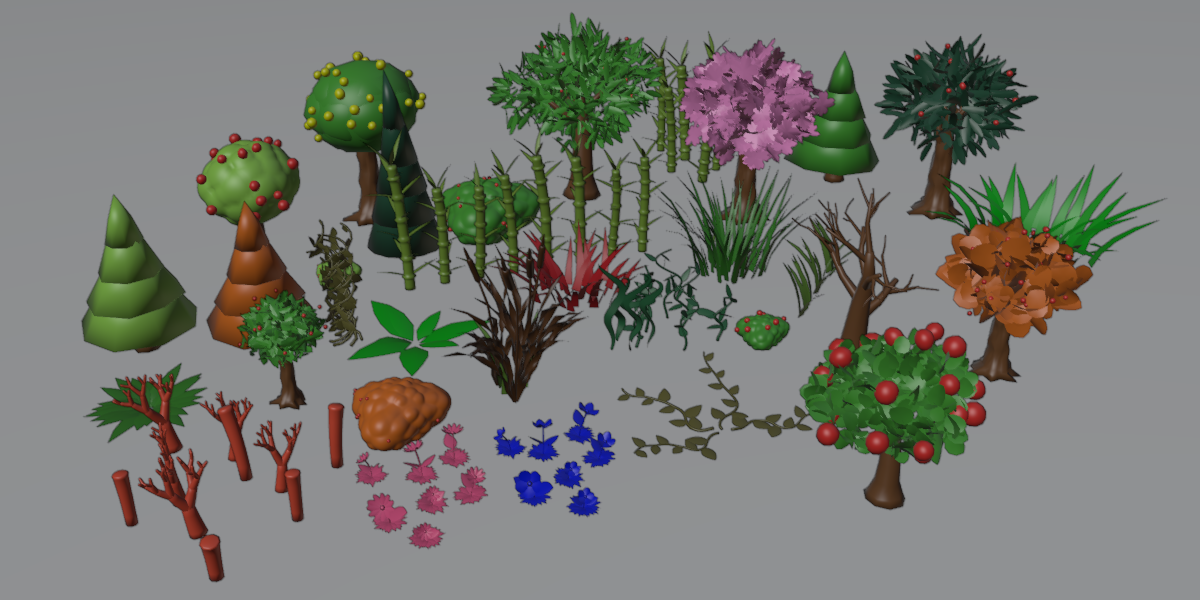
Yes. Plants use a simple Principled BSDF material with vertex colors, so no image textures are needed.
Can I change the settings after generating a plant?
Yes. The generated plant updates as you change the settings, so you can keep adjusting until you are happy with it.
Can I use my own trunk, leaf, fruit or flower models?
Yes. Pick any mesh object in the model fields. See the Using Your Own Models section for the axis and scale rules.
Are UVs created automatically?
Yes. Auto UV is on by default and marks seams and unwraps the whole plant. You can turn it off if you prefer your own UVs.
How do I make the trees sway in the wind?
Keep Generate Armature on, open the Wind section and add the Wind Sway Action. It creates a looping animation you can adjust and export.
Does the wind animation export to game engines?
Yes. Export Tree includes the mesh, armature and wind animation in the FBX or glTF file.
My engine does not show the plant colors. What should I do?
Colors are stored as vertex colors on the mesh. Some engines need vertex colors enabled in their import or material settings.
Where does the plant appear when I generate it?
At the 3D cursor.
Where is the origin of the plant?
At the root of the trunk, so it sits correctly on the ground. Use Origin to Root if you moved it.
Can I use the plants in commercial projects?
Yes. You can use the generated plants and exported files in personal and commercial projects. The add-on itself is licensed under GPL-3.0-or-later.
Why don’t I see Side Branches on my tree?
Side branches are only available for Broadleaf and Giant trees. Set Side Branches above 0 in the Trunk section. The other Side settings appear once there is at least one branch.
Have questions about this product?
Login to message
| Blender Extension Compatible | Yes |
| Dev Fund Contributor | |
| Published | 1 day ago |
| Blender Version | 5.2 |
| Extension Type | Add-on |
| Render Engine Used | Cycles, Eevee |
| License | GPL |
Discover more products like this
low poly cattail grass gltf-export plants bamboo anime tree vine animation auto-uv tree-generator FBX Export