 SyndicatedArt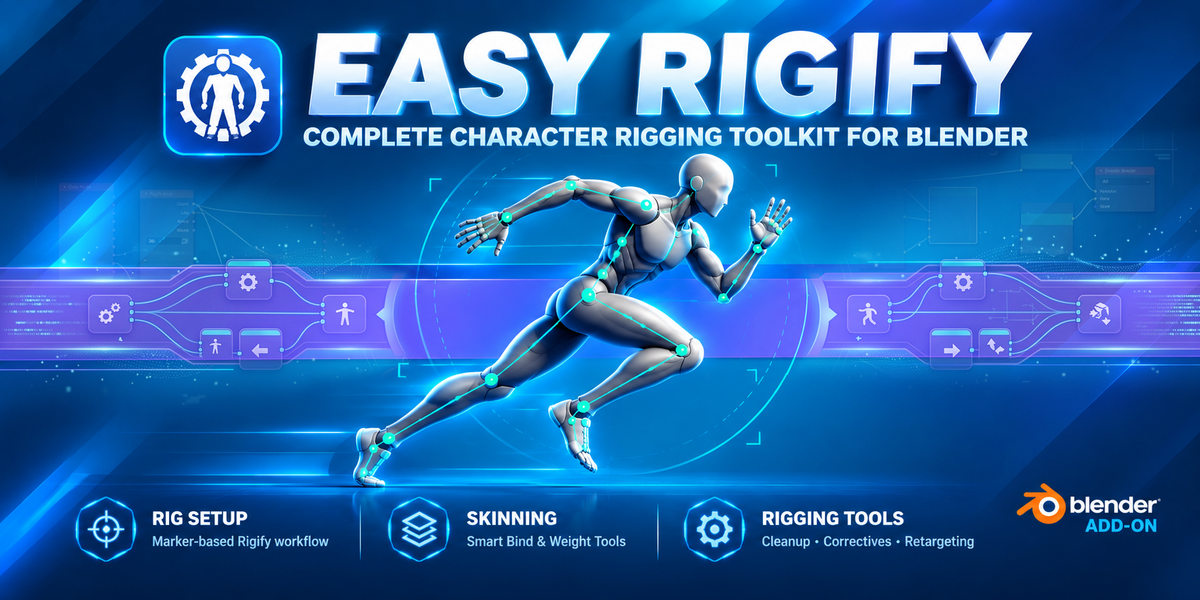


Easy Rigify — Complete Character Rigging ToolKit
Stop Positioning Rigify Bones by Hand
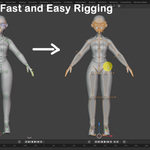
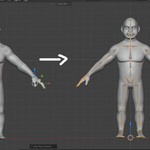
Easy Rigify gives you a visual, marker-based workflow for aligning a Rigify metarig to your character.
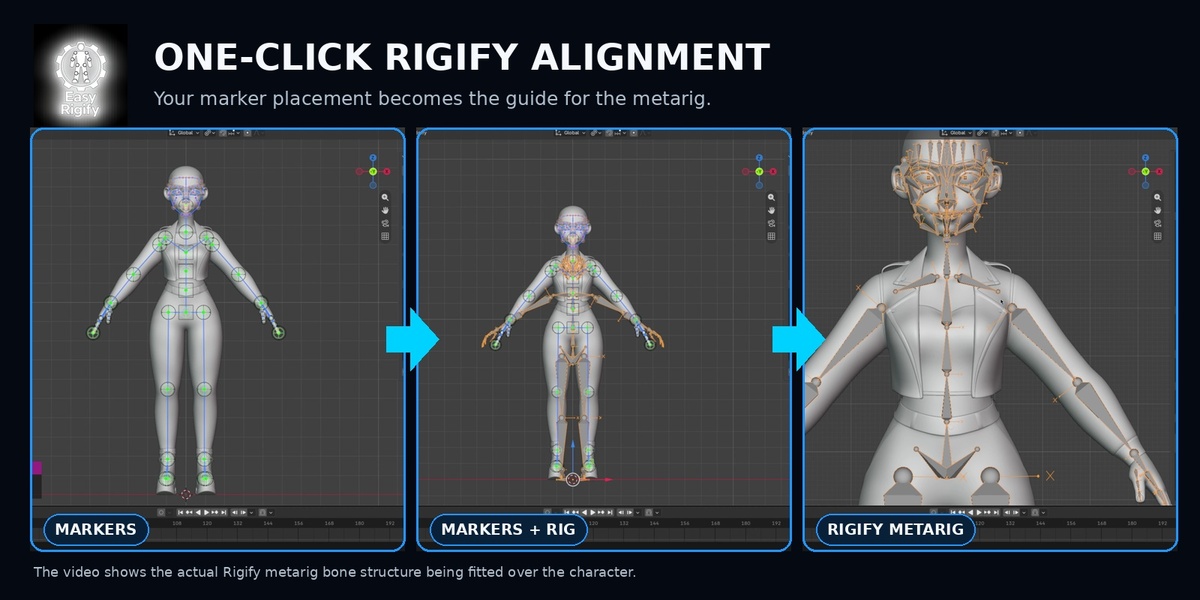
Instead of spending hours moving and rotating individual Rigify bones in Edit Mode, place markers directly on your character and let Easy Rigify calculate the metarig placement for you.
Place Markers → Detect → Align → Generate
Your character. Your markers. Your Rigify rig.
Videos Tutorials: Playlist
HOW EASY RIGIFY WORKS
01 — MARK
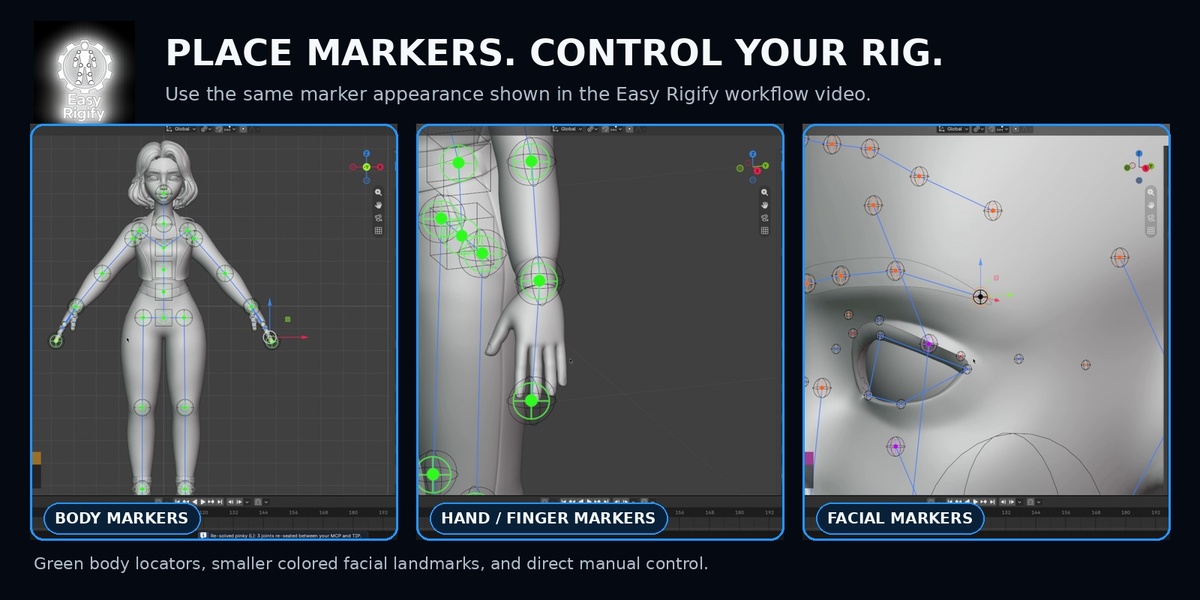
Place visual markers directly on your character.
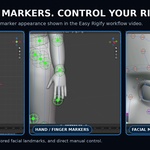
Define the important points for the:
Body · Shoulders · Arms · Hands · Fingers · Face
02 — DETECT
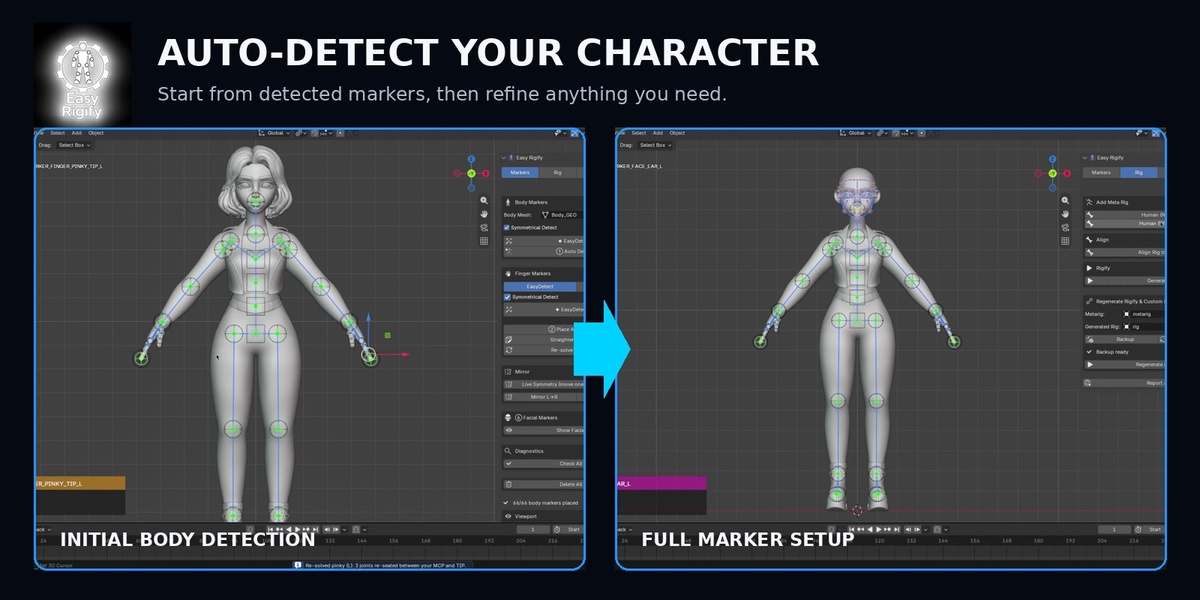
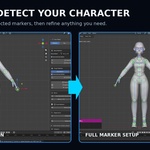
Automatically detect your character's anatomy or place the markers manually.
You stay in control and can adjust any marker before alignment.
03 — ALIGN
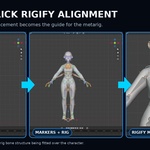
Easy Rigify uses your markers to automatically position the Rigify metarig around your character.
No more manually moving dozens of bones to match your mesh.
04 — GENERATE
Once your metarig is aligned, continue with the normal Rigify workflow and generate your final rig.
Easy Rigify doesn't replace Rigify — it makes the metarig setup faster.
CORE FEATURES
-
Marker-Based Rigging
Place and edit anatomical markers directly on your character. -
Automatic Body Detection
Automatically identify major body landmarks and create markers. -
Finger Detection
Detect and position finger markers for Rigify hand and finger bones. -
Facial Markers
Set up markers for facial rigging, including eyes, eyelids, nose, mouth, jaw and other facial landmarks.
-
Mirror & Live Symmetry
Keep symmetrical marker placement synchronized while working.
-
Automatic Metarig Alignment
Align the Rigify metarig to your marker positions automatically.
-
Regenerate & Refine
Adjust your markers and regenerate your setup without rebuilding everything from scratch.
- AI/AUTO - Detection
OPTIONAL AI-ASSISTED DETECTION
Need a faster starting point?
Easy Rigify includes optional on-device AI-assisted detection for body, fingers and facial landmarks.
AI is completely optional.
Prefer manual placement? You can use the core Easy Rigify marker workflow without AI.
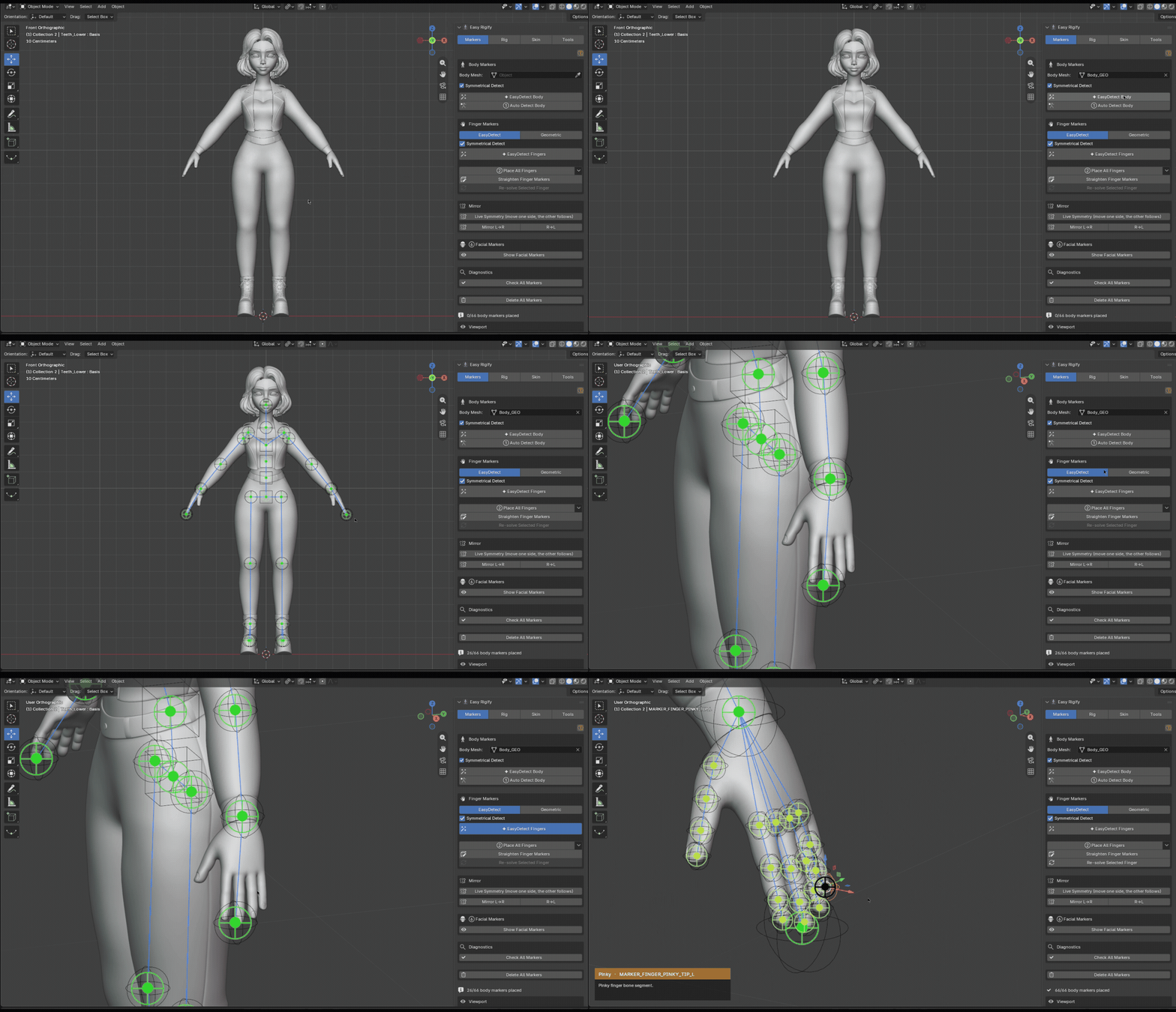
- FACE DETECTION — AI/GEOMETRIC DETECTORS (step by step - full control, plus teeth & tongue)
Metarig Generation & Alignment
- Generate a Human (No Face) or Human (With Face) Rigify metarig in one click
- Align all metarig bones to your placed markers automatically
- Works with standard Rigify human rigs out of the box
SKIN YOUR CHARACTER
Easy Rigify doesn't stop when the metarig is aligned.
The Full version also includes tools to help move from rig setup into character deformation.
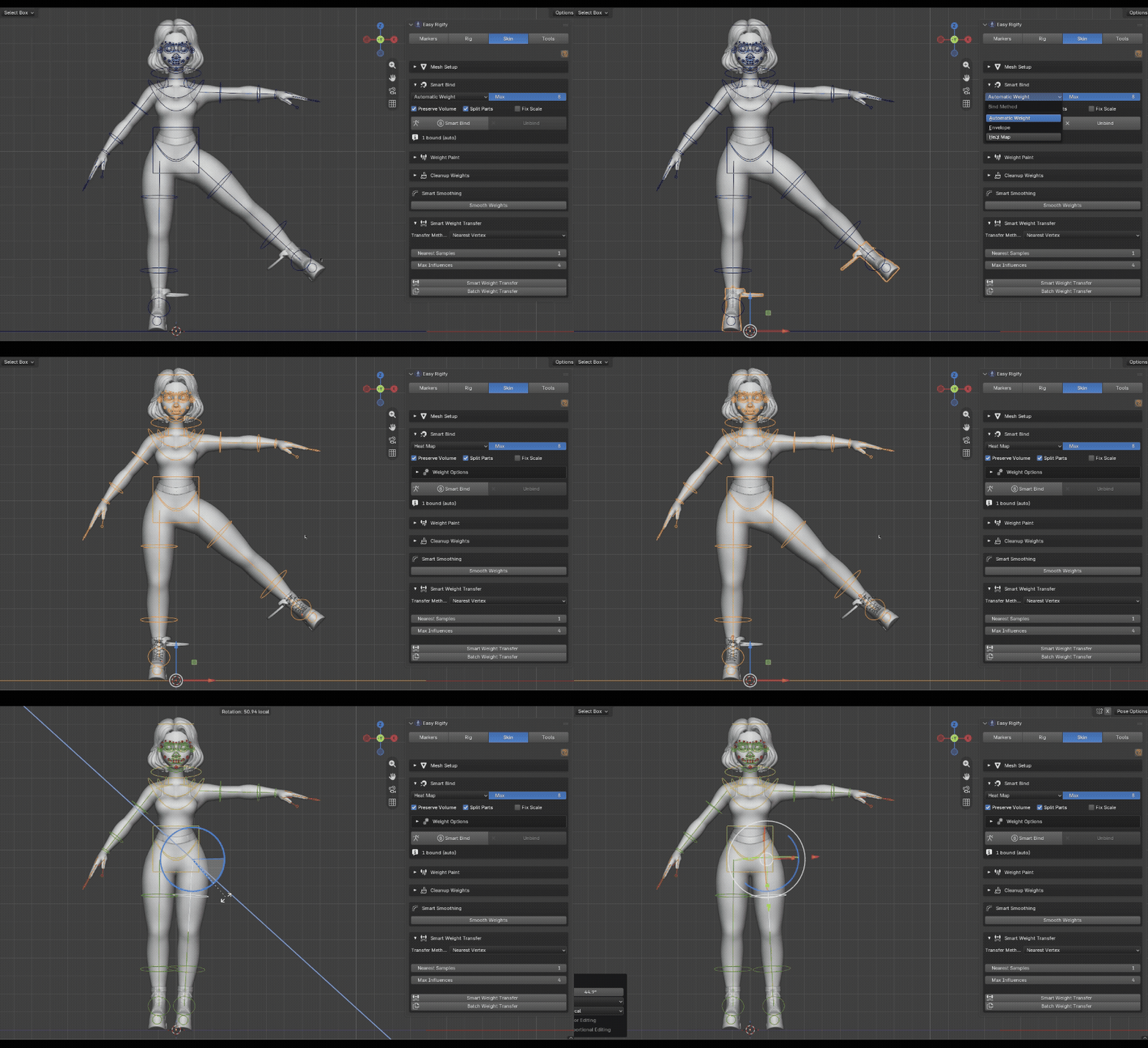
Smart Bind
Automatically bind your character to the generated rig and get started with deformation.
-
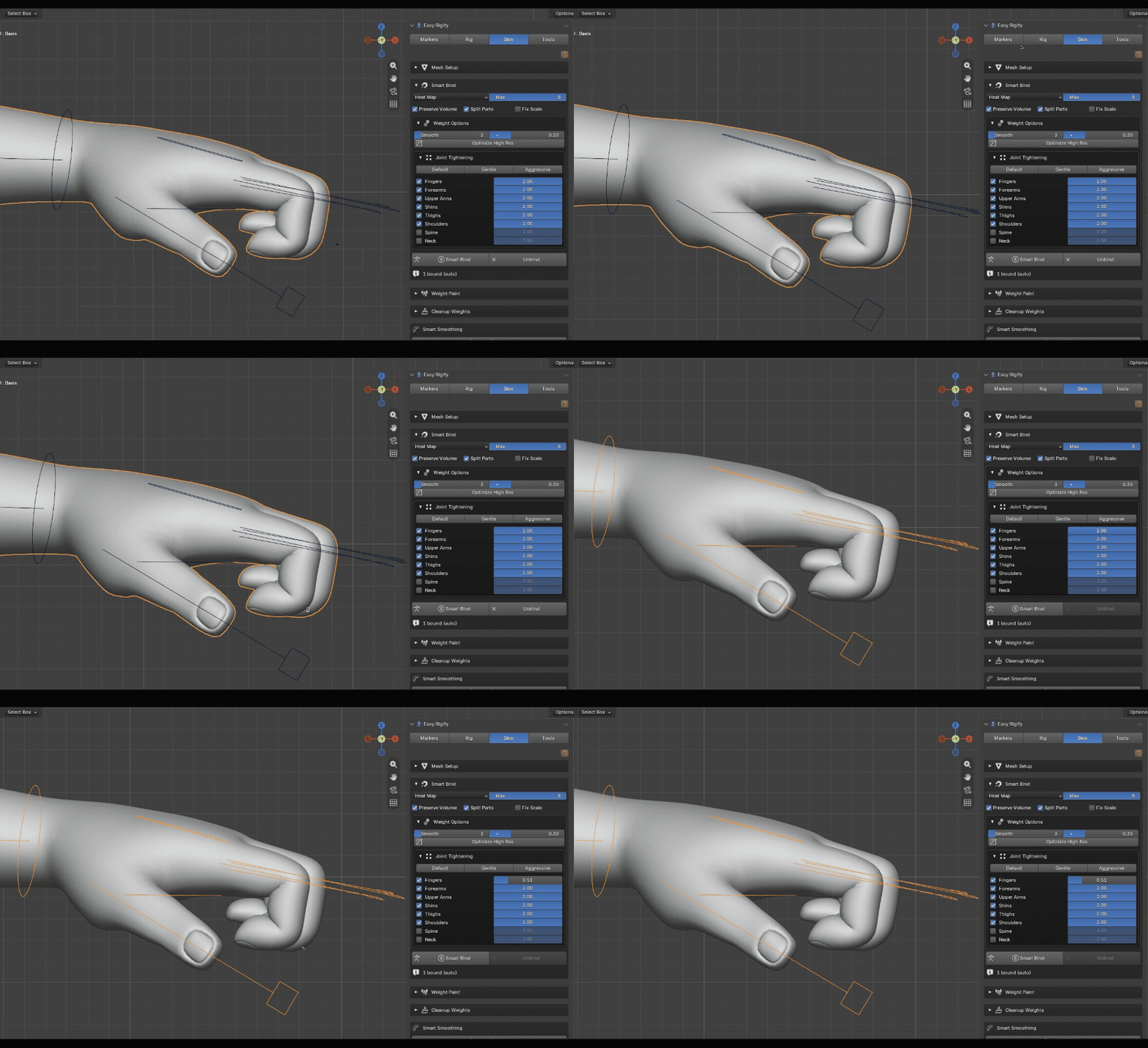
Surgical Weight Fix
Correct problematic areas without having to repaint your entire character.
-
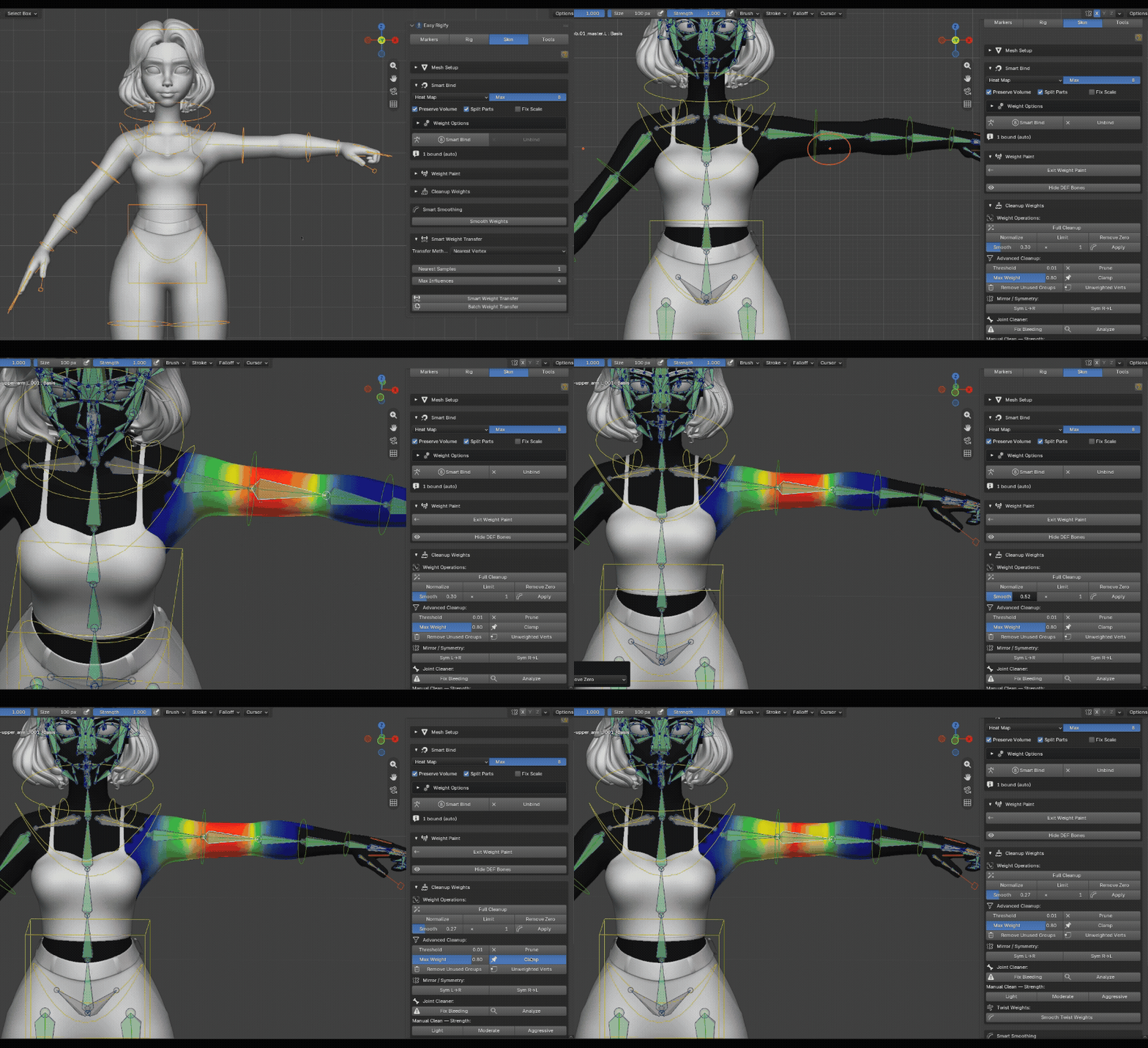
Weight Cleanup
Tools for:
-
Weight smoothing
-
Weight symmetrizing
-
Weight transfer
- Influence cleanup
-
Weight smoothing
-
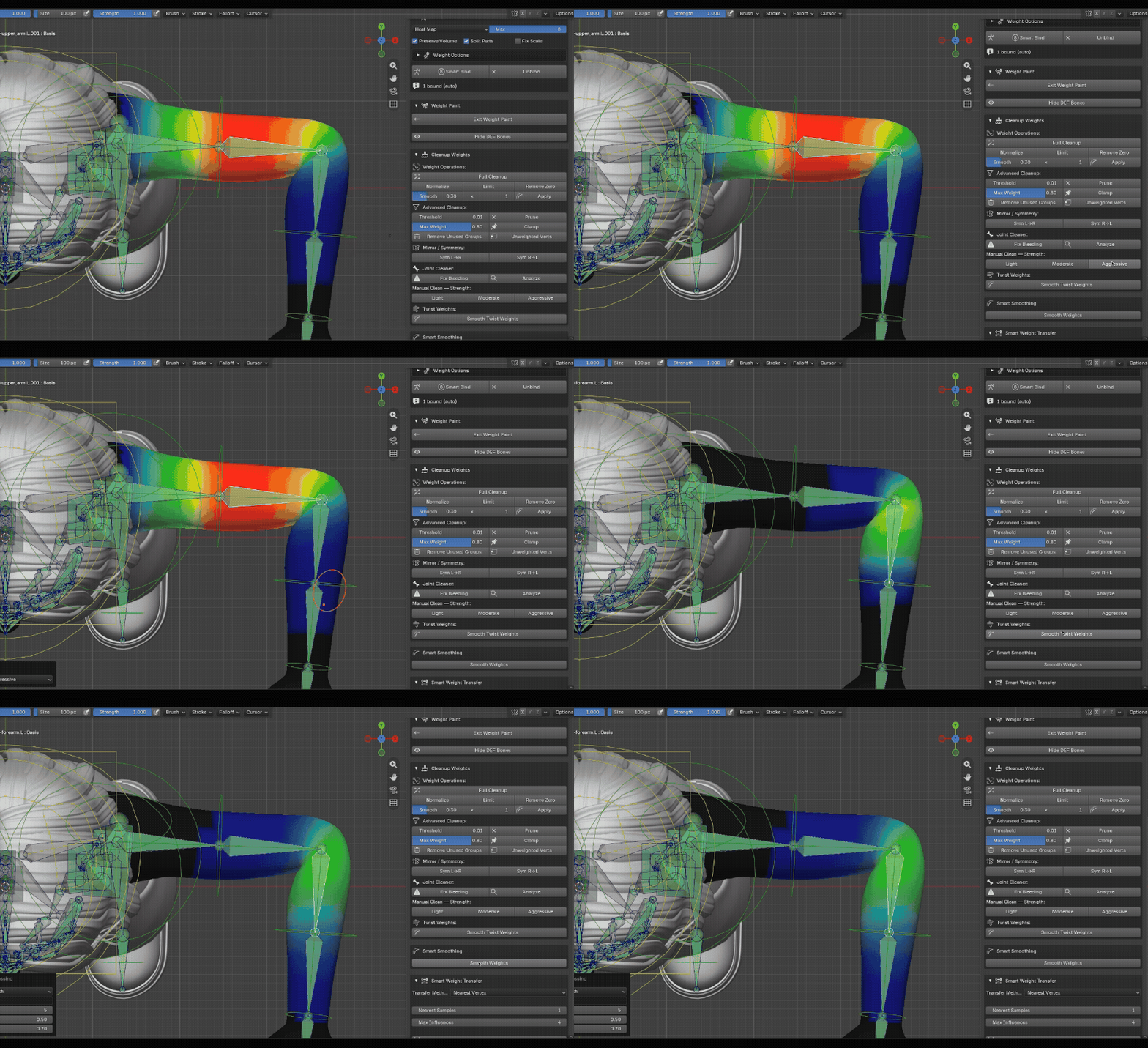
Joint Cleaner
Help remove unwanted deformation and weight bleeding around difficult joints
-
Joint Corrective
Refine problematic deformation areas where standard weighting isn't enough.
Go from metarig setup to a usable character workflow without leaving Blender.
-
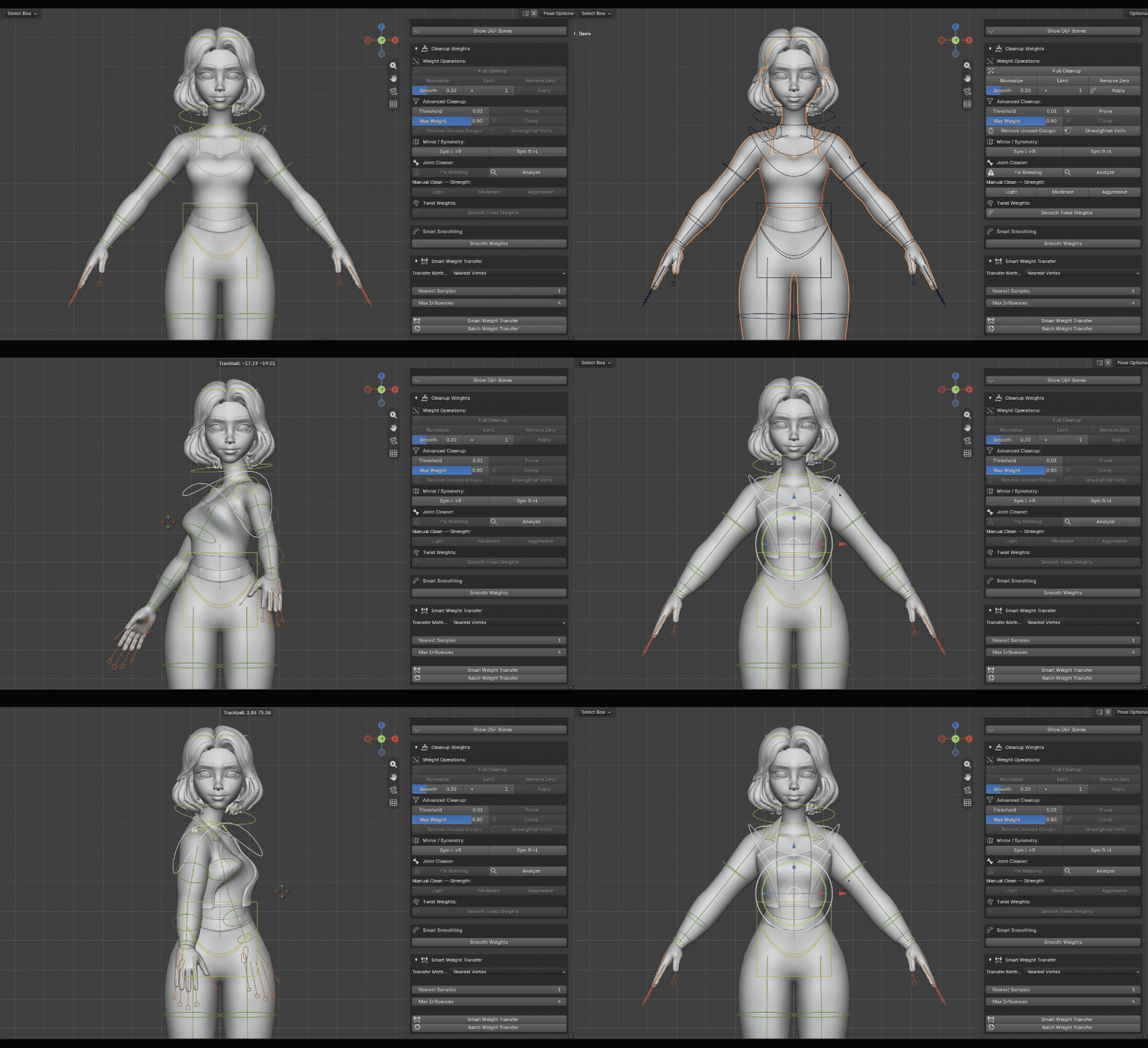
Weight Transfer
transfer weight from body to cloths easily, with good result
- Retarget
Transfer animation between compatible rigs and characters.
-
Fan
Bones — add volume-preserving fan bones to elbows and knees
Create additional supporting bones for specialized deformation and rigging requirements.

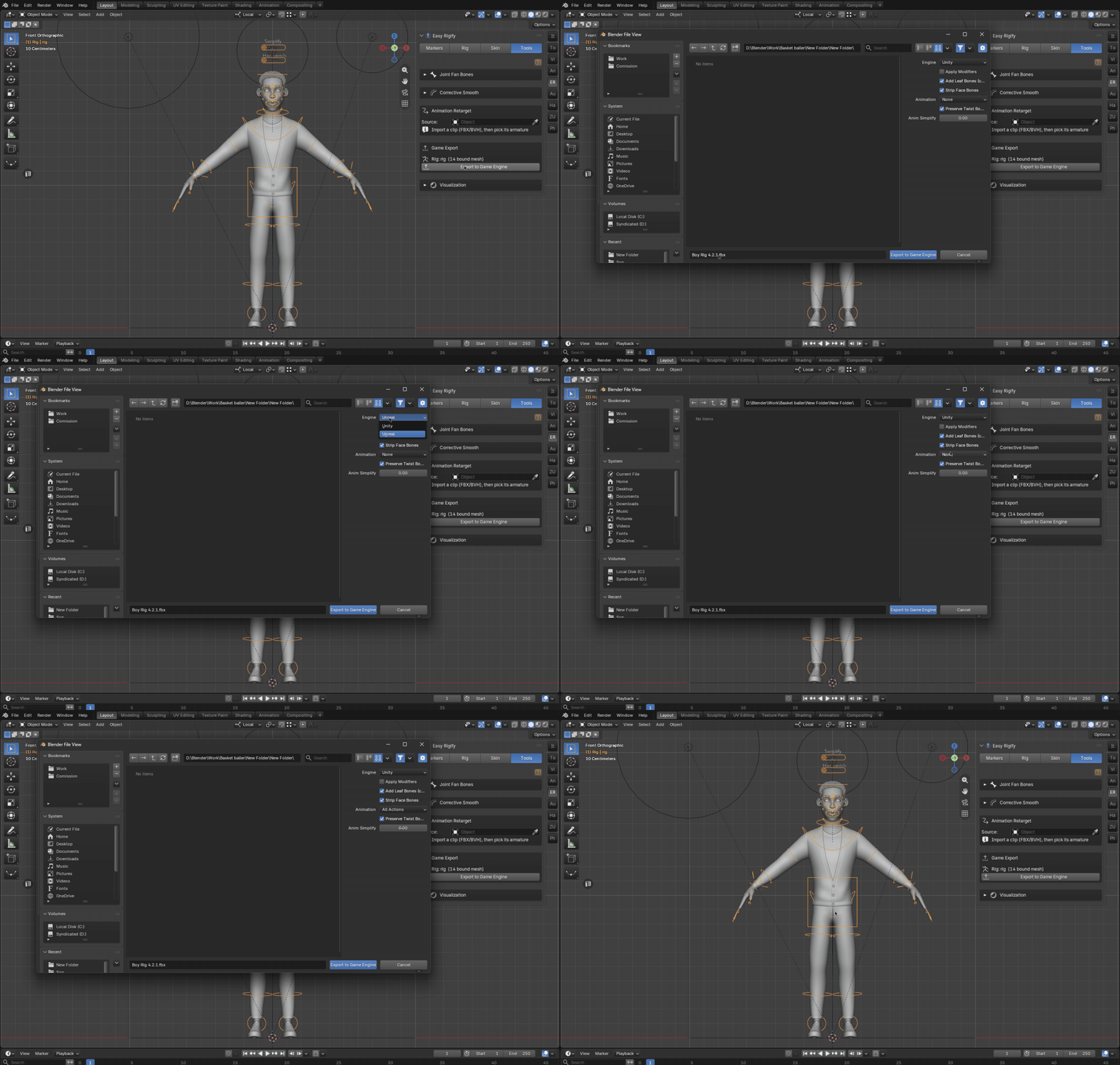
- Export to unreal/Unity
Once your character is rigged, Easy Rigify provides additional tools for continuing your production workflow.
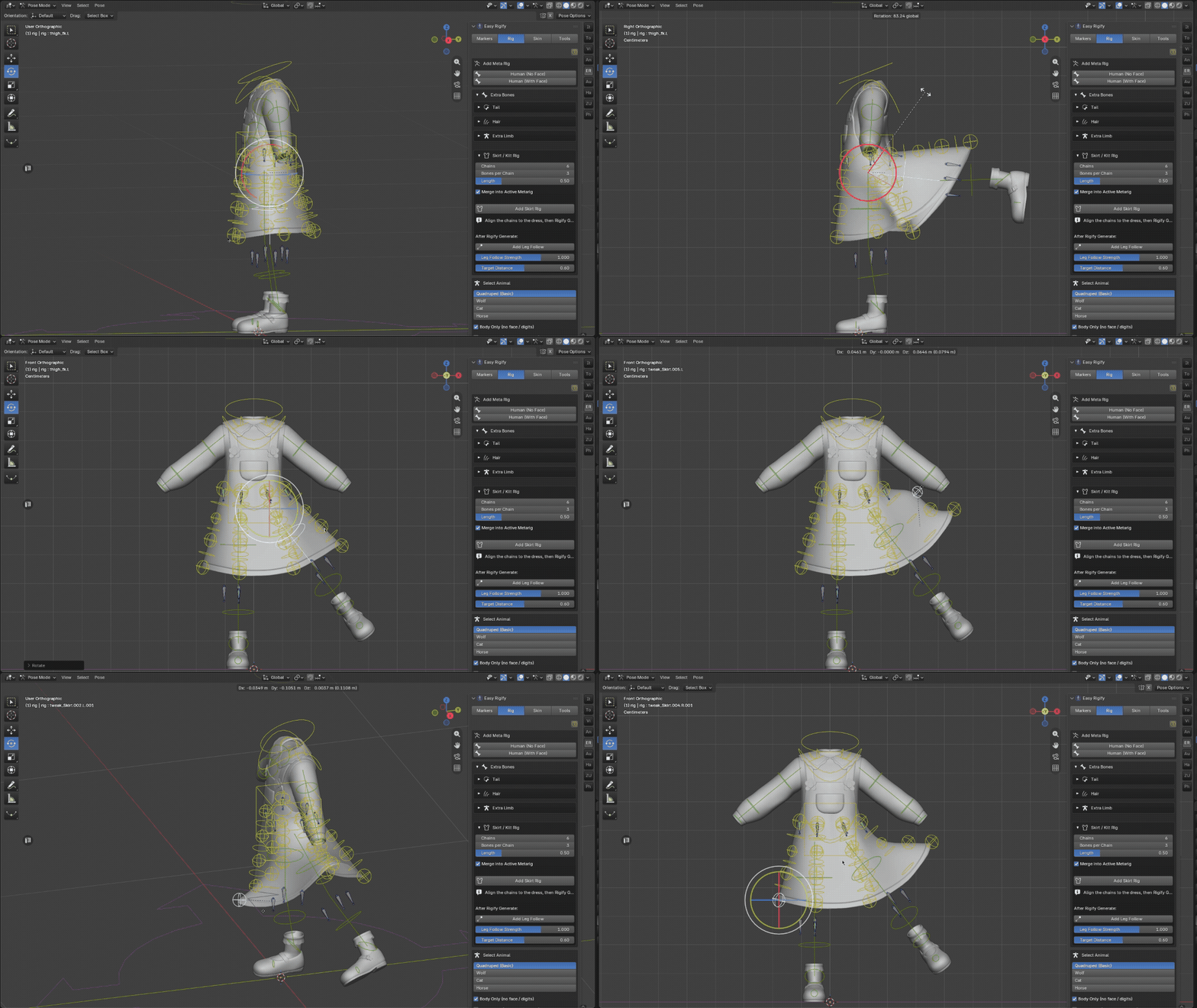
- Skirt/Kilt Rig
Additional rigging support for garments that require their own controllable deformation.
WORKFLOW TOOLS
Easy Rigify also includes a collection of tools designed to make the rigging process easier to manage.
- Marker Hints
- X-Ray workflow
- Mesh Selection Lock
- Update Checker
- Bug Reporting
- Diagnostic tools
- Regeneration tools
The goal is simple:
Spend less time fighting the rig and more time working on your character.
BUILT FOR CHARACTER ARTISTS
Easy Rigify is designed for:
Character Artists · Animators · Game Artists · Freelancers · Studios · Rigify Users
If you already use Rigify but spend too much time positioning the metarig, Easy Rigify is designed to simplify that step.
FROM CHARACTER TO RIG
Traditional workflow
Character → Add Metarig → Manually Position Bones → Adjust → Adjust Again → Generate
Easy Rigify workflow
Character → Place/Detect Markers → Align Metarig → Generate
The result is the same Rigify ecosystem — with a much more visual setup process.
REQUIREMENTS
Blender 4.2+
Easy Rigify supports Blender 4.2 and newer supported versions.
Rigify
Rigify is included with Blender and must be enabled to use the Rigify metarig workflow.
Easy Rigify is licensed under the GNU General Public License v3.0 or later.
