 Blender fusion


Easy Scatter Pro
The Ultimate Procedural Placement Engine
🚀 Version 1.2.0 Update
A massive workflow update! Here are the new additions:
- Global Tool Shortcuts (E, R, M, D): You can now seamlessly toggle external tools! Press E for Eraser, R for Replacer, M for Mirror, and D for Deform—all without leaving your current painting session. Customize these keys in Addon Preferences.
- Lattice Deform Tool: Added an interactive lattice cage system! Pin your objects, press 'D', and instantly reshape your scattered items globally to fit uneven terrain or artistic needs.
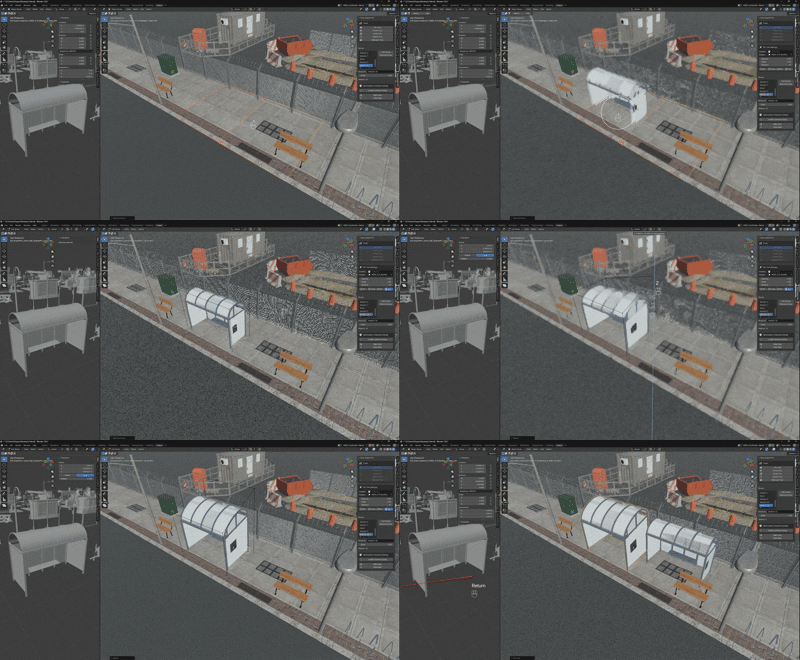
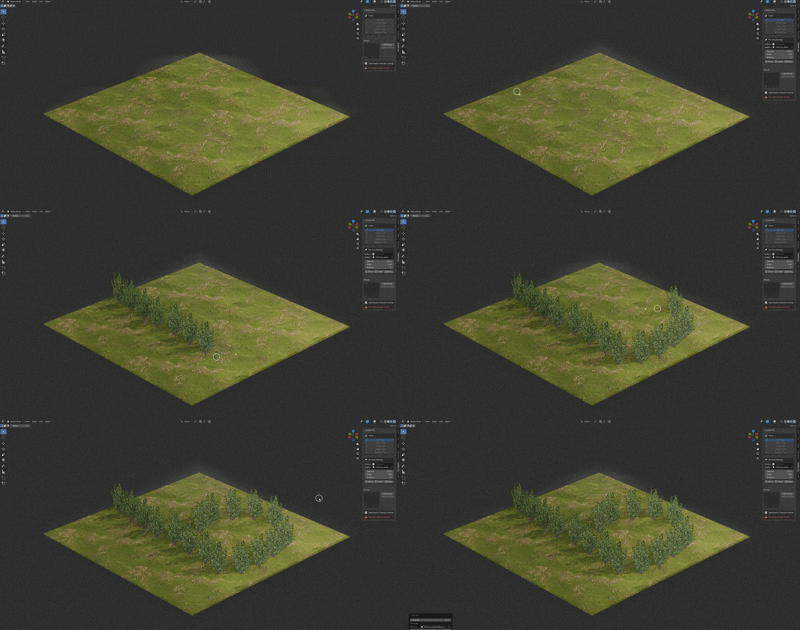
- Circle Scatter Drag & Place: Improved brush dynamics! You can now hold and drag the Circle tool to continuously paint lush paths, forests, or debris trails with perfect spacing validation.
- Isolated Properties: Every Session group now acts completely independently. Starting a new group resets parameters for a clean canvas, while editing an old group smoothly restores its specific configuration!
Complete Environment Design Workflow
Easy Scatter Pro isn't just a scattering tool—it's a complete environment design workflow for Blender 4.1+.
Designed for speed, precision, and performance, it combines the flexibility of procedural painting with the control of manual placement.
🌟 Core Modes (The 5 Pillars)
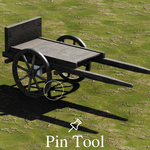
1. 📍 Pin Tool (Precision Placement)
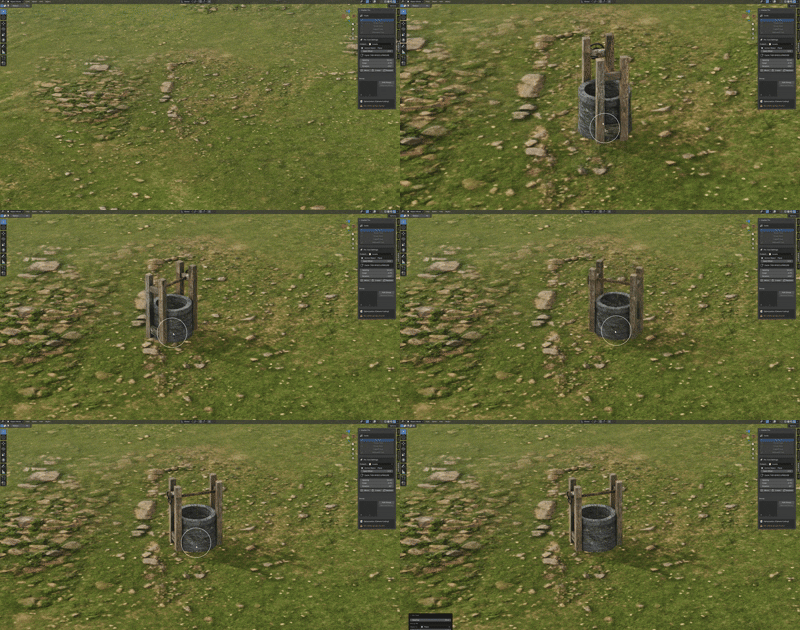
The surgeon’s scalpel for environments.
Surface Awareness:
Automatically detects surface normals. Objects snap perfectly perpendicular to faces.
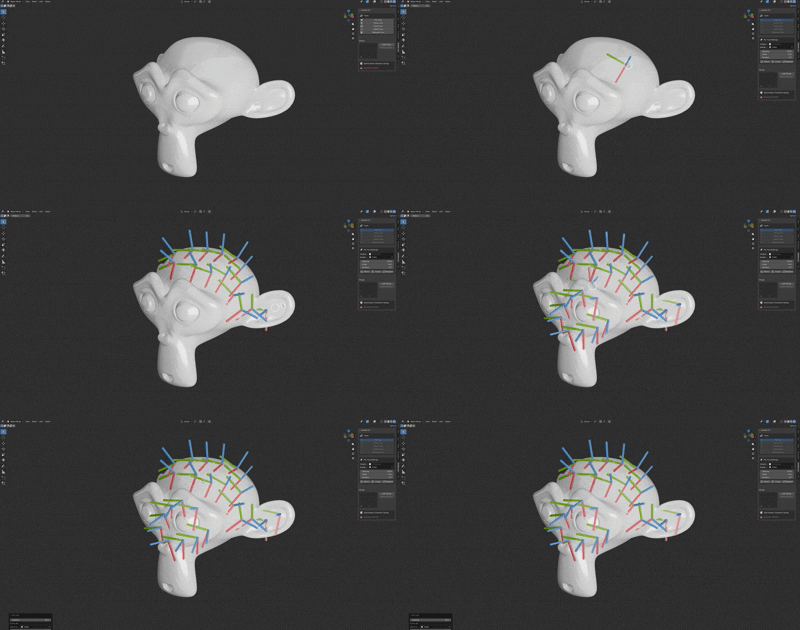
Sticky Rotation:
Click and drag to interactively rotate the object on its local Z-axis before confirming placement.
Scale Control:
Hold Ctrl+Scroll to adjust scale on the fly before placing.
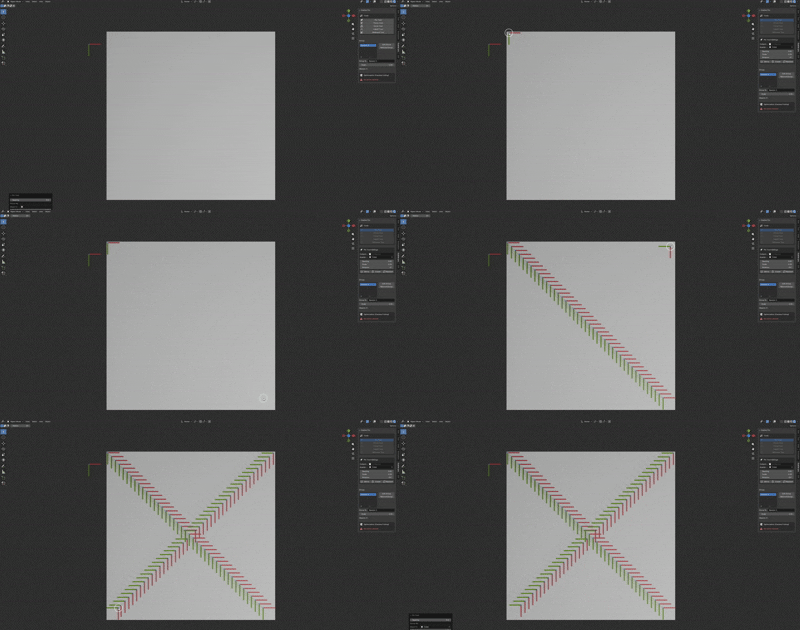
Line Scatter:
Shift+Click two points to fill the gap with evenly spaced objects (perfect for fences, pillars, or streetlights).
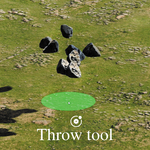
2. 🌪️ Throw Scatter (Physics Simulation)
Drop objects, don't just place them.
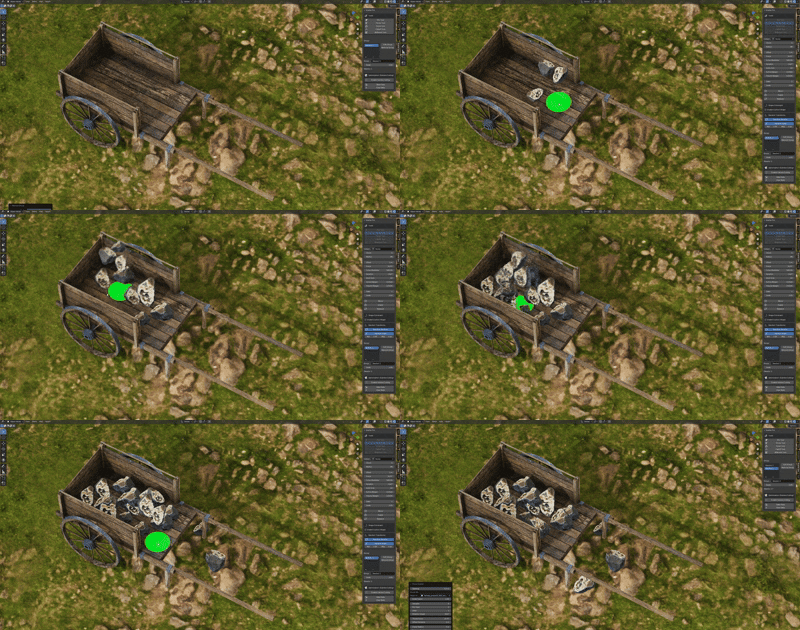
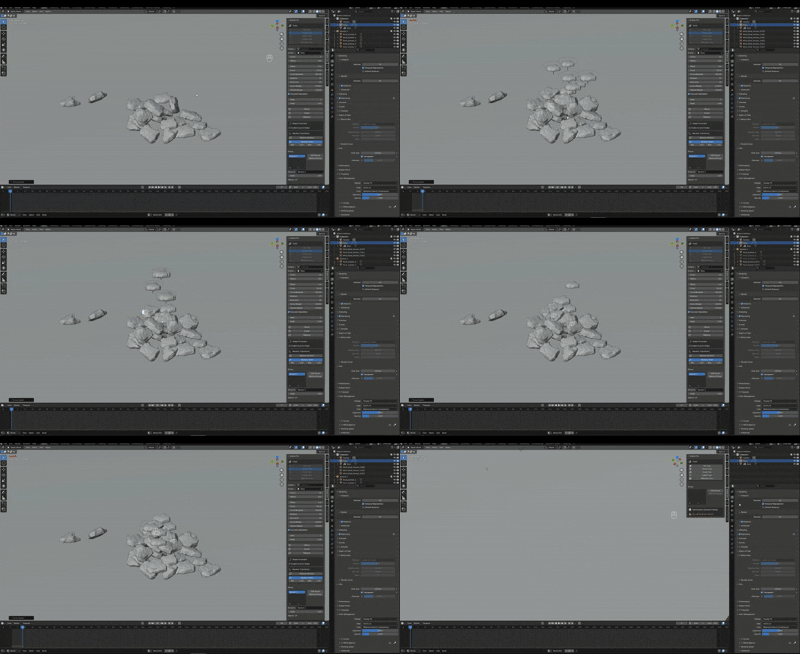
Real-time Rigid Bodies:
Uses Blender’s physics engine to drop objects from the cursor.
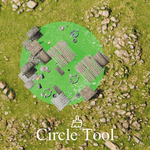
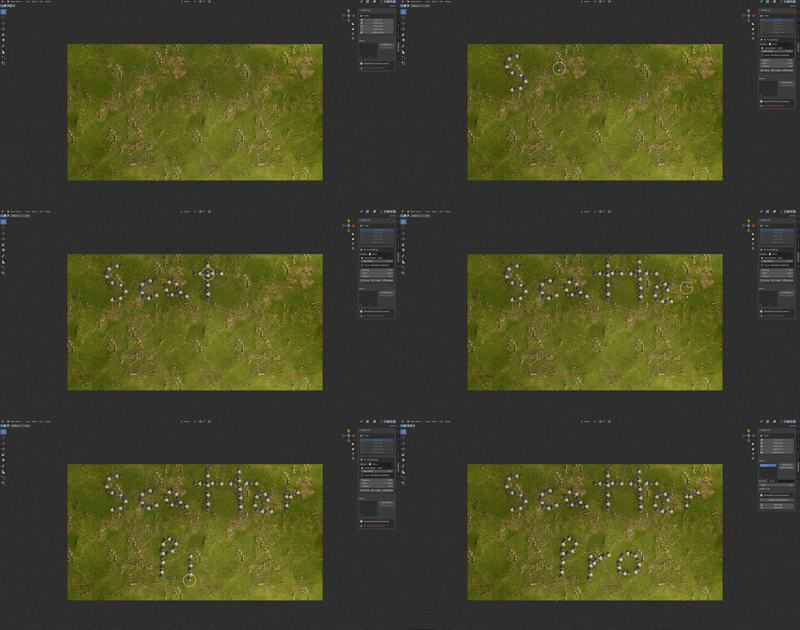
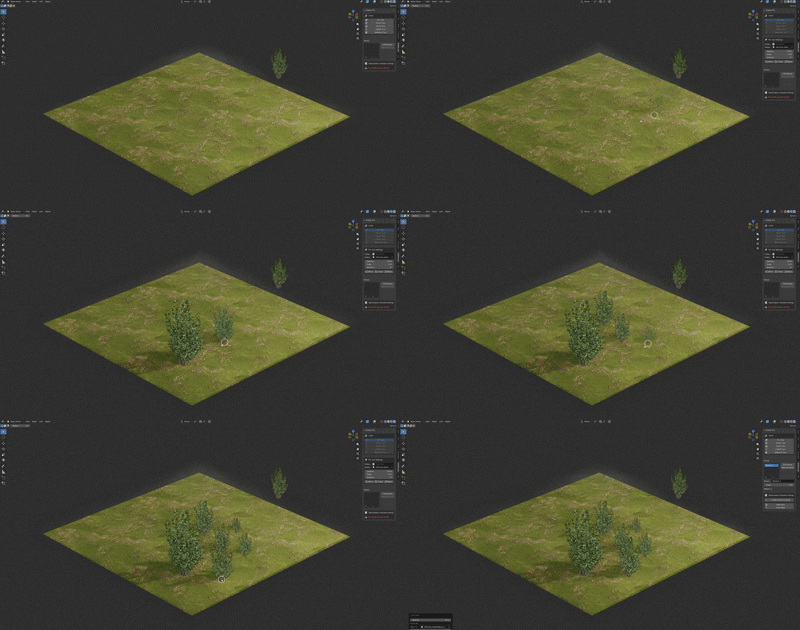
3. 🎨 Circle Scatter (Mass Population)
Paint ecosystems in seconds.
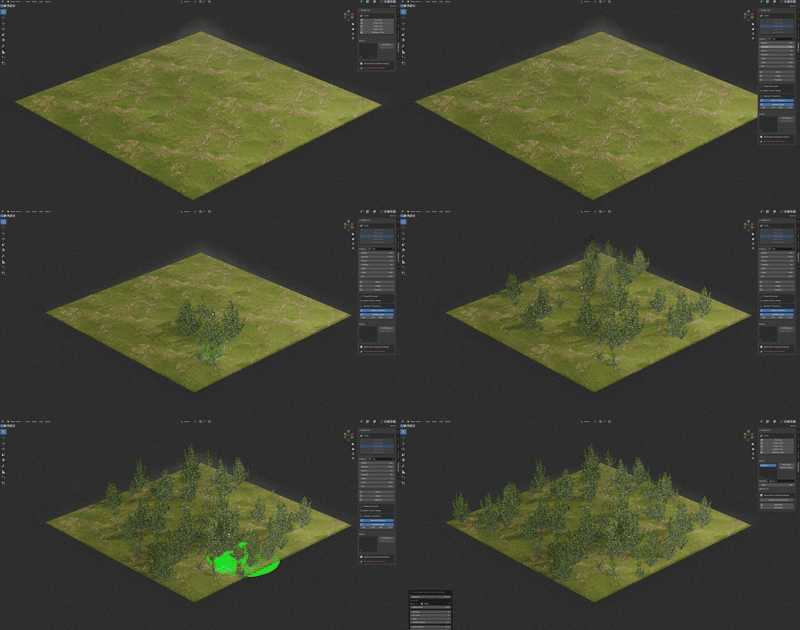
Lasso/Brush Support:
Supports painting continuously across surfaces with exact spacing constraints, or single-stamps.
Dynamic Density:
Adjust the "Per Click" count instantly.
Smart Radius:
Alt-Scroll to change the brush size in real-time.
4. 🌫️ Falloff Scatter (Gradient Painting)
Create natural transitions.
Edge Softening: Calculates distance from the brush center. Objects near the center are denser/larger, fading out towards the edge.
Perfect For: Forest borders, grass patches fading into dirt, or shorelines.
5. 🖼️ Billboard Scatter
Optimization-first placement.
Auto-Orientation:
Specifically designed for 2D sprites or card objects.
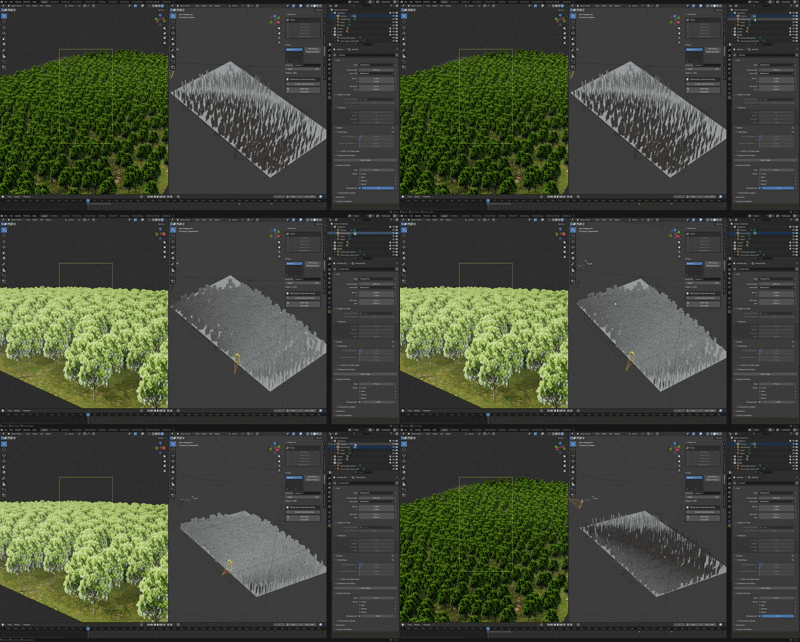
Camera Facing: Keeps billboards oriented towards the active camera (optional logic).
🛠️ Advanced Workflow Features
🪞 Non-Destructive Mirroring
Axis Control:
X, Y, Z, XY, XZ... any combination supported. (Shortcut: M)
Center Modes: Mirror across the World Origin, Selected Object, or the Hit Location.
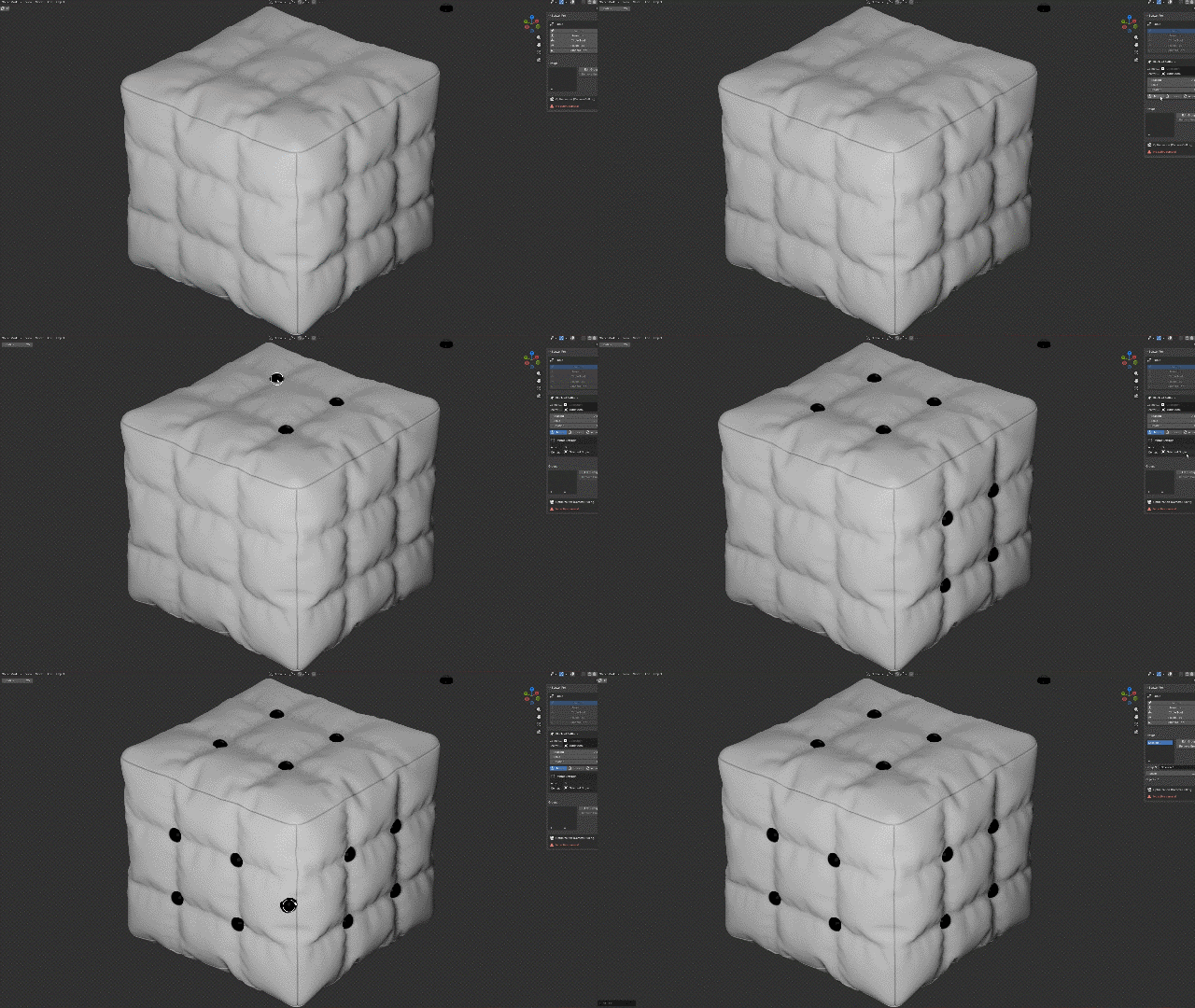
Component Sync: Mirrors are kept in sync with the scattered group hierarchy.
⚡ Smart Optimization System
-
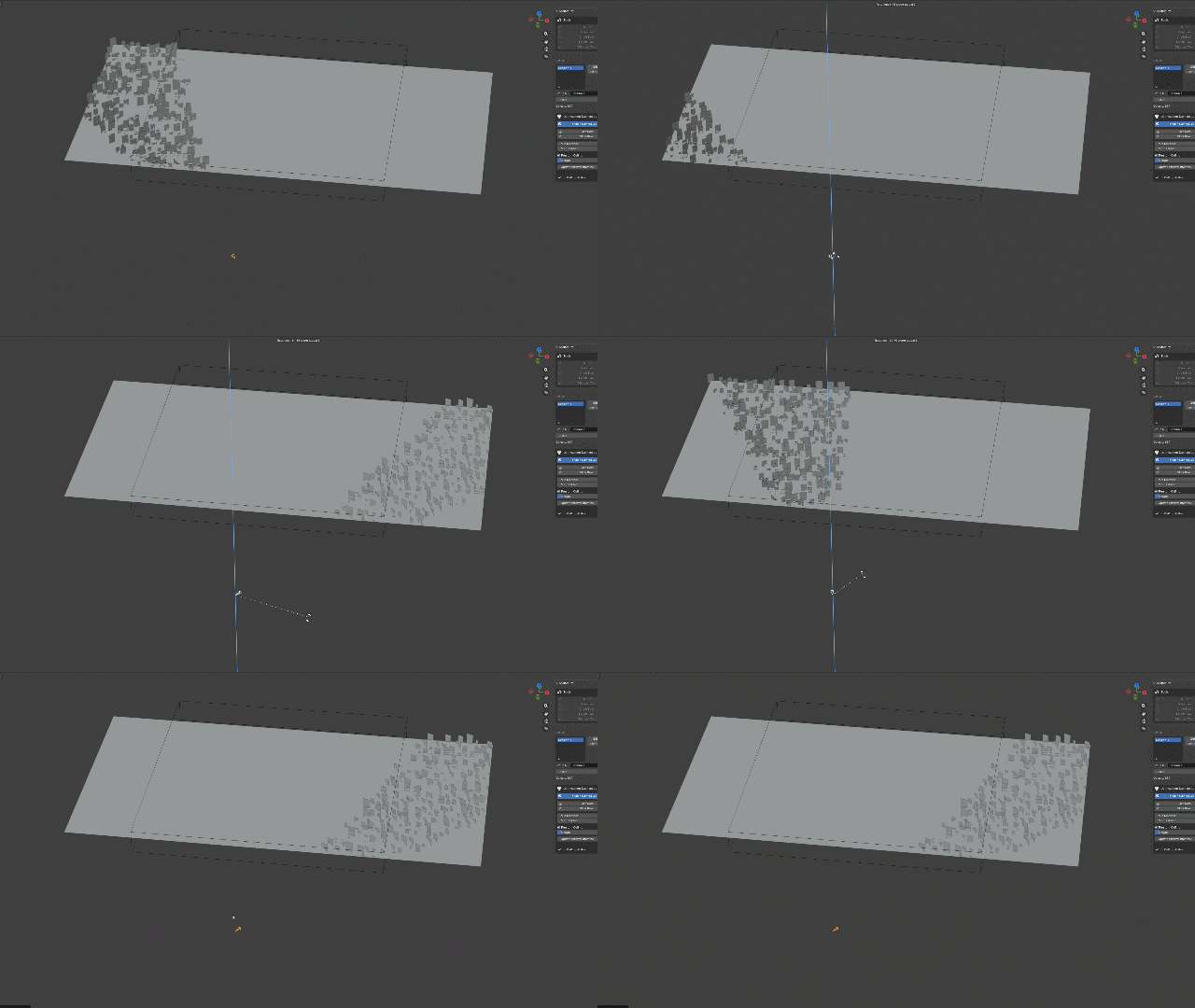
Camera Culling (Frustum & Distance): The addon tracks your active camera. Objects outside the view frustum or beyond a set distance are hidden in the viewport to save FPS.
🔄 Group Management & Layering
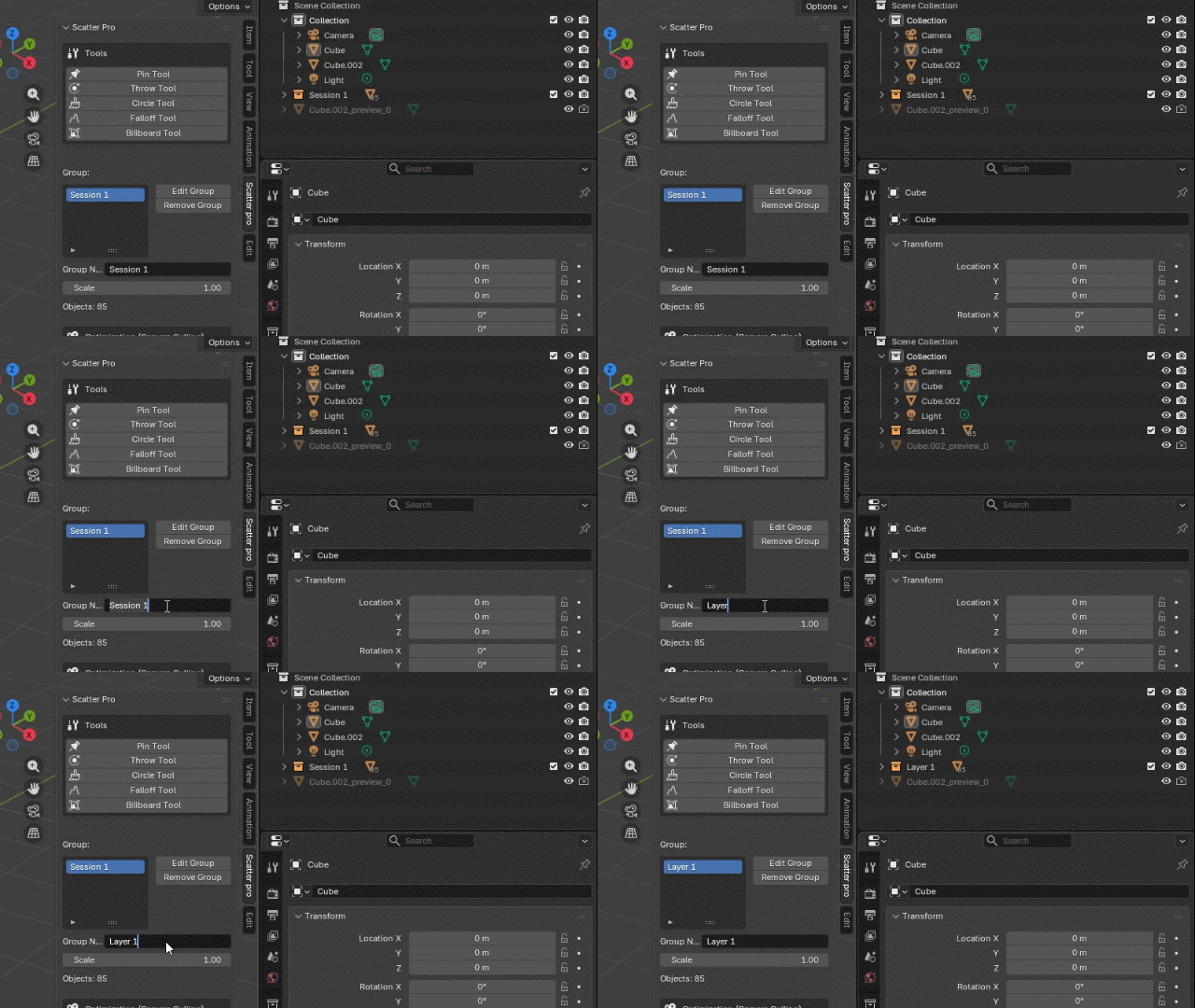
- Session-Based: Every scatter operation creates a new "Session" layer entirely independent.
- Edit Group: Select any previous session and resume painting/erasing without affecting other layers (all variables refresh automatically).
- Remove Group: Cleanly deletes the objects and their container collection in one click.
🧽 Eraser & Replacer
- Eraser Mode (Shortcut: E): Paint over existing objects to remove them (supports standard radius checks).
- Replacer Mode (Shortcut: R): Paint to swap placed objects with the currently selected asset. Great for adding variety to a mono-culture forest.
⚙️ Customization & UX
- Interactive Lattice Deform: Press D to envelope your placed models in a manipulation cage!
- Random Transforms: Jitter Scale (Min/Max), Random 360 Rotation, and Random Tilt.
- Interactive Shortcuts: All tools feature "Hold & Press" shortcut capture in Preferences. No need to dig through keymaps.
- Visual Feedback: Custom HUD overlays and brush previews show exactly what will be placed.
- Custom Shape: Restrict scattering to inside a selected curve or mesh boundary.
We Support the Blender Foundation ❤
We love Blender! We would like to participate in its development. We donate part of the earnings to the Blender Foundation for its growth