Easy Slice
 RGStudios

Which Blender versions does it support?
Blender 4.0 or newer. Easy Slice is packaged as a Blender Extension, so install it with Install from Disk in Get Extensions.
Does it use Boolean modifiers?
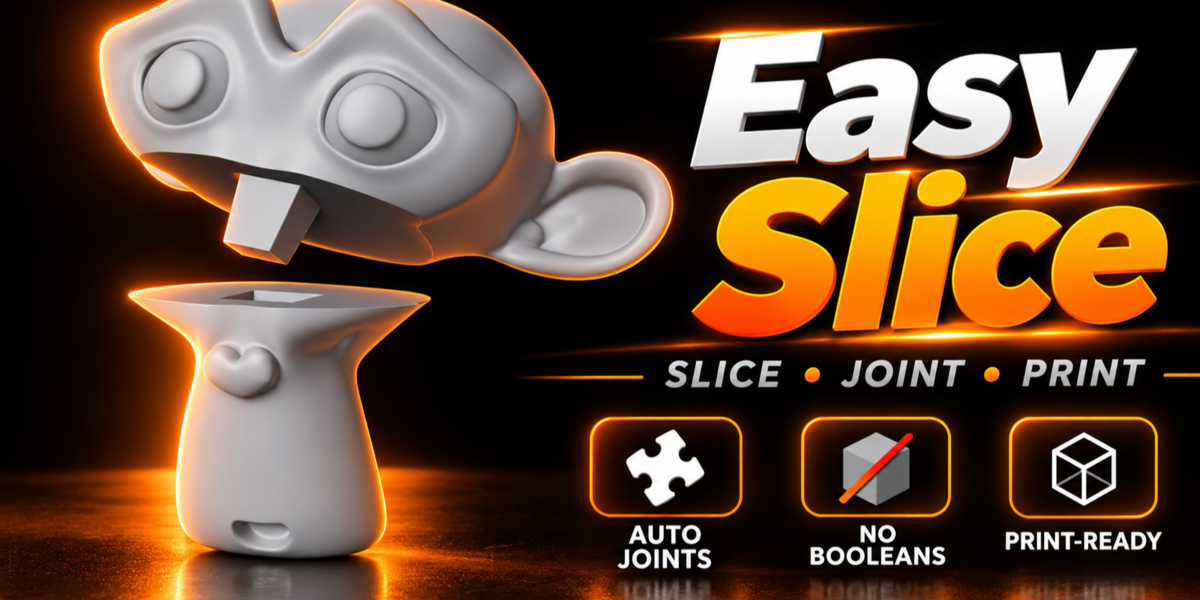
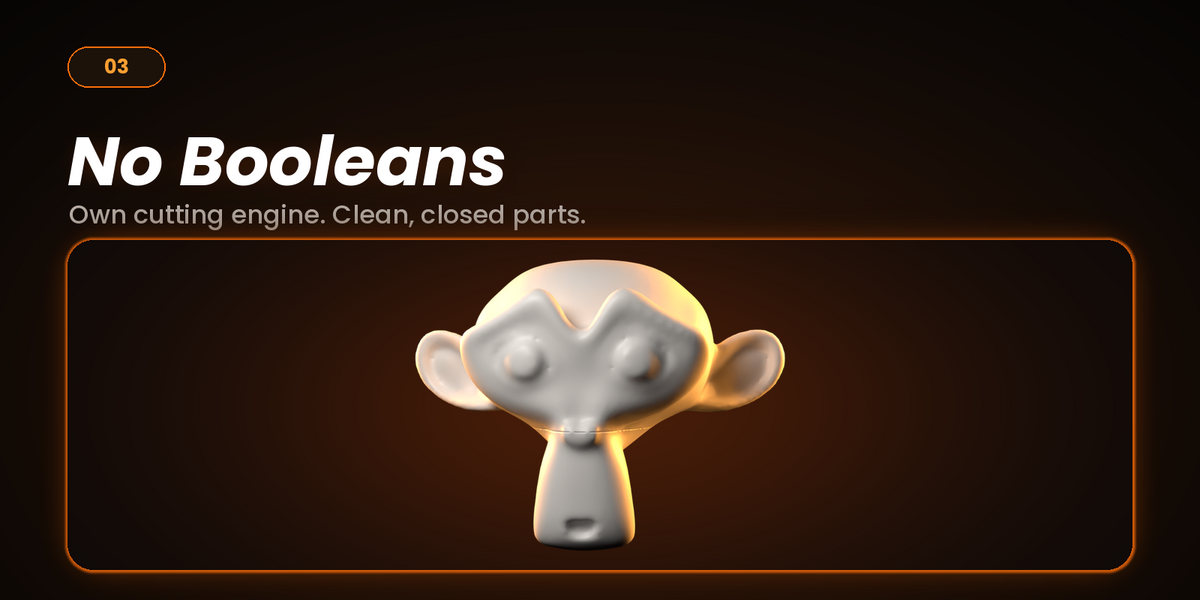
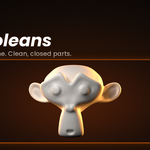
No. The cut and the joint keys (Cone Tab, Square Peg and Round Peg) are built directly on the mesh, so there are no Boolean modifiers to set up or wait for.
What kind of model works best?
A solid, closed mesh with no holes. Models that already have holes or broken geometry can give uneven results, so fix the mesh first if the cut looks wrong.
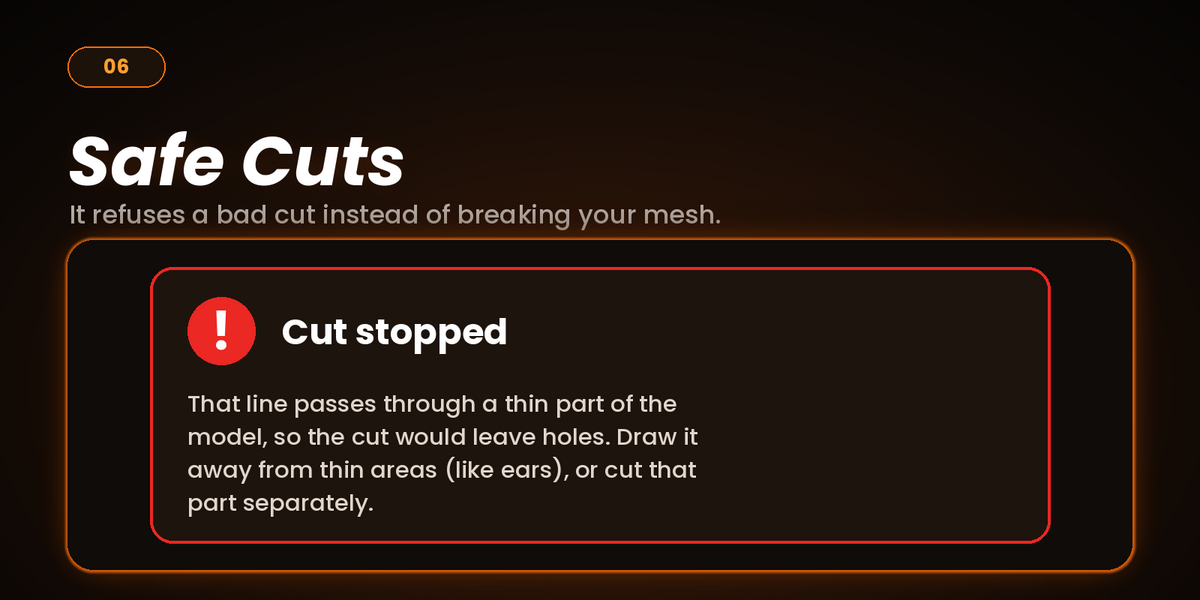
Why did my cut stop with a message about a thin part?
The line would pass through a thin area (like an ear) and leave holes in the result. Easy Slice stops instead of giving you a broken mesh. Draw the line away from thin areas, or cut that part separately.
Which joint shape should I choose?
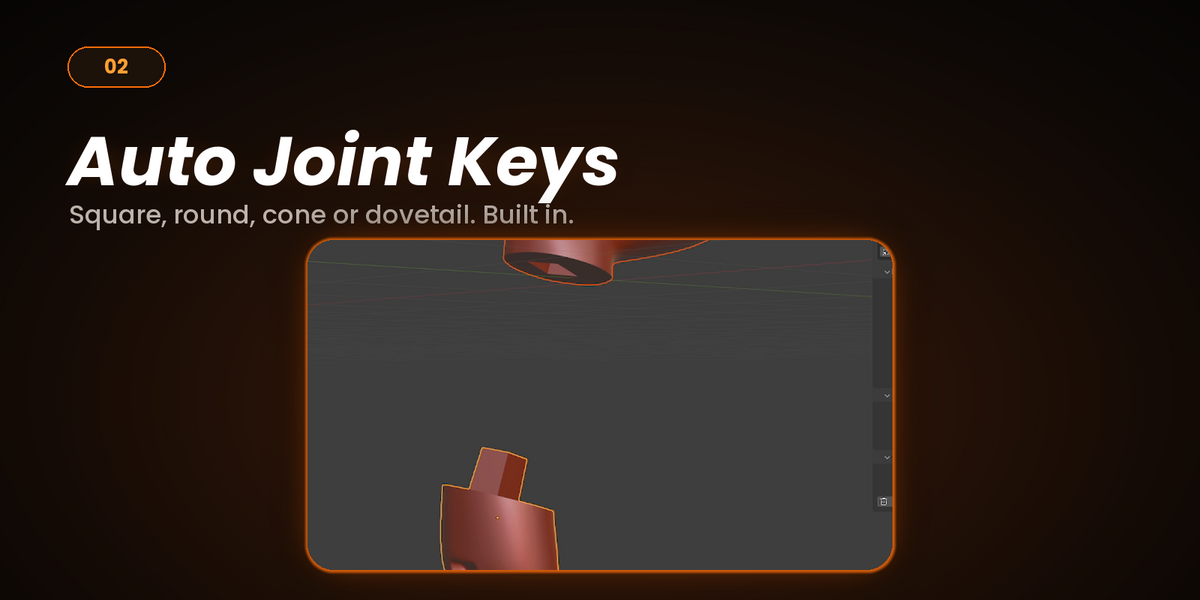
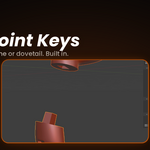
Cone Tab aligns itself when you press the parts together. Square Peg stops the parts from spinning. Round Peg is smooth and works best with 2 or more keys so the parts cannot rotate.
What gap should I use for my printer?
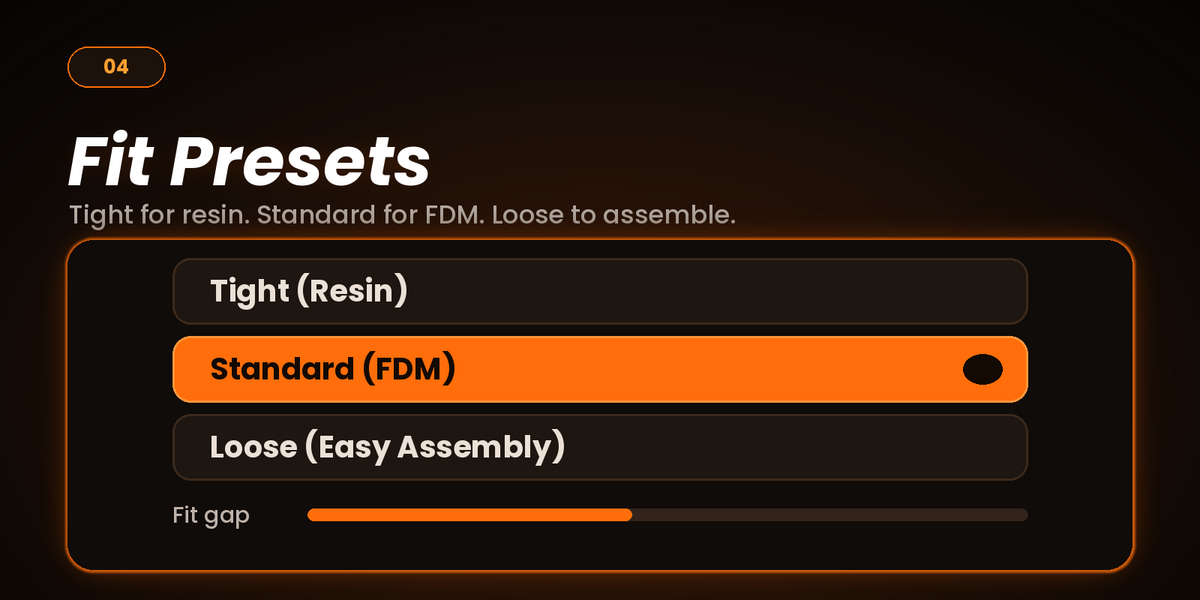
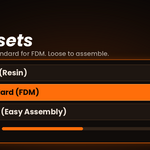
Start with the presets: Tight (Resin), Standard (FDM) or Loose (Easy Assembly). As a guide, about 0.2 to 0.4 mm suits most FDM printers and 0.1 to 0.15 mm suits resin. Print a test piece first, since every printer is different.
Fit in millimeters gives the wrong gap. Why?
Millimeter fit uses your model’s real size. Scale the model to its final print size before you cut.
Can I change the joint after cutting?
Yes. Select one of the two parts and change the Joint Key and Fit settings. The joint updates live. Click Apply Joint when you are happy. After that the pair is locked and can no longer be edited with Easy Slice.
What happens to my original model?
You choose in the Output panel: Delete (replace it with the cut parts, Ctrl+Z brings it back), Hide (keep it hidden in the Outliner) or Keep Visible.
How do I undo a cut?
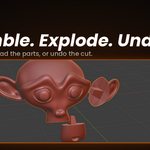
Select a cut part and click Undo Cut, or use Ctrl+Z right after cutting. Clear Backups permanently deletes the hidden originals, so cuts made before can no longer be undone.
How do I check that the parts fit?
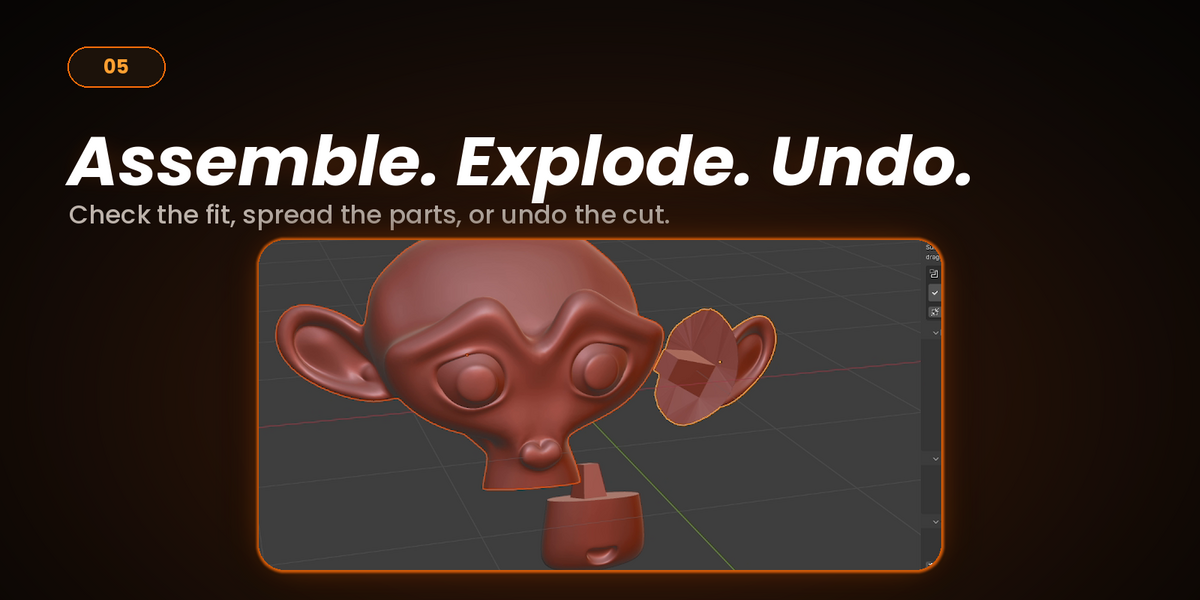
Select a part and click Explode to move the parts apart, then Assemble to put them back together. You can also turn on Explode After Cut.
Which Blender versions does it support?
Blender 4.2 or newer. Easy Slice is packaged as a Blender Extension, so install it with Install from Disk in Get Extensions.
Can I use it on an STL or OBJ file?
Yes. Import the file into Blender, then select the mesh and cut it. Export each part as its own STL when you are done.
Where can I get help?
Message me through the Superhive product page. Please include your Blender version and a screenshot of the problem.
Have questions about this product?
Login to message
| Blender Extension Compatible | Yes |
| Dev Fund Contributor | |
| Published | 3 days ago |
| Blender Version | 4.0 - 5.2 |
| Extension Type | Add-on |
| License | GPL |