Kollapse3D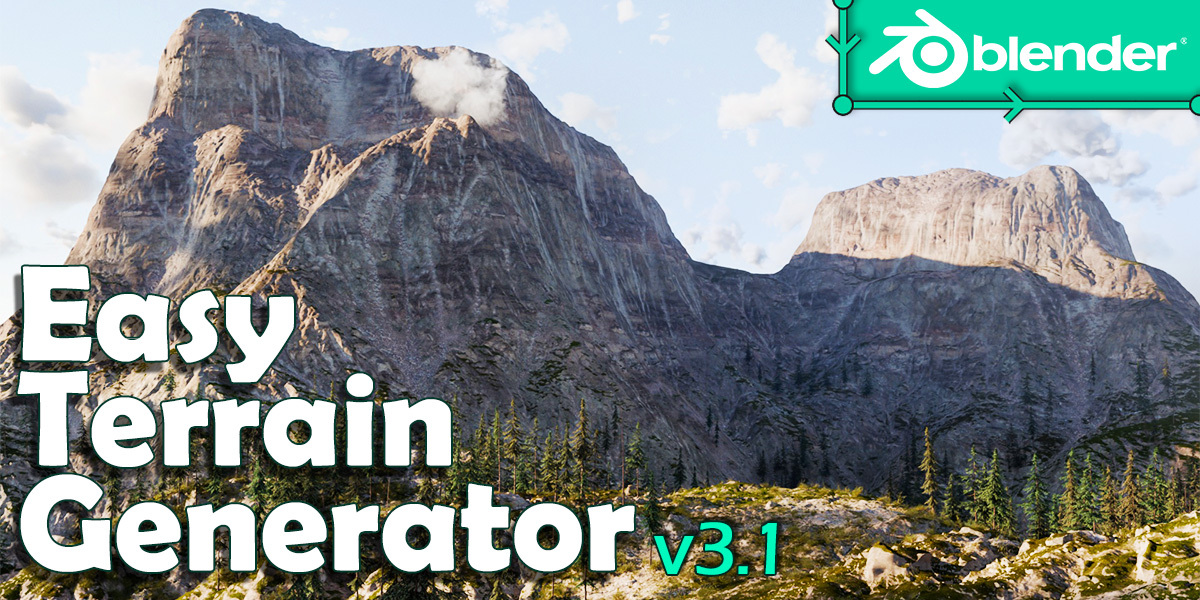













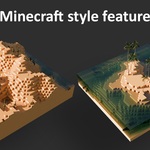
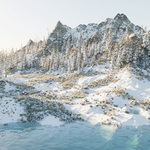
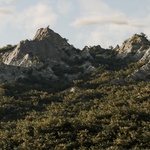
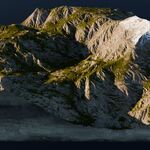
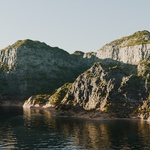
Also available on Gumroad
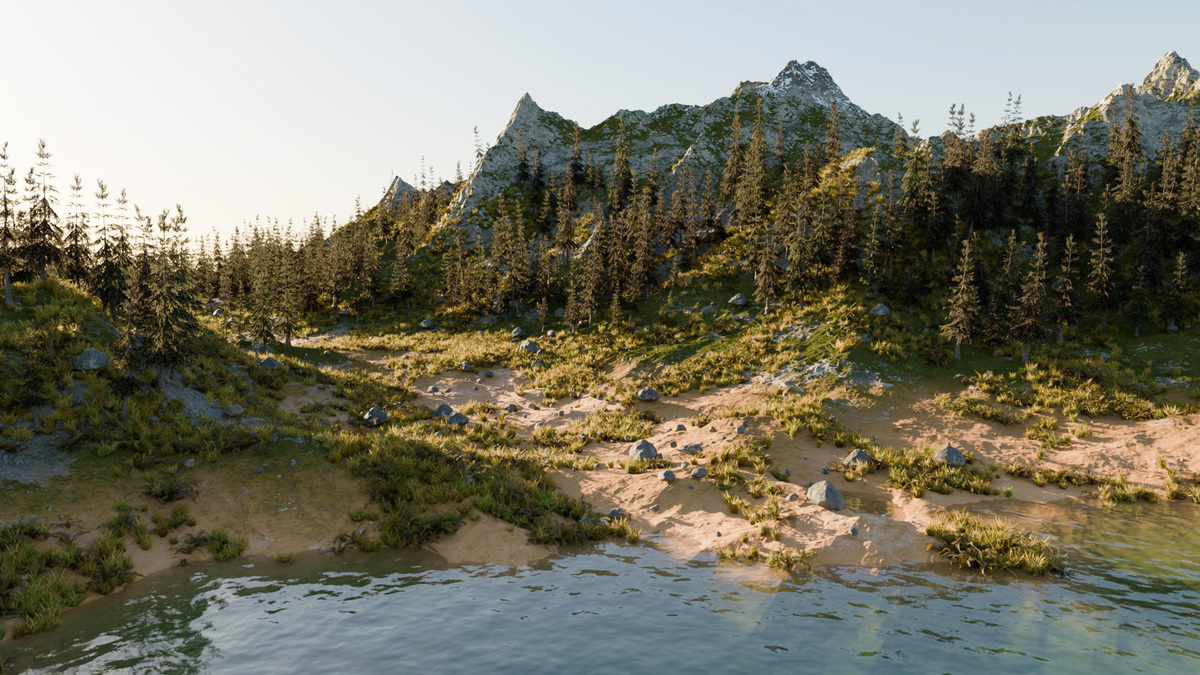
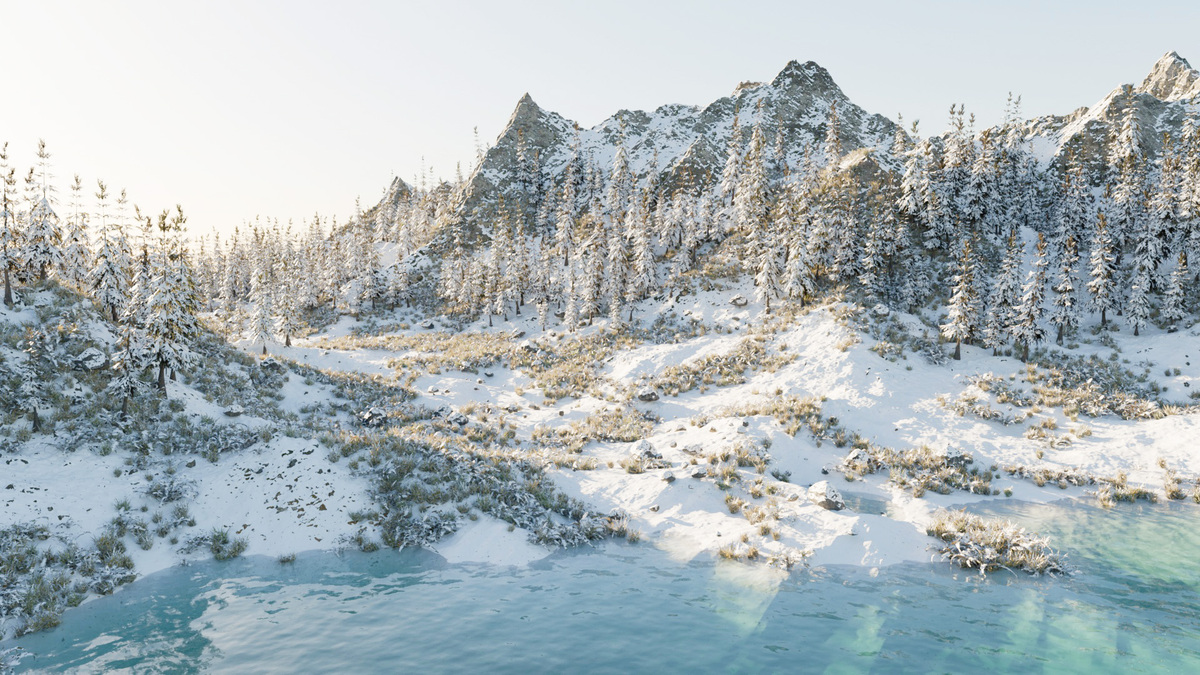
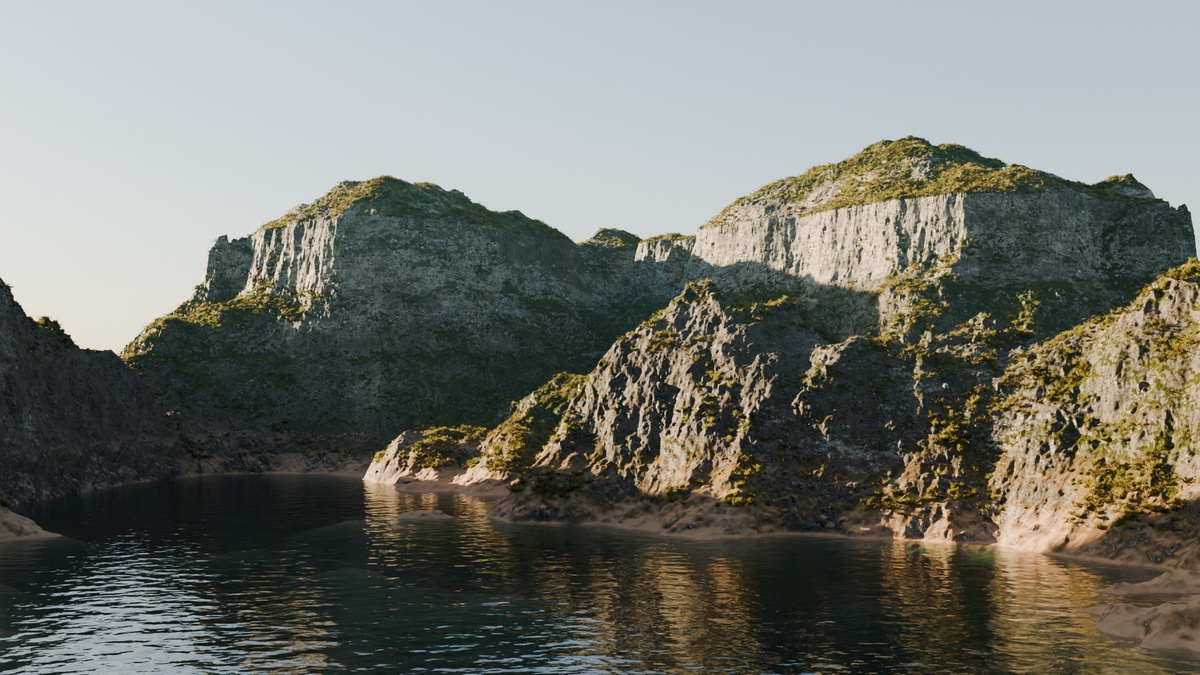
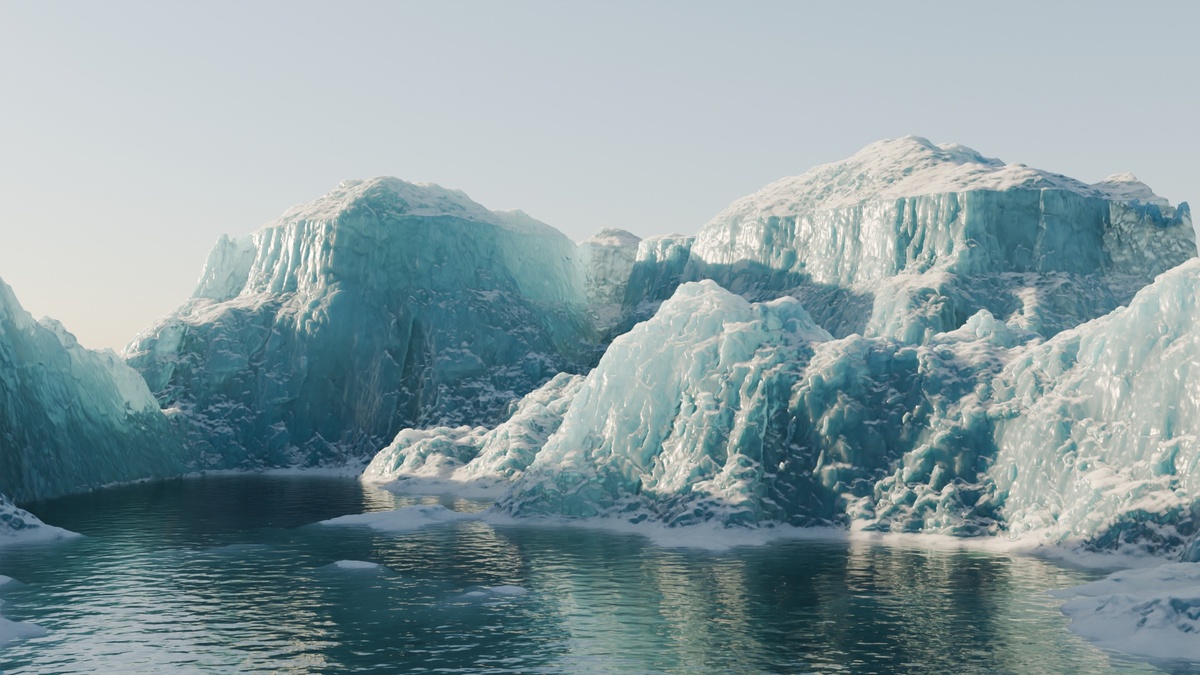
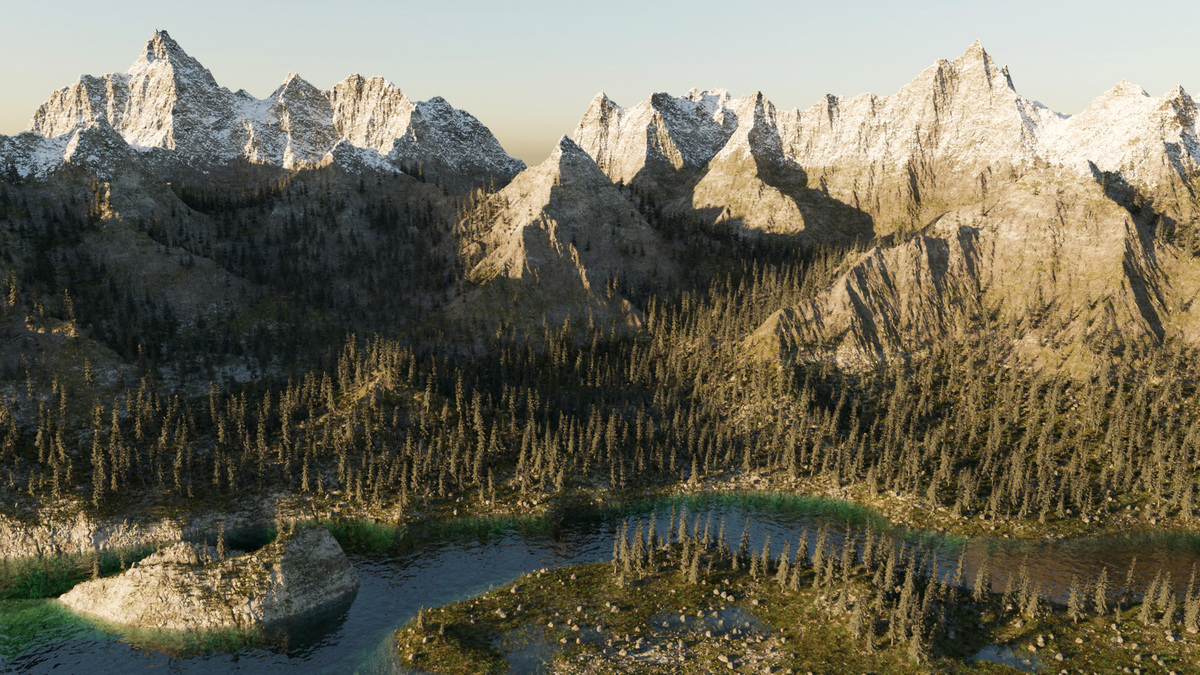
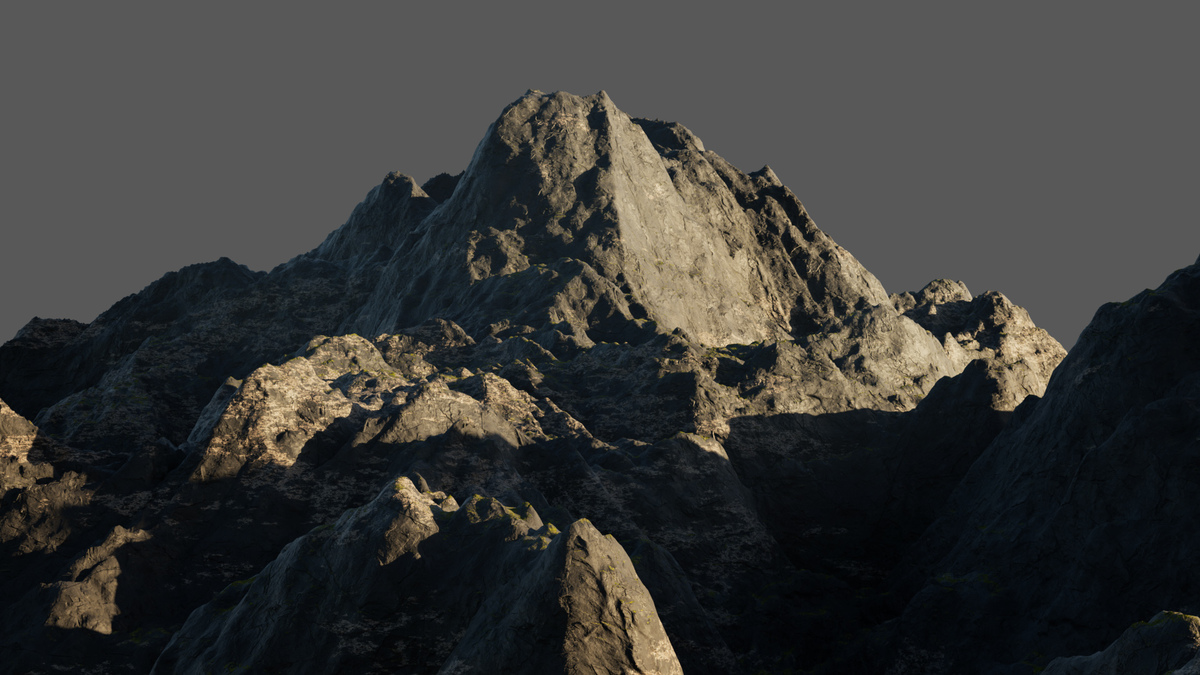
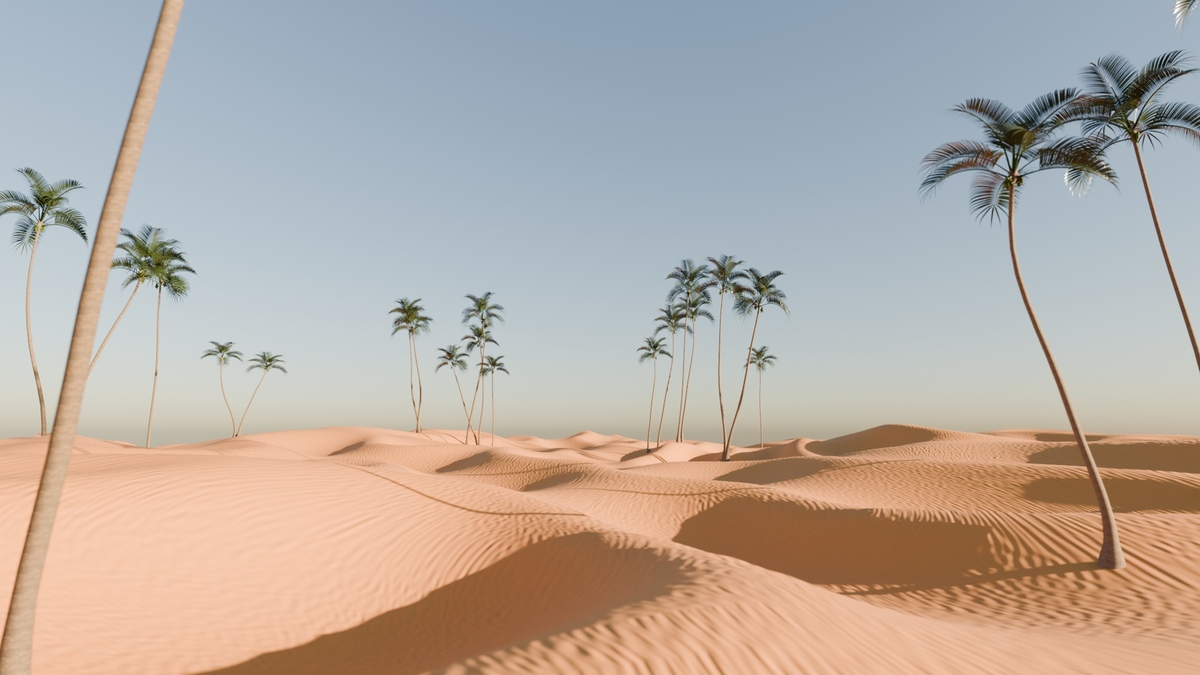
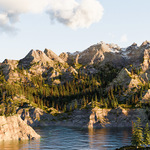
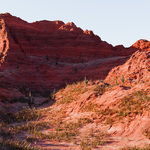
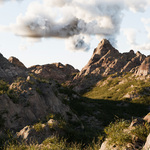
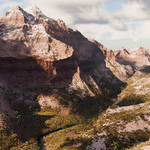
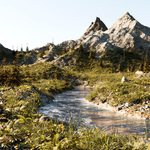
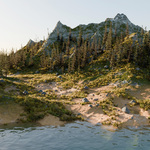
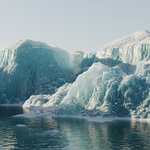
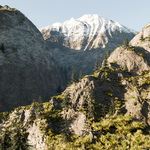
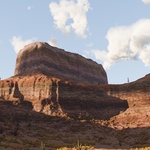
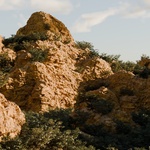
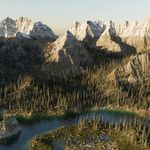
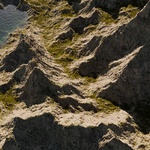
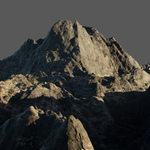
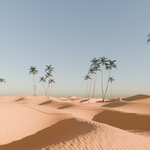
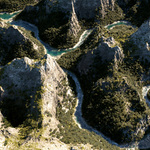
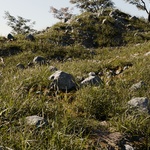
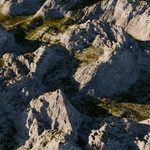
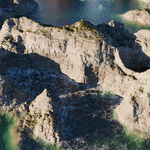
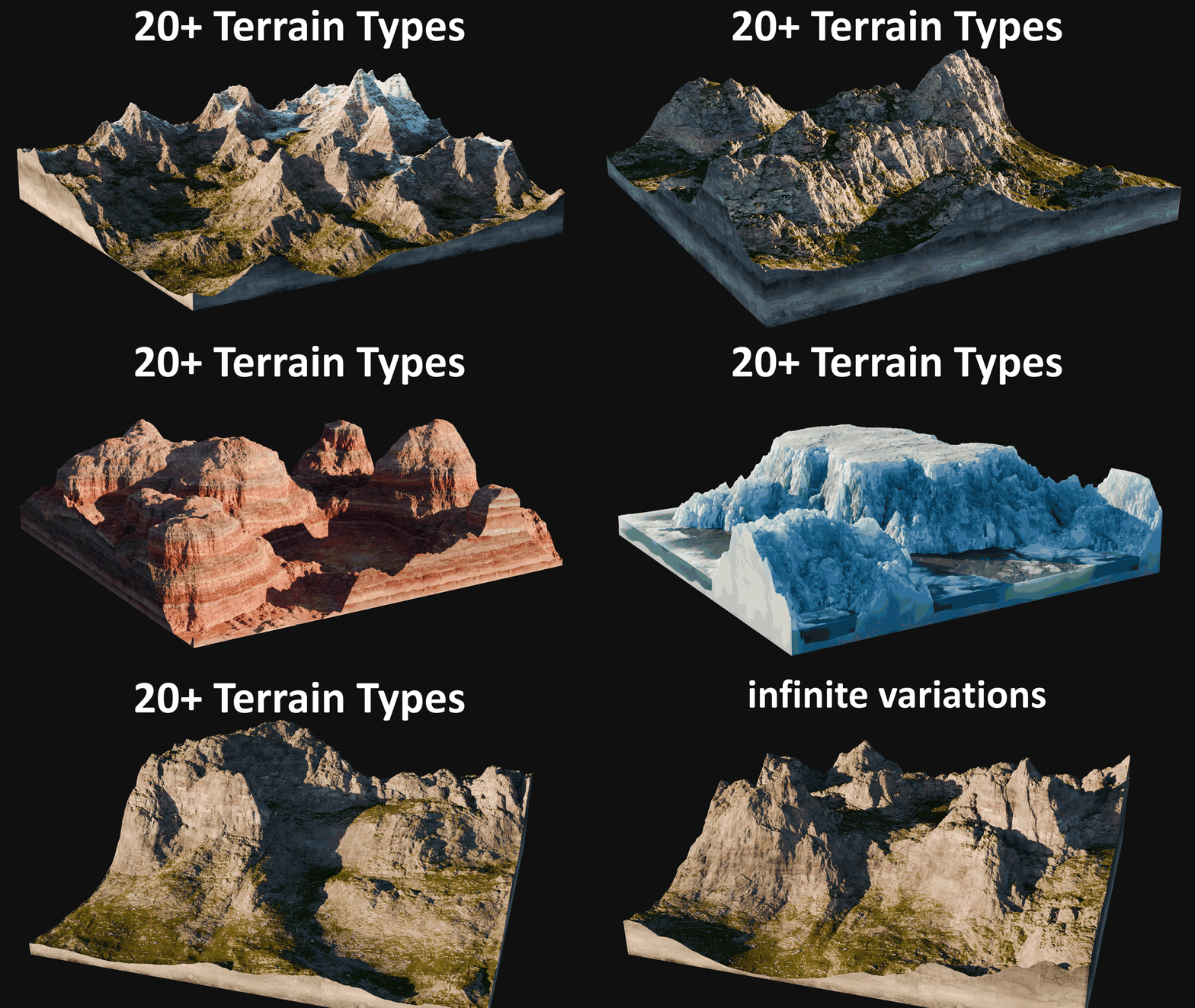
Create easily any kind of terrain in no time with this geometry nodes terrain generator.
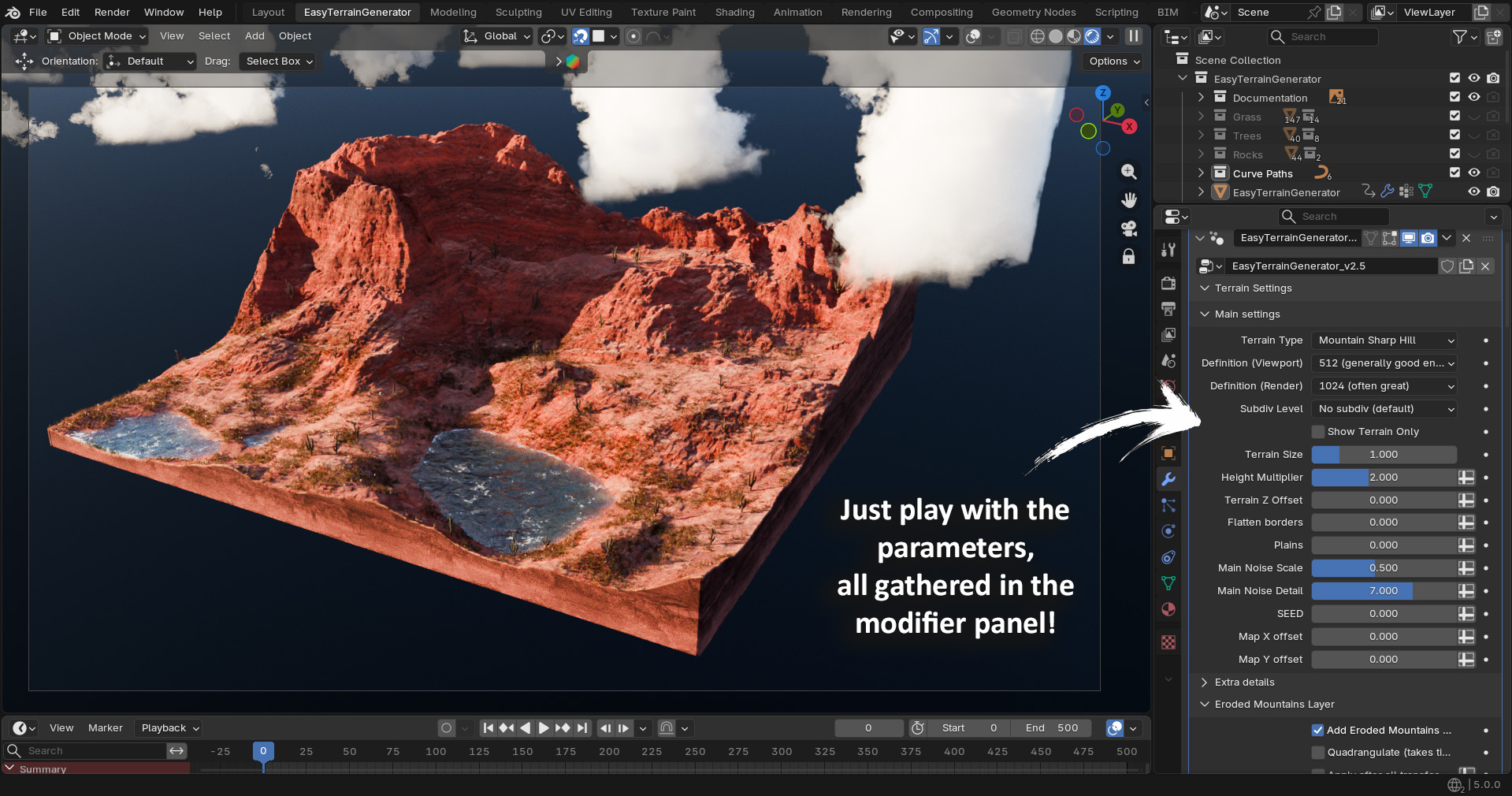
Just play with all the sliders in the modifier panel and create awesome landscapes!
This node setup is designed to be easy and fun to use while offering a wide range of possibilities: add realistic water, vegetation, clouds, use curves to adjust your procedural terrain, simulate erosion, and customize the terrain look using one of the procedural shaders!
Note that depending on the terrain parameters and your computer performances, the geometry nodes setup and procedural shaders can be quite resource-intensive. The typical workflow is to keep a low terrain resolution for tweaking parameters smoothly, using high res for final render or checking quality.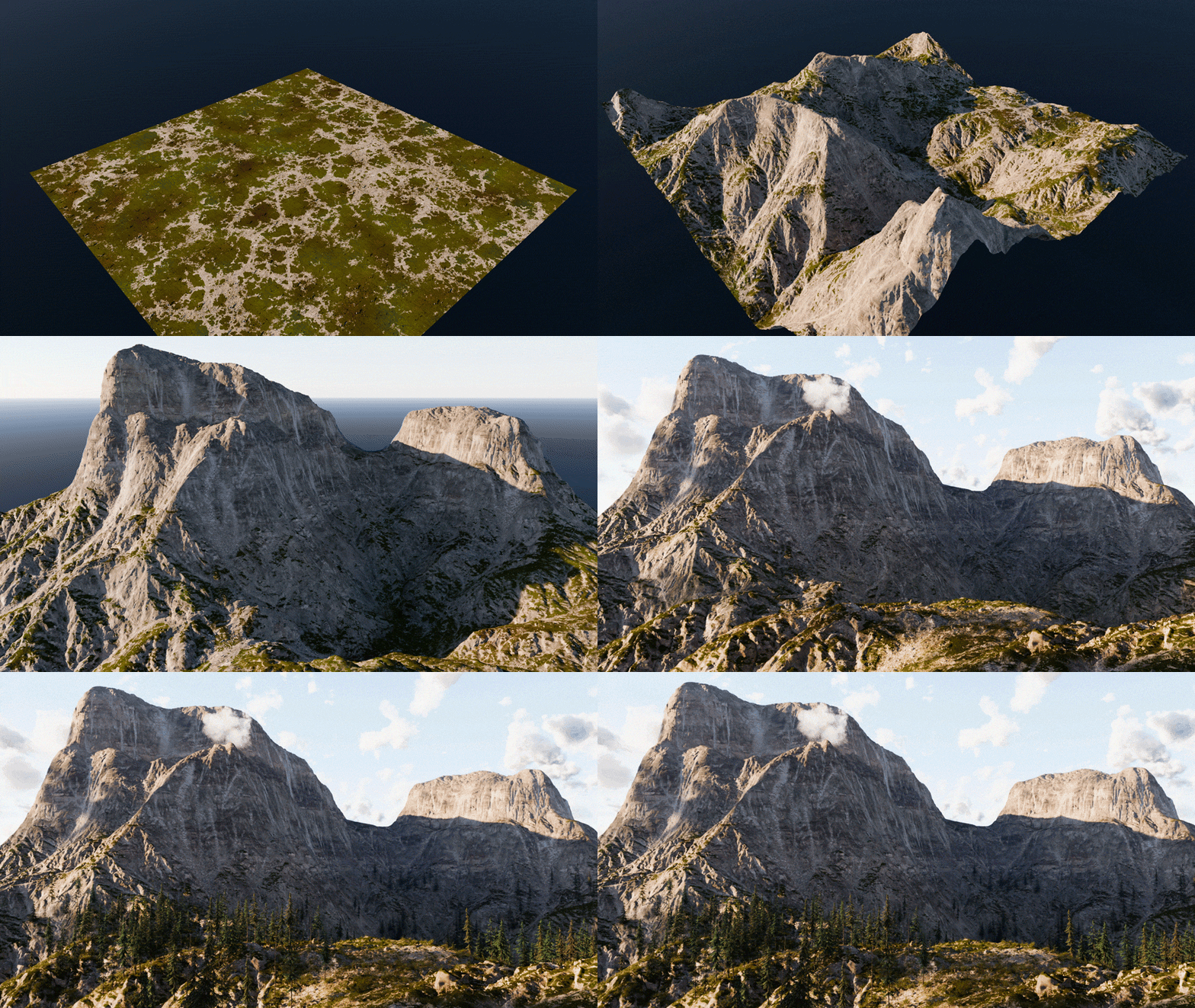
Features
EASY TO USE
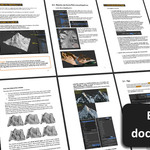
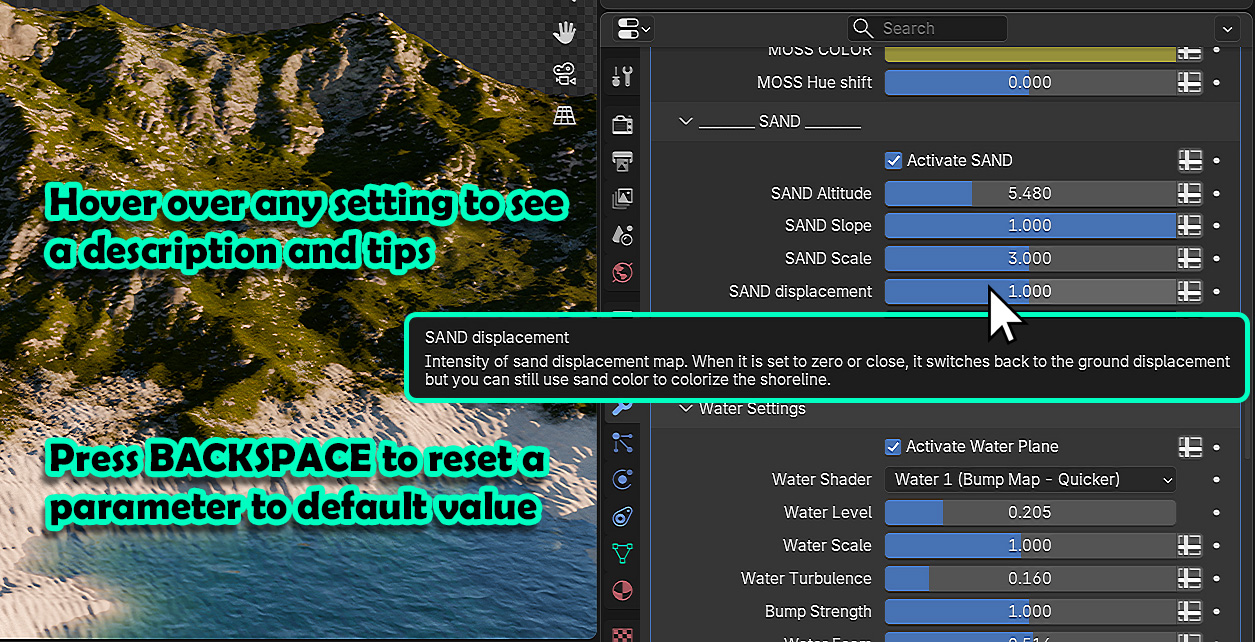
You don't need any Blender skills, access to all the parameters in one place in the modifier panel, and each section can be collapsed. All the parameters have a description, and a detailed pdf documentation is provided, but it's more fun to directly play with all the sliders and see what happens !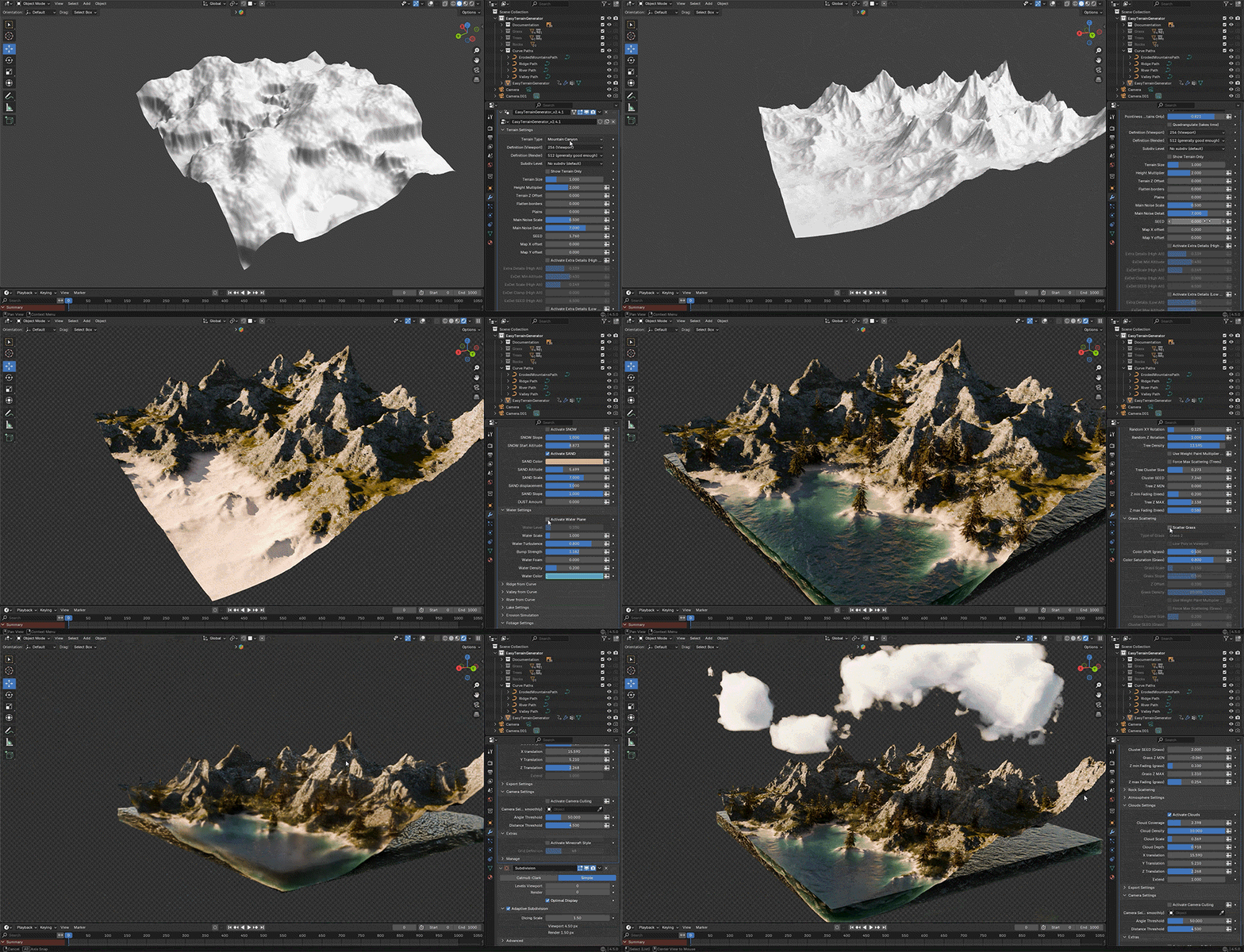
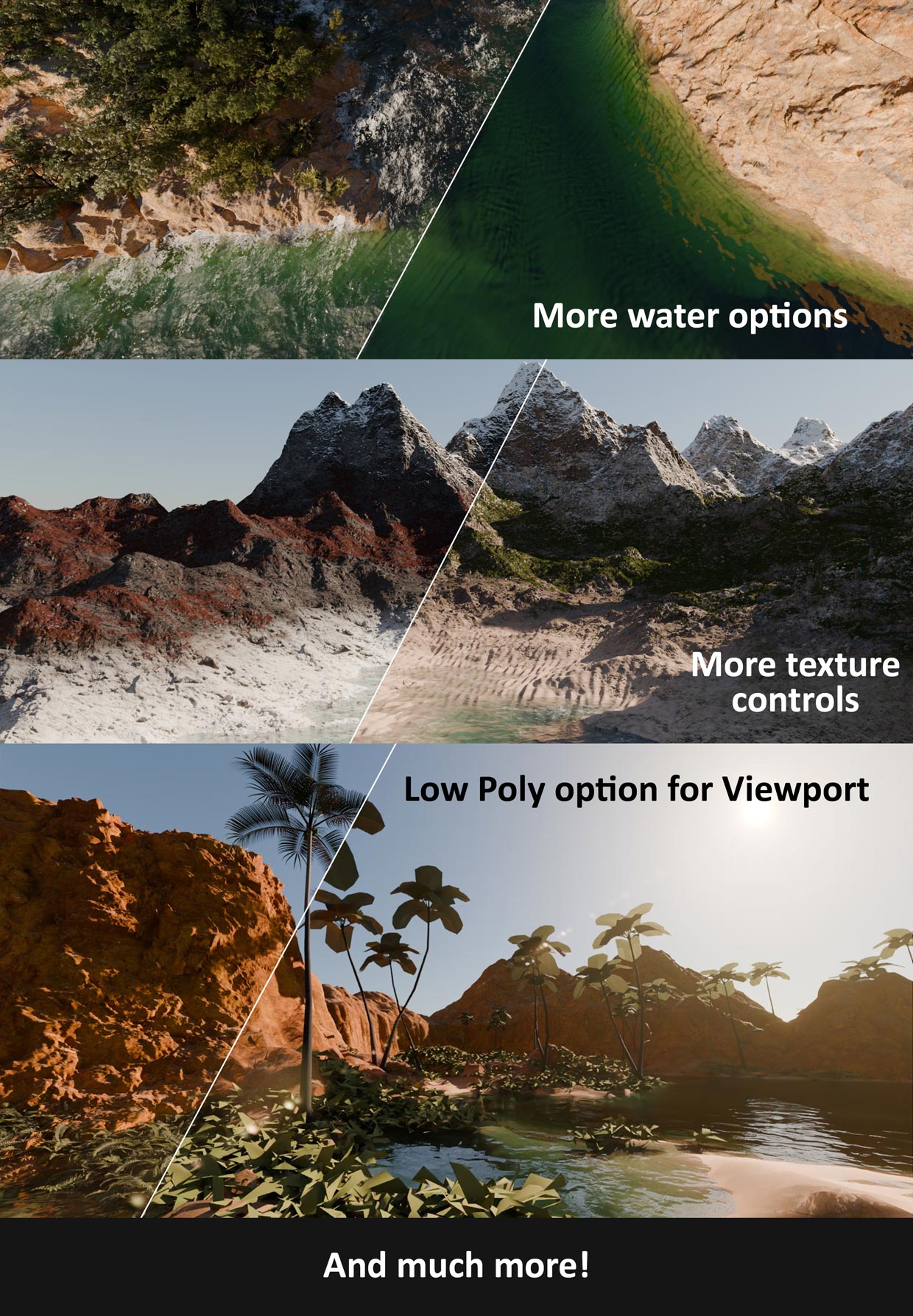
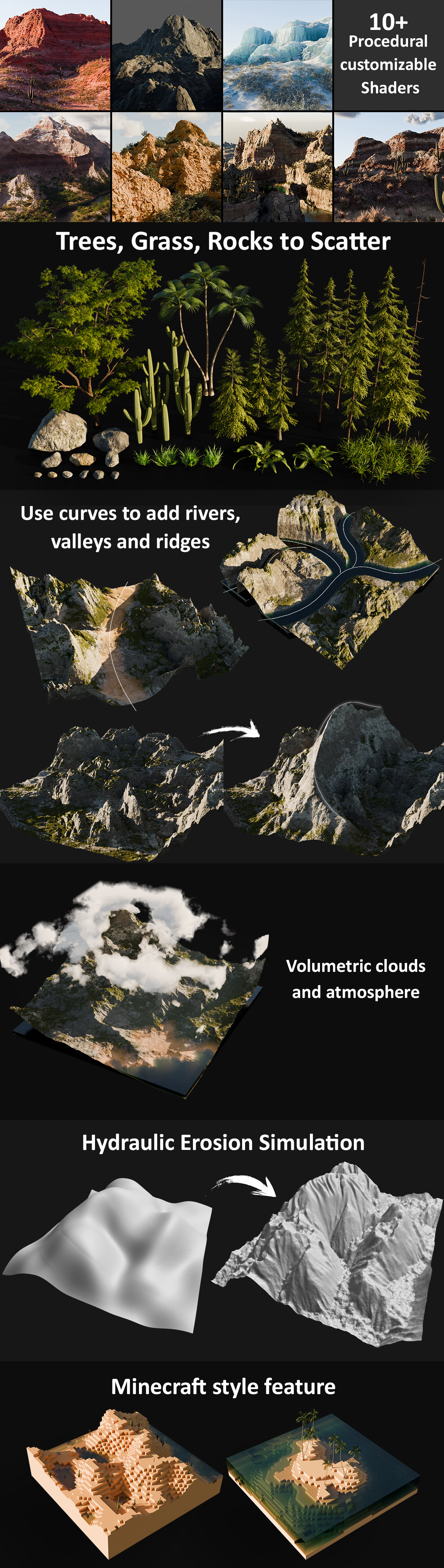
REALISTIC SHADERS
Easy Terrain Generator also comes with awesome procedural shaders that your can customize easily!
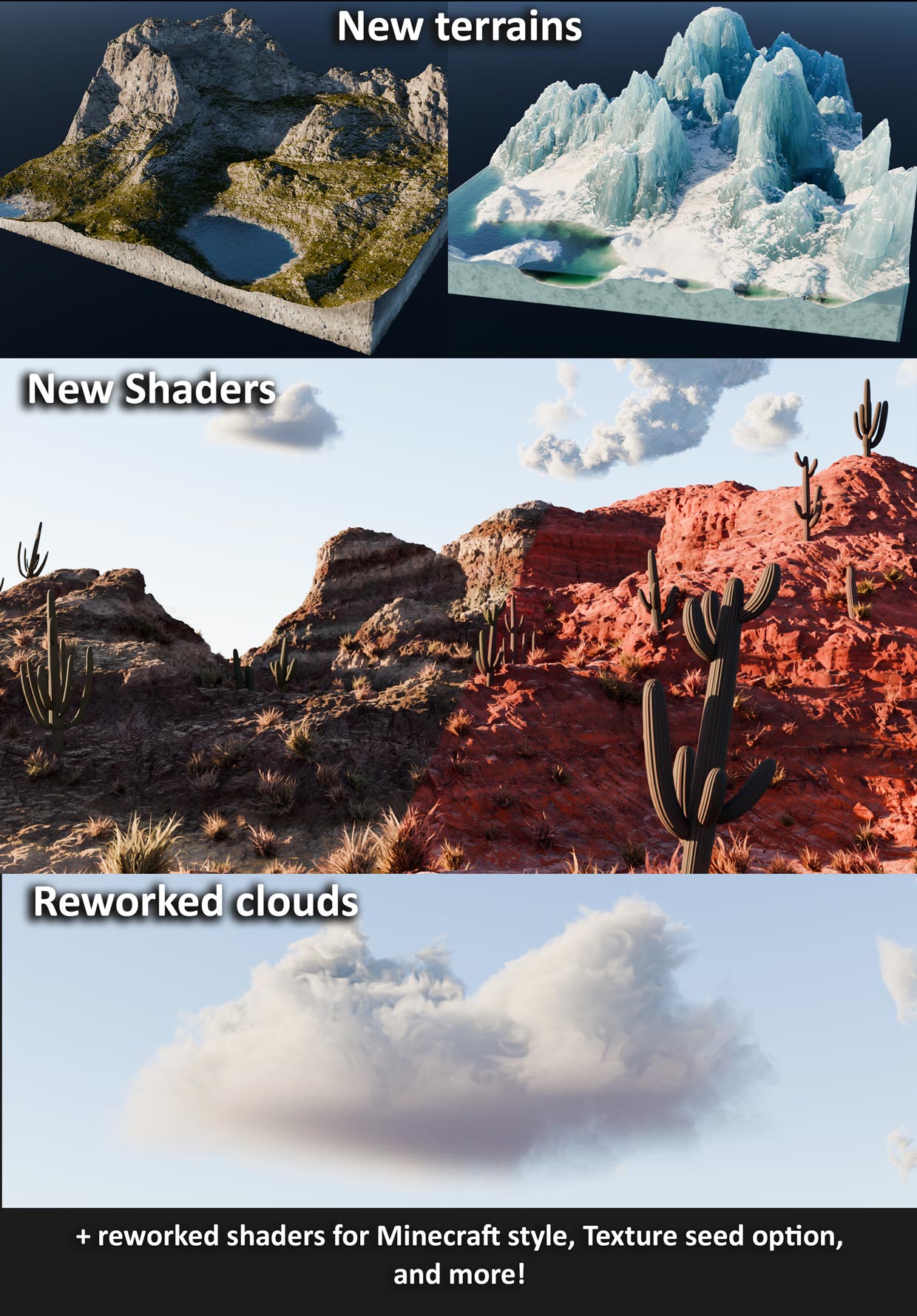
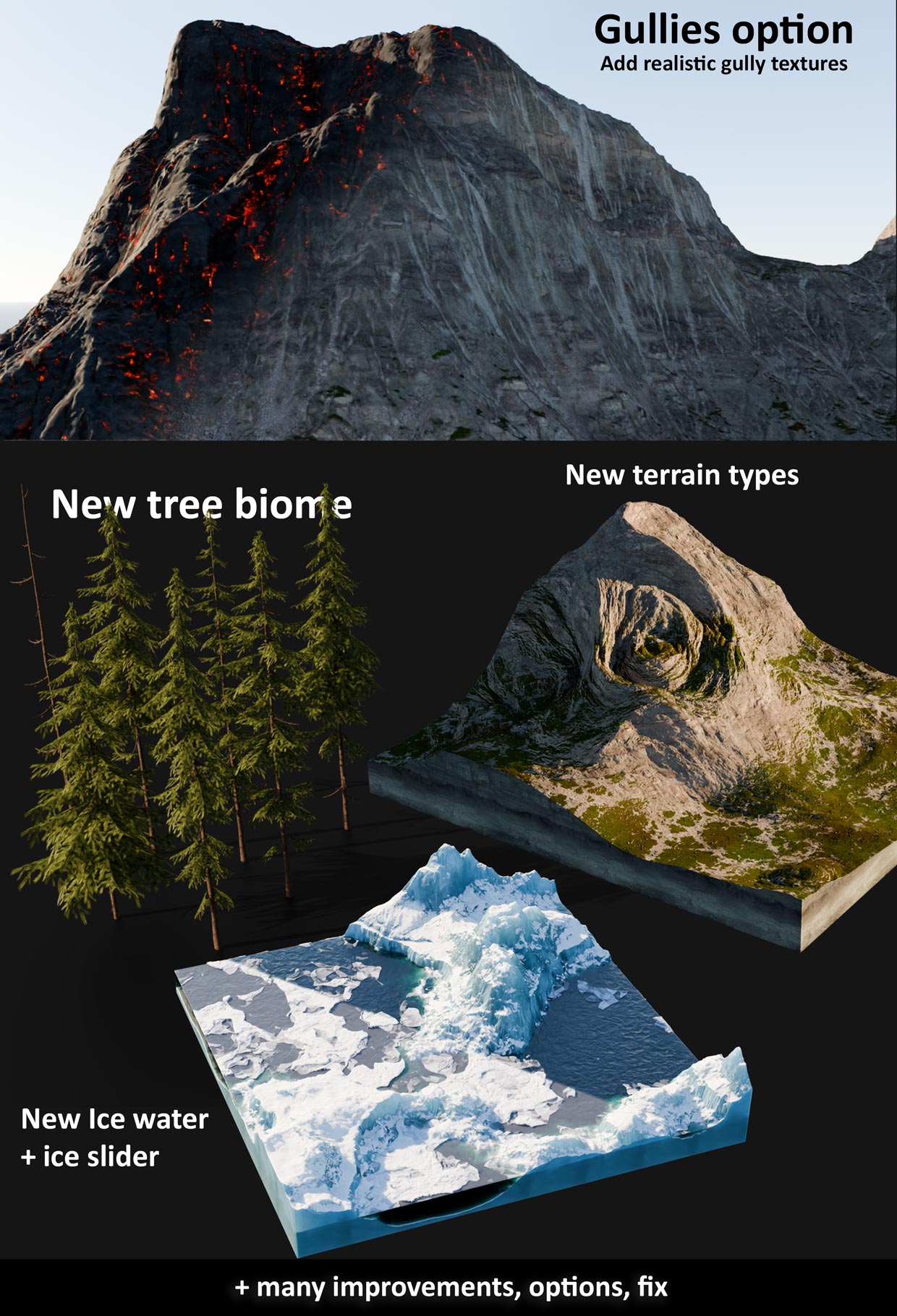
Choose your base shader and make it your own by adding sand or snow, changing colors, texture scale and height map intensity, and more!
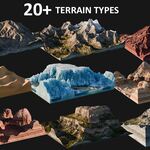
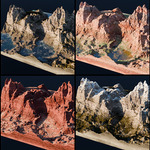
Here you can see 22 texture examples using the different shaders and customization options:
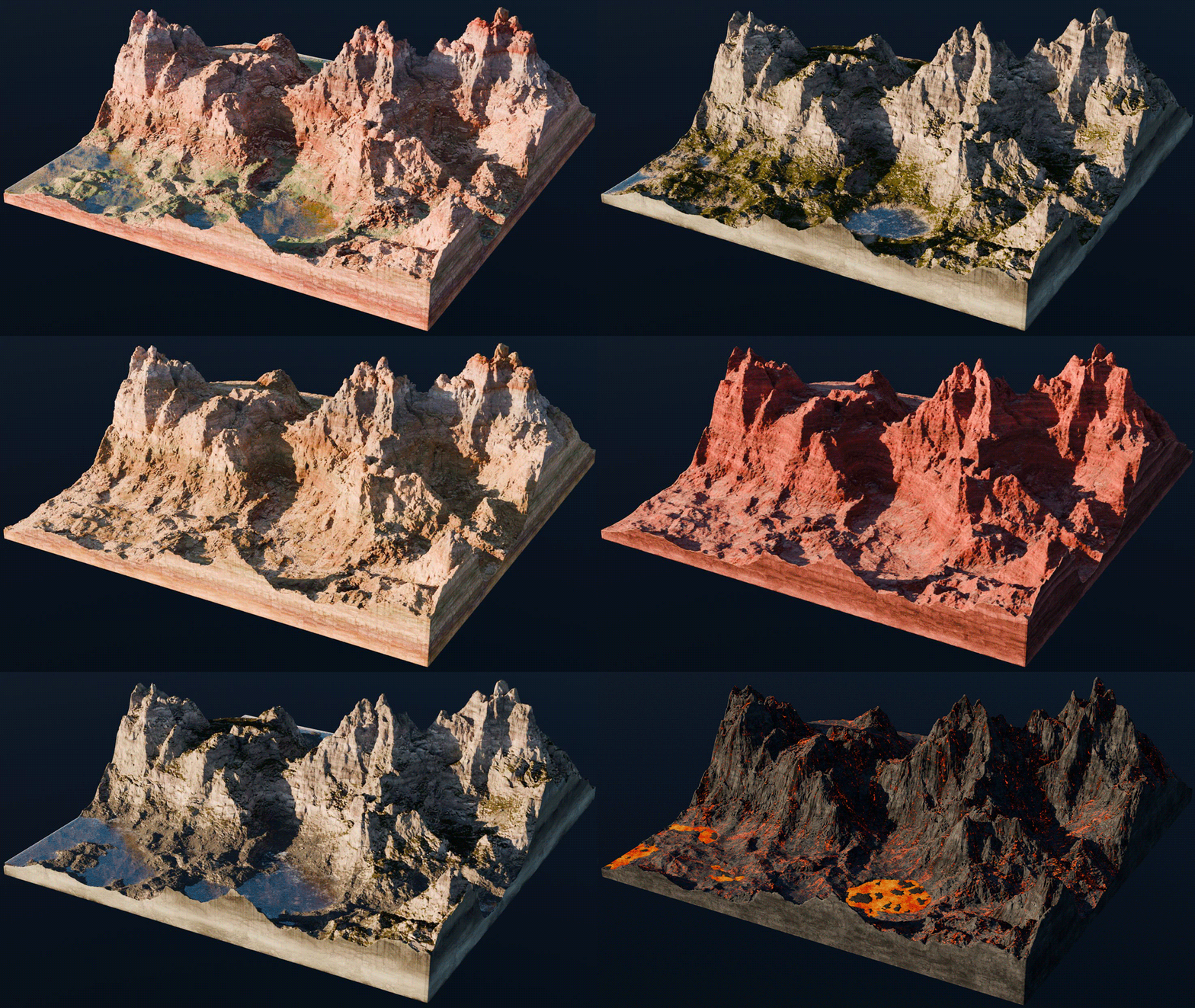
It's never been so fun to play with textures!
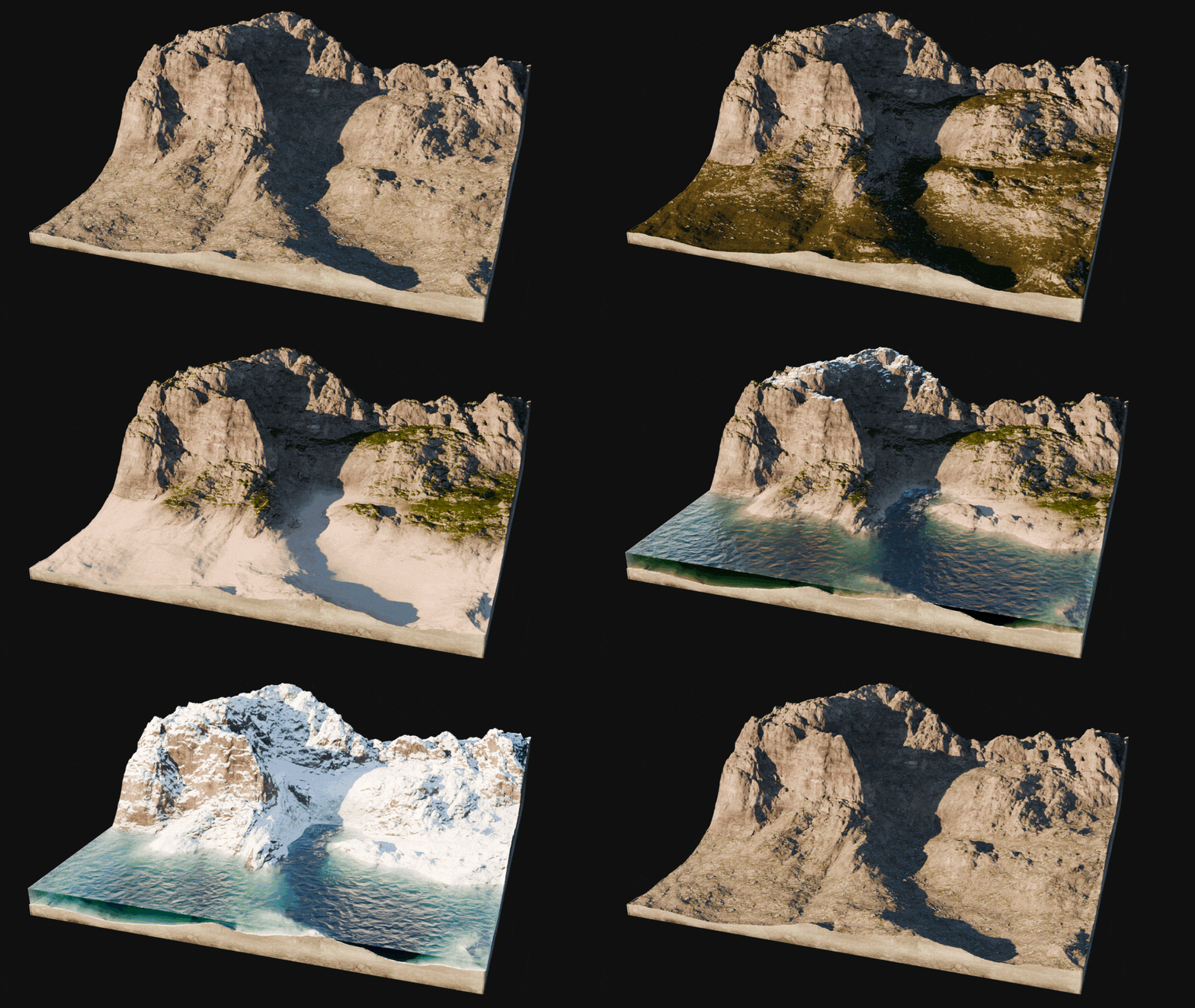
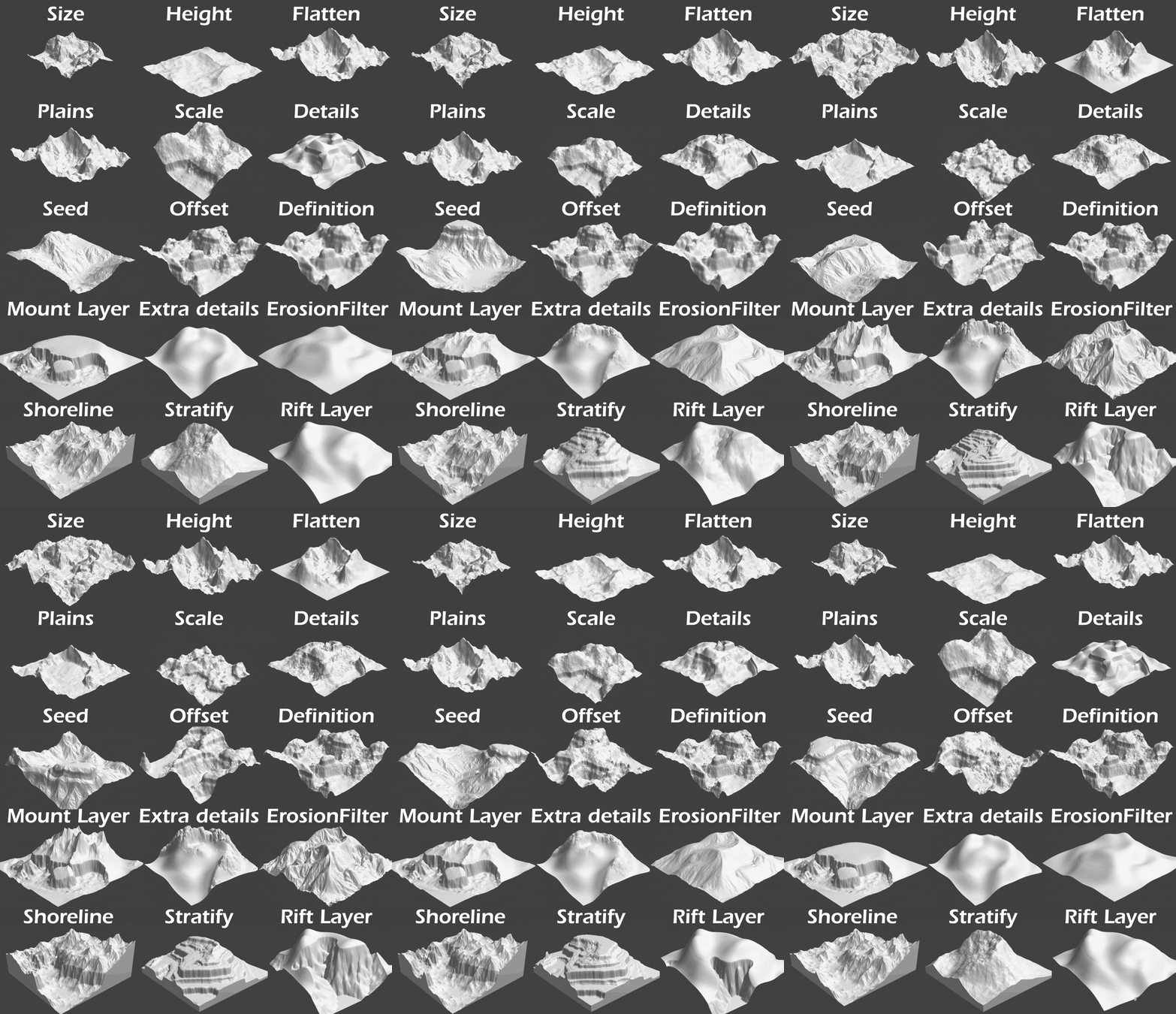
SEED IT UNTIL YOU LIKE IT!
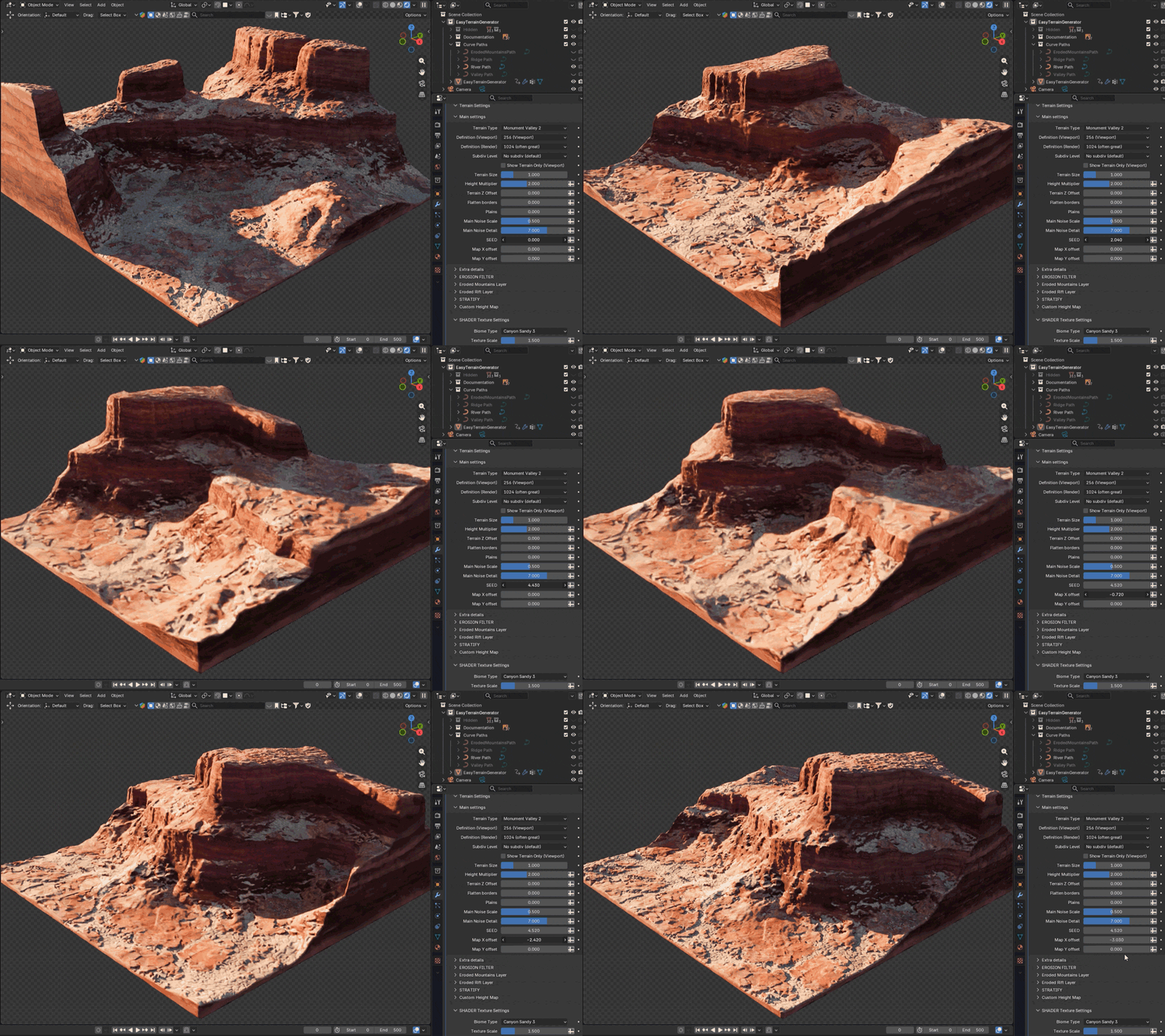
Expand your terrain as you need, without loosing your perfect seed 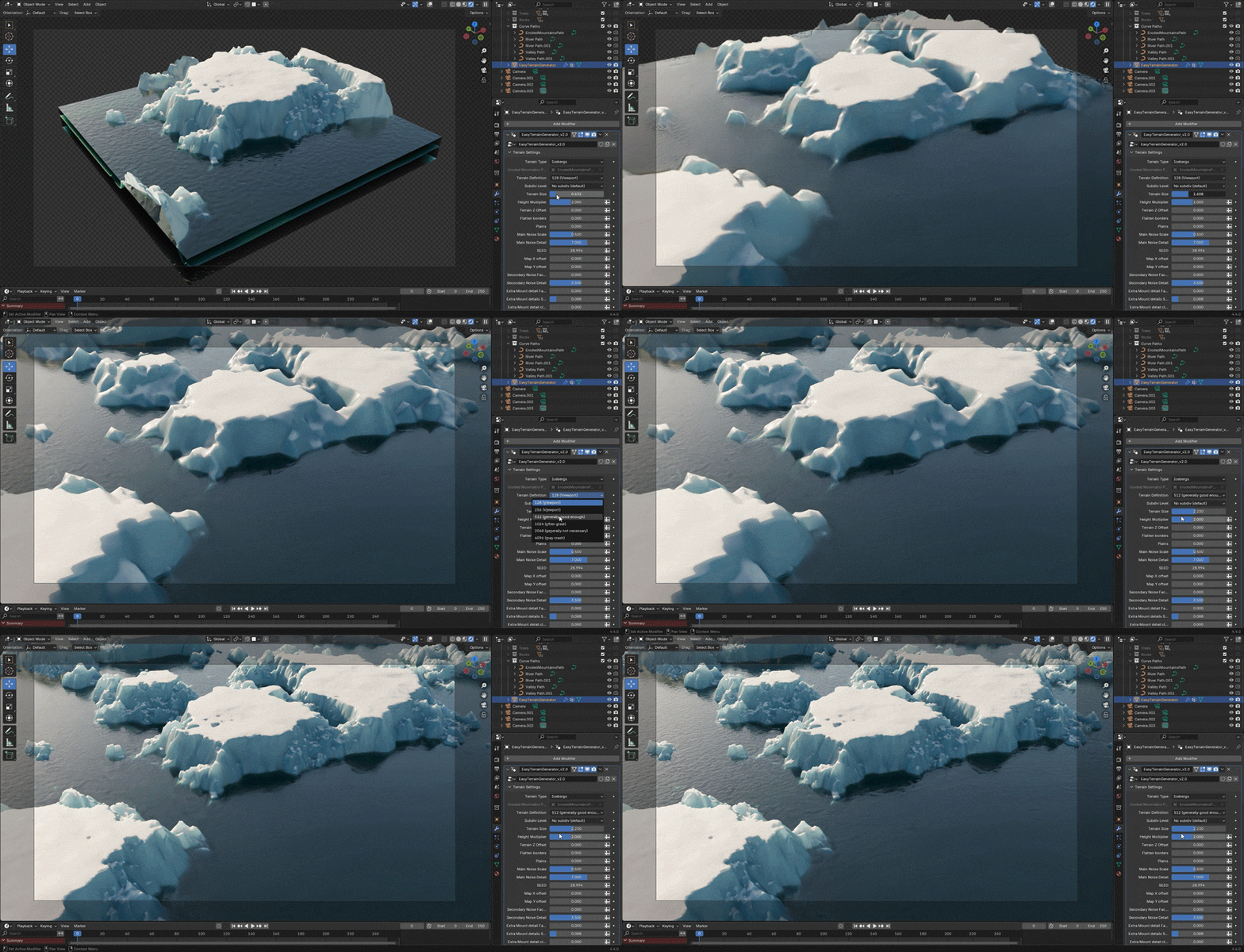
ADD DETAILS
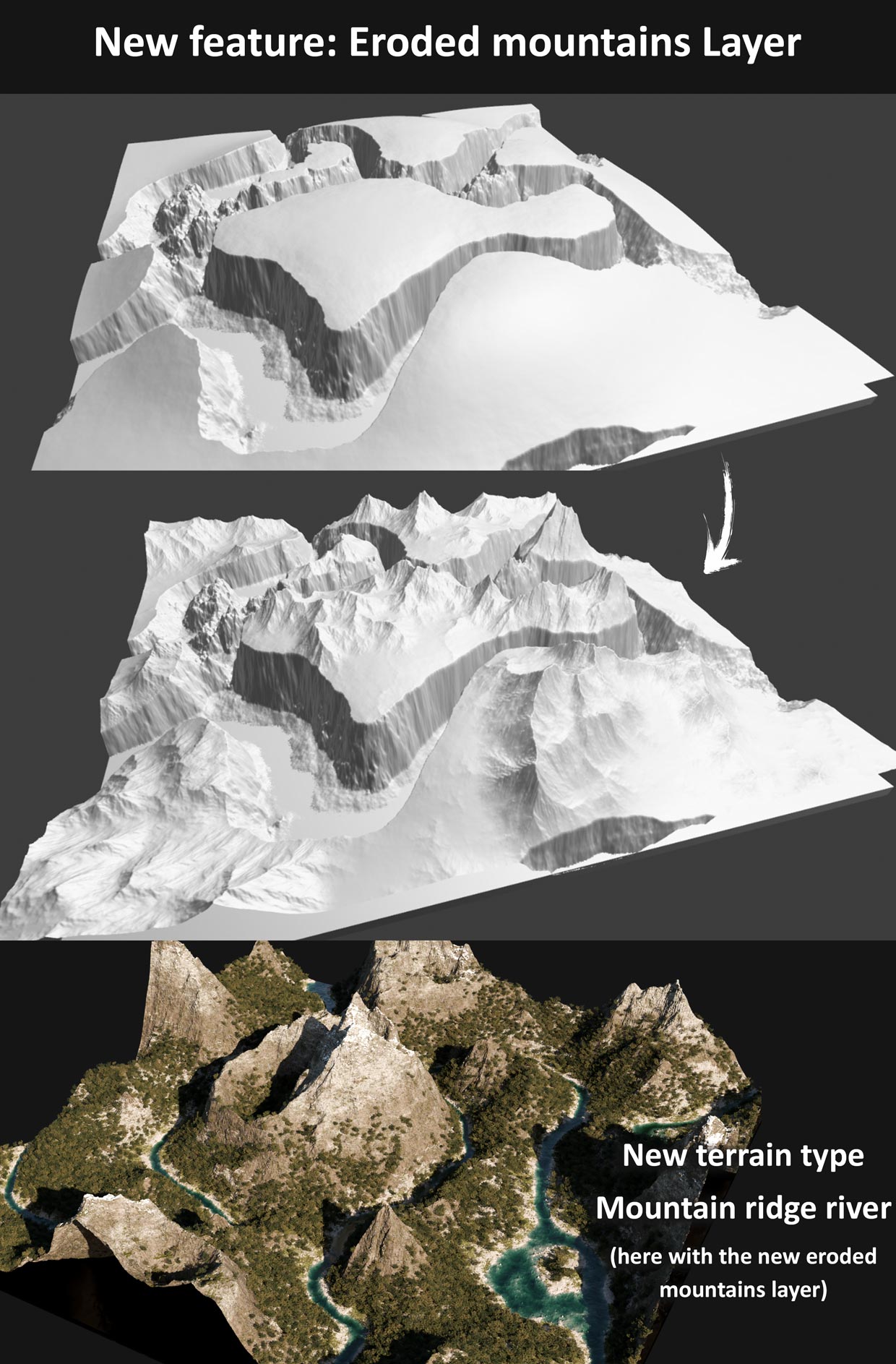
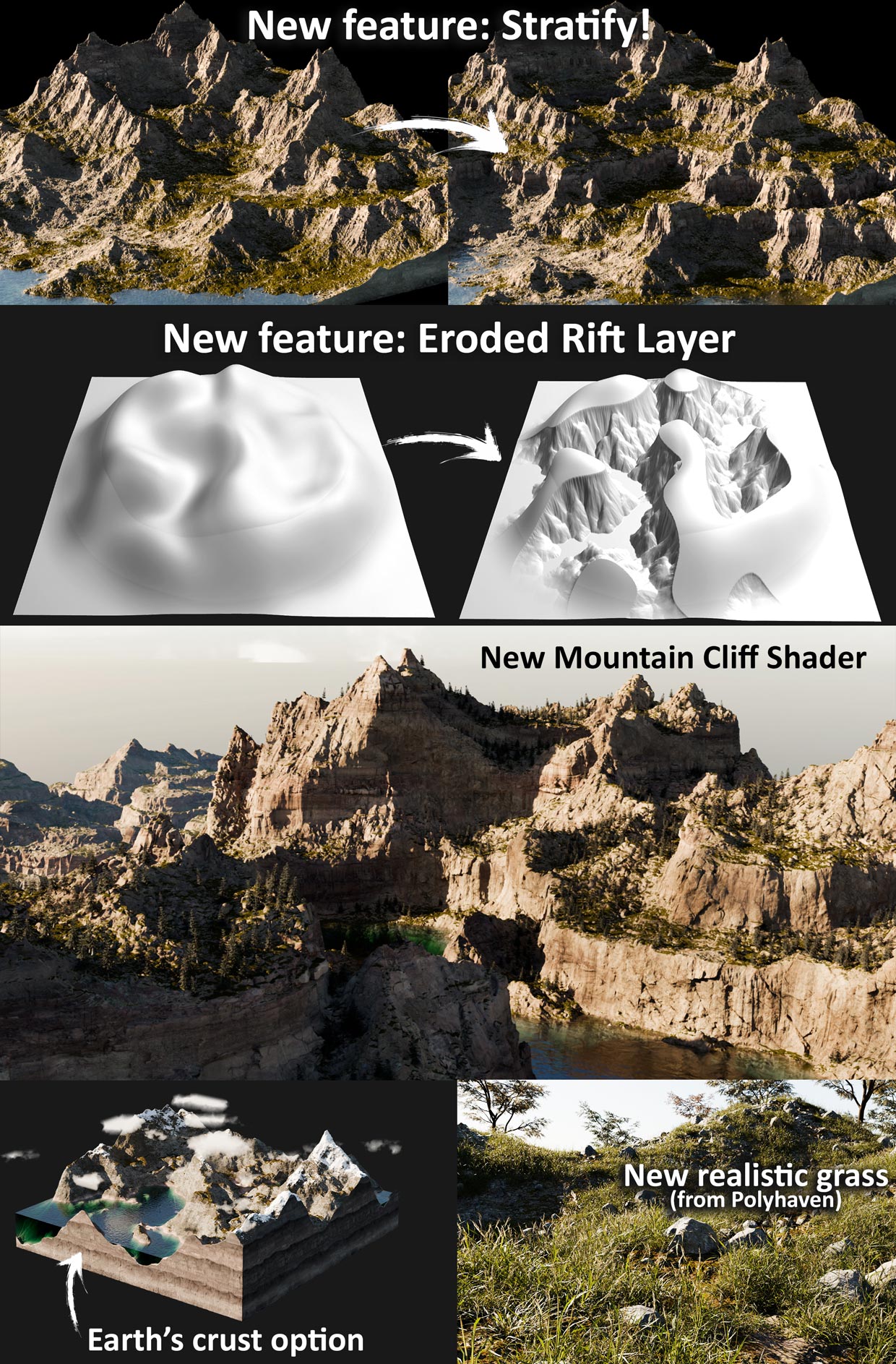
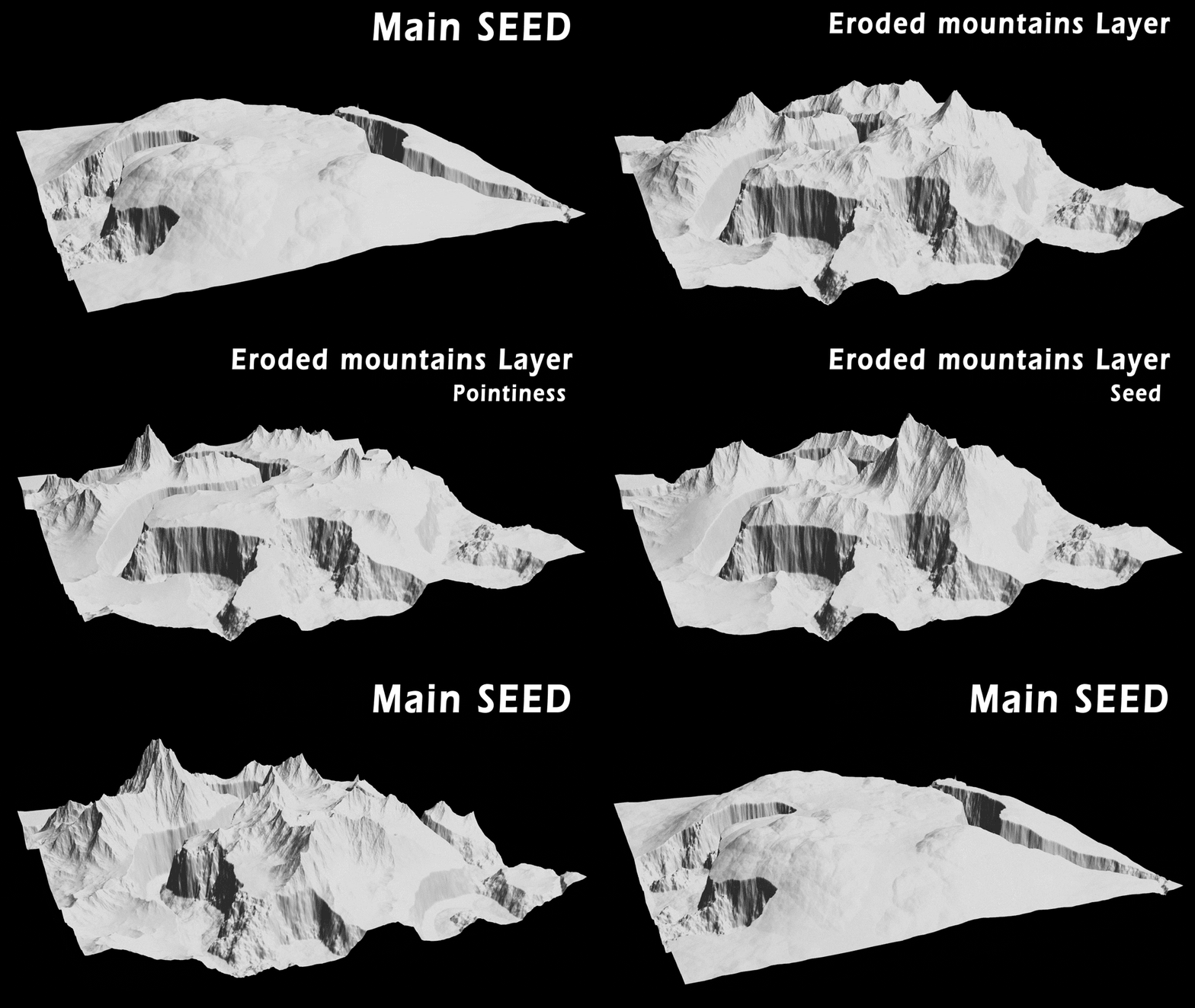
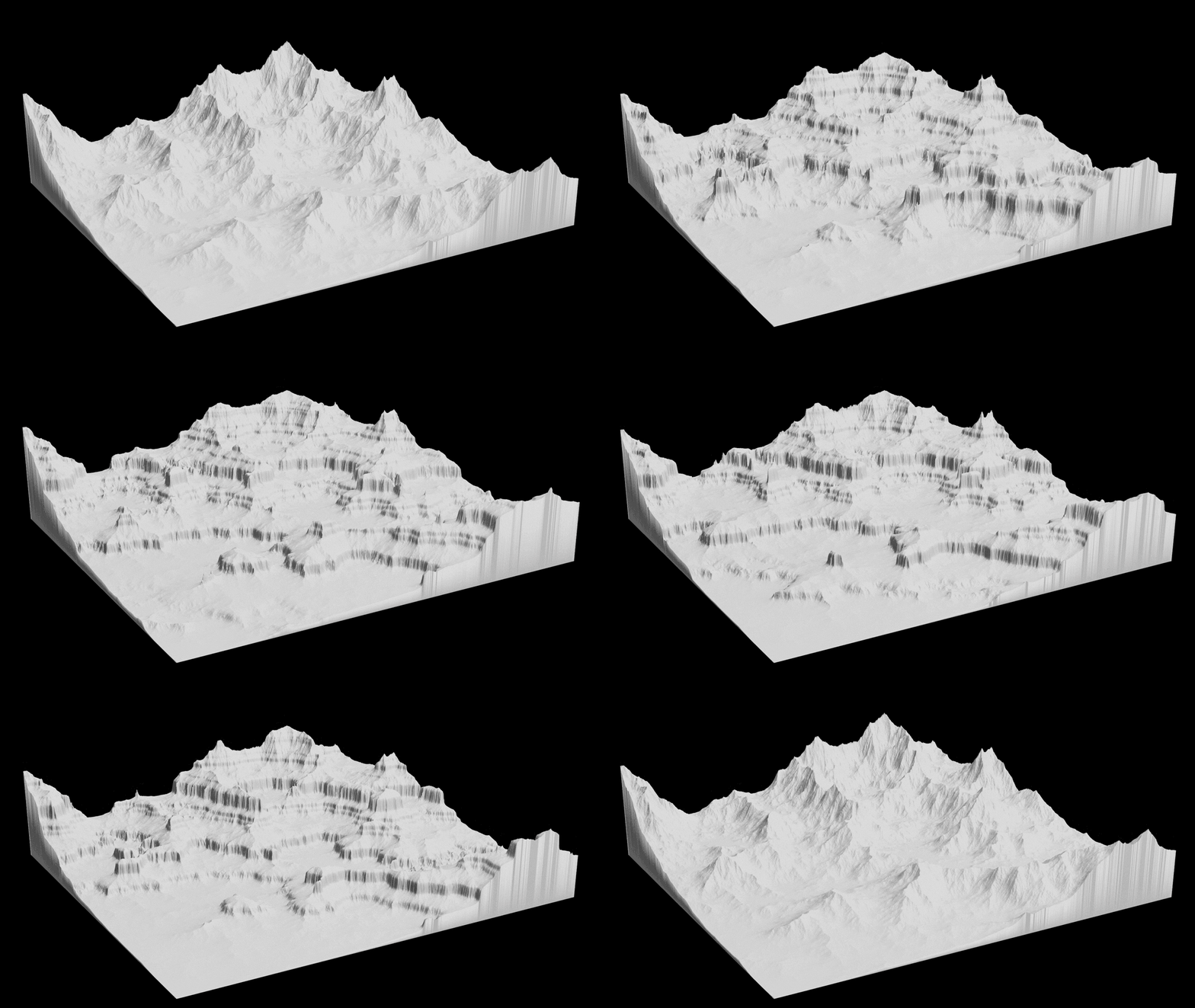
There are several features for adding details to the terrain if some areas appears too flat, like the Eroded Mountains Layer feature, that can be added to any terrain to create procedural eroded mountains shapes based on the main terrain (a technique from the amazing 3D artist Cartesian Caramel)
Below, the "Eroded Rift Layer" feature, based on the same technique
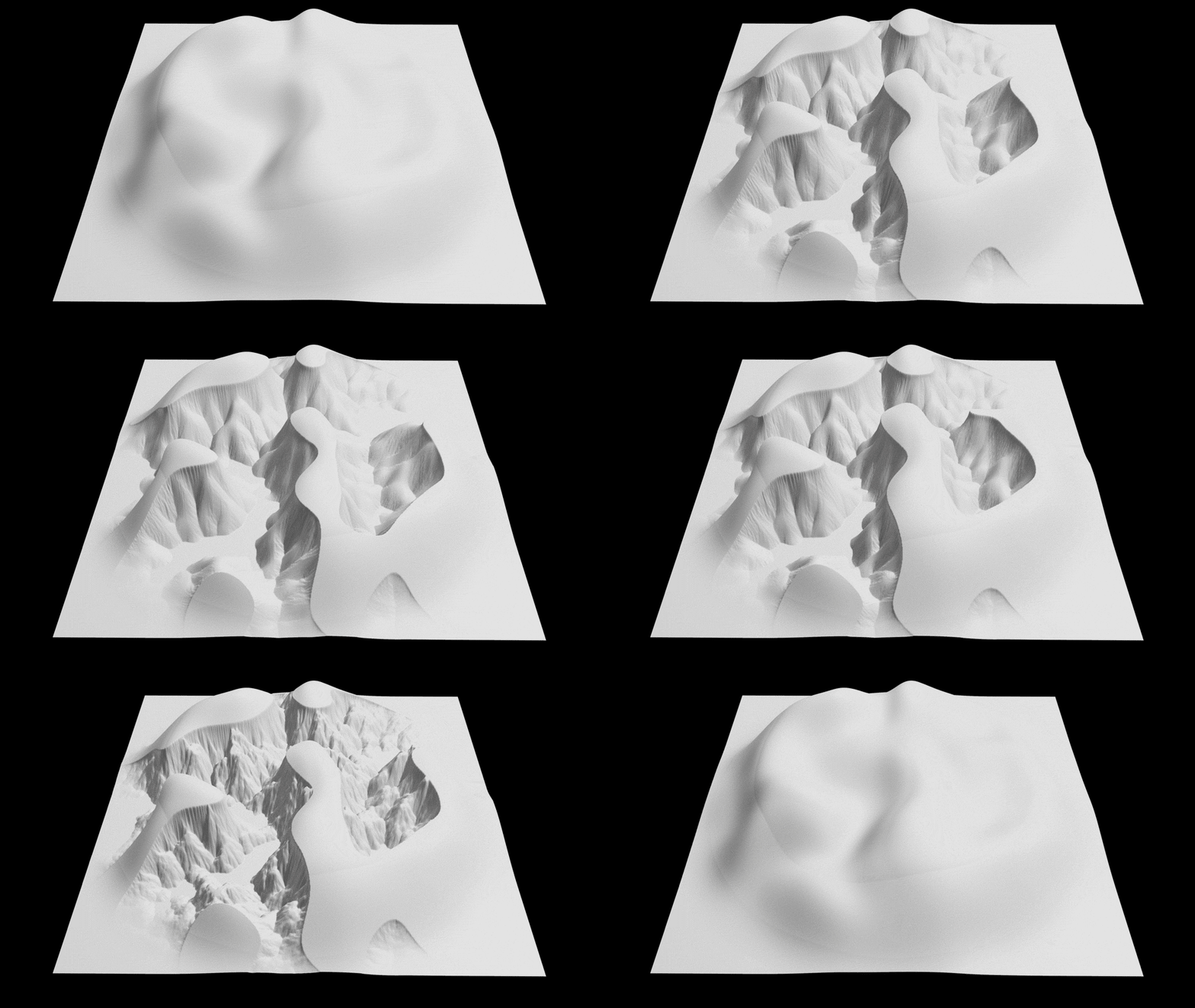
And also, the "Stratify" feature, allowing to transform any terrain type into a strata terrain
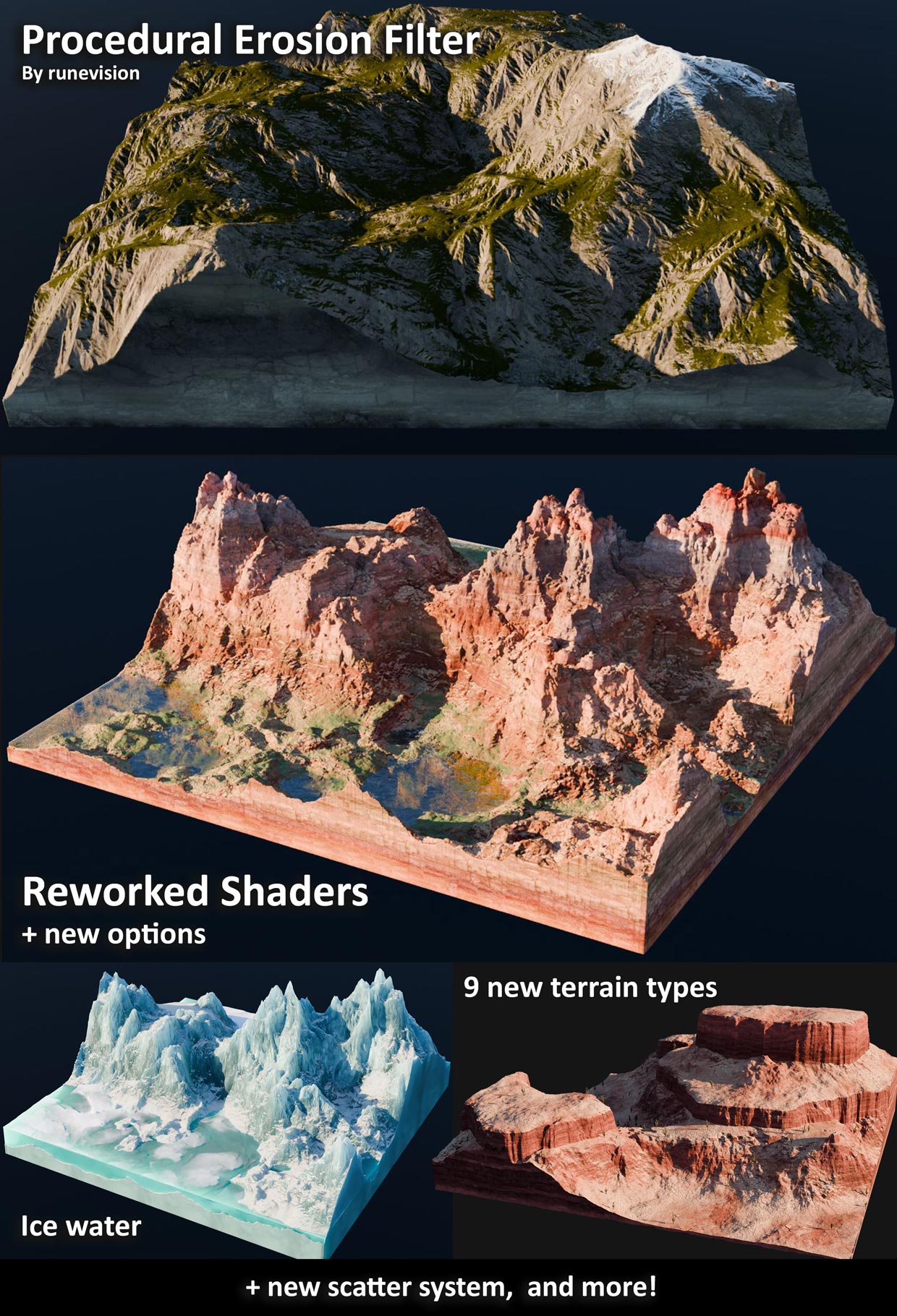
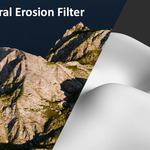
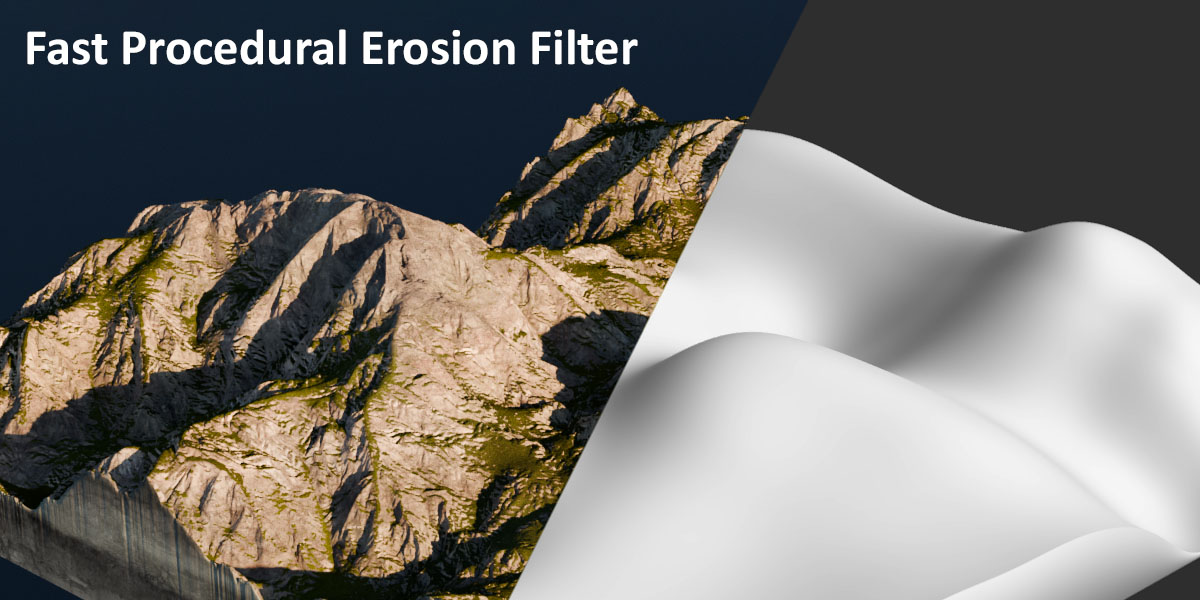
PROCEDURAL EROSION FILTER
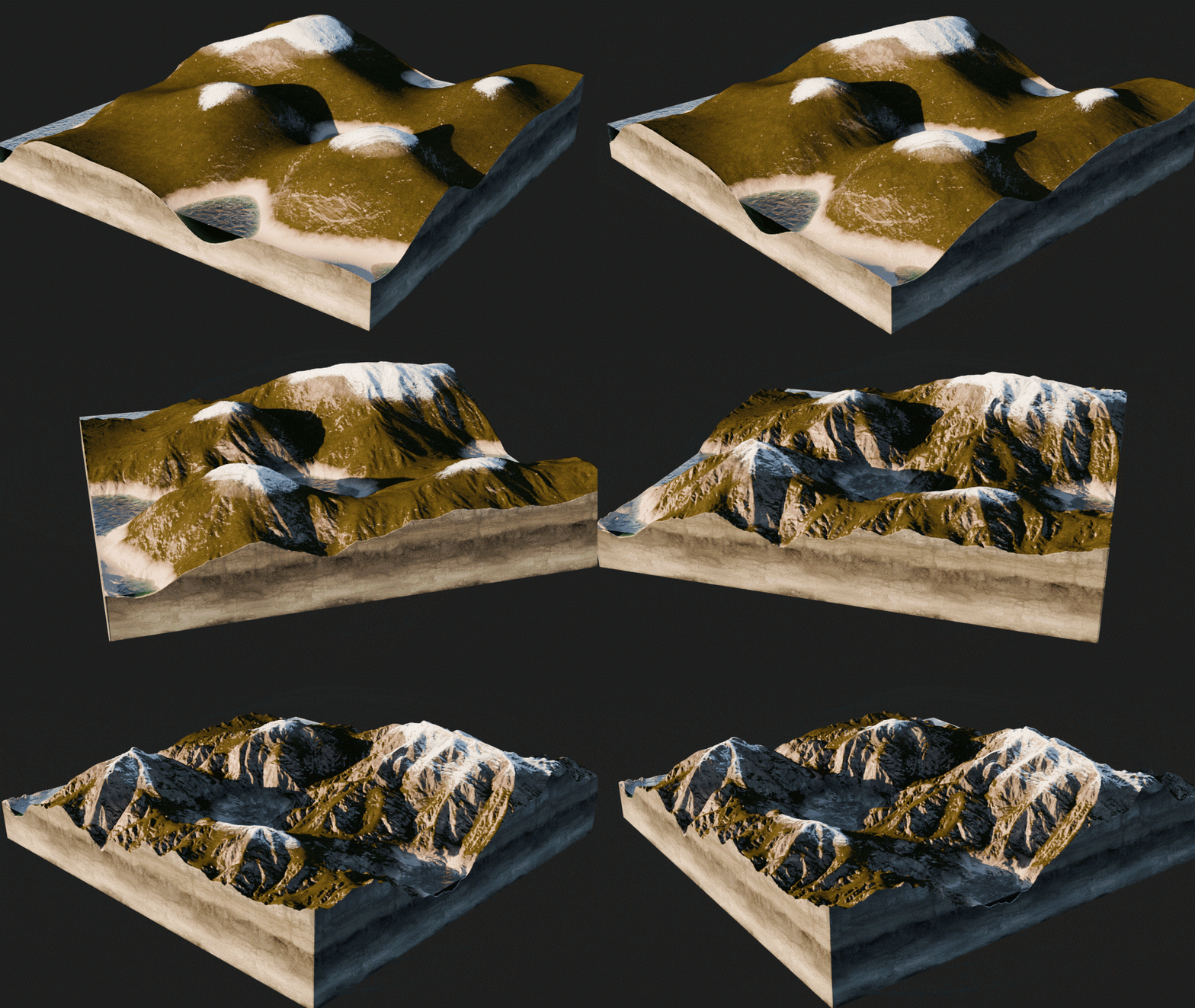
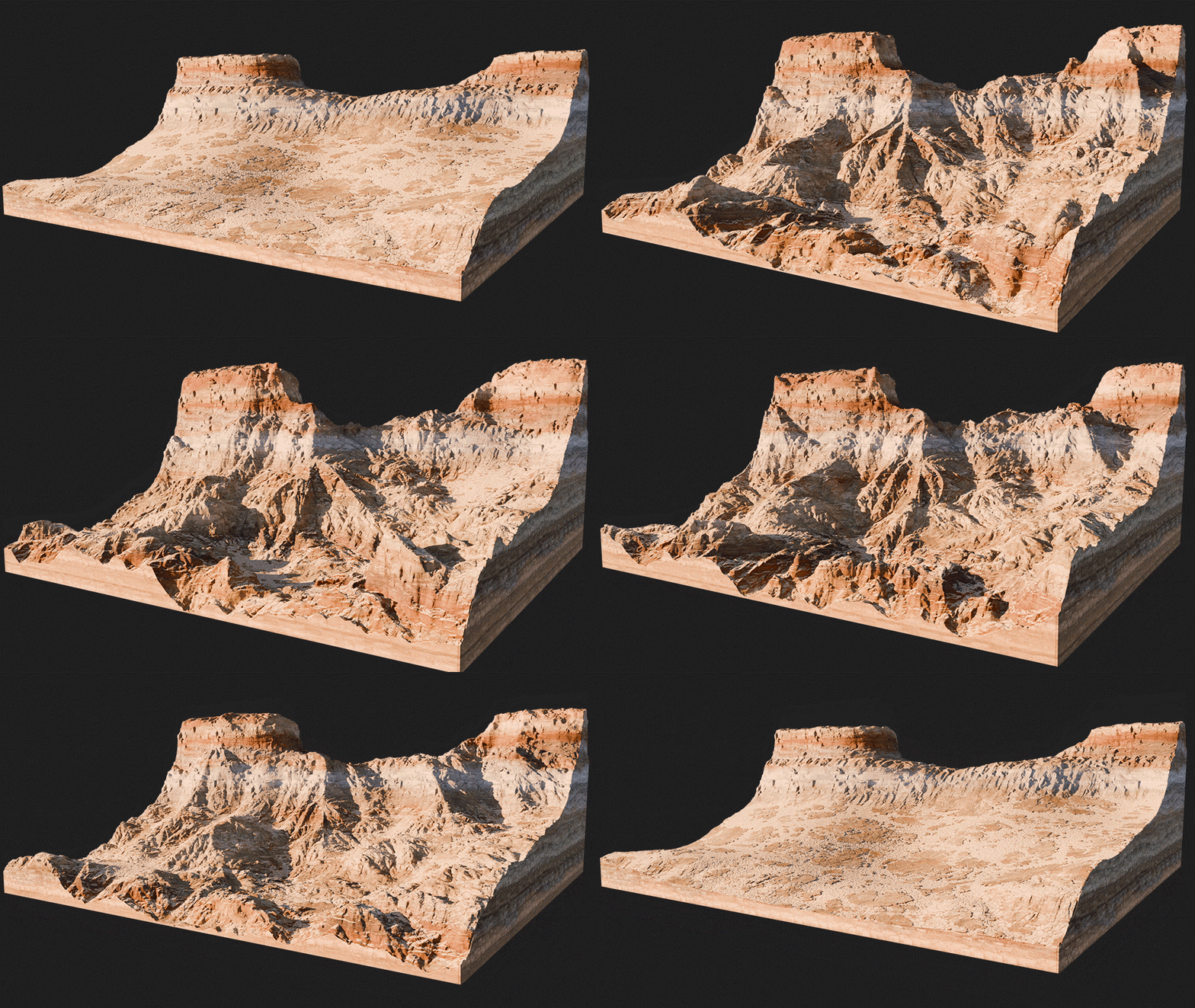
Enable the Erosion Filter that procedurally calculates a realistic fake erosion that you can customize.
The node group used for the erosion effect is a geometry nodes adaptation of the code created by Rune Skovbo Johansen (runevision) on Shadertoy, under the Mozilla Public License v. 2.0
The "Fast and Gorgeous Erosion Filter" is also explained in his YouTube video and blog post
The Erosion Filter node group is available for free on Gumroad.
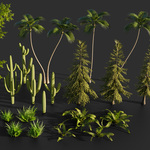
CONTROL VEGETATION
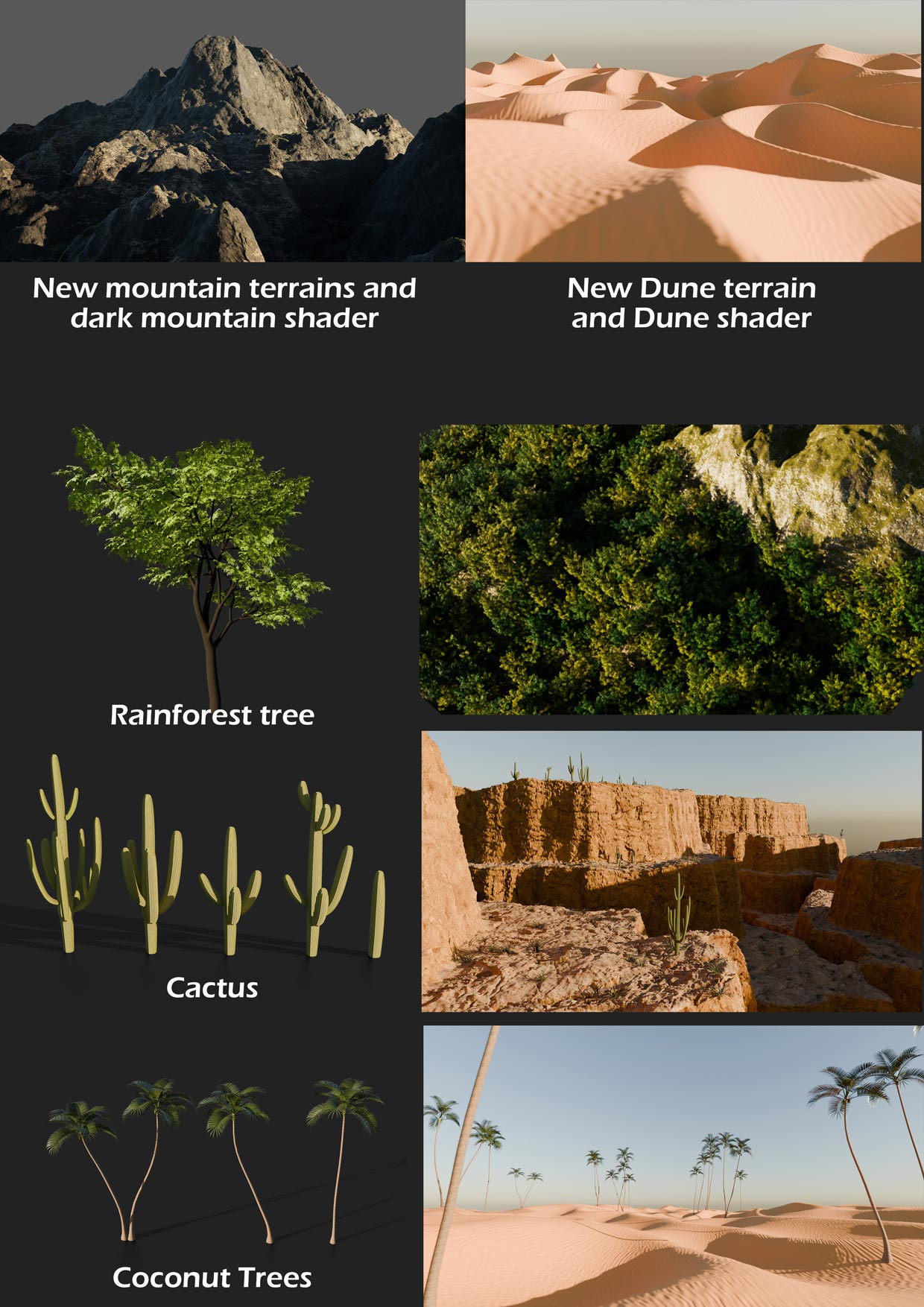
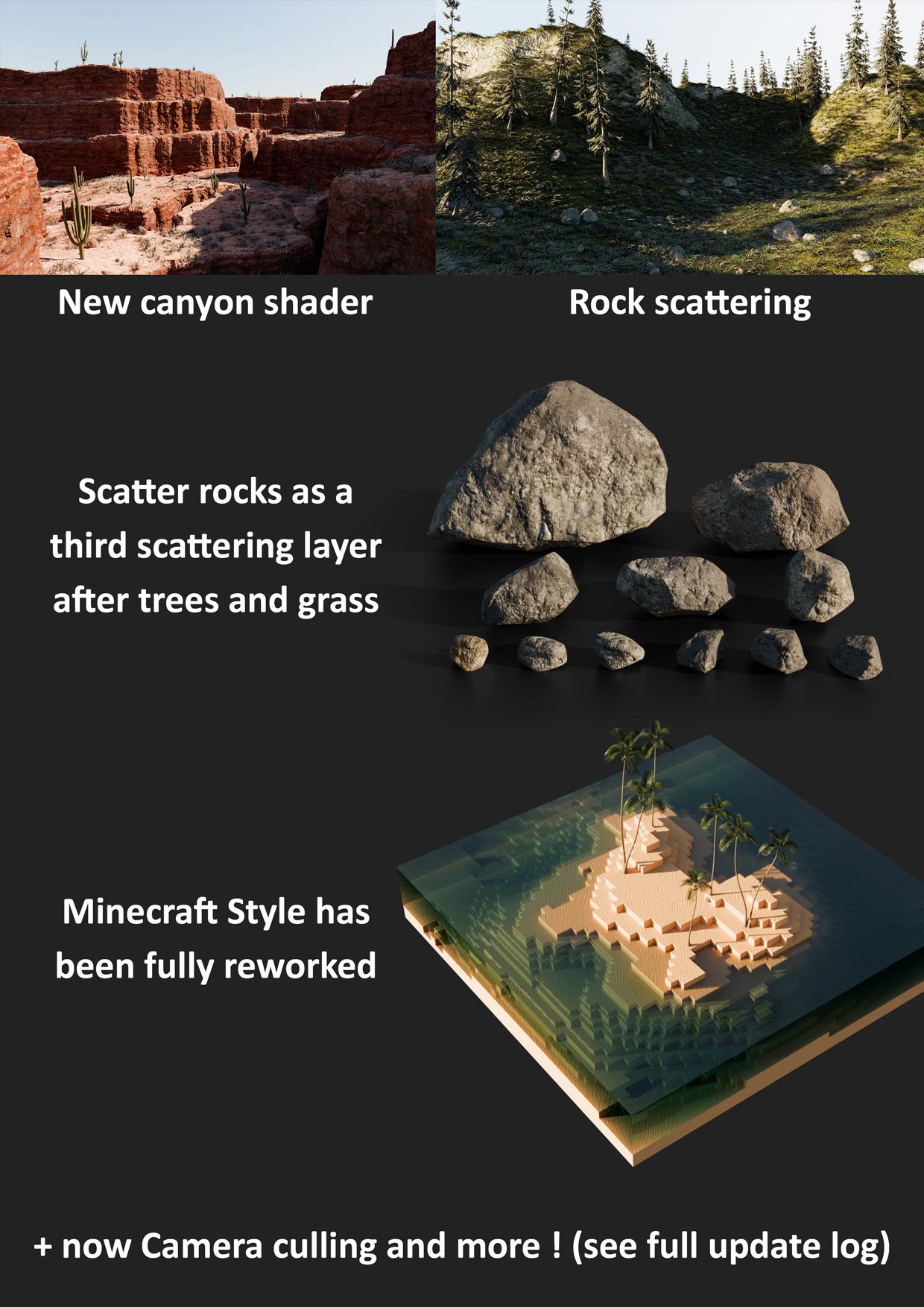
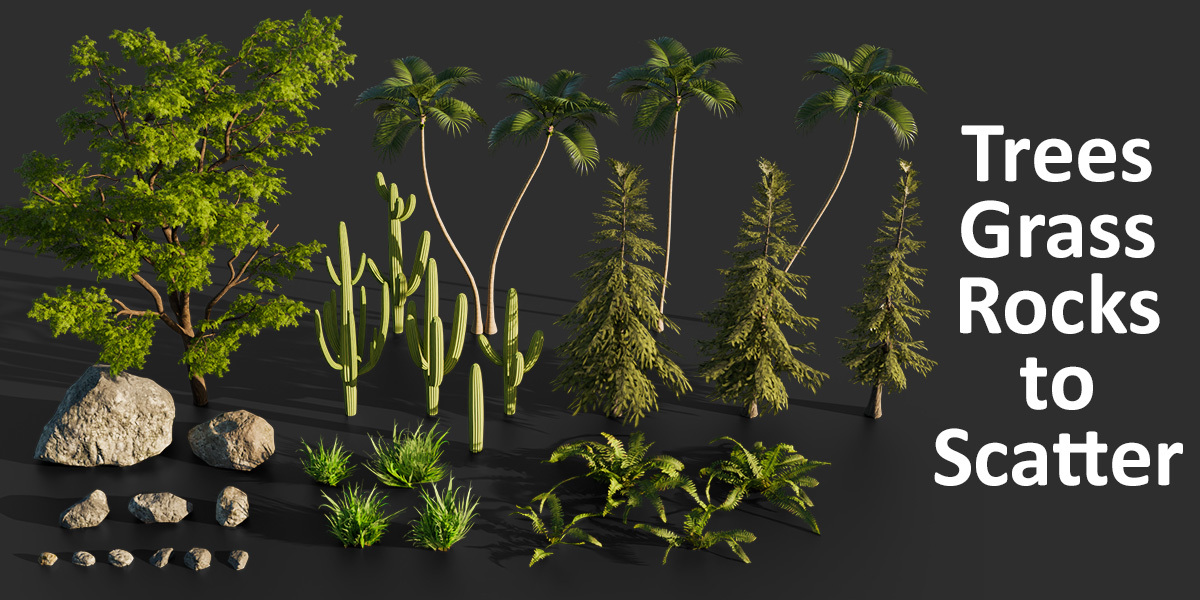
Add life to your terrain with the scattering features allowing you to control precisely the look of your landscape.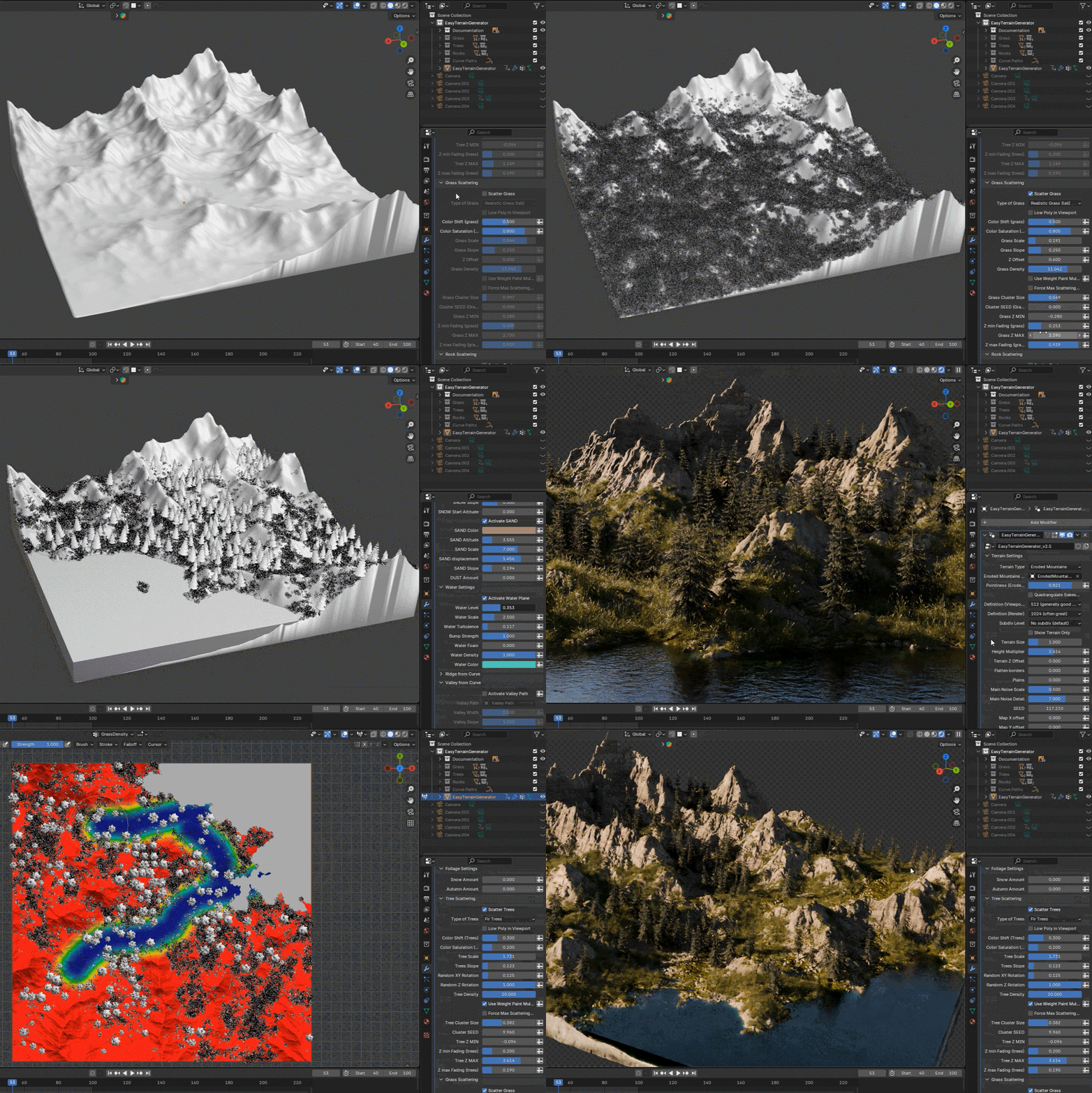
You can also switch to low poly version of the scatter objects to increase drastically viewport performance and handle southands of vegetation objects
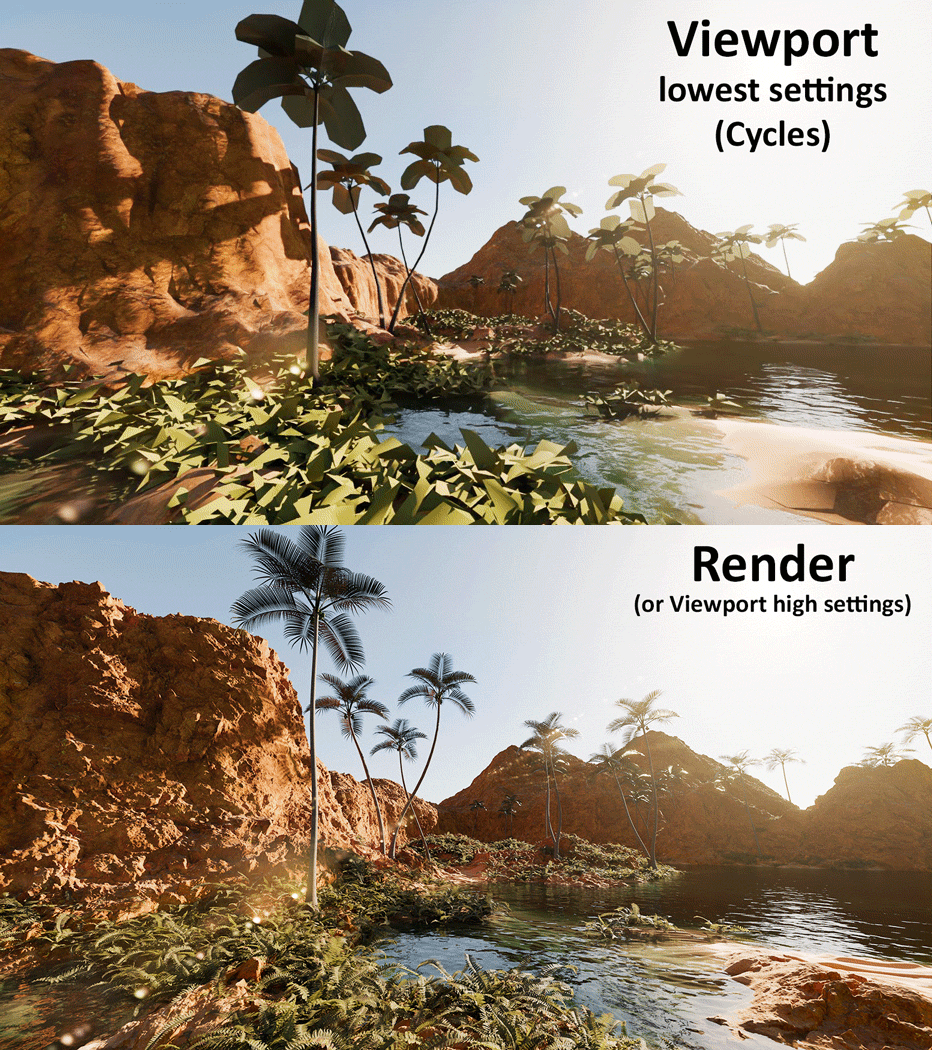
CHANGE ANYTHING, ANYTIME
It's all procedural, so there's no need to follow a particular order - just modify any parameter at any point in the process!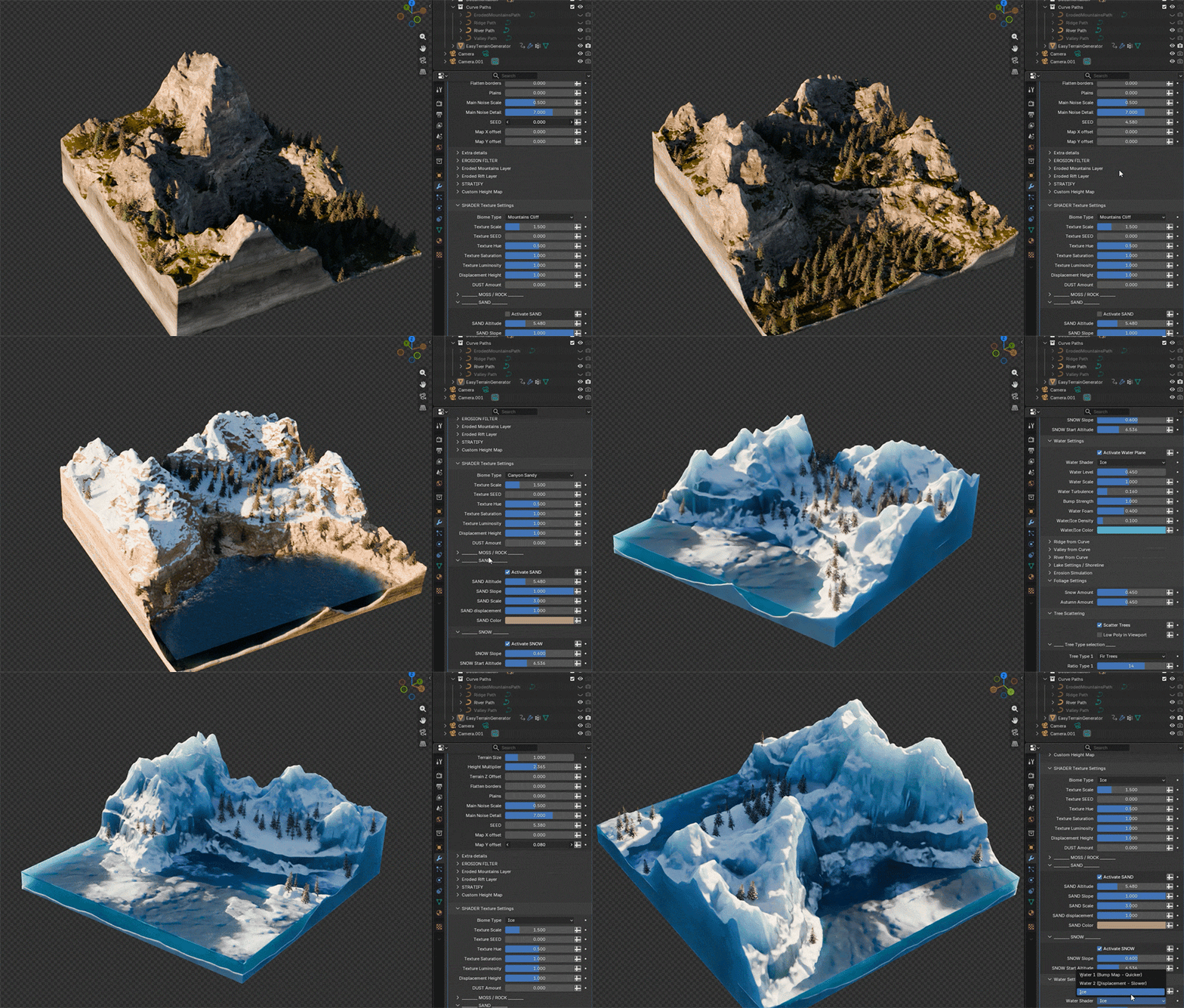
YOU ARE ALMIGHTY!
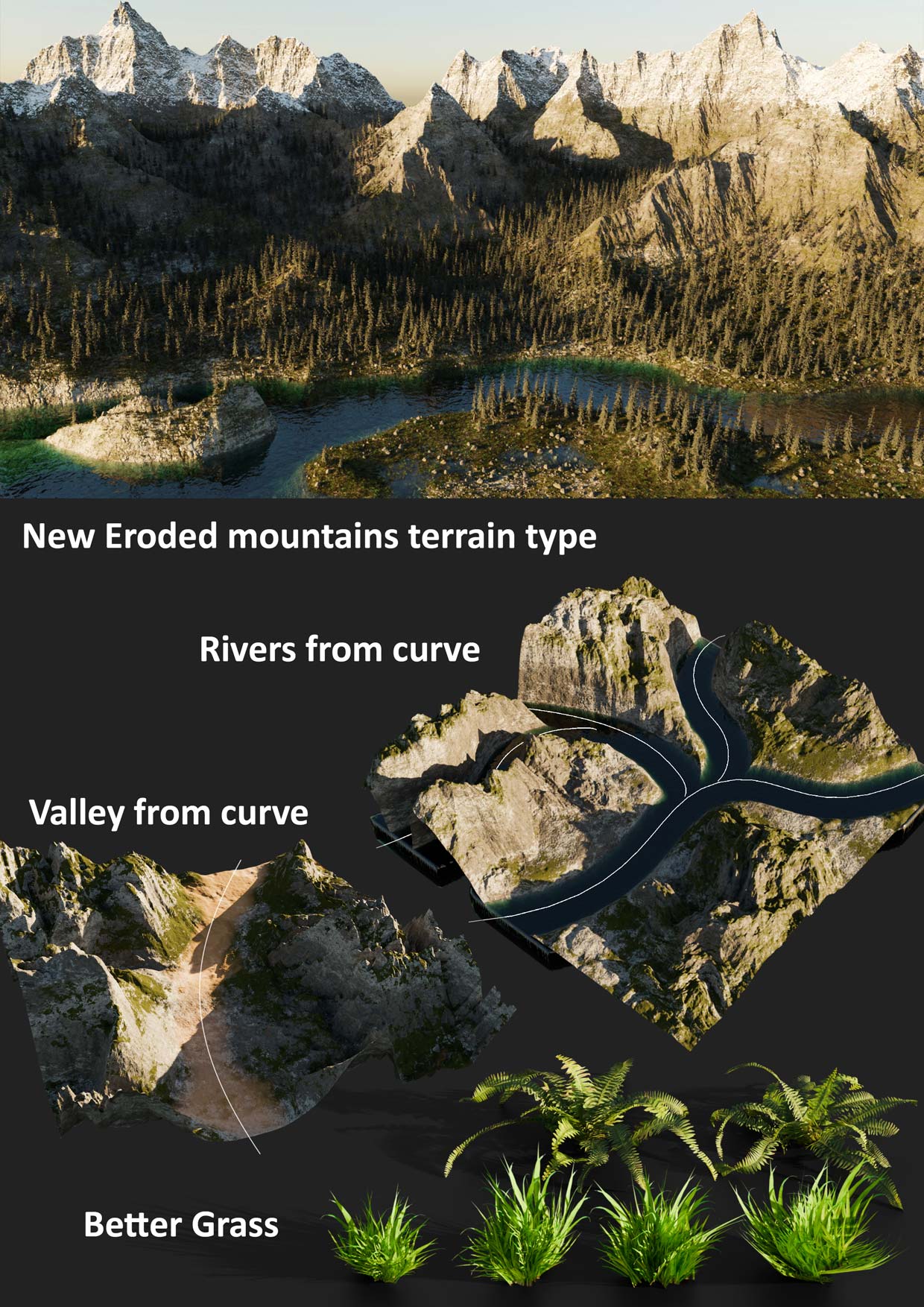
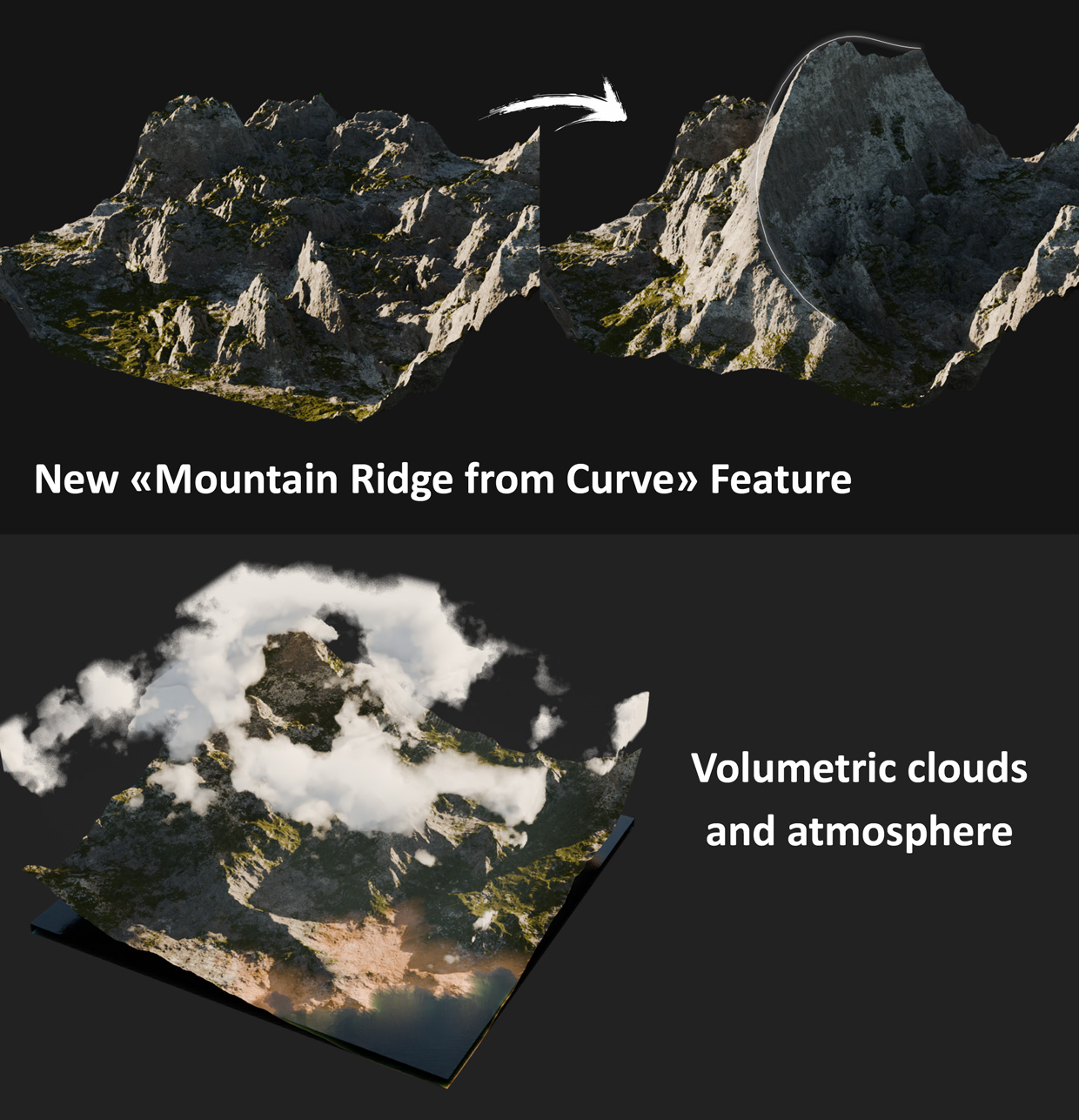
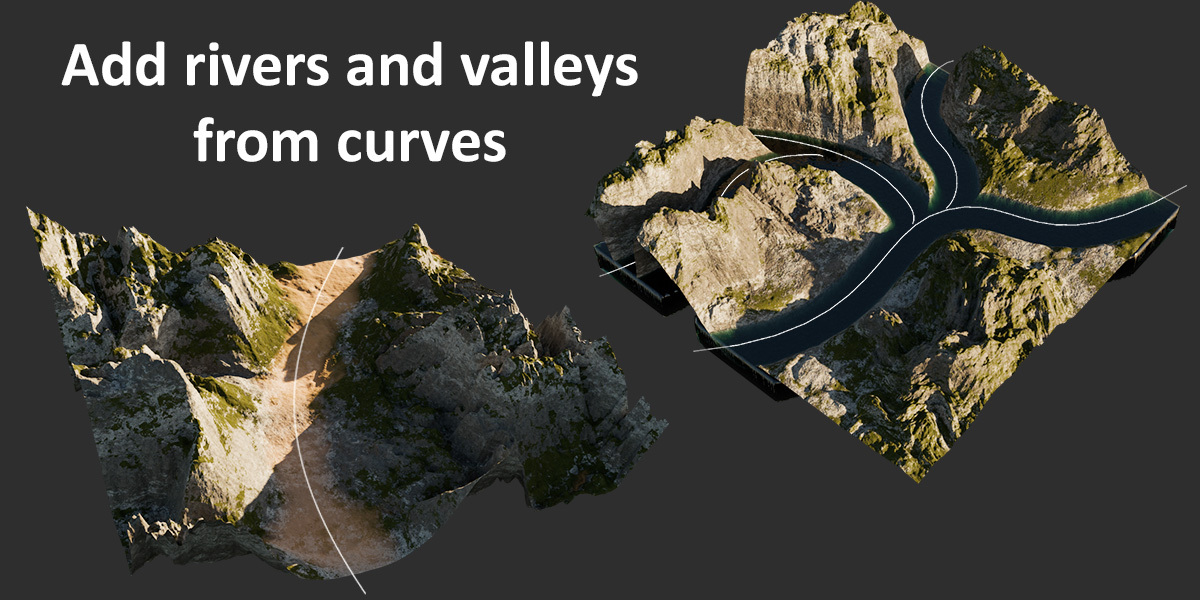
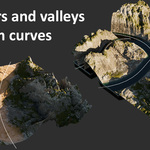
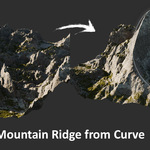
Use curves to draw rivers, valley path, and mountain chains, and sculpt your landscape with ease 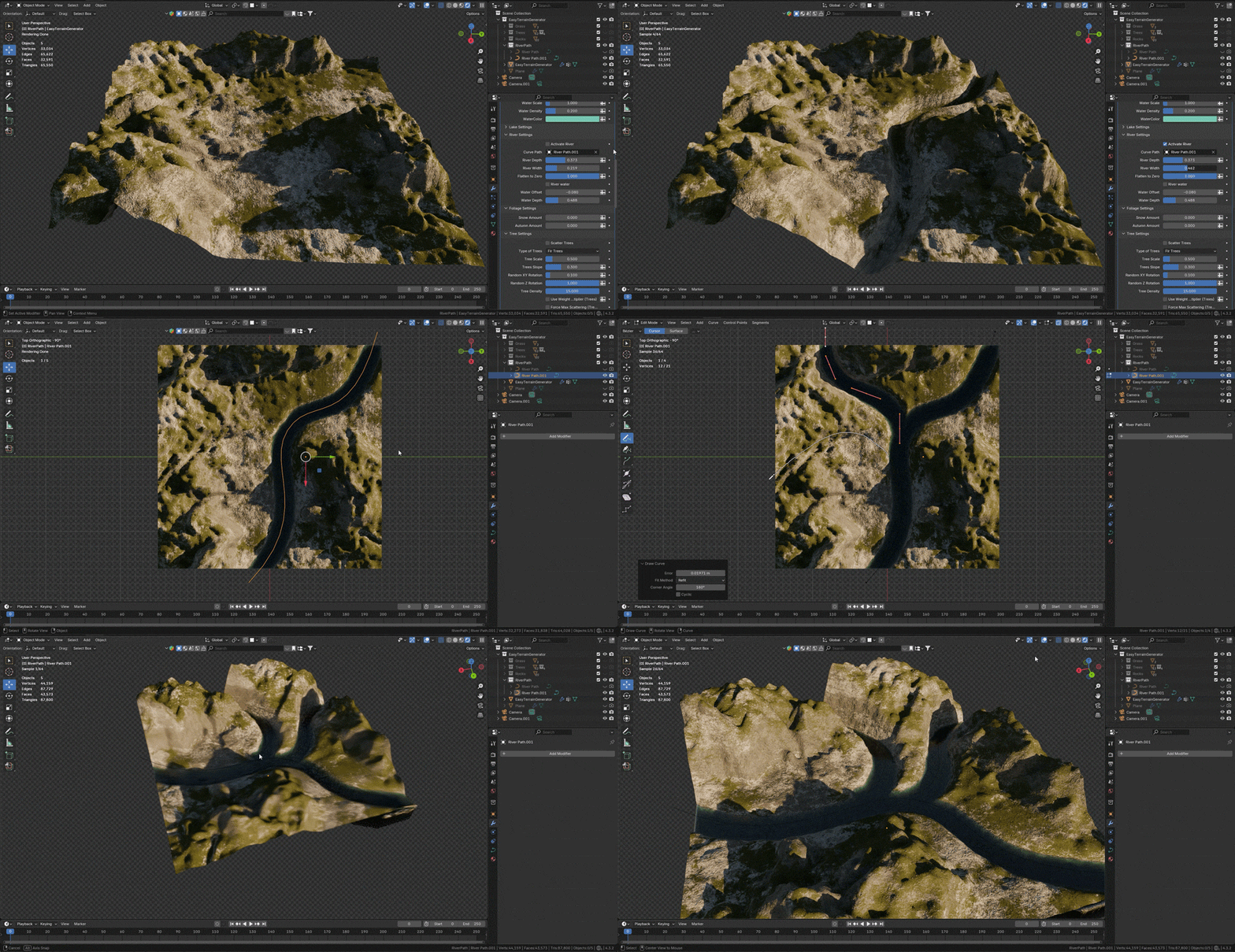

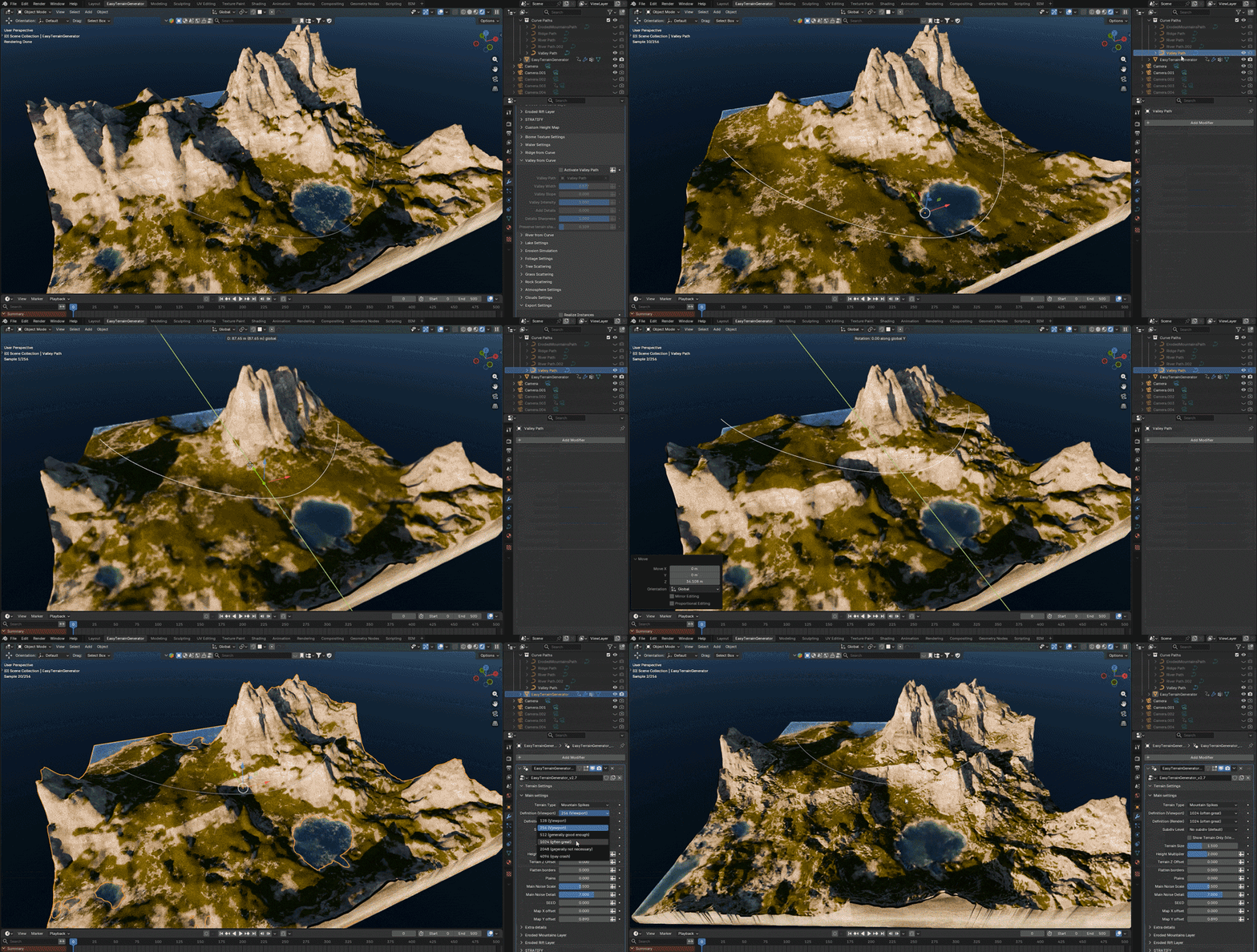
All the parameters can be animated, in case you wonder!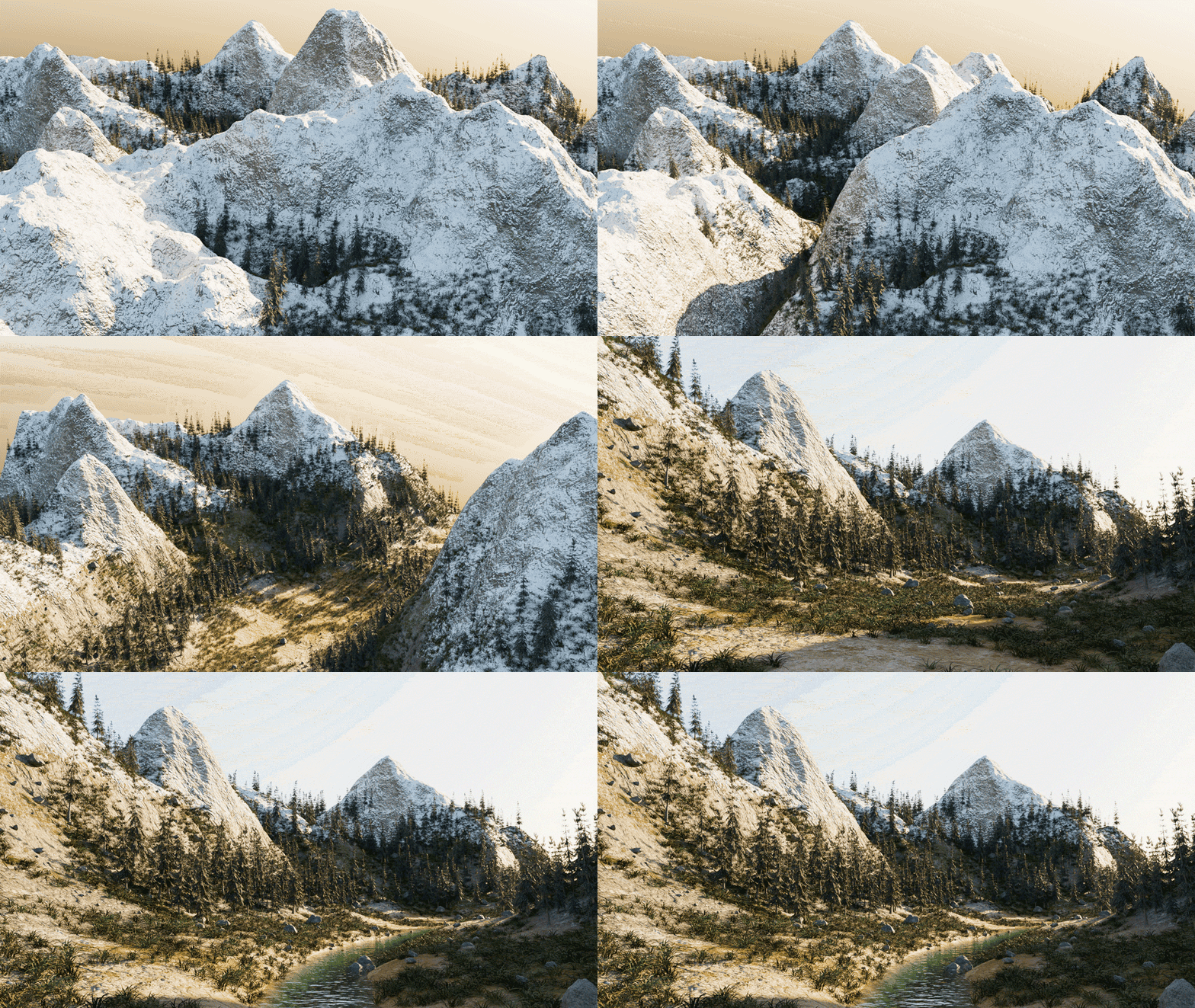

CLOUDS AND ATMOSPHERE
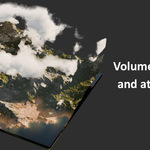
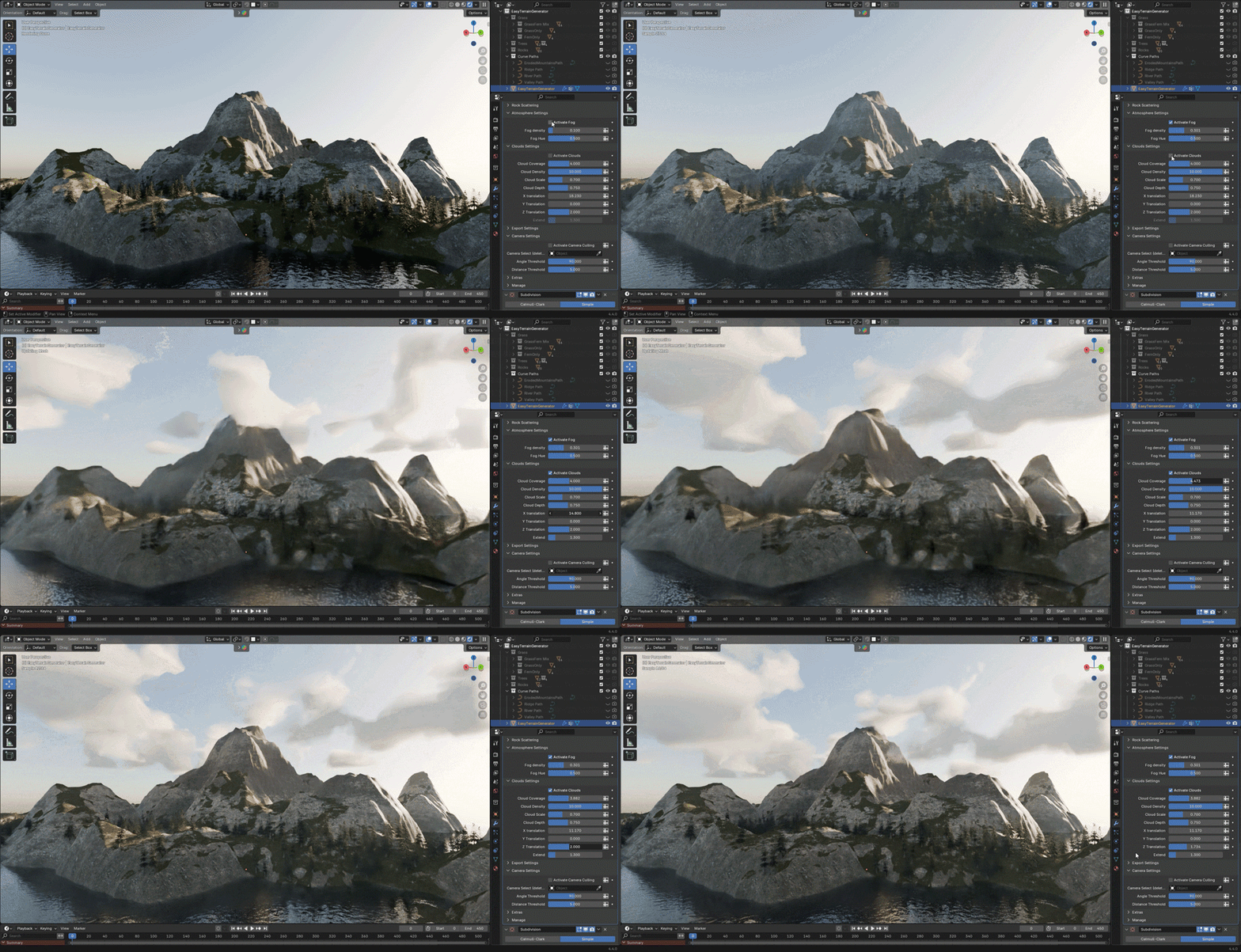
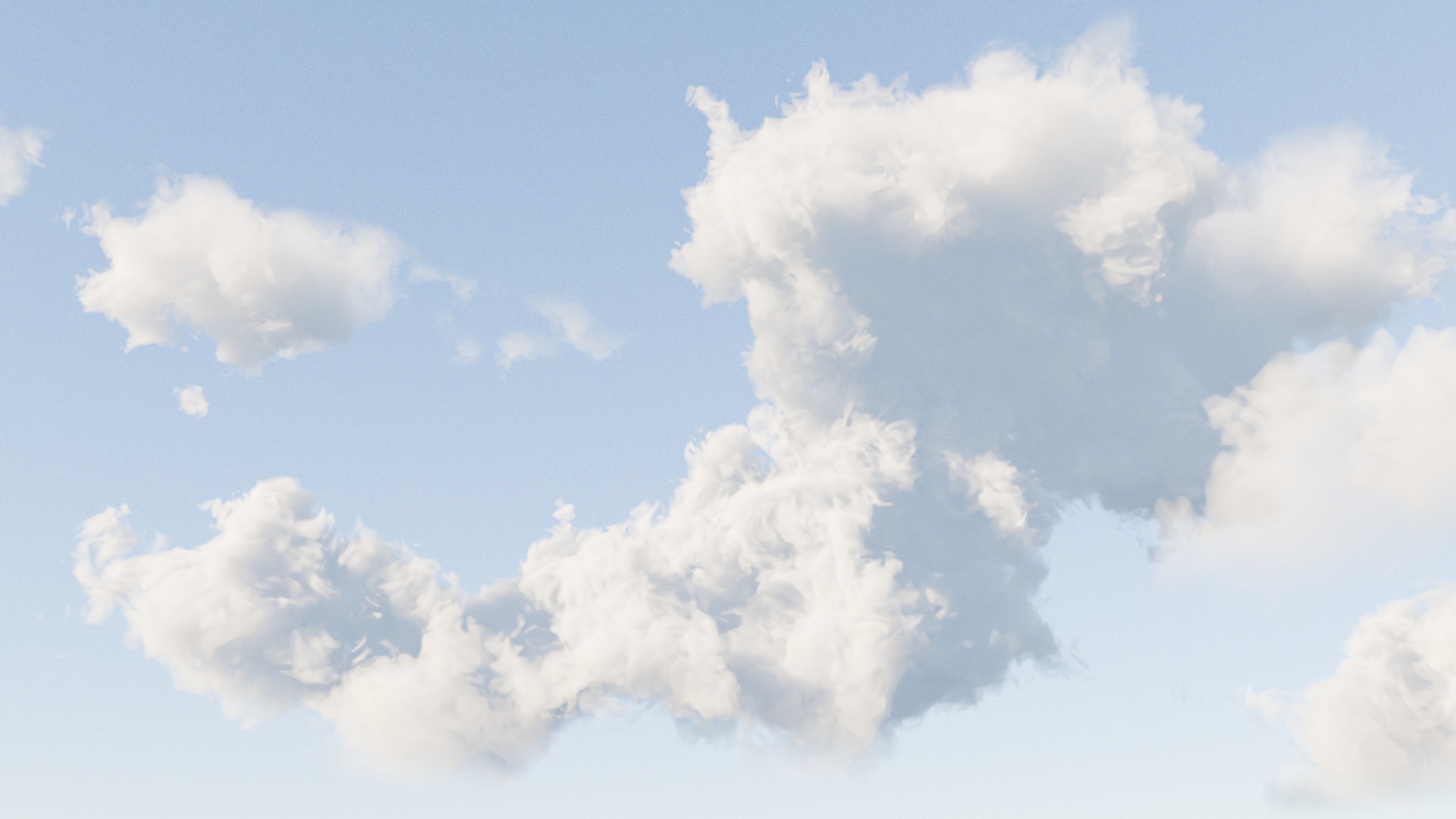
Add volumetric clouds and atmosphere to get awesome lighting effects!
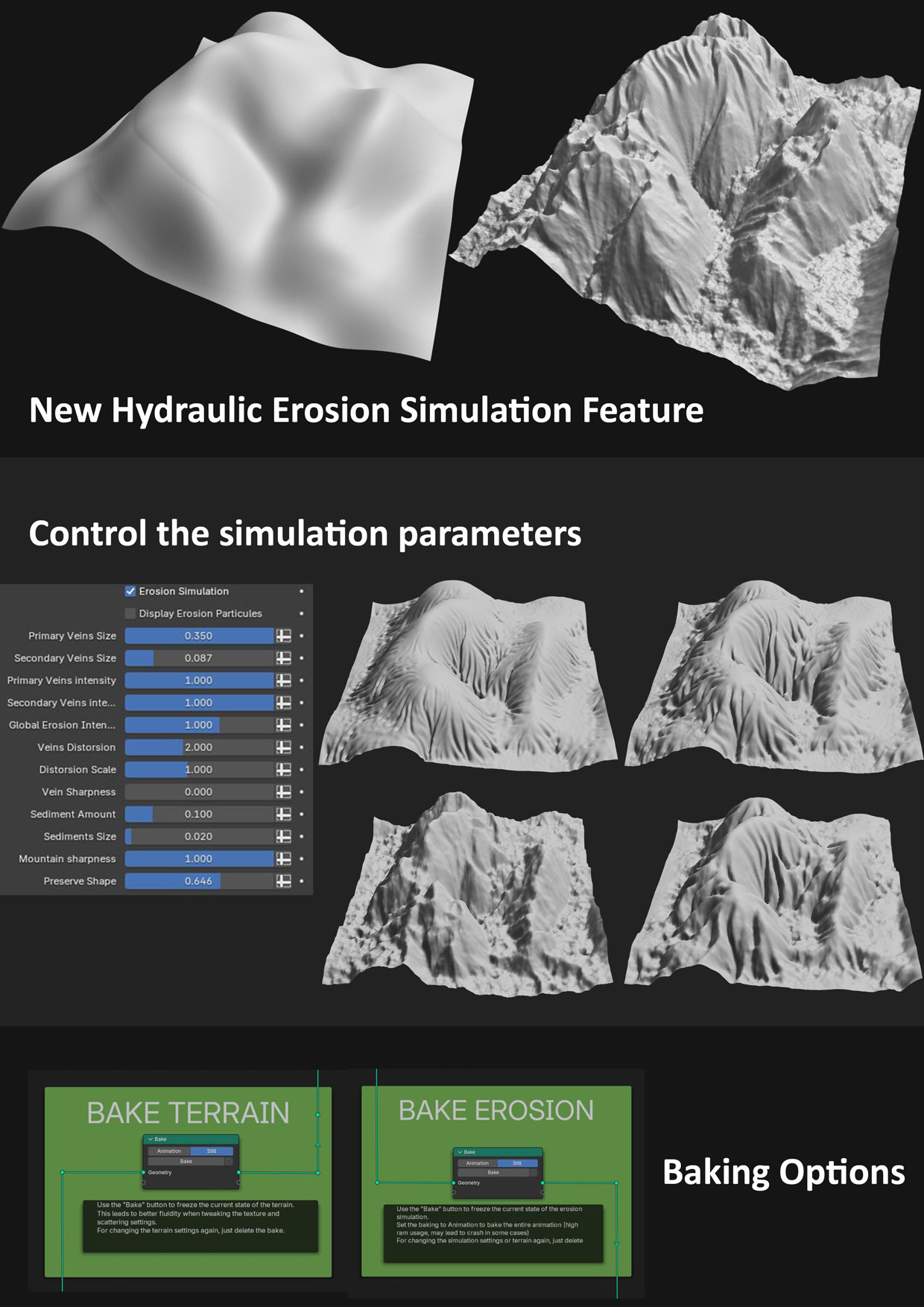
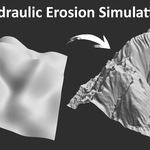
HYDRAULIC EROSION SIMULATION
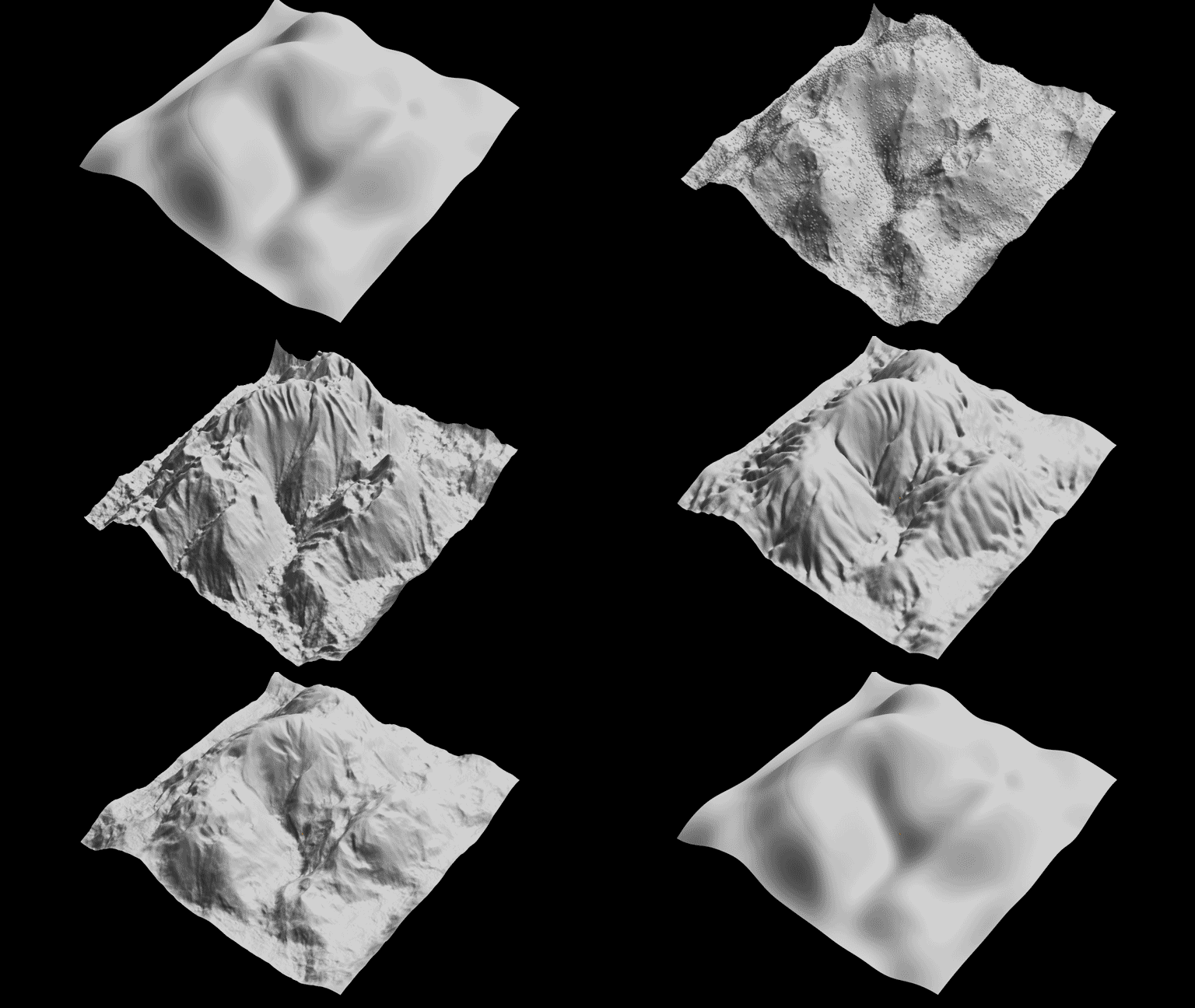
Simulate hydraulic erosion on your terrain to make it even more realistic! You can even customize the erosion parameters, offering dozens of erosion styles.
Just play the animation and watch your terrain erode!
JUST SLIDERS!
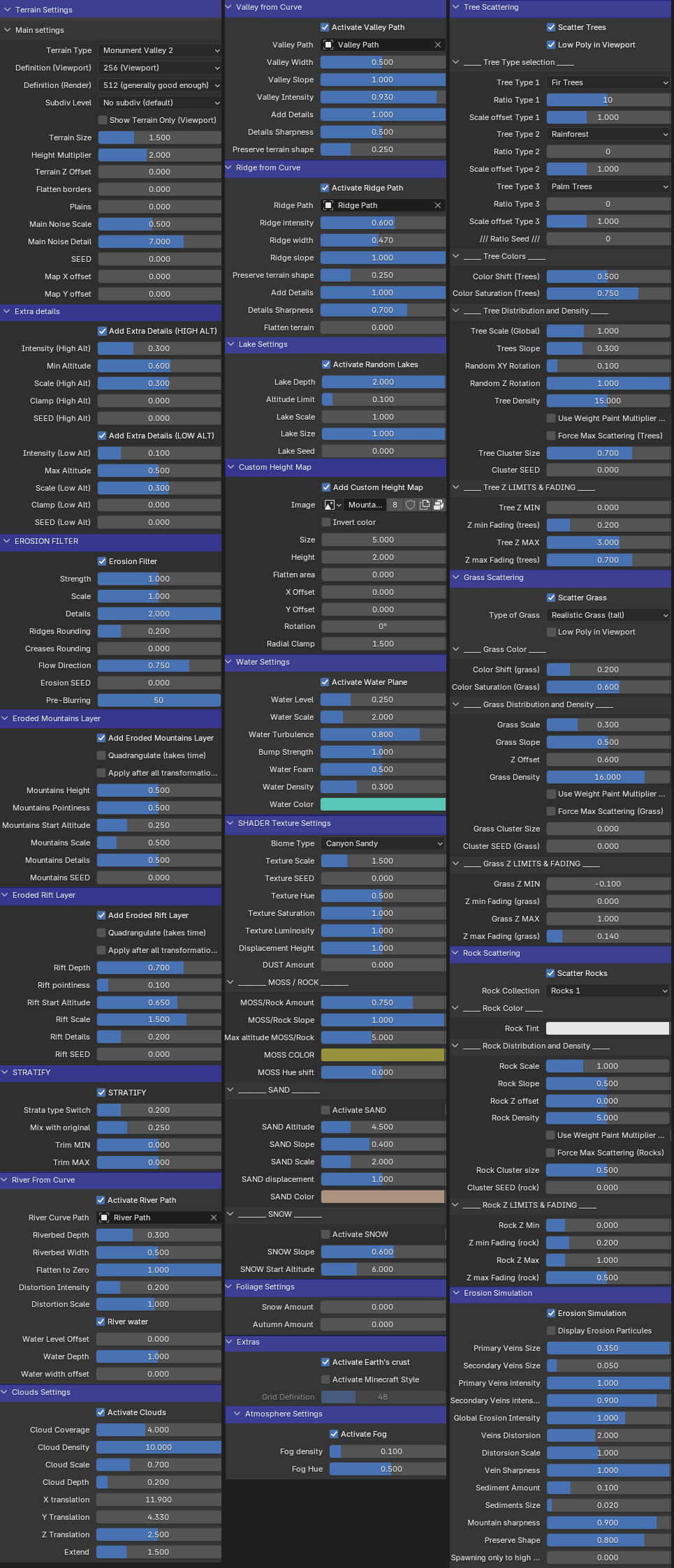
Here is the list of all the parameters accessible from the modifier panel. Each section can be collapsed for more clarity, and each parameter has a description explaining its effect. In addition, a full pdf documentation is supplied, covering a few technical points like how to use weight paint, curves to draw rivers and mountain chains, and other tips and tricks.
You can see that there are many settings and it can seem overwhelming, but everything is built to give nice results with default value and to be easy to understand. Also, all the features are disabled by default, and you can have a lot of fun just by using a few basic settings! The goal is to give you a maximum creativity freedom, but most of the features will be used only in specific cases when you need them!