Easy Terrain Generator
 Kollapse3D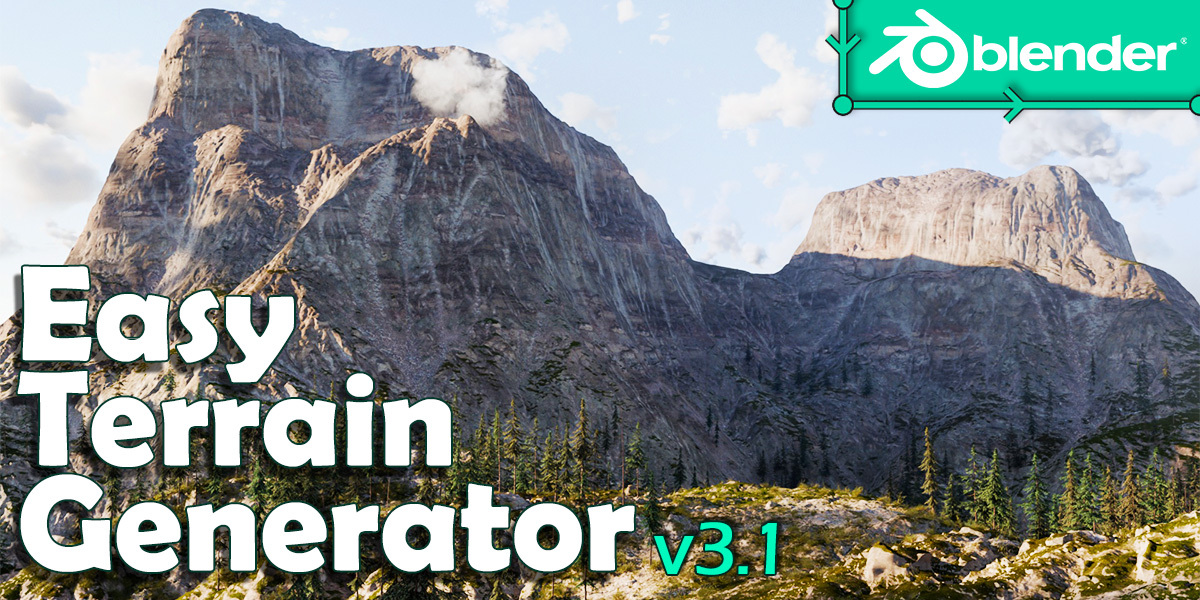






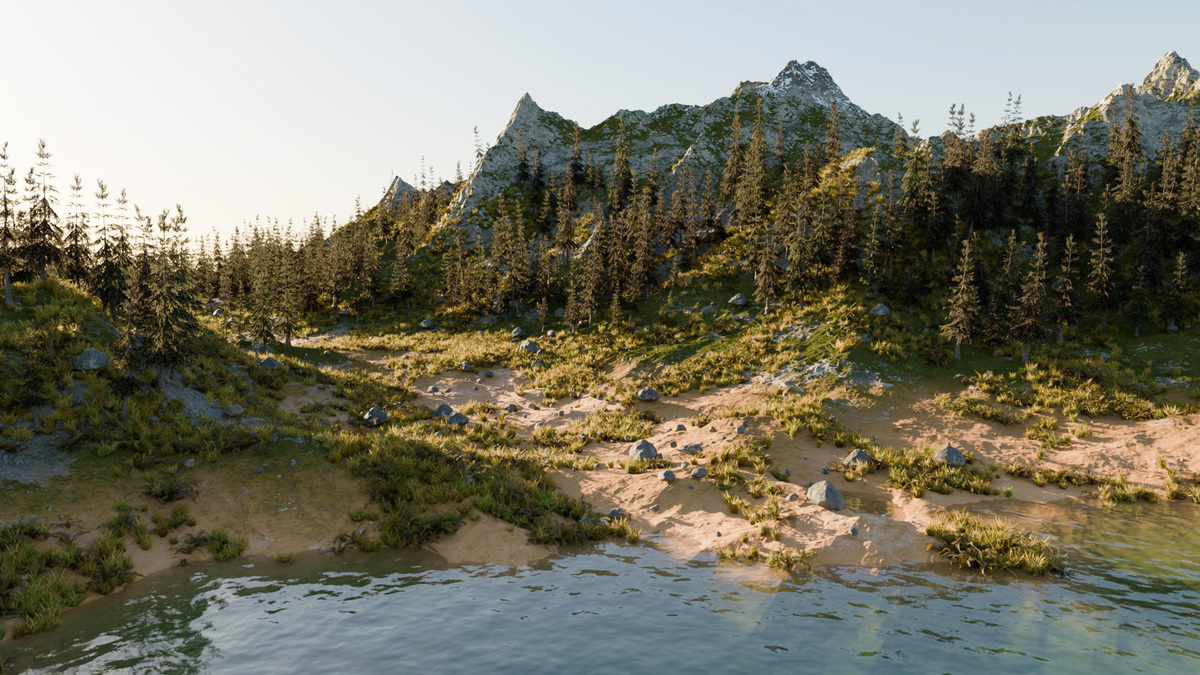
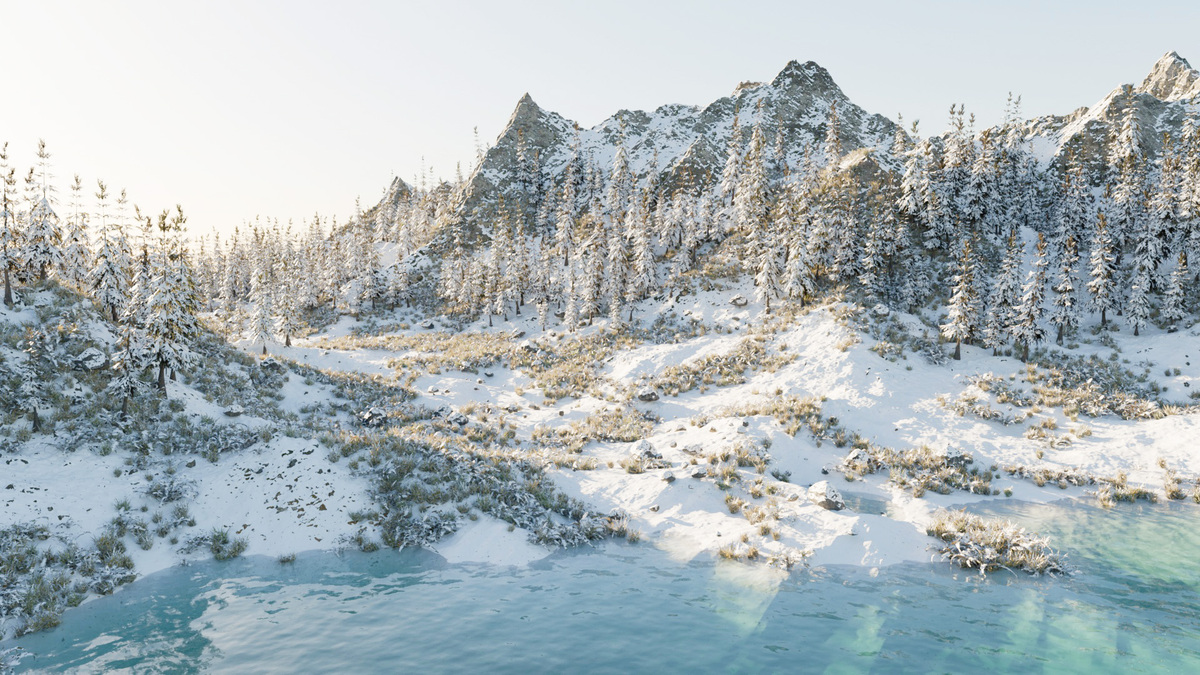


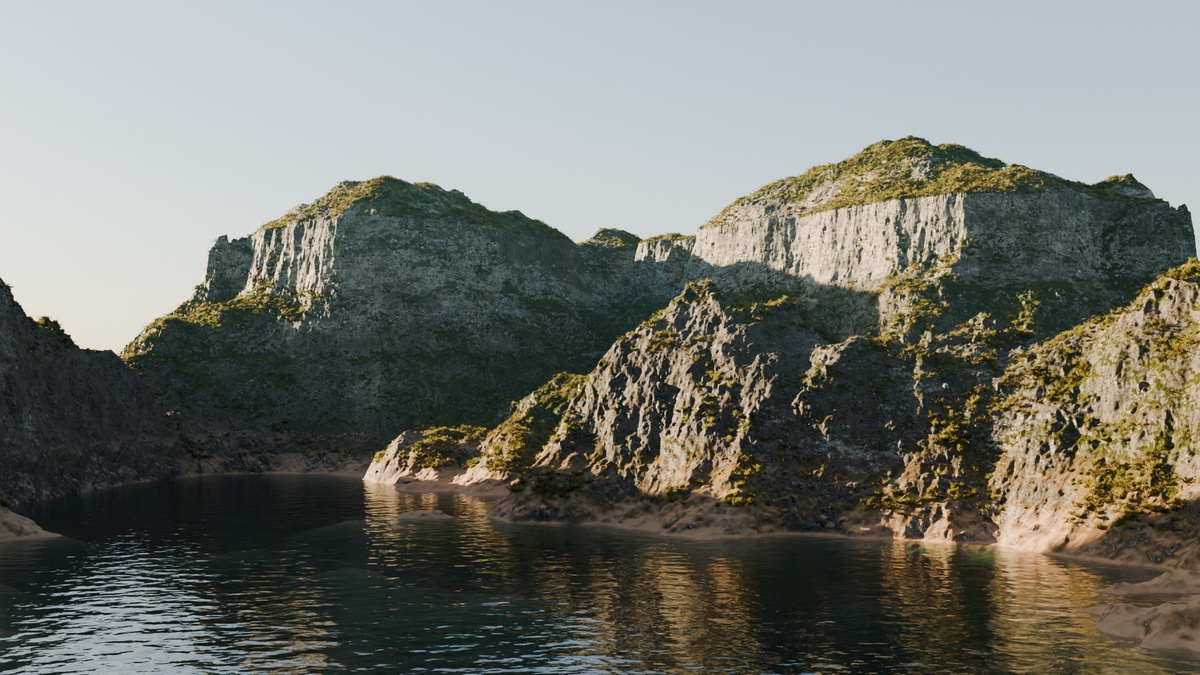
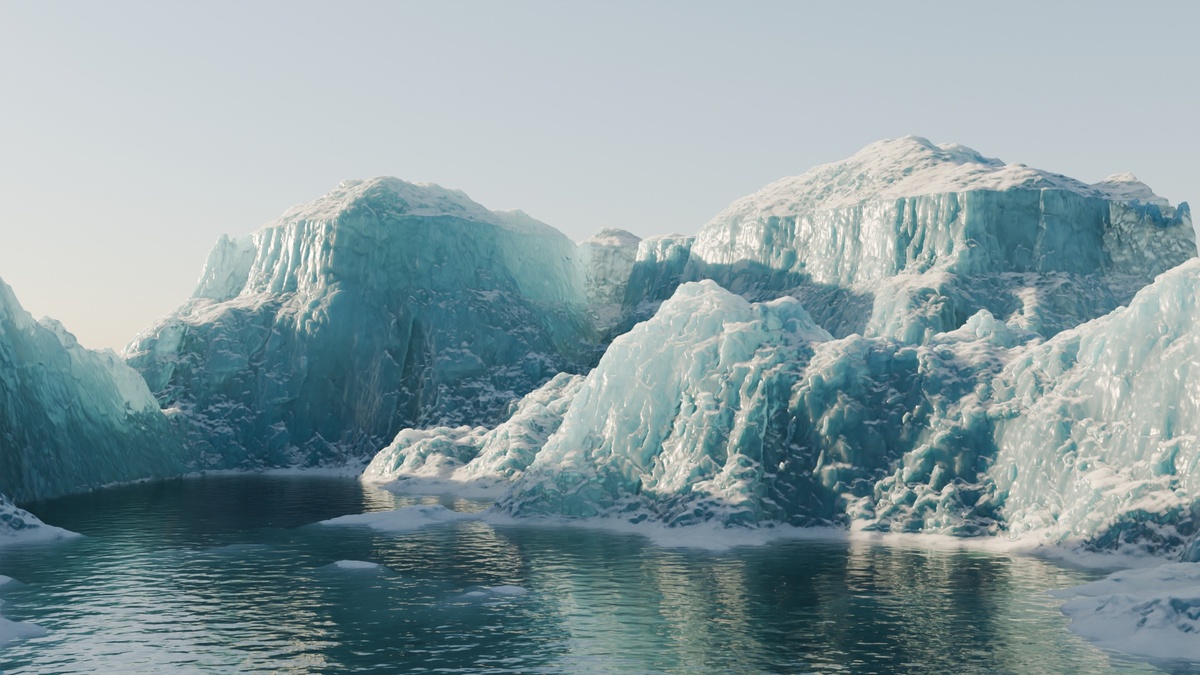


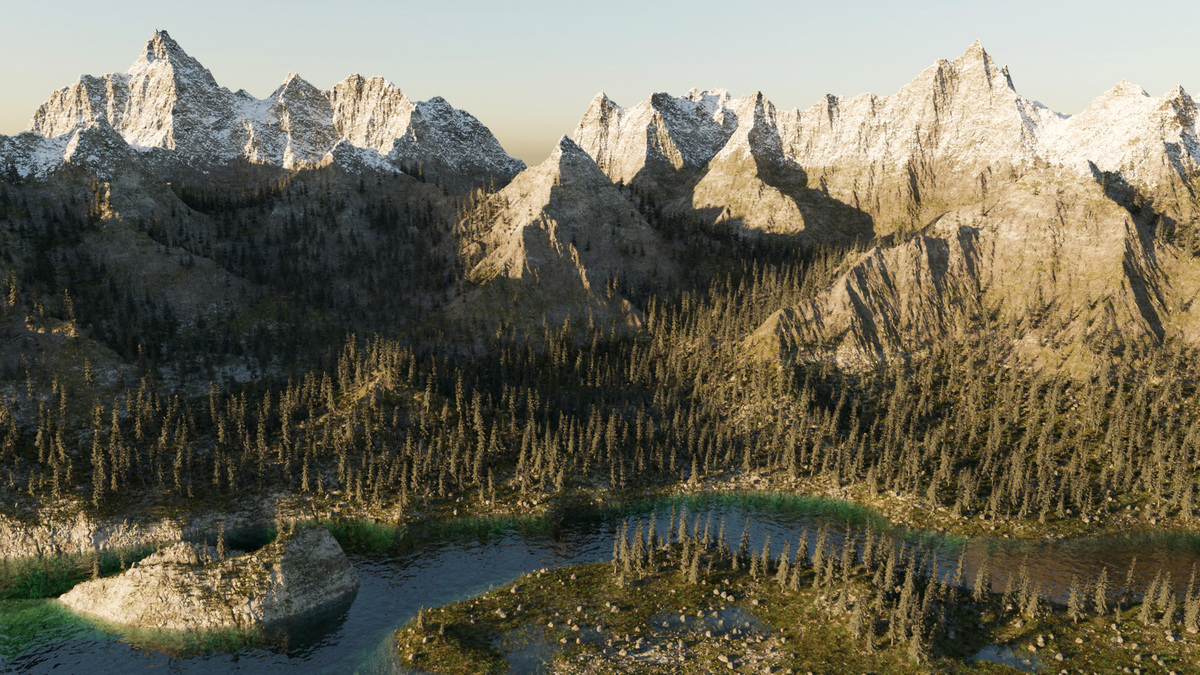

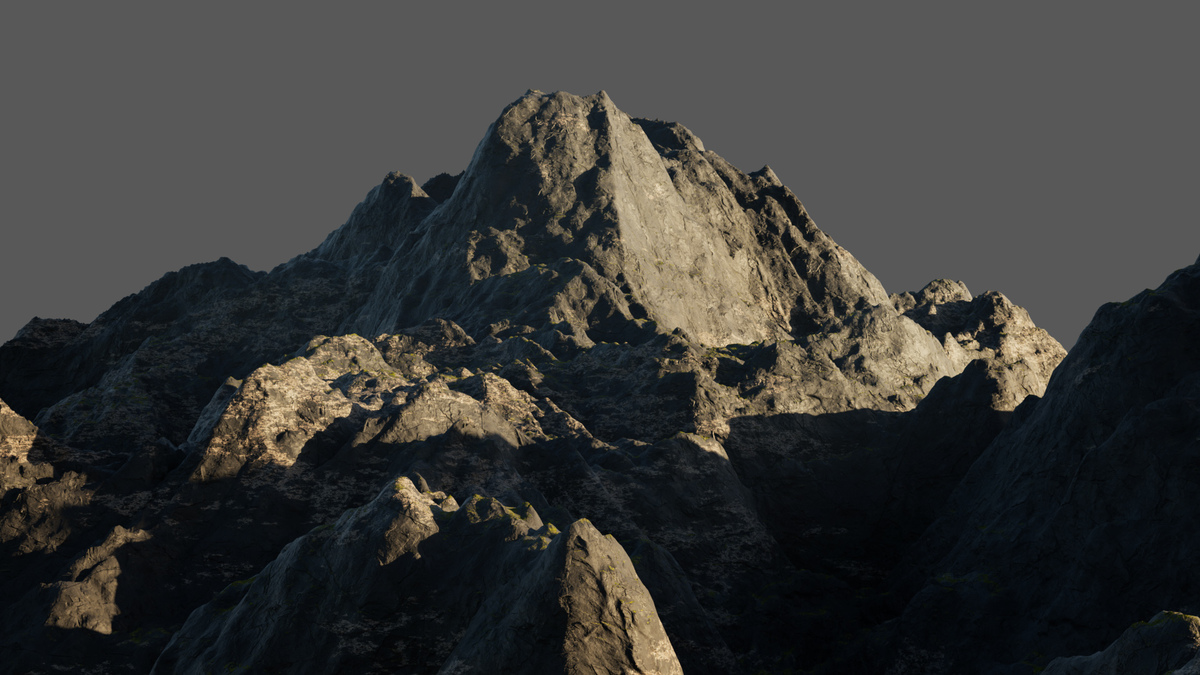
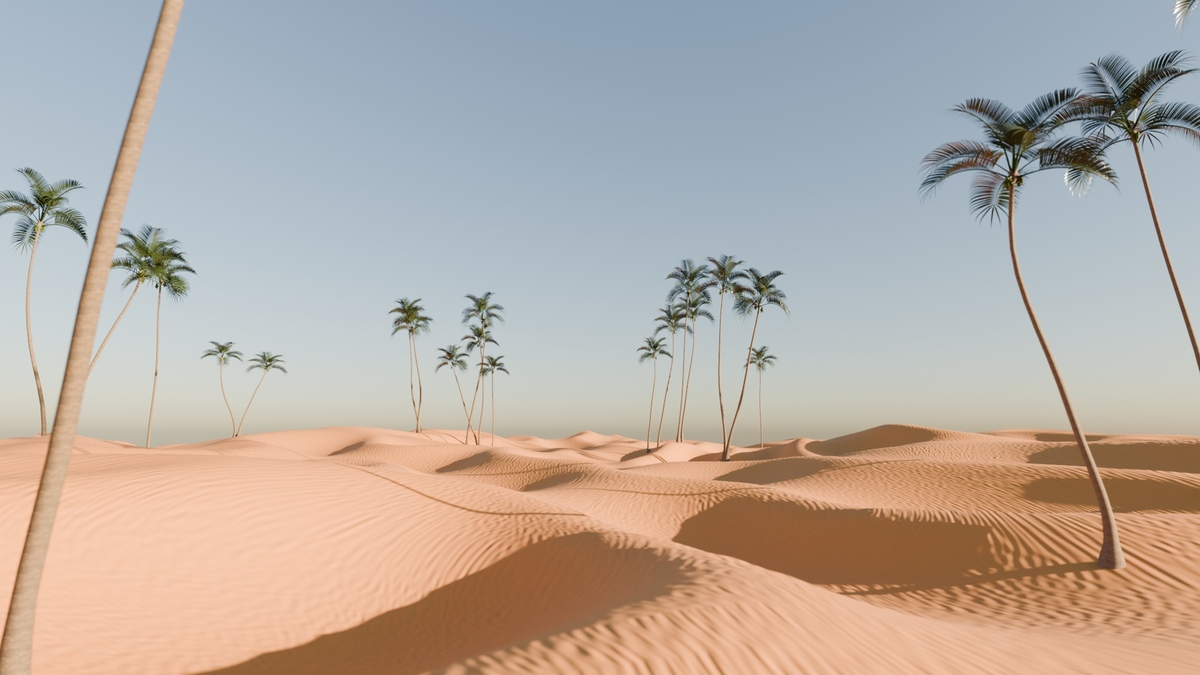


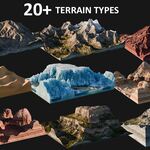
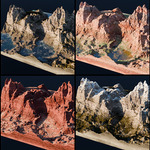
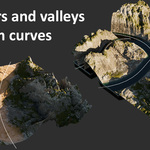
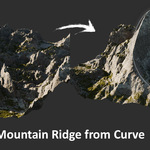
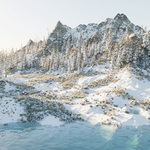
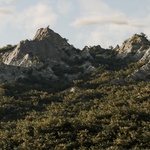
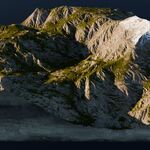
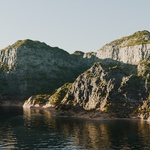
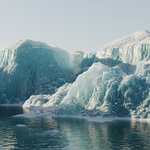
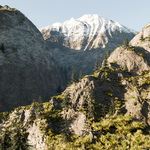
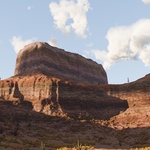
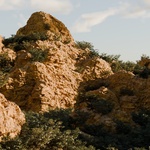
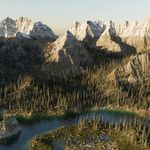
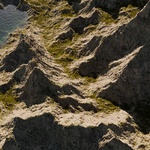
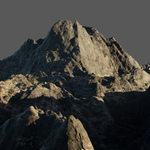
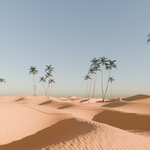
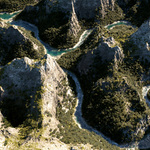
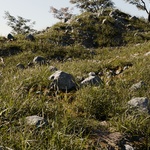
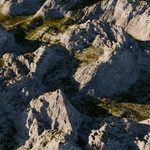
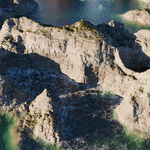
HOW TO "INSTALL" IT
OPTION 1: Just open the blend file and create your own terrain in seconds!
OPTION 2: You can also append the collection "EasyTerrainGenerator" of the .blend file into an other project
HOW TO USE IT
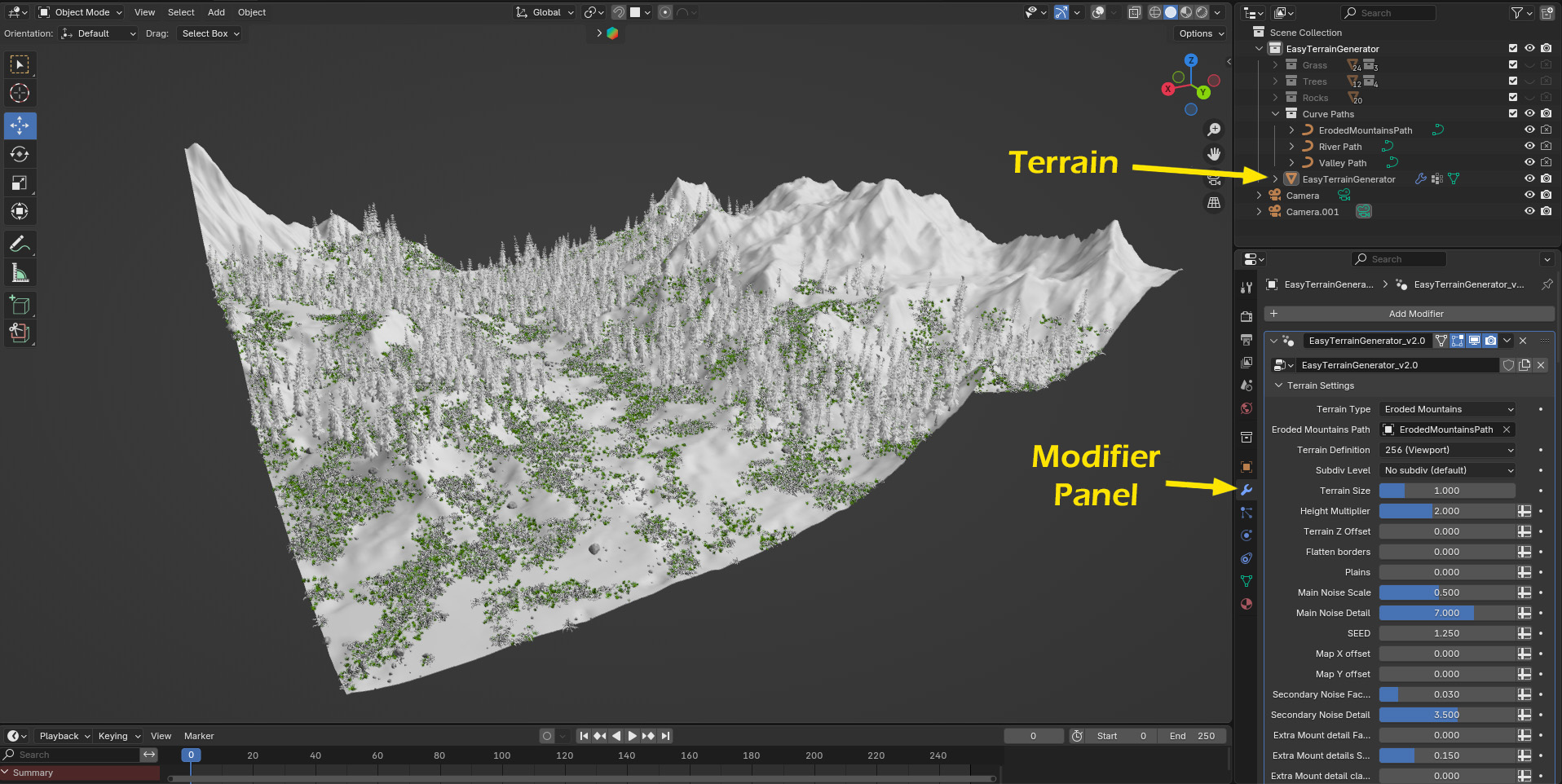
This is pretty straight forward, all the parameters are gathered in one place, on the modifer panel of the Terrain.
It is possible to collapse the different sections for more clarity.
Update 3.1 (09-04-26)
New Features
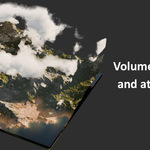
- Gullies ! New sub panel in texture settings with option to add gullies, adding really interesting details to the shaders. It uses the output of the Erosion Filter option, therefore the gullies resolution is linked to the terrain resolution, but at least the gully shapes follow the actual terrain topology. The gullies are activated by default but it is possible to disable it to get the standard look. All the shaders have been updated with gullies.
Note that when gullies are enabled, it also enables the Erosion Filter option in the background (with strength set to zero if the option is not already enabled), so it takes a little more calculation time. - New option "Better vertical areas" under Extras panel. This option subdivides and smooth out the very steep surfaces (where the base mesh is the most stretched).It takes a bit of calculation time but the render quality is better and it solves most of texture distorsion issue that can occur on those steep surfaces.
New Terrains
- Mountain Erosion Filter 4
- Mountain Hill Abstract
New Shaders
- ICE 2
- ICE 3
- Ice Water 2 (+ Ice amount slider)
- Ice Water 3 (+ Ice amount slider)
- Lava ("Water" shader)
- Reworked Volcanic shader (use Gullies to add lava flow)
New Scatter Object
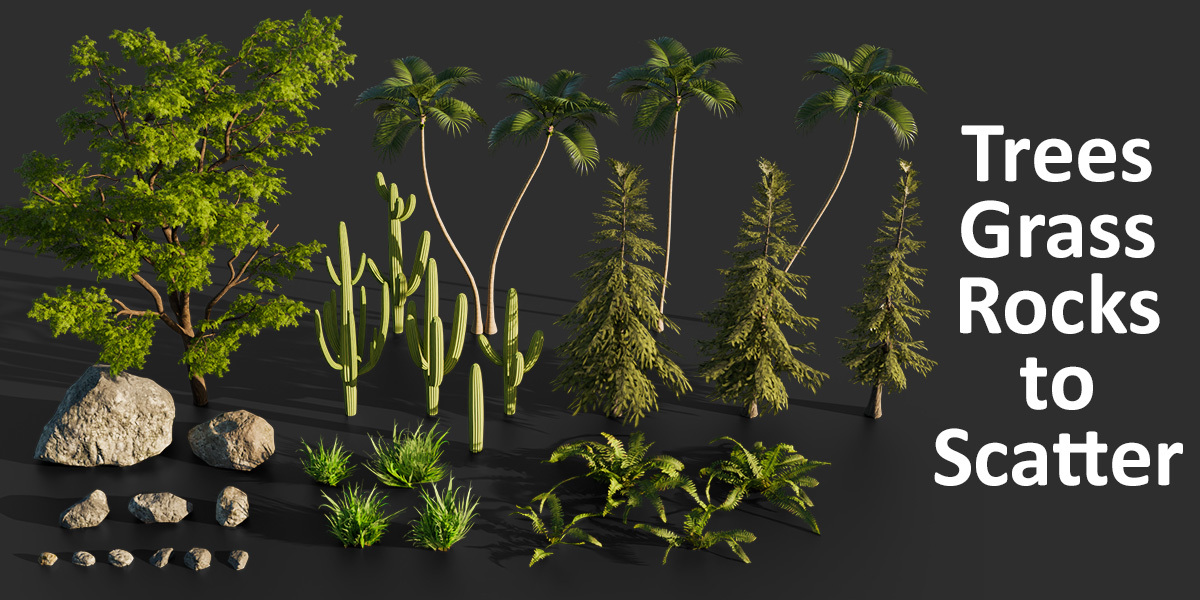
- Pine Trees
Improvements/Fix
- Erosion Filter effect now follows the x/y map offset
- The X/Y map offset parameter now affects everything properly (terrain + textures) so that it is possible to use it for camera travelling effect (however it does not affect vegetation nor the Minecraft style shaders)
- Dark mountain shader has been reworked and the missing moss altitude setting has been added
- In the "Canyon Rocky 3" shader the missing rock altitude/amount/slope setting has been added
- When snow is enabled, the displacement map on flat areas is now replaced by a soft snowy surface (like a heavy snowfall effect instead of a a thin coating of snow). Also, when transitionning from "no snow" to "snow", the amount of snow increases, gradually covering stones and other terrain variations.
- The baking process now works with Erosion Filter option and the Height Map range fits automatically with terrain limits.
- Fog has now more options: scale and height options, possibility to control the distance of the fog (allowing to make fog less visible in short distance and more visible in the horizon, increasing the feeling of "large scale").
- Clouds interfere less with water foam as the volume used for fog now fits to where clouds are visible (as foam is based on ambiant occlusion).
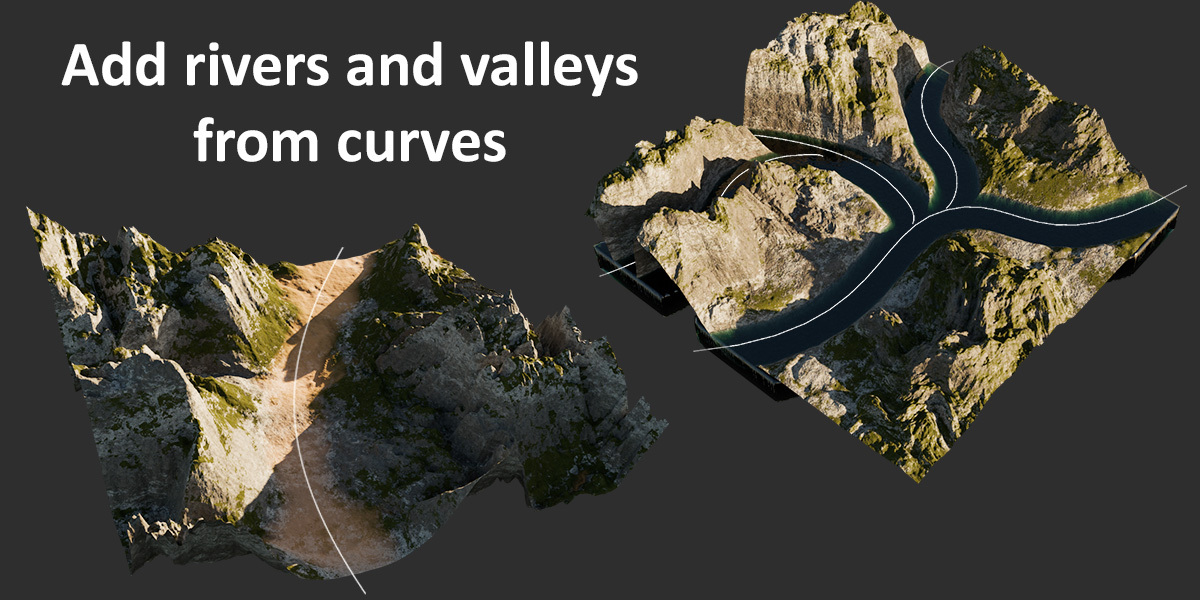
- The "River from curve" feature has a new option allowing to keep high altitude areas untouched.
- Option to choose the moss/rock mix type (different noise patterns)
- Option to choose moss color variation intensity
- Many shaders have been reworked to break texture tile effect on flat surfaces by adding new textures mixed to the existing ones.
Update 3.0 (04-29-26)
New Features
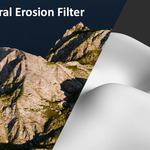
- New powerfull option "Erosion Filter": Add realistic and fast procedural erosion on any terrain (Original code by Runevision, details below)
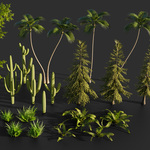
- New Scatter system for trees: you can now select 3 different types of trees and change the ratio and scale offset for each type
- It is now possible to set and adjust maximum altitude for moss texture in the mountain shaders, and cracks/Rock texture for the canyon sandy shaders, offering more realism because grass and sand tend to disapear when altitutde gets high. It's basically like for the snow but inverted.
- It's also possible to adjust the cracks/Rock ratio for canyon shaders, using the same slider as for moss amount (renamed "Moss/Rock amount").
- You can now choose among several water shaders: usual bump shader, new displacement shader (note that it is quite ressource intensive), new Ice shader
New Terrains
- Monument Valley 2
- Mountain Classic 2 (replaces Mountain Classic enhanced)
- Mountain Classic Plains
- Mountain Canyon Spikes
- Mountain Ridge Detailed 2
- Erosion Filter Terrain 1
- Erosion Filter Terrain 2
- Erosion Filter Terrain 3
- Rocky mountain
New Shaders
- Ice Water (only for water volume, it is based on the Ice shader)
Improvements
- Some terrains have been improved (Canyon Strata, Canyon Simple, Mountain Spikes)
- Moss texture patterns/rocky patterns have been improved on all mountain and canyon shaders
- Canyon Sandy shader has been reworked
- Globally, most shaders have been improved/reworked and look more realistic
- Midlevel texture displacement now depends on intensity and scale (it used to be a fixed value) so that is fit better to geometry when the intensity is high and scale is small (the intensity was already scale dependant, the goal as usual is that everything stays nice and coherent with any combination of settings without having to adjust multiple parameters just to change one)
- Shader options have been re-aranged, with separate panels for Moss/Snow/Sand options. Same for Tree Scattering options.
- Main noise detail parameter has been checked for all terrain so that at minimum value all the terrain have smooth aspect, appropriate for applying the Erosion Filter feature.
- Random Lakes now have an option to control the max altitude of the effect (you can use it with lake size set to maximum to offset all the low altitude areas in negative value)
- Water level now automatically fit to the lowest terrain point in negative value (before that the min water level was allways zero)
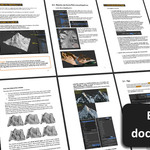
- All the Shaders have been prepared to facilitate the Baking process (Steps for Baking and Export explained in the documentation and inside the shader editor)
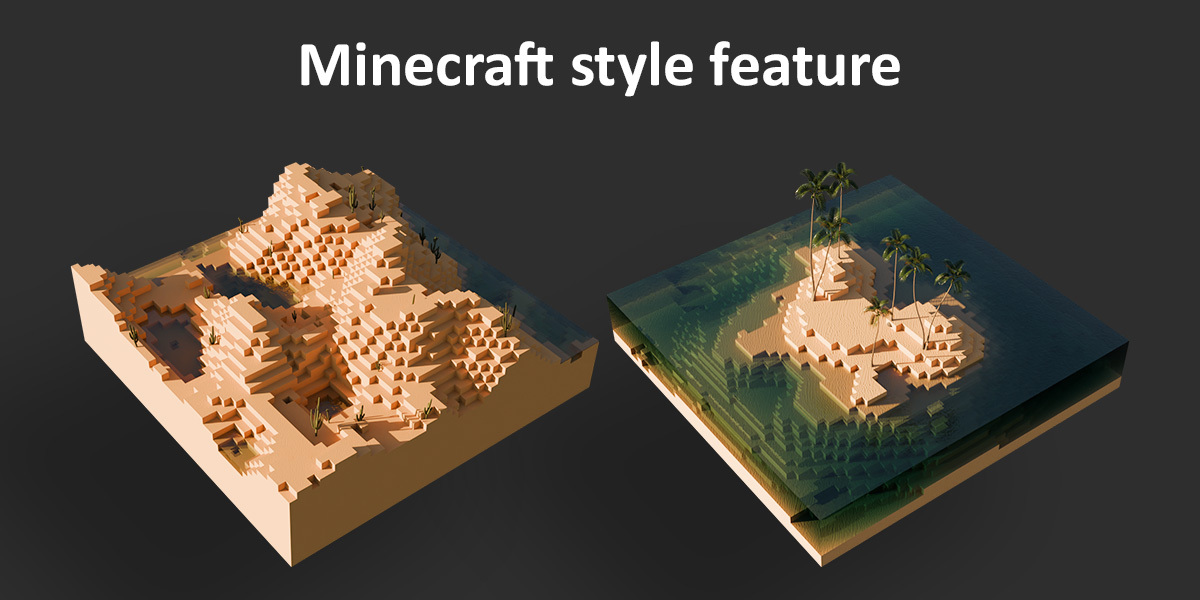
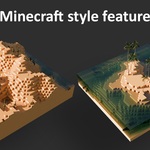
- The Minecraft grid definition is now proportional to terrain size to avoid the cubes to stretch on x/y axis when increasing terrain size.
Note on the Erosion Filter:
The node group used for the erosion effect is a geometry node adaptation (made by my brother who kindly gave it to me) of the code created by Rune Skovbo Johansen (runevision) on Shadertoy, under the Mozilla Public License v. 2.0.
The "Fast and Gorgeous Erosion Filter" is also explained in his YouTube video and blog post:
________________________________________________________________________
Update 2.6 (01-30-26)
New Terrains
- Cliff Islands
- Mountain Sharp Hill
- Mountain Spikes
Shaders
- All the canyon shaders have been reworked
- New canyon shaders ("Sandy" and "Rocky" version)
- New "Ashes" shader
- Ice shader has been reworked
- All the shaders have been adapted for the Minecraft style option
Improvements
- Clouds: new option allowing the camera to ignore the volume cube for pivot (it was kind of annoying that the camera was turning arround the volume cube of the clouds instead of the terrain surface).
With this option clouds are also visible in solid view.
When the option is enabled, the clouds have a finite resolution, but it only affects viewport (infinite resolution in final render, same as before). - Clouds aspect has also been changed a little (it's a bit nicer now). Also, fast GI is now deactivated so that the clouds look more realistic.
- It is now possible to change the clouds whiteness, allowing to have dark clouds.
- Custom height map can now be loaded from the modifier panel (Blender 5.0 new feature)
- In the "Ridge from curve" feature, a new parameter allows to change the seed of the ridge details
- Sand slope limits have been re-adjusted so that we can set it lower
- New texture SEED option available, allowing to randomize all the aspects of the shaders (texture position, noise mix, etc.)
- Earth's crust textures have been reworked
________________________________________________________________________
Update 2.5 (11-09-25)
New Features
- New STRATIFY feature! Transform any terrain type to a strata terrain, with somes options for switching strata type or blending with original terrain (trying as usual to keep it easy to use while giving good results and versatility).
- New Eroded Rift Layer feature, based on the Eroded mountains Layer feature, but creating rifts instead of mountains.
- Option for applying eroded mountains layer after all terrain transformation (flatten borders, Z offset, ridge from curve, etc.) instead of before (can also be applied to Rift Layer).
- New option for adding Earth's crust, under Extras panel (activated by default). It creates cleaner results and allows to hide the water that is below the surface of the terrain.
New Shaders
- New mountains cliff shader, more realistic as the steep surfaces appear with a cliff texture different from the ground texture
- New rocky canyon shader (variant of the previous canyon shaders)
New scatter obects:
- New rocks from Polyhaven
Fix/Improvements
- You can now select directly the moss color instead of just changing the color hue, offering more control (saturation, luminosity)
- The canyon shaders have been renamed for more clarity
- The start altitude slider for Eroded Mountains Layer is now based on the actual min/max value of the terrain, making it much easier to use. The same process is also used for the Eroded Rift Layer feature, and for the Extra Details options.
- Panels have been rearanged, and features like Eroded mountains layer, Extra details, are now in subpanels that can be collapsed
Note that this version is only compatible with Blender 4.5 and newer (it can work on Blender 4.3 and 4.4 but the Stratify feature won't work correctly)
________________________________________________________________________
Update 2.4.2 (10-20-25)
New Features
- Option for deactivating all scatter objects, clouds and atmosphere in viewport
New Scatter Objects
- New types of grass from Polyhaven, much more realistic
Fix/Improvements
- Rocks and grass are now aligned properly to terrain normal
________________________________________________________________________
Update 2.4.1 (09-19-25)
New Features
- For the Eroded Mountains terrain type and Layer, possibility to re-quadrangulate the terrain. It both solves aliasing effects, and the artifacts problems created by the adaptive subdivision modifier (who doesn't work properly with triangles).
New Scatter Objects
- Grass Dry (actually is was the first grass type from the old versions of the node setup, but it can be usefull in some cases)
Fix/Improvements
- Rocks and grass are now aligned properly to terrain normal
________________________________________________________________________
Update 2.4 (09-05-25)
New Features
- New options for adding a "Eroded Mountains" layer on top of the other terrains, offering tons of new possibilities
- It is now possible to control the pointiness of the "Eroded Mountains" Terrain type (as well as for the Eroded Mountains Layer option)
- New option to control vegetation scattering fading on Z axis for min and max for more realistic transitions
New Terrains
- Mountain Ridge River (you can add the water plane just above the min altitude of the terrain to have a river effect)
Fix/Improvements
- "Extra Mount" option has a new option for changing the start altitude of the effect. Also renamed "Extra Details (High Alt)"
- "Secondary noise factor" has been replaced by the "Extra Details (Low Alt)" with the same options as for the high altitude extra details, offering more controls than before and a better coherence as the settings are the same as for the high altitude.
- Both High and Low altitude Extra details can also be activated or deactivated (no need to set the intensity to zero to "deactivate")
- A new Workspace has been added for the terrain generator, and the Layout Workspace previously used has been reset to default.
- Minecraft Style can now be used with "river from curve" feature
- Low poly version of cactus trees has been fixed (it was showing rainforest trees)
Note on the "Eroded mountains layer" option:
As the "Eroded Mountains" terrain type was really cool (it is a technique by 3D artist Cartesian Caramel, who has a YouTube channel with amazing tutorials), I thought it could be interesting to implement this very good looking effect on other terrains. Instead of using a curve to define the initial points from which the procedural eroded mountains are created, the option uses the low altitude values of the other terrains as starting points, to add a eroded mountains effect only on high altidude areas. It gives a totally new look to the terrains, especially older terrains that could sometimes lack details.
Also, note that the option implies to triangulate the terrain mesh, which combine to the adaptive subdivision surface modifier can create artifacts (adaptive subdivision doesn't like triangles). Those artifacts can be corrected by adding a subdiv level in the terrain settings.
Note on the modifier panel interface:
Since Blender 4.5, some settings are displayed only when the related part of the node setup is active (for instance, the Path selection and pointiness factor for the "Eroded Mountains" are displayed in the modifier panel only when this terrain type is selected, which is handy, but don't be confused if some parameters seem missing)
________________________________________________________________________
Update 2.3 (06-24-25)
New Features
- "Mountain ridge from curve" feature has been updated and has more options
- Terrain definition can now have a separate value for viewport and render
- "Extra Mount" option has been reworked: scale factor is more consistent and we can now change seed
- Options for adding a custom height map on top of the terrain (new panel)
- It is now possible to change Hue/Saturation/Value of the textures, offering a much better control over the terrain look
- Option to use very low poly version of trees and grass in viewport, greatly improving viewport performance
- Water shader has been reworked: the water is more realistic, and options have been added allowing to control water turbulence and foam
- "valley from curve" has been reworked based on the "ridge from curve" feature, it has now more options and the possibility to control the valley intensity based on the curve Z position like for the ridge part
- It is now possible to bake point distribution of trees, grass and rocks, allowing to use the render distribution in the viewport with low terrain definition
Fix/Improvements
- Curve for Mountain Ridge has more resolution
- Sand shader has been enhanced with a more detailed texture
- Sand color selection is more precise and you can now control displacement strength
- When sand displacement is set to Zero, the displacement switches back to the original displacement but you can still use sand color to colorize the shoreline for example
- Snow transition is now more realistic
- Changing Grass scale was also scaling Z offset, it is now fixed
- In the "ridge from curve" feature, "preserve terrain shape" factor wasn't working properly, this is fixed
Note that when erosion simulation is activated, the viewport definition is used both for viewport and render (simulation zone is always baked in viewport)
________________________________________________________________________
Update 2.2 (05-18-25)
New Features
- It is now possible to control the texture displacement height
- You can now add atmospheric fog (new setting panel)
- You can also add and customize volumetric clouds (new setting panel)
- It is now possible to add mountain ridge from curve (new setting panel)
________________________________________________________________________
Update 2.1 (04-28-25)
New Terrains
- Basic terrain for erosion simulation
New Features
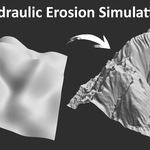
- New panel options for EROSION SIMULATION, simulating hydraulic erosion on any terrain
- New option to bake the terrain or the erosion simulation (inside the geometry node setup, it couldn't be added directly in the modifier panel)
Fix
- The "main noise detail" parameter now affects more terrain types, it can be used to smooth the terrain before running the erosion simulation
________________________________________________________________________
Update 2.0.1 (04-08-25)
Shaders:
- Added back the canyon 2 shader from the previous update (as it was also great)
- All the shaders have been enhanced a little for more realism (mostly texture displacement have been reworked)
Fix:
- The "Plains" factor was not working properly on Blender 4.4, it is now fixed
- When realizing instances, snow texture on vegetation now stays in place, as well as texture displacement
- Tree scattering has been a bit improved
-
$29.90
+ future updates
Have questions about this product?
Login to message
| Sales | 200+ |
| Rating | 9 ratings |
| Dev Fund Contributor | |
| Published | over 1 year ago |
| Blender Version | 5.0 - 5.2 |
| Render Engine Used | Cycles |
| License | Royalty Free |
Discover more products like this
Blender geometry nodes 3D Natural Environment hydraulic erosion easy Generator realistic procedural landscape terrain 3d environment