Easy Terrain Generator
 Kollapse3D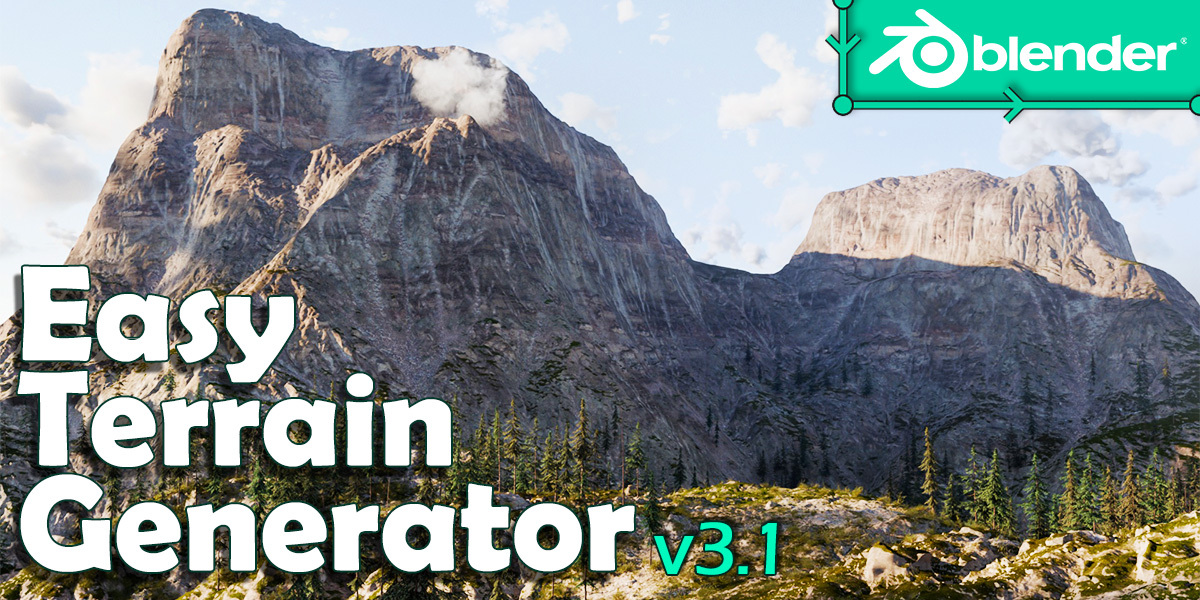













V3.1 Changelog
New Features
-
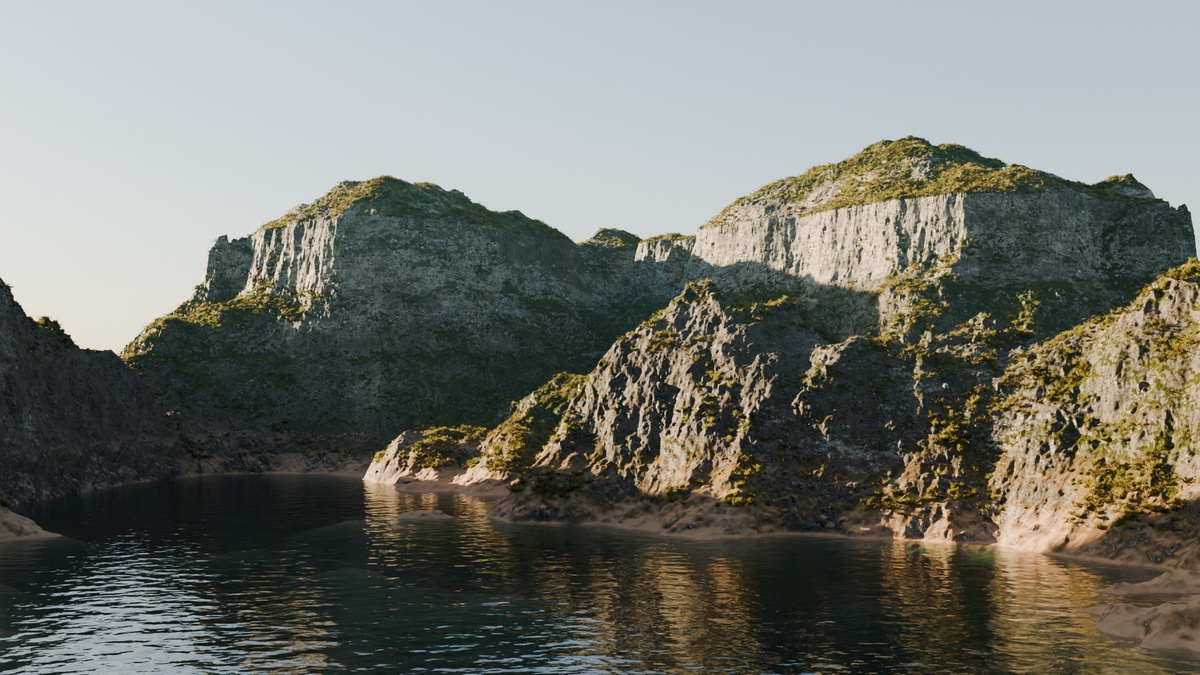
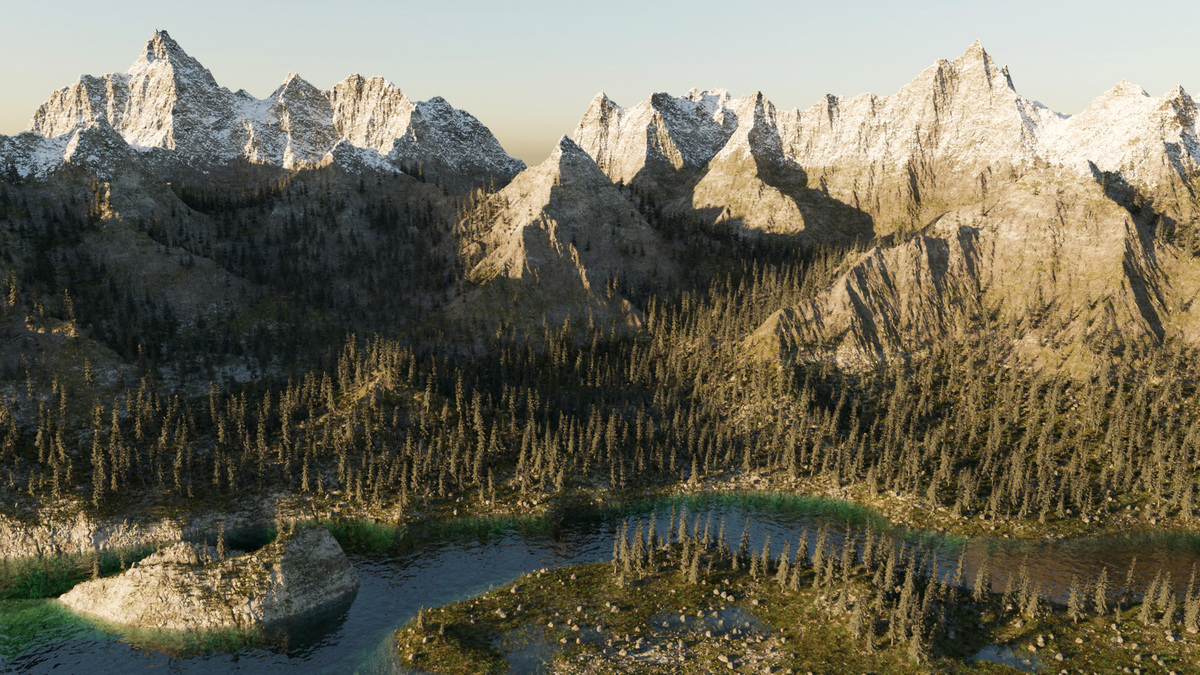
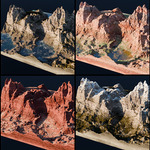
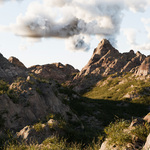
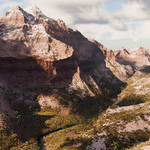
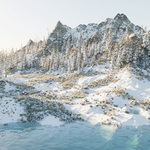
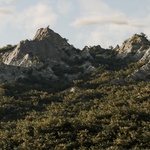
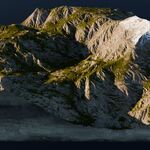
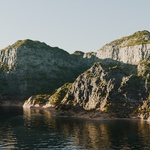
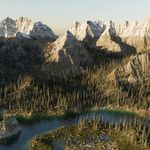
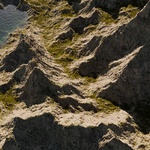
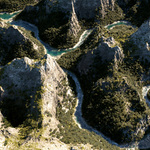
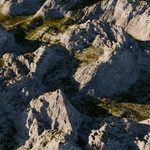
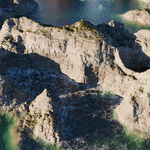
Gullies ! New sub panel in texture settings with option to add gullies, adding really interesting details to the shaders. It uses the output of the Erosion Filter option, therefore the gullies resolution is linked to the terrain resolution, but at least the gully shapes follow the actual terrain topology. The gullies are activated by default but it is possible to disable it to get the standard look. All the shaders have been updated with gullies.
Note that when gullies are enabled, it also enables the Erosion Filter option in the background (with strength set to zero if the option is not already enabled), so it takes a little more calculation time. - New option "Better vertical areas" under Extras panel. This option subdivides and smooth out the very steep surfaces (where the base mesh is the most stretched).It takes a bit of calculation time but the render quality is better and it solves most of texture distorsion issue that can occur on those steep surfaces.
New Terrains
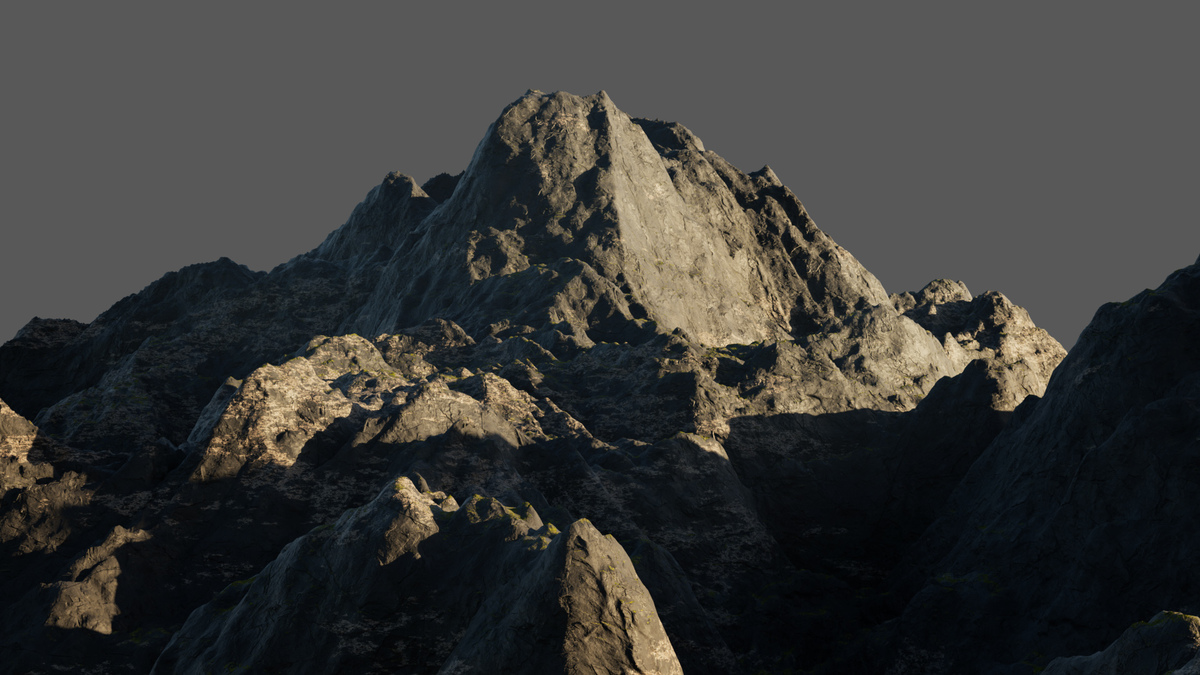
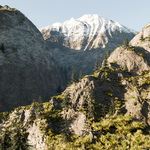
- Mountain Erosion Filter 4
- Mountain Hill Abstract
New Shaders
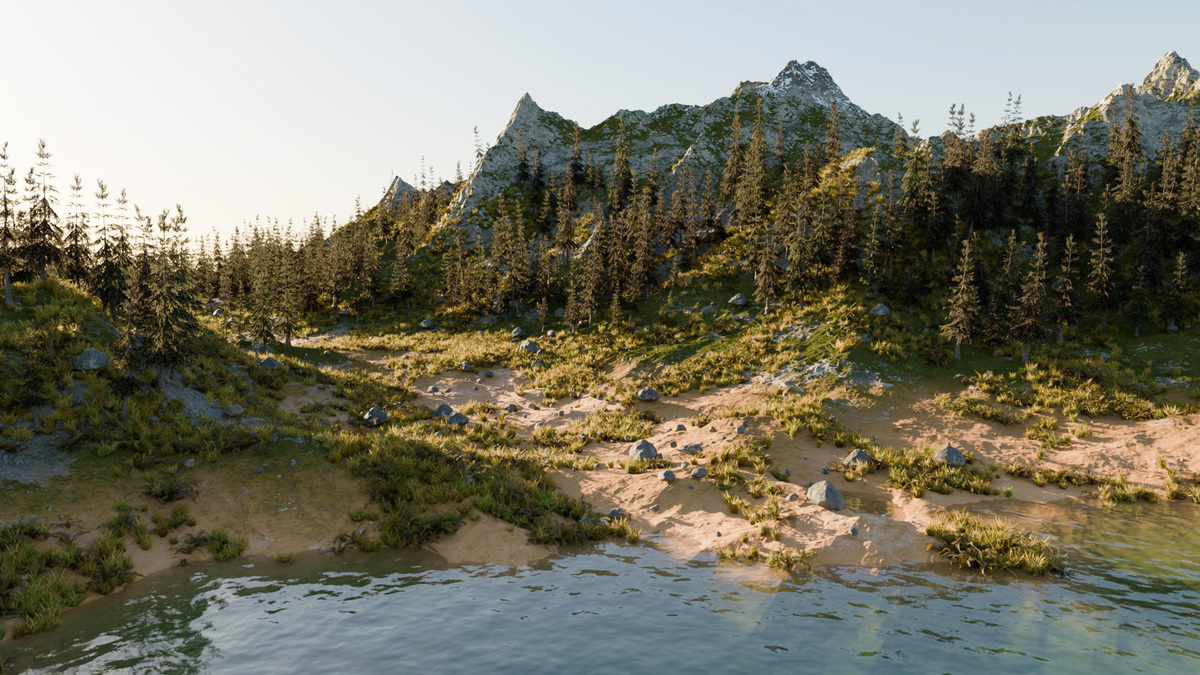
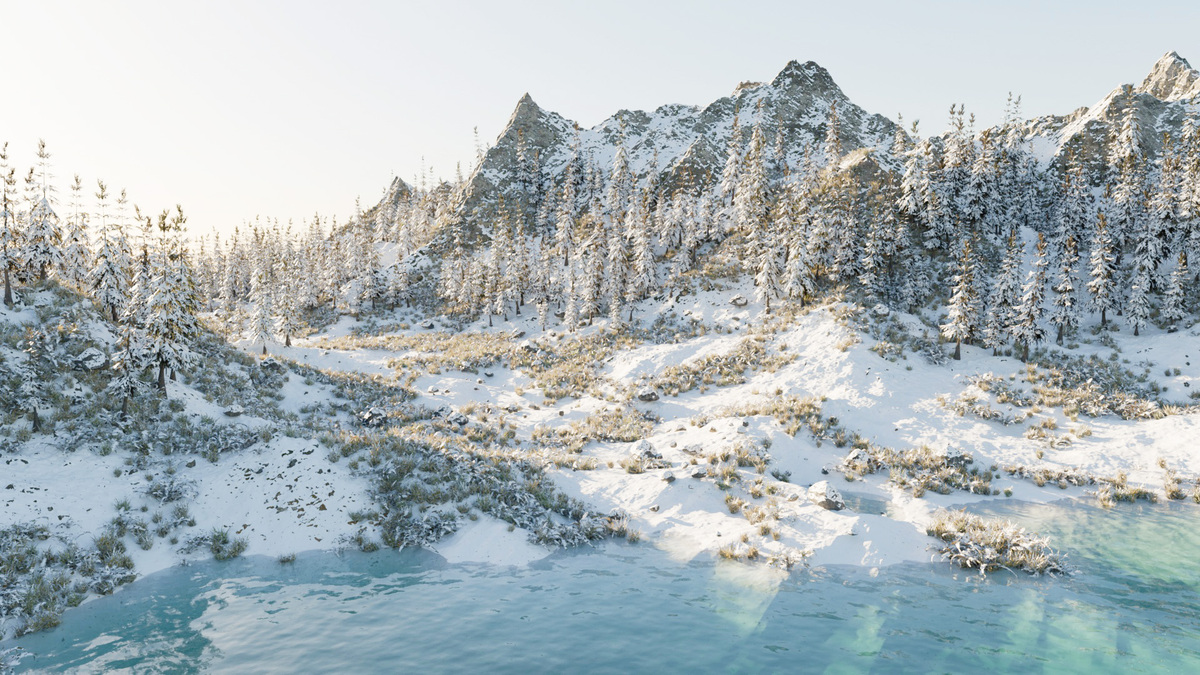
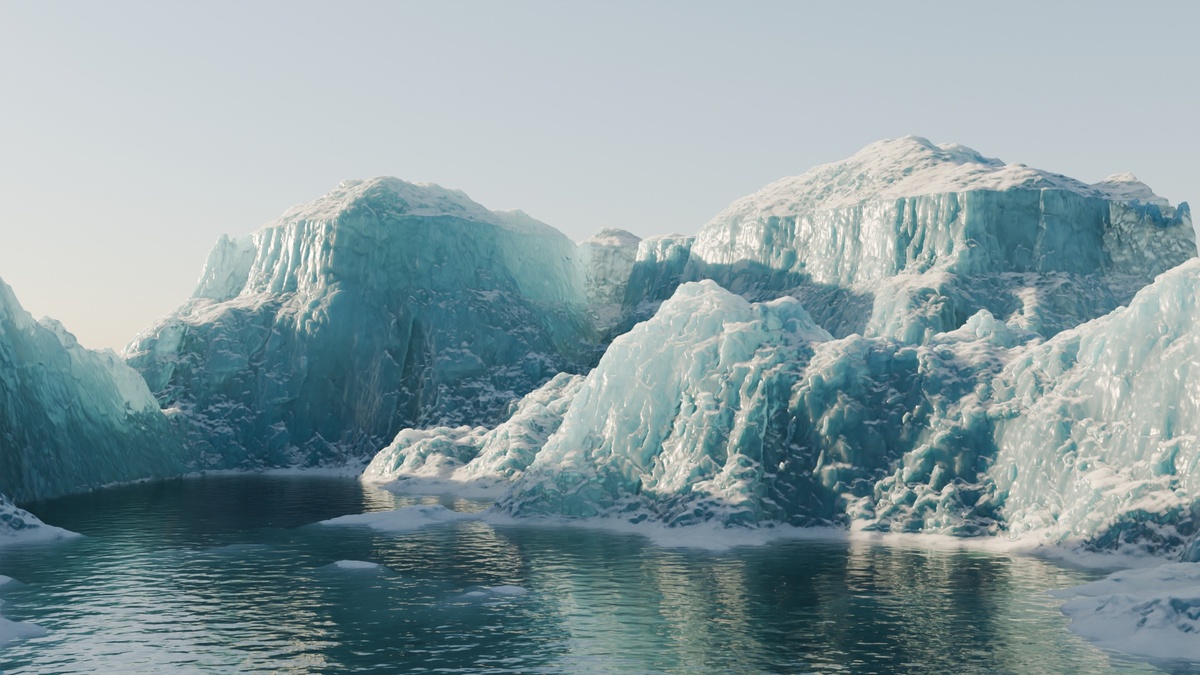
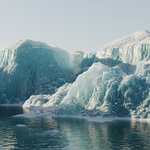
- ICE 2
- ICE 3
- Ice Water 2 (+ Ice amount slider)
- Ice Water 3 (+ Ice amount slider)
- Lava ("Water" shader)
- Reworked Volcanic shader (use Gullies to add lava flow)
New Scatter Object
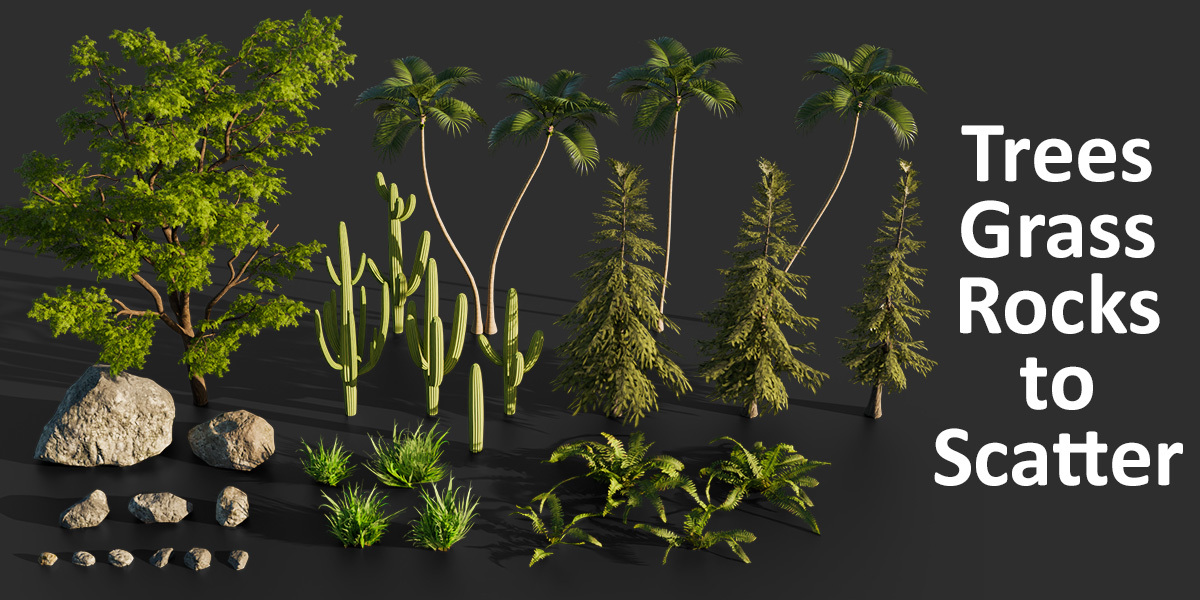
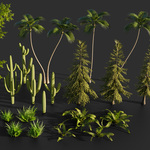
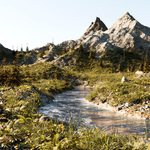
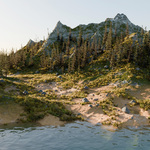
- Pine Trees
Improvements/Fix
- Erosion Filter effect now follows the x/y map offset
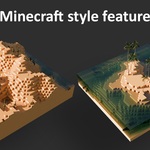
- The X/Y map offset parameter now affects everything properly (terrain + textures) so that it is possible to use it for camera travelling effect (however it does not affect vegetation nor the Minecraft style shaders)
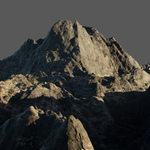
- Dark mountain shader has been reworked and the missing moss altitude setting has been added
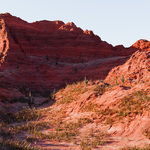
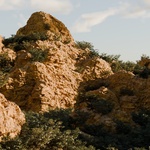
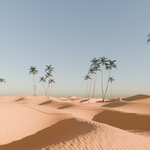
- In the "Canyon Rocky 3" shader the missing rock altitude/amount/slope setting has been added
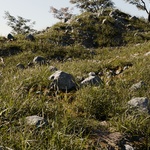
- When snow is enabled, the displacement map on flat areas is now replaced by a soft snowy surface (like a heavy snowfall effect instead of a a thin coating of snow). Also, when transitionning from "no snow" to "snow", the amount of snow increases, gradually covering stones and other terrain variations.
- The baking process now works with Erosion Filter option and the Height Map range fits automatically with terrain limits.
- Fog has now more options: scale and height options, possibility to control the distance of the fog (allowing to make fog less visible in short distance and more visible in the horizon, increasing the feeling of "large scale").
- Clouds interfere less with water foam as the volume used for fog now fits to where clouds are visible (as foam is based on ambiant occlusion).
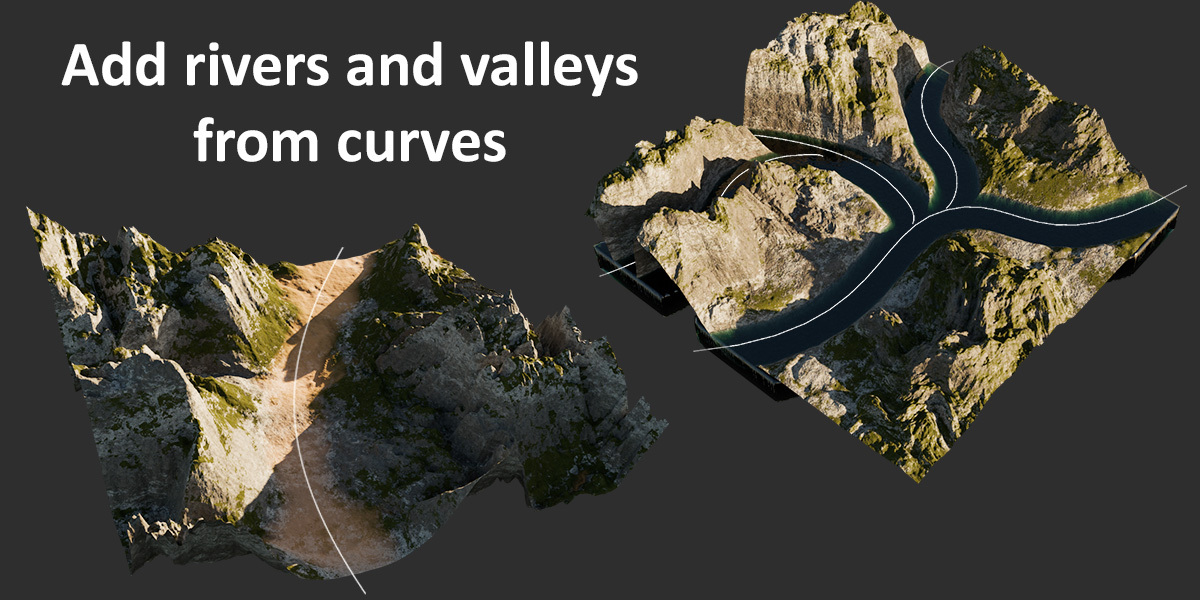
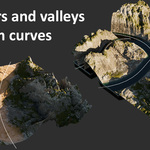
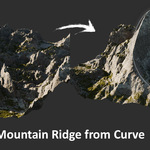
- The "River from curve" feature has a new option allowing to keep high altitude areas untouched.
- Option to choose the moss/rock mix type (different noise patterns)
- Option to choose moss color variation intensity
- Many shaders have been reworked to break texture tile effect on flat surfaces by adding new textures mixed to the existing ones.
V3.0 changelog
New Features
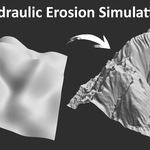
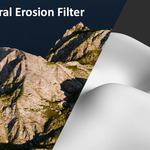
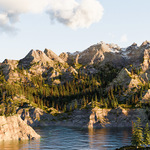
- New powerfull option "Erosion Filter": Add realistic and fast procedural erosion on any terrain (Original code by Runevision, details below)
- New Scatter system for trees: you can now select 3 different types of trees and change the ratio and scale offset for each type
- It is now possible to set and adjust maximum altitude for moss texture in the mountain shaders, and cracks/Rock texture for the canyon sandy shaders, offering more realism because grass and sand tend to disapear when altitutde gets high. It's basically like for the snow but inverted.
- It's also possible to adjust the cracks/Rock ratio for canyon shaders, using the same slider as for moss amount (renamed "Moss/Rock amount").
- You can now choose among several water shaders: usual bump shader, new displacement shader (note that it is quite ressource intensive), new Ice shader
New Terrains
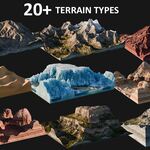
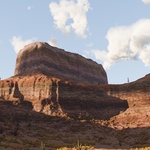
- Monument Valley 2
- Mountain Classic 2 (replaces Mountain Classic enhanced)
- Mountain Classic Plains
- Mountain Canyon Spikes
- Mountain Ridge Detailed 2
- Erosion Filter Terrain 1
- Erosion Filter Terrain 2
- Erosion Filter Terrain 3
- Rocky mountain
New Shaders
- Ice Water (only for water volume, it is based on the Ice shader)
Improvements
- Some terrains have been improved (Canyon Strata, Canyon Simple, Mountain Spikes)
- Moss texture patterns/rocky patterns have been improved on all mountain and canyon shaders
- Canyon Sandy shader has been reworked
- Globally, most shaders have been improved/reworked and look more realistic
- Midlevel texture displacement now depends on intensity and scale (it used to be a fixed value) so that is fit better to geometry when the intensity is high and scale is small (the intensity was already scale dependant, the goal as usual is that everything stays nice and coherent with any combination of settings without having to adjust multiple parameters just to change one)
- Shader options have been re-aranged, with separate panels for Moss/Snow/Sand options. Same for Tree Scattering options.
- Main noise detail parameter has been checked for all terrain so that at minimum value all the terrain have smooth aspect, appropriate for applying the Erosion Filter feature.
- Random Lakes now have an option to control the max altitude of the effect (you can use it with lake size set to maximum to offset all the low altitude areas in negative value)
- Water level now automatically fit to the lowest terrain point in negative value (before that the min water level was allways zero)
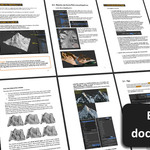
- All the Shaders have been prepared to facilitate the Baking process (Steps for Baking and Export explained in the documentation and inside the shader editor)
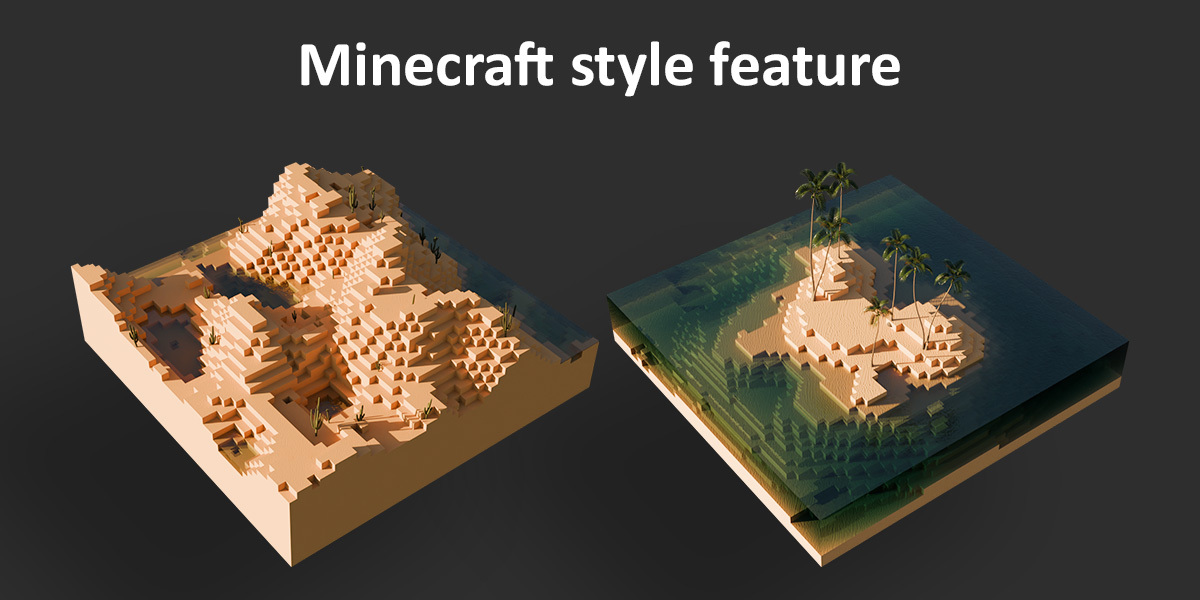
- The Minecraft grid definition is now proportional to terrain size to avoid the cubes to stretch on x/y axis when increasing terrain size.
Note on the Erosion Filter:
The node group used for the erosion effect is a geometry node adaptation (made by my brother who kindly gave it to me) of the code created by Rune Skovbo Johansen (runevision) on Shadertoy, under the Mozilla Public License v. 2.0:
https://www.shadertoy.com/view/wXcfWn
The "Fast and Gorgeous Erosion Filter" is also explained in his YouTube video and blog post:
https://www.youtube.com/watch?v=r4V21_uUK8Y
https://blog.runevision.com/2026/03/fast-and-gorgeous-erosion-filter.html
-
$29.90
+ future updates
Have questions about this product?
Login to message
| Sales | 200+ |
| Rating | 9 ratings |
| Dev Fund Contributor | |
| Published | over 1 year ago |
| Blender Version | 5.0 - 5.2 |
| Render Engine Used | Cycles |
| License | Royalty Free |
Discover more products like this
landscape hydraulic erosion terrain Generator easy 3D Natural Environment 3d environment Blender geometry nodes procedural realistic