 VP.studio3d


Easy Texture Converter VPs: The Ultimate Texture Optimization Pipeline for Blender
Stop wrestling with bloated .blend files, messy shader nodes, and tedious external texture editing.
Easy Texture Converter VPs is a powerful, all-in-one pipeline tool designed to optimize, convert, resize, and manage your 3D textures with a single click. Whether you are preparing assets for a game engine, optimizing a heavy scene, or watermarking your models, this add-on handles the heavy lifting directly inside Blender.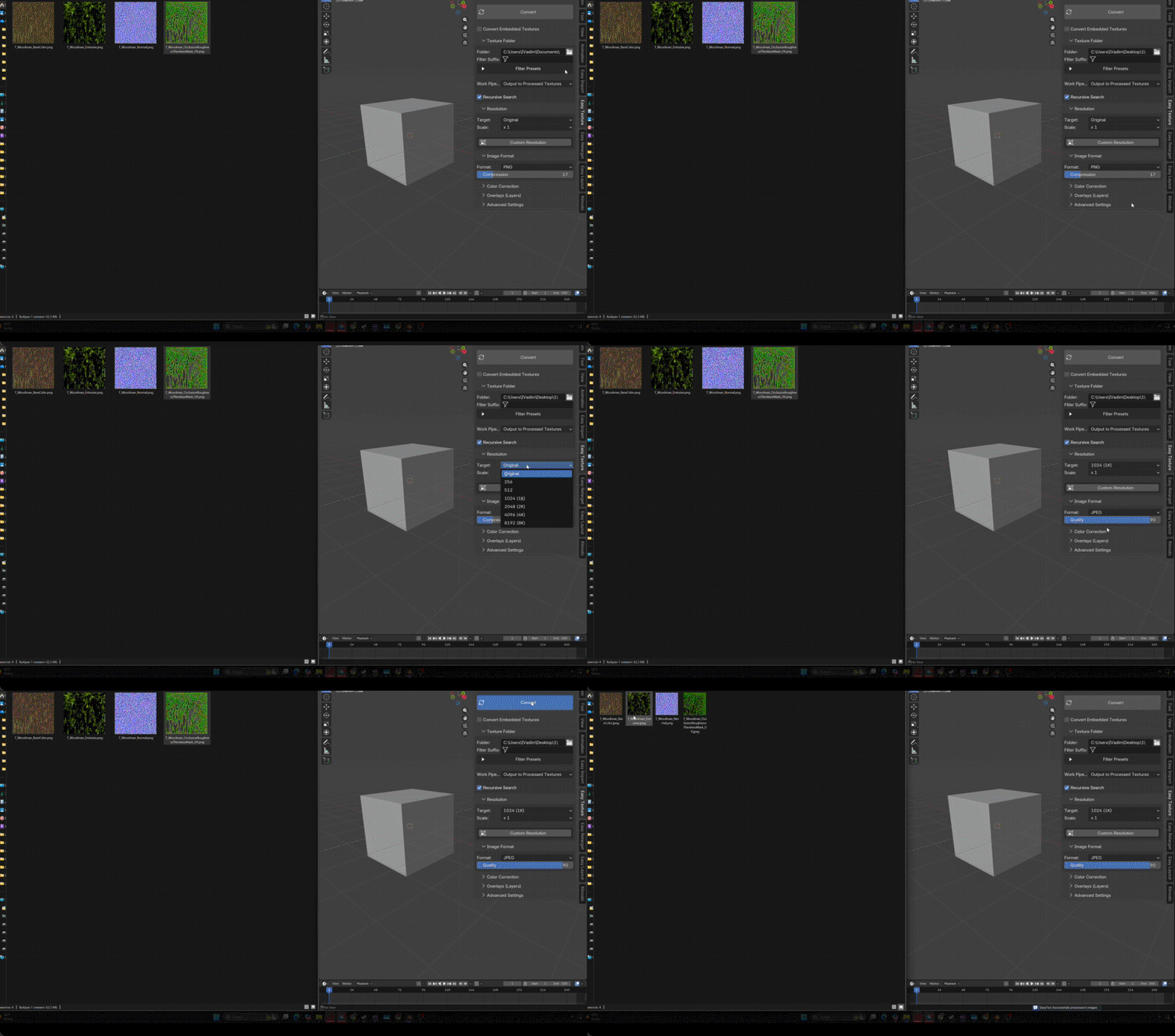
🚀 Work Directly with Embedded Textures (No Unpacking Required)
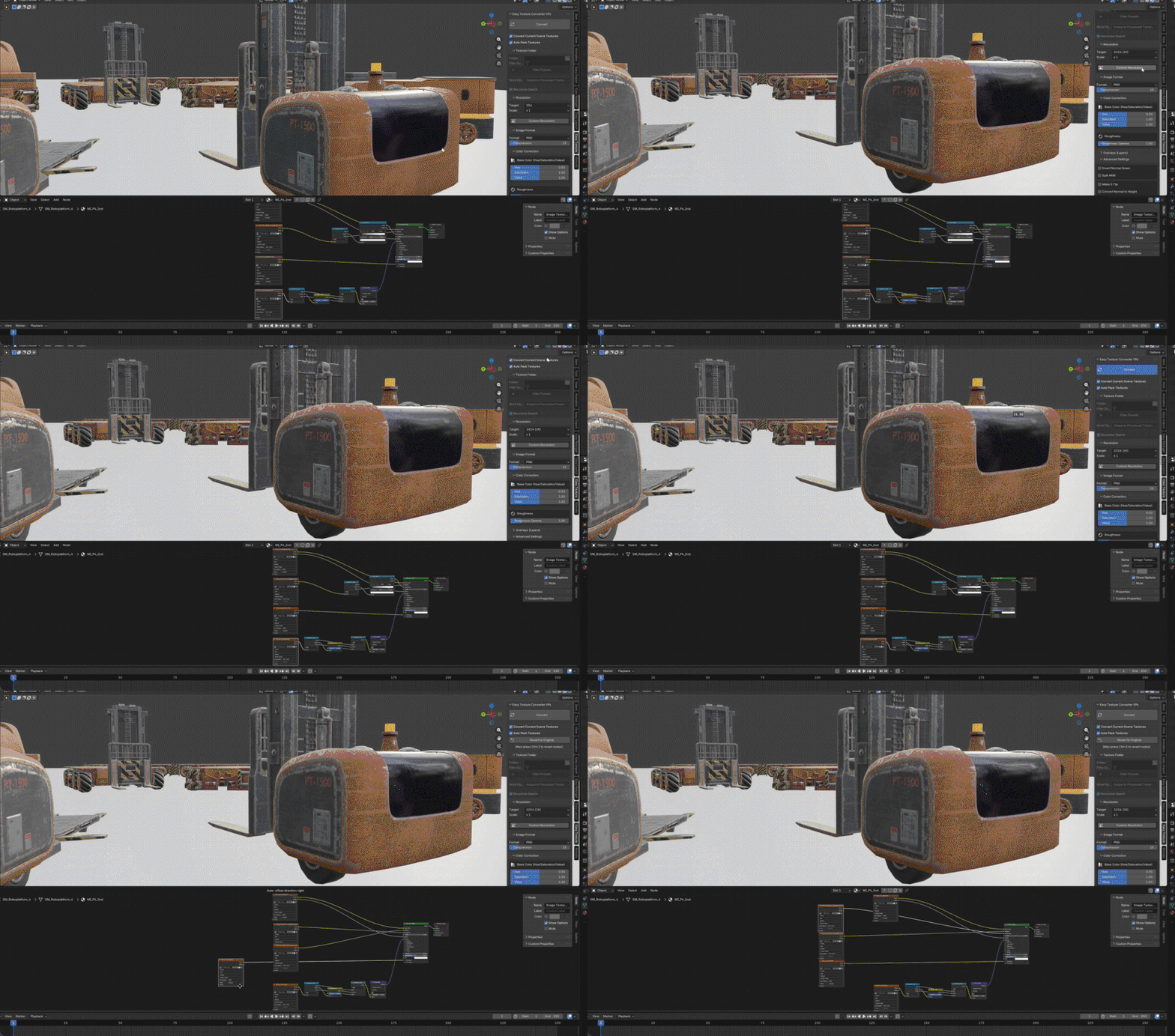
Why waste time exporting and re-importing? With the Convert Embedded Textures feature, you can process textures that are packed directly inside your .blend file. The add-on processes the images, safely deletes unused garbage data, and instantly rebuilds your shader nodes to link to the new, optimized textures.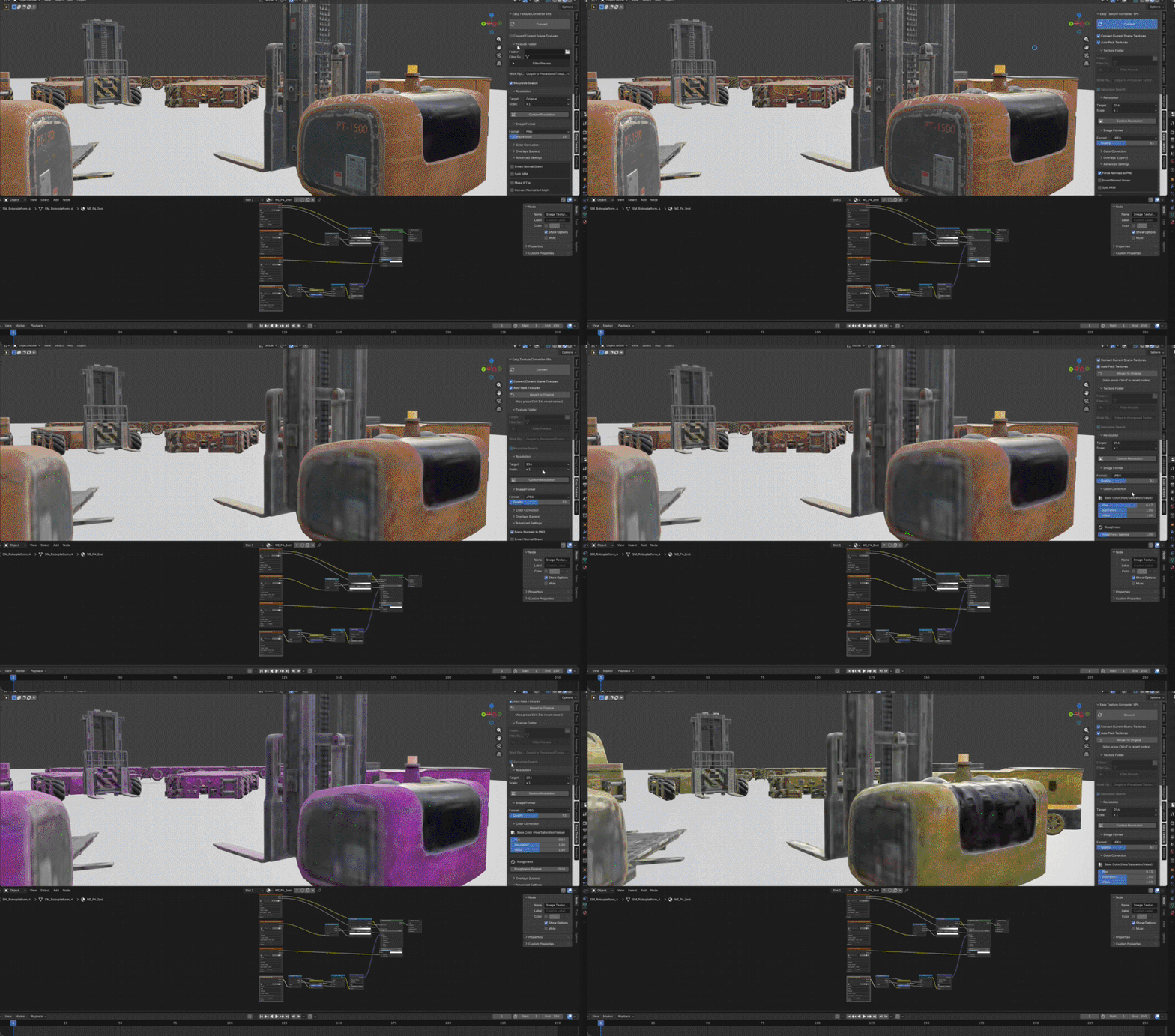
🧠 Smart Compression: Fit Strict Memory Budgets
Need your model's textures to fit under a strict 50MB limit? Just enable Try to fit in and type in your target size. Combine it with Smart Compression, and the add-on acts like a technical artist: it prioritizes high quality for your Base Color and Normal maps, while intelligently downscaling and compressing lower-priority maps (like AO, Roughness, and Metallic).
✂️ One-Click Game-Ready Fixes: Split ARM & Fix Normals
Preparing assets for Unreal Engine, Unity, or other pipelines has never been easier.
Split ARM: Automatically slice combined ARM (AO, Roughness, Metallic) textures into separate files. The add-on will even extract the Alpha channel and flawlessly reconnect everything in your Shader Editor.
Invert Normal Green: Fix OpenGL/DirectX normal map mismatches in one click. The script automatically finds and deletes redundant
InvertorMathnodes in your node tree, plugging the corrected texture straight into the Principled BSDF.
🎨 Built-in Color Correction & Layered Overlays
Ditch Photoshop for basic adjustments. Use the built-in Color Correction panel to tweak the Hue, Saturation, and Value of your Base Color, or adjust the Roughness Gamma curve right from the N-Panel.
Need to watermark your assets? Add unlimited visual layers with the Overlays Stack. Scale, offset, and adjust transparency, or lock the overlay exclusively to the Base Color channel.
⚡ Feature Breakdown
Custom Resolutions & Cropping: Force standard "Power of 2" resolutions (e.g., 1024, 2048), scale by factors (x2, ÷4), or use custom Center Crop/Scale-to-Fit presets.
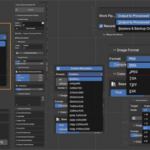
Format Conversion: Batch convert between PNG, JPEG, TGA, TIFF, and EXR. Easily force Normal maps to save as lossless PNGs while the rest save as highly compressed JPEGs.
Make it Tile: Automatically blend image edges to turn any seamless texture into a tileable material.
Normal to Height: Basic conversion tool to extract height map data directly from normal maps.
Filter by Suffix / Presets: Only want to compress Roughness maps? Use the quick preset checkboxes to target specific texture types across your entire folder.
Flawless Revert System: Made a mistake? The dedicated "Revert to Original" button forcefully maps all your original materials, nodes, and textures back exactly as they were. 100% safe undo.
🛠 How It Works (3 Simple Steps)
Select Target: Choose a folder on your drive, OR check "Convert Embedded Textures" to work directly on the active Blender file.
Set Rules: Pick your target resolution, adjust Smart Compression aggressiveness, and toggle advanced node cleanups (like ARM Splitting).
Convert: Hit Process. The add-on batch-processes the images, backs up the originals, and rebuilds your shader nodes automatically.
Take control of your textures today and keep your Blender workflow fast, clean, and optimized.
