Easy Texture Converter
 VP.studio3d


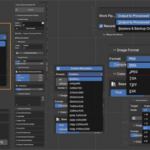
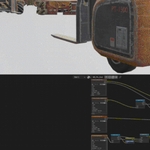
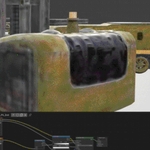
The "Revert to Original" button does the heavy lifting: it forcefully finds your original textures and materials in Blender's hidden data blocks and reconnects them to your meshes. However, because of how Blender's Python API handles node tree generation (like generating new Normal Map nodes or removing Math nodes), the script cannot easily "remember" your original visual layout.
The Solution is simple: Click the "Revert to Original" button to restore the data safely, and then immediately press Ctrl + Z (Undo). The Undo command will instantly restore the physical layout of your node tree!
Have questions about this product?
Login to message
| Blender Extension Compatible | Yes |
| Published | 3 months ago |
| Blender Version | 5.0 - 5.1 |
| Extension Type | Add-on |
| Render Engine Used | Cycles |
| License | GPL |

Discover more products like this
color correction Batch processing texture image compression Texture Management resize textures unreal watermark pbr-textures Channel Packing texture converter texture optimization