 Armin
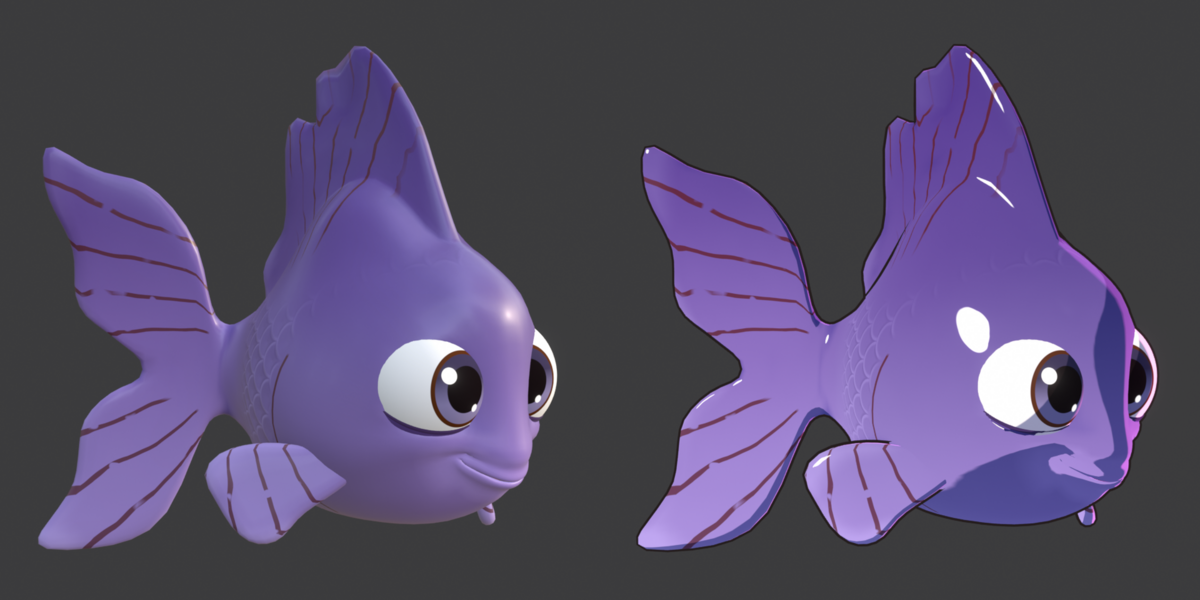
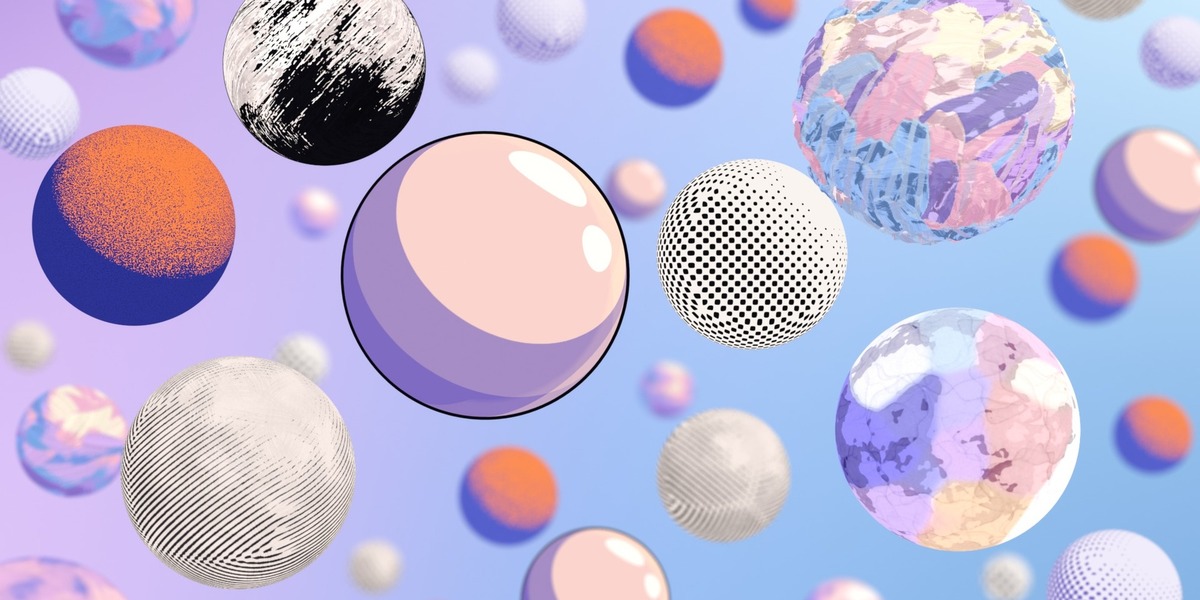
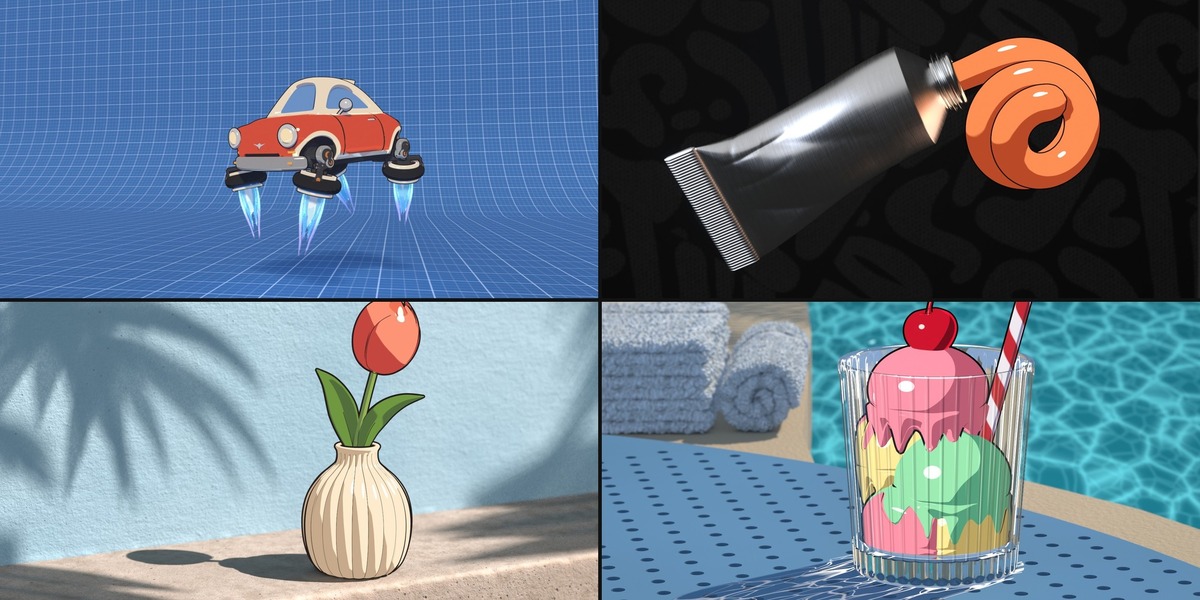
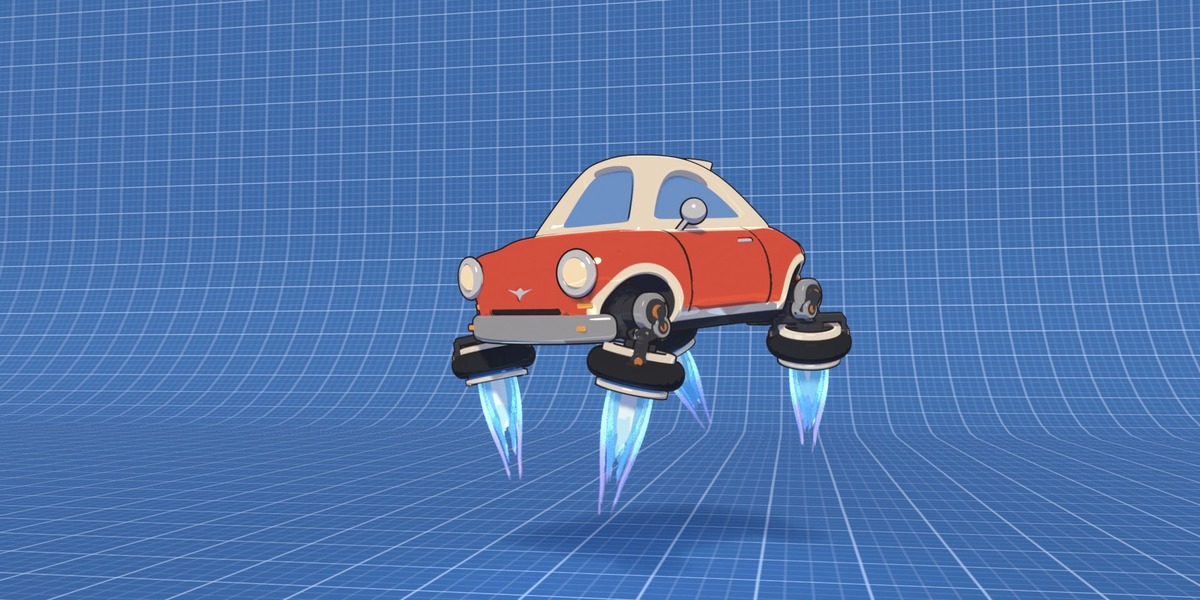
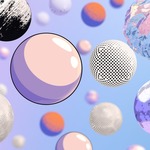
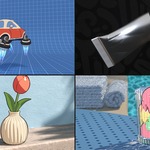
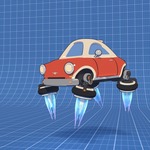
It is made for EEVEE. In Cycles, toon looks use the Easy Toon Light even when Scene Lamps is picked, so lamp colours and cast shadows show only in EEVEE. Painted looks show a simpler version.
Blender 5.3 or newer.
It swaps them for toon materials while the look is on and keeps your originals. Restore puts them back.
Yes. In Selected mode each model keeps its own look, and Everything puts one look on the whole scene.
Not for toon looks: the Easy Toon Light works without lamps. To get each lamp's colour in the toon, use your own lamps or press Add Toon Lights. Painted looks need a lamp or sky light, so press Painter's Light.
Yes. Ink lines and painted strokes stay on moving and bending characters, and Stick to objects makes the comic dots travel with them. Inner Lines can slow down playback on deforming characters.
Painted looks need light. Add Painter's Light or a lamp, then press Fit to Scene Light in More > Light.
Meshes, curves with a surface, surfaces, metaballs, text and hair curves. Grease Pencil, glass, fog and linked data are left as they are.
Yes, the brush textures are packed into the .blend when you save, so they travel with the file.
Have questions about this product?
Login to message
| Blender Extension Compatible | Yes |
| Published | about 23 hours ago |
| Blender Version | 5.3 |
| Extension Type | Add-on |
| Render Engine Used | Eevee |
| License | GPL |