 blenderVfxMaster



EasyBake
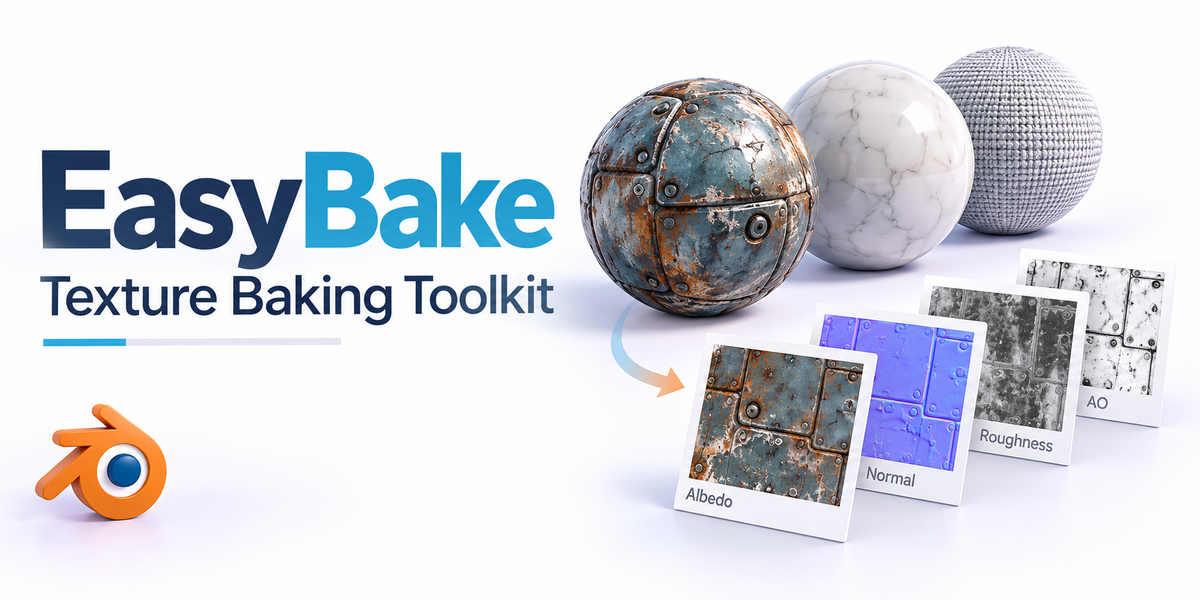
Need textures instead of a heavy shader setup? EasyBake brings map selection, baking and export settings into one workflow. Choose your PBR channels, bake a test object, then move on to batches, resolution variants, UDIM tiles or a material atlas.
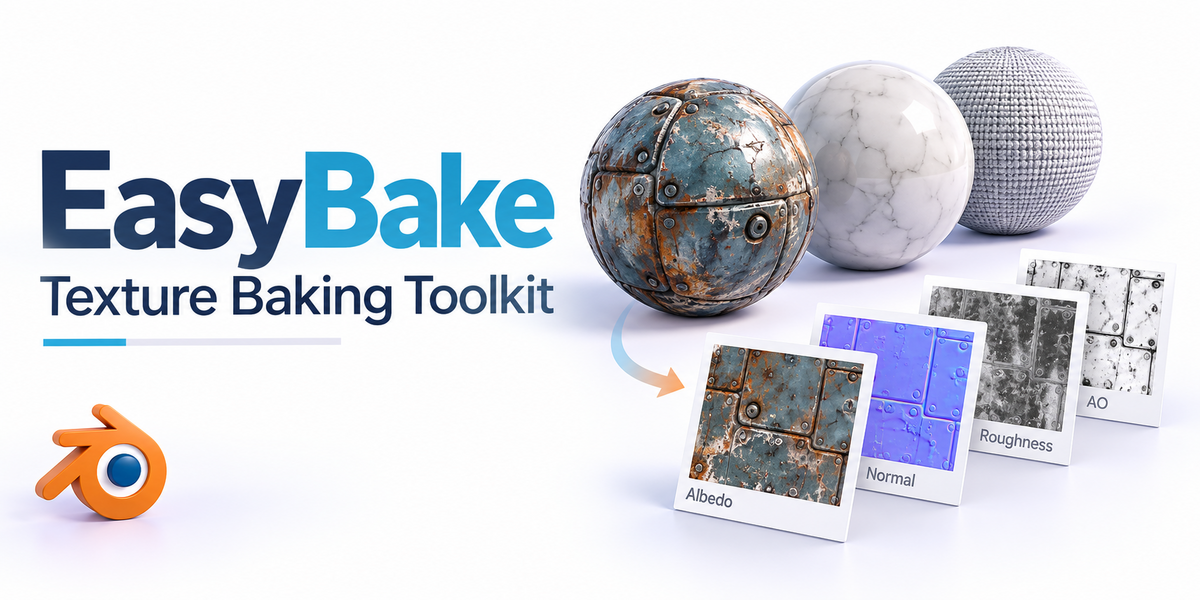
Cover illustration. The screenshots and previews below are labelled separately.
From shader to texture
See the map, its shader connections and the object it’s used on.
RESULT · View full size ↗
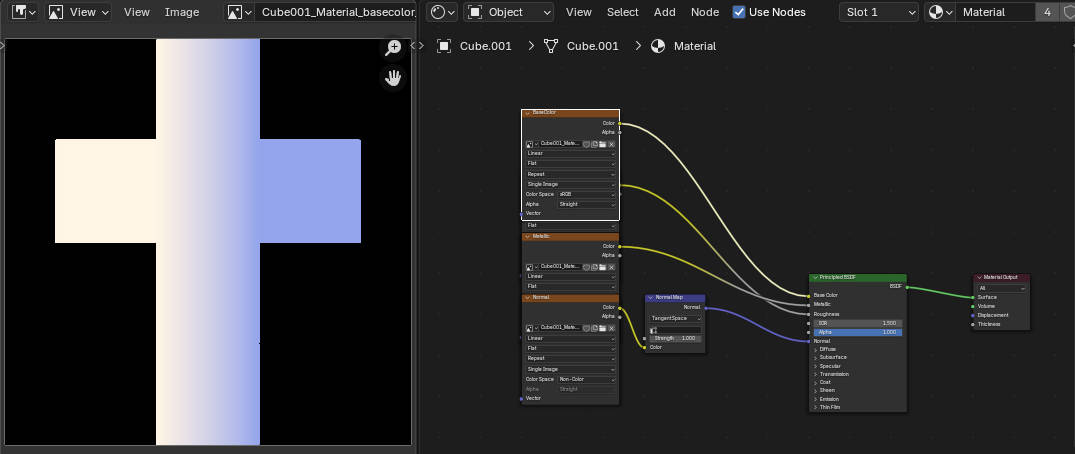
The texture and its material connection
The image editor shows the map while the node editor shows where it’s used. Check both the pixels and how the shader reads them.

BEFORE / AFTER · View full size ↗
The object, UVs and baked texture
This view puts the pieces together: the object, its UV layout and the texture output. It’s useful for spotting seams or areas the bake missed.
Maps, batches and export options
Here’s what you can do with it.
Pick the maps you need
Bake Base Color, Metallic, Roughness, Normal, AO, Displacement, Emission, Subsurface or Transmission data. When you use the maps, keep colour textures and data textures in the right colour space.
Bake more than a basic shader
Work with Mix/Add shaders and node groups as well as standard Principled setups. Start with a representative material: different node graphs can need different settings or cleanup.
Include lighting—or leave it out
The lighting controls cover scene lighting, global illumination and optional shadow contribution. Decide whether you need material-only maps or textures with the lighting baked in.
Bake a selection together
Process selected objects and their materials as a batch. Check the selection, UV coverage and output folder before you start.
Export at different sizes
Use the 512, 1K, 2K, 4K and 8K presets, or set custom dimensions, including non-square sizes. Prepare the resolutions your project actually needs.
Combine materials into an atlas
The Material Atlas workflow combines several materials on an object into one texture set with a generated UV layout. Check the layout and seams before replacing the source materials.
Work with UDIM tiles
Let the tool detect tiles or set the UDIM range yourself. Check the tile coverage and filenames as well as the images.
Reuse settings and simplify the material
Save baking setups as presets for the next asset. Optional node replacement builds a lighter material using the baked textures; keep the original around for comparison.
The controls in Blender
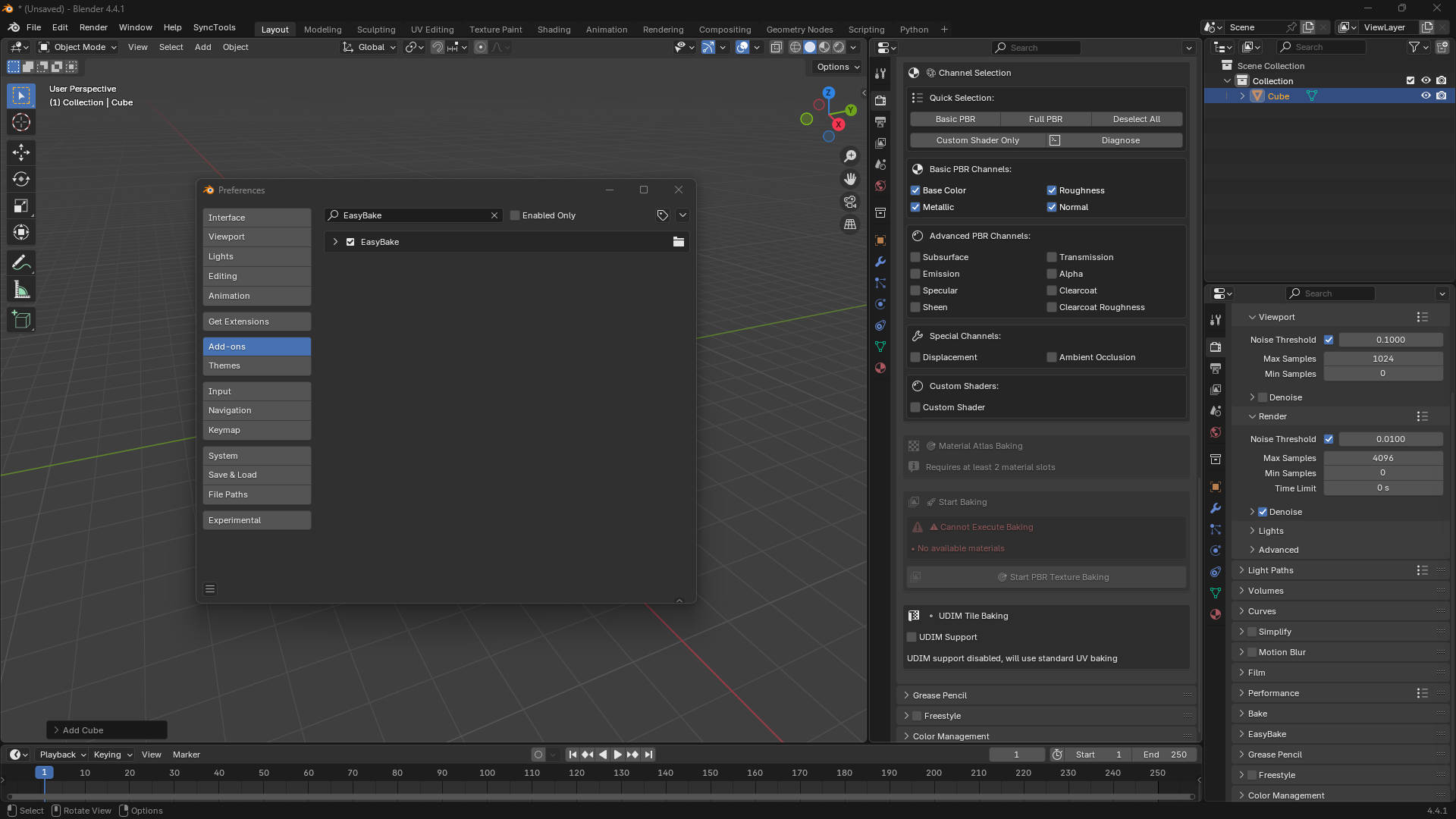
BLENDER PREFERENCES · View full size ↗
EasyBake in Preferences
The setup screenshot shows the installed add-on with the baking workspace behind it.
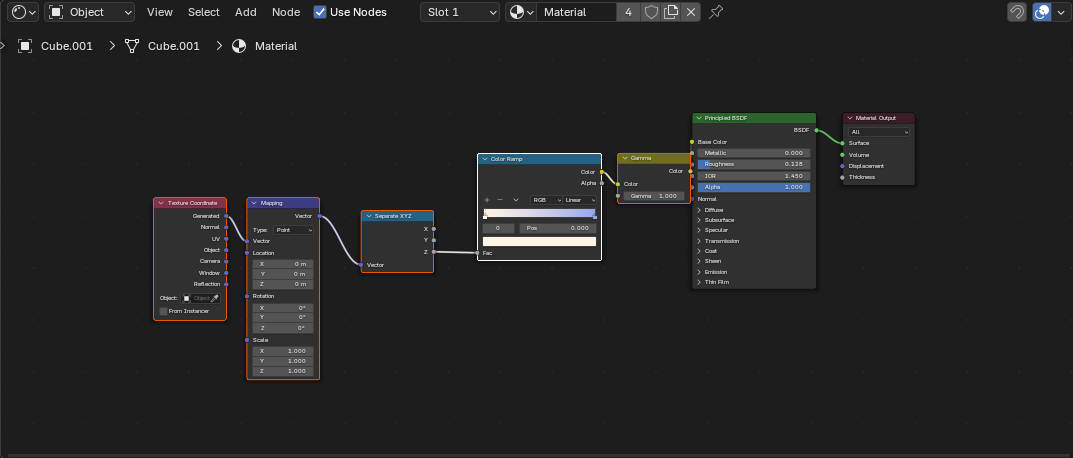
CONTROLS · View full size ↗
Start with the source material
This is the node graph before baking. Choose which parts of the material need to become texture maps.

CONTROLS · View full size ↗
Set the bake options
The Blender controls are shown here alongside the scene. Choose the scope and outputs before starting a bake.
A typical baking job
-
01
Prepare the object, UVs and source materials.
-
02
Choose channels, resolution, UDIM/atlas settings and any lighting to include.
-
03
Bake a test object and inspect the maps.
-
04
Run the batch, then check its filenames and output coverage.
-
05
Compare the textured result before switching to the simplified material.
Before you start
- Blender 3.0 or newer on Windows, macOS or Linux.
- Cycles is the preferred baking engine.
- Prepare UVs, materials and output paths before baking.
- Check the maps in the application or scene where you’ll use them.
What should I set up before baking?
The object, its UVs and source materials. Then choose the channels and output settings you need.
What should I check in the maps?
Look for missing UV coverage and seams, check the colour space, and compare the material in your destination scene.