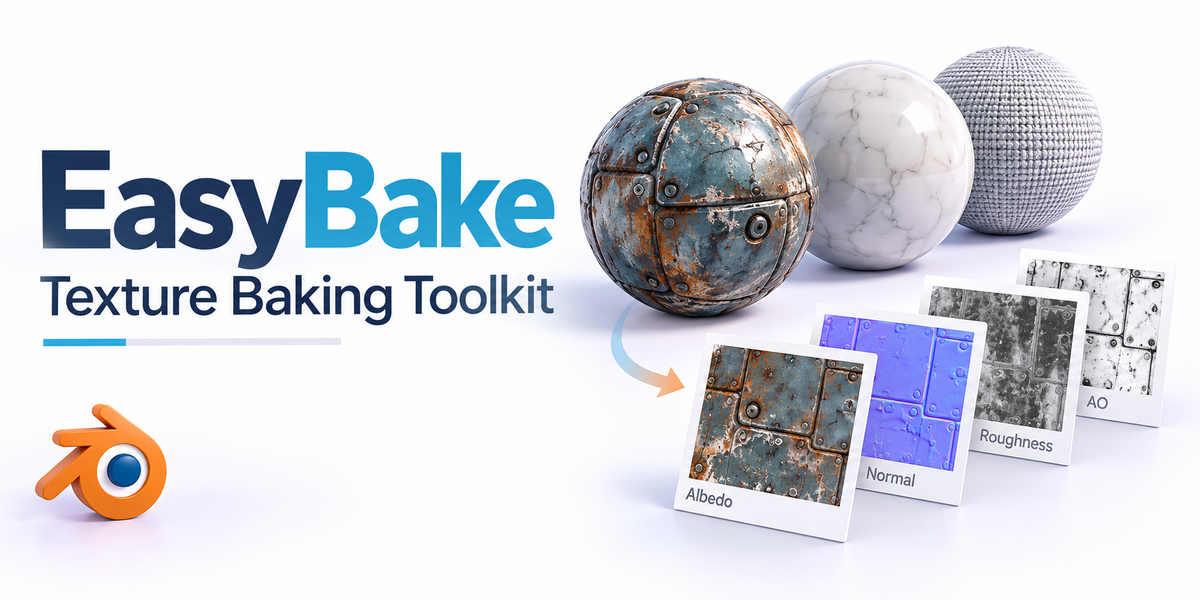
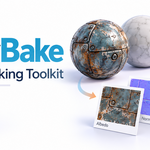
EasyBake — All-in-One Texture Baking Toolkit
 blenderVfxMaster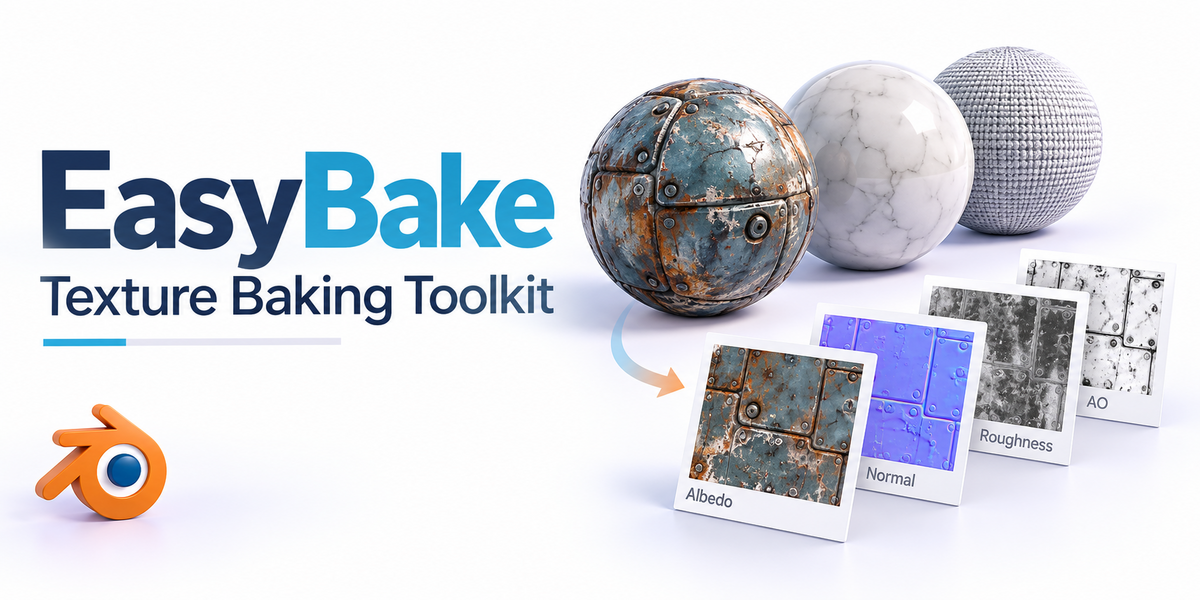


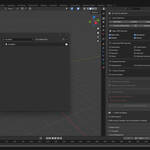
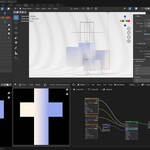

Simple Baking Pro Addon User Manual
Introduction
Simple Baking Pro is a powerful texture baking addon designed for Blender. It supports advanced features such as multi-channel baking, multi-resolution export, material merging (Atlas), UDIM workflows, and preset management. It is suitable for various scenarios including game development, VFX, and PBR asset creation. The addon features an intuitive interface and a rich set of functions, significantly improving the efficiency and flexibility of texture baking.
Key Features
One-click baking of multi-channel PBR textures
Multi-resolution and custom resolution export
Material Merging (Atlas Baking)
UDIM Support
Preset saving and loading
Custom Shader Baking
Comprehensive Color Space Management
Smart UV handling and automatic layout
Multiple output file naming conventions
Batch operations and automatic folder organization
Panel and Operation Guide
1. Basic Parameters
-
Output Directory (directory)
Select the folder where the baked textures will be exported.
-
Resolution (resolution)
Choose the base resolution for the textures (from 16 to 16384).
-
Margin (margin)
The pixel margin for texture baking to prevent seams and bleeding artifacts.
-
Replace Material Nodes (replace_nodes)
If checked, the addon will automatically replace the original material nodes with the baked textures upon completion.
-
Include Lighting (include_lighting)
Determines whether to bake the scene's lighting information into the textures.
-
Shadow Mode (lighting_shadow_mode)
With Shadows: Includes shadows in the bake.No Shadows: Excludes shadows, baking only direct lighting.
-
Organize Folders Automatically (organize_folders)
Automatically creates subfolders based on object/material/resolution for easy management.
2. Multi-Resolution Export
-
Enable Multi-Resolution (enable_multi_resolution)
Allows for the simultaneous export of multiple common resolutions (512/1024/2048/4096/8192).
-
Enable Custom Resolution (enable_custom_resolution)
Supports up to 3 sets of custom resolutions, which can be non-square (e.g., 1920x1080).
-
Use Custom Resolution (use_custom_1/2/3)
Individually enables each of the three custom resolution slots.
3. Channel Selection
Basic PBR Channels
Base Color (include_basecolor)
Roughness (include_roughness)
Metallic (include_metallic)
Normal (include_normal)
Advanced PBR Channels
Subsurface (include_subsurface)
Transmission (include_transmission)
Emission (include_emission)
Alpha (include_alpha)
Specular (include_specular)
Clearcoat (include_clearcoat)
Clearcoat Roughness (include_clearcoat_roughness)
Sheen (include_sheen)
Special Channels
Displacement (include_displacement)
Ambient Occlusion (AO, include_ambient_occlusion)
Custom Shader
-
Custom Shader (include_custom_shader)
Bakes the custom shader network currently connected to the Material Output node.
4. Mixed Shader Processing Strategy (mixed_shader_strategy)
When a material contains both a Principled BSDF and custom shader nodes:
-
Full Surface Output
Bakes the complete Material Output Surface (Recommended).
-
Principled Only
Bakes only the Principled BSDF part, ignoring custom shaders.
-
Custom Only
Bakes only the custom shader part (Experimental).
5. Material Merging (Atlas Baking)
-
Enable Material Atlas (enable_material_atlas)
Merges multiple material slots from an object into a single texture set.
-
Layout Mode (atlas_layout_mode)
Auto: Automatically calculates the optimal layout for the materials.Manual: Allows you to manually specify the number of rows and columns.
-
Columns/Rows (atlas_cols/atlas_rows)
Specifies the number of columns and rows for the texture grid in Manual mode.
-
Padding (atlas_padding)
The UV space margin between different material islands on the atlas.
-
Update UV (atlas_update_uv)
Determines whether to automatically generate a new UV map for the atlas.
6. UDIM Support
-
Enable UDIM (enable_udim)
Enables UDIM tile baking, automatically generating a separate texture for each tile.
-
Auto Detect UDIM (udim_auto_detect)
Automatically detects the UDIM tiles used by the selected model.
-
UDIM Range (udim_range_start / udim_range_end)
Manually specify the start and end of the UDIM tile range.
-
Naming Mode (udim_naming_mode)
Standard:material_name.1001.channel_name.pngMari:material_name_1001_channel_name.pngMudbox:material_name.channel_name.1001.png
7. Color Space Management
-
Color Space Mode (colorspace_mode)
Auto Detection: Automatically assigns the appropriate color space based on the channel type.Custom Settings: Define a custom color space for each channel type.Manual Override: Apply a single color space to all baked textures.
-
Channel Color Spaces (colorspace_basecolor/normal/roughness/emission/manual_override)
Individually assign a color space (e.g., sRGB, Non-Color, ACEScg, Raw) for channels like BaseColor, Normal, Roughness/Metallic, and Emission.
8. Preset Management
-
Save Preset
Saves the current settings as a preset for quick recall later.
-
Load Preset
Restores all parameters from a saved preset with one click.
-
Delete Preset
Removes a preset you no longer need.
-
Refresh Preset List
Manually refreshes the preset dropdown menu.
9. Quick Resolution Selection
-
Game Common
One-click selection of common game resolutions (e.g., 1024/2048).
-
Film High Quality
One-click selection of high-quality resolutions for film/VFX (e.g., 2048/4096/8192).
-
All Resolutions
Selects all available preset resolutions.
-
Clear All
Deselects all preset resolutions.
-
Custom Resolution Shortcuts
One-click buttons to set common custom resolutions (e.g., 1536, 3072, 1920x1080, 1280x720, 2560x1440, 3840x2160, 6144).
10. Other Features
-
Smart UV Unwrapping (smart_uv)
Automatically generates a suitable UV map for an object if one doesn't exist.
-
Auto-Switch to Cycles (ensure_cycles)
Automatically switches the render engine to Cycles to enable baking.
Automatic and Manual Color Space Assignment
Batch Baking and Automatic Folder Organization
Example Workflow
Select the object(s) you want to bake.
In the addon panel, set the output directory, resolution, channels, and other parameters.
(Optional) Enable advanced features like Multi-Resolution, Atlas Baking, UDIMs, or load a preset.
Click the "Bake" button to start the process.
Once finished, the textures will be saved to the specified directory, with folders organized according to your settings.
FAQ & Suggestions
-
Baking Fails / Texture is Black?
Check that your objects have been UV unwrapped, the material nodes are connected correctly, and the render engine is set to Cycles.
-
How can I customize the texture filenames?
You can flexibly control filenames using the UDIM naming modes and the folder organization options.
-
How do I batch bake multiple objects?
The addon supports multi-object selection for batch baking. It will automatically generate textures for each object/material.
-
How do I save/migrate my presets?
Presets are saved as JSON files in the addon's directory and can be manually backed up or transferred.
Conclusion
Simple Baking Pro is dedicated to providing Blender users with an efficient, flexible, and professional texture baking experience. We encourage you to experiment with its various functions and configure them to suit your project's needs. If you have any suggestions or questions, feedback is always welcome!
Have questions about this product?
Login to message
| Blender Extension Compatible | Yes |
| Sales | 10+ |
| Published | about 1 year ago |
| Blender Version | 3.6 - 5.2 |
| Extension Type | Add-on |
| License |
Discover more products like this
normal maps ambient occlusion All-in-One Tool texture-baking game asset prep Add-on pbr-workflow UV Baking Lightmap Baking blender-baking render-optimization 3D workflow