 pl_workshop


Easy Text
Fast text formatting and animation for Blender.
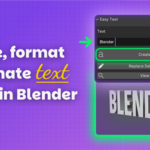
Create, format, split, convert, and animate text from one focused 3D View sidebar.
A faster way to work with text in Blender.
Load a font, refine the text live, prepare editable letters or mesh, then add motion from the same compact panel.
What Easy Text does
Live Text Formatting
Adjust size, extrusion, bevel, alignment, spacing, shear, offsets, and curve resolution directly on selected editable text.
Fonts, Letters, and Mesh
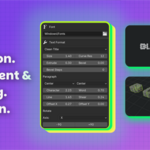
Browse your operating system's Fonts folder or load a TTF, OTF, or TTC file from any location. Split text into editable letters and convert it to mesh while preserving the source when needed.
Text Animation Presets
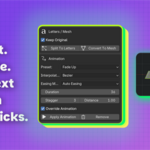
Start at the current playhead and apply Fade Up, Pop In, Slide Left, Type Stagger, Typewriter, Scramble Effect, or Wave Loop.
Focused Controls
- System font access through the Font File browser, with support for TTF, OTF, and TTC files
- Live formatting on selected editable text
- Paragraph controls for alignment, spacing, shear, and offsets
- Editable letter splitting for kinetic typography workflows
- Text to mesh conversion with optional source preservation
- Duration and Stagger for fast multi-object timing
- Interpolation and easing for transform animation presets
- Remove Animation with saved-state restoration
Recommended Workflow
- Create or select an editable Blender Text object.
- Format the typography and load the font you want.
- Split or convert when the layout is ready.
- Move the playhead to the desired animation start frame.
- Choose a preset and set Duration, Stagger, interpolation, and easing where available.
- Apply or remove the animation from the same panel.
From quick titles to kinetic typography.
A practical fit for titles, labels, lower thirds, logo studies, social motion graphics, interface mockups, and fast typography experiments.
Installation and Location
- Open Blender 4.2+ and go to Preferences > Get Extensions.
- Choose Install from Disk and select Easy Text V1.0.13.zip.
- Enable Easy Text and open the 3D View sidebar.
Compatibility: Blender 4.2 or newer. Typewriter and Scramble Effect require editable Text objects.
