EasyUV Pro
 3DMAGIC
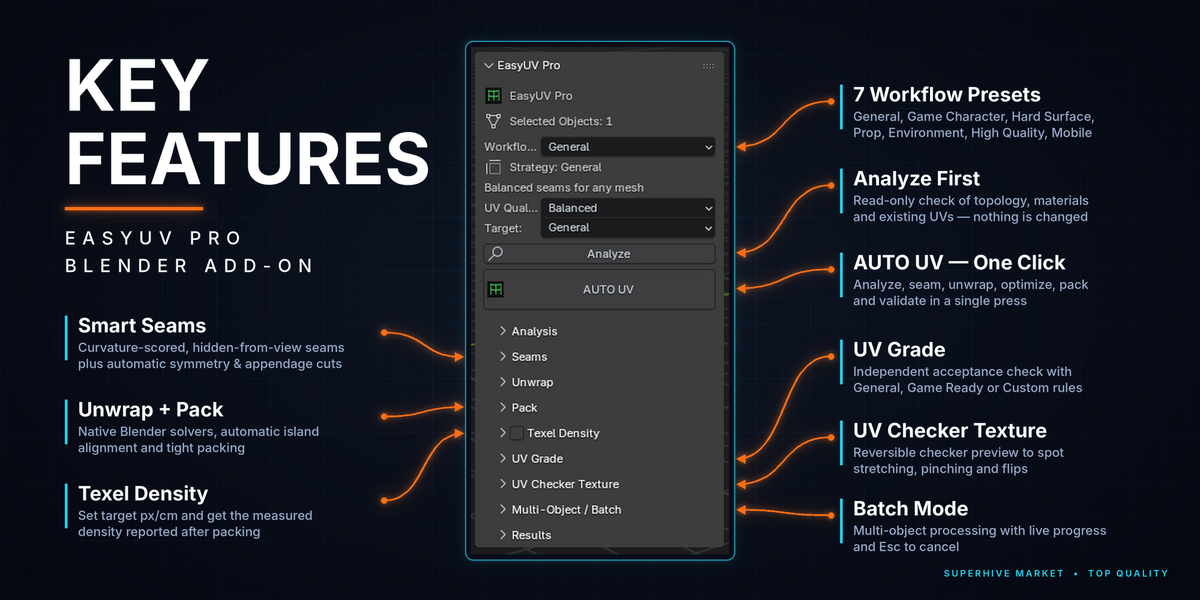
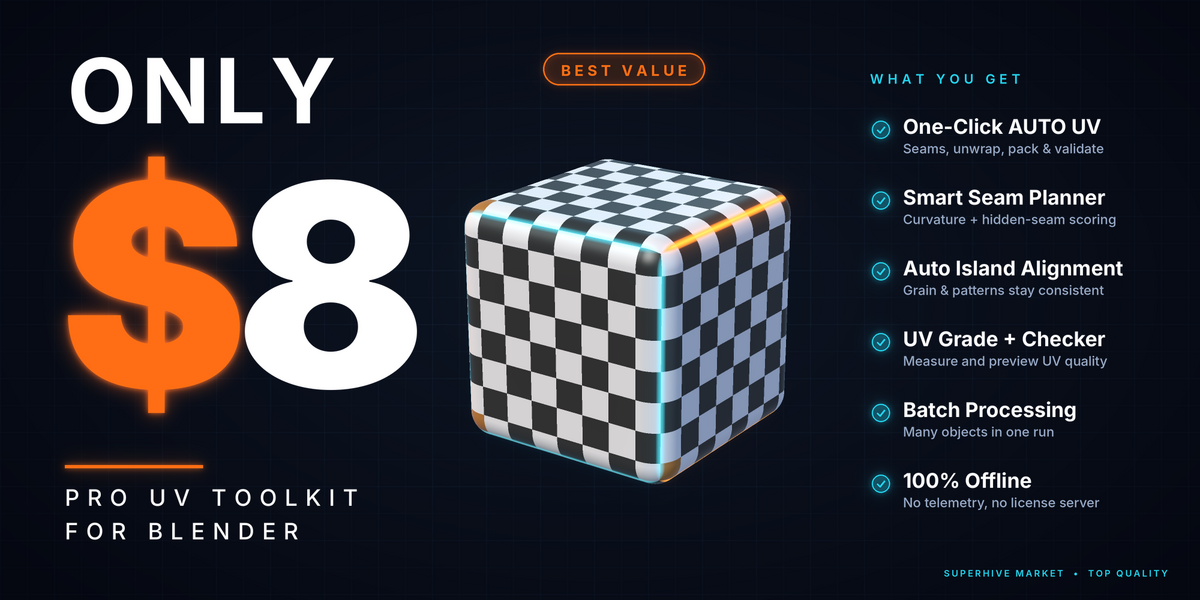
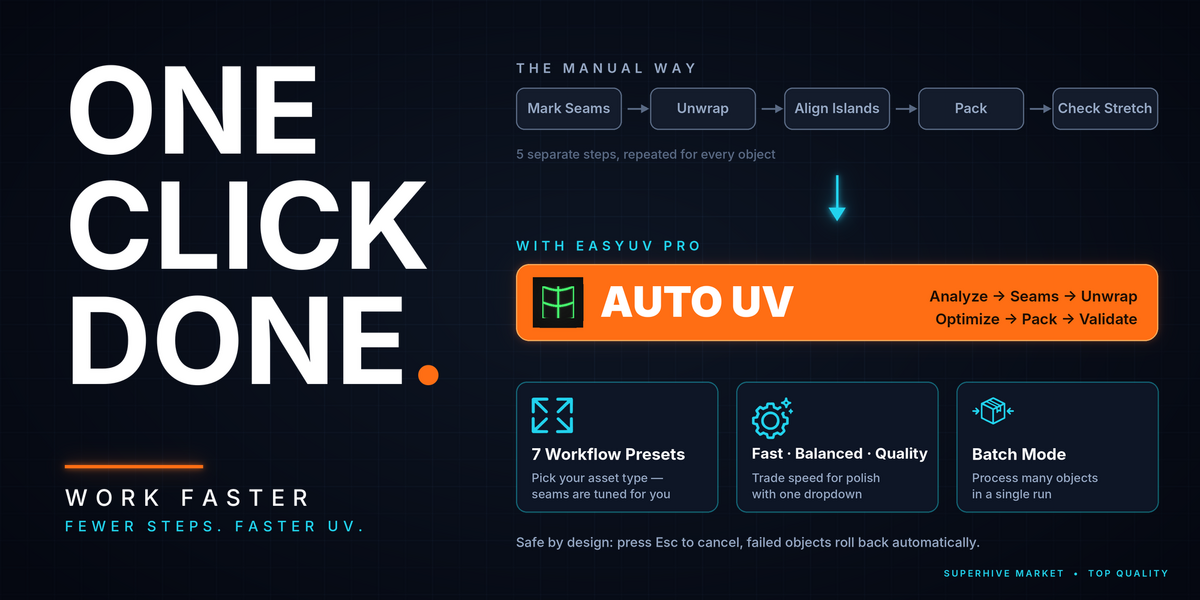
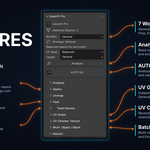
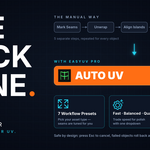
EasyUV Pro unwraps your mesh automatically in one click. Pick what you are unwrapping (Character, Hard Surface, Prop...), choose a quality, and press AUTO UV. It cuts the seams, unwraps, packs the islands and gives you a 0-100 quality score, all offline inside Blender.
How to use it in 3 steps:
- Select your mesh and open the Item tab in the N panel.
- Tap the object type and choose Fast, Balanced or Quality.
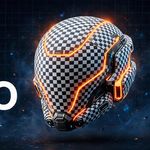
- Press AUTO UV, then click UV Checker to see the result on your model.
Have questions about this product?
Login to message
| Blender Extension Compatible | Yes |
| Published | 3 days ago |
| Blender Version | 4.0 - 5.2 |
| Extension Type | Add-on |
| License | GPL |
Discover more products like this
uv stacking transform uv uv packing uv mapping UV Checker udim seams align uv Trim Sheets texel density uv unwrapping mirror seams