EasyUV Pro
 3DMAGIC

6. Can I use it for commercial and client work?
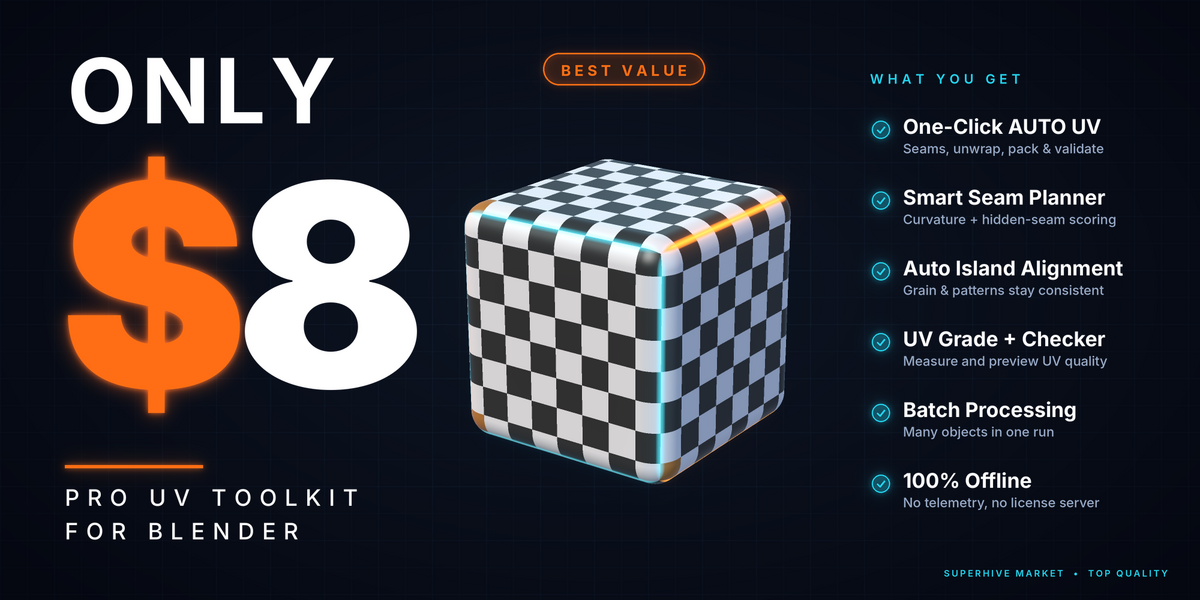
Yes. EasyUV Pro is licensed under GPL-3.0-or-later and the full source code is included. You can use it on your own computers for personal, commercial and client projects, and the models and UVs you make with it always belong to you. It needs no license key, no account and no internet connection.
5. How do I know the result is good?
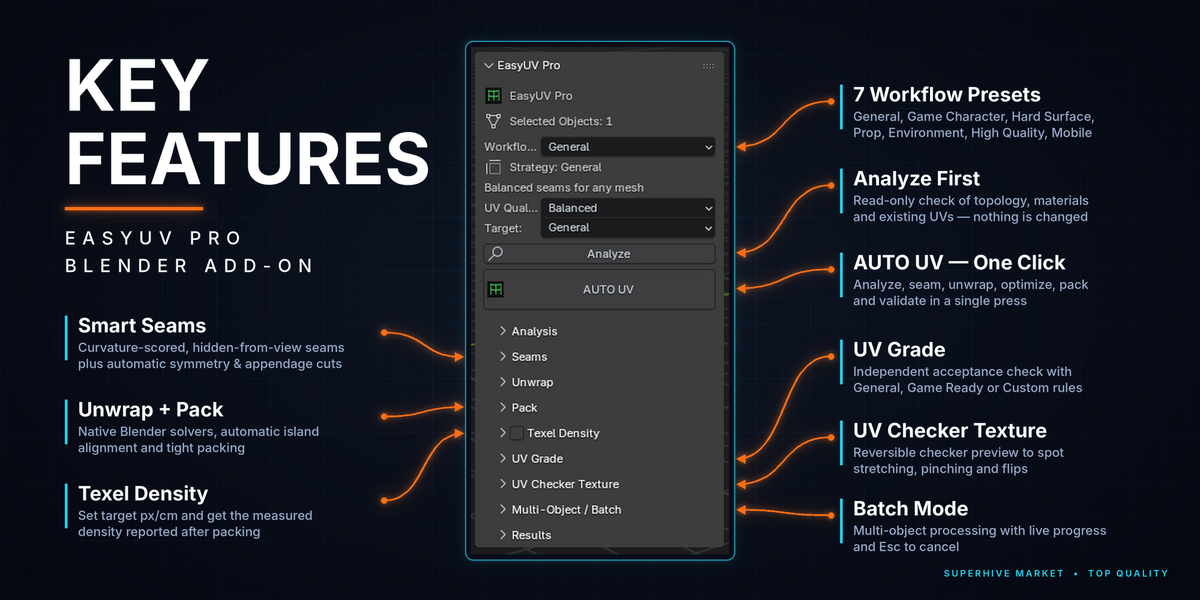
After each run you get a result card with a quality score, island count, packing, stretch and overlap. The one-click UV Checker shows a checker texture on your model so you can see stretching right in the viewport, and you can switch it off again at any time.
4. Can I unwrap many objects at once?
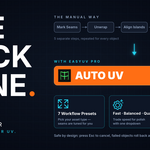
Yes. Select several objects and run it once. You can give each object its own layout, or pack them all together in one shared UV space or by material group. If one object fails, the others still finish.
3. Will it overwrite my existing UVs?
No. By default it creates a new UV layer named EasyUV and never overwrites your existing layers. Everything works with Undo, and if an object fails or you cancel with Esc, that object is rolled back.
2. Do I need to mark seams by hand?
No. EasyUV Pro plans the seams for you based on the shape of the model and the profile you choose. If you already drew your own seams, the Preserve seam mode keeps them. Very unusual or irregular meshes may still need a few manual touch-ups.
1. Which Blender versions does it support?
EasyUV Pro works with Blender 4.5 LTS and newer. It installs as a normal extension through Preferences > Get Extensions > Install from Disk.
Have questions about this product?
Login to message
| Blender Extension Compatible | Yes |
| Published | 3 days ago |
| Blender Version | 4.0 - 5.2 |
| Extension Type | Add-on |
| License | GPL |
Discover more products like this
mirror seams uv unwrapping uv mapping transform uv Trim Sheets seams uv stacking uv packing UV Checker udim align uv texel density