 Tomas ShapevizTools

SHAPEVIZ TOOLS / BLENDER ADD-ON
Edit Poly Modifier
An Edit Poly workflow for Blender.
Add an Edit Poly modifier and edit the geometry after Bevel or Subdivision without applying them.
Why I made it.
In 3ds Max, I use Edit Poly modifiers to separate modeling steps. I missed this in Blender, so I made this add-on.
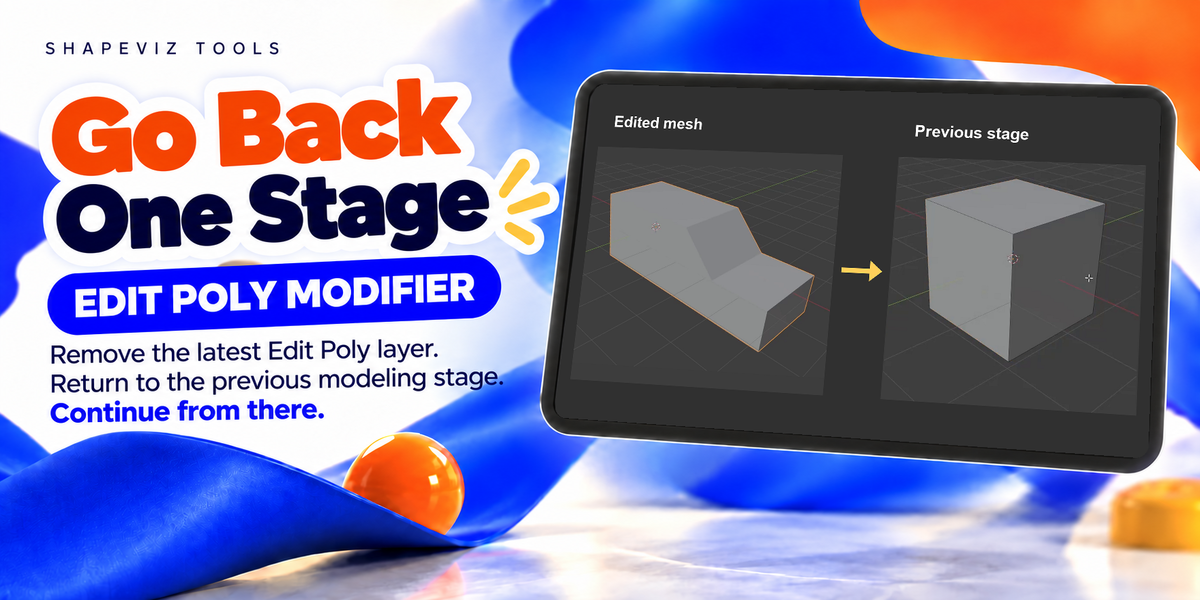
I can add Edit Poly before making changes and delete it if I want to return to the previous stage, without making a backup copy of the model.
Tomas Krajcovic · Shapeviz Tools
How to use it.
Add Edit Poly from the modifier menu, press Tab and model as usual. Return to Object Mode to store your edits in the layer.
Add Edit Poly → Edit Mode → Object Mode
01 / THE WORKFLOW
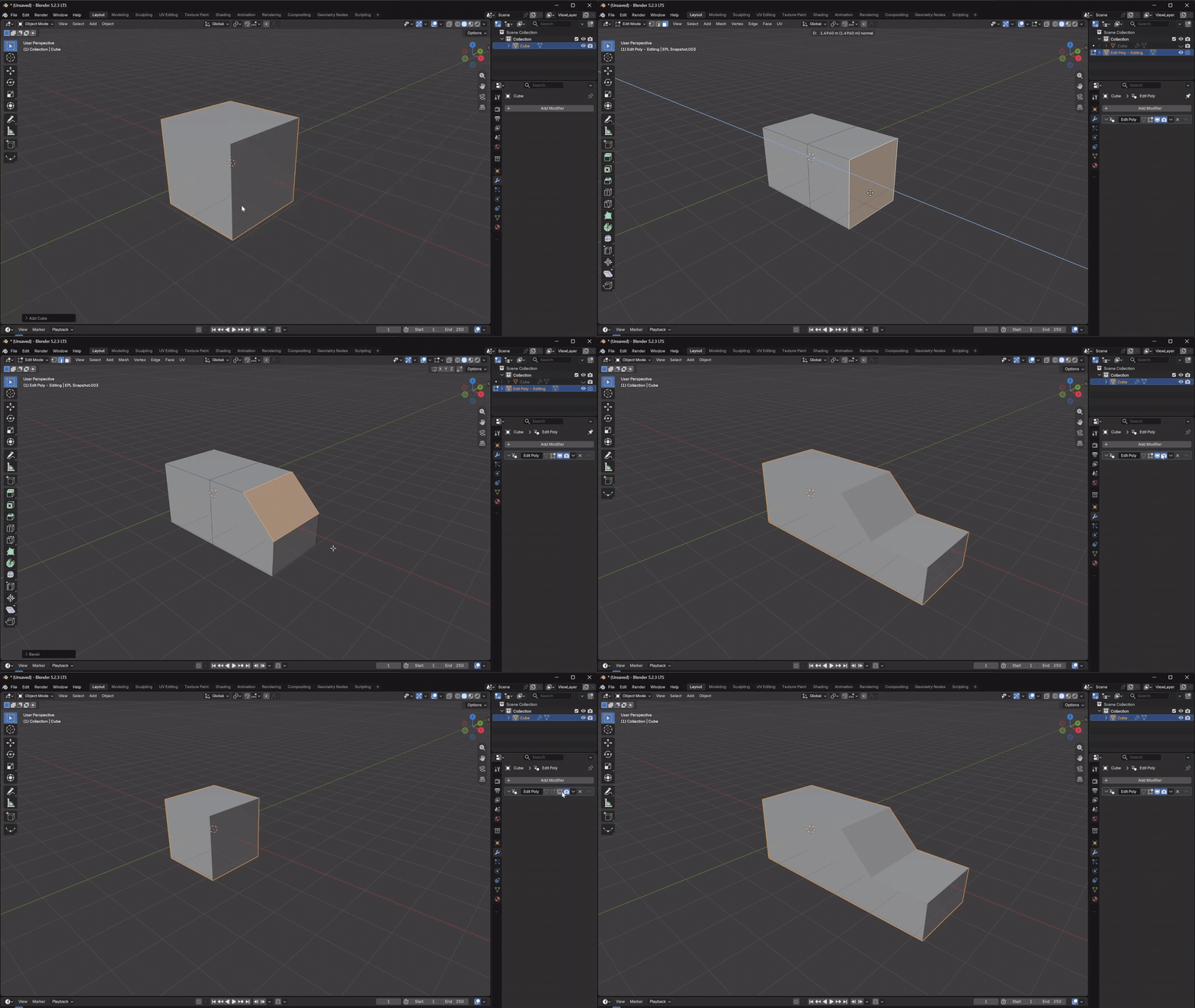
Save modeling steps.
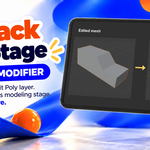
Add an Edit Poly modifier before a new modeling step. To discard that step, return to Object Mode and delete its modifier.
02 / THE WORKFLOW
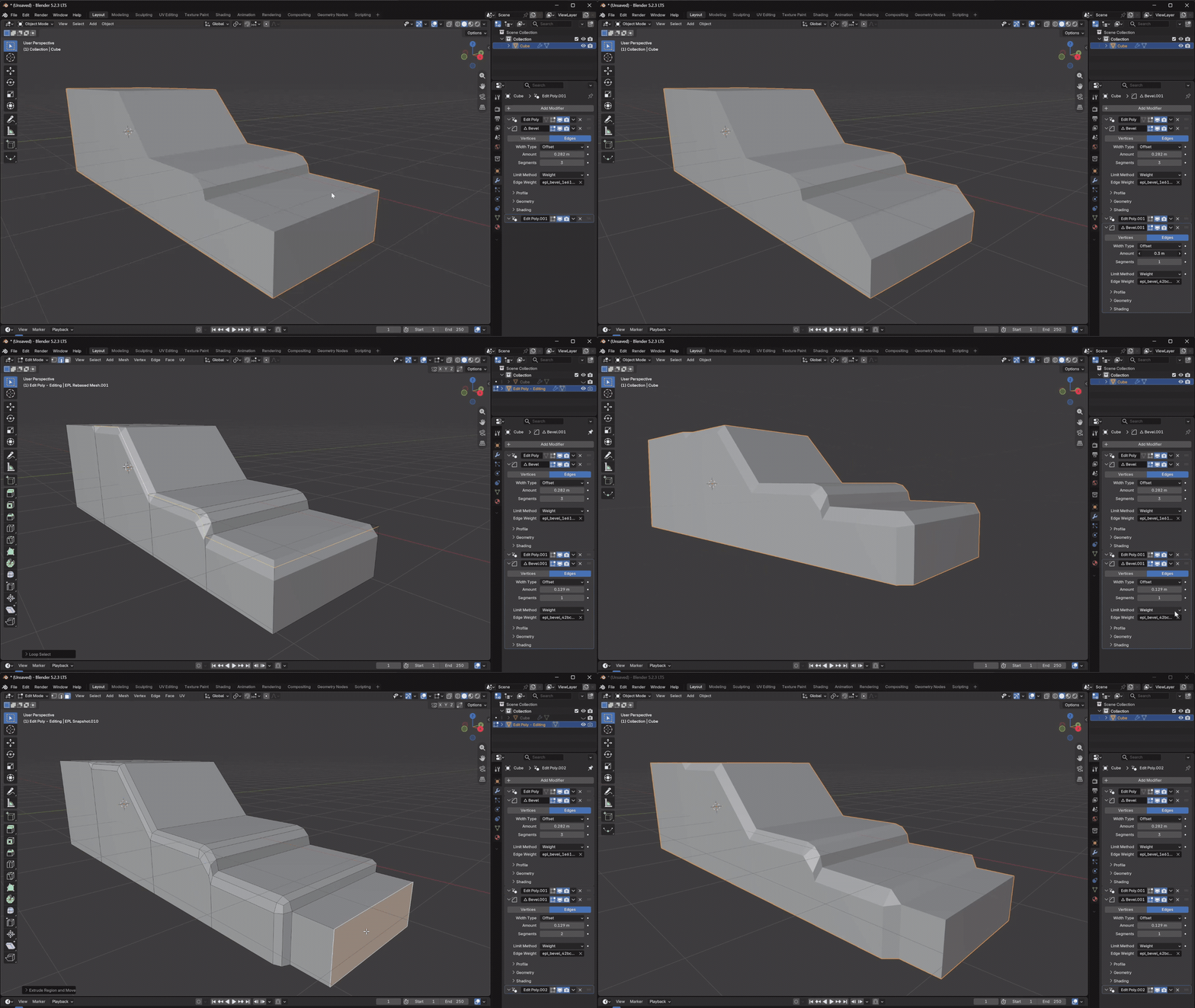
Edit the Bevel selection.
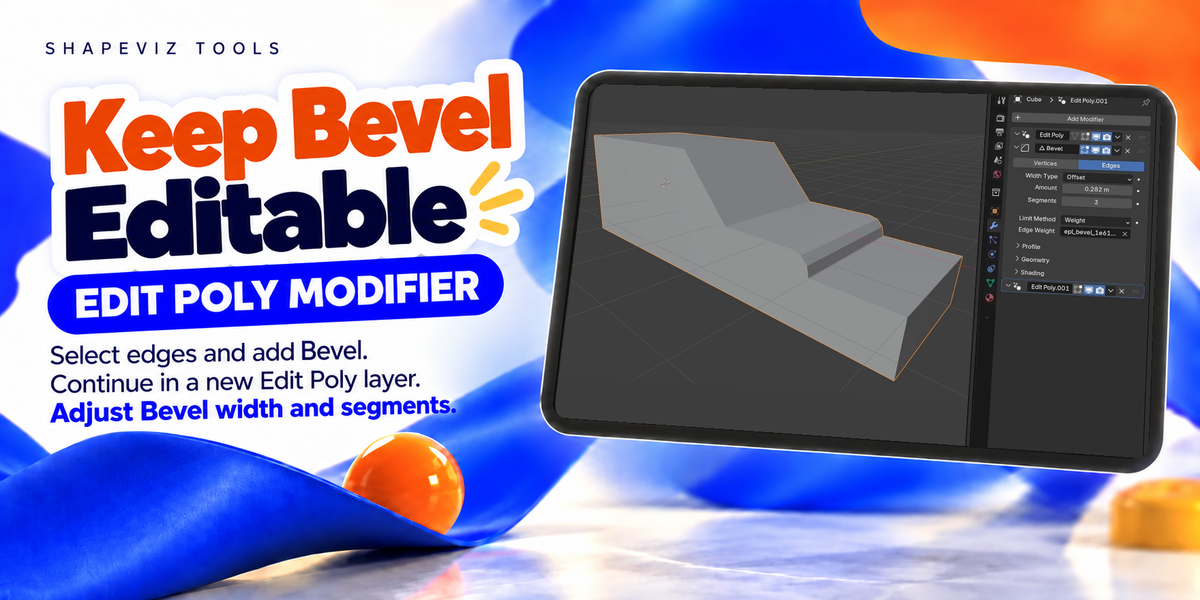
Add Bevel after Edit Poly. Reopen Edit Poly to change the affected edges, with a live preview. Add another Edit Poly after Bevel to continue modeling.
03 / THE WORKFLOW
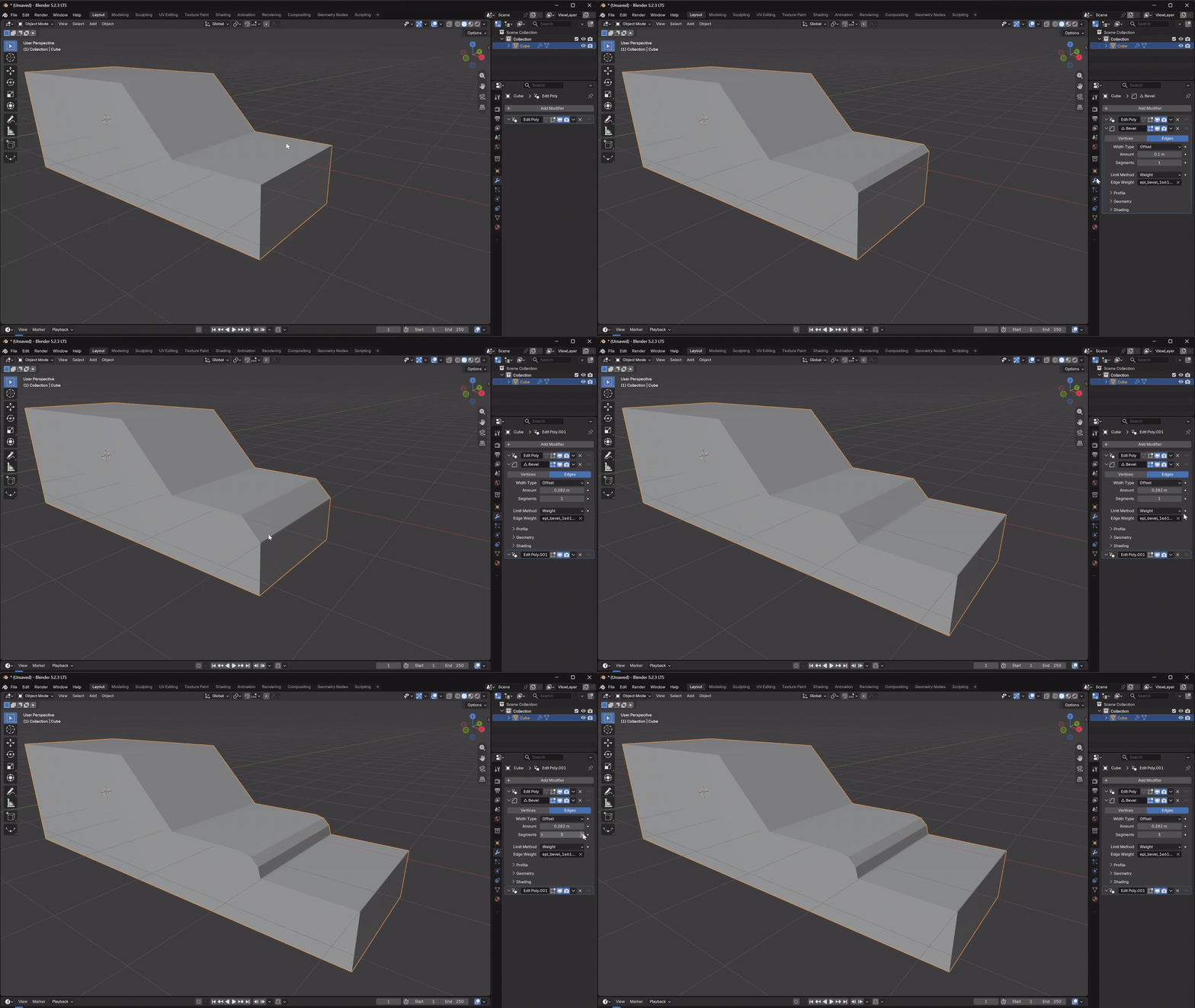
Change Bevel width and segments.
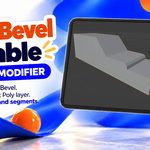
Select edges, add Bevel, then add Edit Poly and continue modeling. You can still change the Bevel width and segments afterward. Later edits are retained for supported changes.
04 / THE WORKFLOW
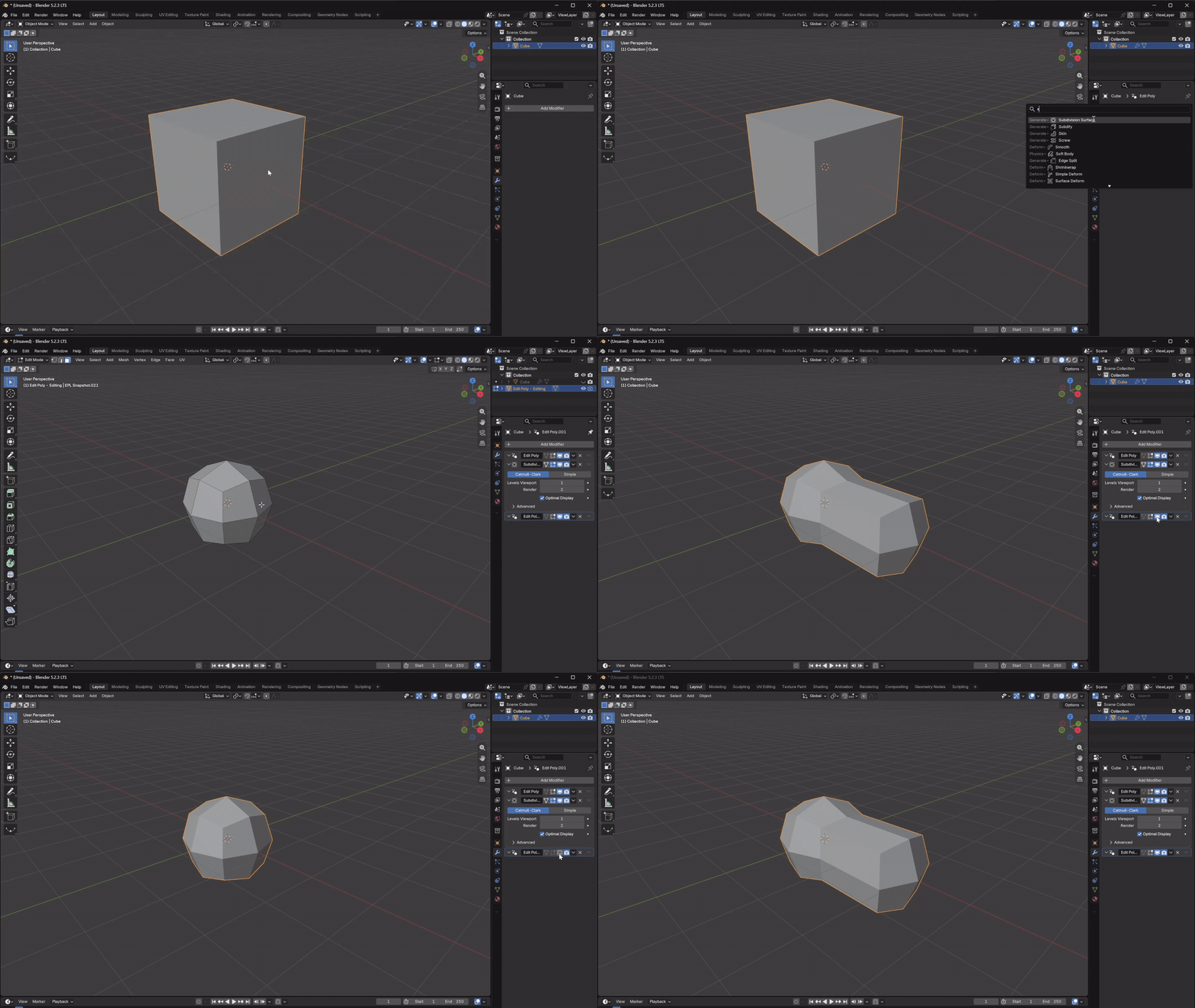
Edit subdivided geometry.
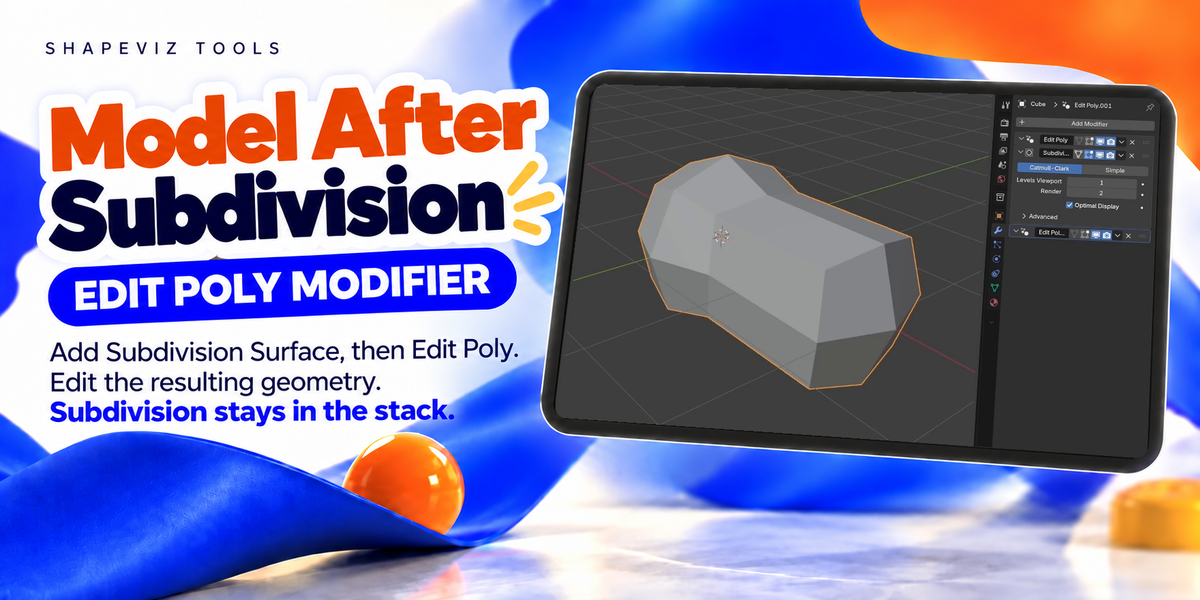
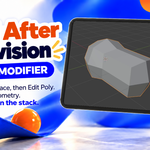
Add Subdivision Surface, then Edit Poly. You can edit the subdivided mesh while keeping Subdivision as a separate modifier.
05 / THE WORKFLOW
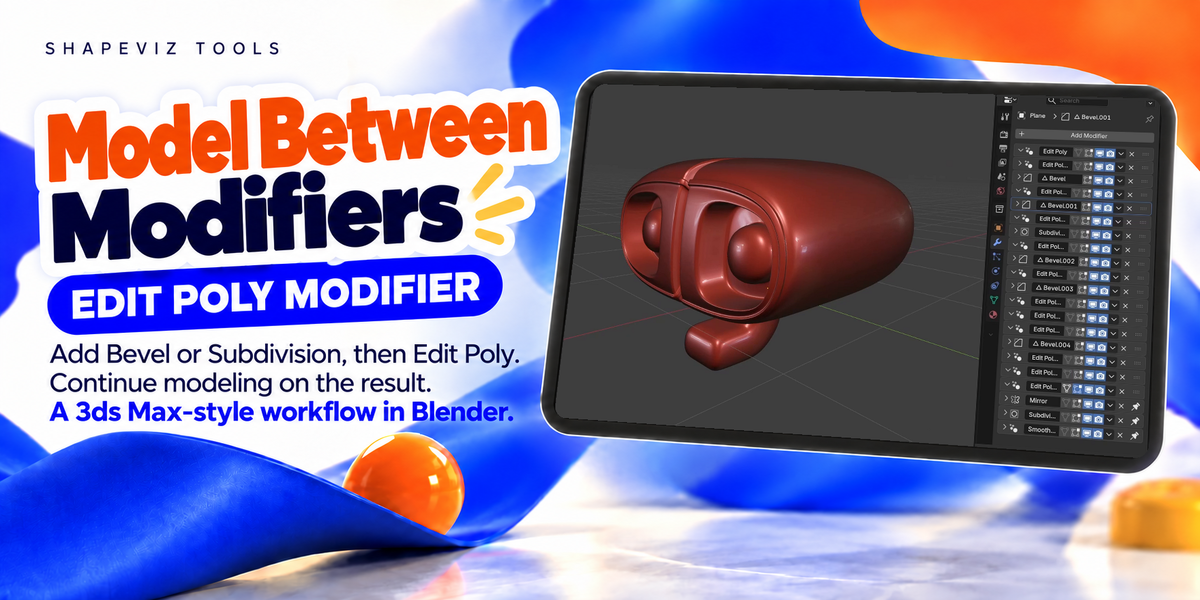
Keep modeling steps in one stack.
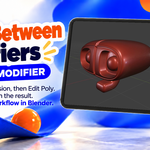
Use multiple Edit Poly layers for your mesh edits. Bevel, Subdivision and Mirror remain separate modifiers in the same stack.
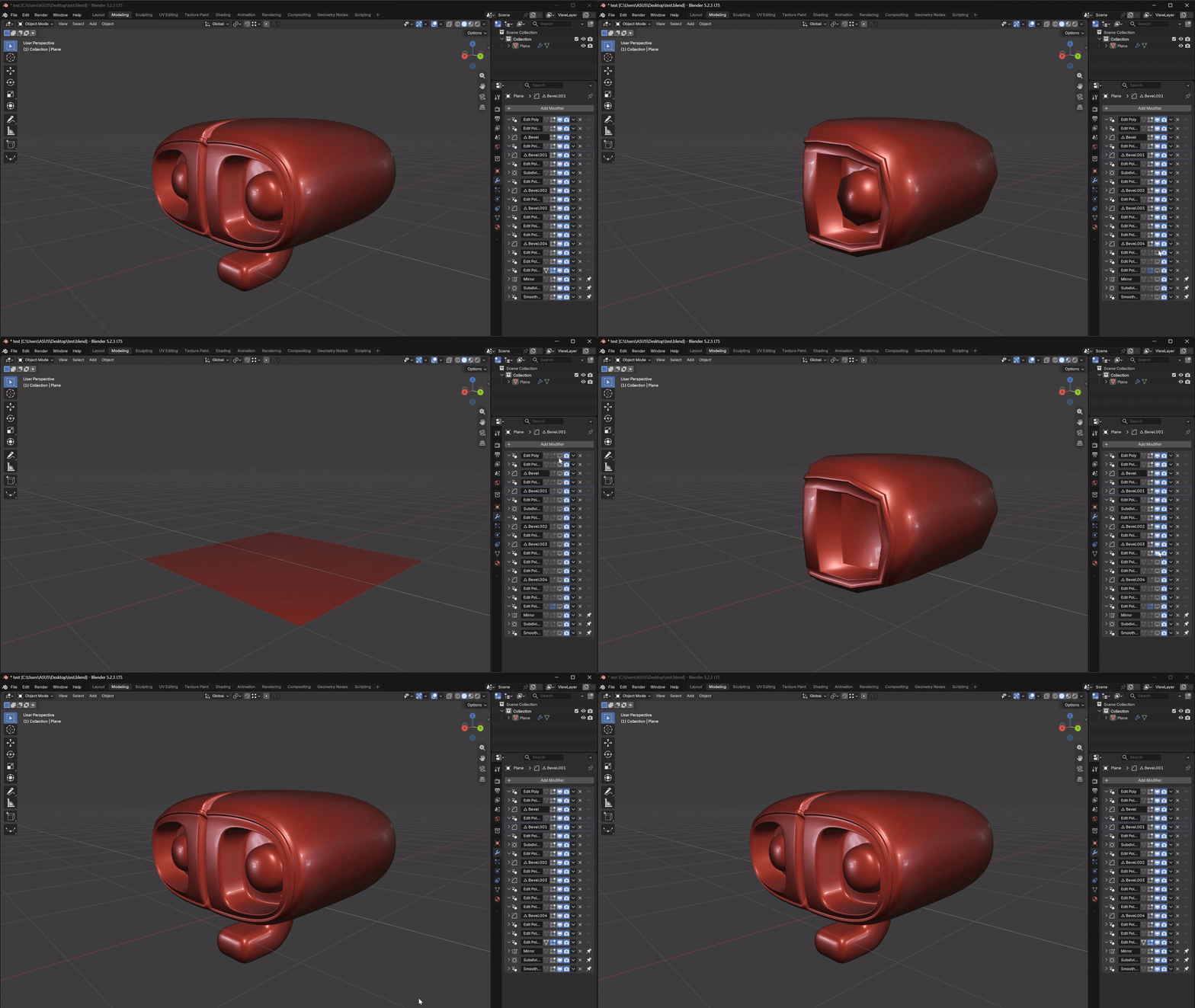
06 / THE WORKFLOW
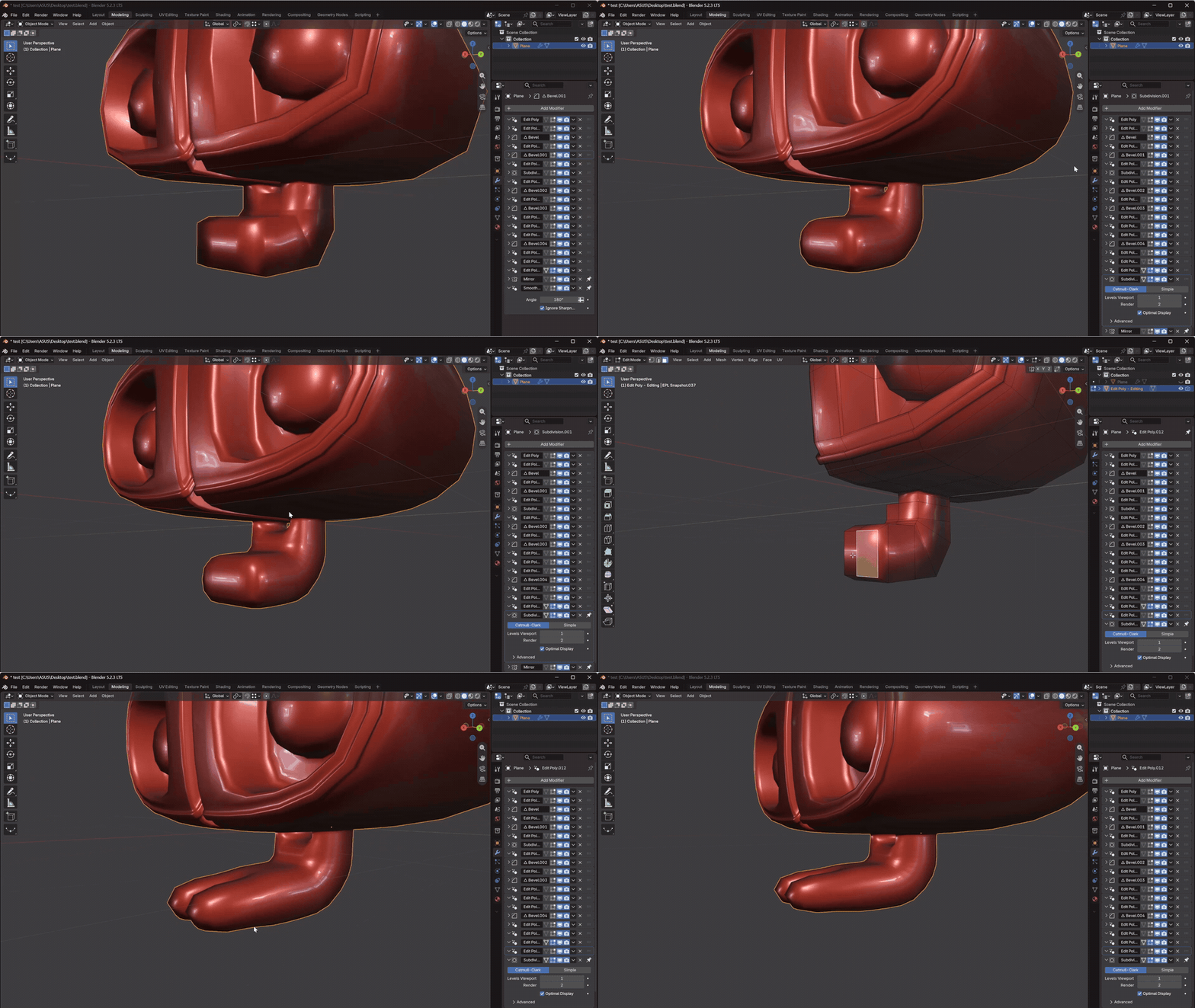
Pin modifiers to the end.
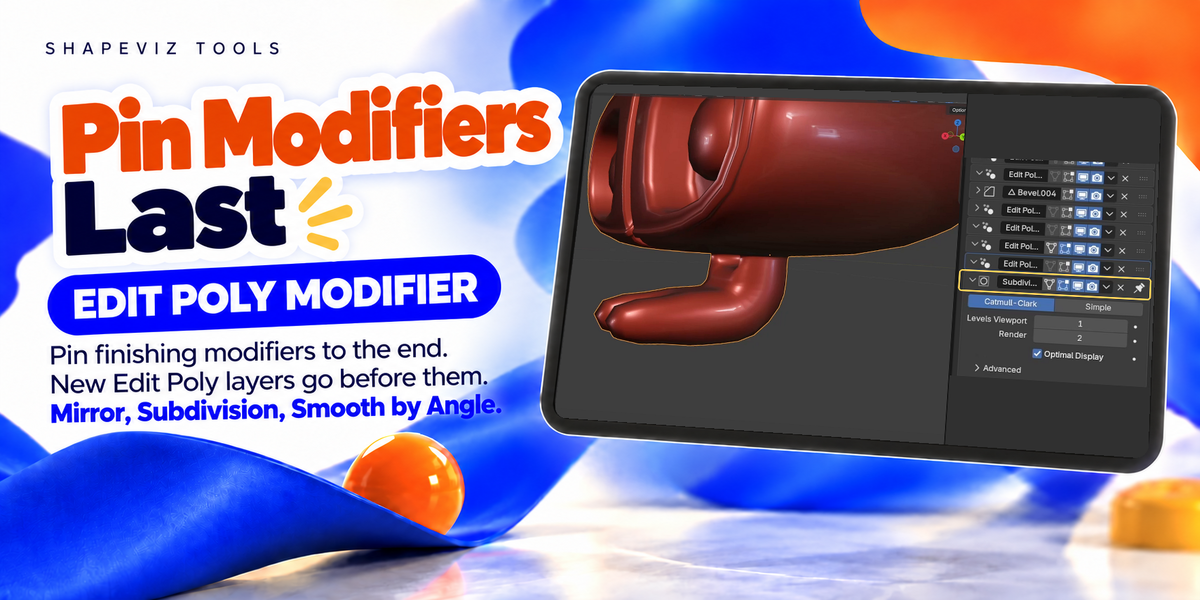
Use Pin to Last on Subdivision, Mirror or Smooth by Angle. New Edit Poly layers are added before these modifiers.
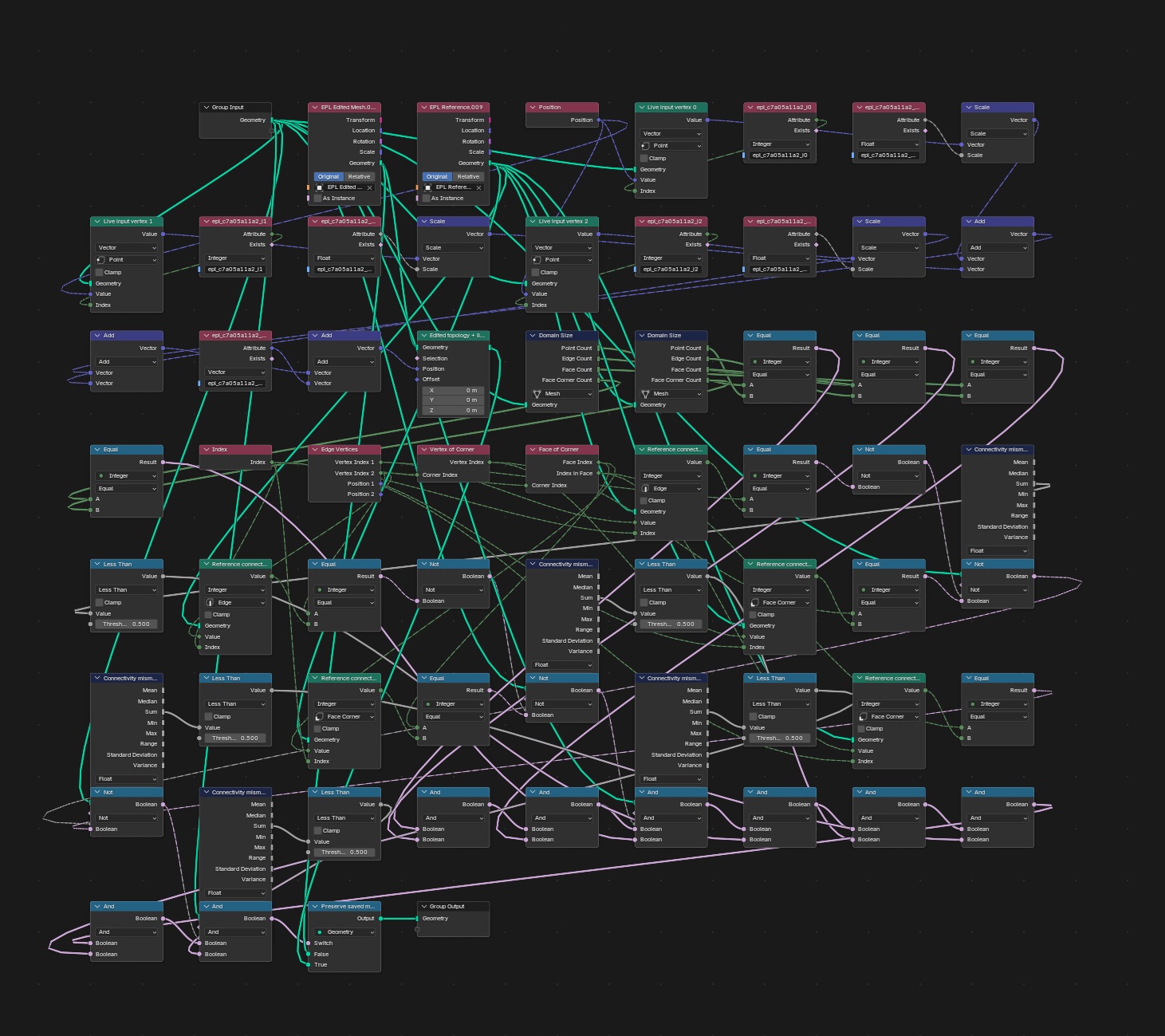
Powered by Geometry Nodes.
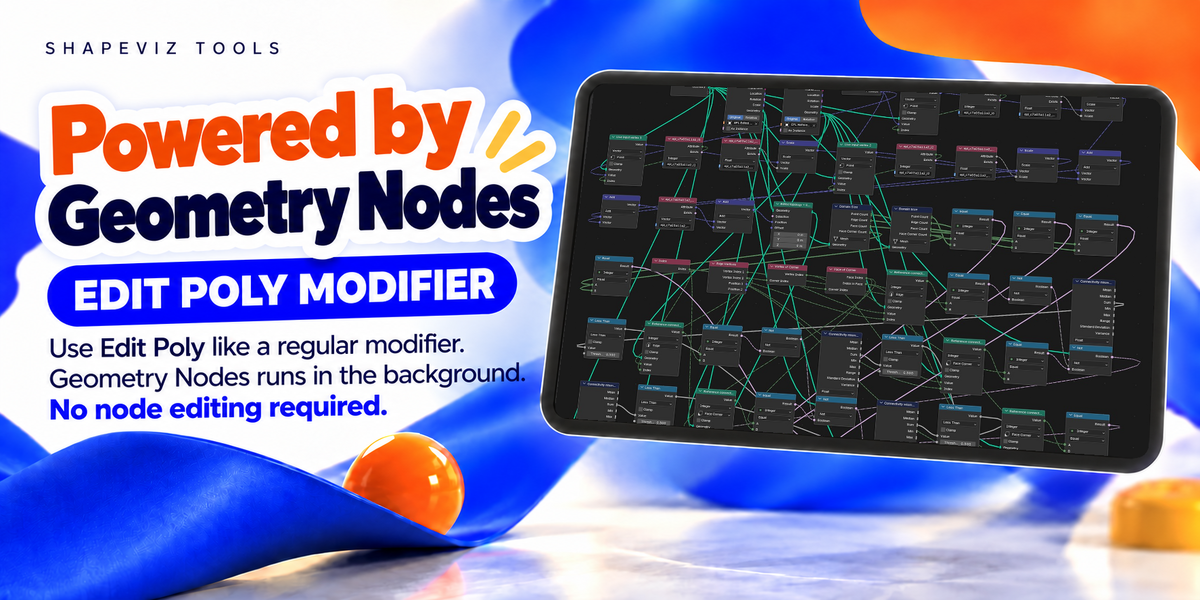
The add-on uses Geometry Nodes internally. You add a normal modifier and use Blender’s modeling tools. No node editing is needed.
Notes.
- Tab opens the last Edit Poly layer. Layer data is saved with your .blend file.
- Deleting an earlier layer can affect later layers that depend on it.
- Some topology changes cannot be transferred. If a conflict appears, restore the previous modifier settings.
- Layers store mesh edits, not individual Extrude or Inset commands.
- One mesh object at a time. Shape keys and Remesh are not supported.
- Animated topology and different viewport/render input topology have not been verified.
Version 0.5.11
Installation.
In Blender, open Preferences → Add-ons → Install from Disk, select the ZIP and enable Edit Poly Modifier.
Created by Shapeviz Tools