 Blender Procedural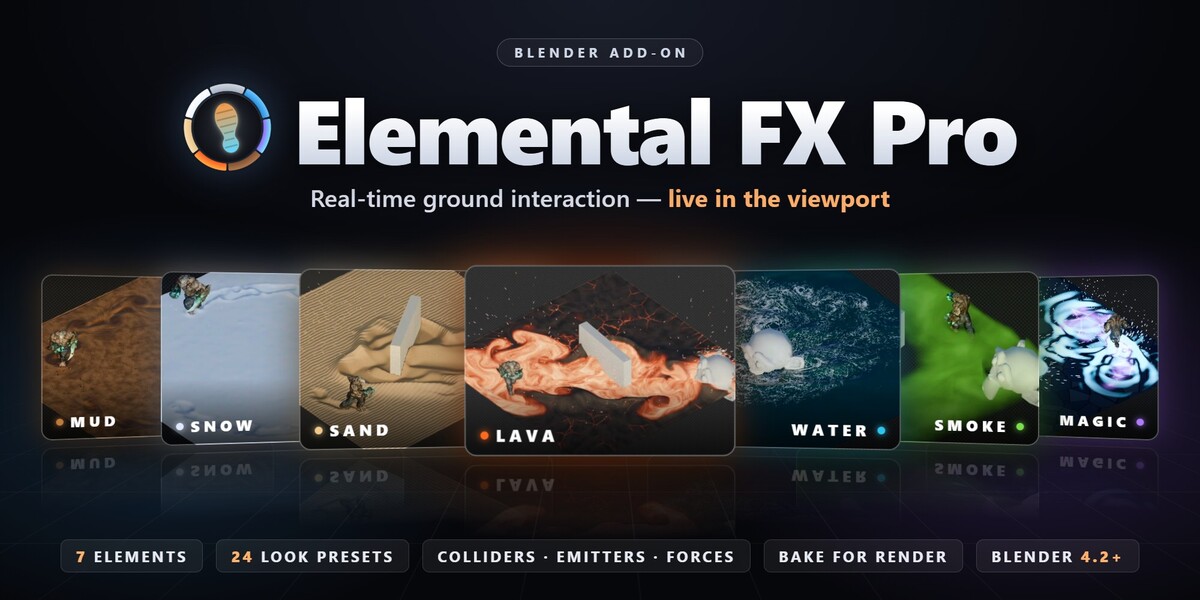




REAL-TIME GROUND INTERACTION FOR BLENDER
Elemental FX Pro
Footprints in snow. Wakes in water. Glowing steps in lava. In real time.
LIVE IN THE VIEWPORT7 SIMULATIONSEEVEE & CYCLESBLENDER 4.2+
● RECORDED LIVE IN THE VIEWPORT
Elemental FX Pro turns any surface into a living ground that reacts to your animation: characters leave footprints, vehicles plow channels, boats leave wakes, objects part fog and magic circles ripple out from every step.
It runs live in the viewport while you animate — no long fluid bakes, no particle setups, no node wrangling.
HOW IT WORKS
Three clicks to a living ground
1
PICK
Choose a medium from the icon gallery.
2
ADD
Create a surface, or lay it over your own meshes.
3
PLAY
Press Space — it simulates as the timeline runs.
WHY IT'S DIFFERENT
Made for the ground your characters walk on
01
Live, not baked
The solver runs while you play the timeline or drag objects. You see every footprint as you animate, then bake once for the final render.
02
Volume, not decals
Pushed material really moves: it piles up into rims, slumps back to a natural slope and slowly fills the trail in again.
03
Your scene, not a demo plane
On Selected Meshes lays it over any terrain, street or set. It follows slopes, pools in valleys and flows around obstacles.
SEVEN MEDIA
One add-on, every kind of ground
❄︎
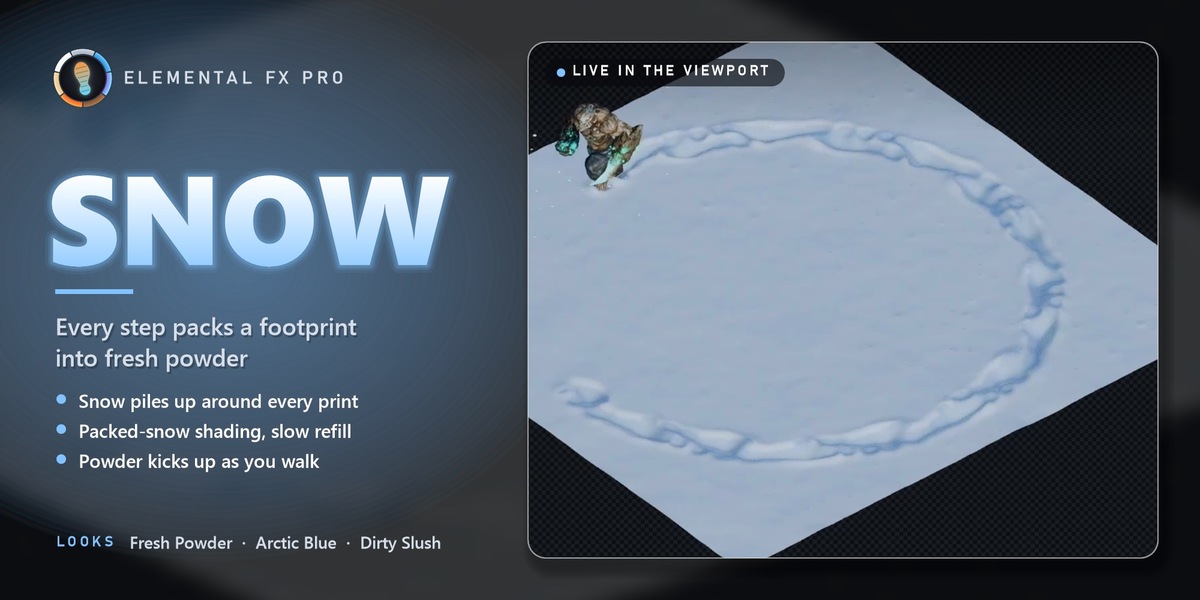
SNOW
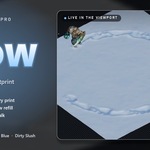
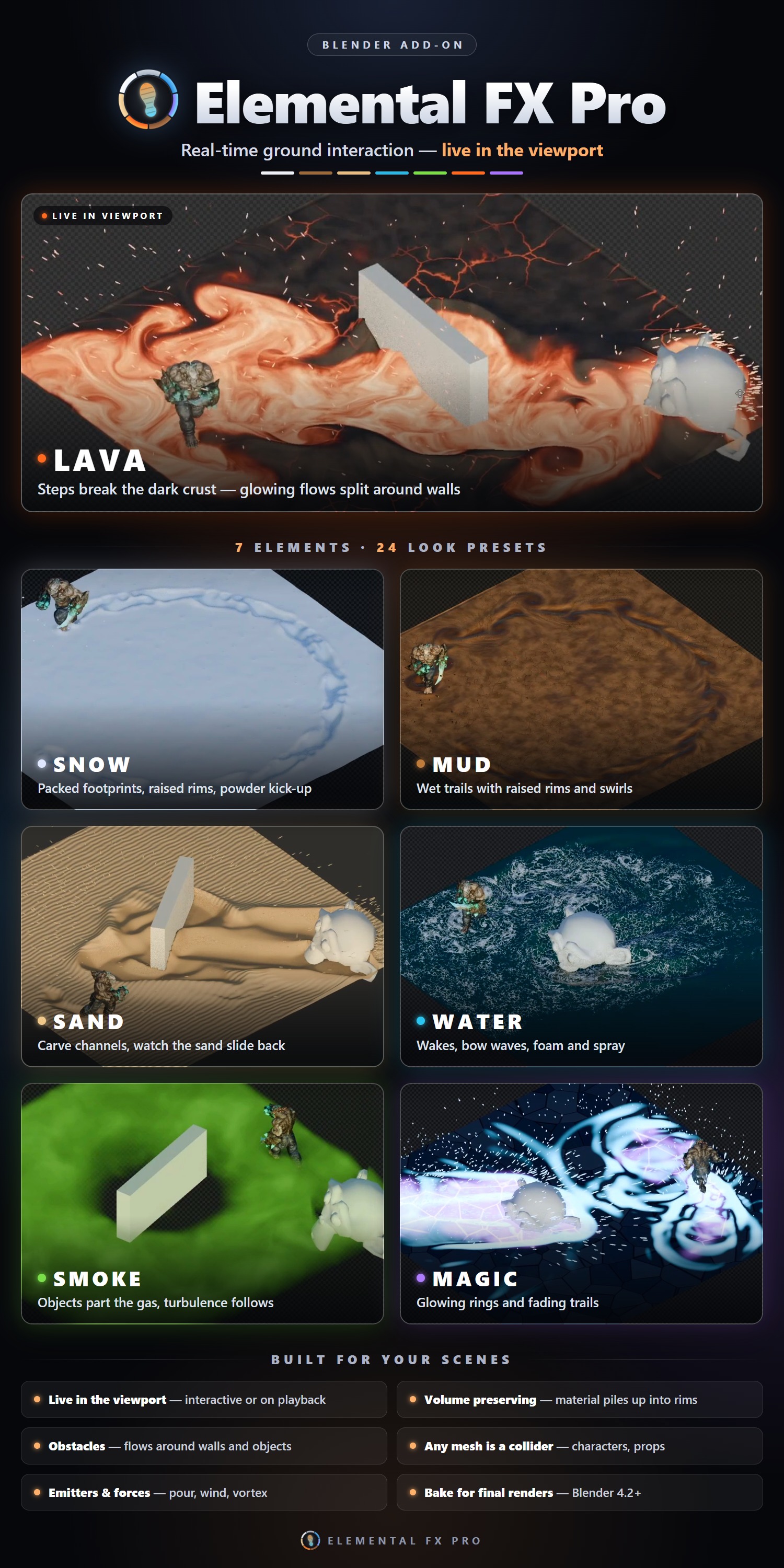
Footprints, snow piled up at the edges, packed-snow shading and a slow refill.
LOOKS Fresh Powder · Arctic Blue · Dirty Slush
∴
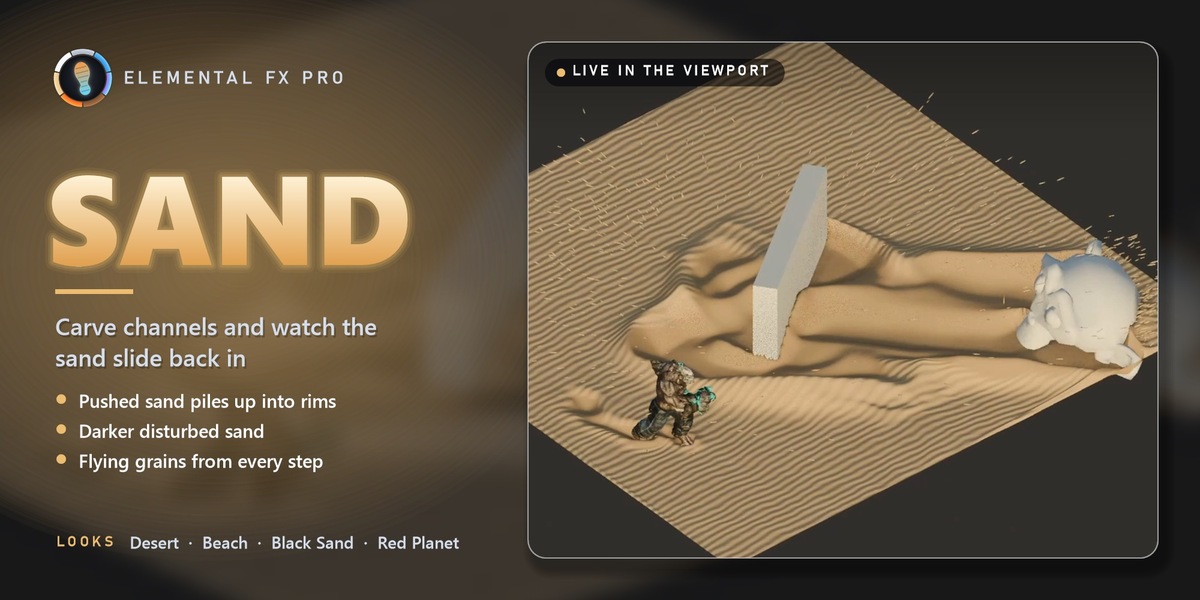
SAND
Carved channels, sand sliding back in, darker disturbed sand and flying grains.
LOOKS Desert · Beach · Black Sand · Red Planet
◉
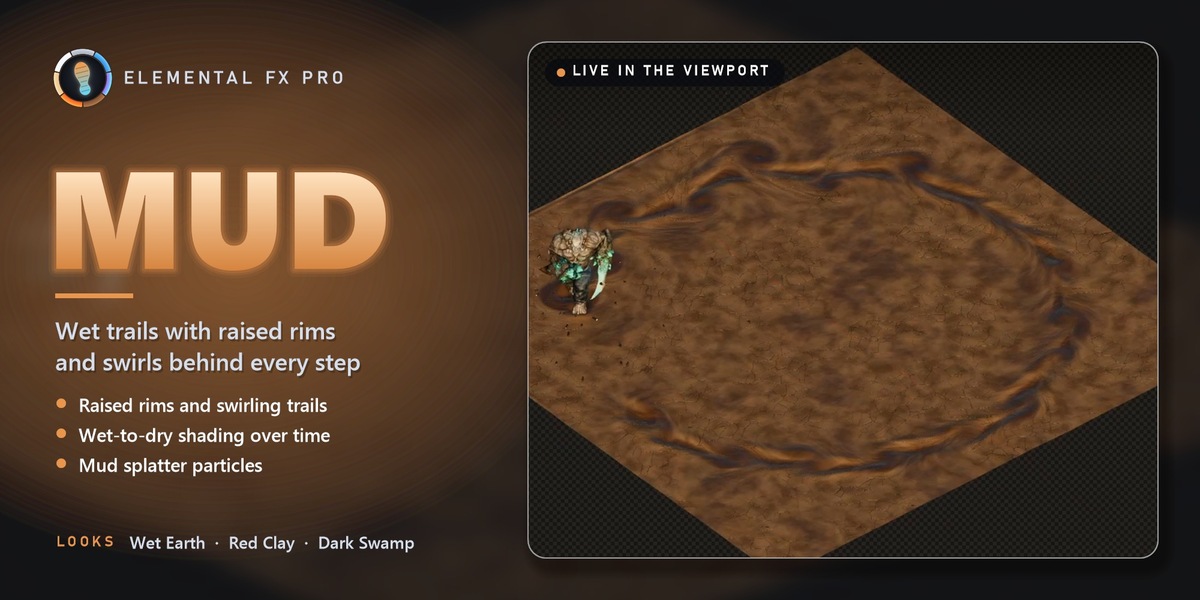
MUD
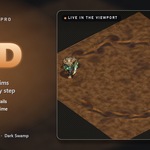
Wet trails with raised rims and swirls, wet-to-dry shading and splatter.
LOOKS Wet Earth · Red Clay · Dark Swamp
≈
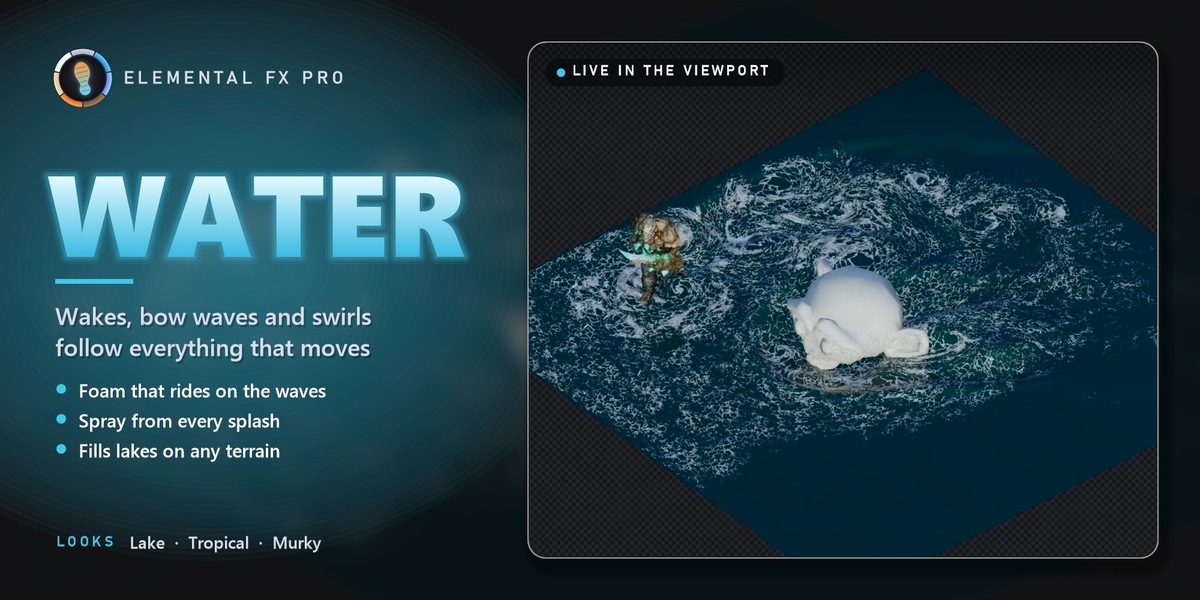
WATER
Wakes, bow waves and swirls, with foam and spray that follow the waves.
LOOKS Lake · Tropical · Murky
☁︎
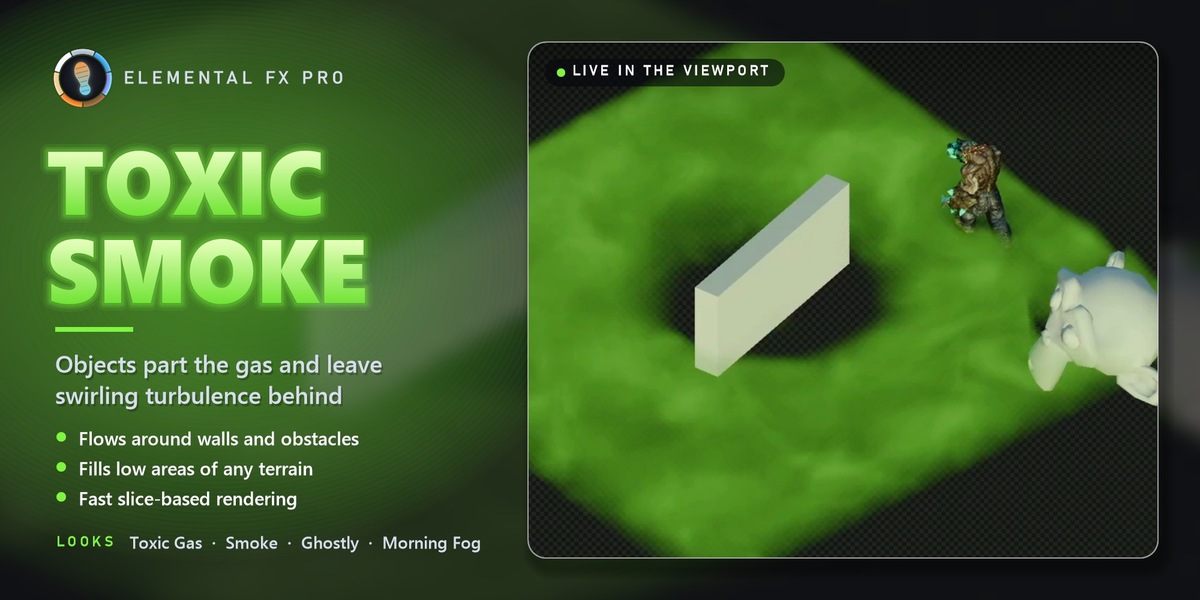
FOG & TOXIC SMOKE
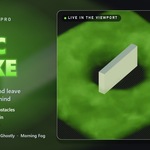
Objects part a fog bank and leave turbulence behind — and it renders fast.
LOOKS Toxic Gas · Smoke · Ghostly · Morning Fog
▲
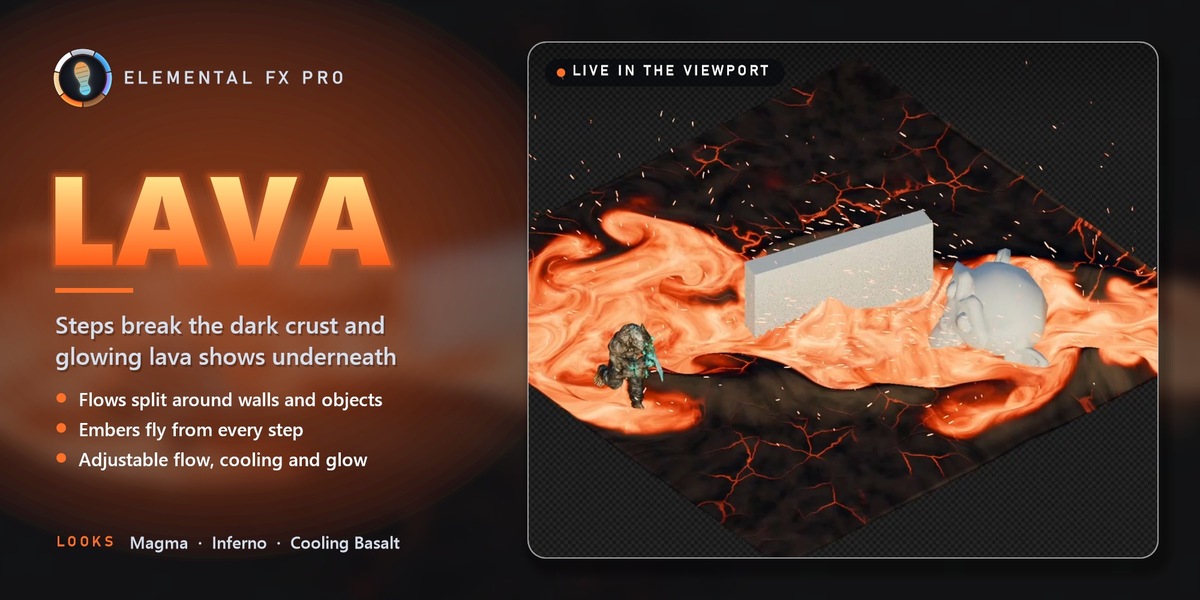
LAVA
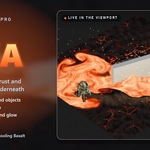
Steps break the dark crust and glowing lava shows underneath; flows split around walls.
LOOKS Magma · Inferno · Cooling Basalt
✦
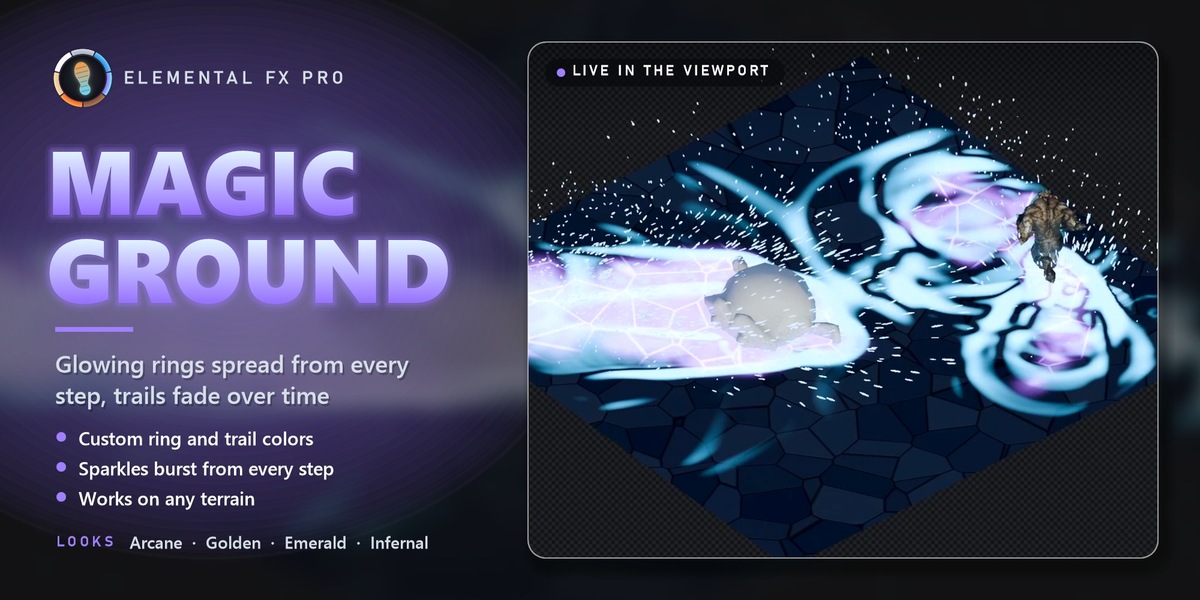
MAGIC GROUND
Glowing rings spread from every step, and the trails fade over time.
LOOKS Arcane · Golden · Emerald · Infernal
24
ONE-CLICK LOOKS
Every preset is a starting point: colors, glow, foam, bump and fog density are all open in the Look panel.
PROCEDURAL · NO IMAGE TEXTURES
HIGHLIGHTS
Everything you need to make it yours
Colliders & obstacles
Pushers press in and plow; obstacles make flows and fog go around them. Rigged, deforming characters are supported.
Emitters
Pour sand onto a mountain top and watch it slide down, or drop water, lava or fog anywhere. Keyframe the rate.
Force fields
Wind, vortex, attract / repel and turbulence push the material and the particles around.
Particles everywhere
Sand grains, snow powder, mud splatter, water spray, lava embers and magic sparkles — and they give their material back when they land.
One-click Test Runner
An animated running mannequin crosses your surface: the quickest way to see footprints, splashes and parted fog.
Bake to disk
Cache the frame range for scrubbing, final renders and render farms. The cache travels with the .blend file.
7
SIMULATIONS
24
LOOK PRESETS
5–50 ms
PER FRAME ON CPU
0
DEPENDENCIES
QUICK START
From install to footprints in 60 seconds
| 1 | Drag and drop the zip into the window and click Install. |
| 2 | Open the 3D Viewport sidebar (N), go to the Elemental FX tab and pick a medium, e.g. Snow. |
| 3 | Click Runner Demo: a surface, a light, a camera and a running mannequin are created. |
| 4 | Press Space. Footprints appear as the runner crosses the surface. Bake before the final render. |
IN THE BOX
What's included
THE ADD-ON
elemental_fx_pro-1.0.1.zip
Extension format — drag & drop install.
DEMO SCENES
Elemental_FX_Pro_Demo_Scenes.zip
Seven ready-to-play .blend files, one per medium.
DOCUMENTATION
Documentation tab
Every panel and setting explained on this page.
COMPATIBILITY
Works where you work
GOOD TO KNOW
Quick answers
Q. Do I need to bake?
Not for previews — it runs live while you play. Bake once for final renders and render farms.
Q. Does it work with rigged characters?
Yes. Mark the character (or just its feet) as a collider with Shape: Mesh; deforming meshes are sampled every frame.
Q. Is it a full 3D fluid simulator?
No — it is a fast height-field solver built for ground interaction: trails, footprints, waves, fog parting and flowing layers. For splashing 3D liquids, use a FLIP solver.
NEW IN 1.0.1
Smoother contacts: no more spiky, flickering rims around colliders and no comb-like stripes down trail walls. Pushed snow and sand on scene layers now settle into clean rims and trench walls, and large mesh colliders keep a smooth outline.
ELEMENTAL FX PRO
Make the ground part of the performance.
Questions, bugs or ideas? Use the Support button on this page and include your Blender version, your OS and, if you can, a small .blend file.