 Sonneblom Digitaal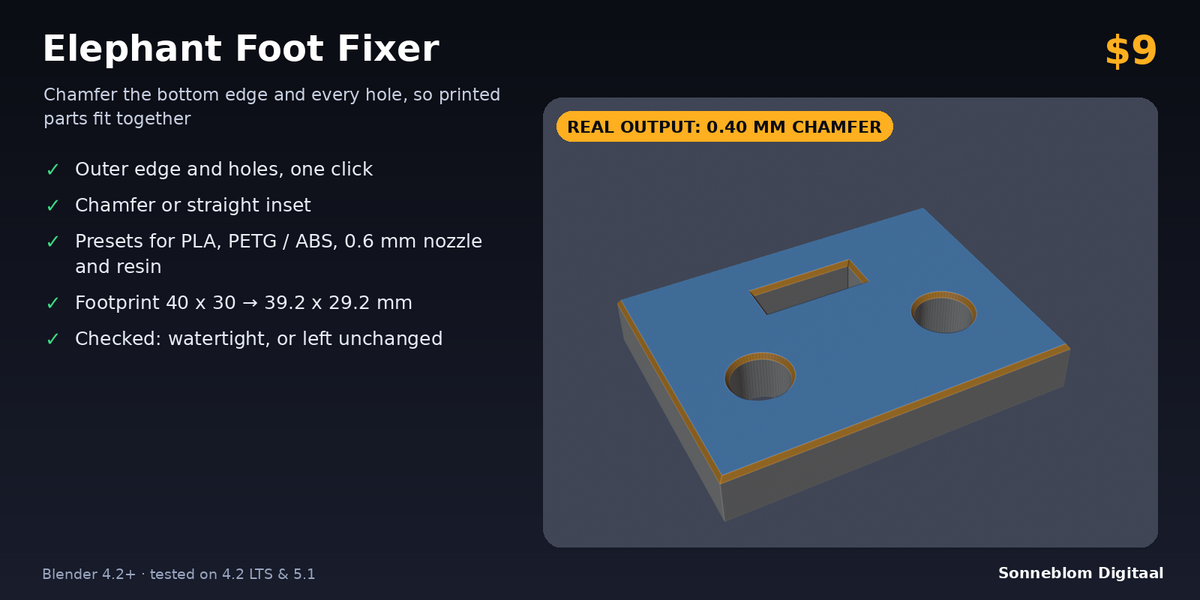
What it does
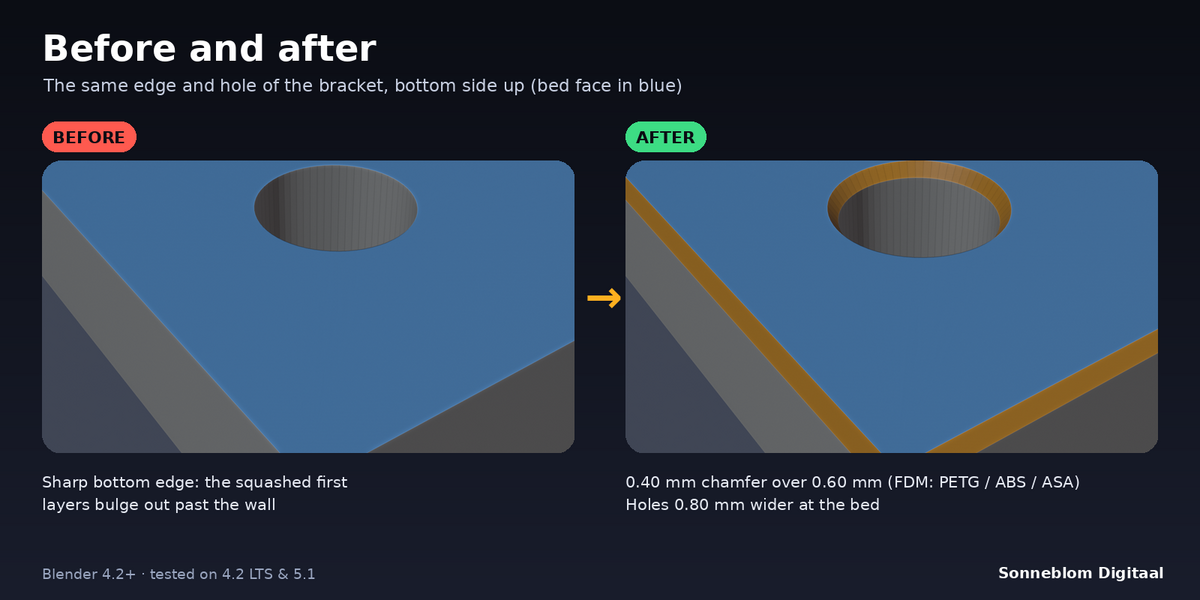
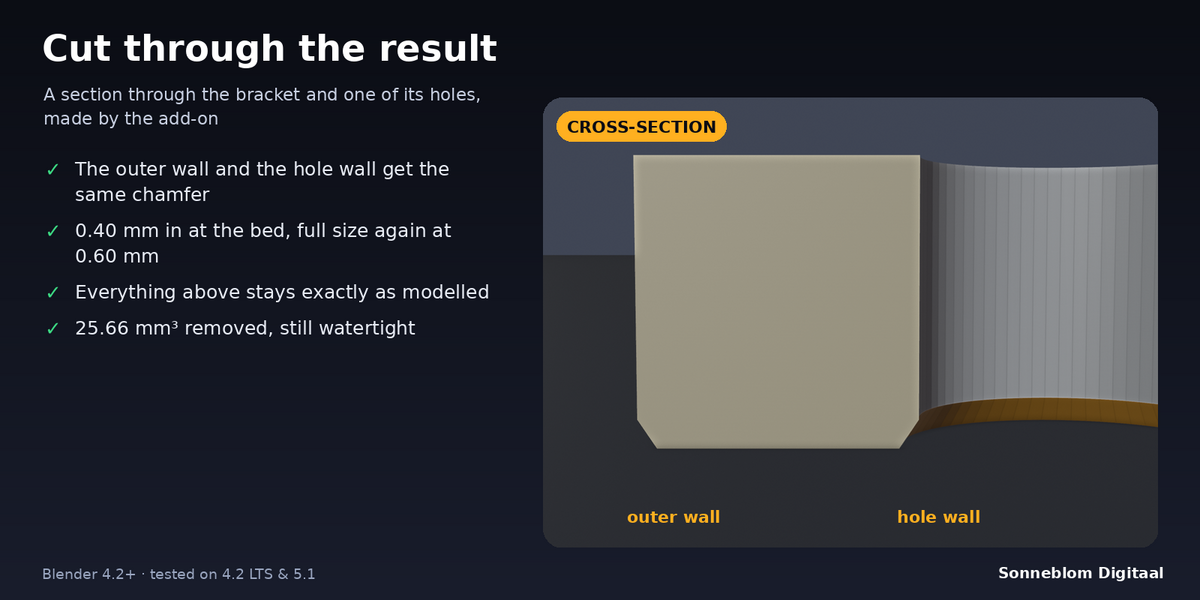
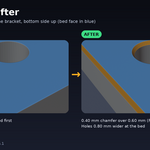
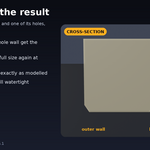
Elephant Foot Fixer cancels elephant foot in 3D prints. That is the bulge you get when the first layers are squashed onto the bed and spread past the wall. It finds the faces that lie on the bed and pulls the bottom outline into the part by a set amount, usually 0.2 to 0.6 mm. It does this on the outer edge and around every hole. The wall then tapers back to its original position, so everything above the first layers stays exactly as you modelled it. The mesh stays closed (watertight), and the add-on checks this after every run.
Who it's for
Makers who print parts that have to fit: press-fit joints, enclosures and lids, holes for screws, bearings and pins, snap-fits and multi-part assemblies. It is also for Blender users who prepare STL files for clients or print farms and want the fix in the model itself, instead of relying on each slicer's settings.
Key features
- One click, any closed mesh: finds the bed faces by itself (the lowest flat faces of each object), including meshes from STL files and boolean cuts.
- Outer outline and holes: the footprint gets smaller and every hole in the bottom gets bigger, by the same amount.
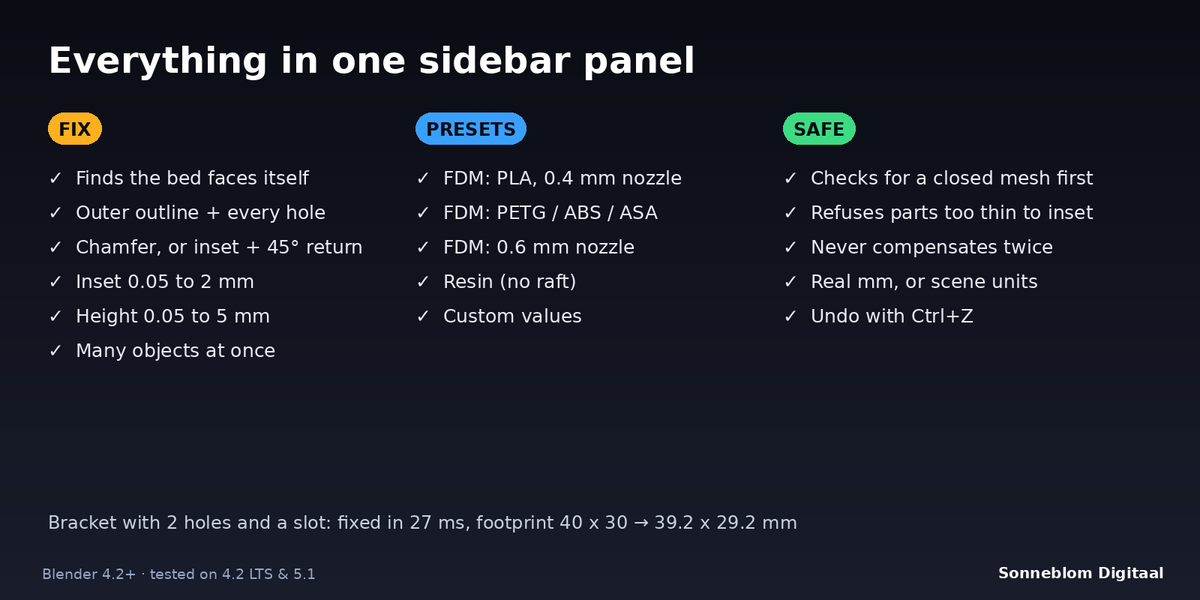
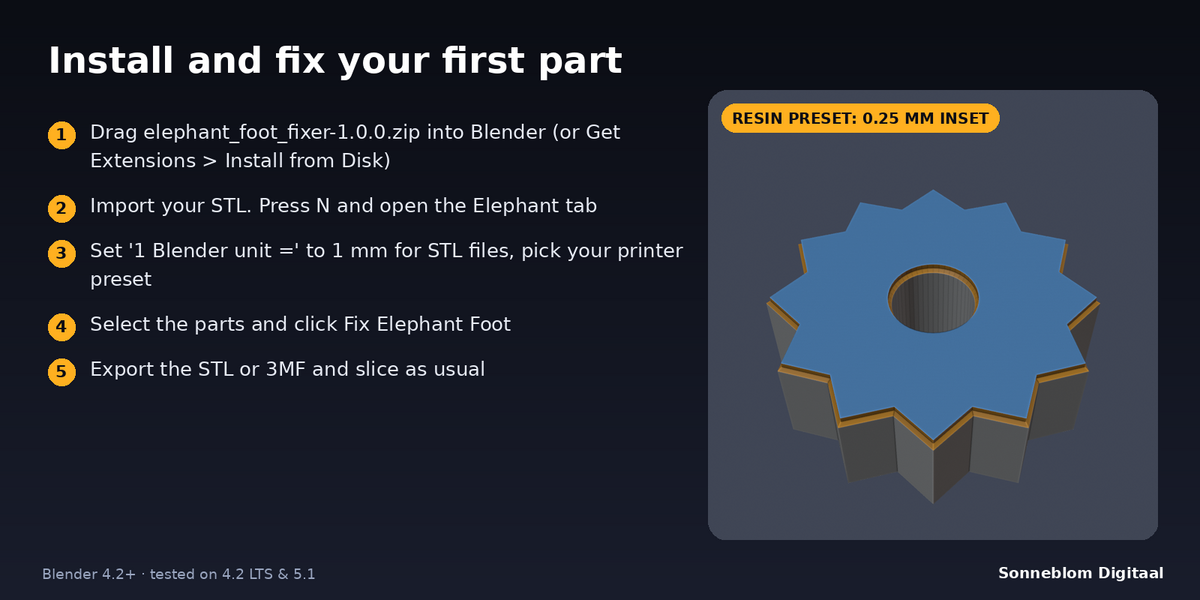
- Two shapes: Chamfer (a straight taper from the full inset at the bed to nothing at the set height) or Inset (the full inset straight up to the height, then a 45° return to the wall, with no overhang).
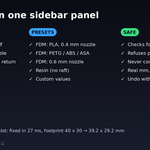
- Presets per printer type: FDM PLA with a 0.4 mm nozzle, FDM PETG / ABS / ASA, FDM 0.6 mm nozzle, and resin without a raft. You can also enter your own values (inset 0.05-2 mm, height 0.05-5 mm).
- Exact geometry: the walls are cut at the top of the zone, so a 0.4 mm chamfer is exactly 0.4 mm. Corners are mitred correctly.
- Safe: open meshes, parts without a flat bottom and features too thin for the inset are refused with a clear reason, and the mesh is left untouched. A part is never compensated twice.
- Many objects at once: each selected object is measured from its own lowest point. Rotation and unapplied scale are handled, and linked duplicates are done once.
- Check Footprint: shows the number of outlines and holes, the footprint size and the bed area without changing anything.
- Report after every run: footprint size before and after in mm, the volume removed, and whether the mesh is watertight.
How to use
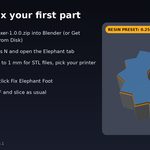
- Install the zip, press N in the 3D Viewport and open the Elephant tab.
- For STL files, set 1 Blender unit = to 1 mm. Then pick your printer in Printer, or set the inset and height yourself.
- Select one or more parts and click Fix Elephant Foot.
- Read the report, then export as STL or 3MF and slice as usual (turn off your slicer's own elephant-foot compensation so the bottom edge is not done twice).
Compatibility
Blender 4.2 LTS or newer, tested on 4.2 LTS, 5.1 and 5.2 LTS. It installs as a Blender extension (Get Extensions > Install from Disk), and a legacy add-on zip is included.
Good to know
- The mesh must be closed (watertight). Repair open meshes first, for example with Print Fix or the 3D-Print Toolbox.
- Only faces that lie flat on the bed count. A part that stands on a point, an edge or a curve (like a sphere) has no footprint, and it is refused.
- The add-on works on the mesh itself, not on modifier results. Apply modifiers first if they change the bottom.
- Parts of the footprint narrower than twice the inset (thin fins, narrow necks) are refused, not squashed. Use a smaller inset for those parts.
- The flat bottom face is rebuilt as clean triangles, so any UVs or detail on the bottom face itself are not kept.
- Measure your own printer: print a test cube and measure the bulge at the bottom with calipers. The presets are starting points.
Support
Questions or a bug? Use the Superhive product page messages and we reply within a day.