Elephant Foot Fixer
 Sonneblom Digitaal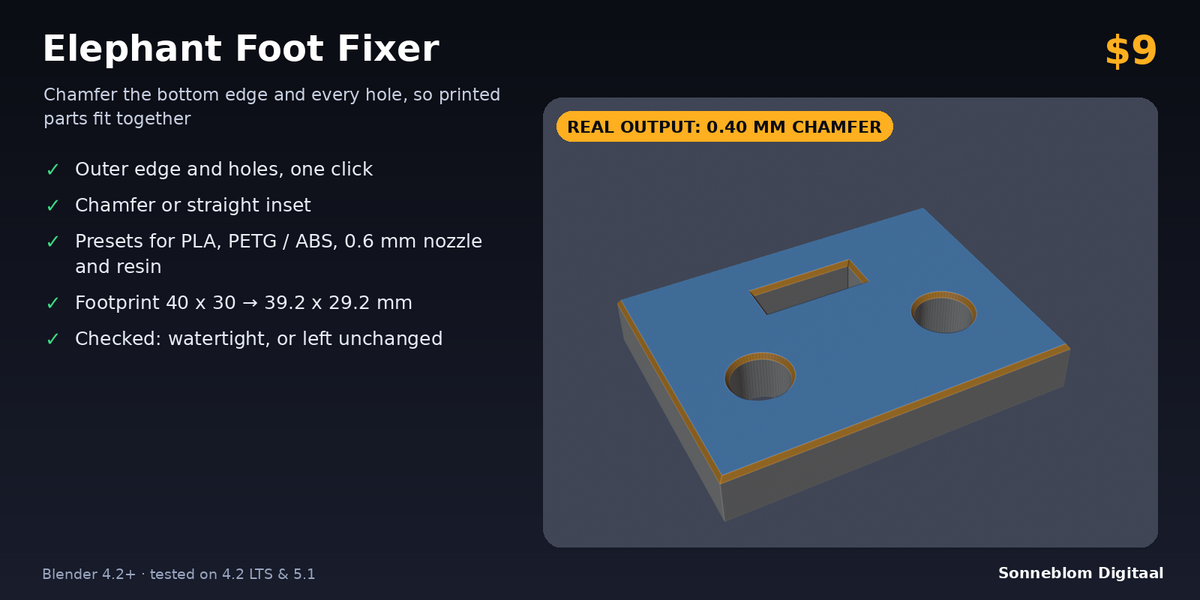
Doesn't my slicer already do this?
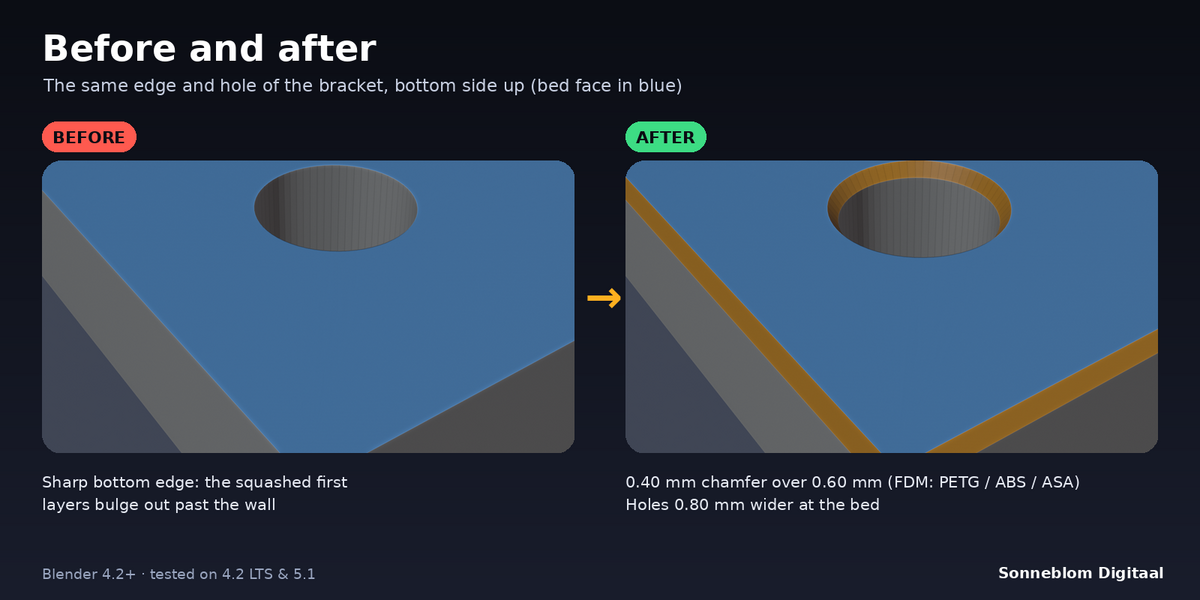
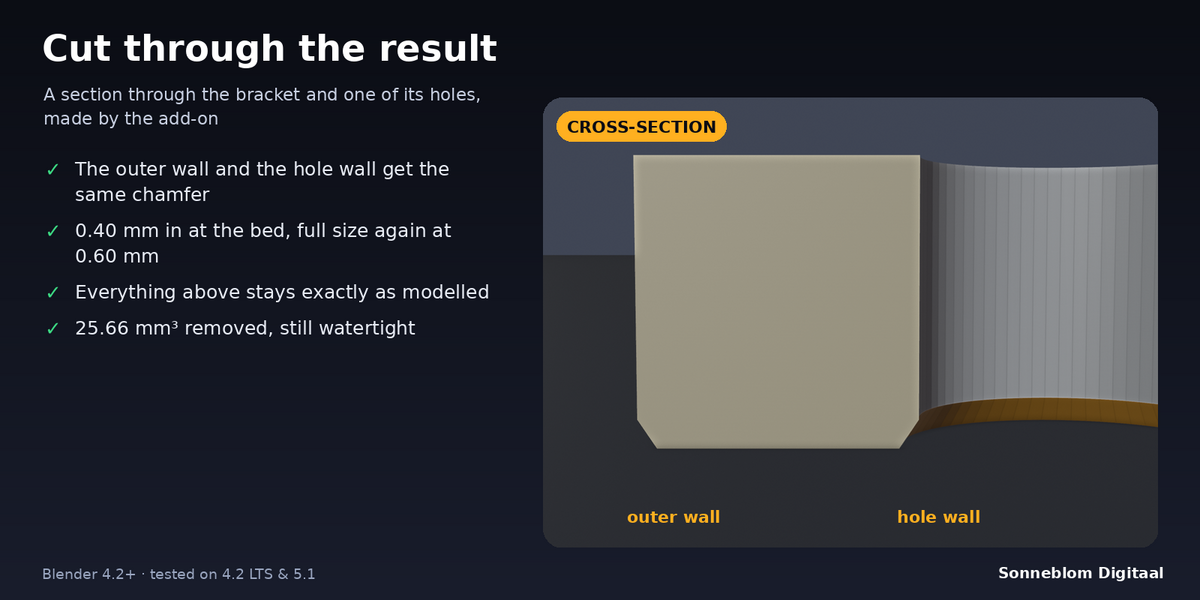
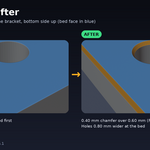
Some slicers have an elephant-foot setting, but it only shrinks the first layer and often ignores holes. Others have no such setting. This add-on changes the model itself, on the outer edge and around every hole, with a chamfer that tapers over the height you choose. The STL then prints the same in any slicer or print farm. Turn the slicer's own compensation off for parts you fixed here.
Which inset should I use?
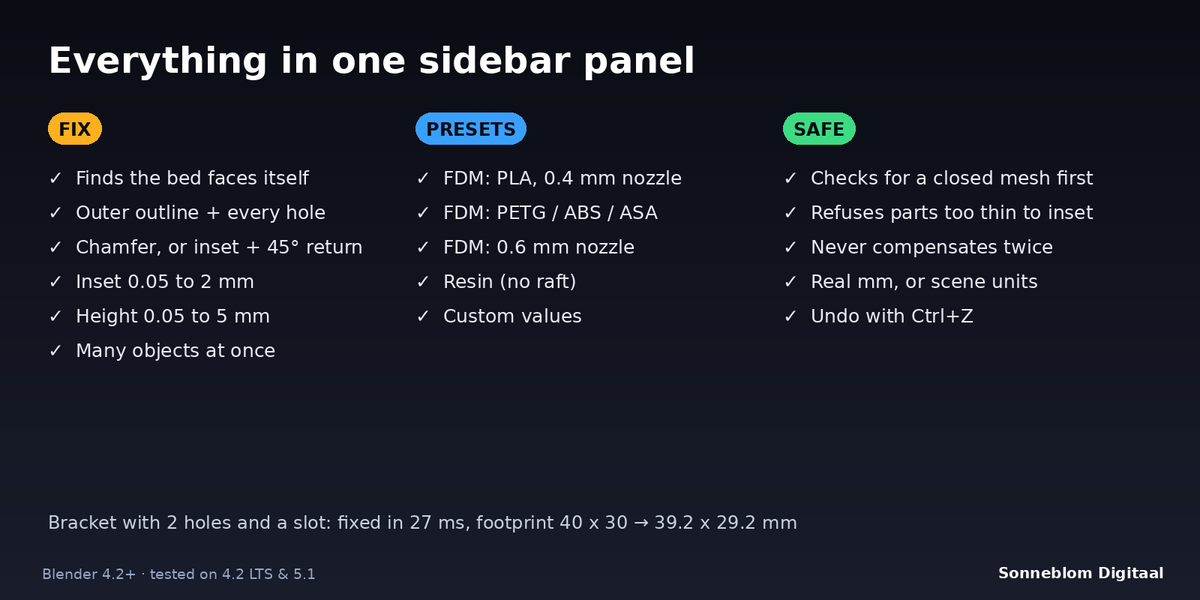
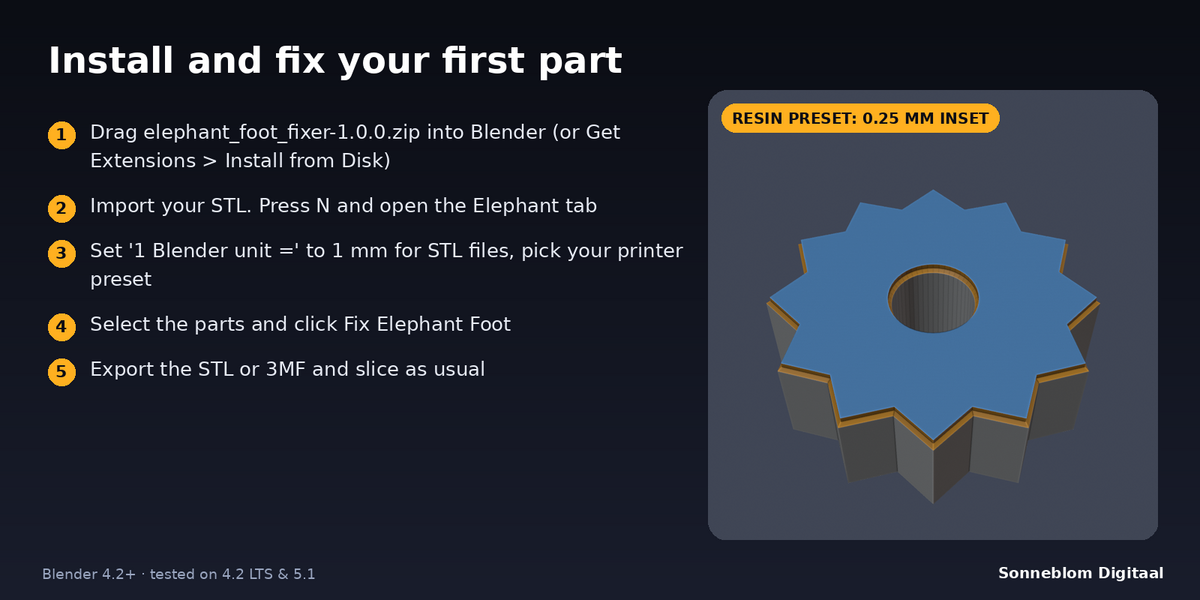
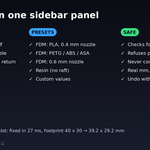
Start with the preset for your printer: 0.3 mm for PLA, 0.4 mm for PETG / ABS / ASA, 0.5 mm for a 0.6 mm nozzle, 0.25 mm for resin. For an exact value, print a 20 mm cube, measure the bottom edge and the middle with calipers, and use half of the difference.
Does it work on STL files with holes in the bottom?
Yes. Every hole that reaches the bed is found and made bigger by the inset at the bottom, tapering back to its real size at the set height. The tests cover round and square holes cut with booleans.
My model is huge or nothing seems to change. Why?
Check 1 Blender unit =. With Blender's default scene, 1 unit is 1 m, so a 20 mm STL imported as 20 units is 20 m and a 0.3 mm inset is tiny. Choose 1 mm for STL files. The report adds a note when a model looks like it is in the wrong units.
Will it break my mesh?
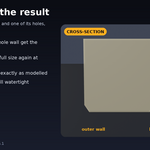
No. The add-on checks the result before it writes anything. If the mesh is open, has no flat bottom, or has a feature narrower than twice the inset, it leaves the object unchanged and tells you why. After a fix, the report says whether the mesh is watertight, and Ctrl+Z undoes it.
Have questions about this product?
Login to message
| Blender Extension Compatible | Yes |
| Published | 3 days ago |
| Blender Version | 4.2 - 5.1 |
| Extension Type | Add-on |
| License | GPL |
Discover more products like this
STL mesh tolerance 3d printing chamfer print prep elephant foot