 Sonneblom Digitaal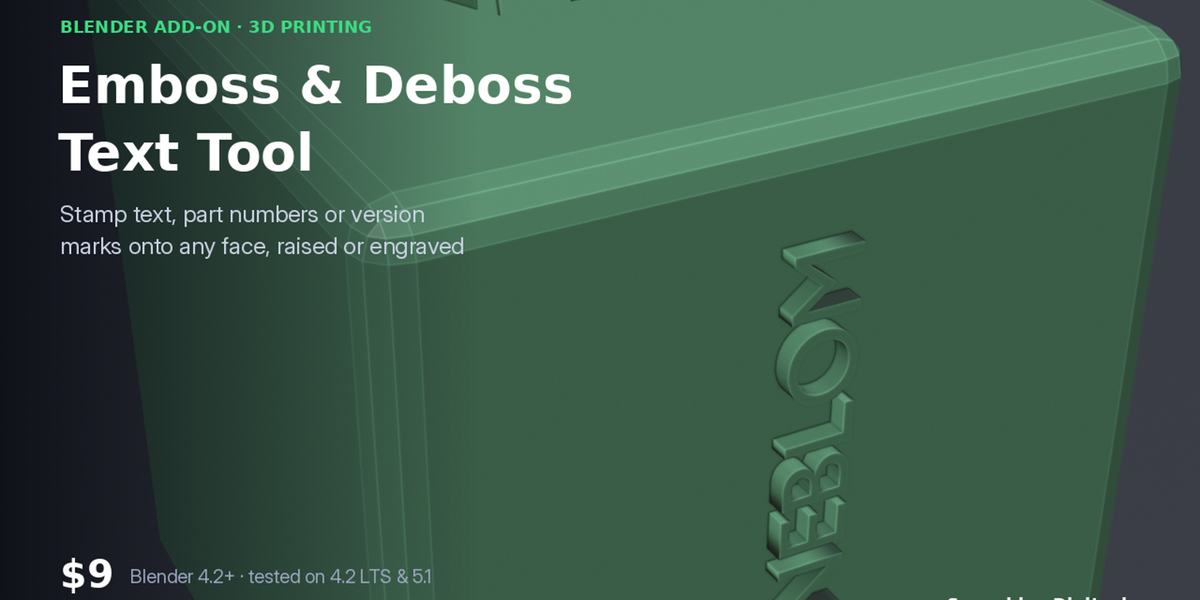
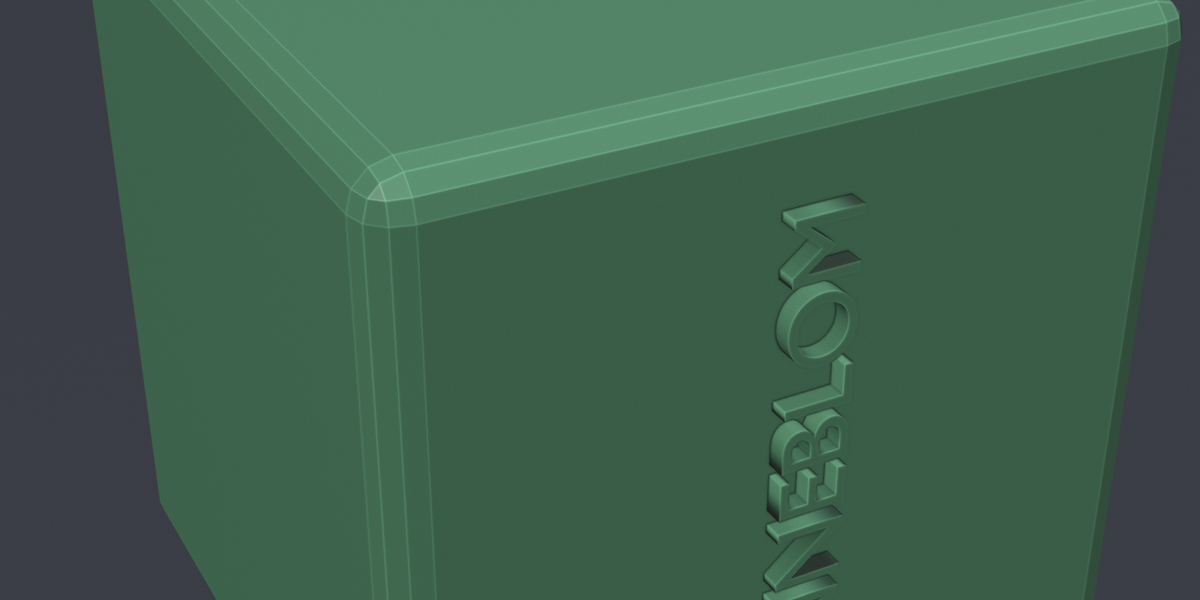
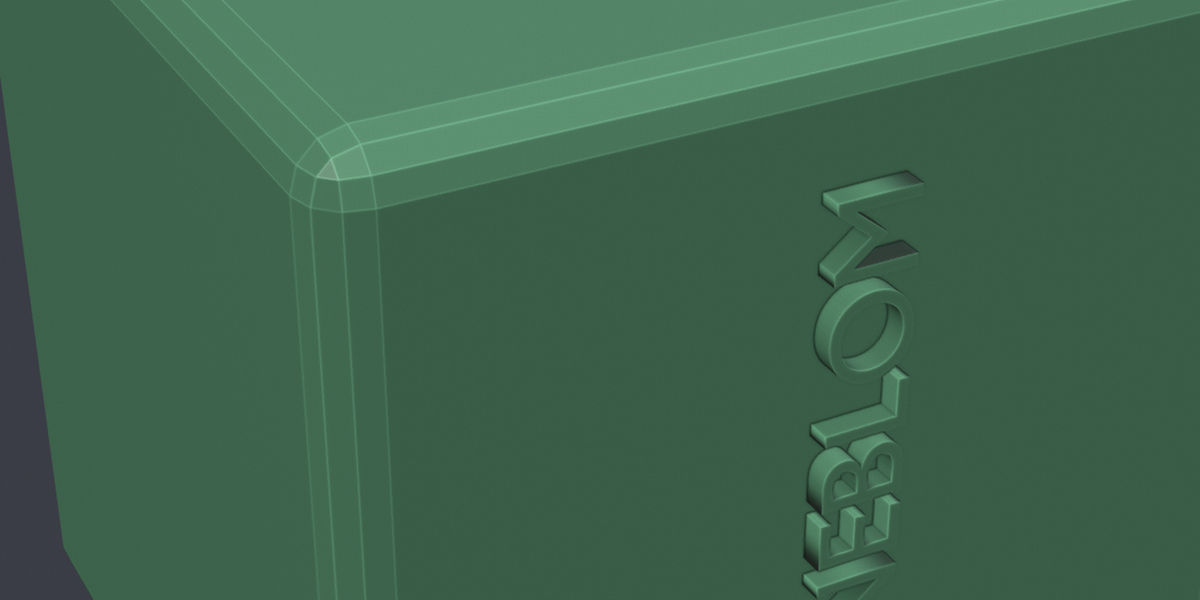
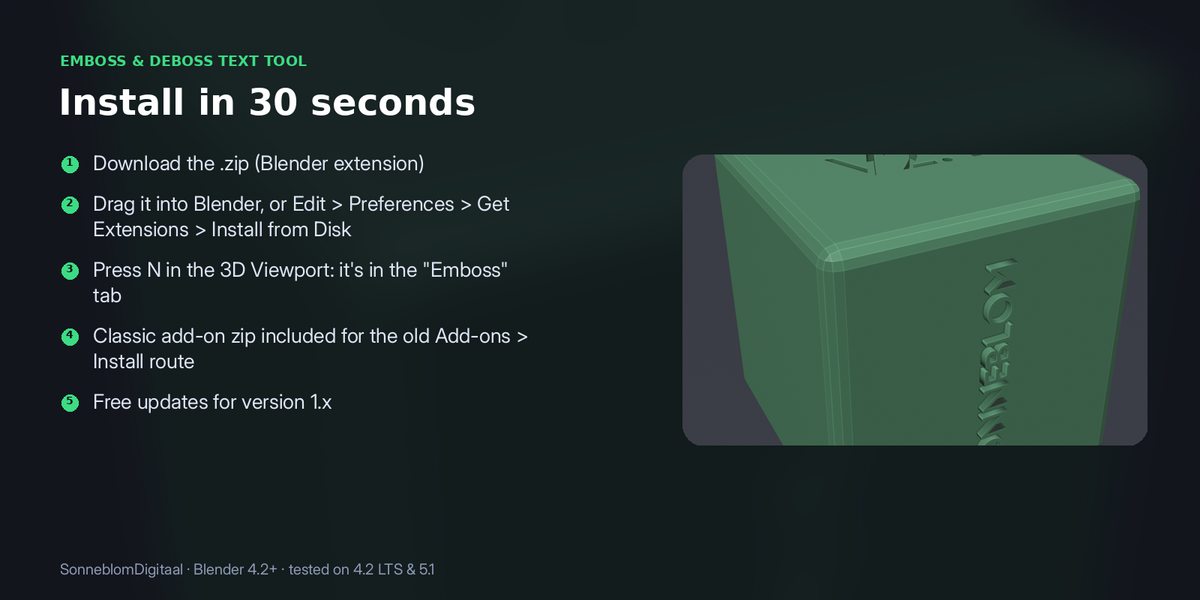

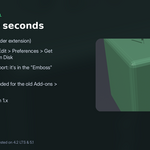
Pick a face (or let it use the top), type the text and choose raised or engraved. The text is aligned to the face, sized in mm and merged into your model as a watertight result, or kept as an editable object if you want to move it.
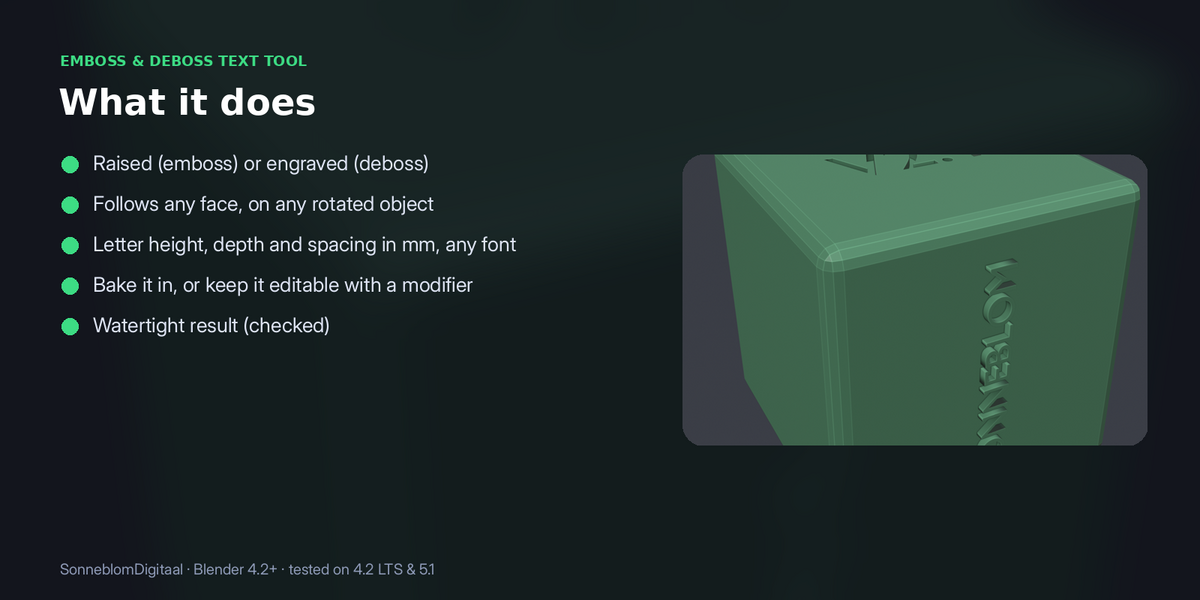
- Raised (emboss) or engraved (deboss)
- Follows any face, on any rotated object
- Letter height, depth and spacing in mm, any font
- Bake it in, or keep it editable with a modifier
- Watertight result (checked)
Requirements: Blender 4.2 or newer, tested on 4.2 LTS and 5.1
Works best on flat or gently curved faces; on strongly curved surfaces keep text short.