 SkyVFX
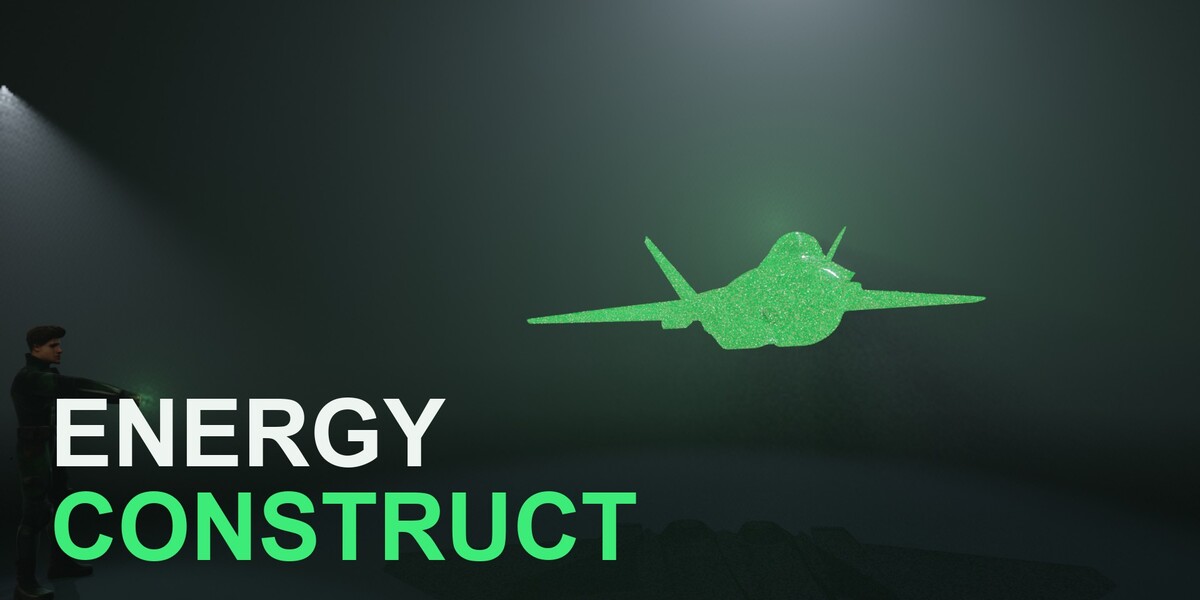
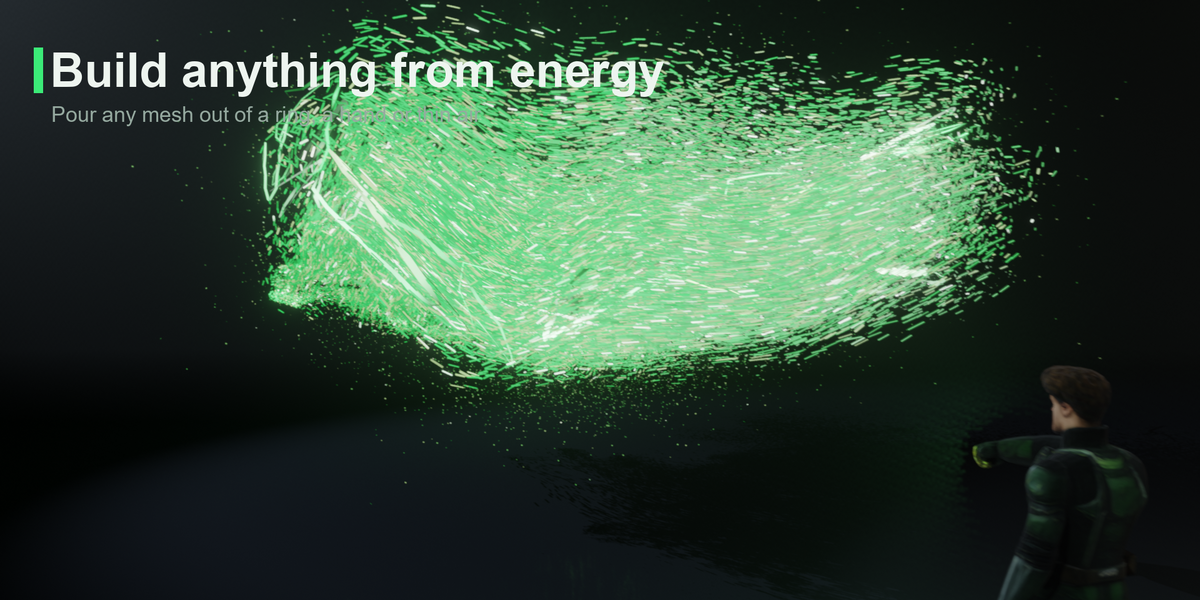
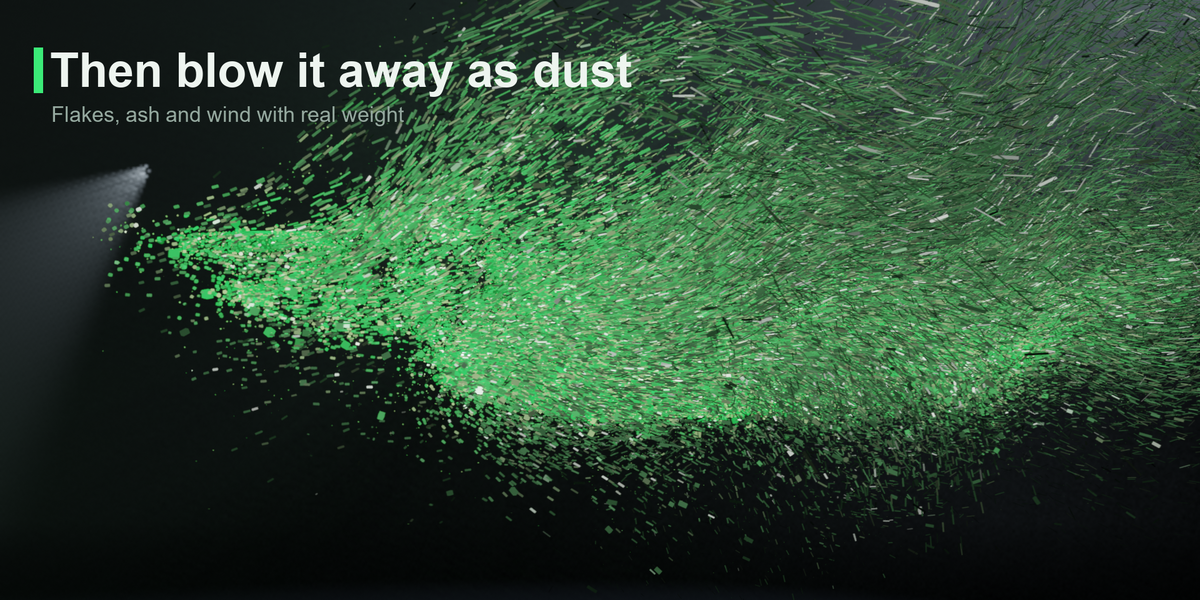
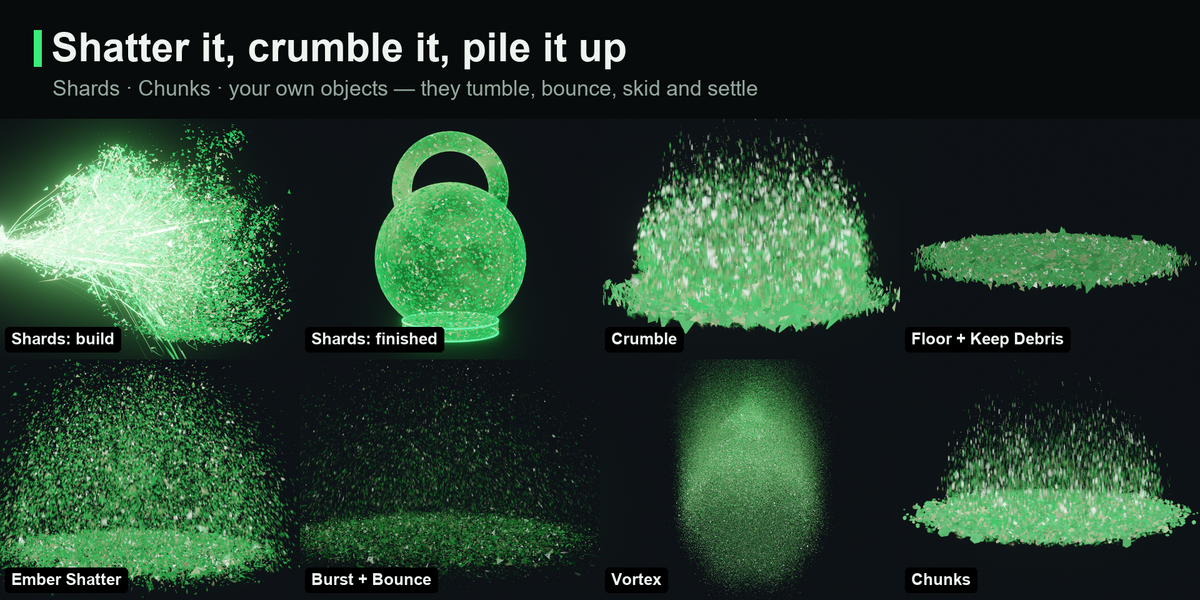

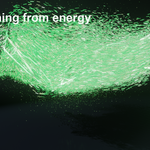
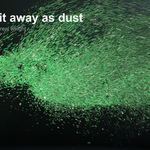

Energy Construct — Documentation
Install
Edit › Preferences › Get Extensions › ⌄ › Install from Disk… › pick energy_construct-1.1.1.zip (or drag the zip into the window). It enables itself.
Quick start (30 seconds)
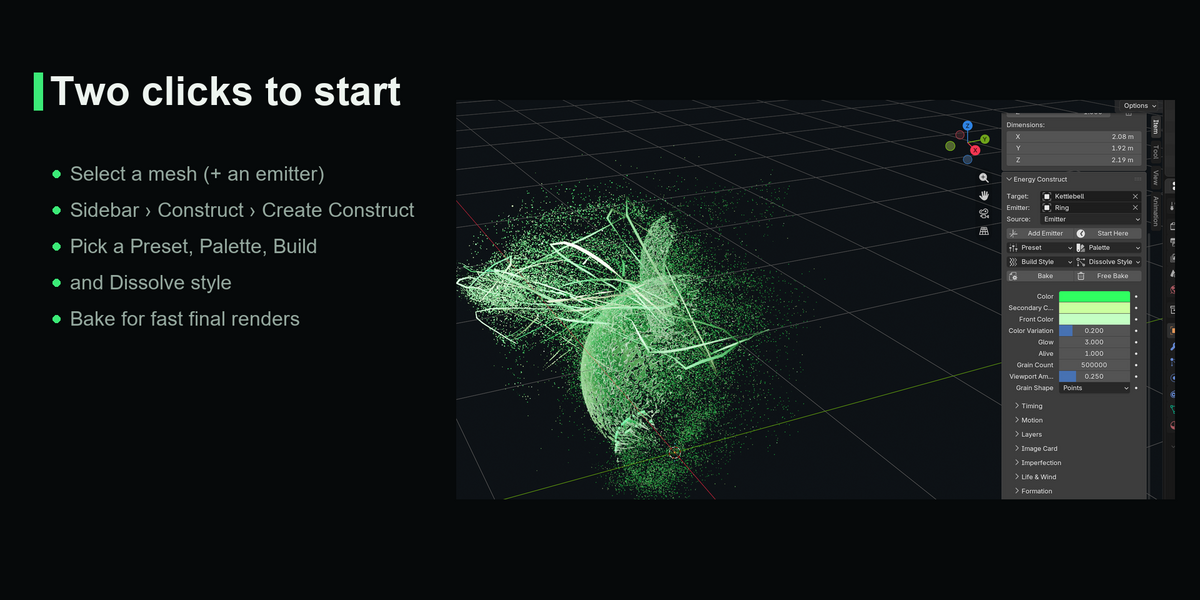
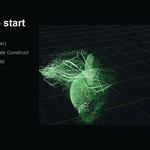
- Select the mesh you want to conjure. (Optional: shift-select a ring, hand or empty to pour from.)
- Sidebar (N) › Construct tab › Create Construct › pick a preset.
- Click Glow Render Setup for a dark world + bloom.
- Press play. The construct builds from the current frame, holds, then dissolves.
Your original mesh is hidden, not changed. The construct is a new object named EC_ plus the mesh name (e.g. EC_Suzanne), with one Geometry Nodes modifier. Edit or animate the original and the construct follows.
Main panel
| Control | What it does |
|---|---|
| Target / Emitter / Source | The mesh to build, the object energy pours from, and where grains come from: Air (condense nearby), Emitter, Burst (from the centre) |
| Add Emitter | Adds an empty at the 3D cursor and pours from it |
| Start Here | Moves the whole effect to start at the current frame |
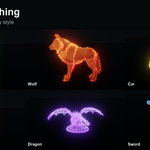
| Preset / Palette | Look presets / color sets (colors stay editable) |
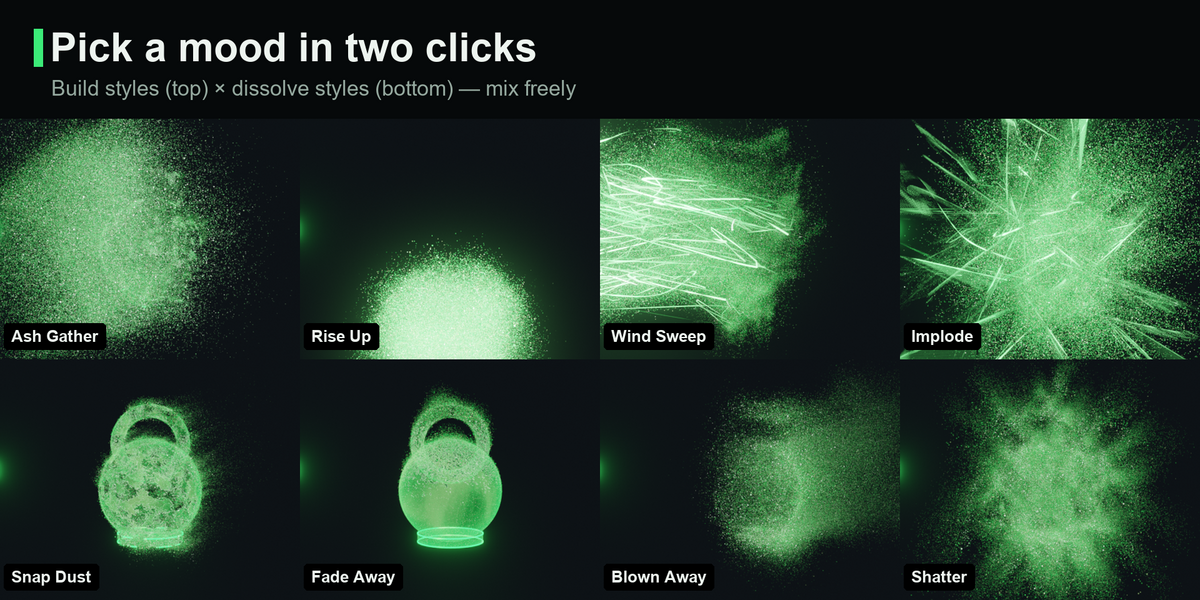
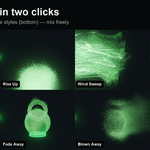
| Build Style / Dissolve Style | The mood of the build and of the ending; mix freely |
| Bake / Free Bake | Cache every frame next to the .blend for fast renders; Free it to edit again |
| Color, Secondary, Front | Main, accent and burn-front colors |
| Glow · Alive · Grain Count · Viewport Amount | Brightness · master for idle motion · grains at render · fraction shown in the viewport |
Sections
- Timing: Start Frame, Build Duration, Travel Time, Dissolve on/off, Dissolve Frame / Duration, Dust Life, Lifecycle (One Shot / Endless Build / Endless Dissolve / Endless Flow) with Looping Share (fraction of grains that keep cycling) and Loop Length (frames per cycle). Turn Dissolve off for a loop that never ends.
- Motion: Flow Type (Curl Grid / Curl / Noise), Motion Curve (+ custom curve), Ease In, Overshoot, Bounces, Travel / Curve Variation, Arc, Charge, Front Noise.
- Layers: Hot Color + Heat, Impact Flash, Mist, Sustain (keep feeding energy into the held construct), Trails (taper, width/glow variation, head glow, breakup, wiggle), Liquid ribbons.
- Image Card: settings used by Add Image Card.
- Imperfection: Clumping, Thickness, Settle Tighten (crisp finish), Chunks.
- Life & Wind: Alive, Wind, Gust, Flicker, Breath, Shed.
- Formation: Build Pattern, Swirl, Snap, Turbulence, Strands, Air Spread / Direction, Build Flake, Vortex Mode (Column / Swirl) with Turns, Funnel and Lift.
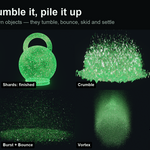
- Grains: Size, Variation, Streaks, Grain Shape pieces (Shards / Chunks / Custom + Grain Collection, Piece Size, Spin, Align to Velocity), Override Material, Shimmer, Write Velocity, Surface Hug, settled look.
- Inner Energy: flowing light inside the body + inner sparks.
- Dissolve Style: Pattern, Drift, Flake, Ash Color / Amount, Dust Weight, Size Drag, Turbulence, Amount, Scatter, Burst, Dust Vortex / Inflow / Vortex Object, Dissolve Mask (vertex group name: only painted areas dissolve).
- Collision: Floor, Floor Height, Bounce, Friction, Keep Debris, Debris Glow. Pieces and dust land, skid and pile up; no cache needed.
- Front Object (Formation): with Build / Dissolve Pattern = From Object, the front spreads out from this object.
- Shell: glass body opacity, reveal lag/fade, edge lines.
All distances and sizes are relative to the object's size, so a preset looks the same on a ring-sized prop and on a building.
Image cards
Panel › Add Image Card › pick a PNG or JPG. A card with the image's aspect ratio is created at the 3D cursor, facing the camera, and a construct is built from it. Transparent pixels get no grains.
Rendering and speed
- EEVEE: use Glow Render Setup (AgX + bloom). Cycles works too.
- Motion blur works in Points mode (velocity is written). Switch Write Velocity off if you don't use motion blur (about 45 % faster).
- Heavy shots: Bake first. A bake is disk-heavy (about 1 GB per 190 frames at 150k grains); Free it when you're done.
- More grains = brighter: when you raise Grain Count, lower Glow or Grain Size.
- Render farms / several machines: Bake first and render from the bake. Two separate Blender sessions can scatter a tiny fraction of the grains differently (about 0.05 %), so frames rendered on different machines without a bake may not match exactly.
Files it creates, and uninstalling
- The only files it writes are bake caches, in an
ec_bakefolder next to your .blend (or Blender's temp folder for an unsaved file). Free Bake deletes them; you can also delete the folder. - Nothing else is written: no downloads, no network, no system changes. Constructs live inside your .blend file.
- Uninstall: Edit › Preferences › Get Extensions › Energy Construct › Uninstall. Saved files keep their constructs (Geometry Nodes groups
EC ...), they just lose the sidebar panel.
Known limits
- Grains sit on the surface (no interior volume fill).
- Curl Grid needs 5.0+; on 4.4 it falls back to per-grain curl automatically.
- Experimental features (Energy Beam) are hidden: Preferences › Add-ons › Energy Construct › Experimental Features.
Changelog
1.1.1
- Lifecycle (Timing): One Shot, Endless Build, Endless Dissolve, Endless Flow, with Looping Share and Loop Length. A share of the grains keeps pouring in and/or peeling off in a loop while the construct stays whole: idle loops, backgrounds, game VFX. Still scrubbable, no cache; Dissolve still ends the shot.
- Every setting now has a tooltip.
- Smaller download; constructs from 1.1.0 show the Upgrade button and keep their settings and keyframes.
1.1.0
- Grain Shape: Shards, Chunks and Custom (objects from a collection) with Spin, Align to Velocity and Piece Size.
- Collision: Floor, Bounce, Friction, Keep Debris (piles), Debris Glow. Closed form, scrubbable.
- Dust forces: Burst, Dust Vortex + Vortex Inflow (optional Vortex Object).
- Dissolve Mask (vertex group), Pattern "From Object" (controller empty), Override / Debris Material.
- New Dissolve Styles: Crumble, Ember Shatter, Vortex.
- Upgrade Construct: one click moves a construct made with an older version onto the new features, keeping its settings.
1.0.0 — first release
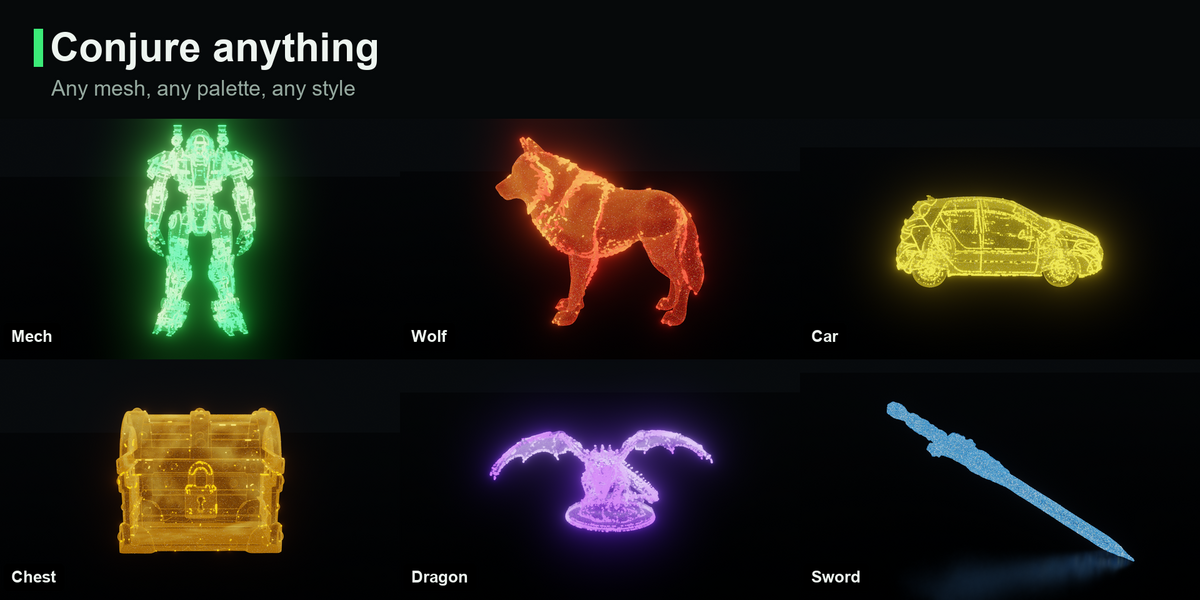
- Create Construct from any mesh: grains pour from an emitter, condense from the air or burst from the centre, lock into a glass "hard-light" body, then dissolve into dust.
- 7 presets, 6 build styles, 4 dissolve styles, 9 color palettes.
- Motion: curl flow (cached on a voxel grid on 5.0+), 6 motion curves + custom curve, anticipation charge, per-strand timing and arcs.
- Layers: mist, tapered leader trails, hot-to-cool color, impact flash, sustain stream, liquid ribbons, edge lines, inner energy and sparks.
- Disintegration with weight: flakes, ash color, dust weight, size drag, wind and gusts.
- Add Image Card: build and dissolve any PNG/JPG as a camera-facing card.
- Bake / Free Bake for fast final renders.
- Tested on 4.4 and 5.2 LTS.
Have questions about this product?
Login to message
| Blender Extension Compatible | Yes |
| Published | about 7 hours ago |
| Blender Version | 4.4 - 5.2 |
| Extension Type | Add-on |
| Render Engine Used | Cycles, Eevee |
| License | GPL |
Discover more products like this
Dissolve hologram energy VFX particles magic Disintegrate sci fi motion graphics shatter geometry nodes procedural