 Skava
Skava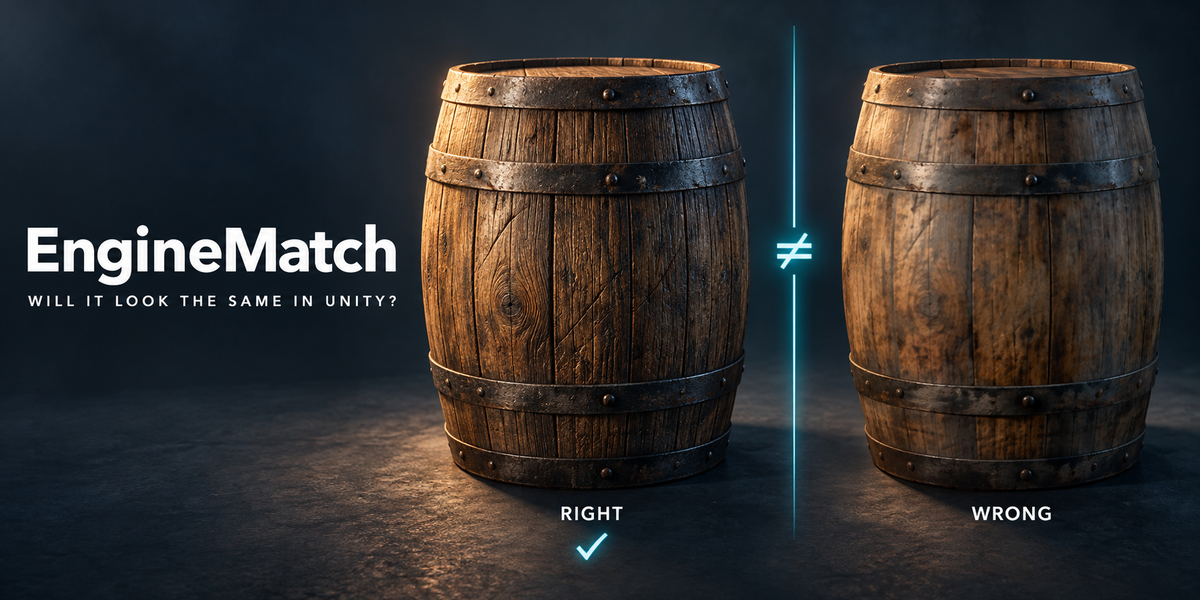
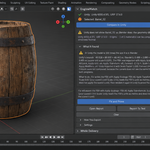
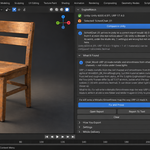
Do I need Unity installed?
Yes: Unity 6 or Unity 2022.3 LTS, installed with Unity Hub and activated (Personal is fine). EngineMatch finds it by itself. It renders in its own throwaway Unity project and never opens yours.
Windows or Mac?
Both. It has been run and checked with Unity on macOS (Metal) and Windows 11 (Direct3D 11). Linux has not been checked, and there it says so instead of starting.
How long does a check take?
The first check sets up EngineMatch's own Unity project: about 2 to 6 minutes, once. After that, usually under a minute or two: on 265 library checks it took 9 to 33 seconds for 95% of them on an Apple M4, and 32 to 134 seconds for 90% of them (half under 49 seconds) on a 2017 laptop with a GTX 1050 Ti. A very heavy model takes longer: a tree of 8 million triangles took 3 to 4 minutes on the M4 and 7 to 30 minutes on the laptop. Blender stays usable while it runs, and Cancel stops it.
What does it compare?
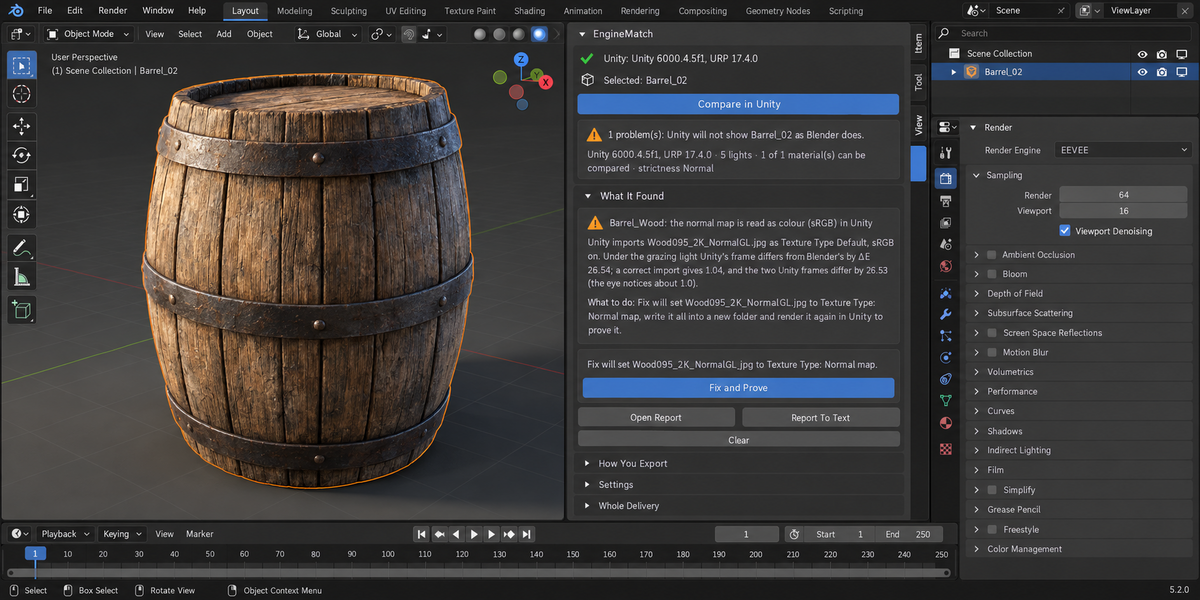
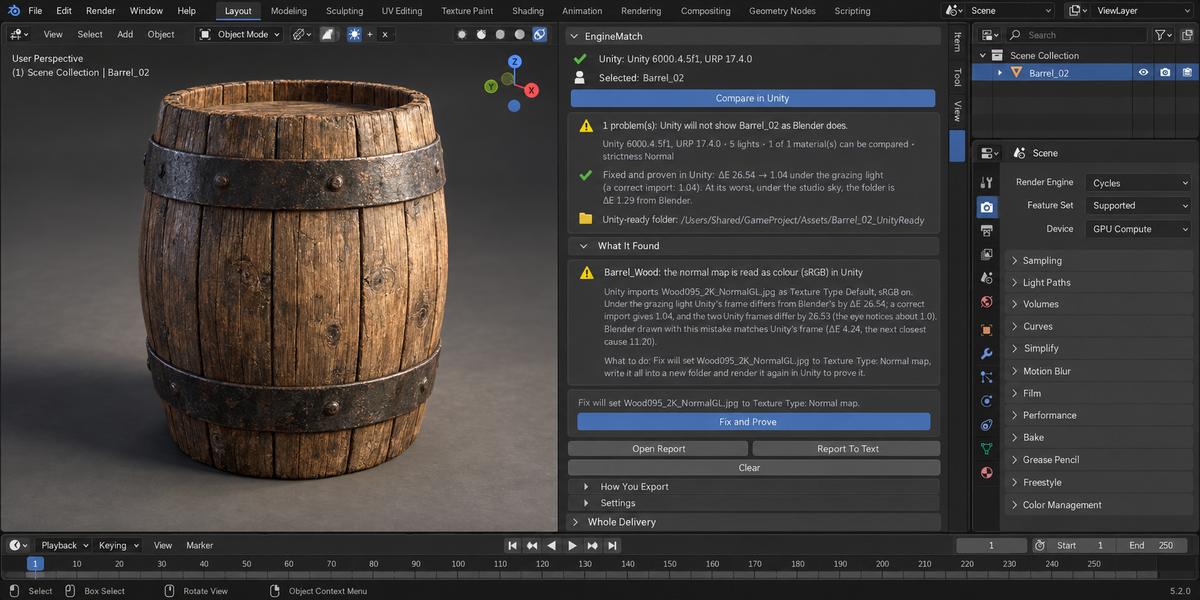
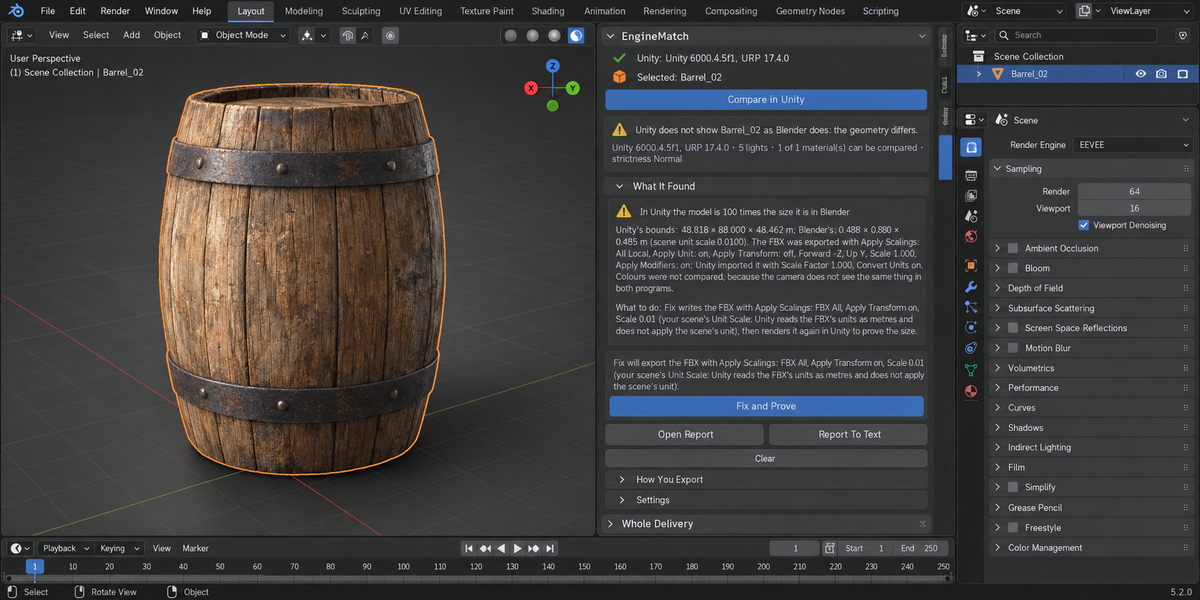
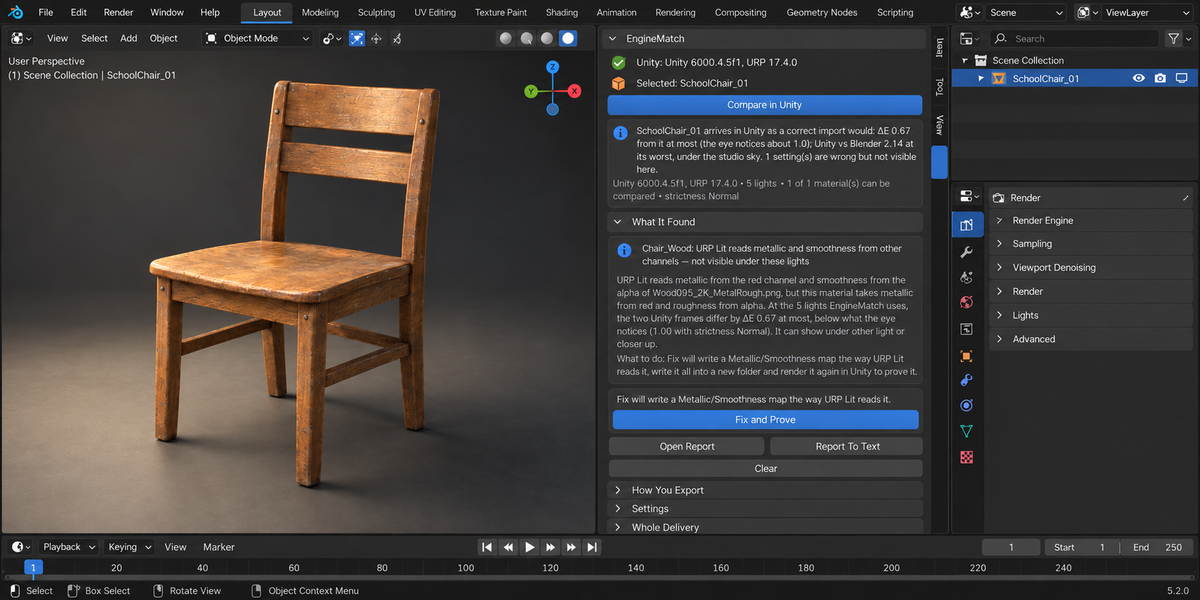
Your model rendered in Unity URP the way you export it, against Blender's EEVEE render with the same camera and five lights, pixel by pixel in ΔE2000 (1.0 is what the eye just notices). A correct delivery is rendered in the same Unity run, and your delivery is judged against it inside the same engine; what URP simply draws differently from EEVEE is printed as its own number (ΔE 1.1 to 4.3 on our plain test materials, up to 7.5 on models' own materials) and is not counted as your mistake. On 44 library models given a correct delivery, 40 were reported as matching; on three EngineMatch named what Unity really draws differently (back faces on a tree and a fence, shape keys on a wheel rim), and on one statue with shape keys it named a shading difference just above what the eye notices (ΔE 1.12 on Windows, 0.76 on the Mac, where it was reported as matching).
What does Fix change?
Nothing in your Unity project, and nothing of your objects, materials or scene settings. It writes a new folder you choose — FBX, textures, Unity's .meta files and URP materials — renders that folder in Unity again, and shows the numbers before and after.
What if my Unity is open?
EngineMatch asks you to close it: it does not start a second copy next to yours.
Windows showed an error window during a check — what now?
Sometimes a helper process of Unity itself crashes on Windows (we saw Unity.ILPP.Trigger.exe do it once with Unity 6000.4.5f1), and Windows keeps it open behind an error window until someone closes it; Unity waits for it. EngineMatch names this in its progress line ("Windows is showing an error window for a Unity helper … — close it and Unity will continue"). Close that window and the check goes on. If Unity stops at start-up instead (its licence client or package manager did not answer in time), EngineMatch says so in words: press the button again.
Which materials can it check?
Principled BSDF with images going into its inputs (through Reroute, Separate Color, Invert, 1 − x, a green-channel flip, Mapping with scale and offset). Texture mixes, node groups and transparency are named and left out of the numbers, not guessed; in the Unity-ready folder such a material is a plain grey placeholder, and the panel says so.
$29
Have questions about this product?
Login to message
| Published | about 7 hours ago |
| Blender Version | 4.2 - 5.2 |
| Extension Type | N/A |
| Render Engine Used | Eevee |
| License | GPL |
Discover more products like this
sRGB proof normal map validation Game Engine Export import settings metallic smoothness urp unity fbx Game asset