 Skava
Skava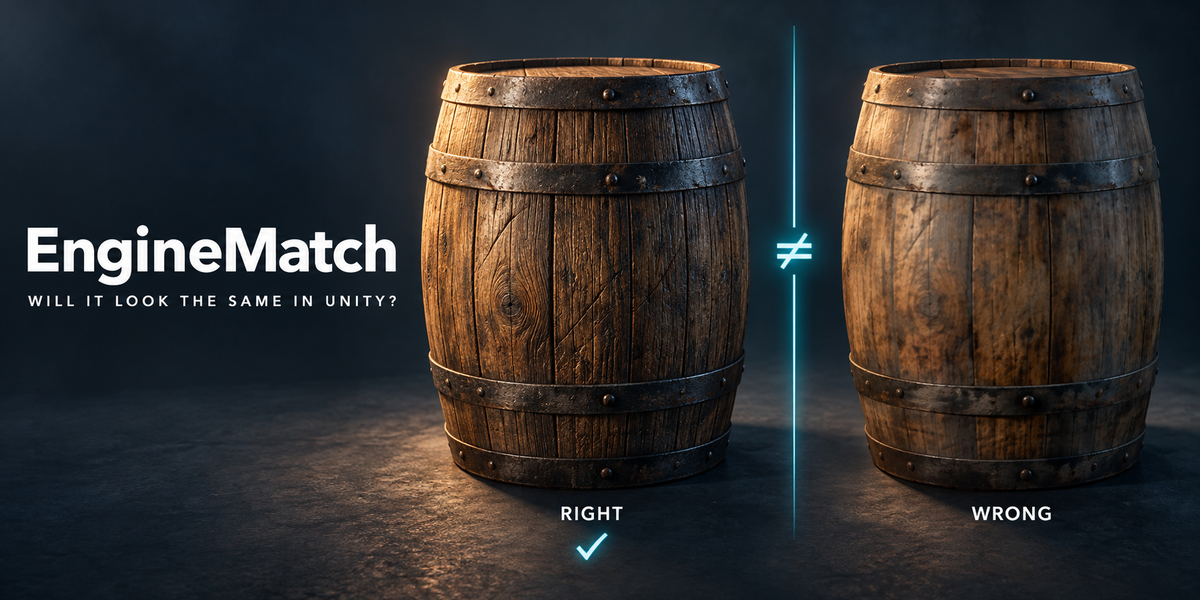
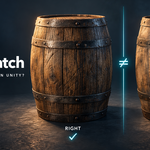
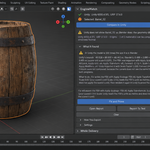
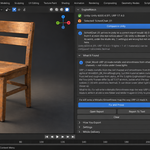
Will it look the same in Unity? Rendered, explained, fixed — and proven.
You export, drag the files into Unity, and the asset looks wrong: bumps lit from the wrong side, a surface washed out, wood turned into mirror chrome, a crate a hundred times too big. The usual reasons are not in your model at all — a normal map imported as a colour texture, a DirectX map in an OpenGL engine, a roughness map URP never reads, a scene in centimetres, shape keys left on. Nothing in Blender tells you, and Unity's own warning shows up only if you look for it.
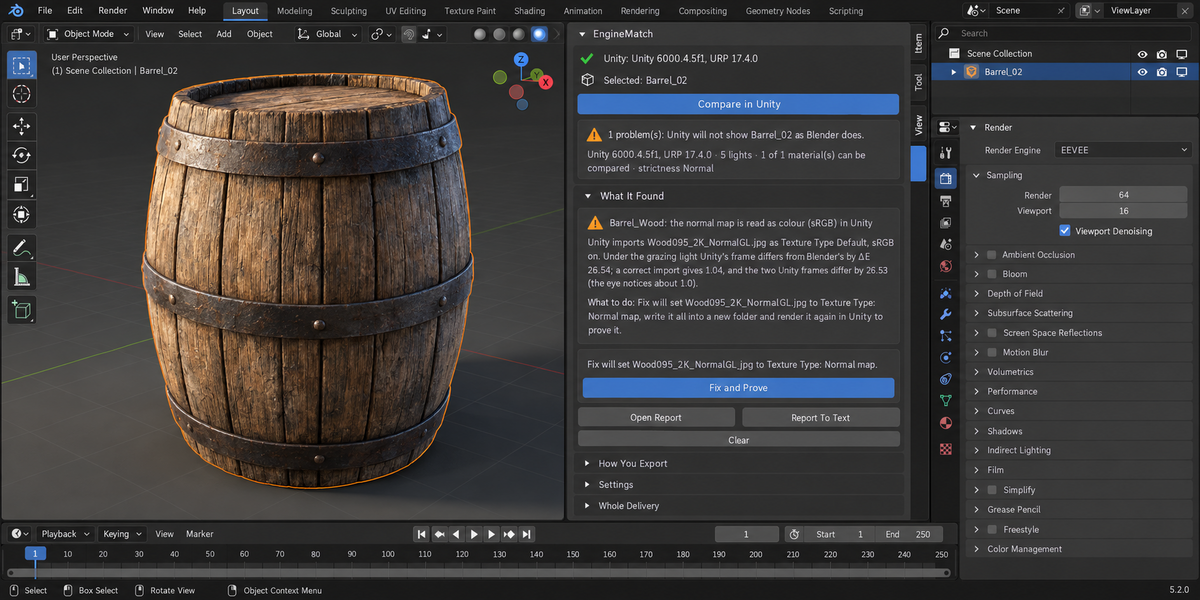
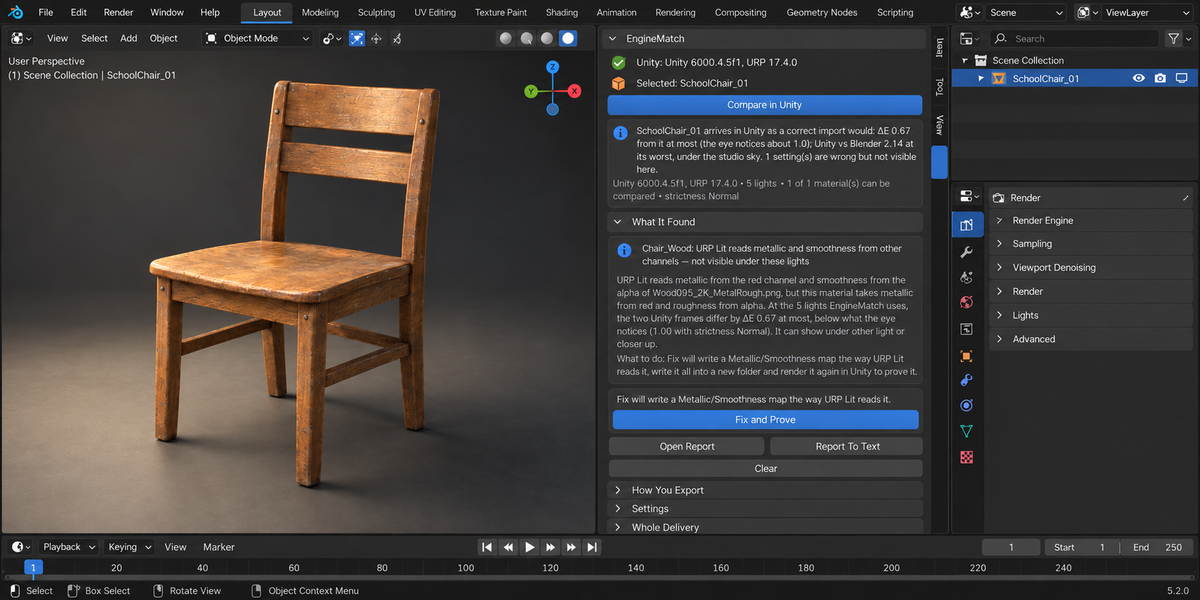
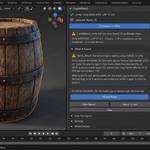
EngineMatch sends your selection to Unity URP the way you export it, renders it there and in Blender with the same camera and five lights, and tells you — pixel by pixel — whether it looks the same. When it does not, it names the cause, writes a Unity-ready folder that fixes it, and renders that folder in Unity again to prove it.
Measured in the engine, not guessed from the file
- Your FBX settings and your own image files go to Unity — the same files under the same names, not repacked (an image packed into the .blend is written out under the name it was packed from). Import settings are Unity's defaults, the .meta files of your own project (read only; files that share a name are told apart by content, never by "the first one found"), or EngineMatch's.
- A correct delivery is rendered in the same Unity run, and your delivery is compared with it inside the same engine: that separates what your export got wrong from what URP simply draws differently. Visible means ΔE2000 of at least 1.0 — what the eye just notices — and you can make it stricter or looser.
- The distance to Blender is not hidden either: the summary gives Unity vs Blender at the worst of the five lights and names the light. If even the correct delivery is far from Blender and nothing explains it, EngineMatch reports a problem instead of a match.
- The cause is named twice over: from the import settings Unity itself reports, and by redrawing your model in Blender with each known mistake until one matches Unity's frame. If two causes fit equally, you get both; if a setting is wrong but does not show under these lights, it says exactly that — never "matches".
What it catches
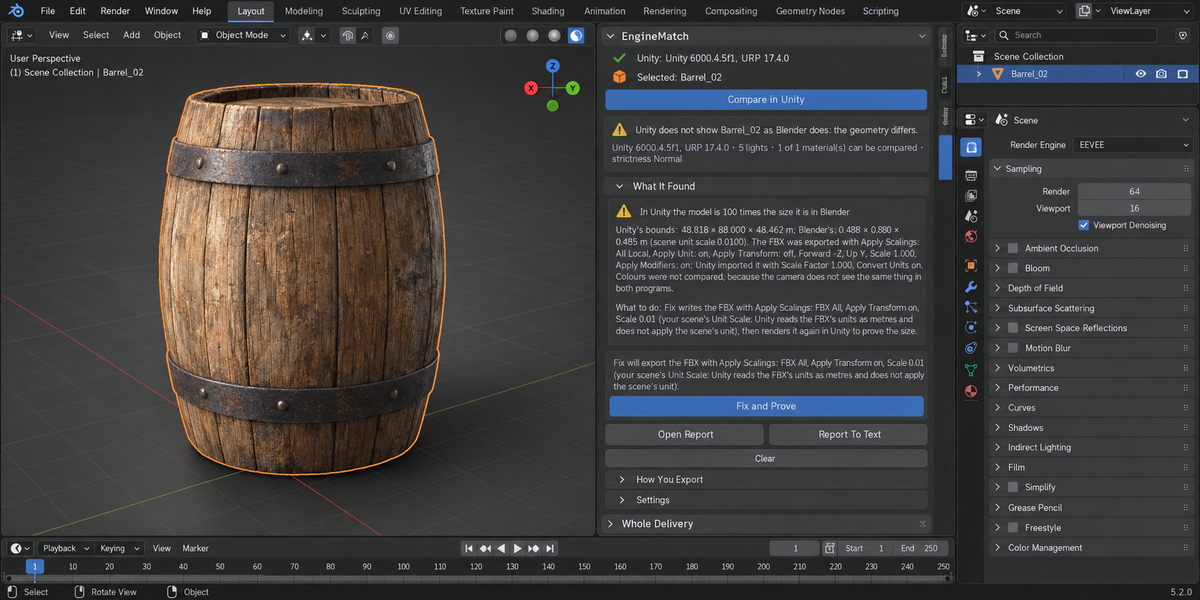
Normal map read as colour (sRGB). DirectX normal map in Unity's OpenGL. Base colour read with the wrong colour space. A separate roughness map URP Lit never reads; roughness used as smoothness, metallic and smoothness swapped, glTF ORM maps in URP's slot. Pixel-art textures Unity smooths, clamped textures Unity repeats, a material drawn with the second UV map. Flipped normals and one-sided faces seen from behind. A texture Unity did not load. Part of the model missing in Unity: instances made by Geometry Nodes, which Blender's FBX exporter does not write, hair, true displacement. A height map on Displacement or in a Bump node that Unity never gets. Shape keys baked away by Apply Modifiers. Models 100× too big from a centimetre scene or FBX scale. Textures Unity shrinks or stretches to a power of two. The −90° / ×100 root Blender's default FBX gives you.
One click to fix, and the proof
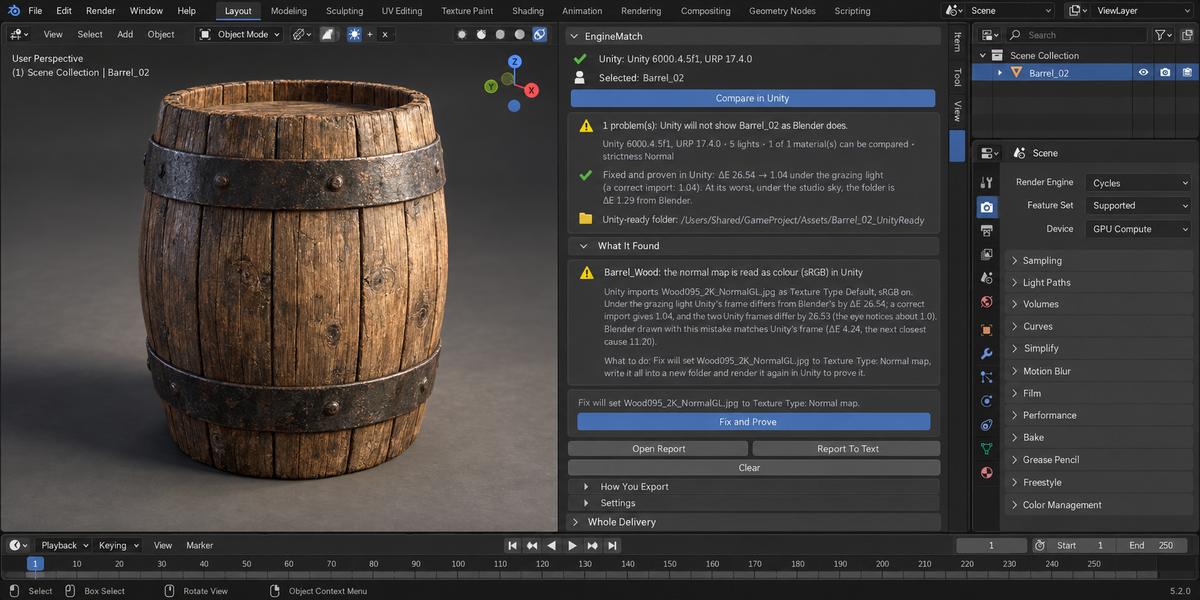
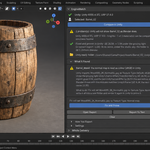
Fix and Prove writes a new folder — FBX at the right size, textures (normal map converted to OpenGL if needed, Metallic/Smoothness packed for URP), Unity's own .meta files and URP materials already assigned — then renders that exact folder in Unity: ΔE 26.54 → 1.04 under the grazing light (a correct import: 1.04). Instances made by Geometry Nodes are written as real geometry. If the second render does not confirm it, if the problem is one a folder cannot fix (flipped normals, a height map), or if the named cause is fixed but the folder is still further from Blender than the two engines differ, the panel says so in words — it does not say "Fixed". A material EngineMatch cannot read is a grey placeholder in the folder, and the panel names it.
Your work is left alone
EngineMatch renders in its own throwaway Unity project; your Unity projects are never opened. Your objects, materials, images, render settings and frame are not changed; EngineMatch only keeps its own result in the scene. The fix goes into a new folder under a free name — an existing folder is never overwritten.
Why the numbers are trustworthy
- 265 checks, every one a real Unity render. A library of 45 CC0 models — tools, furniture, statues, a tree of 8 million triangles — went through Unity 6 (URP 17.4) on Windows 11 (Direct3D 11, a 2017 laptop with a GTX 1050 Ti), with the models' own materials and with six 4K PBR material sets. The same library went through Unity on macOS (Apple M4) as well.
- A correct delivery is not blamed for nothing. On 44 models given a correct delivery, 40 were reported as matching. On three EngineMatch named what Unity really draws differently: back faces the camera sees on a tree and on a chain-link fence, and shape keys left on a wheel rim. On one statue with shape keys it reported that Unity shades the mesh differently and named why (an FBX written with Normals Only that carries blend shapes); there the two Unity frames differed by ΔE 1.12, just above the 1.0 the eye notices, and by 0.76 on the Mac.
- Unity's default import was named on 43 of 44 (the 44th is the shape-key model, where the shapes differ and colours are not compared).
- 122 export mistakes were planted on purpose. 77 were named as a visible problem. 43 were named and reported as not visible under these five lights — 33 of them a separate roughness map that URP Lit never reads. 2 fell on the shape-key model. None was missed.
- 234 fix folders were written and rendered again. 223 were proven by the second render. On 9 the named mistake was proven fixed and the panel said that back faces remain; on 2 it said the shape keys remain. None was called "Fixed" where the second render did not confirm it.
- Unity 6 and Unity 2022.3, Blender 4.2 and 5.2: 84 checks on Windows with Unity 6000.4.5f1 and Unity 2022.3.62f3 — 63 as expected (the planted mistake named, or a correct delivery reported as matching), 9 named as not visible under these lights, 12 runs of the models' own materials; all 81 written folders proven by the second render.
- Time, measured: on the 2017 laptop a check took 32 to 134 seconds for 90% of the library (half of them under 49 seconds), and 7 to 30 minutes for the 8-million-triangle tree; on an Apple M4, 9 to 33 seconds for 95% of the library and 3 to 4 minutes for the tree.
Blender 4.2 and newer. Unity 6 or Unity 2022.3 LTS, installed with Unity Hub. macOS and Windows. No cloud, no account, no Python packages. Both programs are compared in the Standard view, without tone mapping; if your scene uses AgX, the panel tells you. Sidebar tab: EngineMatch.
License
The add-on is GPL-3.0. The script it runs inside Unity is a separate file under the MIT licence.