 Passion Beyond


Enosis Core is a production toolkit for Blender that keeps your projects clean, your assets organized and your renders reliable.
10 tools in one sidebar. Built for freelancers, studios and anyone who ships Blender files to other people. Every tool follows the same rule: one click, one clear result, nothing to configure.
New in 1.0.2: Comp Setup is out of beta, rebuilt around one clean MultiLayer EXR with pass names that read correctly in After Effects, verified on Blender 4.5 LTS and 5.x.
ORGANIZE
Color Pipeline
Switch your file from the default AgX to a full ACES color setup in one click. Working space, view transform and display all configured correctly, the way studio pipelines expect.
Cleanup and Prepare
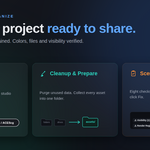
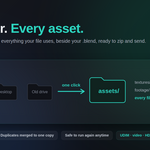
Purge Unused Data removes every orphaned material, mesh, texture and node group from your file and reports exactly what was removed by name. Collect and Compact gathers every texture, HDRI, UDIM set, video clip and more into one assets folder beside your .blend, then relinks every path automatically. No file is ever collected twice, and it is always safe to run again. One zip, zero missing-texture emails.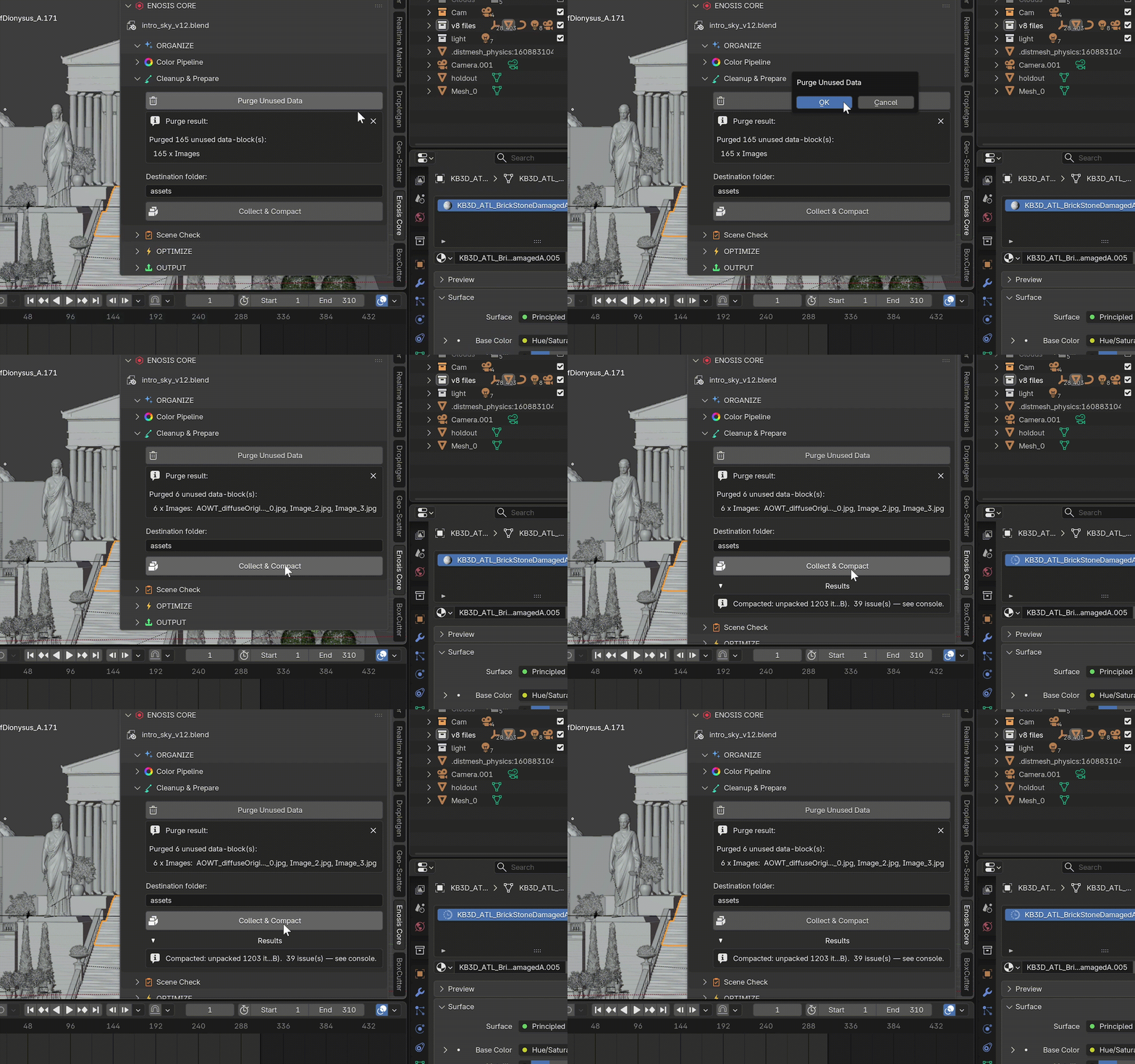
Scene Check
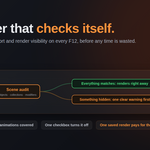
8 preflight checks in one click: visibility mismatches, missing files, render region left on, resolution percentage, empty image slots, modifier conflicts, instancing issues and particle problems. Only real problems appear in the panel, each with its own Fix button. Catch it before it costs a render.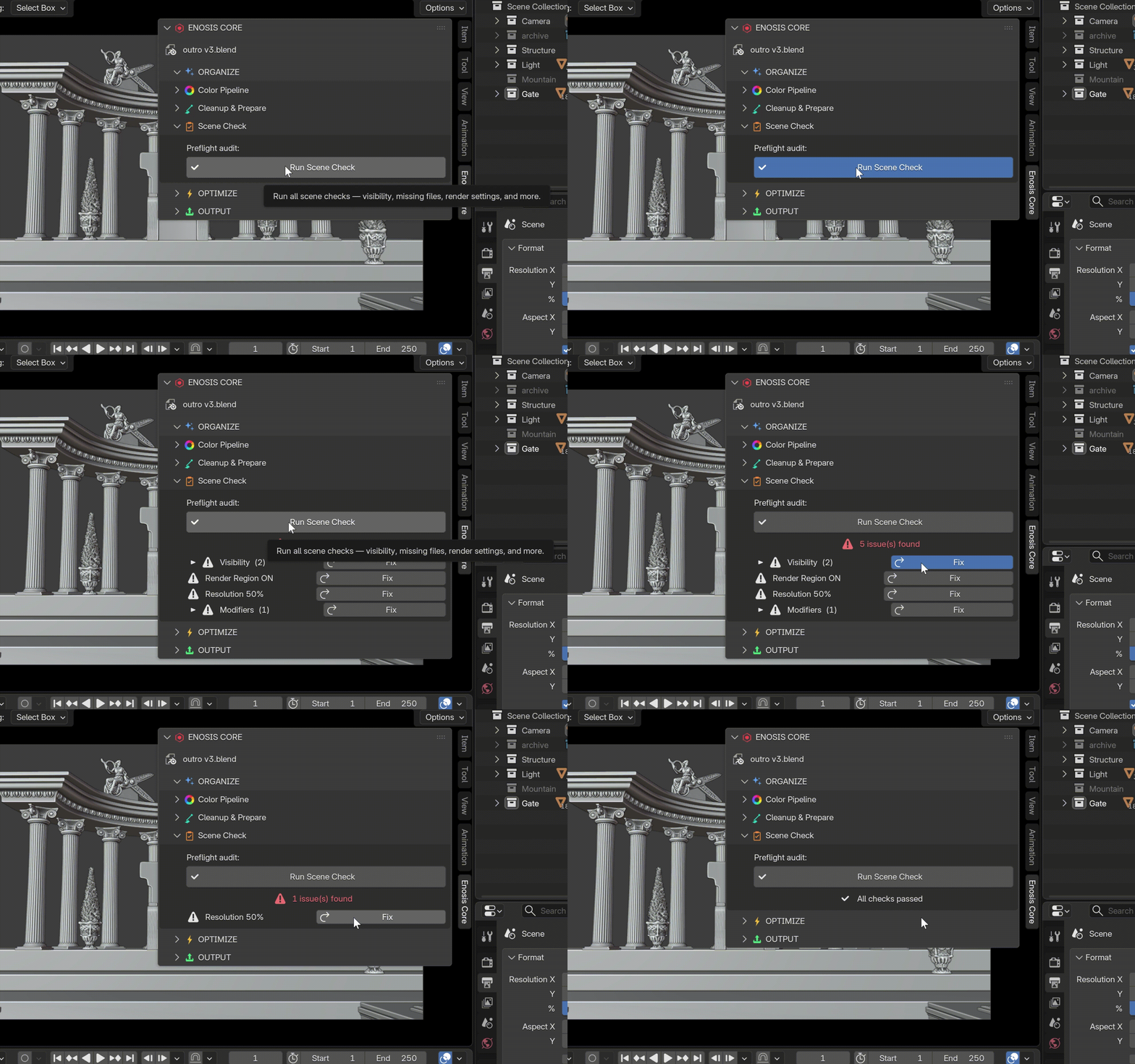
F12 Pre-Render Guard
Every time you press F12, Enosis Core silently checks for objects, collections and modifiers whose viewport and render visibility do not match. A clean scene renders instantly with no interruption. A mismatch brings up one clear warning before any render time is wasted. Works on animations with Ctrl+F12, and one checkbox in preferences turns it off. One saved overnight render pays for the toolkit.
OPTIMIZE
Performance
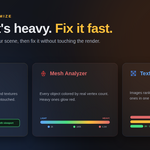
One switch reduces subdivision levels, particle counts and texture sizes in the viewport only. Heavy scenes become smooth to work in while the final render stays completely untouched. Includes a Modifier Manager for disabling or removing modifier types in bulk, across the whole scene or just your selection.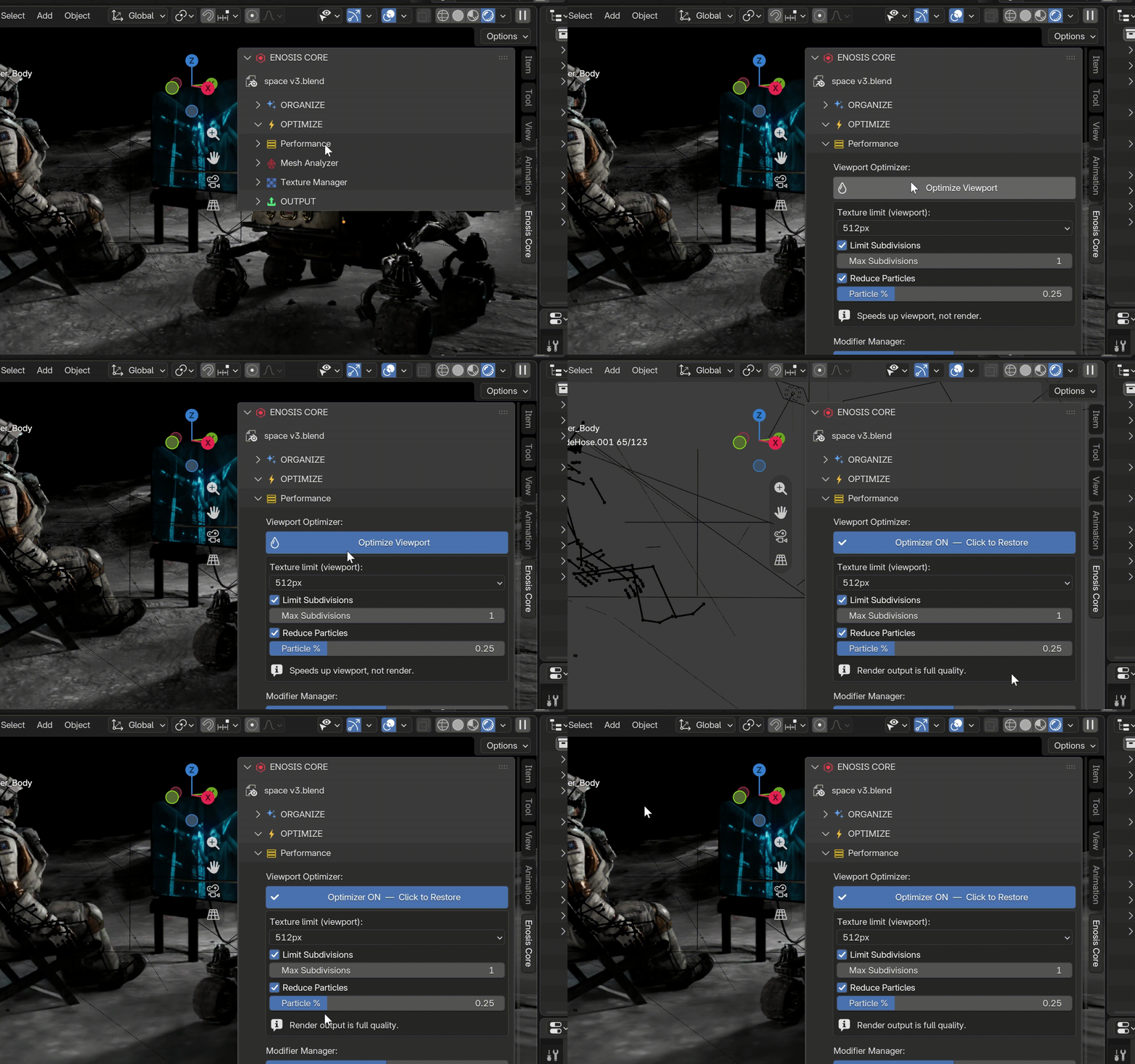
Mesh Analyzer
Colors every object in your scene by its real evaluated vertex count, measured after modifiers like Subsurf, Multires and Geometry Nodes. Heavy objects glow red, light ones stay cool. Find the polygon hog in seconds. Exit the analyzer and your viewport returns to exactly how it was.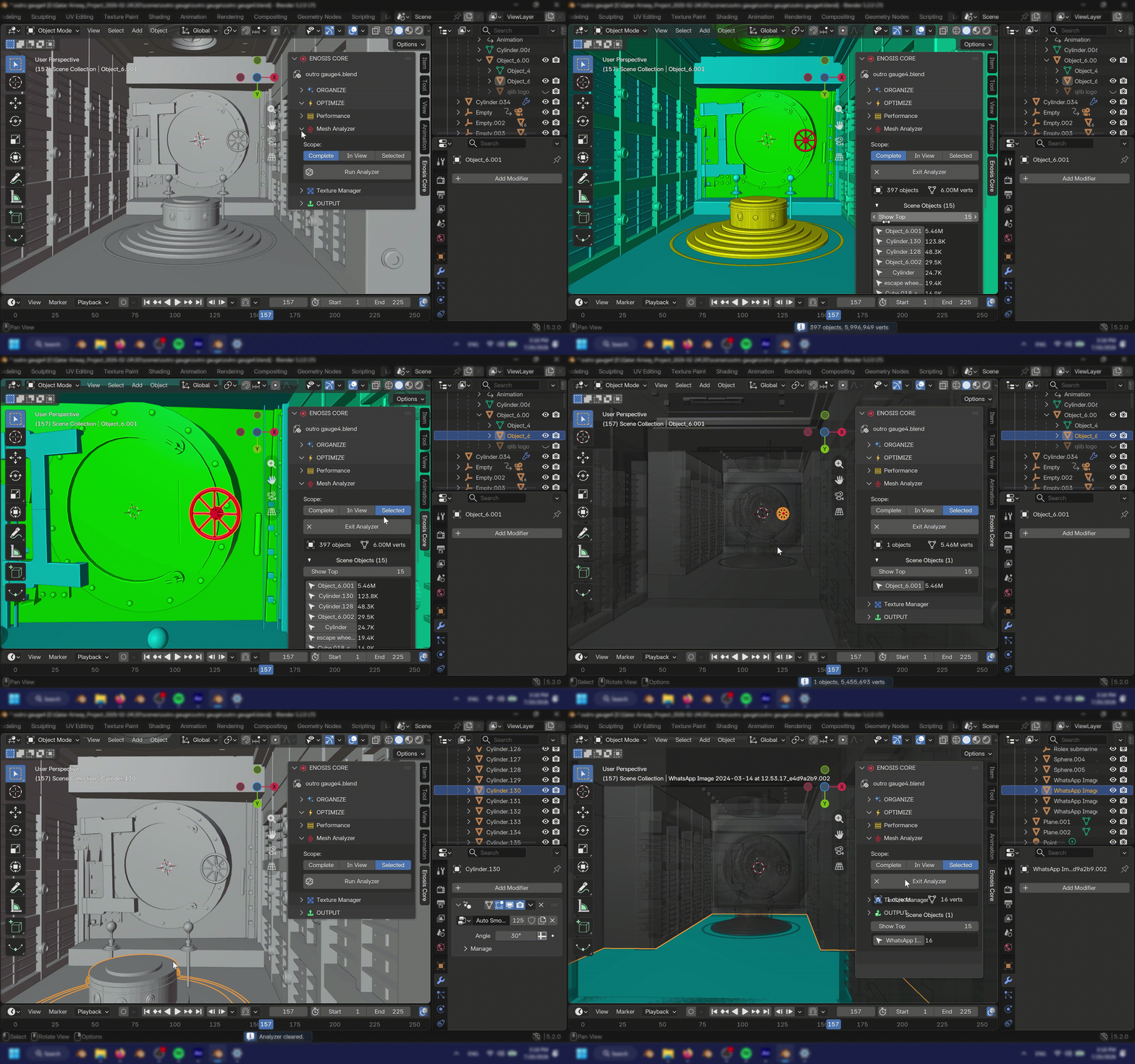
Texture Manager
Lists every image in your project ranked by memory use. Downscale oversized textures to a target resolution in one pass. Footage sequences and UDIM sets are never touched. Memory back, render identical.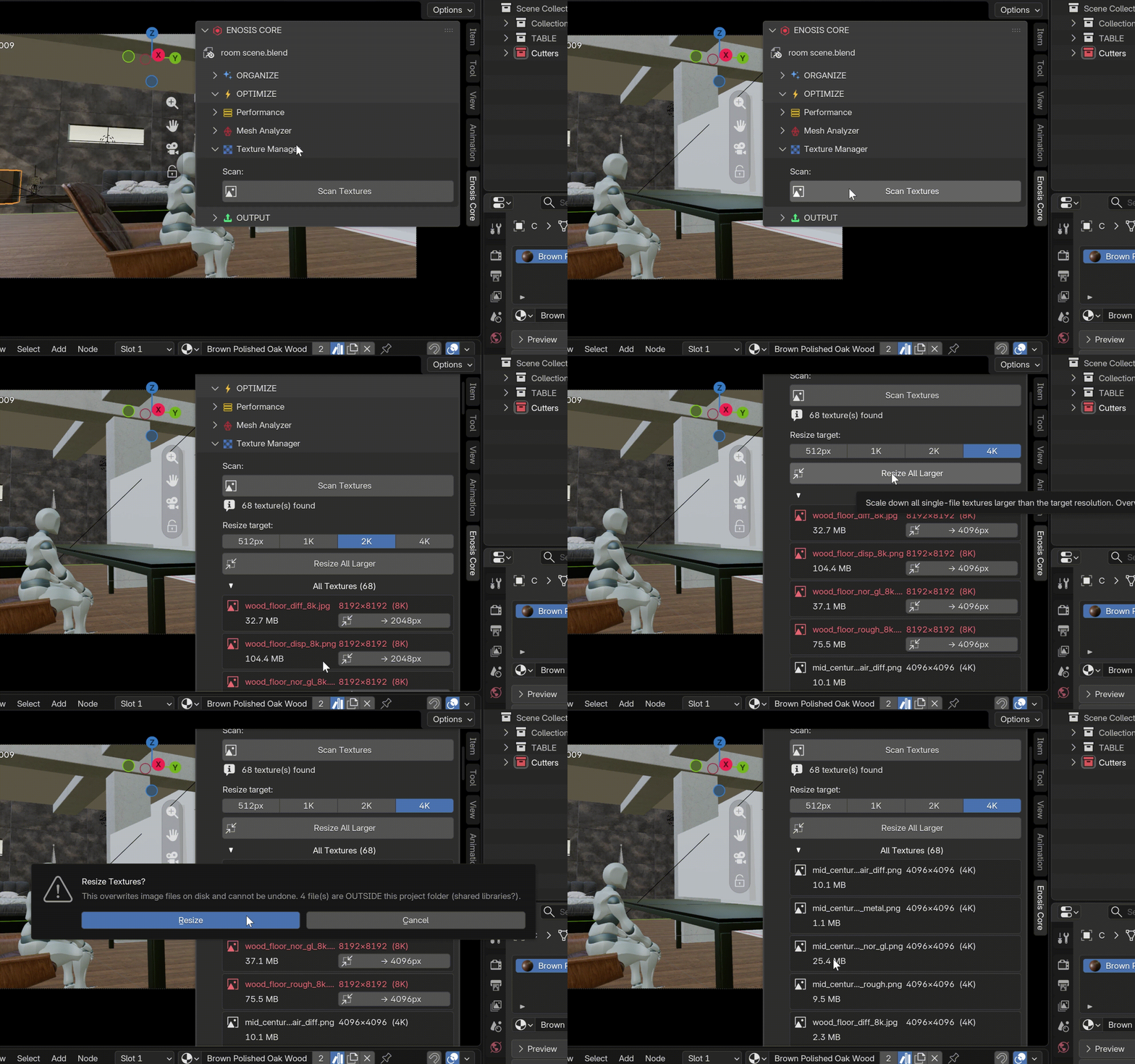
OUTPUT
Render Presets
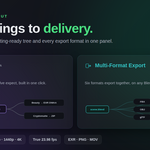
Resolution, frame rate and output format as one-click presets. Includes true 23.98 fps and common delivery formats including EXR, PNG and MOV. Specs in seconds, not menus.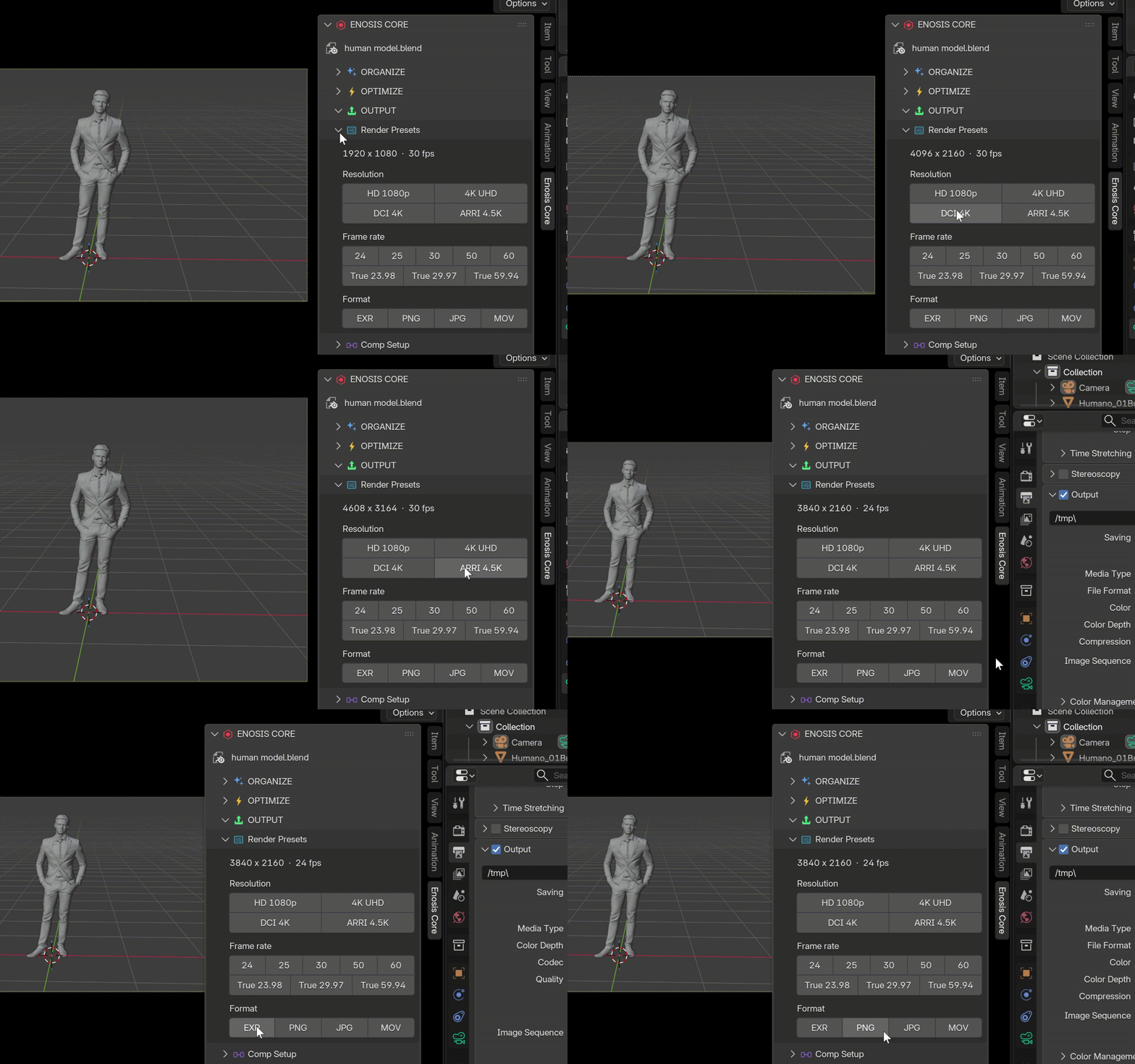
Comp Setup
one click builds your entire compositing output: passes enabled, OpenEXR MultiLayer set, and a clean node tree that writes everything into one file with pass names that read correctly in After Effects.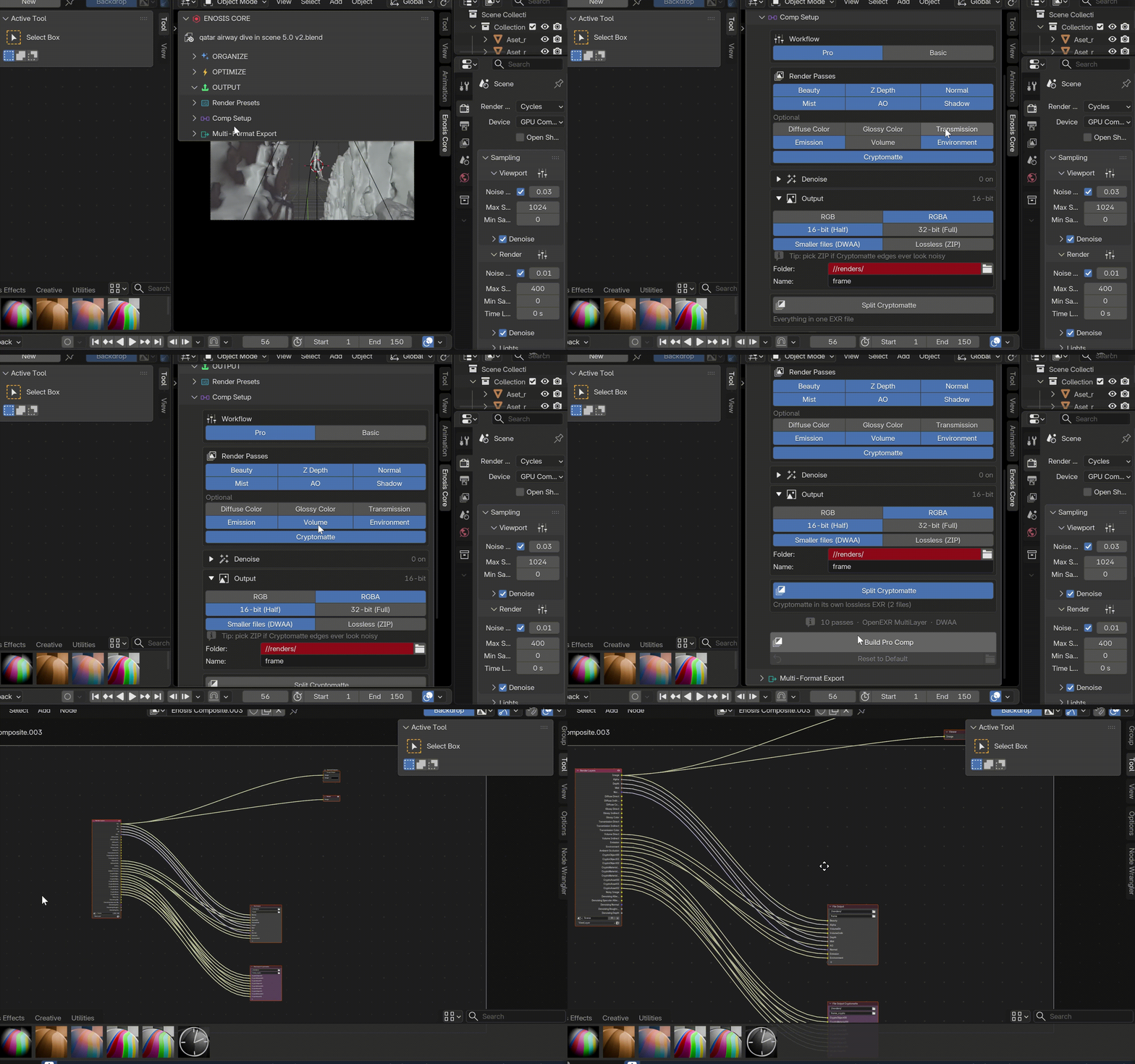
Blender 5.0 broke this for everyone else. Standard setups now arrive in AE with doubled names like AO.AO. Enosis Core ships a pre-migrated output core that keeps names clean, verified with real renders on 4.5 LTS and 5.x.
Pro mode adds per-pass denoising with proper guides, custom output folder and name, bit depth control, and an optional lossless Cryptomatte split.
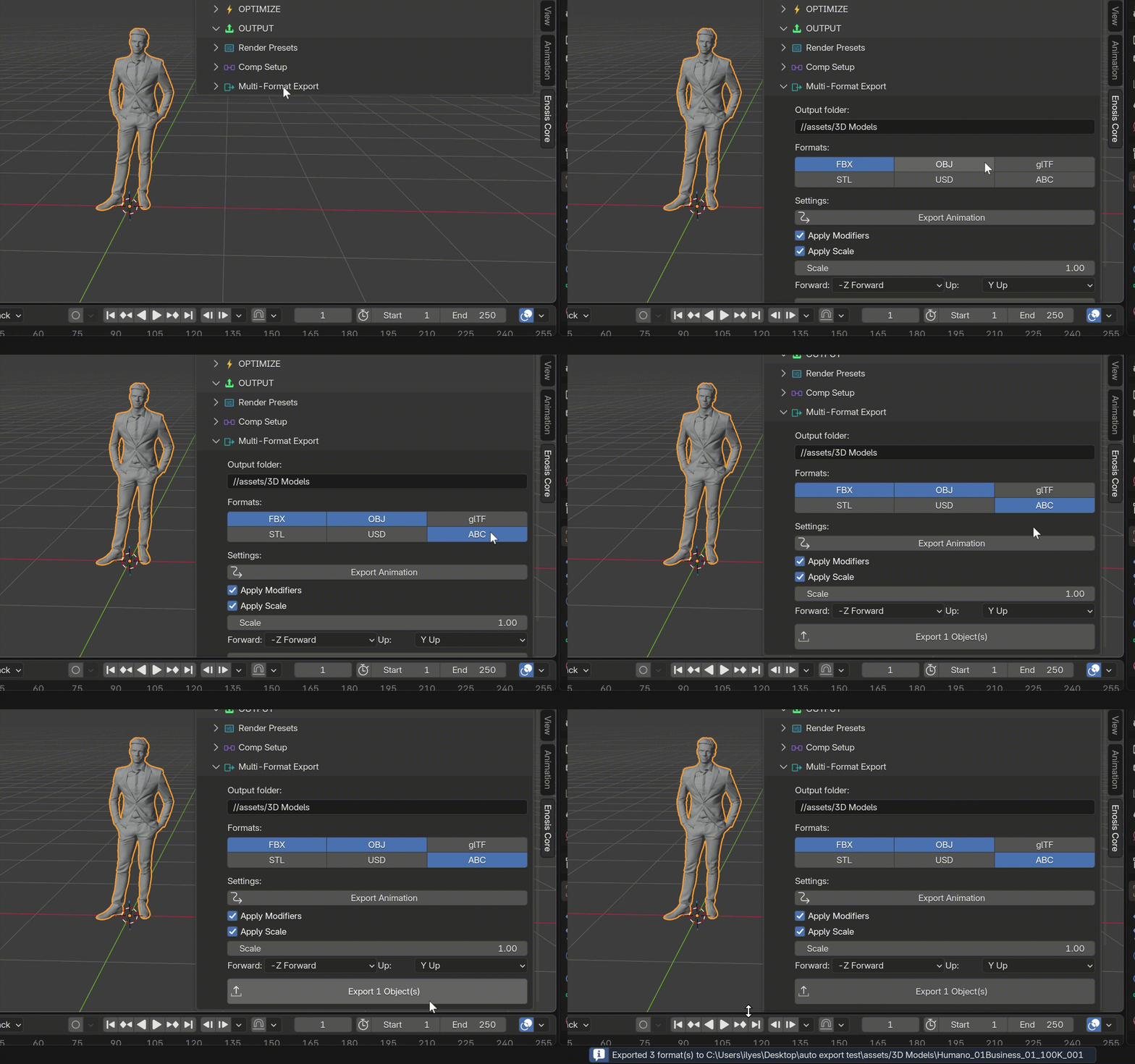
Multi-Format ExportSelect the formats you need and click once. FBX, OBJ, glTF, STL, USD and Alembic all export together with shared scale and axis settings. Works on any Blender version from 3.0 to 5.x. Every client format, one click.
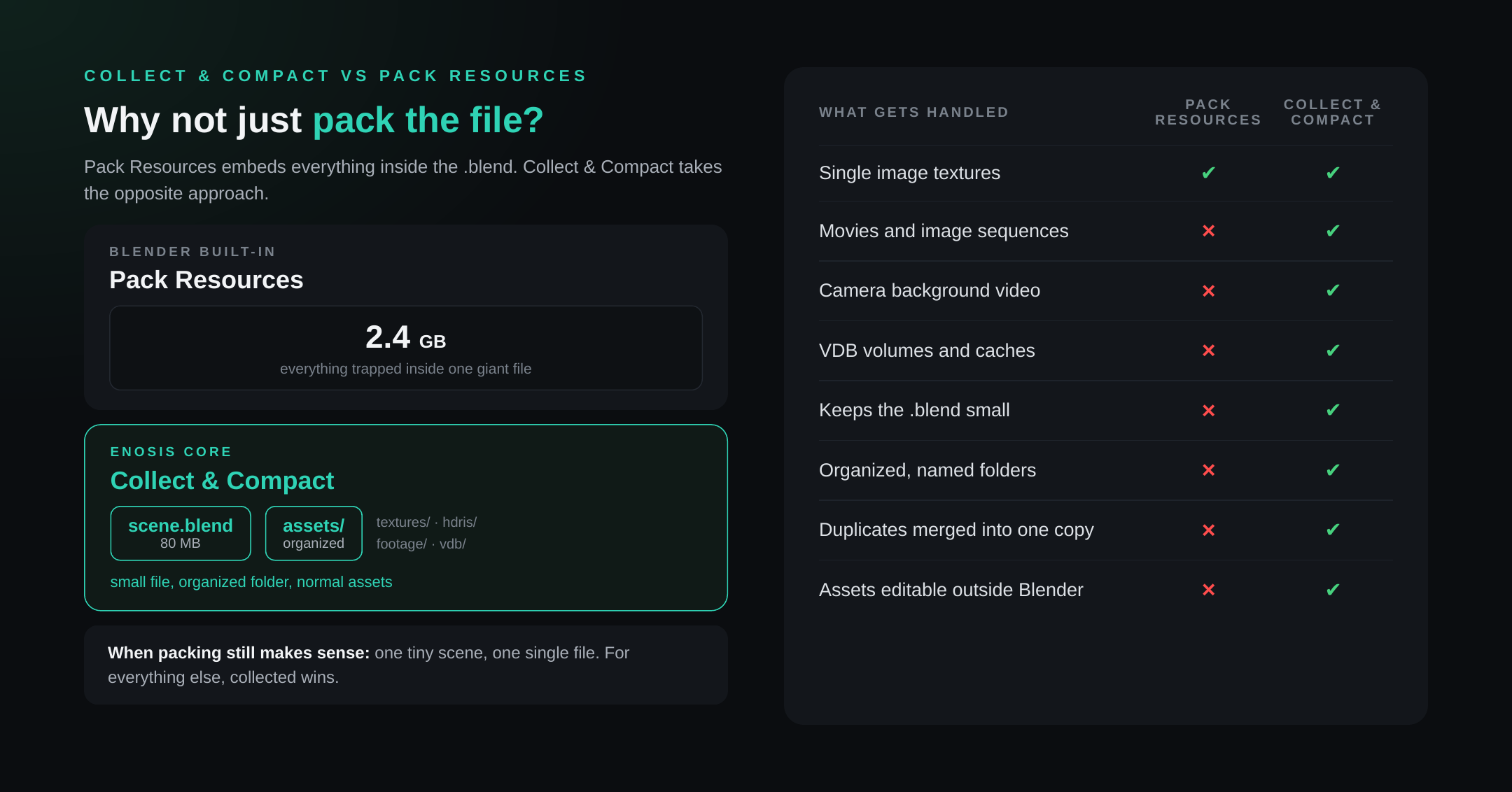
WHY COLLECT AND COMPACT BEATS PACK RESOURCES
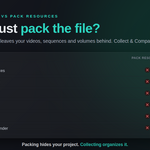
Blender's built-in Pack Resources embeds textures inside the .blend file. It does not pack video files, image sequences, camera background footage or VDB volumes. The file grows to gigabytes and every save rewrites the whole thing. Assets become impossible to edit outside Blender.
Collect and Compact copies everything your file actually uses into one organized folder beside your .blend. The file stays small. Assets stay as real files you can open, edit and replace. Duplicates are automatically merged into one copy.
WHO THIS IS FOR
Freelancers handing off project files or EXR sequences to compositors, editors and other artists. Studios keeping Blender projects clean and portable across a team. Solo artists who want to stop losing renders to hidden objects and scattered textures.
REQUIREMENTS
Blender 3.0 or higher for the toolkit. Comp Setup requires Blender 4.0 or higher and is verified on 4.5 LTS and 5.x. Tested up to Blender 5.1. Windows, macOS and Linux. Collect and Compact requires a saved .blend file. Texture resize permanently changes image files on disk and should be run after collecting. ACES requires Blender 5.0 or higher, or a custom ACES OCIO configuration.
SUPPORT
For questions, bug reports or feature requests, reach out via the marketplace inbox or at @passionbeyond.fx or @ilyes3d on Instagram. Include your Blender version and a short description of the issue. Most messages get an answer within a day.
email : [email protected]