
Env Lights Design

supartwi in Presets


Env Lights Design — One scene. Multiple moods. The light follows your camera.
Blender Add-on Cycles workflow

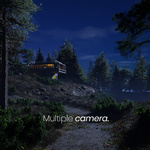
One scene.
Multiple moods.

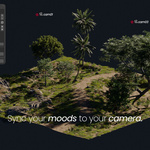
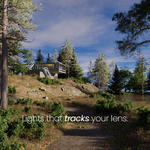
Camera-linked environment lighting for Blender. Build the look once, assign it to the shot, and let the right atmosphere follow every camera.

Light Sets · Camera Link · Sky / HDRI · Atmosphere · Render Queue

The production loop

01Build a Light SetShape sky, sun, clouds, fog and tone as one look.
02Link the cameraGive each shot the environment it is meant to use.
03Render the queueApply the correct look automatically before each render.

Main film · Product overview

See the lighting system in motion.

A visual overview of camera-linked moods, atmosphere controls and the multi-camera workflow.

Second film · Workflow demo

Watch the controls inside Blender.

A closer walkthrough for artists who want to understand the working rhythm before installing the add-on.

Inside every Light Set

One connected environment system.

Sky + HDRIBuild a sky or connect an environment image.
Sun + Time of DayDrive direction from place, date and hour.
Clouds + FogShape depth, veil and atmosphere together.
God Rays + ToneFinish the mood without leaving the panel.
Camera assignmentKeep every view paired with its intended look.
Import / ExportMove Light Sets between scenes as JSON.

Feature demonstrations

See each part do its job.

Four core workflows from the current 1.0.0 release, shown with the controls working inside Blender.

01 · Camera system

01

Camera-Linked Lighting

Create multiple Light Sets and assign them to cameras. Change the shot and the intended environment follows it.
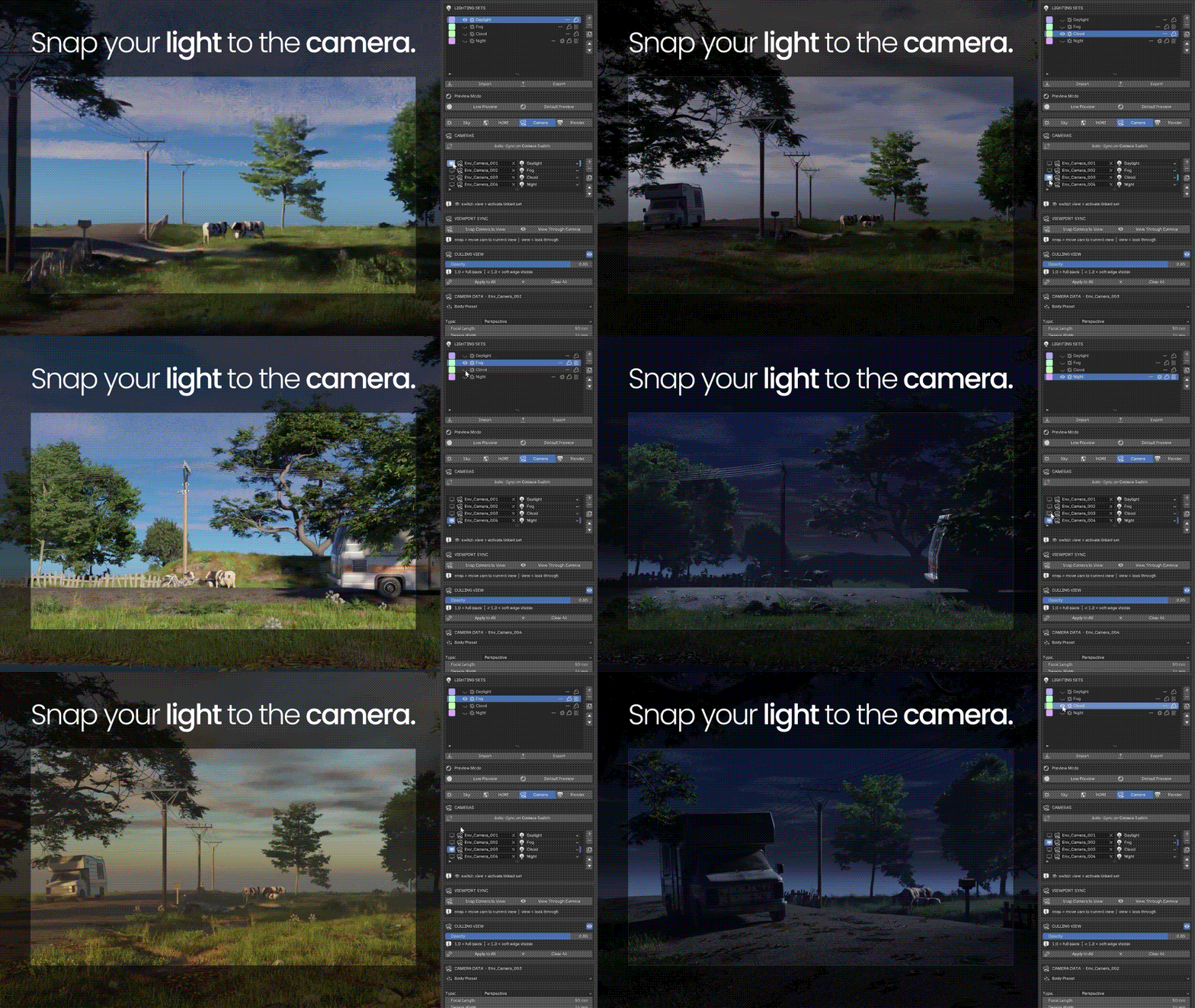
Camera-linked lighting workflow

02 · Solar lighting

Time of Day lighting workflow
02

Time of Day

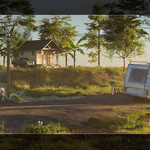
Choose coordinates, date and time. Sun position, sky color and intensity update as one controllable system.

03 · Atmosphere

03

Fog / God Rays

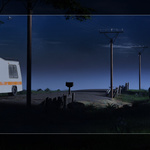
Build cinematic depth from the same panel and keep the atmosphere inside the shot's Light Set.
Fog and God Rays workflow

04 · Output

Multi-camera render queue workflow
04

Render Queue + Camera Lock

Queue cameras for stills, run animation, and keep framing predictable. Each queued still activates its camera and assigned Light Set automatically.

Ready when the next shot is

Build the mood once.
Let the camera call it back.

Env Lights Design lives in the 3D Viewport sidebar and brings Light Sets, cameras, atmosphere and rendering into one connected Cycles workflow.

Supported rangeBlender 4.2–5.1Current marketplace compatibility
Verified builds4.5.3 + 5.1.2Install and functional smoke passed
Render targetCyclesEnvironment lighting workflow
Product buildv1.0.0Current release package

Location: 3D Viewport → Sidebar (N) → Lights Design

Replay product film ▶ Watch the workflow

  • 1 user · Full add-on, all features · Free updates · Email support

    $19
  • Up to 3 users · Full add-on, all features · Free updates · Priority email support

    $39
$19

Have questions about this product?
Login to message

Details
Published 3 months ago
Blender Version 4.2 - 5.1
Extension Type N/A
Render Engine Used Cycles
License GPL