Env Lights Design – Switch the Camera, Switch the Light
 supartwi
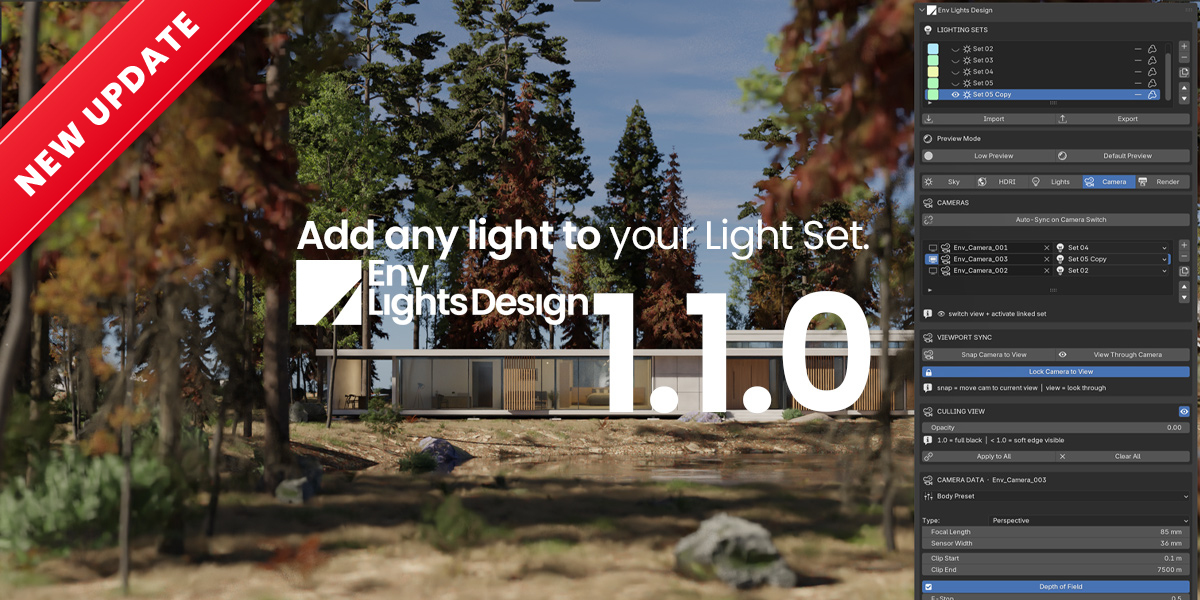


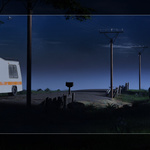
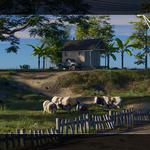
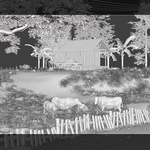
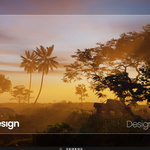
Env Lights Design 1.1.0
- New: Custom Lights page. Create Point / Spot / Area lights or add your own scene lights to a Light Set; they switch on and off with the set in the viewport and the render. Per-light Power, Light Exposure, Color Temperature, Radius, IES profile, Aim at 3D Cursor. Shift+D / Alt+D copies stay in their set.
- New: Add Camera places the camera at your current view and locks it to the view.
- Faster: timeline playback and scrubbing no longer restart Cycles every frame.
- Fixed: sky Dust / Turbidity now works on Blender 5.x.
- Supported: Blender 4.2 LTS – 5.3.
Updating: install the new zip over the old one, then restart Blender (or untick and re-tick the add-on). Scenes made with 1.0.0 open as before.
Initial release.
Env Lights Design 1.1.0
- New: Custom Lights page. Create Point / Spot / Area lights or add your own scene lights to a Light Set; they switch on and off with the set in the viewport and the render. Per-light Power, Light Exposure, Color Temperature, Radius, IES profile, Aim at 3D Cursor. Shift+D / Alt+D copies stay in their set.
- New: Add Camera places the camera at your current view and locks it to the view.
- Faster: timeline playback and scrubbing no longer restart Cycles every frame.
- Fixed: sky Dust / Turbidity now works on Blender 5.x.
- Supported: Blender 4.2 LTS – 5.3.
Updating: install the new zip over the old one, then restart Blender (or untick and re-tick the add-on). Scenes made with 1.0.0 open as before.
Initial release.
Have questions about this product?
Login to message
| Published | 5 months ago |
| Blender Version | 4.2 - 5.3 |
| Extension Type | N/A |
| Render Engine Used | Cycles |
| License | GPL |
Discover more products like this
Lighting fog atmosphere volumetric fog time of day sky clouds camera-moods god rays sun position multi-camera hdri