 supartwi
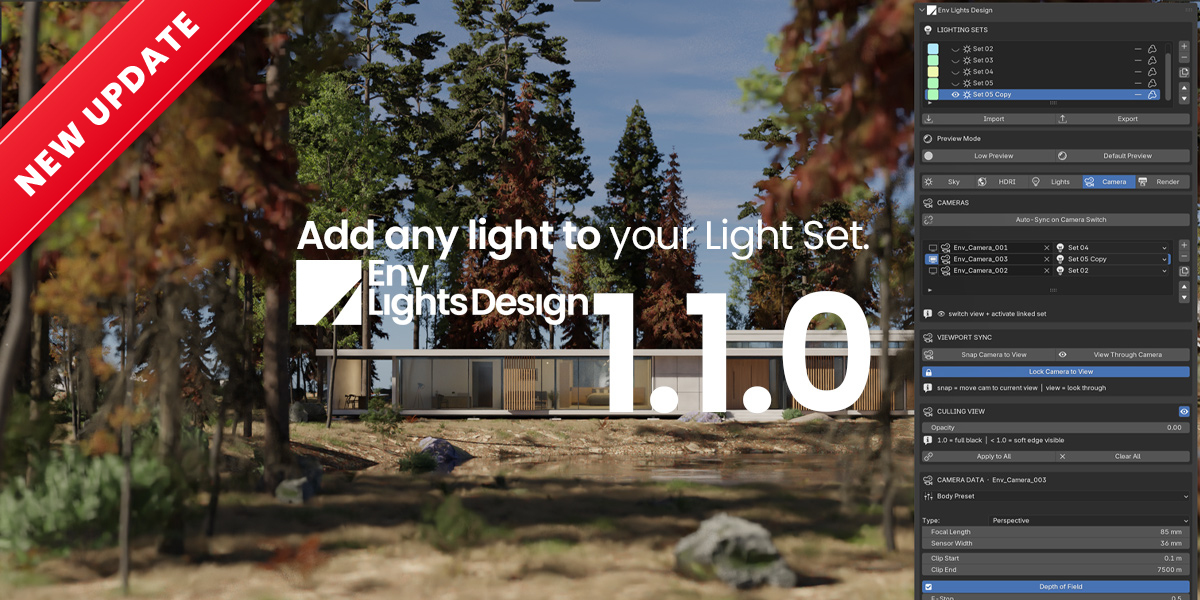


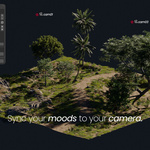
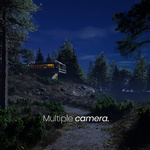
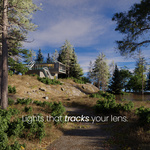
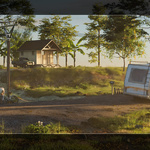
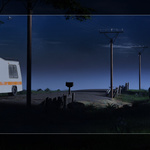
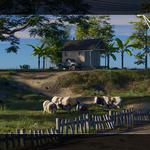
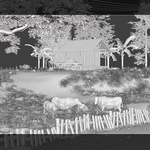
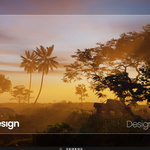


One scene.
Multiple moods.
Camera-linked environment lighting for Blender. Build each look once as a Light Set, link it to a camera, and the right sky, sun, clouds and fog follow every shot.
WATCH
The whole workflow in three minutes.
A narrated walkthrough of the real panel, rendered in Cycles: Light Sets, clouds and low fog, three cameras, custom lights, then one click that renders every shot in its own mood.
Step-by-step tour · 3 minutes.
Product overview: camera-linked moods, atmosphere and the multi-camera workflow.
Workflow demo: the controls inside Blender.
INSIDE BLENDER
See each part do its job.
01
Camera-Linked Lighting
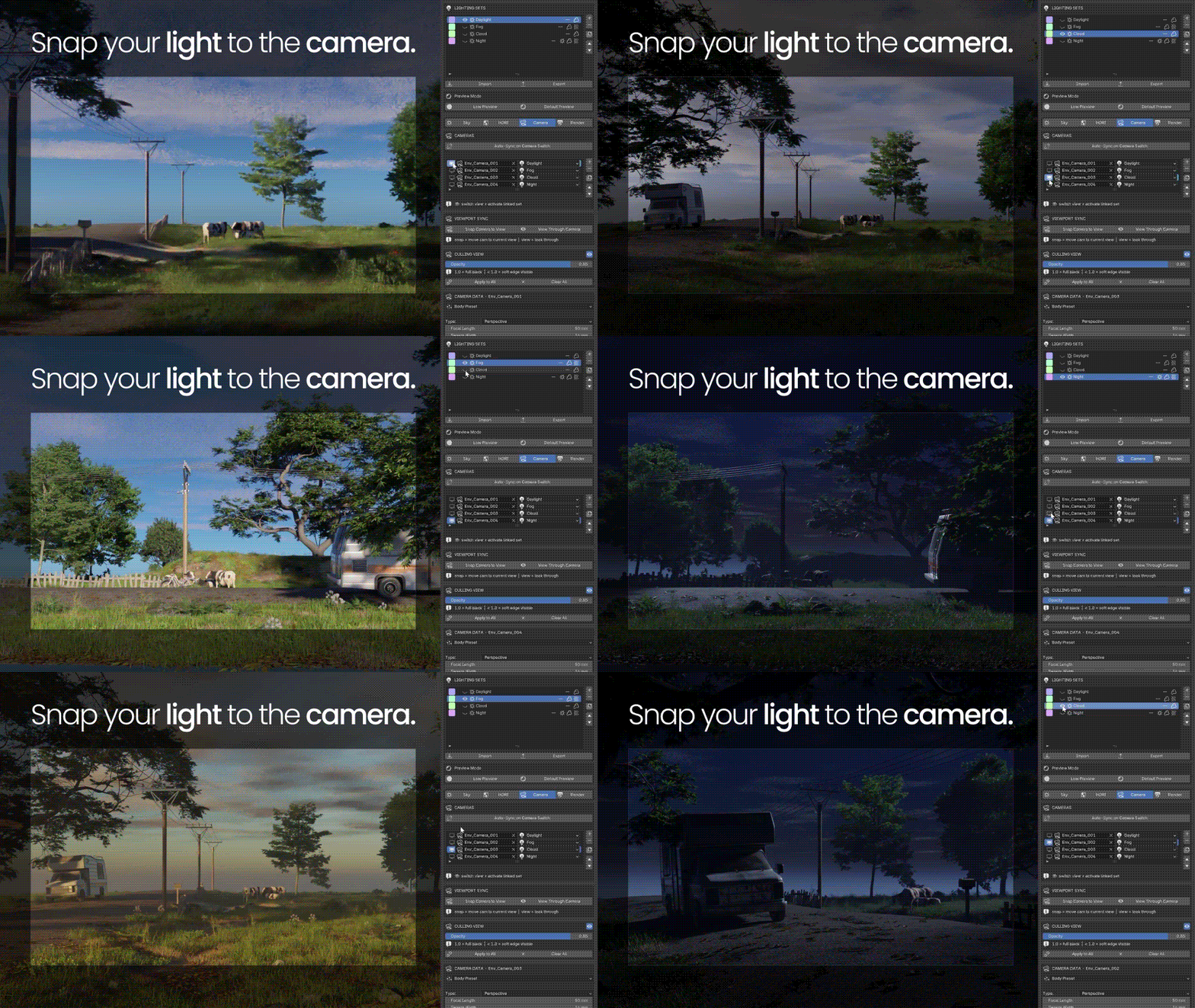
Create multiple Light Sets and assign them to cameras. Change the shot and the intended environment follows it.
02
Time of Day
Choose coordinates, date and time. Sun position, sky color and intensity update as one controllable system.
03
Fog / God Rays
Build cinematic depth from the same panel and keep the atmosphere inside the shot's Light Set.
04
Render Queue + Camera Lock
Queue cameras for stills, run animation, and keep framing predictable. Each queued still activates its camera and assigned Light Set automatically.
NEW IN 1.1.0
Custom Lights, and a lighter timeline.
Add any light to a Light Set: on with its mood, off with the rest, in the viewport and in the render. Add Camera drops a camera at your view, already looking through it. Timeline playback no longer restarts Cycles on every frame.
Custom LightsAdd Camera at viewSmoother playbackBlender 4.2 LTS – 5.3HOW IT WORKS
Three steps, one file.
CAMERA-LINKED LIGHTING
The light follows the camera.
Give every camera the Light Set it was framed for. Change the shot in the viewport or the timeline and the environment changes with it — no re-lighting, no second file.
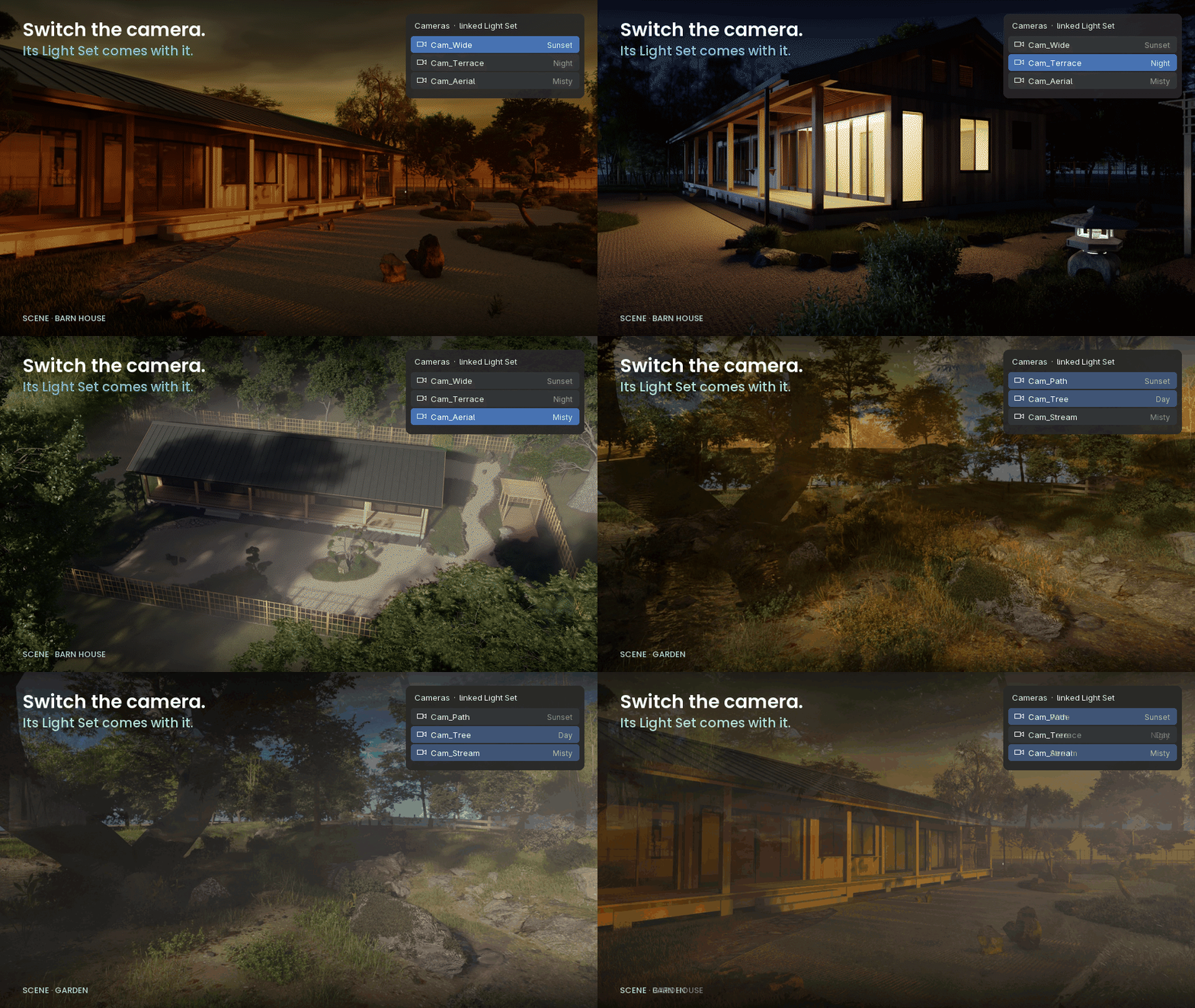
Two scenes, six cameras, each with its own Light Set. Every frame is a Cycles render made with the add-on.
LIGHT SETS
One file. Every mood.
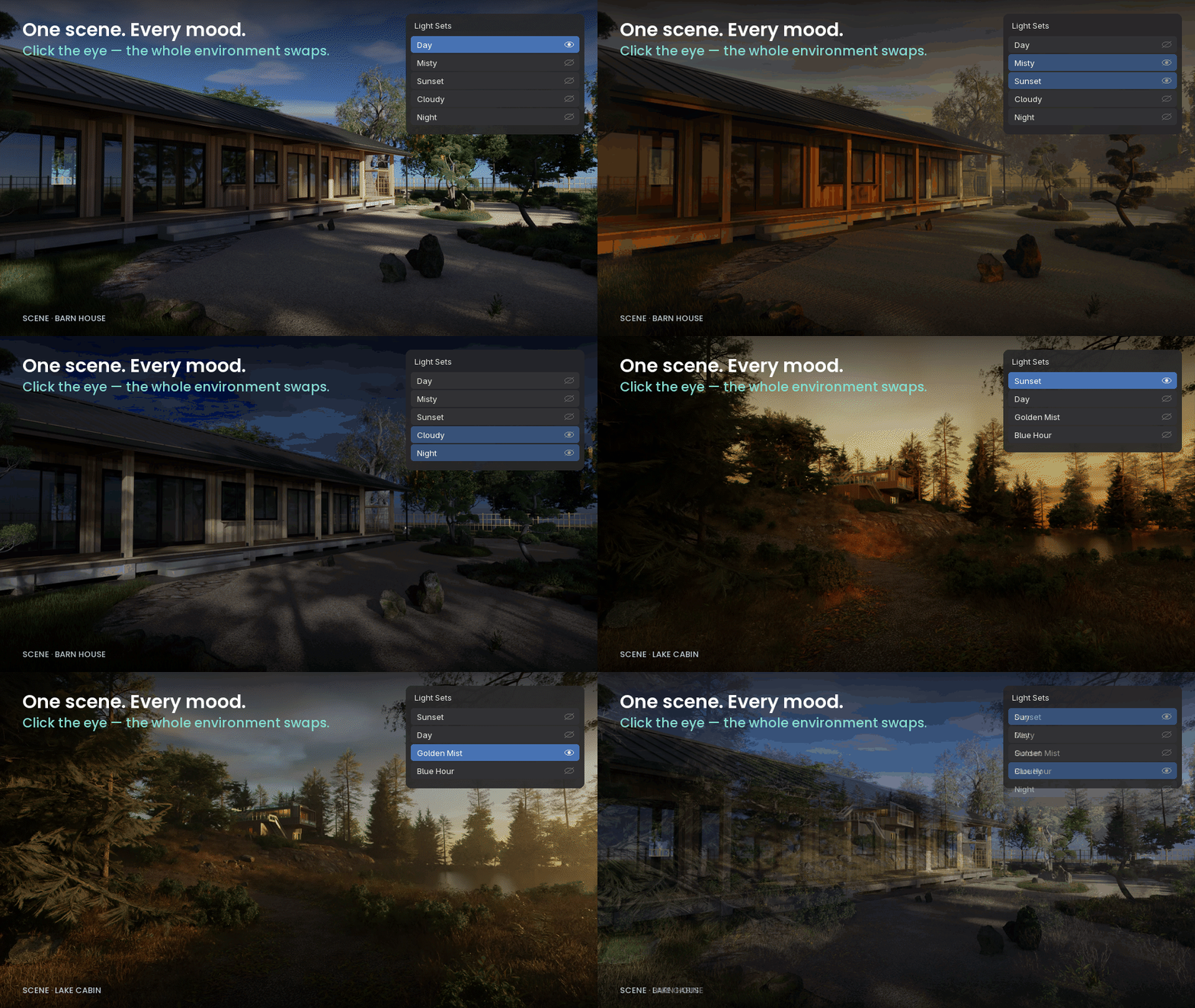
No more Save As for each look. Day, misty, sunset and night live in the same .blend, and one click on the eye swaps sky, sun, clouds, fog and god rays together.
TIME OF DAY
Drive the sun by place, date and hour.
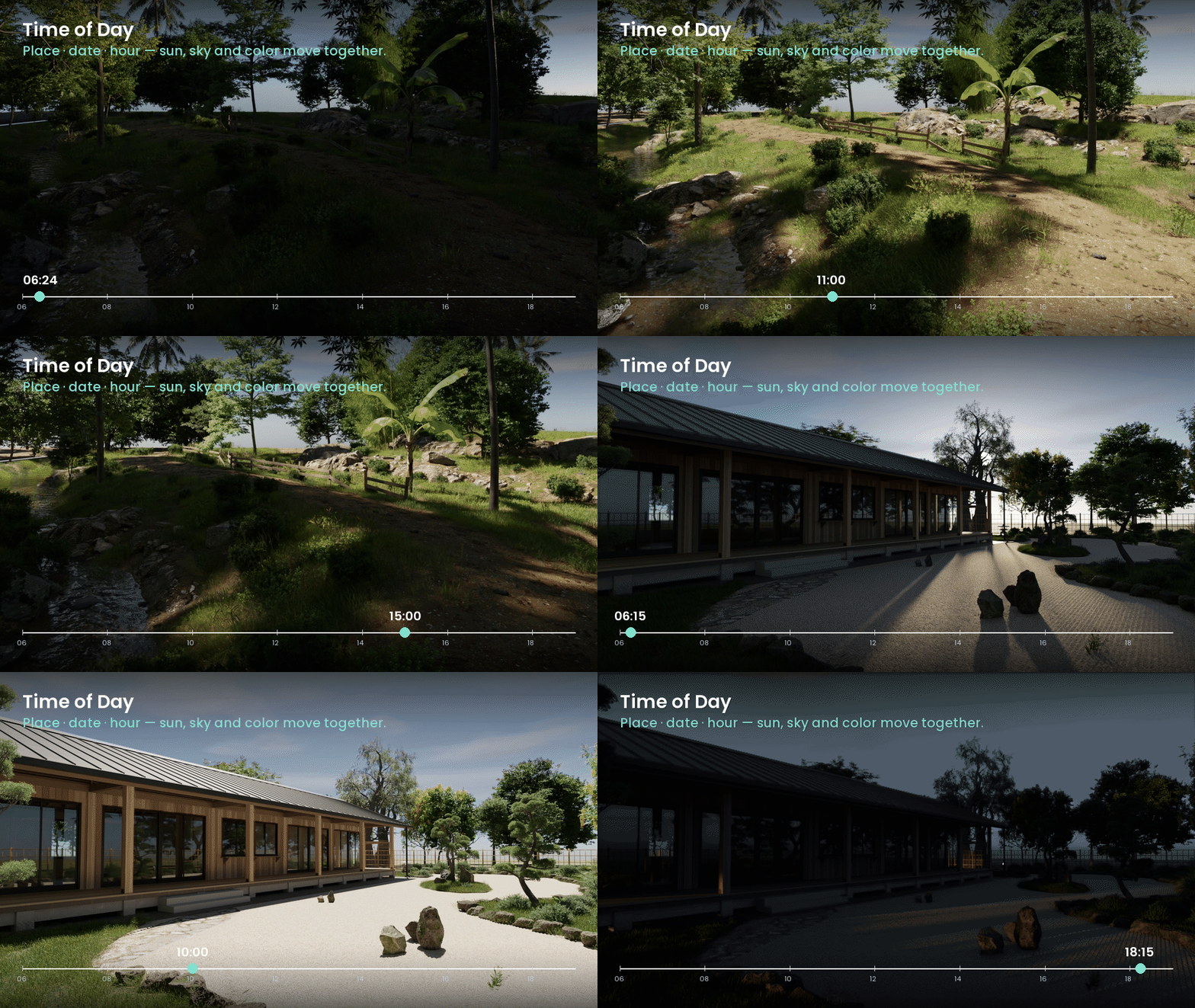
Set latitude, longitude, date and time. Sun direction, sky color and intensity move as one system, inside the Light Set.
CUSTOM LIGHTS · NEW
Lamps that belong to a mood.
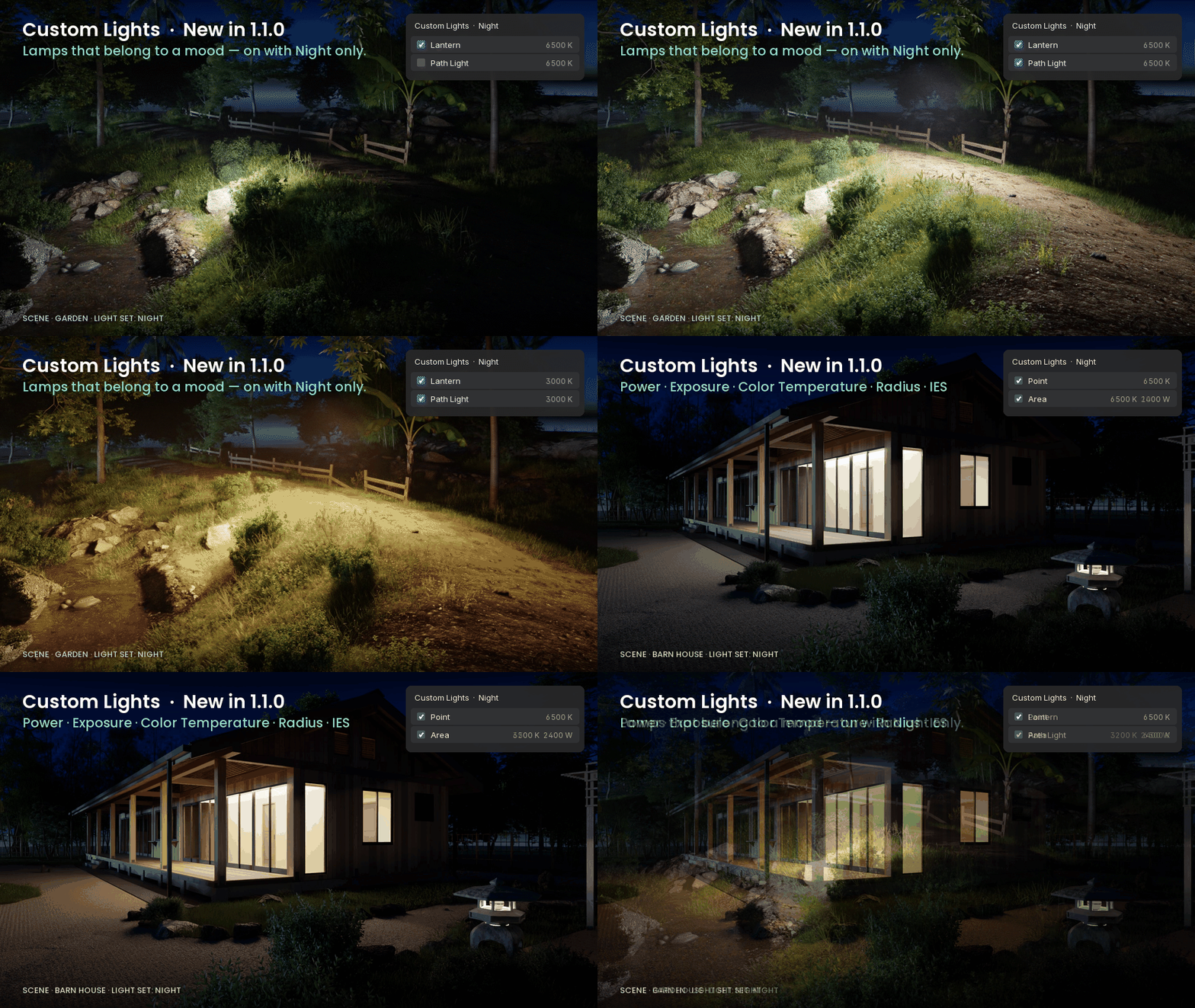
Create Point, Spot or Area lights, or register lights already in your scene. Each one turns on with its Light Set and off with every other — in the viewport and in the render. Power, Exposure, Color Temperature, Radius and IES per light; Shift+D copies stay in the same set.
RENDER
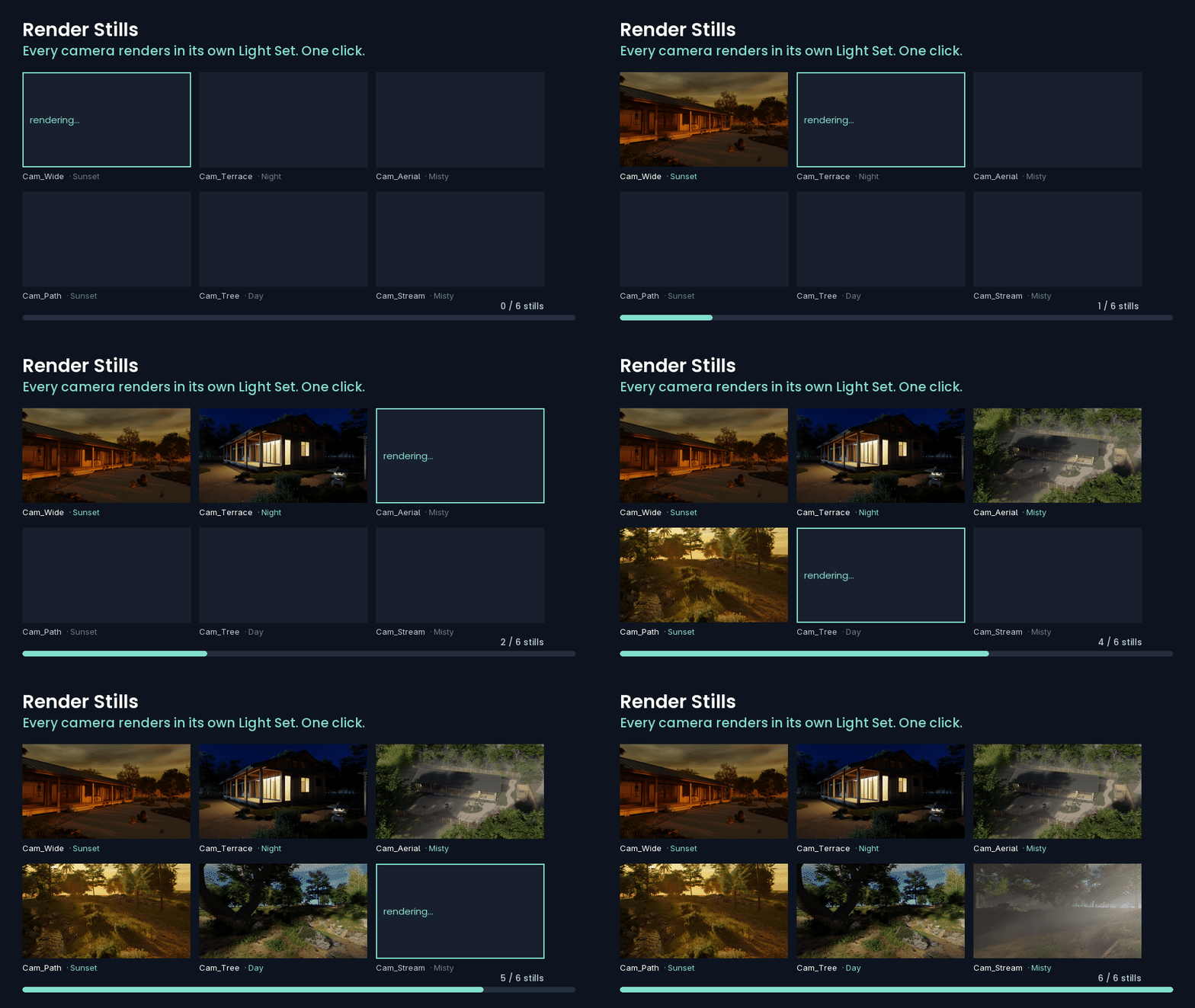
Every shot, every mood, one click.
Render Stills runs a queue of cameras; each still activates its camera and linked Light Set first. Render Animation shows its progress in the panel. Camera Lock keeps the framing where you set it.
IMPORT / EXPORT
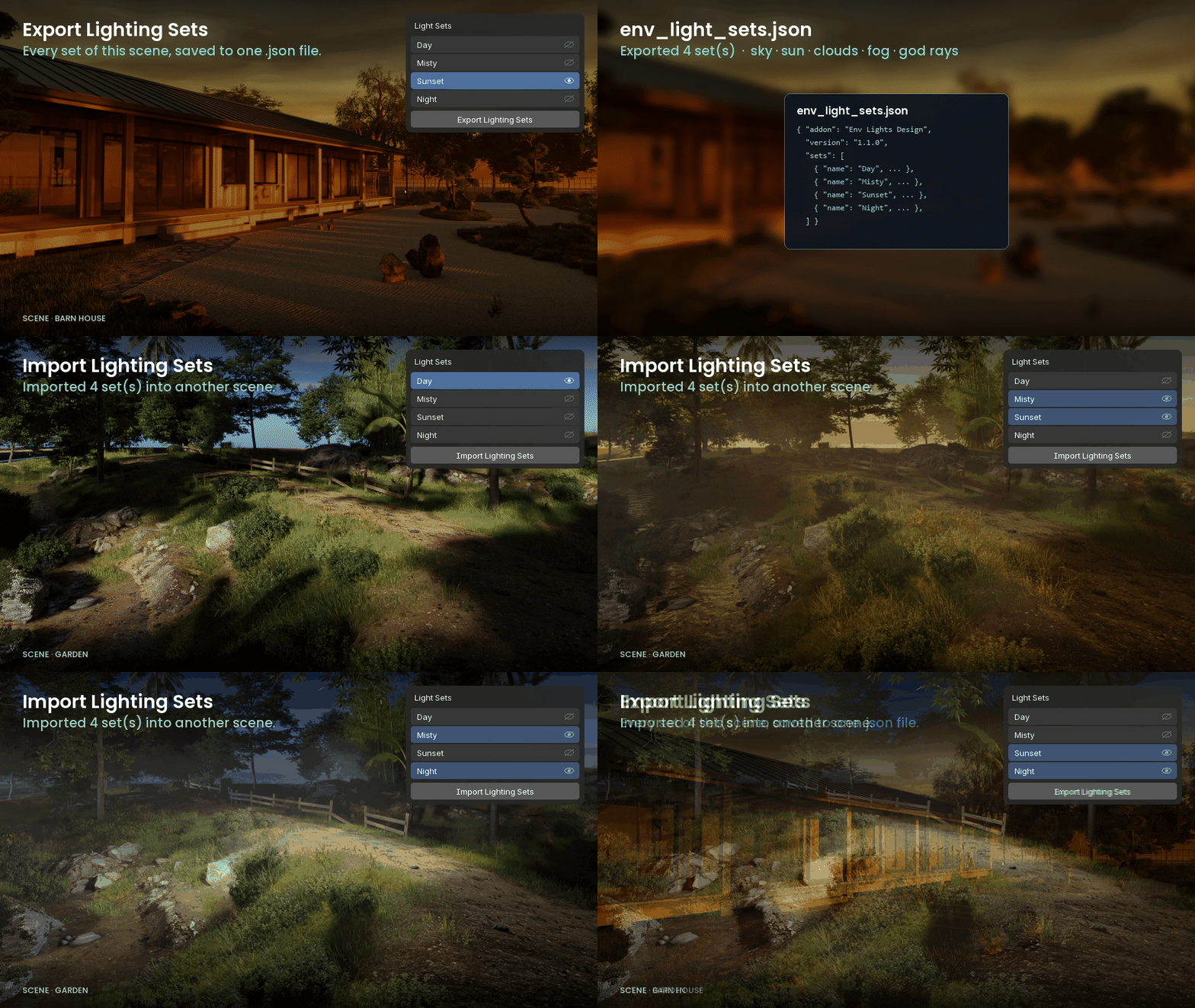
Take your Light Sets to the next scene.
Export Lighting Sets writes every set — sky, sun, time of day, clouds, fog and god rays — to one .json. Import Lighting Sets adds them to any other scene, so a look you trust starts the next project.
Lights you add with Custom Lights stay in their own .blend.
INSIDE EVERY LIGHT SET
One connected environment system.
Build the mood once.
Let the camera call it back.
Env Lights Design lives in the 3D Viewport sidebar and brings Light Sets, cameras, atmosphere and rendering into one connected Cycles workflow.