 Epsinym


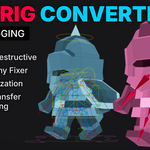
Animation Rig to Game Rig Converter
Epsinym's Rigging
Convert Blender animation rigs into export-ready game rigs with one click.
A fast, non-destructive pipeline that lets you keep animating on your production rig while automatically generating optimized game rigs for Unity, Unreal Engine, VRM, VRChat Avatars, and more.
Blender 4.4+Unity (Humanoid)Unreal EngineVRMVRChat Avatarsand more
What this addon does, in a nutshell...
The Problem
Why convert an Animation Rig?
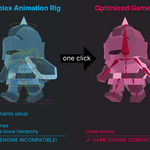
Animation rigs are often designed for animator convenience and may contain IK systems, drivers, helper bones, alternative bone hierarchies, and other Blender-specific features. While useful during animation, these features are typically unnecessary or unsupported in game engines.
However, converting an animation rig to an optimized game rig, which may need to conform to a strict bone hierarchy, a different rest pose, normalized bones, etc., is destructive. That makes editing the rig later on or adding new animations very time consuming.
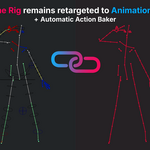
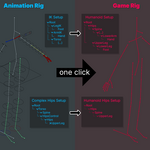
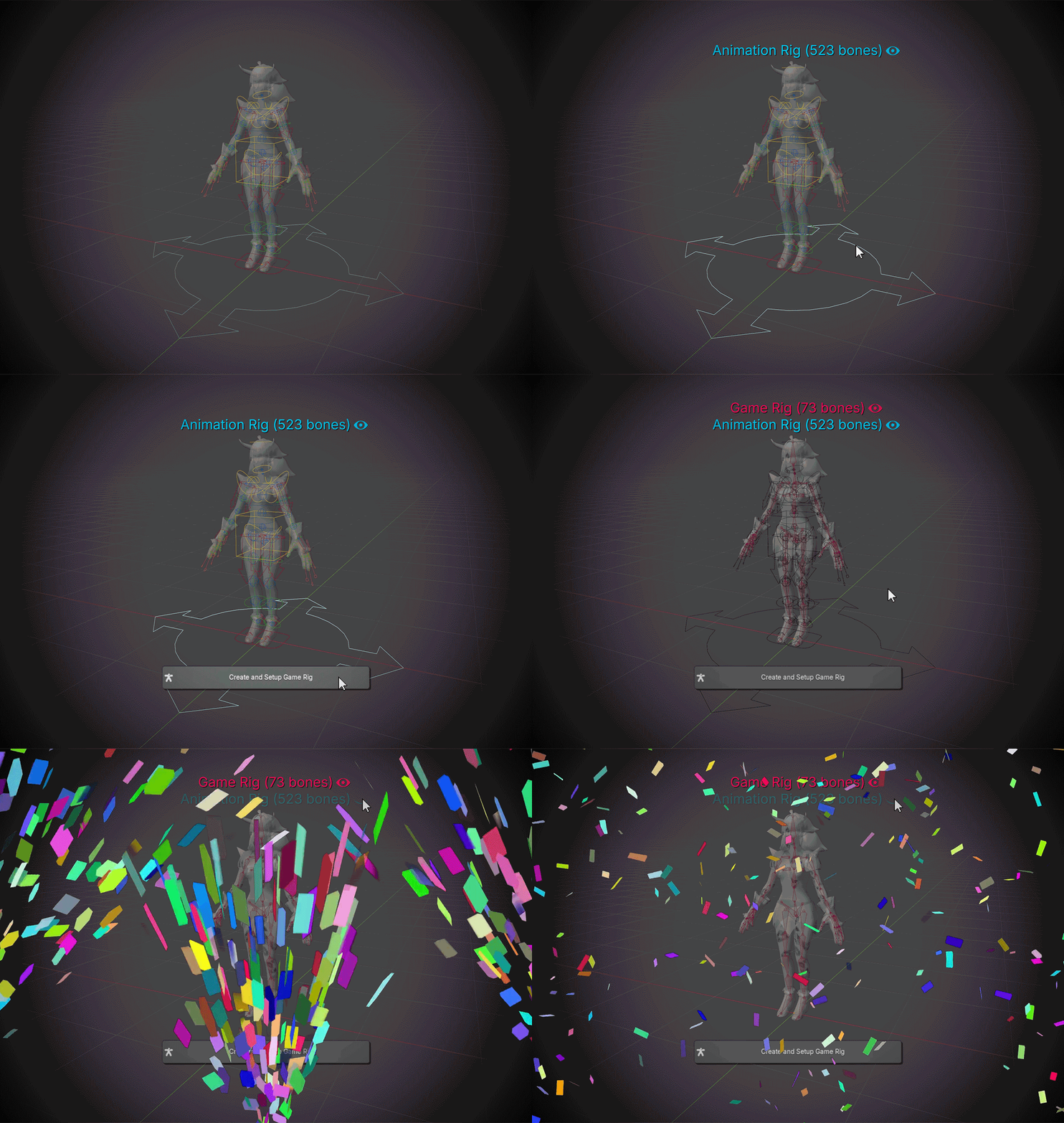
Epsinym's Rigging takes the process of generating a clean game rig from an animation rig and reduces it into the click of one button. It also provides a retargeting system between the animation rig and the game rig, and an action baker, so that animation creation and exporting becomes streamlined. There are no runtime scripts, no hidden properties, and no permanent dependencies, just regular bone constraints and Blender-native tools.
Key Features
What it does
One-Click Game Rig Generation
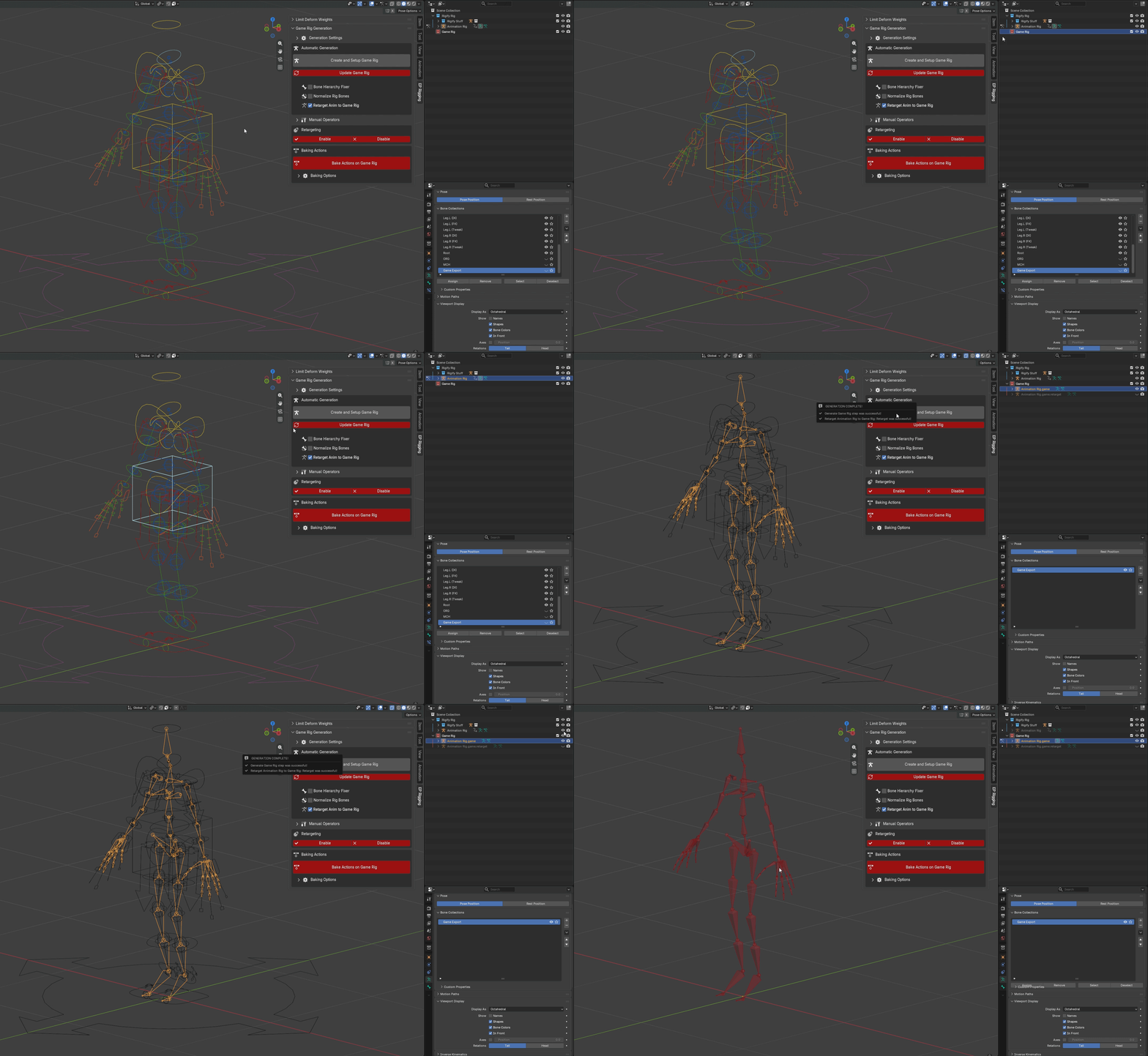
Culls unnecessary bones (determined by a bone collection), applies Rest Pose, cleans up constraints/drivers/properties, and duplicates any character meshes + reparents + updates their Armature Modifiers to the new Game Rig.
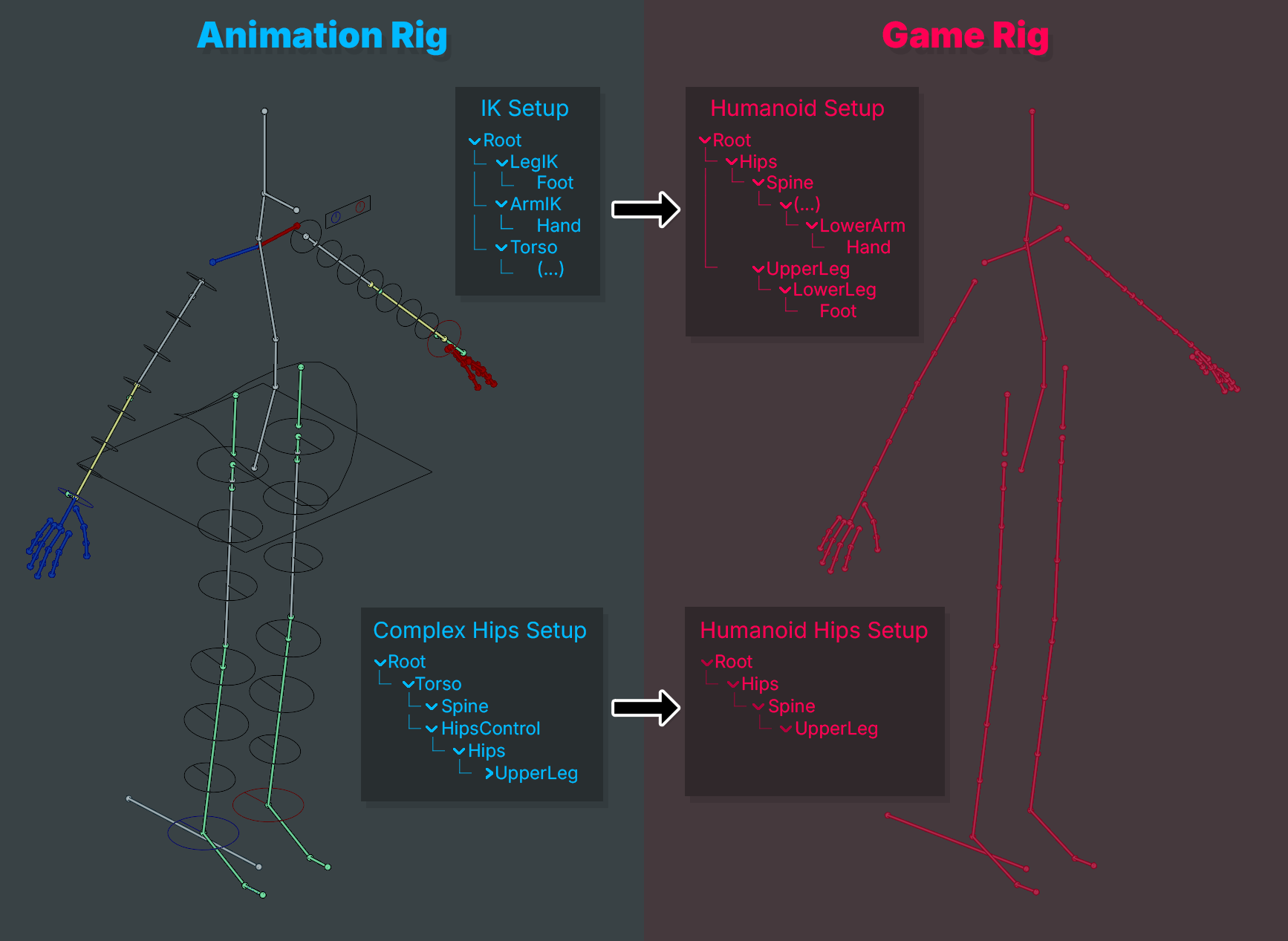
Bone Hierarchy Fixer
The Animation Rig can maintain an alternative bone hierarchy (e.g. IK hands separated from main chain, inverted hip bone setup, etc.). The Game Rig will reparent bones to conform to a clean humanoid hierarchy (compatible with Unity Humanoid).
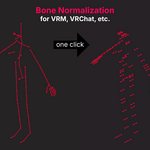
Bone Normalization
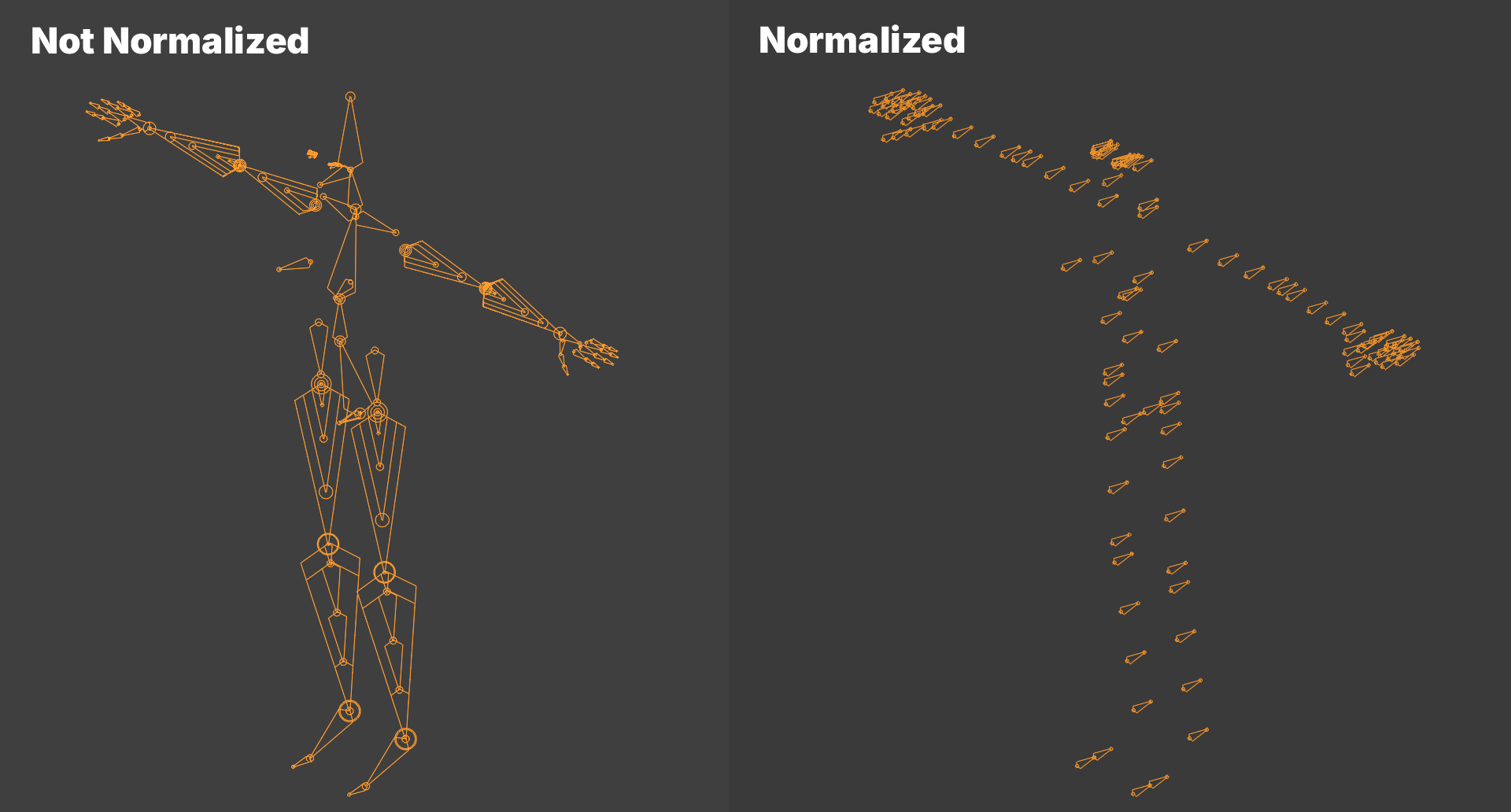
Transforms bones into a standardized format used by VRM, VRChat Avatars, etc. Instead of having to rely on external tools, the normalization step can be done in Blender.
Live Animation Retargeting
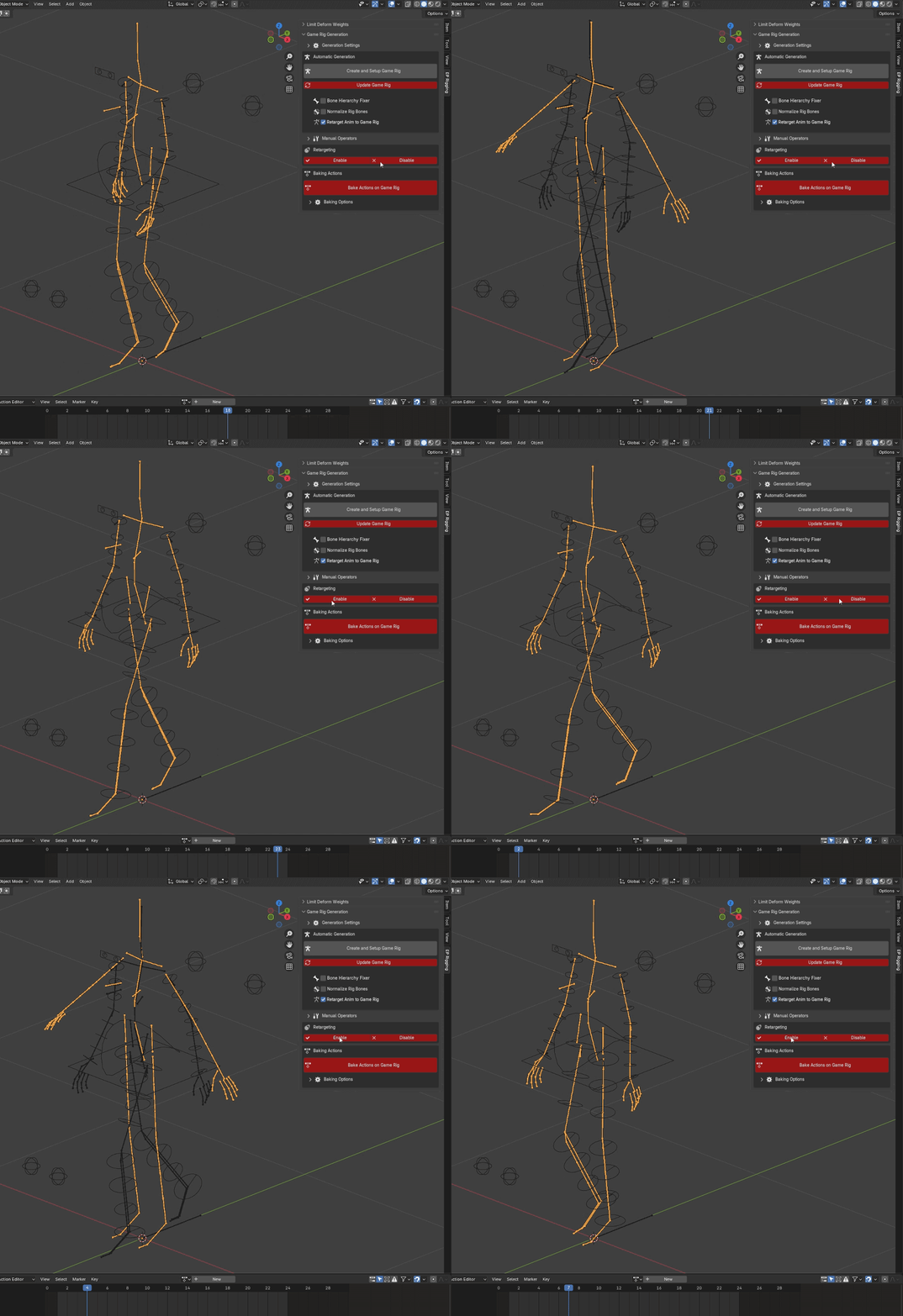
Animating a stripped and potentially normalized Game Rig would be painstaking. Animate the Animation Rig instead. The Game Rig follows!
Batch Bake Actions
Bake multiple Actions relevant to the Animation Rig to the Game Rig in one click. This creates a new Game Rig Action for each Animation Rig Action stashed and unmuted in the NLA, using Blender's native
Bake Actions operator on each one.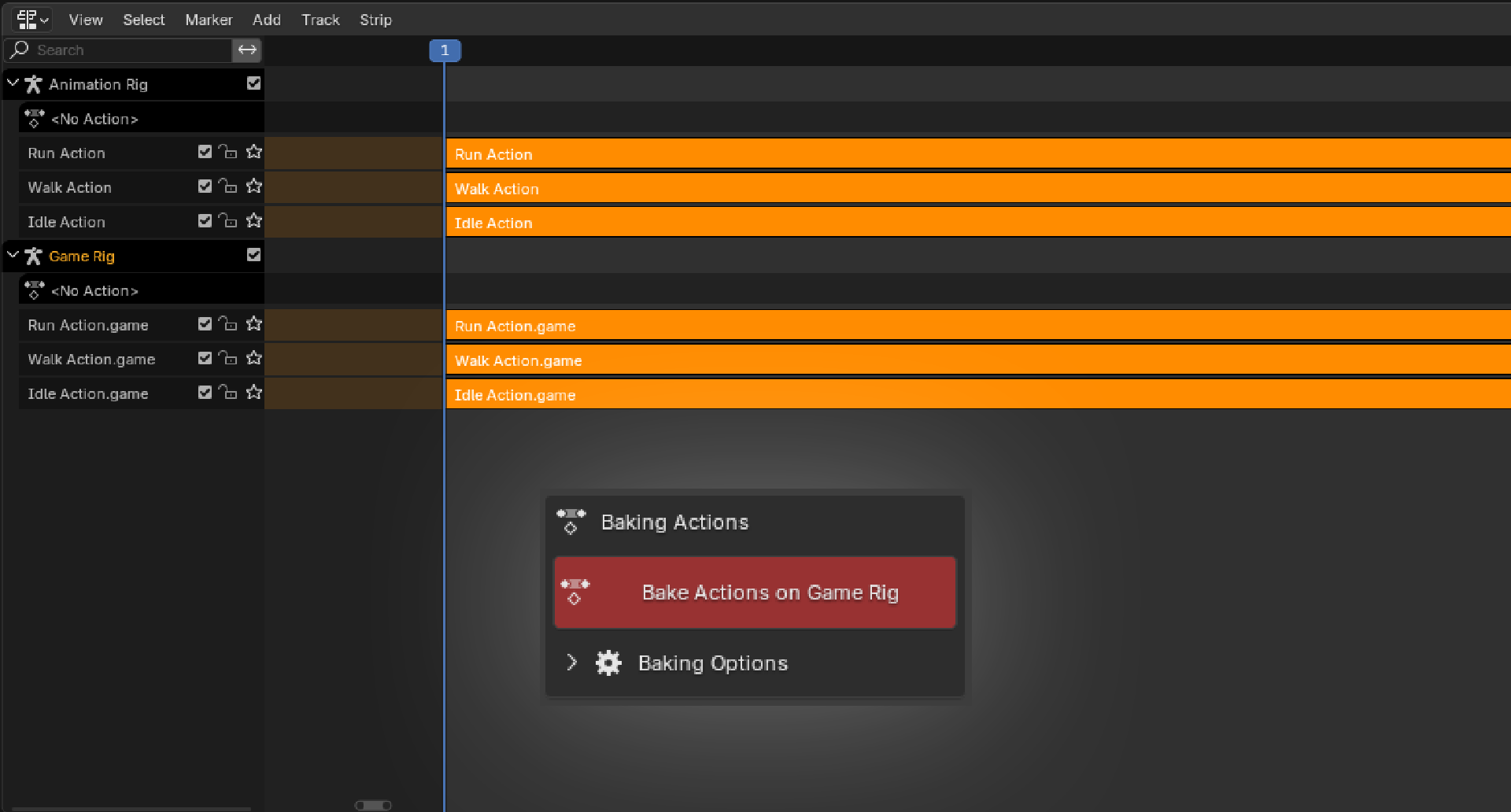
Workflow
Simple and Iterative Workflow
1Create an Animation Rig
2Create animations/Actions for the Animation Rig
3Generate a Game Rig with one button
4Bake Actions with one button
5Test/export the Game Rig, confirm any issues in the game engine
6Modify/add/remove Animation Rig bones, create additional animations, etc.
7Update the Game Rig with one button
8Bake Actions with one button
9Re-export Game Rig
…Repeat as needed
Additional Utilities
Individual Rig Operations
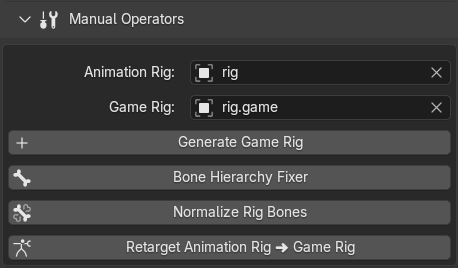
Automatic generation, which is simplified as 1 big button, executes 4 operations in order. In case you wanted to run only a specific operation, the panel exposes them separately for you to use.
Limit Deform Weights
Correctly limited deform vertex groups are important for some game engines and file formats. Blender's
Limit Total operator can be used to limit deform weights, but it is not transparent. Epsinym's Rigging adds transparency: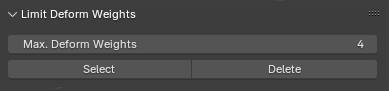
Select
Confirms which and how many vertices have above-limit deform vertex weights before committing to a cull. Useful to check the severity before modifying anything permanently.
Delete
Culls vertex group weights that don't respect the limit for the selected vertices, lowest weights first, then normalizes all vertex groups. It has a built-in safeguard to avoid accidentally normalizing non-deform groups, which streamlines the process.
Designed for Iteration
Instead of destroying your Animation Rig every time you prepare assets for export, Epsinym's Rigging keeps your Animation Rig and Game Rig separate. Keep animating, update your Game Rig whenever needed, rebake your actions in one click, and export again, all without rebuilding your workflow.
Questions, bug reports, or feature requests? Reach out. Feedback shapes what gets built next.
