Export Checker — Documentation
Blender 3.3–5.2 · Version 1.3.0
An offline validator for game-ready assets. It scans geometry, transforms,
materials, modifiers, naming, collections, UVs and asset budgets against a
profile you choose, explains every finding in the terms of that profile, and
offers conservative fixes where a fix can be made safely. Nothing is sent
anywhere and nothing runs without you pressing something.
---
Requirements - please read before buying
-
Blender 3.3 - 5.2. Two builds ship: an extension for Blender 4.2 and
newer, and a classic add-on for 3.3 - 4.1. Both are the same code. The
release matrix passed on Blender 4.3.2 and 4.5.2 LTS.
-
Windows x64 is the verified platform for v1. There are no
platform-specific binaries and no external Python dependencies, but macOS and
Linux are unverified for this release.
-
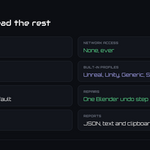
Network: none. The add-on is entirely offline: no connection, no
telemetry, no account.
-
No other add-on is required. Core Utilities and FastExport are independent
and may be enabled at the same time. Ultimate Utilities already contains this
one — enable that or this, never both.
- License: GPL-3.0-or-later.
Installation
Extension (Blender 4.2+): Edit ▸ Preferences ▸ Get Extensions ▸ top-right
menu ▸ *Install from Disk…* → pick
export_checker-x.x.x-blender4.2-5.2.zip, then enable Export Checker.
Classic add-on (Blender 3.3 - 4.1): Edit ▸ Preferences ▸ Add-ons ▸
*Install…* → pick export_checker-x.x.x-blender3.3-4.1.zip from the legacy
folder, then tick it in the list.
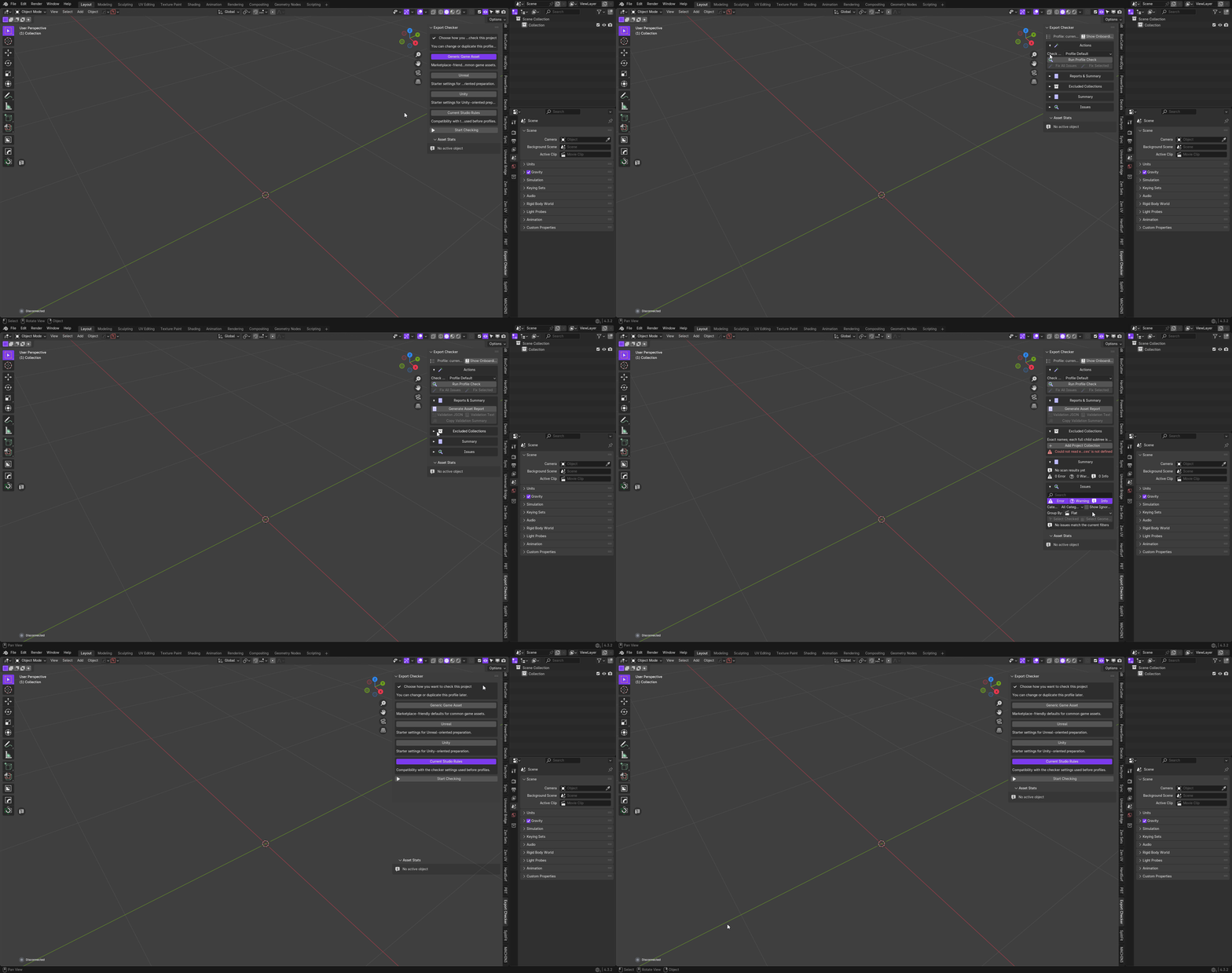
Open a 3D View, press N, and choose the Export Checker tab. First-run
onboarding preselects the Generic Game Asset profile; you can change it then
or later, and reopen the setup guide at any time from the panel.
Getting started
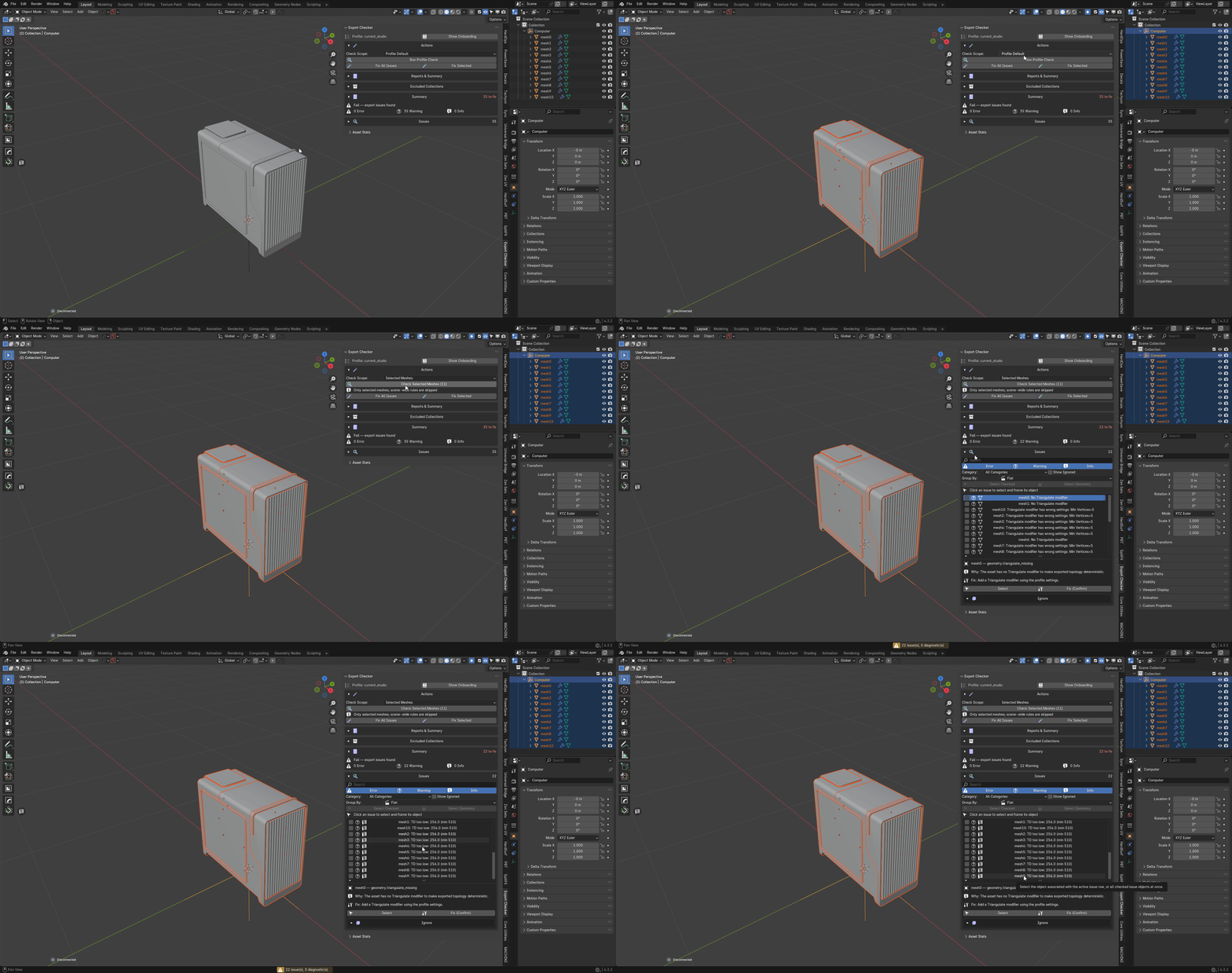
- Select what you want checked, or leave the scope on the whole scene.
- Pick the profile the asset has to satisfy.
- Press Run Profile Check.
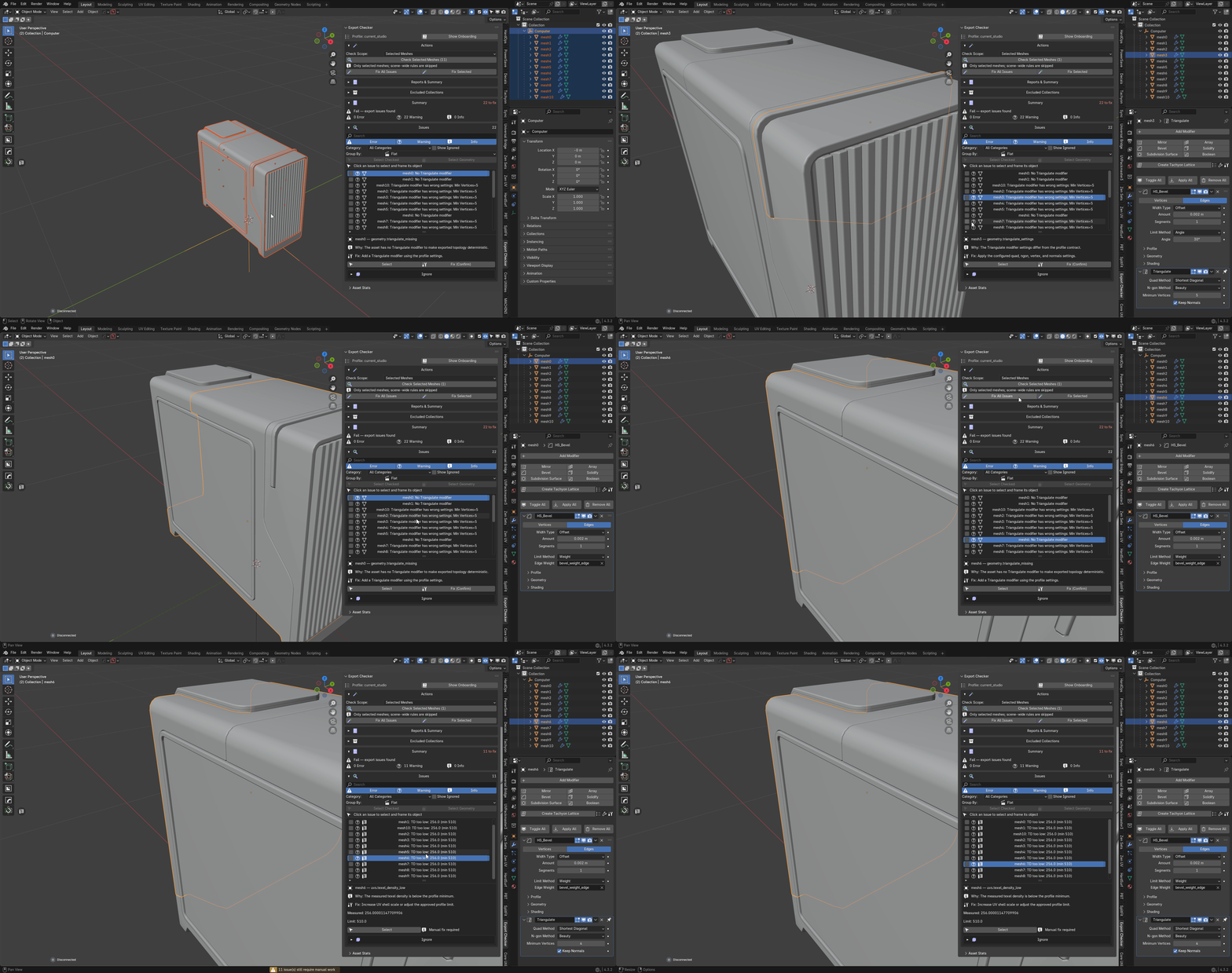
- Read the findings, grouped by category. Click a row to select, unhide and
frame its object; use Select Geometry to enter Edit Mode with the exact
vertices, edges or faces at fault already selected.
- Fix what can be fixed automatically, decide what to accept, and re-run.
Profiles
Four built-in profiles ship: Generic Game Asset, Unreal, Unity and
Current Studio Rules. Duplicate any of them for an editable copy, override
individual rules, and enable or disable a whole category at once.
Profiles export to portable JSON and import back, so a team can share one
definition of "correct" rather than each person remembering a different one.
Project snapshots are stored with the .blend, so a file carries the rules it
was checked against.
Built-in profiles are starting points, not certification for any engine,
marketplace, studio or exporter. Duplicate one and make it match your own
pipeline.
Scan scope
Five scopes: Entire Scene, Selected Meshes, Active Collection,
Visible Objects, and the profile's own default. *Selected Meshes* checks only
the mesh objects you chose and skips scene-wide rules, which is the difference
between validating one asset and validating the file it happens to live in.
Scanning shows incremental progress and can be cancelled. A cancelled or
incomplete scan keeps the results it did produce rather than discarding them.
Findings and fixes
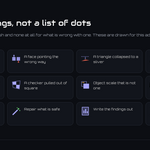
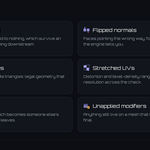
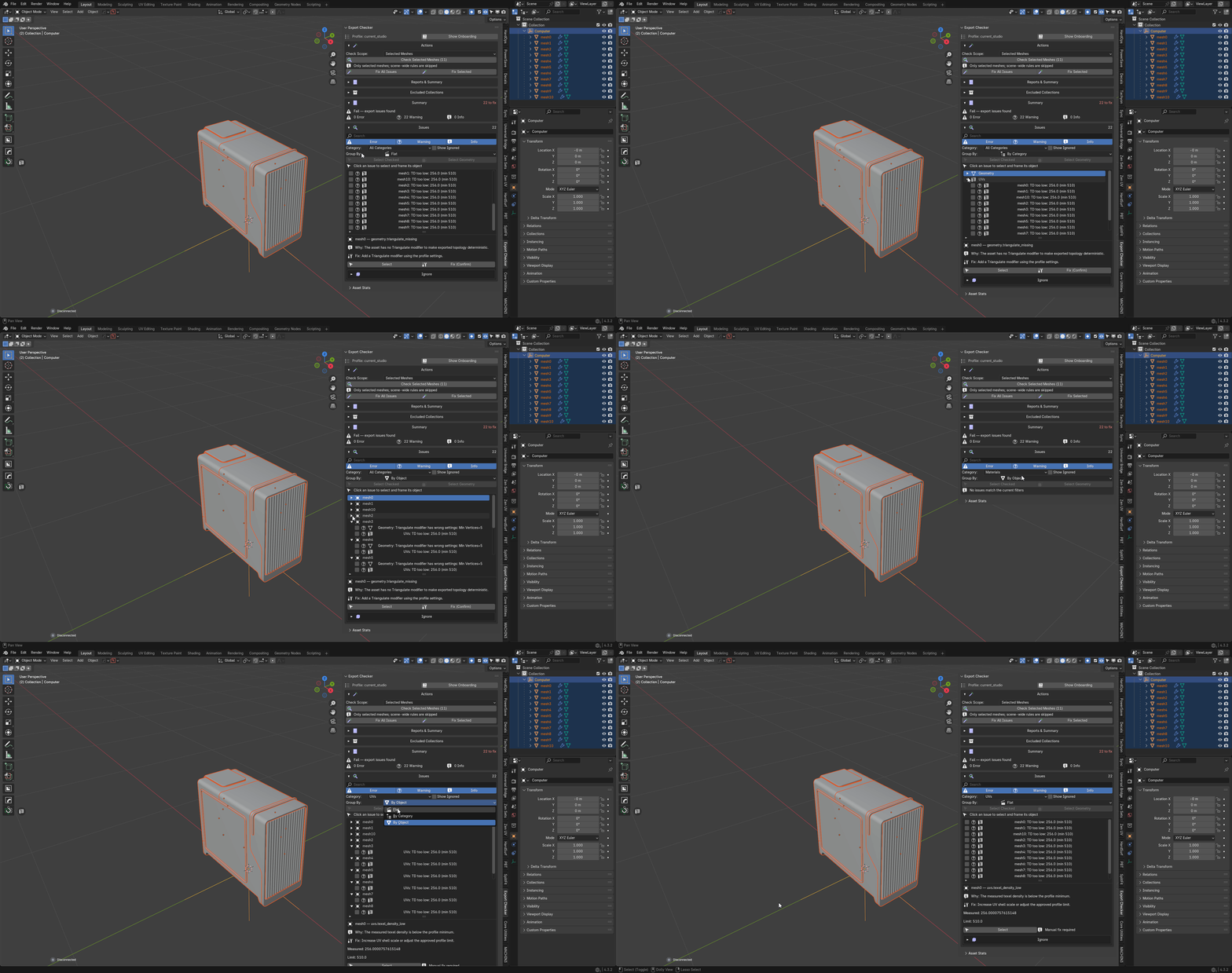
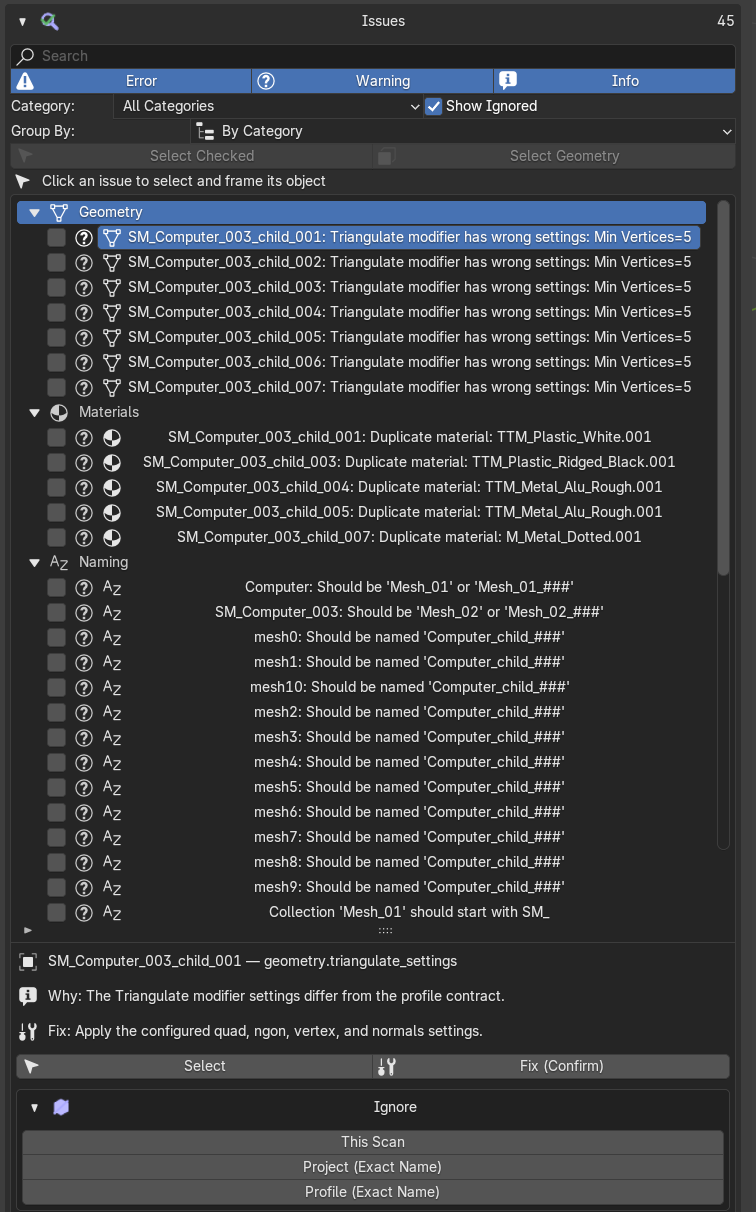
Findings are grouped into collapsible category folders, in a fixed-height
ten-row list that scrolls through any number of them. Rows can be checked
individually, or checked, unchecked and inverted as a set.
Select Checked selects and frames only the objects referenced by checked
rows. Select Geometry acts only on checked geometry findings. Stale targets
and objects outside the current view layer are skipped safely rather than
throwing.
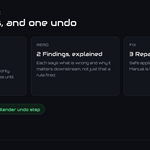
Every automatic fix is graded:
-
SAFE — applied directly.
-
CONFIRM — applied only after one explicit summary confirmation.
-
MANUAL — described, never applied. Some things are a modelling decision.
Fix All Issues applies eligible SAFE fixes plus eligible CONFIRM fixes after
that single confirmation. MANUAL and ignored findings remain. The whole operation
is one Blender Undo step, and a fresh complete scan is required afterwards —
results from before a fix are not quietly reused. Fix Selected does the same
for only the rows you checked.
Living with a finding
Not every finding is a mistake. A per-issue Ignore folder — collapsed by
default — holds the current reason, *Clear Ignore*, and the actions that promote
an exception from this scan to the project or to an editable profile.
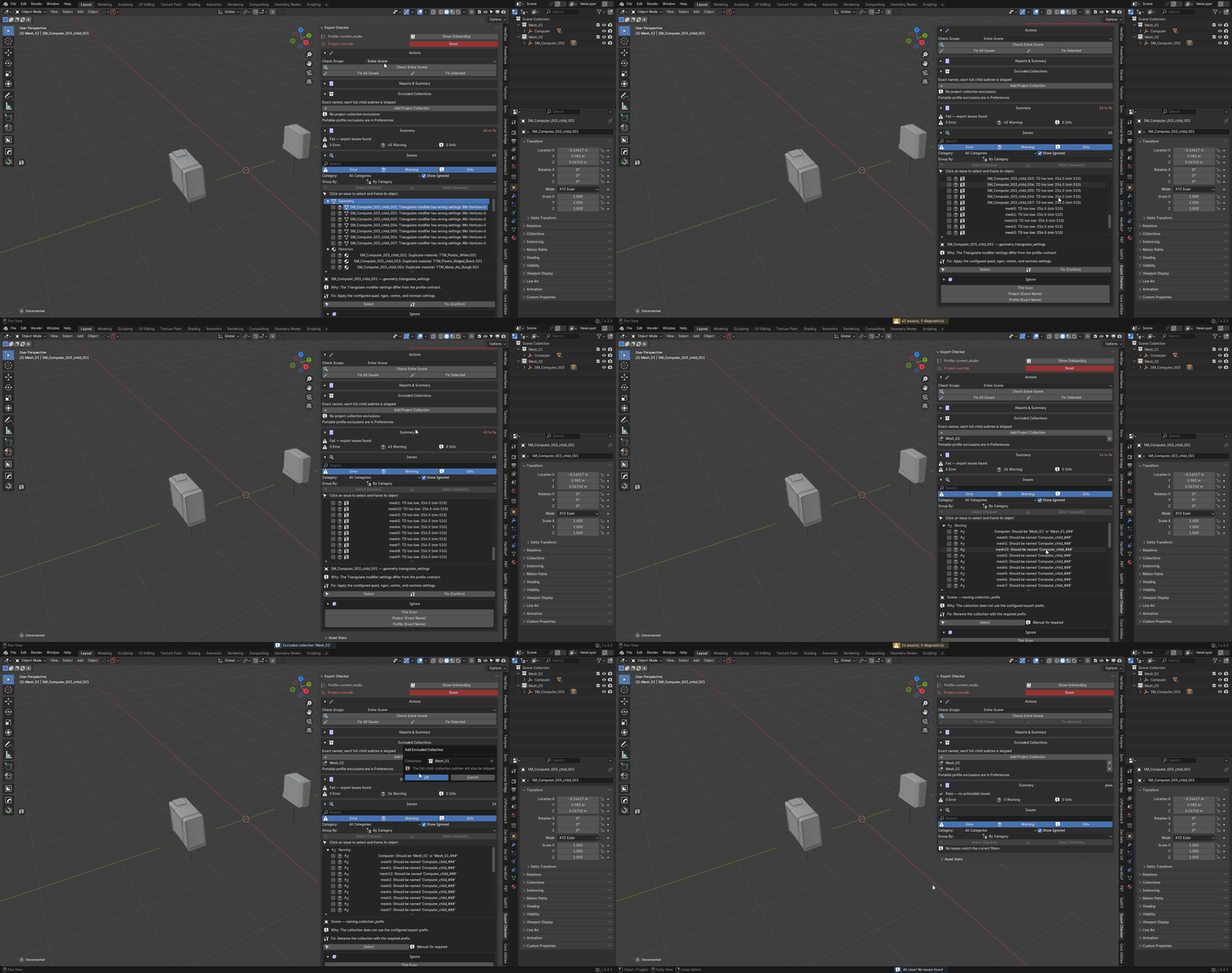
Exclusions are exact and case-sensitive. A collection excluded by name takes
every descendant collection with it, which is how blockouts, reference geometry
and lighting rigs stop reporting problems they were never going to have. Project
exclusions live with the .blend; portable ones live in editable profiles.
Nothing disappears without a record of why.
Texel density
Texel-density range editing is atomic, against one shared texture resolution.
Results are invalidated when the profile changes, so a number you are reading is
always a number for the rules currently in force.
Reports
A collapsed Reports & Summary folder keeps them together:
-
JSON validation report — stable between runs, so two can be diffed.
-
Text validation report — the same result, readable.
-
Clipboard summary — a short paste for a ticket or a message.
-
JSON Asset Report — counts, budgets, findings and export readiness for
every mesh asset in the file, written for whoever signs the asset off.
Diagnostics
Checks that could not finish are kept apart from checks that failed, with the
reason they stopped. A rule that errored is never reported to you as a pass —
that distinction is the whole point of having the folder.
Privacy
Entirely offline. The add-on reads your .blend data and writes only the report
files you ask for. No network requests, no analytics, no identifiers.
Troubleshooting
The panel is missing after install. Check the add-on is enabled, then look
for the Export Checker tab in the 3D View sidebar (N). If Ultimate
Utilities is also enabled, disable one of them — they share identifiers.
Findings reappear after fixing them. A fix requires a fresh complete scan
before the list is accurate. Re-run the check.
A row does nothing when clicked. Its object is stale or outside the current
view layer — for instance in an excluded collection. Those targets are skipped
rather than raising.
Everything is reported for objects I do not care about. Narrow the scope, or
exclude the collection by exact name. Exclusions are case-sensitive and take
descendants with them.
A texel-density result looks wrong after changing profile. It was
invalidated; run the check again.
Support
Questions, bug reports and feature requests: https://discord.gg/SuSqbZMDk5
The rest of the line: https://superhivemarket.com/creators/tachyonstudio
*Built by Tachyon Studio.*
 Tachyon Studio