Eye Designer
 Animation Store
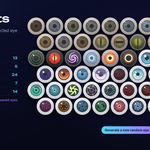
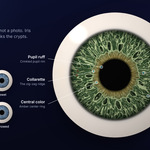
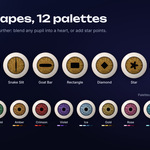
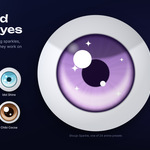
Can I use it on my own character's eyeball?
Yes. Select your eyeball and click Apply to Selected. The eyeball must be a separate object with its origin at its center. If the iris faces the wrong way, pick the right axis in the Orientation panel.
Does it work with EEVEE and Cycles? Linux, macOS, Windows?
Yes to both engines. The add-on is pure Python with no compiled parts, so it runs wherever Blender 4.2 or newer runs.
Where are my saved presets? Can I share them?
In your Blender user folder, as one JSON file plus a PNG thumbnail per preset. Click Open Presets Folder; copy the files to another machine to share them.
The HUD looks too dark, too big, or is in the way.
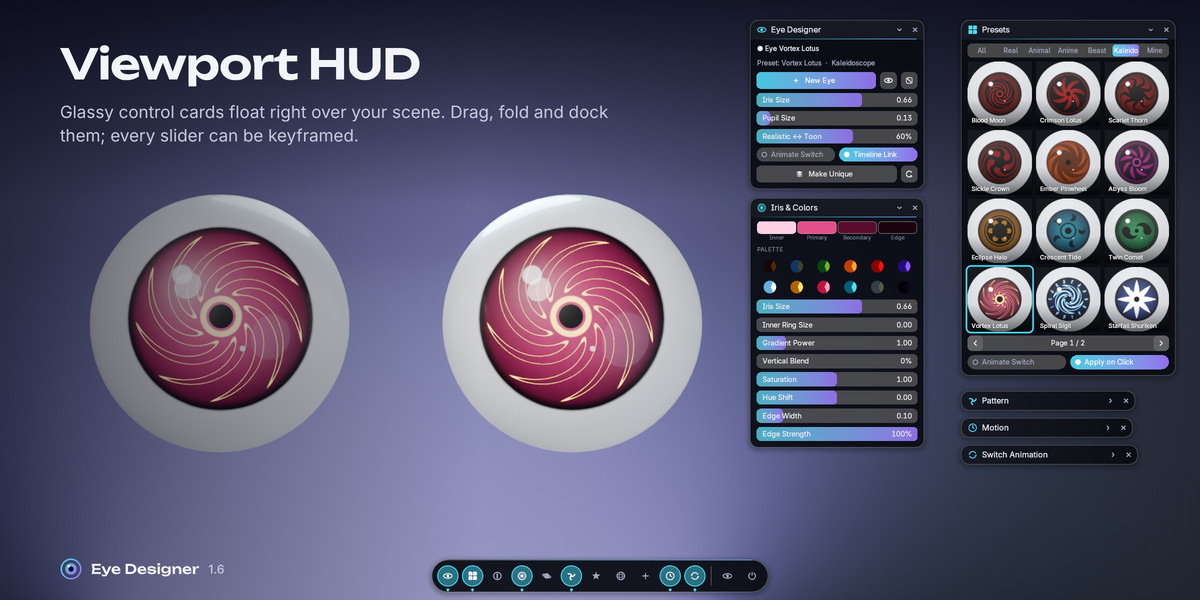
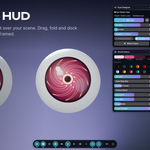
In Sidebar > Viewport HUD > Look, toggle Colour Correction, change HUD Size or Card Opacity, or click Reset HUD Layout. The dock's eye icon hides every card at once.
An eye looks wrong after updating the add-on.
Older files upgrade the shared shader automatically when opened, keeping every setting and keyframe. If something still looks off, click Rebuild Shader (the refresh icon in the main panel).
I want different animation on the left and right eye.
Click Make Unique on one of them. Its keyframes are copied, and from then on each eye is animated separately.
Clicking a preset deleted my later keyframes.
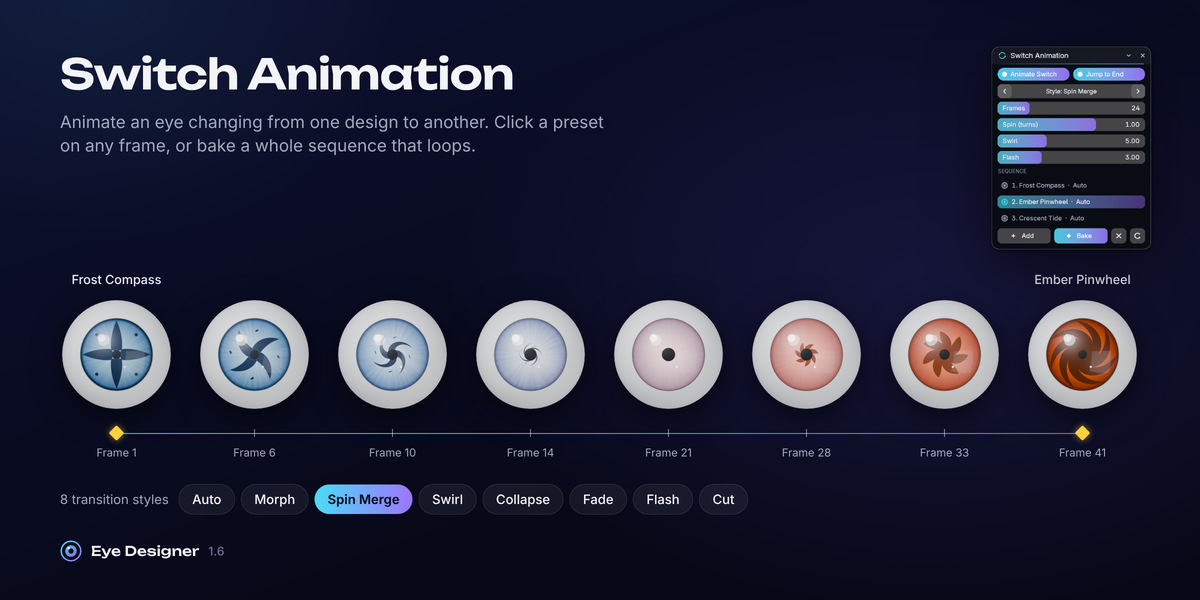
With Animate Switch on, a click keys a switch at the current frame and replaces that eye's keys after it. Move the playhead to the end of your animation first, or turn Animate Switch off to just apply a preset.
The motion settings do nothing when I press Play.
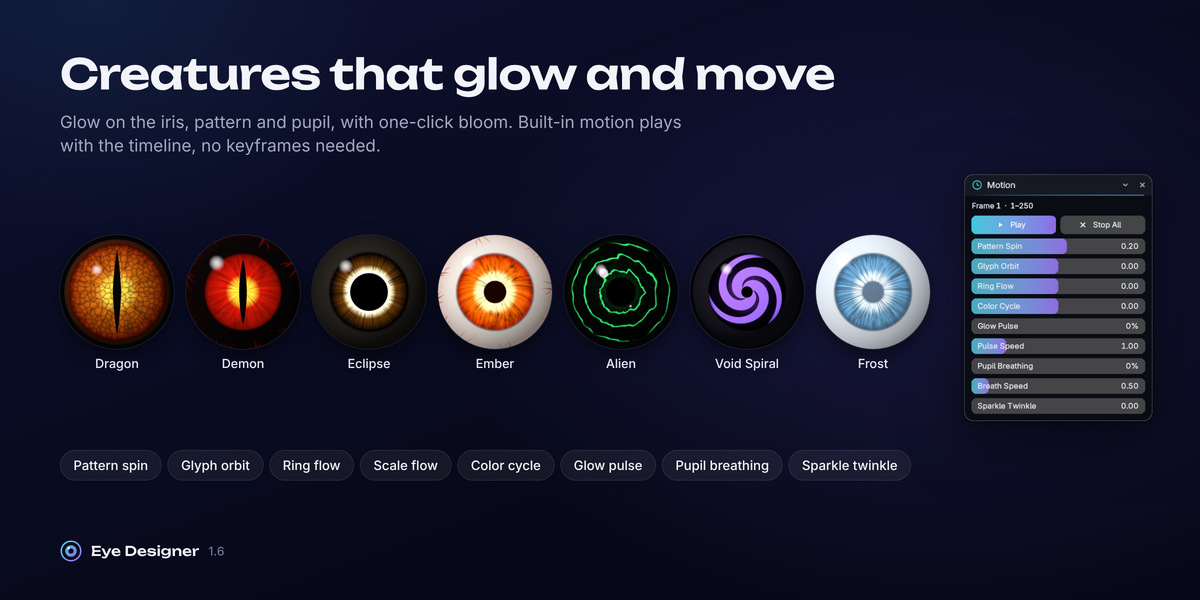
The eye must be linked to the timeline. In Motion, click Link to Timeline if the status box is red, and make sure at least one speed or amount is above zero.
Changing one eye also changes the other.
Eyes created as a pair, or with Apply to Selected on several objects, share one material on purpose. Select one eye and click Make Unique to separate it.
My glowing eye does not glow in the render.
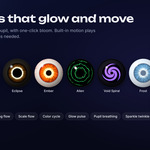
Emission needs a bloom pass. Click Add Bloom to Compositor in the Glow panel (or the Glow & Surface HUD card). In the viewport, use Rendered shading so the compositor is shown.
The iris appears on the side or back of my own eyeball.
Open Orientation and pick the axis your iris faces (-Y is Blender's front view). Check that the eyeball's origin is at its center, then use Fine Rotation for small corrections.
Do I need UVs or image textures?
No. The shader reads the object's own coordinates and normalizes them, so any eyeball size works without UVs, and nothing is ever pixelated.
Have questions about this product?
Login to message
| Blender Extension Compatible | Yes |
| Dev Fund Contributor | |
| Published | about 5 hours ago |
| Blender Version | 4.2 - 5.2 |
| Extension Type | Add-on |
| Render Engine Used | Cycles, Eevee |
| License | GPL |