 EFX
EFX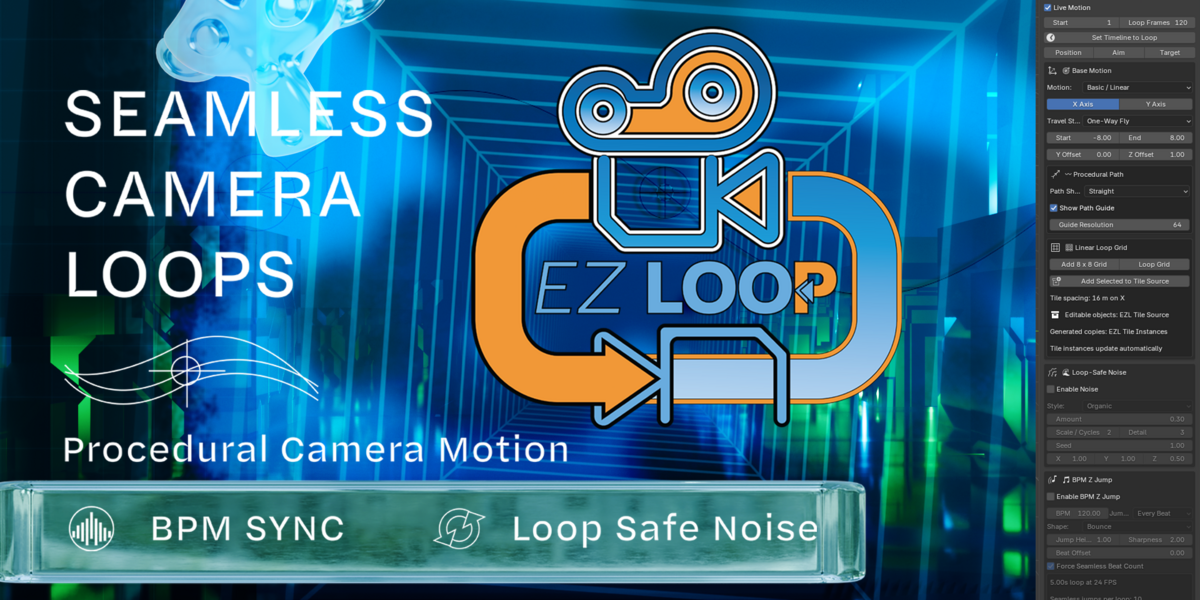


EZ Loop Camera 0.5.0
A major update to EZ Loop Camera focused on more flexible Linear paths, seamless environment creation, material looping, and new stepped-loop camera motion.
- New Stepped Loop motion — Create quarter-turn spiral camera moves between repeated environment tiles. Each new tile can rotate 90° and rise by a custom Step Height, allowing staircase and square-spiral looping environments. Left and Right turn directions are supported.
-
Stepped Target Motion — The EZ Loop Target can now move with the stepped environment. With the default 16 m X-axis loop and an 8 m step, for example, the target moves from
(0, 0, 0)to(16, 0, 8)across the loop. Follow Target is now the default stepped behavior rather than Aim Along Step. - Stepped Loop Baking — Target motion is included when baking the stepped setup, including the exact closing-frame position needed for the loop.
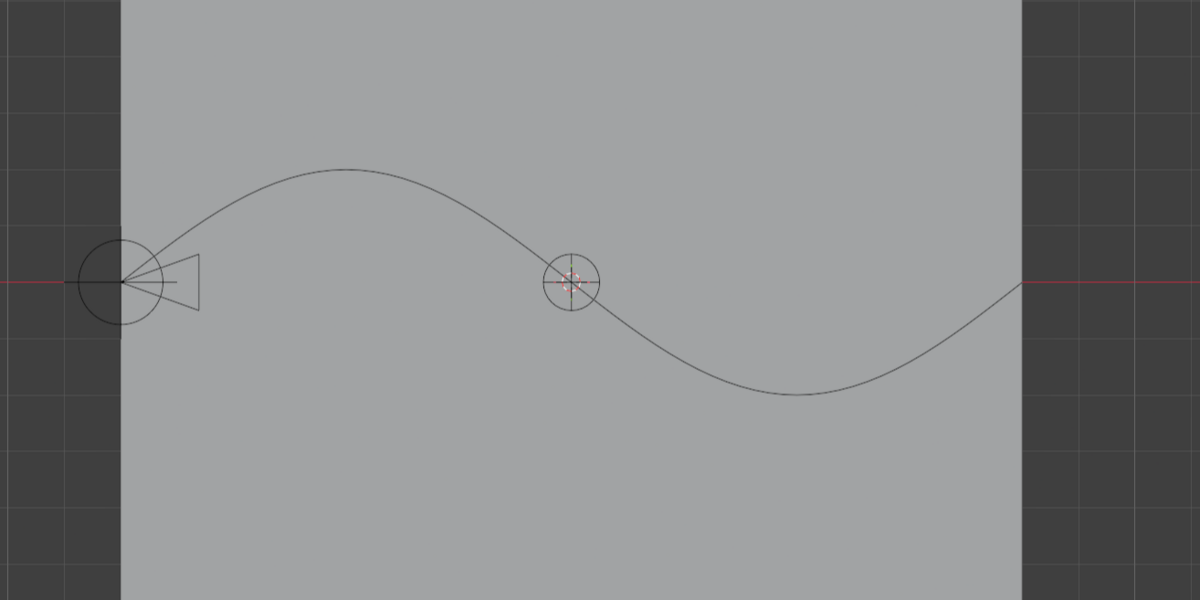
- New Spiral Linear Path — Basic / Linear mode now includes a loop-safe spiral path with independent Side Radius, Z Radius, Turns, Phase, and Rotation controls.
- Rotatable Snake Paths — Snake paths can now be rotated around the camera's travel axis, allowing horizontal, vertical, diagonal, and intermediate snake orientations.
- Editable Procedural Paths — Straight, Bend, Snake, and Spiral paths can now be converted into real Blender Bezier curves. After conversion, control points can be edited directly while the camera continues following the customized Linear path.
- Editable Curve Seam Repair — Converted paths preserve the position and tangent required by the repeating Linear grid. A new Fix Grid Seam tool repairs the first/last Bezier points after manual edits while preserving the interior curve.
- Loop-Safe Material Helper — Adds periodic shader coordinates designed for procedural textures such as Voronoi and Noise. The helper wraps the EZ Loop travel axis so procedural bump, roughness, color, and other texture effects can match across the animation loop instead of exposing a material seam.
- Seamless Tiled Floor Helper — A new mirrored floor setup creates an 8 m editable half-floor and mirrors it into a 16 m loop-safe floor. This makes it easy to use ordinary image textures without an obvious texture boundary.
- 8 × 8 Grid Wire Display — The Linear Loop Grid now includes a checkbox for displaying the generated 8 × 8 guide as wireframe without affecting render geometry.
- Custom BPM Curve Profile — BPM Z Jump can now use an editable Blender curve profile while retaining a loop-safe beat structure. Reset Curve and Refresh Preview controls are included.
- Camera Passepartout Controls — Added direct control over Camera View passepartout and outside-frame opacity.
- Focal Length Slider — A standard camera focal-length control is now available directly below the Camera View controls. The animated Focal Length Loop overrides this value while enabled.
- Delete Setup / Reset — EZ Loop camera rigs can now be removed with one button, with an optional full settings reset. Tile Source and generated environment instances can be preserved.
Overall, 0.5.0 expands EZ Loop from primarily procedural camera looping into a more complete system for building editable loop paths, repeating environments, seamless procedural materials, and stepped spatial loops.
$1
Have questions about this product?
Login to message
| Blender Extension Compatible | Yes |
| Dev Fund Contributor | |
| Published | about 2 months ago |
| Blender Version | 5.2 |
| Extension Type | Add-on |
| Render Engine Used | Cycles, Eevee |
| License | GPL |
Discover more products like this
Auto Loop grid generator motion graphics vj visuals bpm-sync blender camera rig animation tools animation loop procedural setup radial animation looping animation vjloop