 K&K Visual Productions



F-Curve Wizard – Take Control of Your Blender Animations
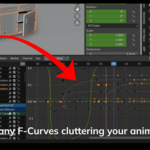
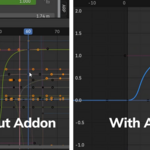
F-Curve Wizard is the ultimate toolset for managing F-Curves in Blender's Graph Editor.
Whether you're animating complex characters, mechanical rigs, or VFX scenes, F-Curve Wizard gives you powerful ways to filter, organize, and edit your animation curves faster and smarter.
Key Features
-
Filter F-Curves Instantly
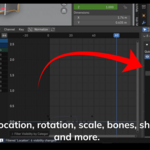
Easily filter curves based on Location, Rotation, Scale, Bones, Shape Keys, Custom Properties, Key Count, and more. -
Solo and Focus on Curves
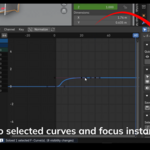
Solo selected curves with one click. Focus the Graph Editor view instantly around your selection. -
Visibility and Mute Management
Toggle visibility and mute states for selected curves. Invert visibility/mute, hide all, or show all curves easily. -
Save and Load Curve States
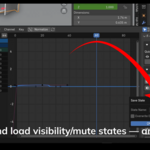
Save the visibility and mute status of your curves into named states. Load them back anytime — perfect for working on different animation passes or stages. -
Batch Operations
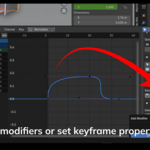
Add modifiers (like Noise, Envelope, Cycles) to multiple curves at once. Remove modifiers. Copy modifiers from active curves. Set keyframe interpolation and handle types in bulk. -
Simple, Clean Interface
All tools are organized inside the Graph Editor’s Sidebar (N Panel) under a dedicated Wizard tab.
Why Use F-Curve Wizard?
-
Save hours managing complex animations.
-
Stay organized even with hundreds of curves.
-
Focus better and work faster.
-
Perfect for character animators, riggers, VFX artists, and technical animators.
Installation
-
Download the f_curve_wizard.py file.
-
Open Blender and go to Edit > Preferences > Add-ons.
-
Click Install..., select the .py file, and enable F-Curve Wizard.
-
Open the Graph Editor, press N, and find the Wizard tab.
Compatible with Blender 3.6 and above.
Support
Questions? Need help?
Feel free to reach out through Blender Market messaging — happy to assist you!