 VK Gamedev


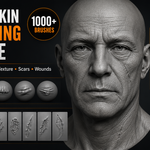
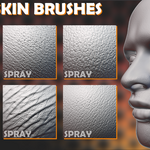
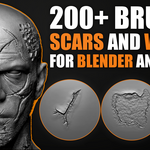
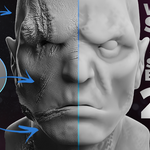
Skin, Wrinkles, Wounds & Scars Sculpting Brushes Bundle
A large character-detailing brush collection for Blender and ZBrush workflows. Build realistic skin texture, pores, face wrinkles, lips, hands, body details, wounds, scars, stitches, cuts, burns, and damaged surface detail faster.
| 1100+ Brushes & Alpha Resources | 6 Included Product Packs | 4K High-Resolution Alphas Where Included |
Get the Full Collection for $24.99
Buying the included packs separately would cost about $64.95 at their regular Standard License prices. This bundle price saves about $39.96, which is roughly 62% off compared with buying each pack individually.
Use Code skinbundle
Use coupon code skinbundle for an extra 25% off. The coupon is valid until May 22, 2026.
Bundle price: $24.99. With the coupon, the price becomes about $18.74.
Save About 62% Compared With Buying Separately
Buying the included packs separately would cost about $64.95 at regular Standard License prices. The $24.99 bundle price saves about $39.96.
One Library for Skin Detail, Aging, Damage, and Character Close-Ups
Use this bundle for realistic humans, stylized characters, creatures, horror assets, cinematic close-ups, game characters, VFX work, portrait sculpting, and high-detail organic surface breakup.
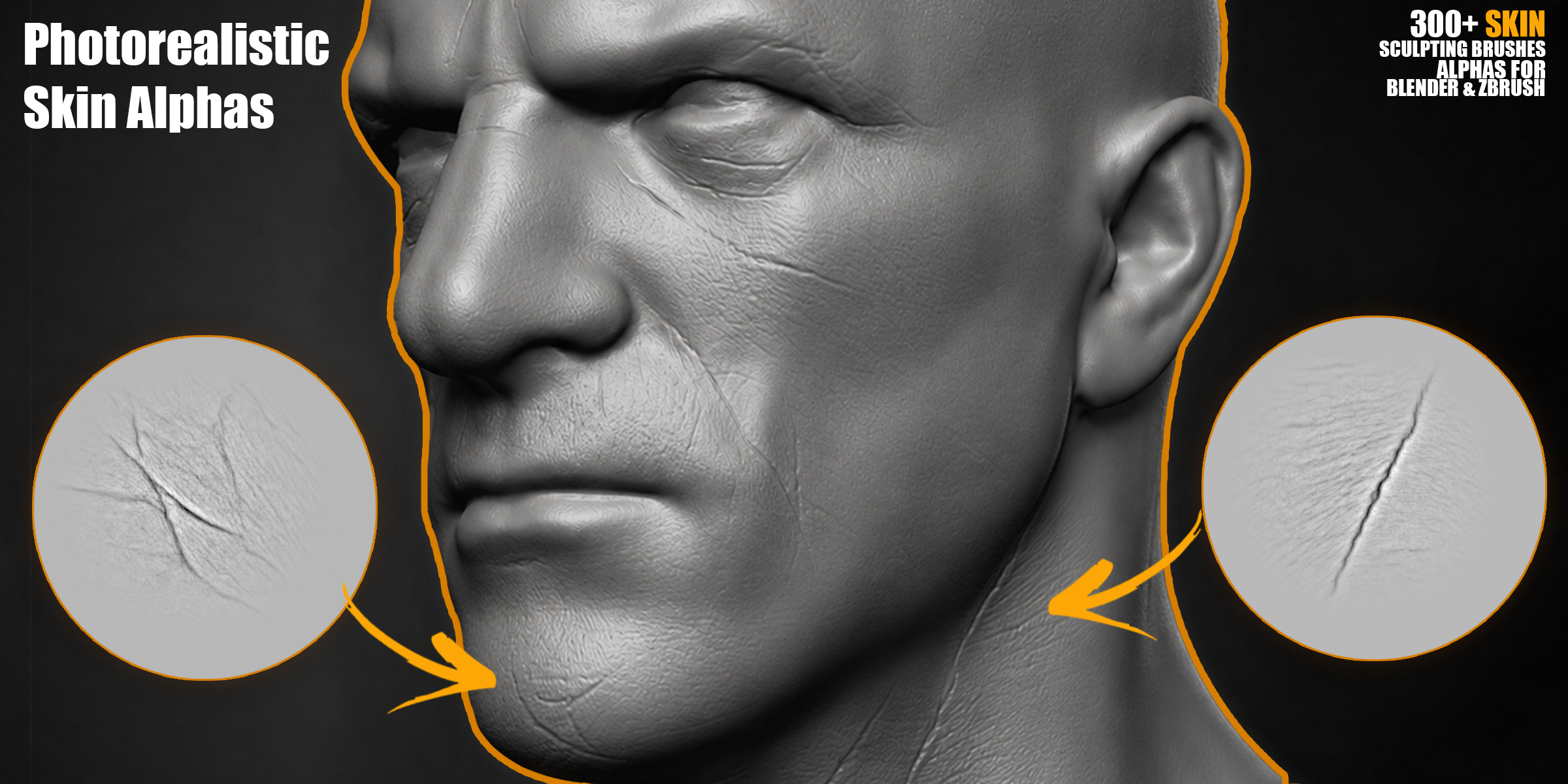
| Face Skin & Wrinkle Brushes
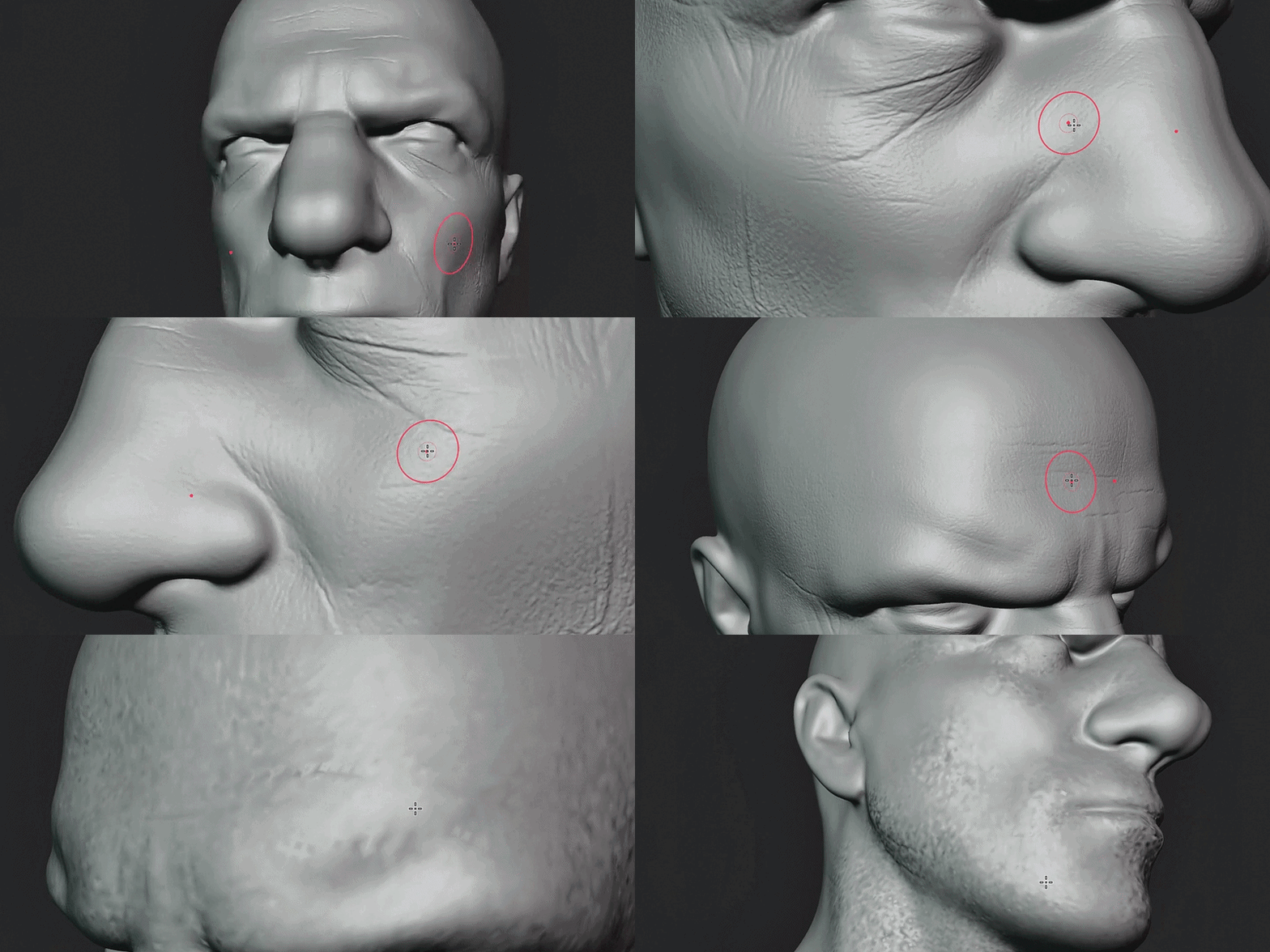 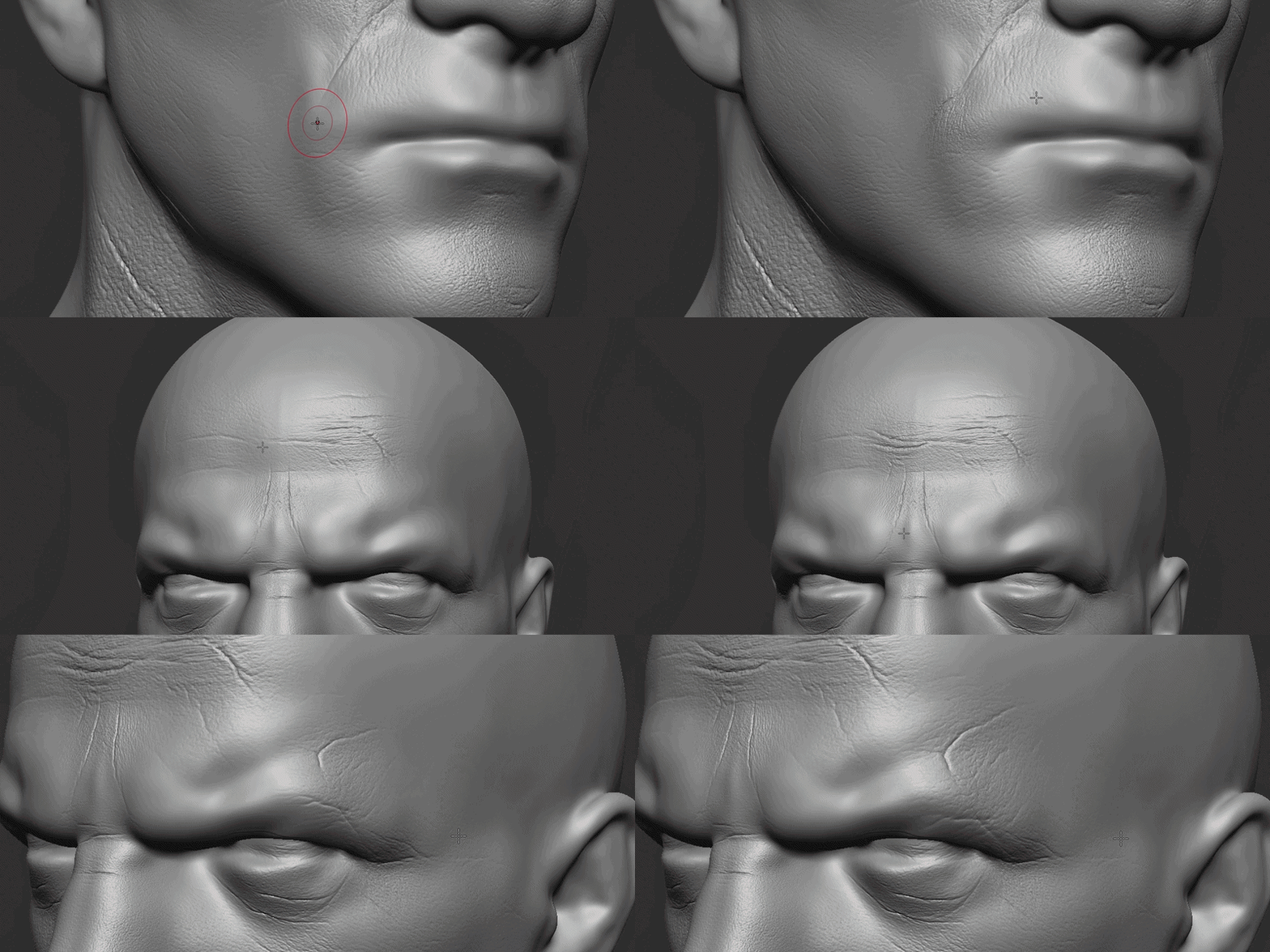 | Wounds, Scars & Damage
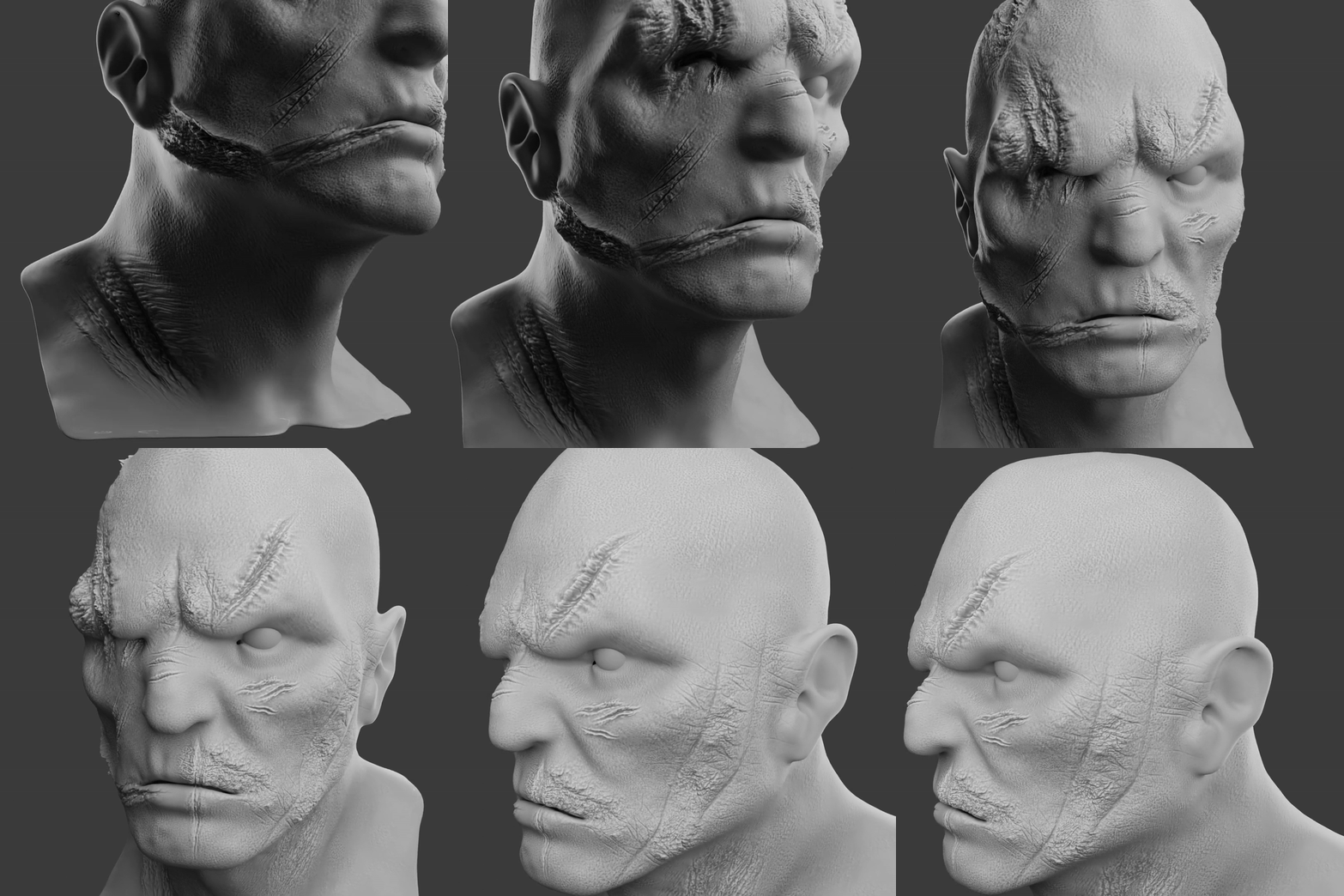 |
Watch the Brush Packs in Action
Preview the included Blender and ZBrush sculpting brush packs before using them in your character workflow.
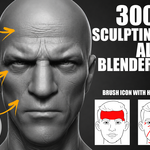
| 300+ Face Skin Brushes | 250+ Wounds & Scars |
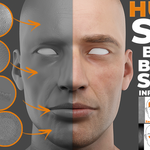
| Blender Human Skin Brushes | 200+ Wounds & Scars |
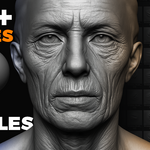
| 200+ Skin Wrinkles Brushes | Blender Skin Sculpting Brushes |
Built for Character Sculpting Workflows
The bundle combines broad skin detailing brushes with focused packs for facial wrinkles, pores, lips, hands, body areas, wounds, healed scars, stitches, cuts, burns, scratches, and organic damage.
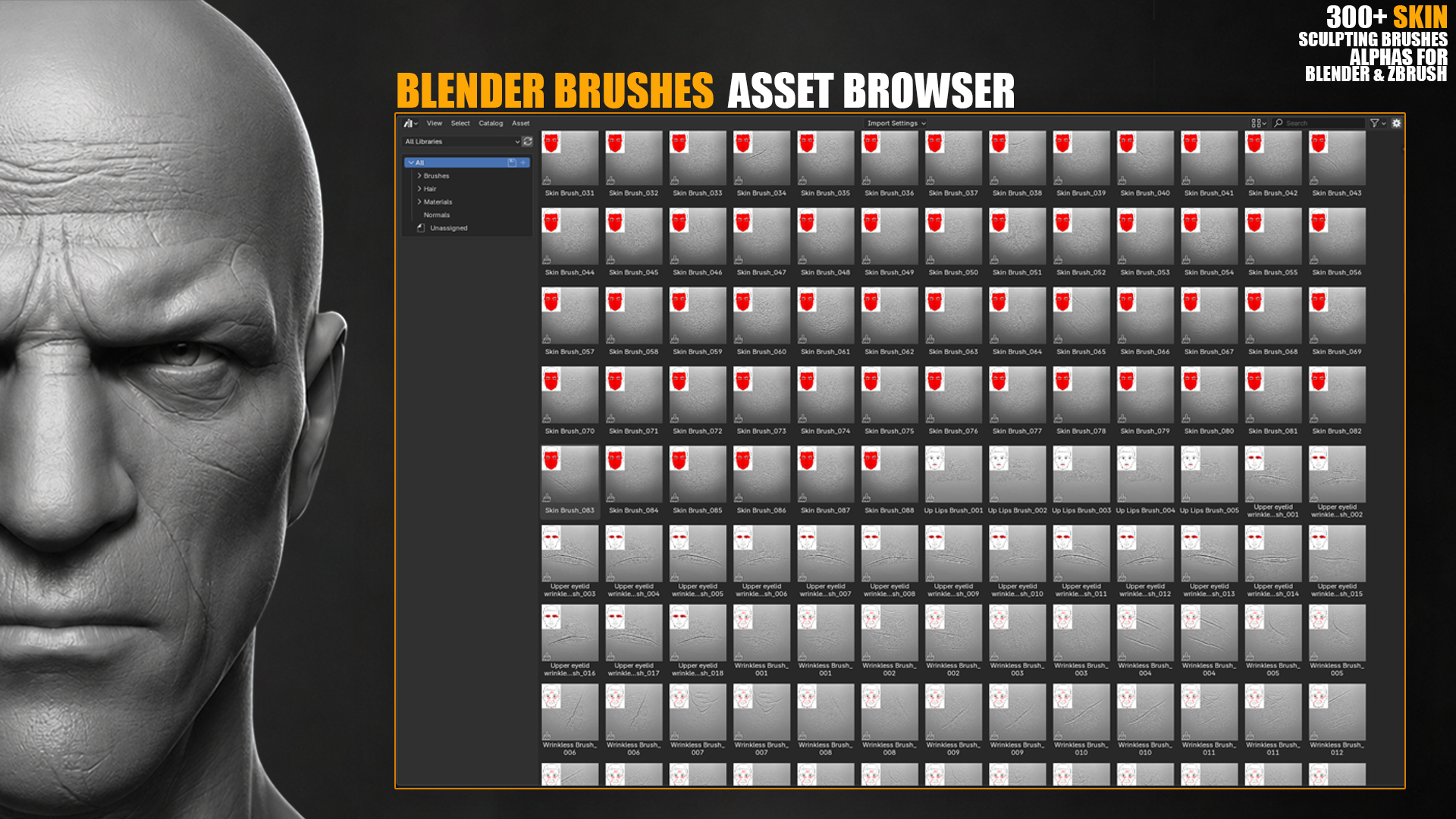
- Use facial skin brushes for pores, eyelid folds, eye bags, lips, chin, forehead, and general wrinkles
- Add aging and anatomical surface flow with dedicated wrinkle brush packs
- Create injury detail with wounds, scars, stitches, burns, scratches, and torn skin brushes
- Detail face, hands, body parts, monsters, creatures, and stylized or realistic characters
- Speed up repetitive sculpting work without manually carving every pore, fold, or scar
Included Product Packs
This bundle includes all listed sculpting brush products.
| 300+ Face Skin Sculpting Brushes for Blender & ZBrush | 337 Brushes / 4K Alphas |
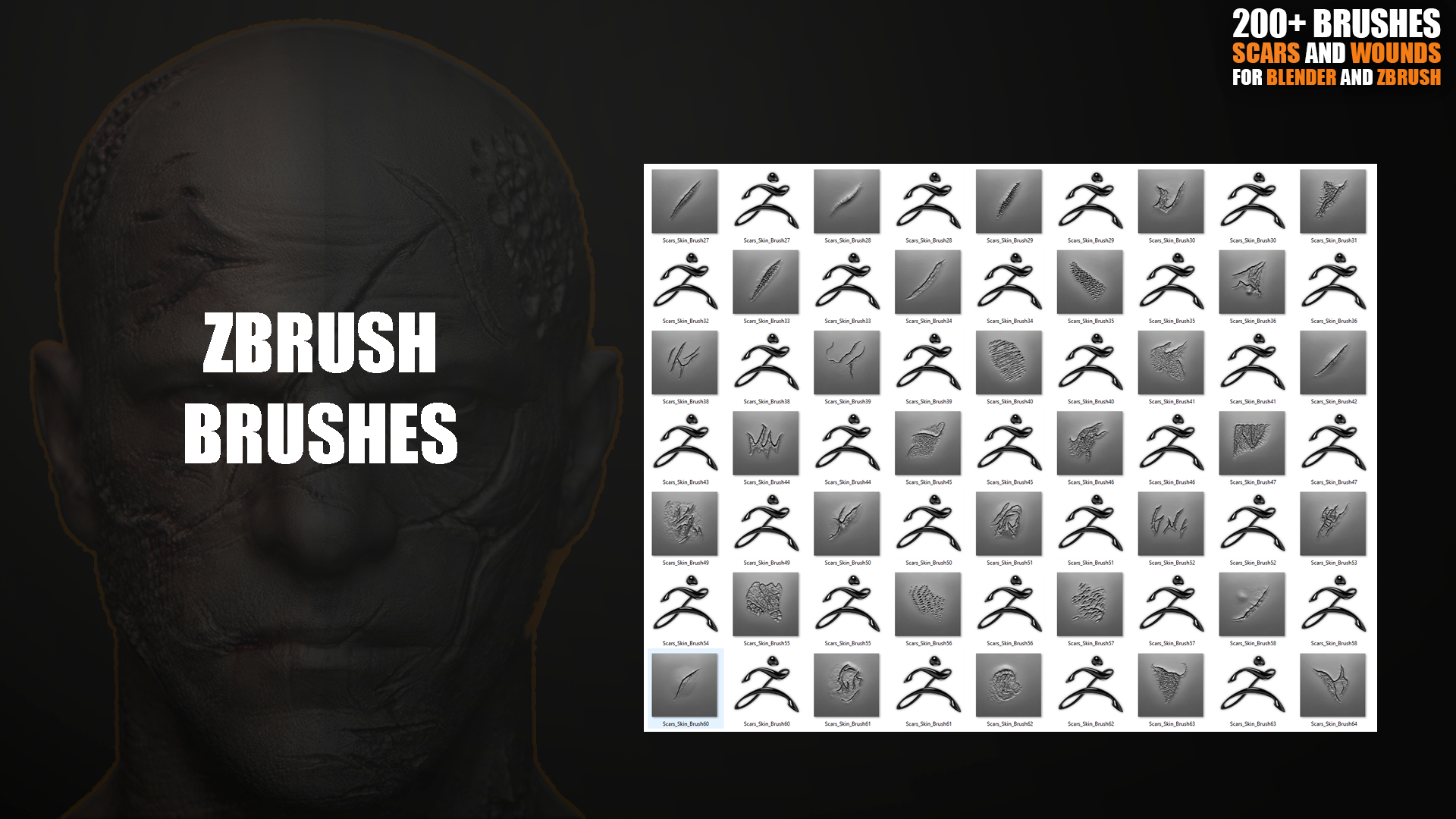
| 250+ Wounds & Scars Sculpting Brushes | 250+ Brushes & Alphas |
| Blender Human Skin Brushes | 71 Detailed Brushes |
| 200+ Wounds & Scars Sculpting Brushes for Blender & ZBrush | 200+ Brush Pack |
| 200+ Skin Wrinkles Sculpting Brushes for Blender & ZBrush | 245 Blender + 245 ZBrush Brushes |
| Blender Skin Sculpting Brushes | 43 Blender Brushes |
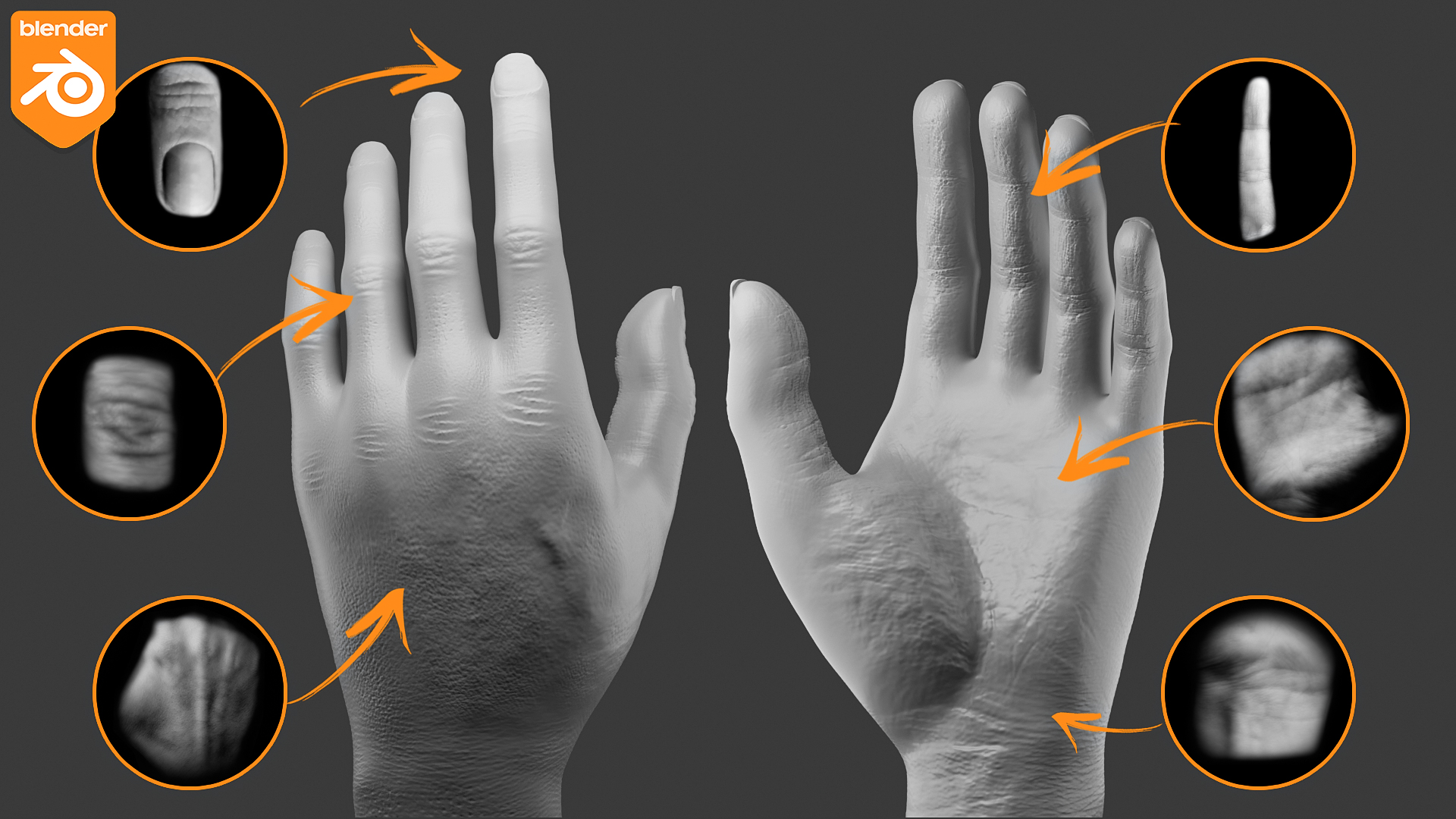
Skin & Face Detail Library
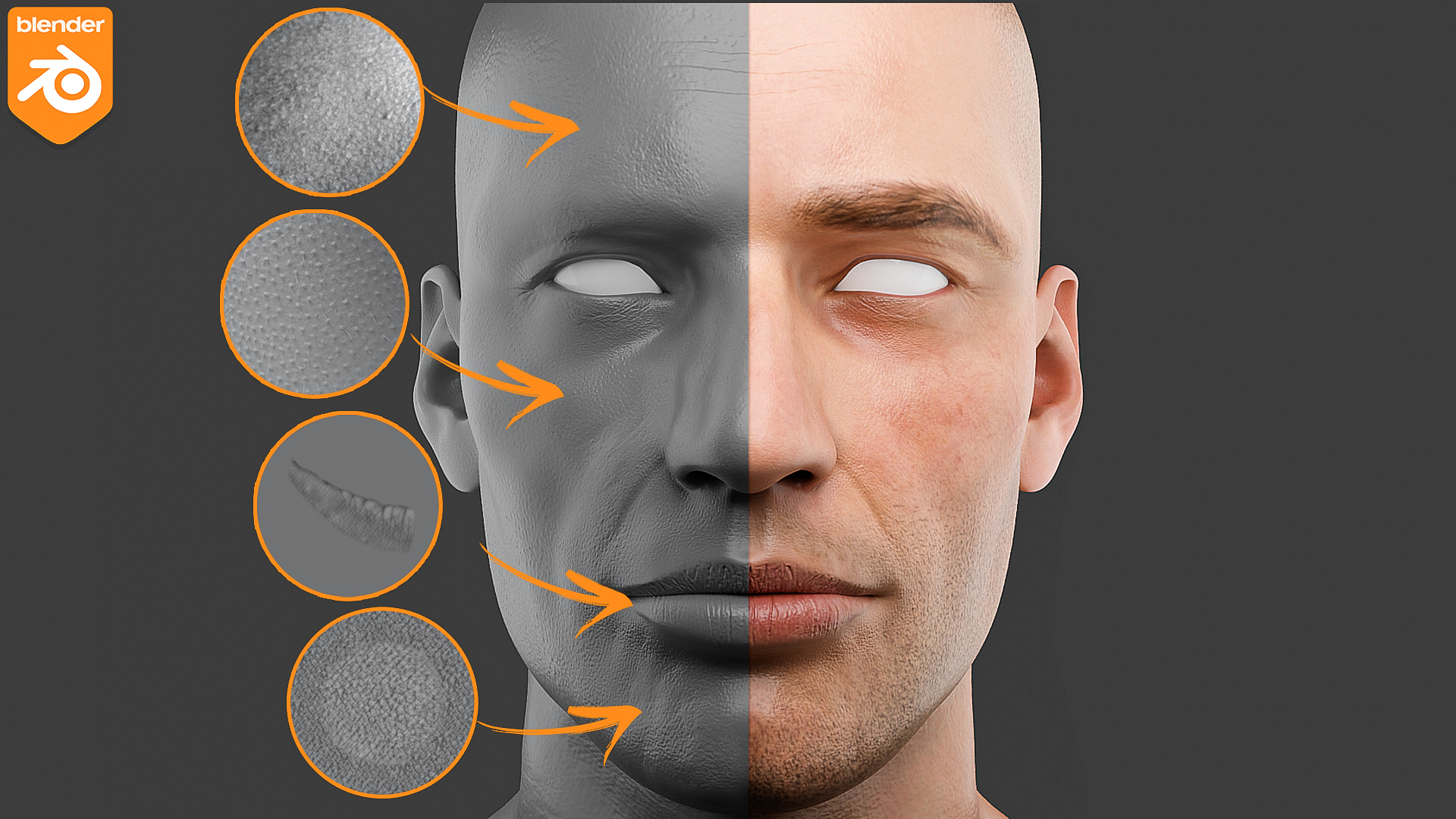
The skin-focused packs are designed for close-up character sculpting and realistic surface detail.
Face AreasGeneral wrinkles, pores, eye bags, eyelid folds, forehead lines, lip details, chin detail, and facial surface breakup.
| Body AreasHuman skin, face, hands, feet, shoulders, legs, chest, and other body-area detailing for high-poly sculpting.
|
Wounds, Scars & Damage Detail
Use the damage packs for horror characters, battle-worn heroes, creatures, monsters, cinematic shots, VFX work, and stylized injury detail.
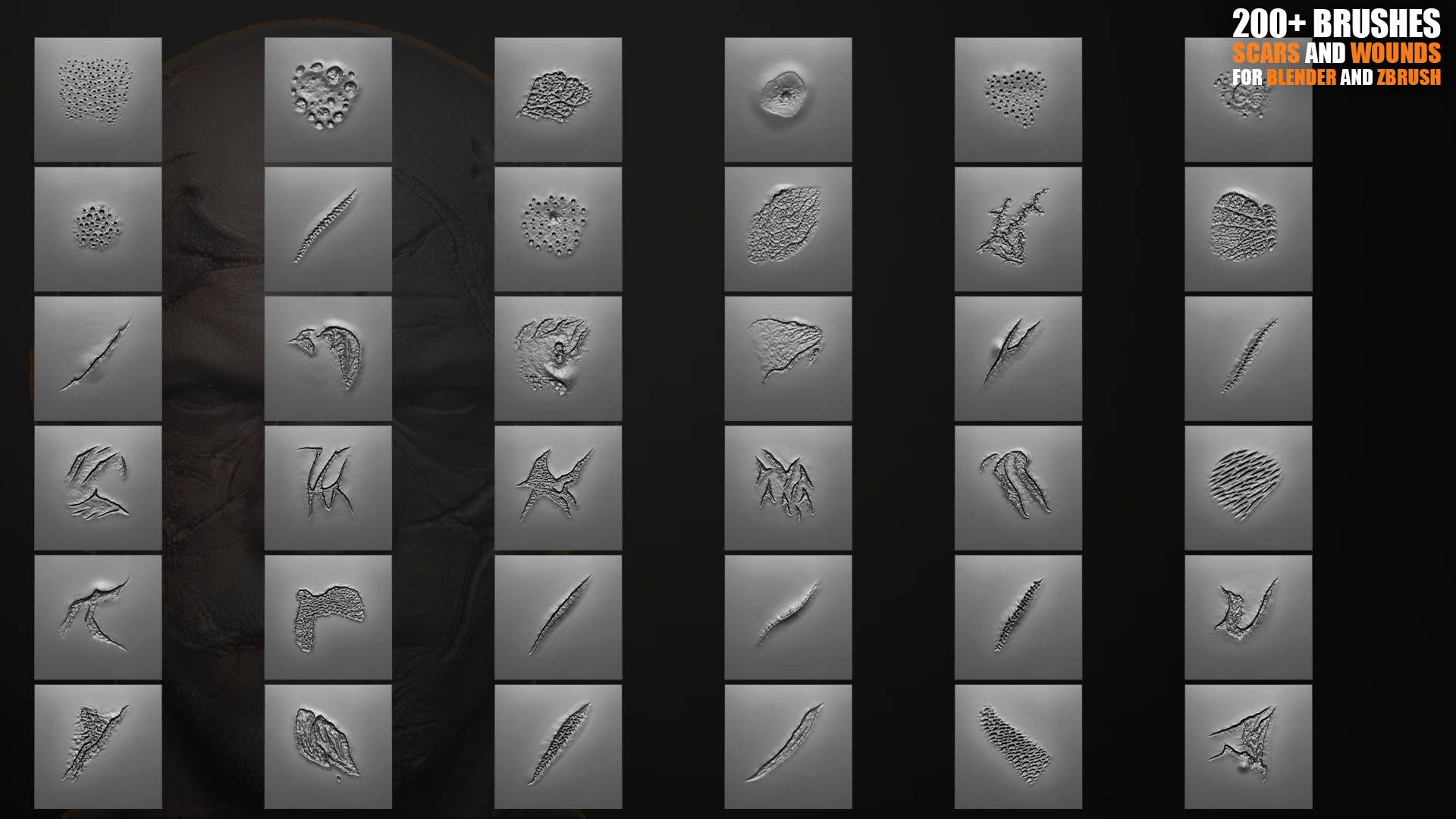
- Fresh cuts, deep wounds, torn skin, gashes, slash marks, and scratches
- Healed scars, layered scar clusters, stitched details, staples, and surgical-style seams
- Burned skin, rough scarring, trauma marks, abrasions, cracks, and surface imperfections
- Pores, micro damage, skin breakup, and organic texture for believable character surfaces
Brush Types & File Formats
The included products use a mix of Blender brush libraries, ZBrush brush files, and high-resolution alpha maps depending on the pack.
BlenderBrush libraries for Sculpt Mode and Asset Browser based workflows.
| ZBrushZBrush brush packs where included, ready for ZBrush brush workflows.
| Alphas4K alpha maps and PSD resources in the packs that include alpha files.
|
Perfect For
- Realistic human faces and portrait sculpting
- Game characters, cinematic assets, VFX characters, and digital doubles
- Aging, anatomy studies, close-up skin detail, and skin surface breakup
- Creatures, monsters, horror characters, fantasy characters, and battle damage
- Concept design, 3D printing sculpts, stylized characters, and production detailing
Installation
Blender Installation
- Place the included Blender brush libraries in a permanent folder.
- Open Blender.
- Go to Edit > Preferences > File Paths.
- Add the folder as an Asset Library when required by the included pack.
- Open Sculpt Mode or the Asset Browser and use the brush libraries in your sculpting workflow.
ZBrush Installation
- Copy the included .ZBP brush files from packs that support ZBrush.
- Paste them into your ZBrush brushes folder.
- For alpha-based packs, import the included alpha maps through the Alpha palette or add them to your ZBrush alpha folder.
- Restart ZBrush if needed, then use the brushes or alphas in your sculpting workflow.
Software Requirements
- Blender Sculpt Mode for Blender brush packs
- ZBrush for included ZBrush brush files and alpha workflows
- High-poly or sufficiently subdivided models are recommended for visible skin detail
- Alpha maps can also be used in software that supports grayscale alpha, mask, bump, or displacement textures
FAQ
What is included in this bundle?
The bundle includes six sculpting brush products for skin, pores, wrinkles, wounds, scars, and organic character damage.
Does every pack include alpha maps?
No. Some products include 4K alpha maps, while some are brush-only packs. Check the included product list for the pack type.
Can I use this for ZBrush?
Yes, the ZBrush-supported packs include ZBrush brush files or alpha resources. Blender-only packs are intended for Blender Sculpt Mode.
Is this useful for stylized characters?
Yes. The brushes can be used for realistic, stylized, fantasy, horror, creature, and game-character sculpting.
Do I need a dense mesh?
For best results, use high-poly or subdivided models so pores, wrinkles, scars, and wound details can appear clearly.
Questions or installation help? Message me anytime.
