 vfxblender



FaceBeats Pro
ARKit Performance Layer
ARKit captures motion.
FaceBeats adds acting.
Add emotion, eye acting, asymmetry and cinematic timing on top of your existing ARKit / Faceit facial animation.
Move the playhead. Choose the beat. Keep animating.
You Already Captured the Face.
Now Direct the Performance.
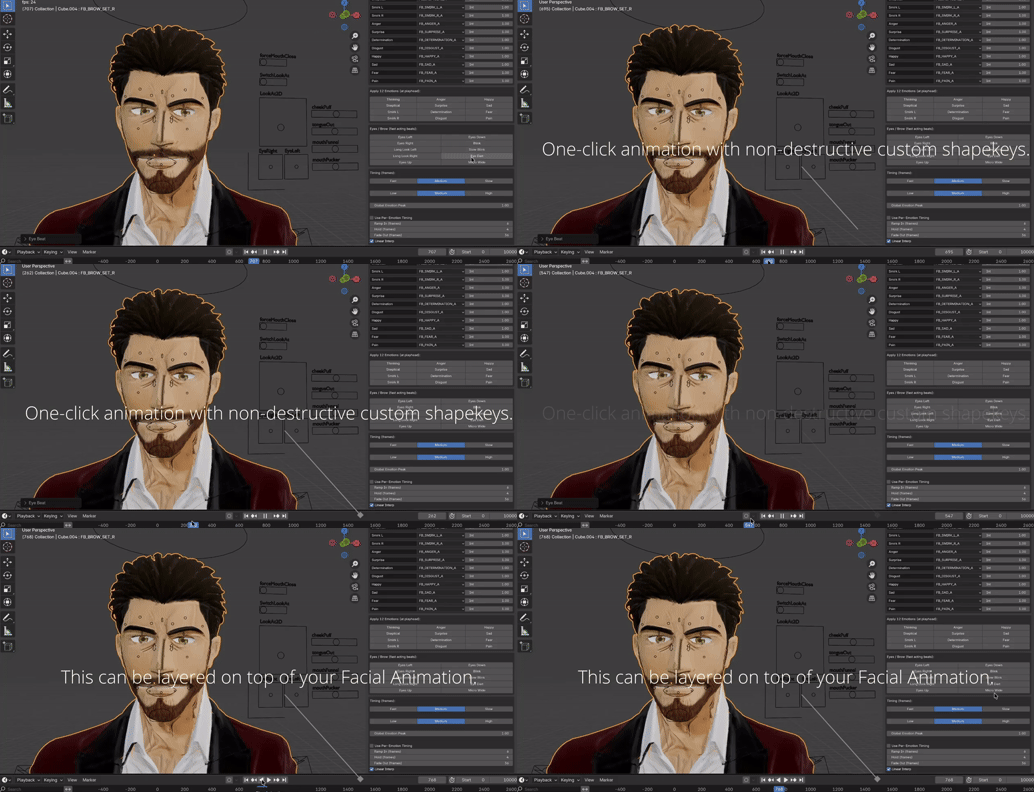
Move to the moment that needs more emotion and click an acting beat.
Playhead → Acting Beat → Done.
FaceBeats automatically builds the ramp-in, hold, release and editable keyframes over your existing facial capture.
No rebuilding expressions. No repetitive curve editing.
▶ See FaceBeats Pro in Action
⚡ From Capture to Acting Beat
01. Bake your ARKit / Faceit animation
02. Click “Create 12 + Eye Keys”
03. Move to the acting moment
04. Click the acting beat
FaceBeats handles the rest.
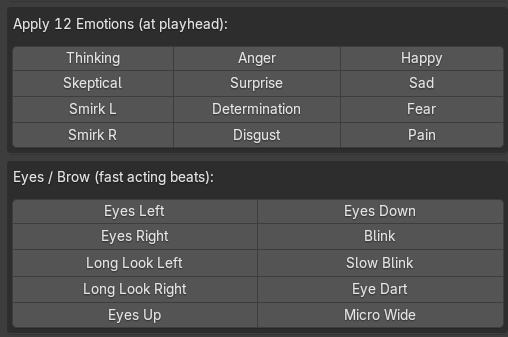
🎭 12 One-Click Acting Beats
Add emotional direction directly onto the performance you already captured.
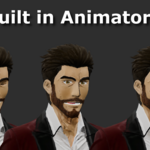
Thinking • Skeptical • Smirk L/R • Anger • Surprise
Determination • Disgust • Happy • Sad • Fear
Build the Performance Layer From ARKit 52
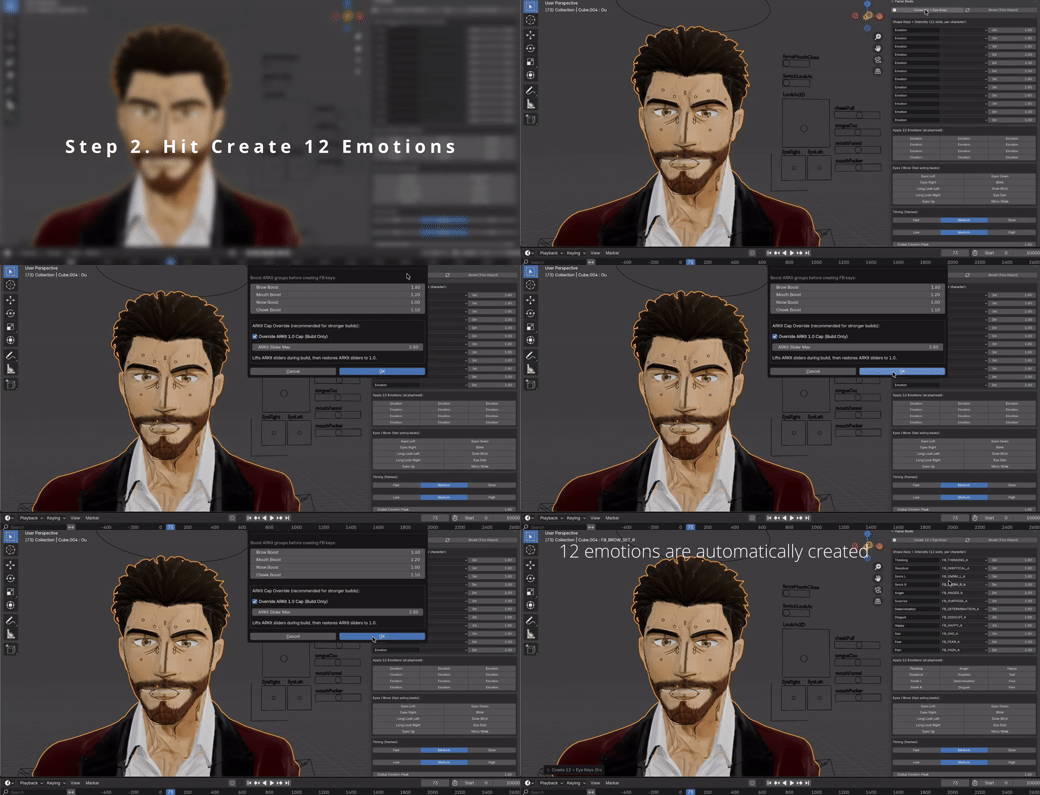
Click the Beat. FaceBeats Animates It.
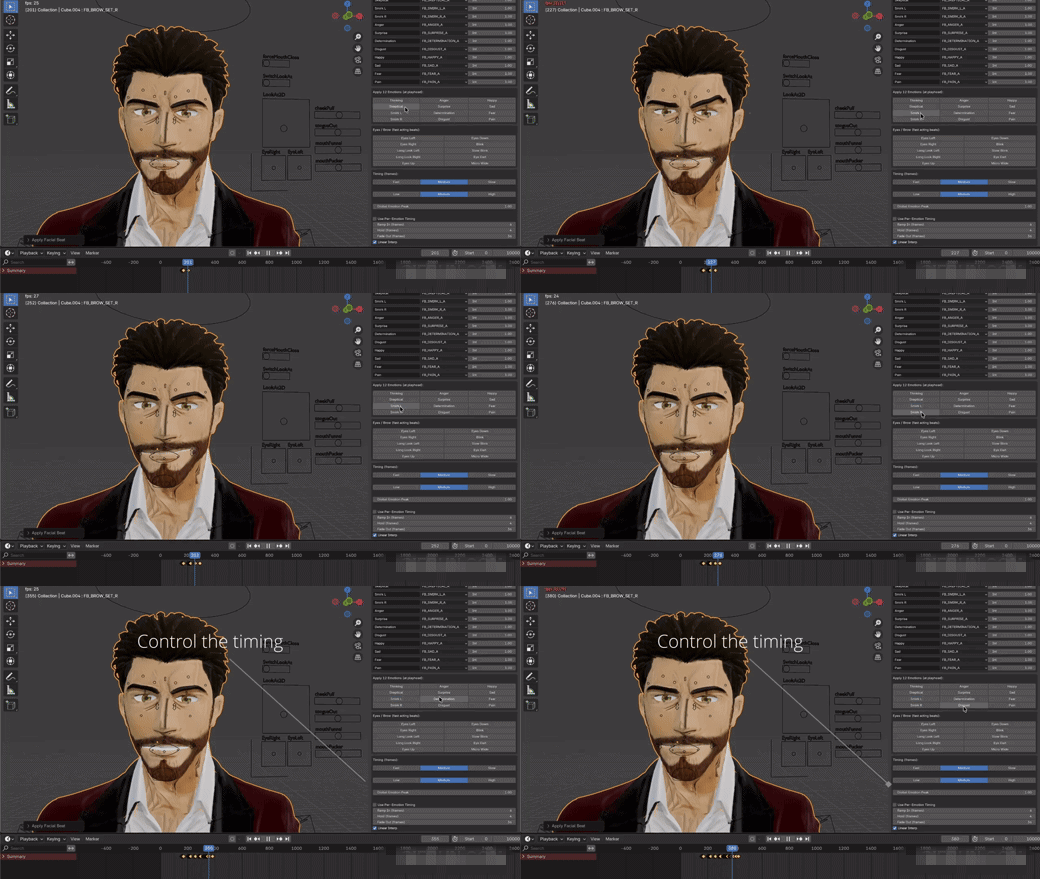
More Performance. Less Curve Editing.
✔ 12 one-click acting beats
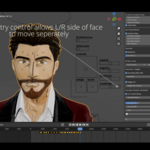
✔ Automatic asymmetry & facial stagger
✔ Left / Right facial splits
✔ Expression variation & micro pulses
✔ Eye darts, long looks & directional beats
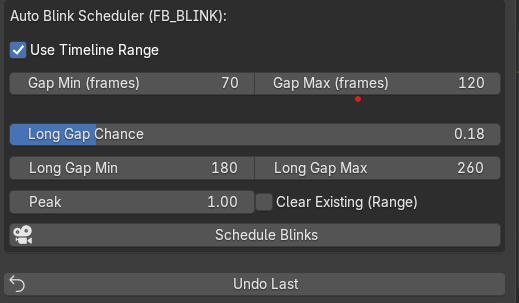
✔ Automatic blink scheduler
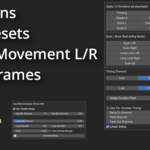
✔ Ramp / Hold / Fade timing
✔ Stronger-than-1.0 expression peaks
✔ Editable Blender keyframes
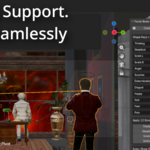
✔ Multi-character isolation
Fast when you want it. Editable when you need it.
Make Facial Capture Feel Less Mechanical.
Perfect symmetry and repeated timing can make facial animation feel artificial.
Asymmetry • Facial Stagger • Micro Pulses • Randomized Intensity • Eye Acting
Add variation without rebuilding the performance.
🛡 Built for Production
✔ Works over existing baked capture
✔ Non-destructive workflow
✔ Per-character isolation
✔ Editable timeline keyframes
✔ Safely handles neutral builds and drivers
Keep your original performance underneath. Direct what happens on top.
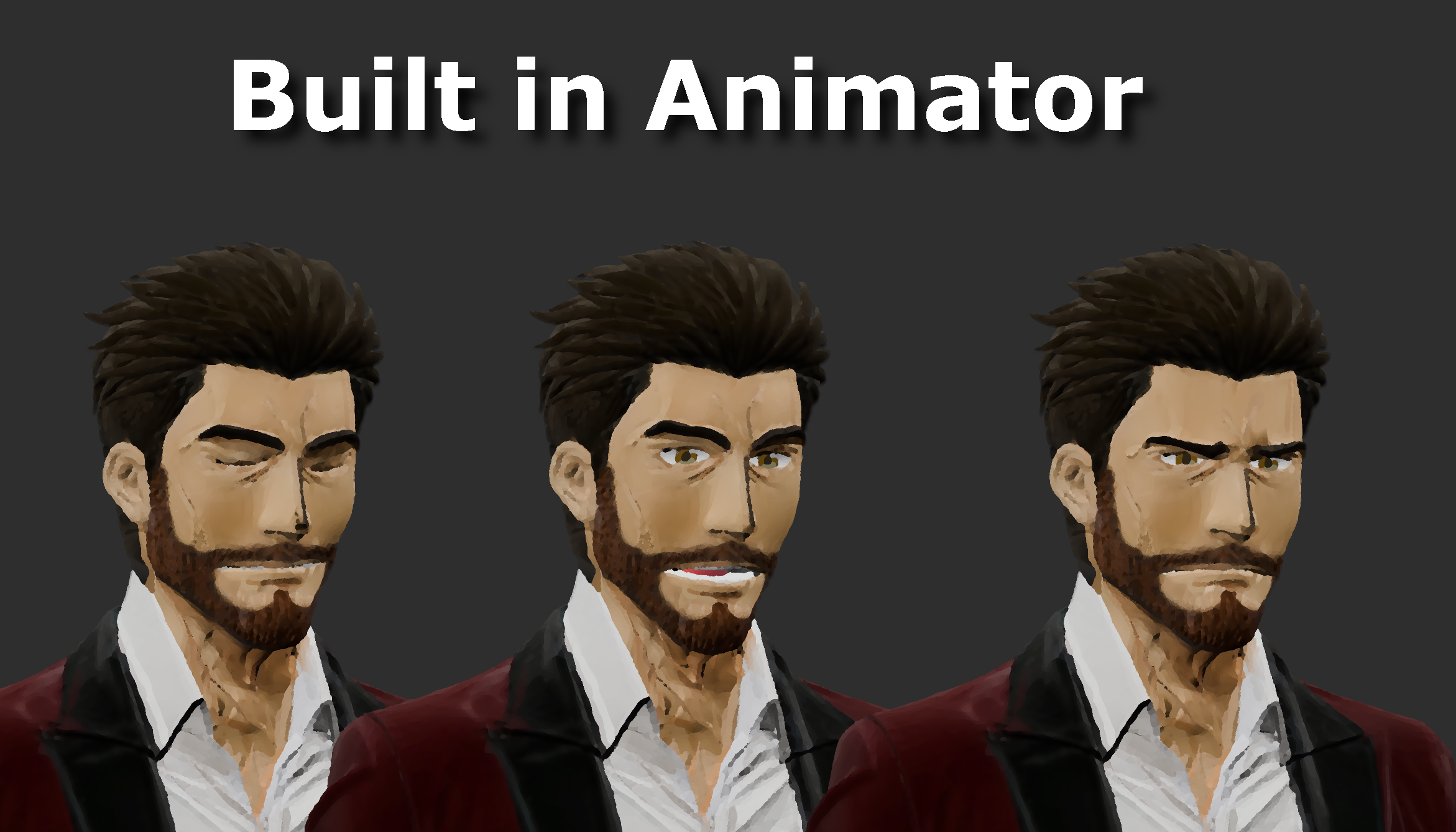
FaceBeats Pro In Action
Tune Each Acting Beat
Control intensity or build your own custom expressions.
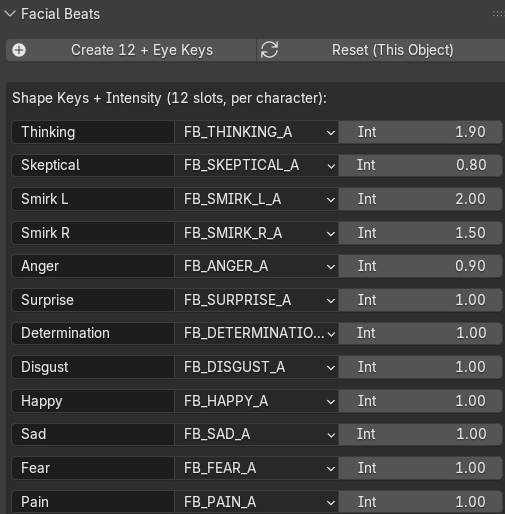
12 Acting Beats + Eyebrow Controls
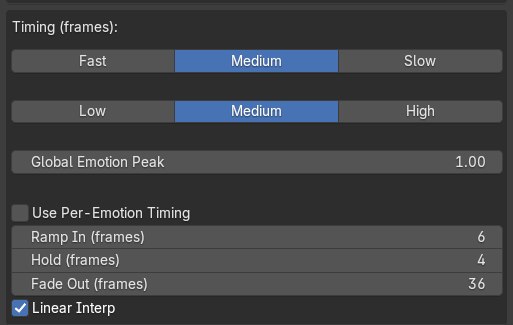
Ramp • Hold • Fade
Control how quickly a beat enters, holds and releases.
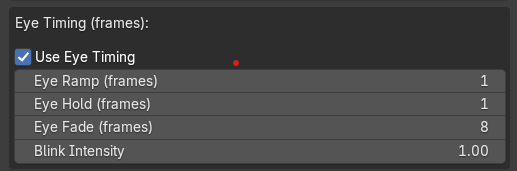
Eye Timing
Direct when eye beats hit, hold and release.
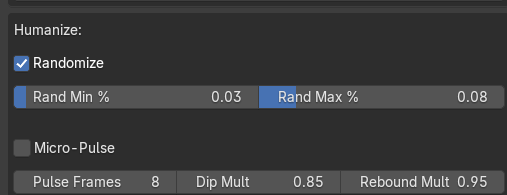
Emotion Variation
Keep repeated acting beats from feeling identical.
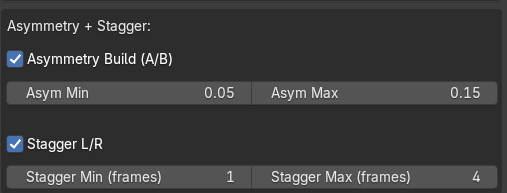
Asymmetry & Facial Stagger
Offset left and right facial timing for more organic movement.
Automatic Blinking
Real Blender Keyframes
Everything FaceBeats creates stays editable on your timeline.
Place the Playhead. Choose the Beat. Keep Working.
Made for Facial Mocap Artists Who Want More Performance
✔ ARKit facial animation
✔ Faceit workflows
✔ Character animation
✔ Indie films & cinematics
✔ Mocap polishing
✔ Multi-character scenes
FaceBeats does not replace facial capture.
It enhances the performance you already captured.
Quick Questions
Does it overwrite my capture?
No. FaceBeats adds acting beats over your existing baked ARKit / Faceit animation.
Can I edit everything afterward?
Yes. FaceBeats creates editable Blender keyframes.
Can I customize the acting beats?
Yes. Adjust existing beats or create your own expressions.
Which Blender versions are verified?
Blender 4.5–5.2.
Why I Built FaceBeats Pro
I'm producing a 3D animated bank-heist series, and facial capture wasn't always giving me enough performance.
I wanted a faster way to add tension, doubt, anger and subtle acting beats without fighting facial curves for hours.
So I built FaceBeats for my own production pipeline.
Actively Developed & Supported
FaceBeats Pro is actively developed. If you need help with your workflow, reach out directly.
Stop Rebuilding Facial Expressions.
Start Directing Performances.
Move the playhead. Choose the beat. Keep animating.