Facebeats Pro – Arkit Performance Layer
 vfxblender



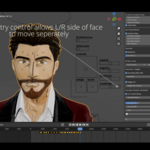
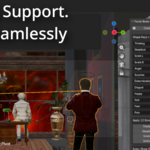
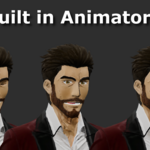
1. Install plugin. Preferences, down arrow, install from disk. Select the zip file FaceBeatsPro.zip
2. Create 52 ARKit shape keys auto generated with the faceit plugin or manually creating them for facial capture.
Make sure the 52 shape keys have these names. If you use the faceit plugin to generate the 52 shape keys that will work great!
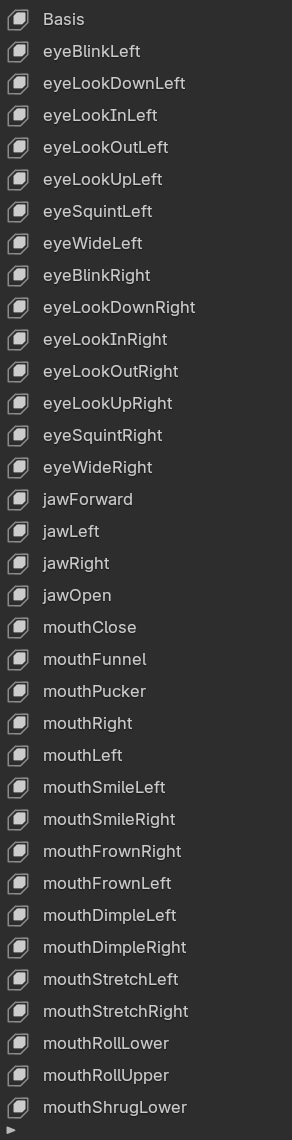
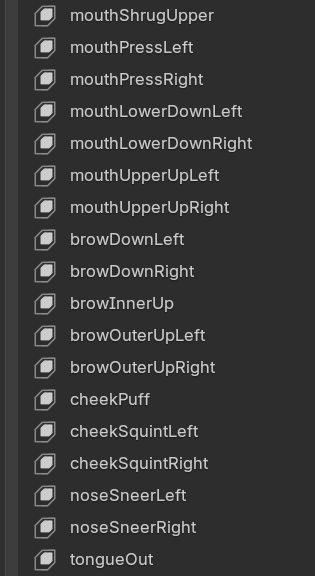
3. Select the character mesh
4. Click create 12 + Eye Keys

5. 58 new emotional shape keys are automatically generated that you can mix with your facial capture. The list is populated after a couple of seconds. This is non destructive and will not interfere with existing ARKit animation.
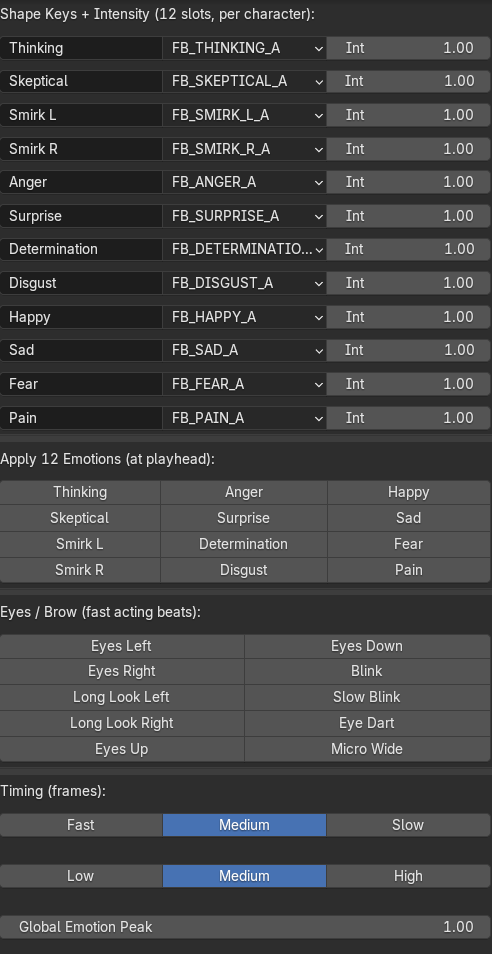
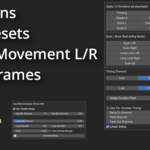
6. clicking on the emotions automatically add keyframes to your character on the timeline. At the bottom there is a undo button. Also Ctrl-Z works if you decide to undo the keyframes.
Ramp controls the animation at rest to the peak of the movement.
Hold is how long the emotion stays fixed to the face
Fade controls how short or long it takes to go back to the basis pose.
The shape keys animate it from 0 to 1.0
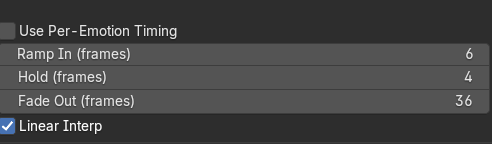
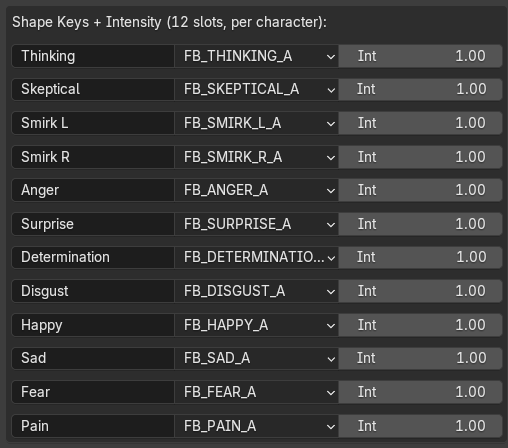
The Int next to each emotion stands for the intensity or max level of the peak of the pose. The shape key animates to 1 from 0 for example but if you change it to 1.2 it adjusts the max level of the value to 1.2.
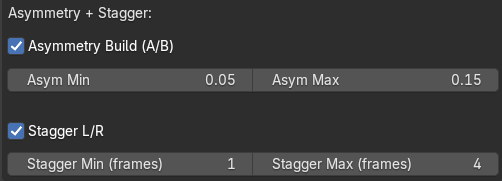
Adjusting the max for Asymmetry and stagger changes how the face moves from the left and right side at different time intervals. This creates better expressions when both eyebrows can start and stop at different micro second times.
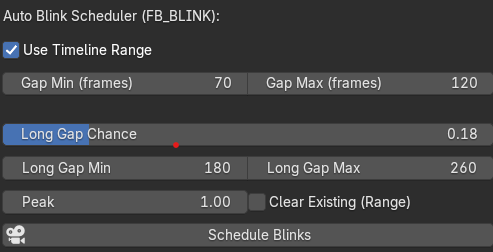
In order to control auto blink. Have it use the timeline or uncheck the box to select a custom frame range. Gap min and Gap max is for normal blinking generally every 5-7 seconds but you can adjust the chance for a long chance where the character might not blink for 10 seconds or more. You can adjust all the chances to make the character blink as fast or spread out as you want. Long Gap chance as a slider where you can adjust that chance of that happening.
Have questions about this product?
Login to message
| Blender Extension Compatible | Yes |
| Published | 7 months ago |
| Blender Version | 4.5 - 5.2 |
| Extension Type | Add-on |
| Render Engine Used | Arnold, Blender-Internal, Blender-Game-Engine, Cycles, Eevee, Freestyle, Luxrender, Mental-Ray, Octane, Vray, Yafaray |
| License | GPL |
Discover more products like this
Blink System Facial Animation blendshapes shape keys ARKit motion capture Facial Performance One Click Animation facial rig face capture ARKit 52 faceit