FaceFlex – Blendshape Toolkit for ARKit & Autodesk Flow Studio With Reference Guide | Gonreel
 Munish Kumar


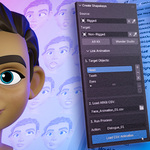
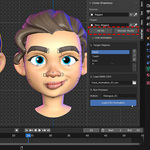
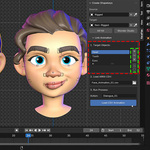
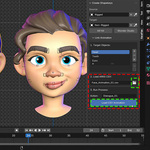
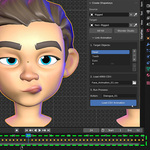
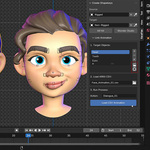
No, and that's its biggest strength. Faceflex was created because fully automatic tools often fail on unique or stylized characters, giving you little to no creative control. Our "50% Manual, 50% Automatic" philosophy means you do the fun, creative part (posing the expressions), and Faceflex handles the boring, technical part (generating dozens of perfectly named blendshapes from your poses). This guarantees reliable results that always match your artistic vision.
Yes, absolutely! Because our workflow relies on your creative poses, it works perfectly on any character, regardless of its topology or style—stylized, realistic, low-poly, or non-humanoid. You are not limited by an algorithm that was trained only on realistic human faces. If you can pose it, Faceflex can process it.
It's a simple 3-step process designed to speed up your work:
Pose Your Character: Using your artistic skill, you pose an expression on your model (e.g., mouthSmile). Our included PDF guide helps you create the perfect ARKit poses.
Generate the Blendshape: Select your posed model and click the corresponding button in the Faceflex add-on. It instantly generates the correctly named blendshape in your shapekeys list. Repeat for all required poses.
Link Animation: Once your blendshapes are ready, use the Link CSV tool to effortlessly apply facial animation data (from apps like LiveLink Face) to your model and bring it to life.
Discover more products like this
52 blendshapes shapekeys blendshapes-live-link-face ARKit 52shapekeys csv animation