FaceShadow — Anime Face Shadow Maps From Your Head Mesh or Painted Masks, 16-Bit, Measured at Every Light Angle, Unity Urp
 Skava
Skava
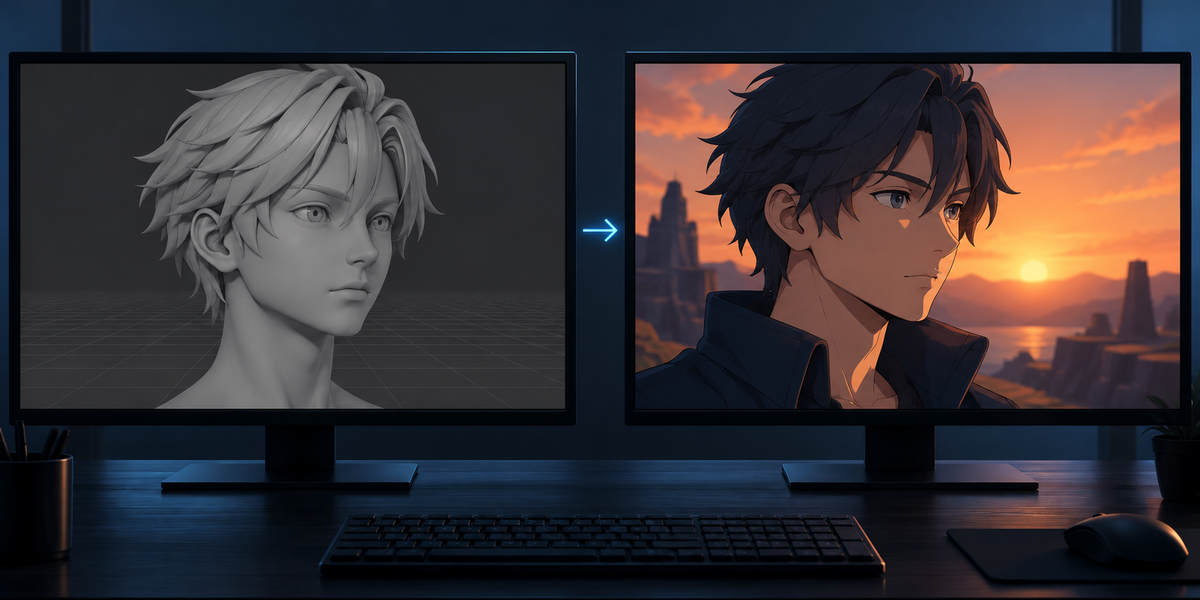
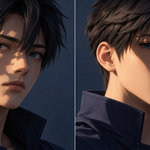
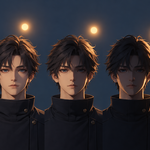
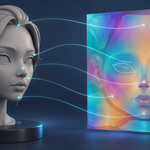
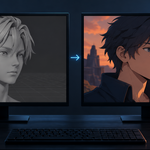
FaceShadow
v1.0.0 · Blender 4.2 LTS and later (tested on 4.2.9 and 5.2.2) · Unity 6 URP (tested) · Windows / macOS / Linux
1. What it does
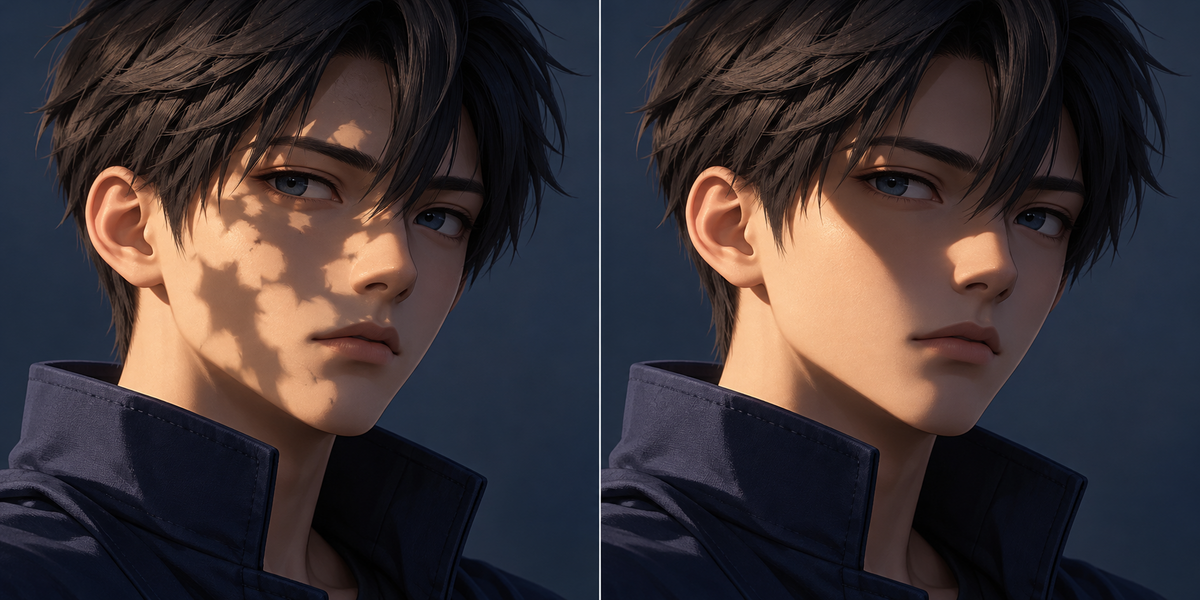
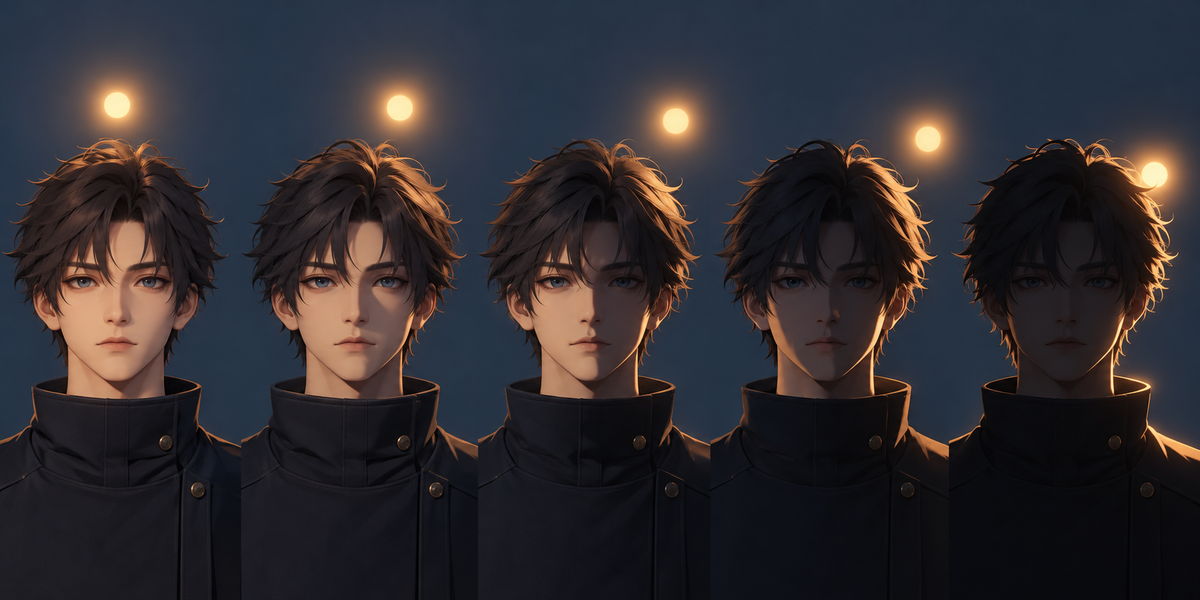
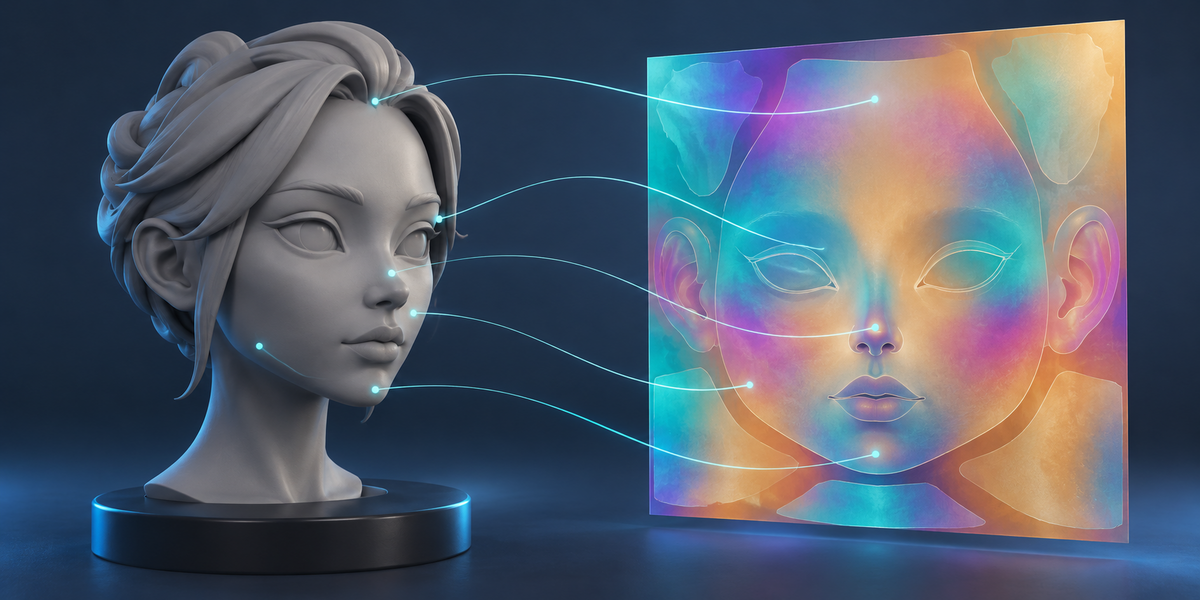
FaceShadow makes the face shadow map of an anime-style character: a texture that tells, for every point of the face, in which range of light angles it is lit. The light turns round the head in its horizontal plane: 0° in front, 90° at the side, 180° behind. A shader compares the light's angle with the map, so the shadow on the face has the shape you choose instead of following every bump of the mesh.
The map's channels: R — the angle where the point goes dark with the light on its own side of the face; G — the same with the light on the other side; B — the angle where it starts being lit with the light on its own side (0 for points facing forward; a point turned sideways-back is dark with the light in front and lit once the light reaches its side); A — 1 where the map applies (the face, grown a few texels into the gutter around its UV islands, never onto other parts' islands). With the light on its own side a point is lit while B ≤ angle ≤ R; on the other side while start ≤ angle ≤ G, where start is 180 − B when B > 0, else 0. Angles are stored as 0..1 for 0..180°.
2. Installing
Edit, Preferences, Add-ons, the arrow in the top right corner, Install from Disk, pick the zip, tick the checkbox. The panel is in the 3D Viewport sidebar (N), tab FaceShadow.
3. Quick start
- Select the face (or head) mesh and press the eyedropper. If an armature deforms it, the armature and a bone named like "head" are filled in.
- Face Part: the whole mesh, one material, or one vertex group — the part that gets the face shadow.
- Shadow Shape: Ellipsoid (adjust its front-back, side and up sizes), Proxy Object, Face Normals, or Painted Masks.
- Choose the size (512 to 4096) and 16-bit, a folder, and press Build Map. The panel shows the proof; Preview shows the face with the map and a Light slider.
- In Unity (URP): copy the folder into Assets, select the face object in the scene and choose Tools > FaceShadow > Set Up Selected Face.
4. In Blender
- Head — up is world Z; forward is the rig's −Y laid flat (how Blender faces an imported character), or world −Y when the rig was imported lying Y-up; the centre is a sphere fitted to the face part; the bone is what the face follows in the engine (without one the panel warns: the shadow will not turn with the head). Flip Forward if the face looks the other way. Without an armature, forward points from the centre to the face when the face part is only the front, else world −Y.
- Ellipsoid, Proxy, Face Normals — the lit range of each texel is computed exactly from the normal the shape gives at that point; nothing is interpolated.
- Painted Masks — a folder of images named by the light angle, light from the character's right: 0.png, 30.png, 45.5.png … (white = lit; read as painted, without colour management). Light from the left: 30_left.png etc. They may be left out only when the face's islands mirror each other across the middle of the UV map; then the right masks are mirrored, and FaceShadow refuses when the face is not mirrored that way. If the two halves share one island, the masks for both sides are painted on that island (for its right half) and both sets are required. Between masks the edge moves along the signed distance between them (the usual SDF method), measured on the whole painted image, so the edge of a UV island is not taken for the edge of the shadow. A pixel that a later mask lights again after an earlier one darkened it is counted and kept dark. Two files for one angle are refused.
- Proof — at every half degree from 0 to 180, on both sides: texels the stored map (8 or 16 bits) lights differently from the target shape's own lighting (its N·L), and how far the worst is from the target's edge, in pixels — at texel centres and half way between them, as the GPU's bilinear filter reads it, the edge of the face included. For painted masks: how many texels of each mask come back different just past its own angle.
- UVs — only the face part's triangles are drawn into the map; if other parts of the mesh share those UVs, the panel says how many texels (they will get the face's shadow in a shader that uses the map).
- Files — <mesh>_FaceShadow.png (16-bit RGBA, written byte by byte, no colour management), <mesh>.faceshadow.json (head frame, proof, sample points) and the Unity scripts.
- Your mesh and materials are not changed. The preview is a copy of the object that shares its mesh (or takes a copy of it, if the mesh has no material slot) and wears its own material; ending the preview removes it.
5. In Unity (URP)
- Set Up Selected Face finds the description next to the model (or by the mesh name, refusing to guess between two), imports the map linear, uncompressed 16-bit (RGBA64), without mip maps, clamped; makes <mesh>_FaceShadow.mat with the FaceShadow/URP Face shader (base map taken from the renderer's material) and assigns it; adds FaceShadowHead, which hands the head's centre, forward and right to the material every frame.
- It compares the map as Unity samples it with the PNG file, decision by decision at every half degree, and checks that sample points from Blender lie on the imported face (a wrong axis conversion or root moves them by the size of the head, and the report says so). The material goes on the slot of the face's material. The report goes to the Console.
- Check Selected Map Import repeats the comparison for the map as it is imported now, without changing anything.
6. Limits
- The light angle is taken in the head's horizontal plane; light from above or below uses its horizontal direction.
- The shader is for URP's main light; other pipelines can read the same map with the rule above.
- The map is decided by the head's centre and axes: a face that turns relative to its head bone (a separate jaw bone, for instance) follows the head, not the jaw.
Have questions about this product?
Login to message
| Published | about 13 hours ago |
| Blender Version | 4.2 - 5.2 |
| Extension Type | N/A |
| License | GPL |